Kids Room Carpet Mockup Set 4
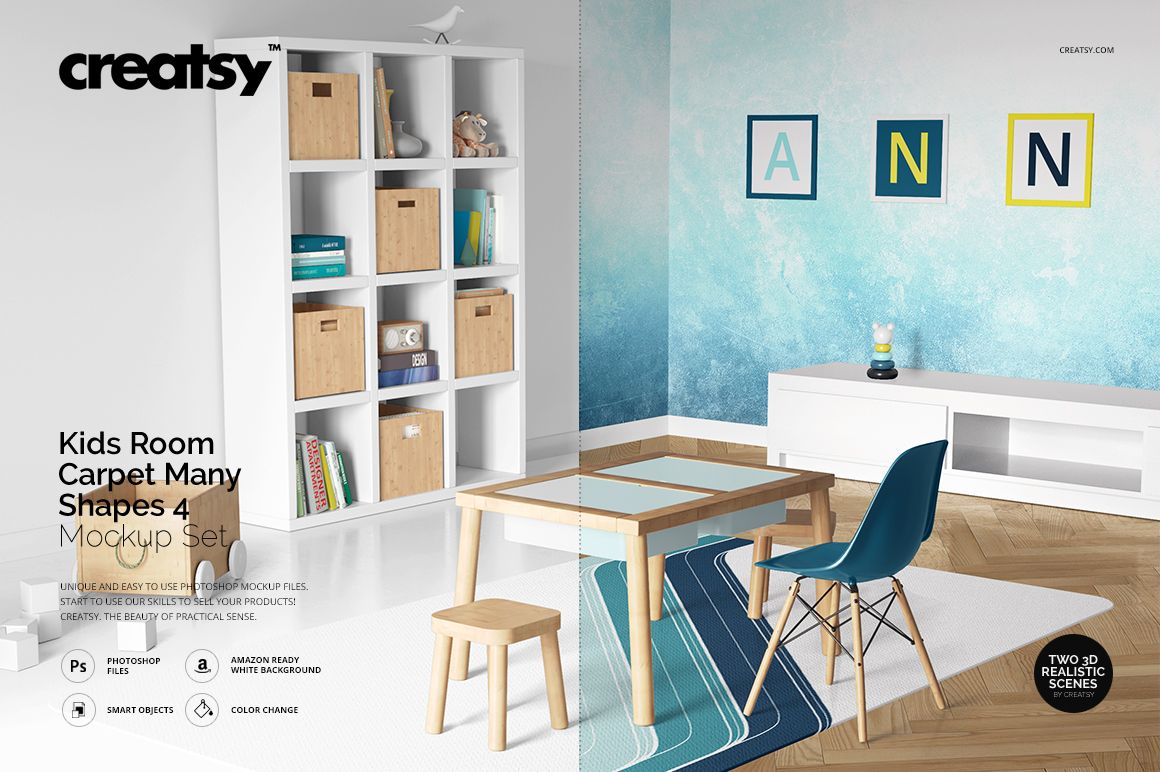
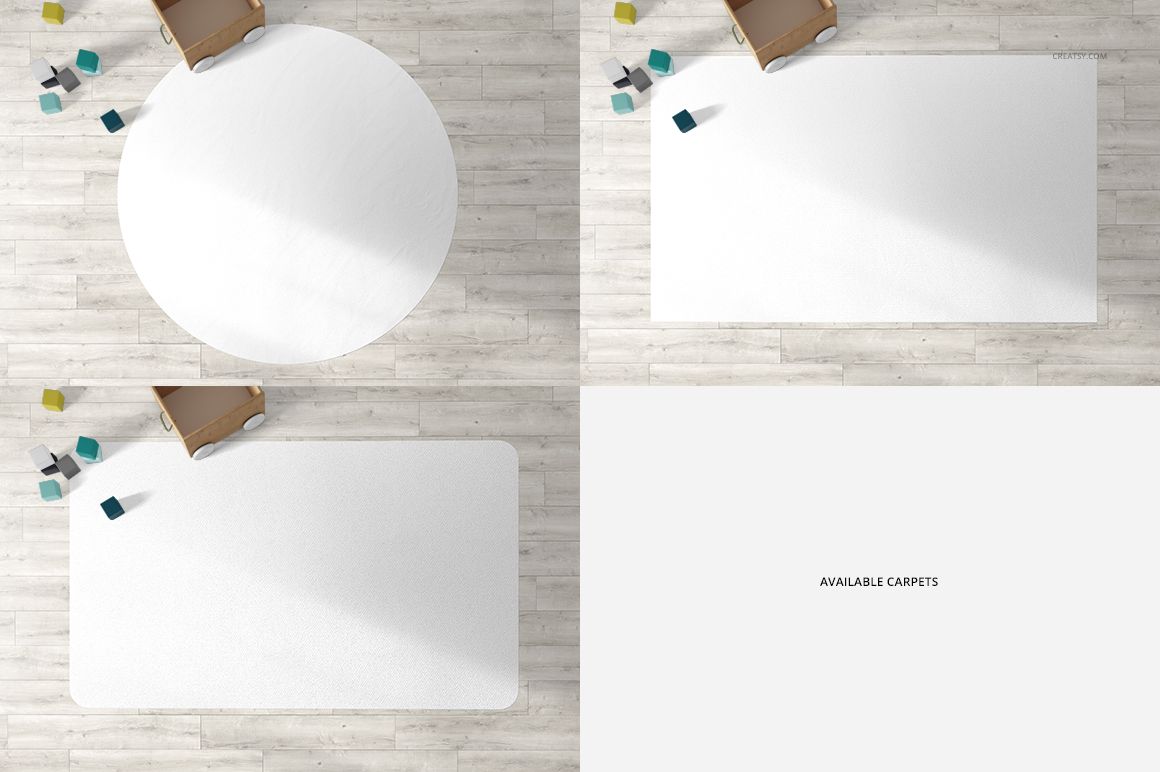
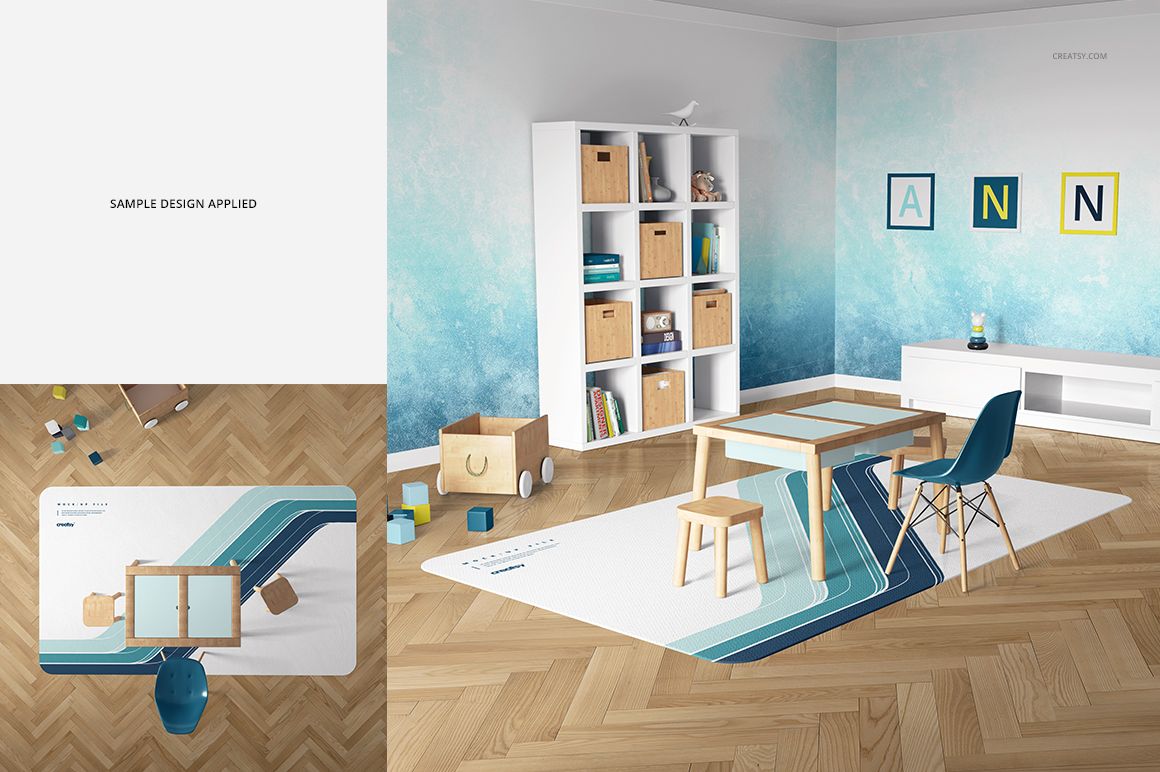
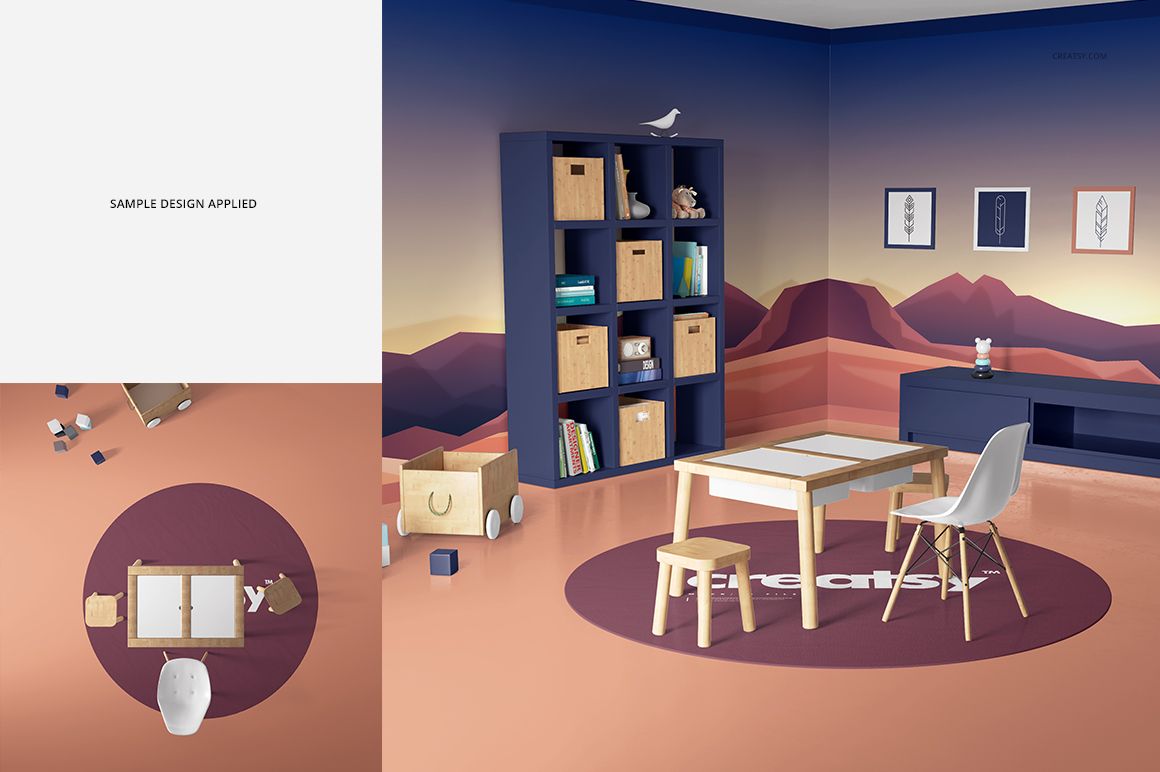
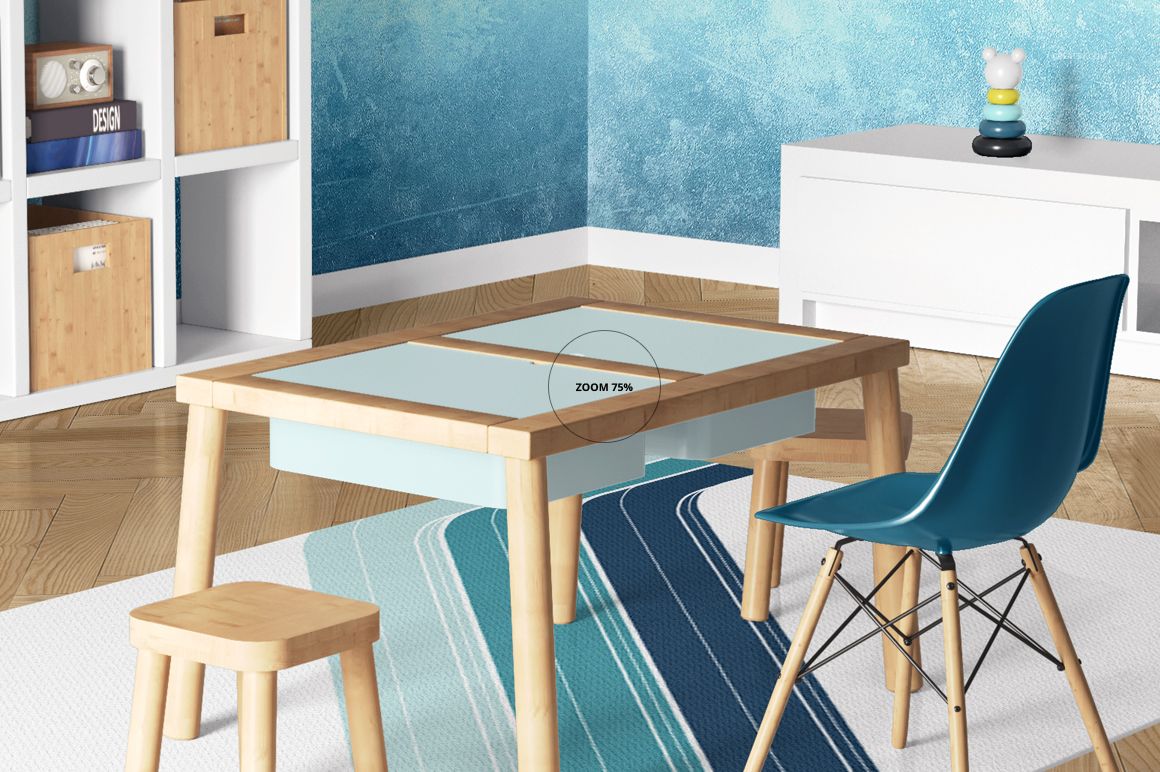
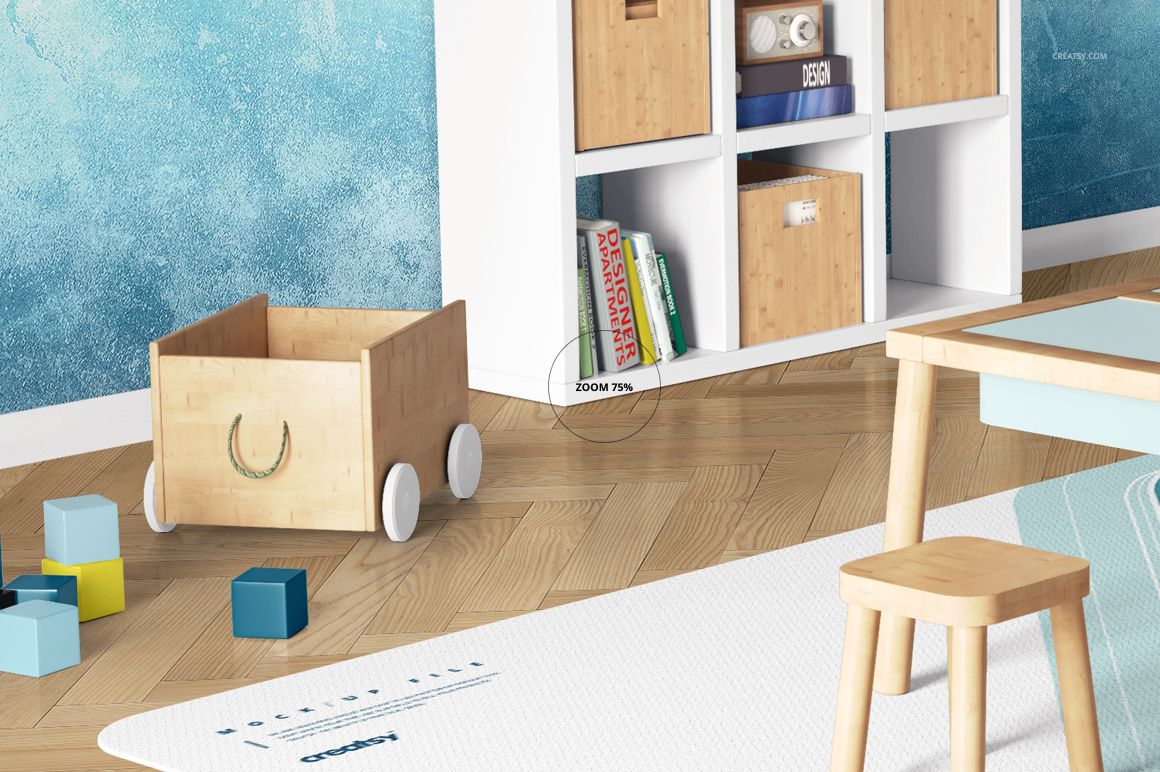
See how your carpet artwork works beneath a children’s activity table, with books, storage and framed prints completing the room. Set 4 offers top and perspective views of a table-centered playroom, plus three rug shapes for comparing different layouts.
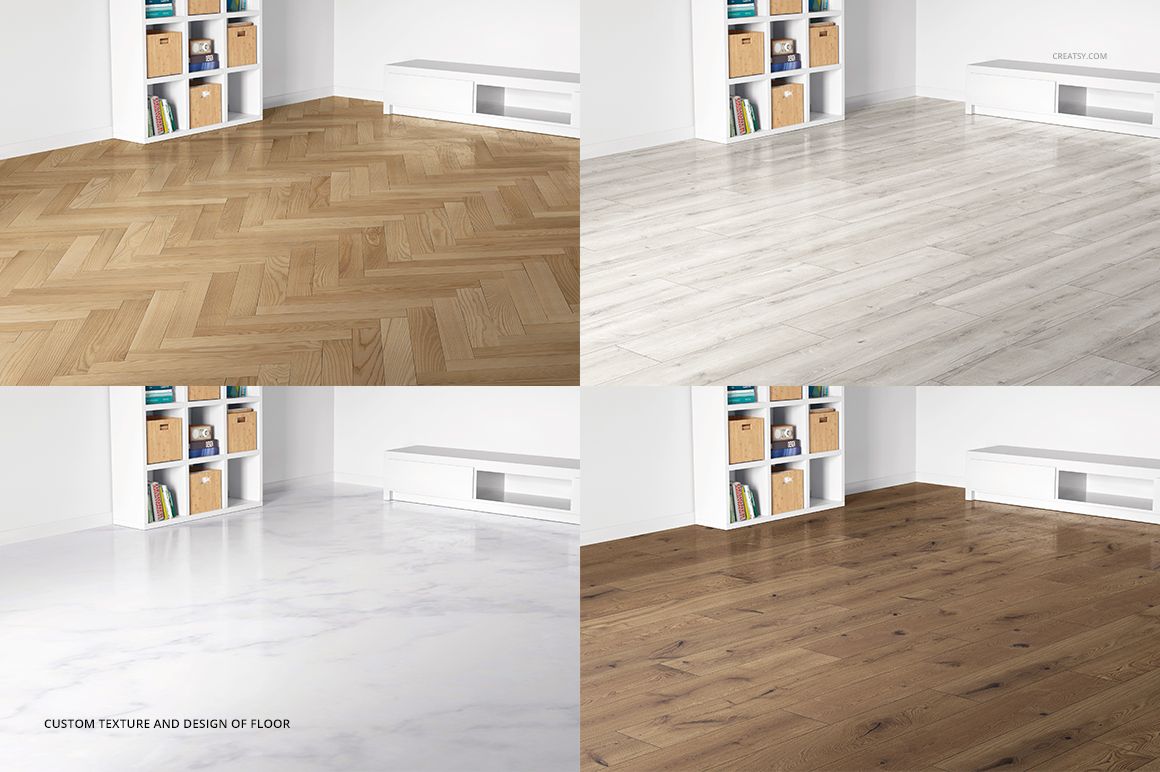
Keep the furniture for a styled presentation or hide the supported elements to reveal more of the rug. Editable wall, floor and framed artwork help you build a coordinated decor concept around the carpet.
What Is Included
2 layered PSD mockup files, each 3000 × 3000 px at 300 DPI.
2 JPG previews and 1 TIF guide, 5 files in the download.
Top and perspective views with round, rectangular and rounded-corner rectangular carpet options.
Style the Room Around an Activity Table
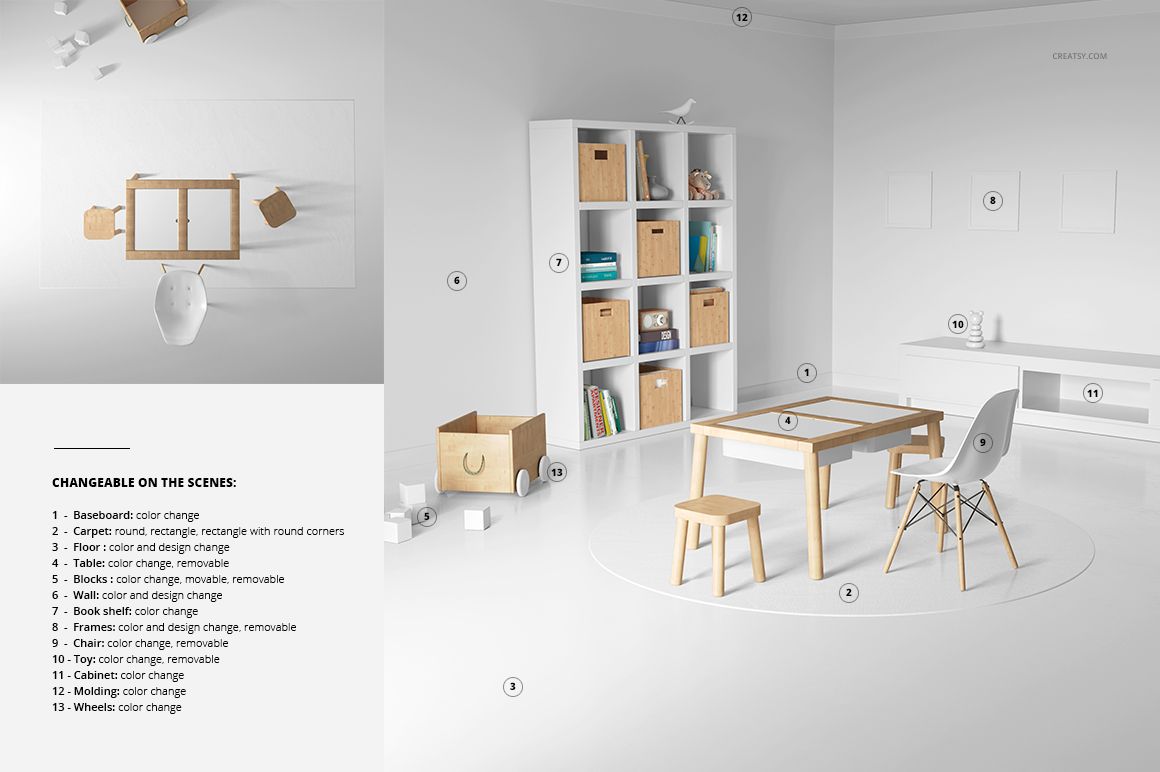
Customize the carpet, wall, floor and framed designs. Adjust colors on the table, chair, bookshelf, cabinet, blocks, toy, baseboard, molding and toy-cart wheels. The table, chair, frames and toy are removable; blocks can also be moved or removed.
Easy Smart Object Editing
Use Adobe Photoshop CS5 or newer, or Photopea, to insert your artwork through Smart Objects. Save the artwork edits, return to the room and adjust the color layers. The organized file structure keeps the scene practical to customize.
Perfect For
Playroom rug ranges, children’s wall art and textile collections, surface pattern portfolios, and client presentations that combine artwork with room styling.
This digital product contains mockup files, not a physical rug or room furnishings. The example patterns and artwork are not included.