Cotton Fabric with Sketchbook Mockup
This product is a part of Fabric Factory v.7 Mockup Bundle (Cotton)
Product Details
Cotton Fabric with Sketchbook Mockup
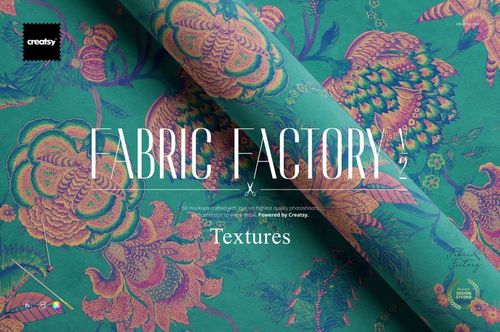
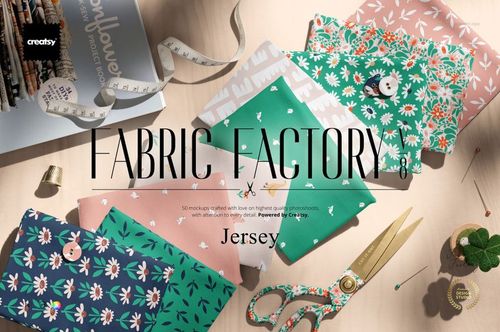
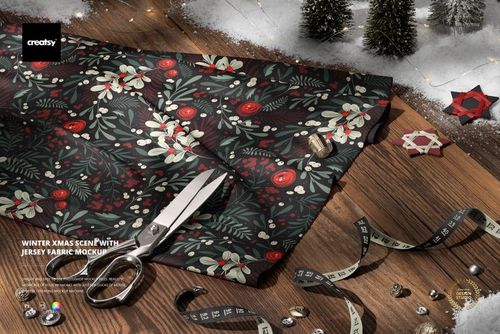
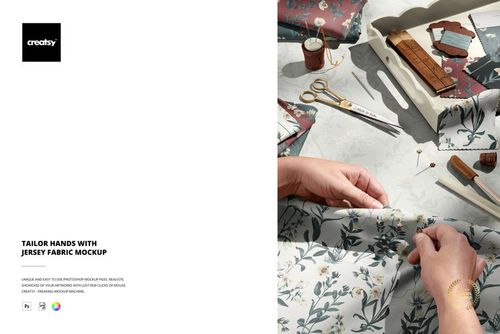
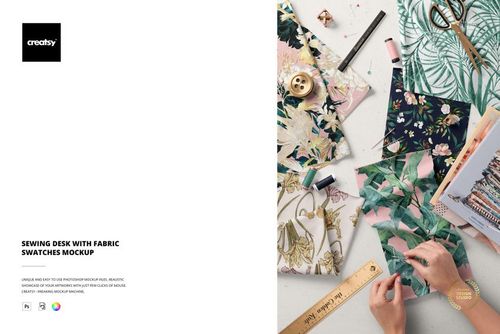
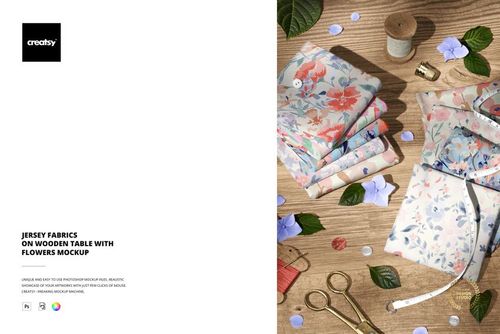
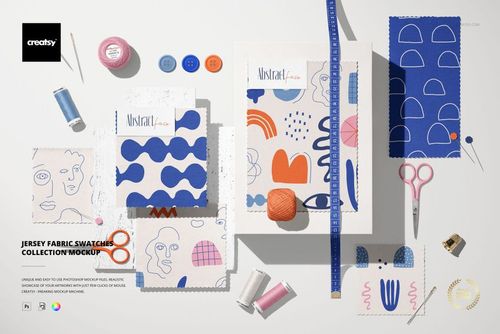
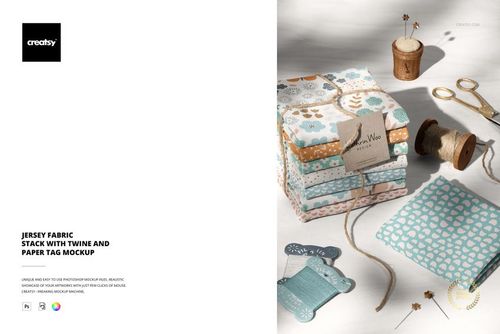
Tell the story behind a textile design with cotton fabric beside an open sketchbook and sewing accessories. This PSD mockup brings a print into a creative workspace, making it a useful choice for artist portfolios, collection case studies, and editorial features about the design process.
Connect the Artwork with Its Creative Setting
Build a process-led portfolio image that places cotton prints alongside sketchbook styling.
Prepare imagery for a designer profile, studio newsletter, or collection development story.
Complement a plain swatch with a more contextual presentation of the same textile artwork.
File Details
Includes 1 layered PSD mockup and 1 JPG preview.
Canvas dimensions: 6000 x 4000 px at 300 dpi.
Compatible with Adobe Photoshop CC 2020 or newer and Photopea.
Organized layers. Check the screenshots for the available editing features.
This is a digital presentation template, not a physical fabric product. Use printed samples to confirm final color and material properties.
Sample Artwork Credit
Sample designs by Esther Nariyoshi. Explore more at https://esthernariyoshi.com/. The example artwork is shown for demonstration and is not included in the download.
File details
- Compatibility
- Package size
- 402 MB
|422 MB
- Files type
- .psd, .jpg
- Files size
- 6000x4000


MEET THE SHOP
- $2550$30.00
- $1870$22.00
- $1615$19.00
- $2040$24.00

HOW IT WORKS
3 clicks. That's it.
No tutorial needed. If you can copy-paste, you can use this.
- 1OpenDouble-click the smart object inside the PSD - in Adobe Photoshop, or free in your browser with Photopea.
- 2PasteDrop in your pattern, print, or artwork. Any design, any style.
- 3SaveHit save and the mockup wraps it in for you - shadows, folds, and lighting included.
FROM IDEA TO IMAGE
Built for real workflows
Skip the photo shoot Show your artwork on the real product type for approvals or listings - no studio, no model, no sample.
See it on the product, not a swatch Drop your file into the smart object and the scene's lighting and folds wrap around it, so you judge the real thing before you commit.
Smart Objects
Edit once and you're done. Your artwork drops into a smart object and the mockup updates itself - no masking, no warping by hand.
Perfectly Organized
Named layers and folders you can actually navigate. Find what you need, change what you want, and get out fast.
Print-Ready
High-resolution files built to hold up on screen and in print. Exact size and DPI are in this product's Details above.