Stainless Steel Full Color 30 oz. Water Bottle Mockup Set
This product is a part of Water Bottle Mockup Bundle
Product Details
30oz Stainless Steel Water Bottle Mockups for Full-Color Designs
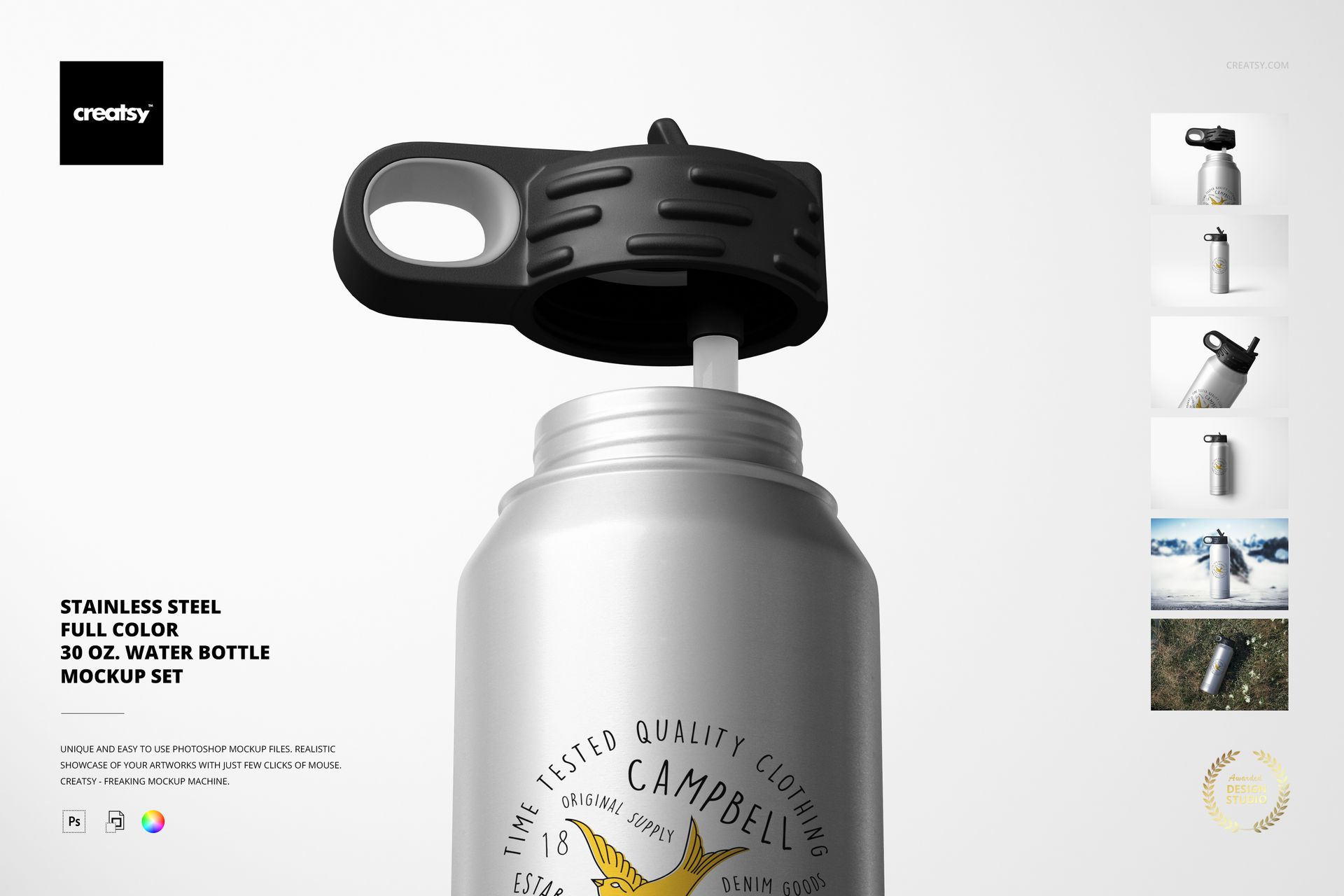
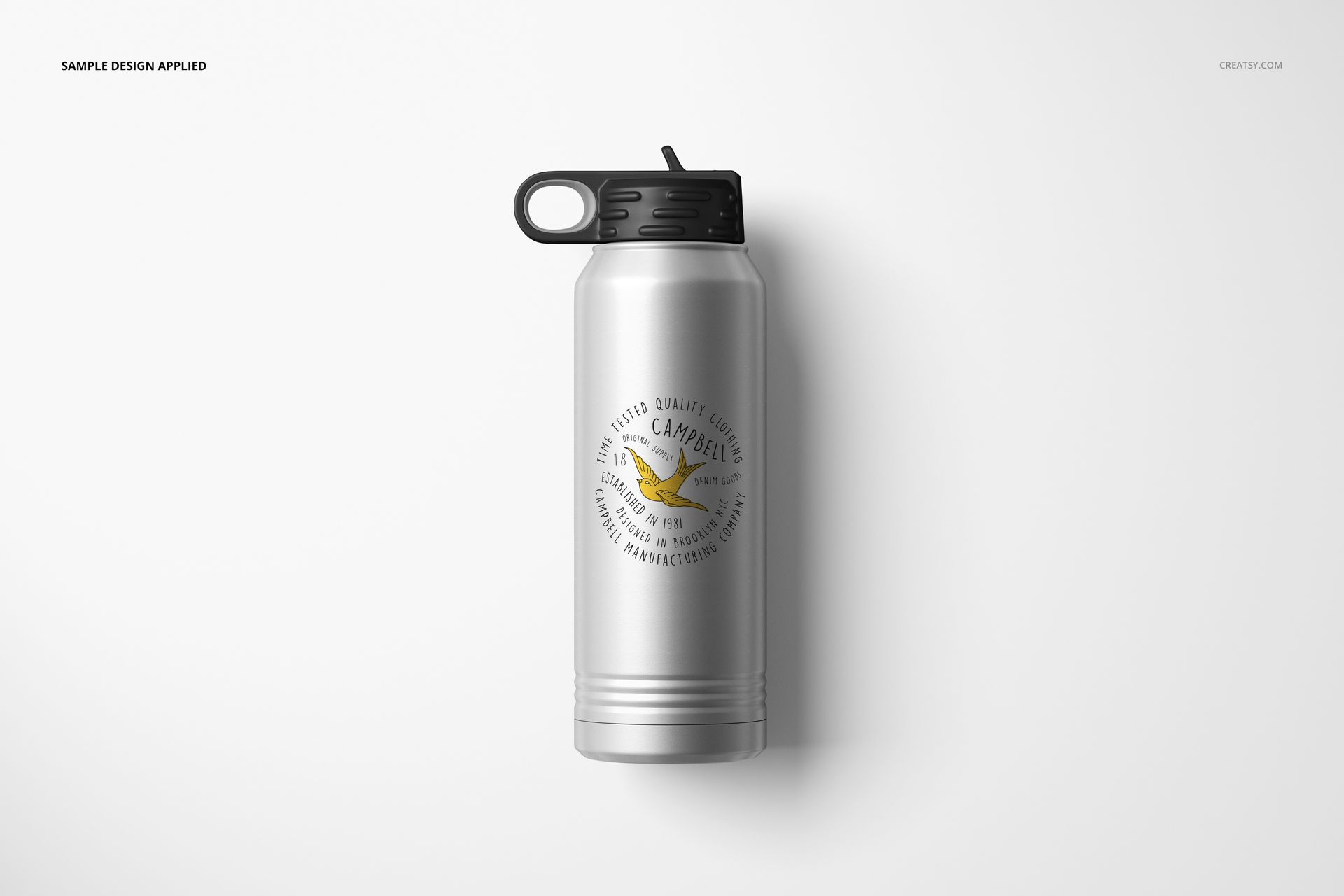
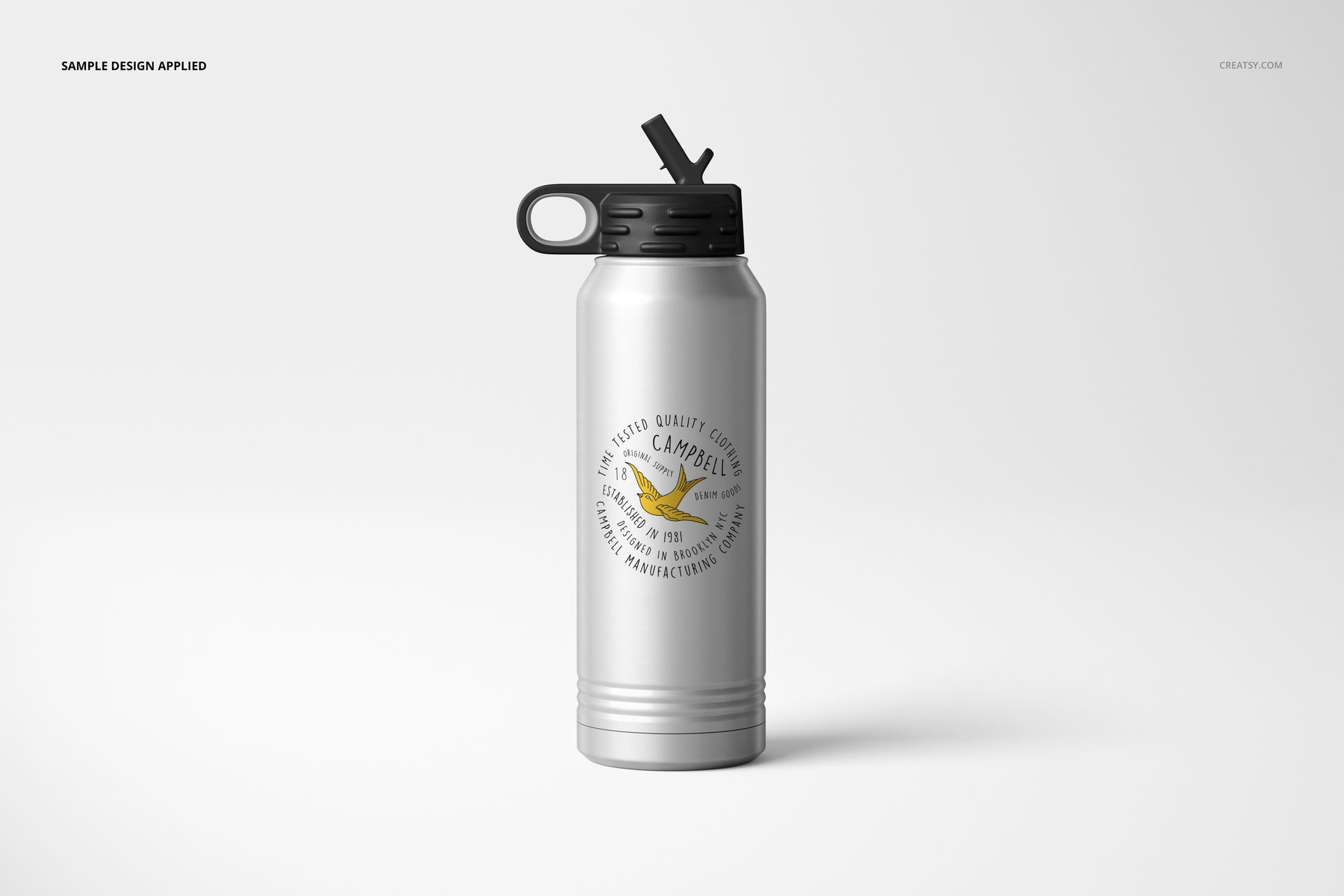
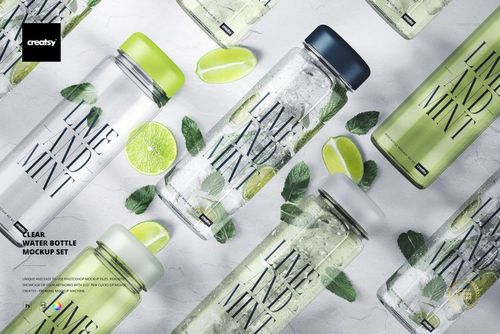
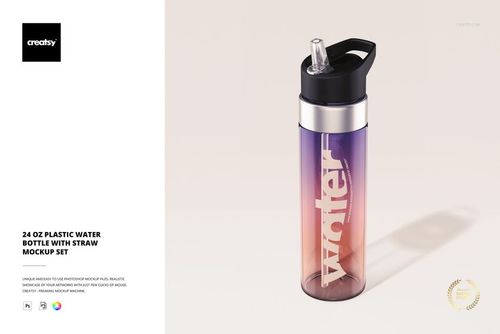
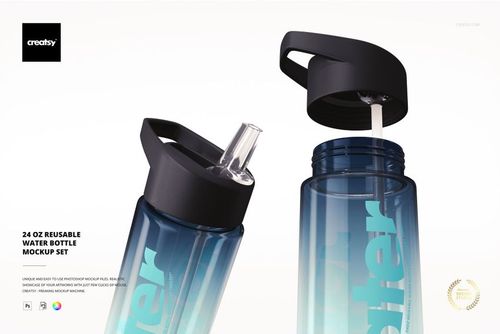
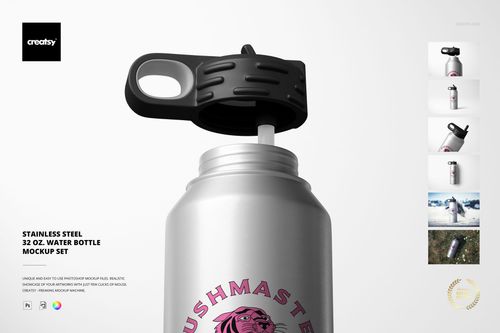
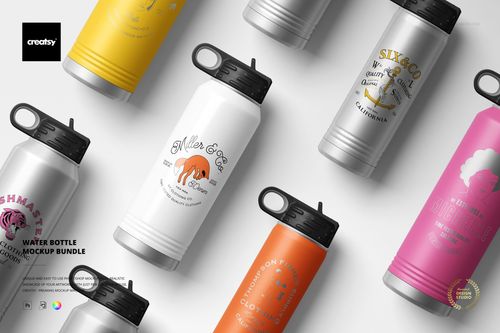
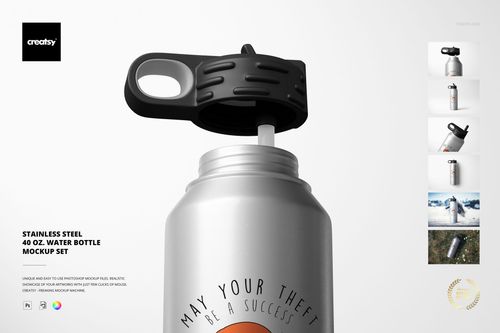
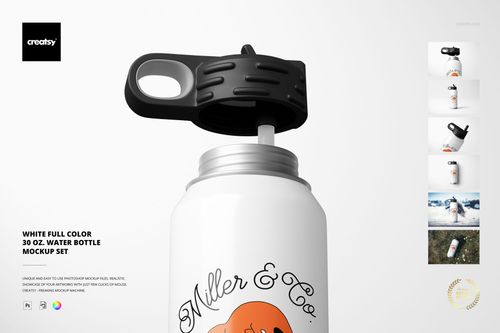
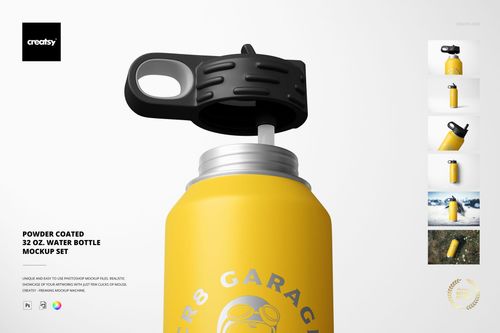
Preview a colorful logo or illustration on a reflective steel bottle. This six-scene PSD set features a 30oz stainless steel water bottle with a spout lid and finger loop, giving printed artwork a clear product setting for outdoor and sports merchandise.
Studio details and outdoor settings
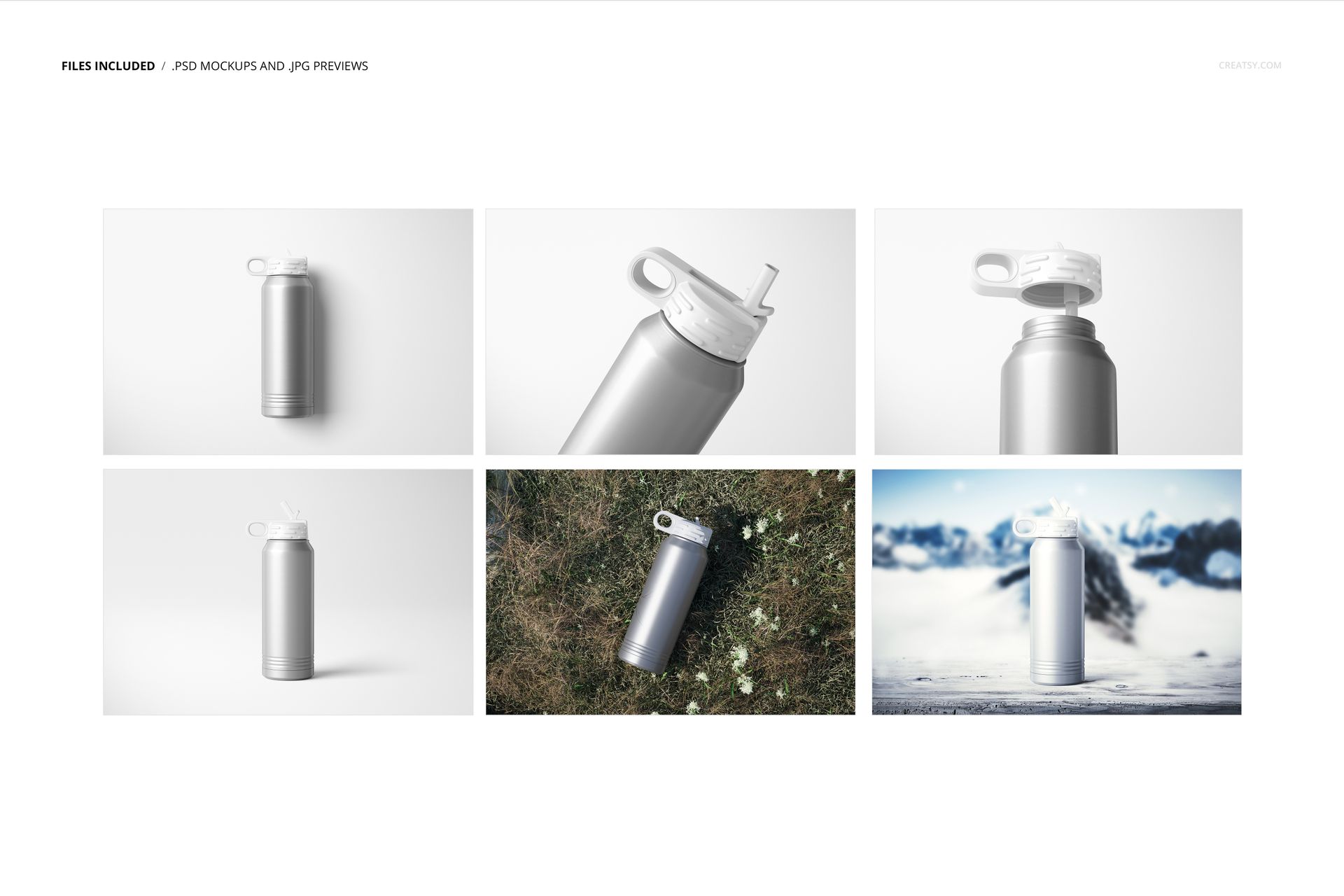
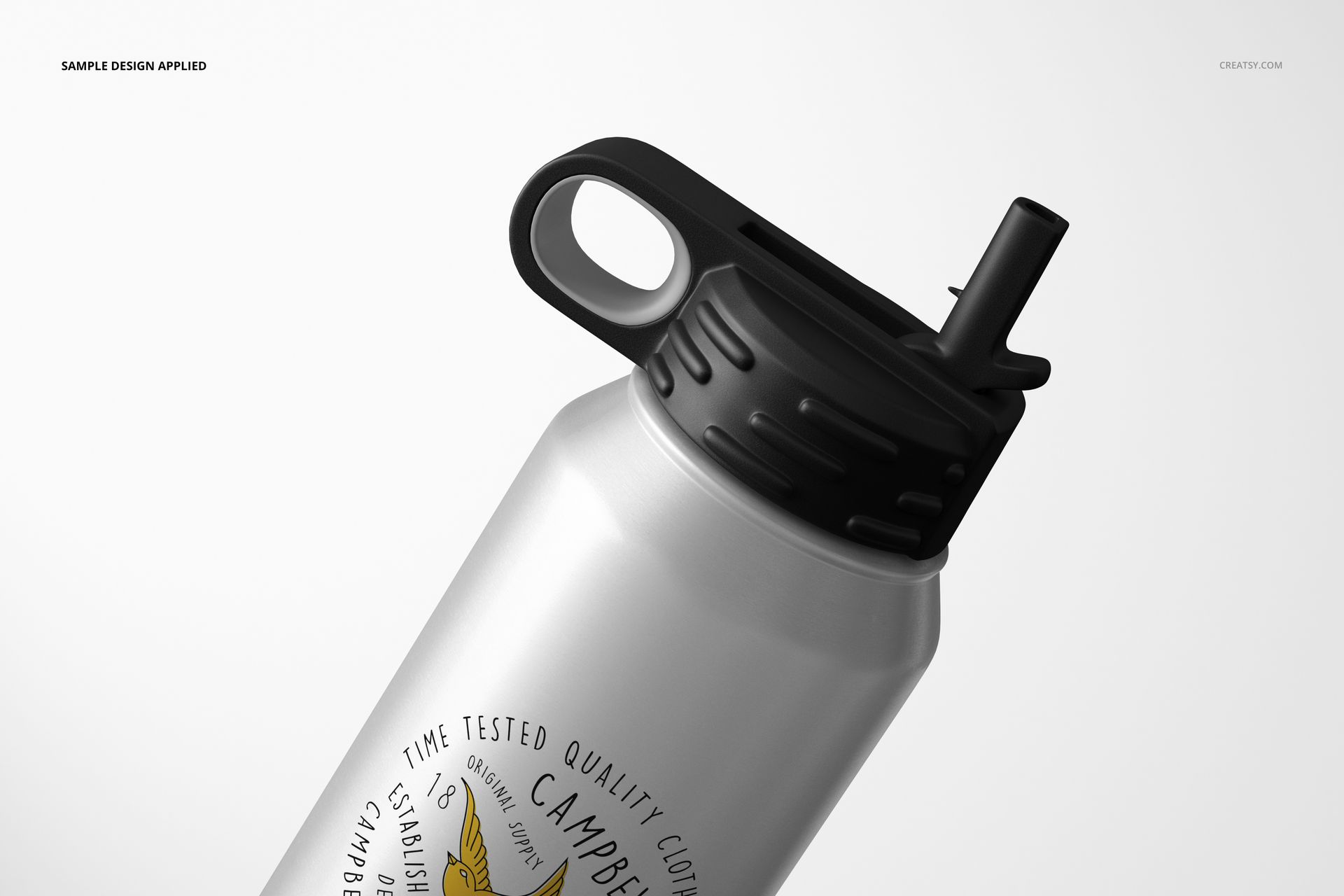
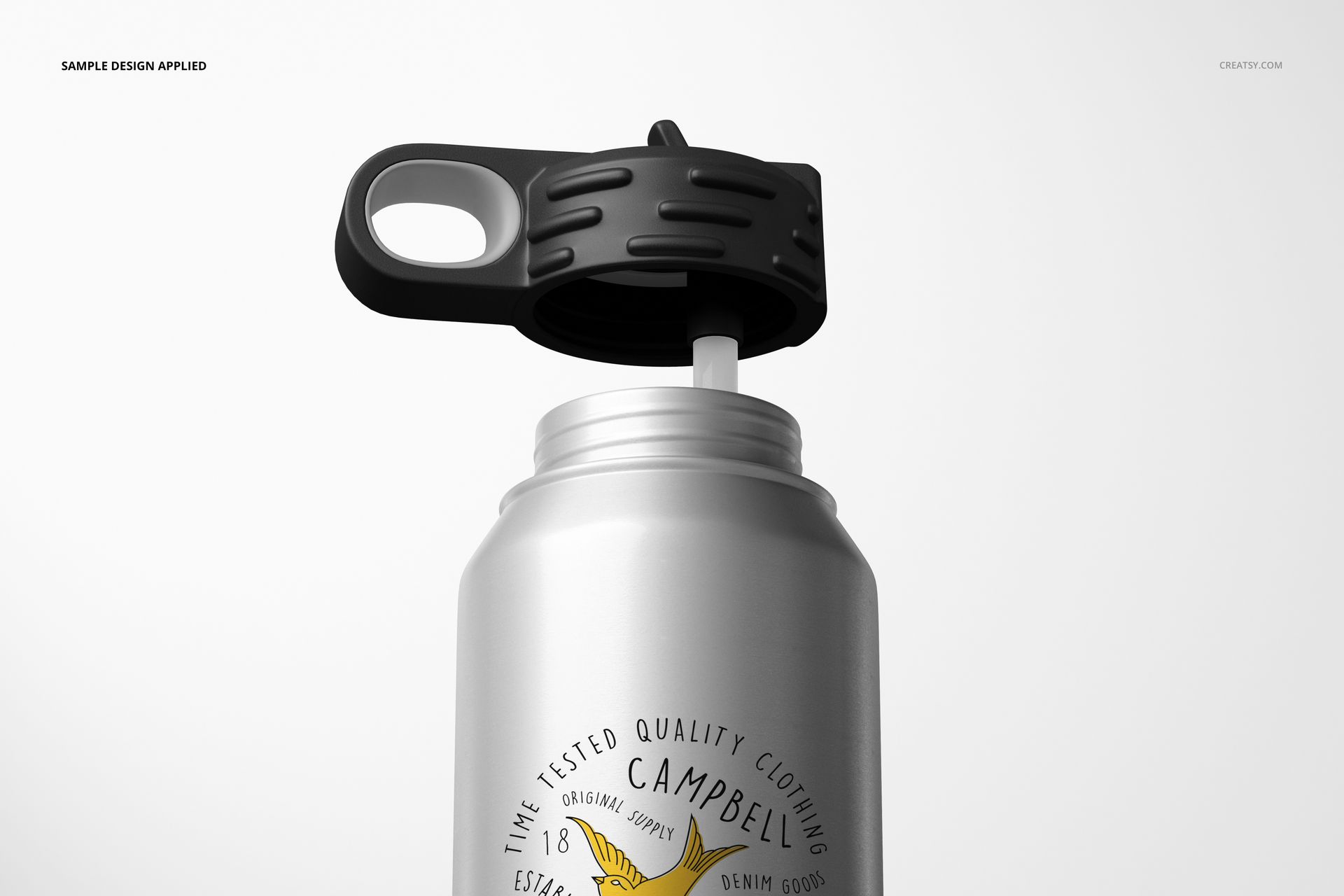
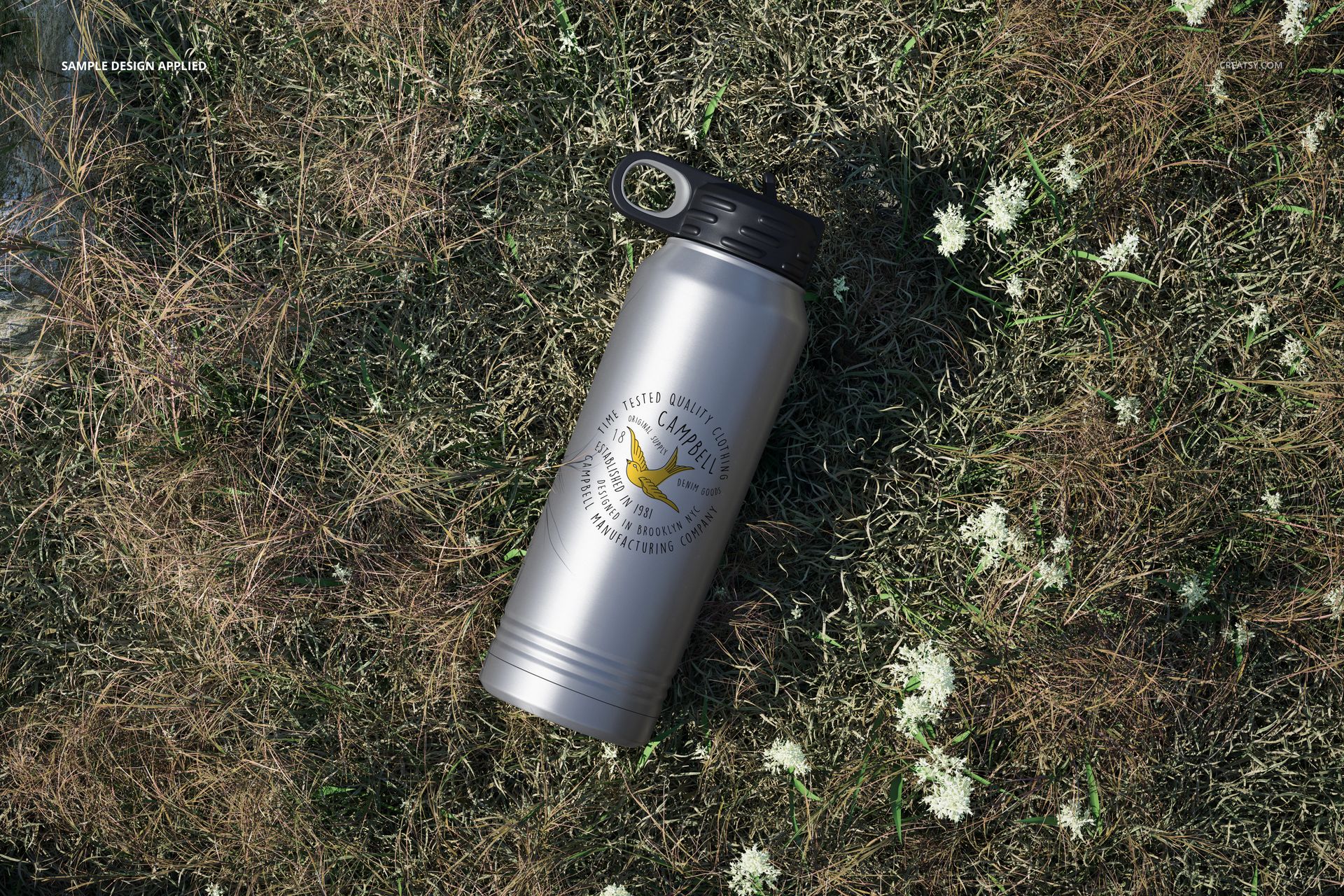
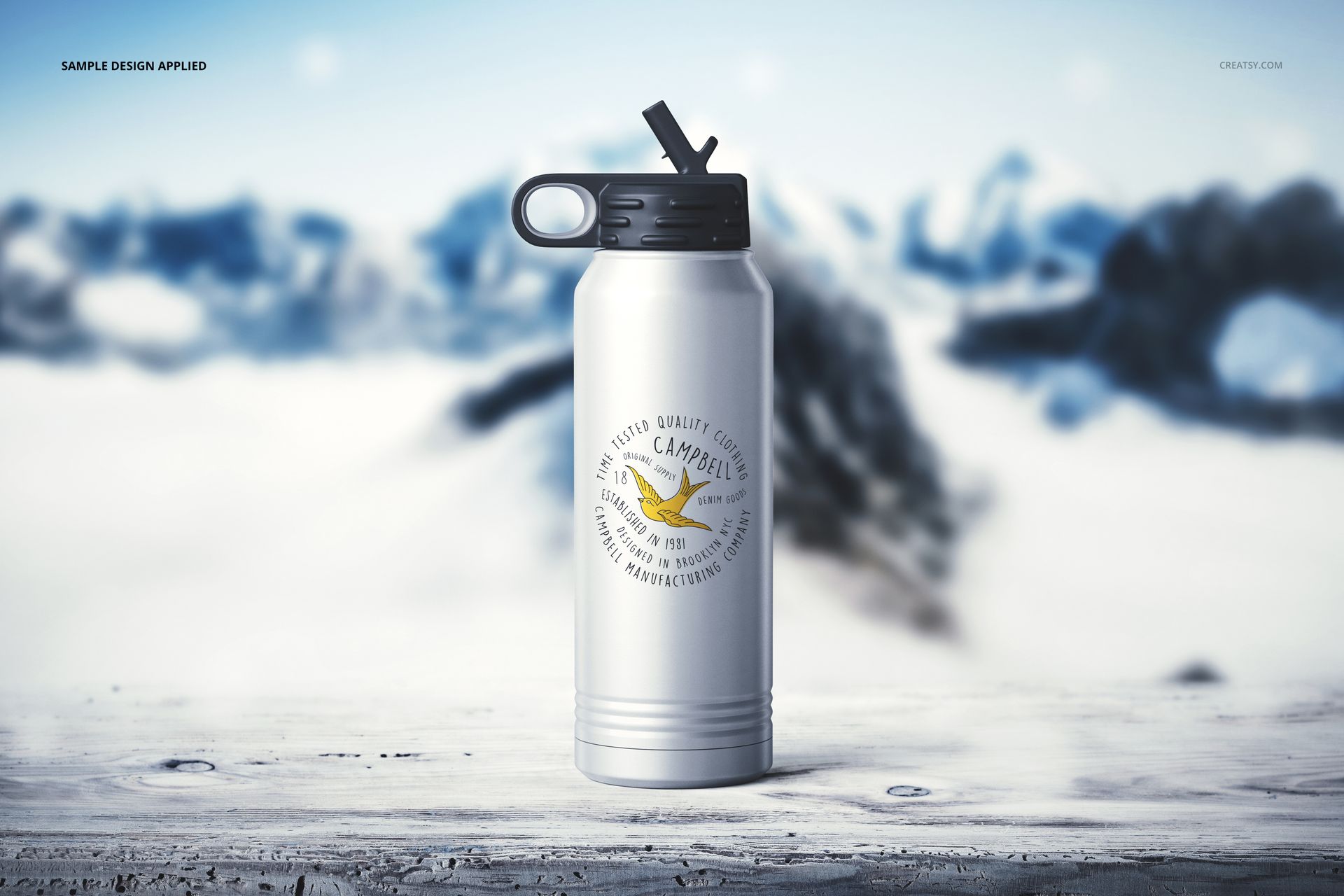
The scene selection includes an overhead composition, an upright bottle, an angled spout close-up, and a lifted-lid detail. A bottle on grass and a composition against a snowy mountain backdrop add two lifestyle options to the product gallery.
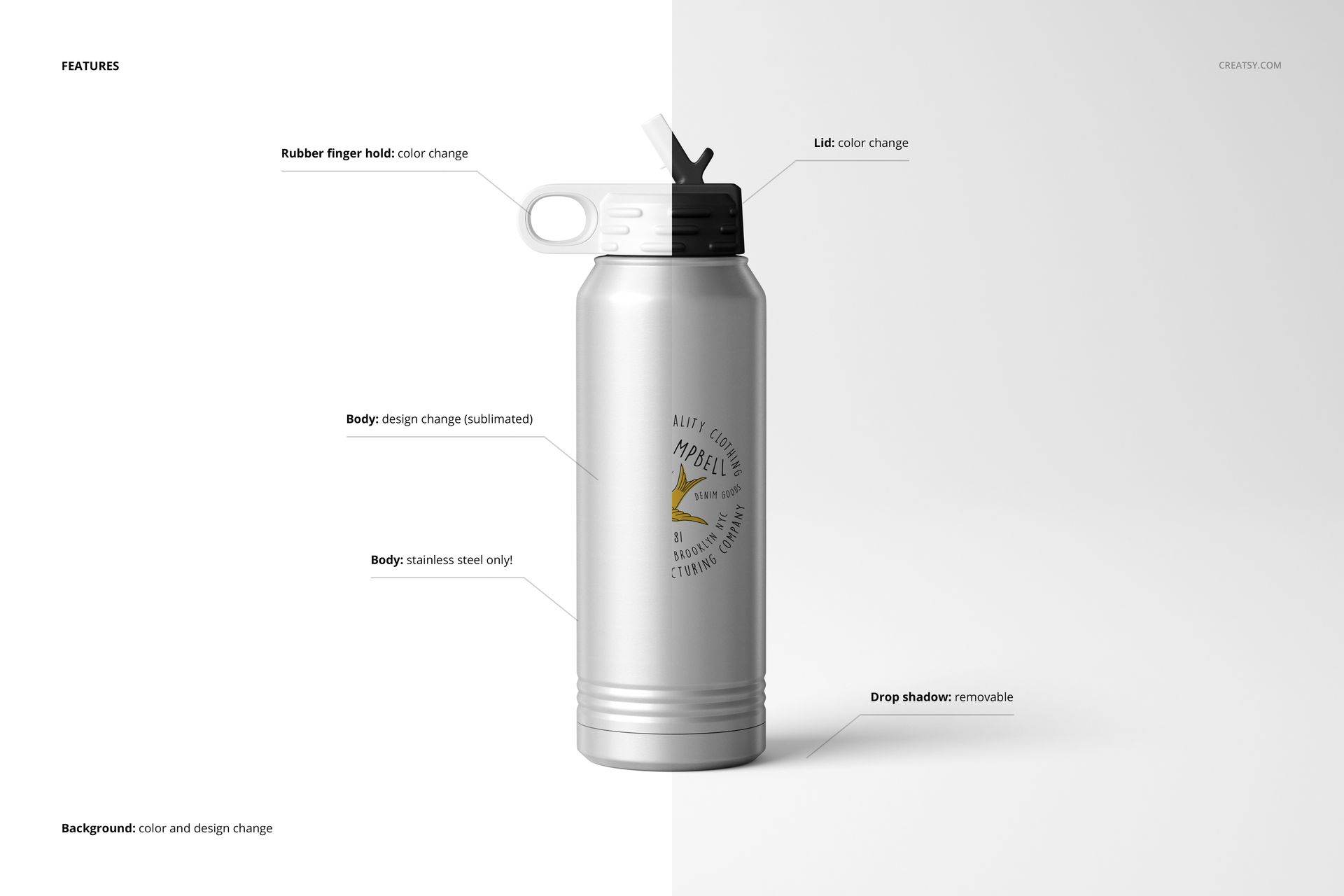
Replace body artwork with a sublimation-style design effect.
Keep the stainless steel body finish visible around the design.
Change the lid and rubber finger-loop colors.
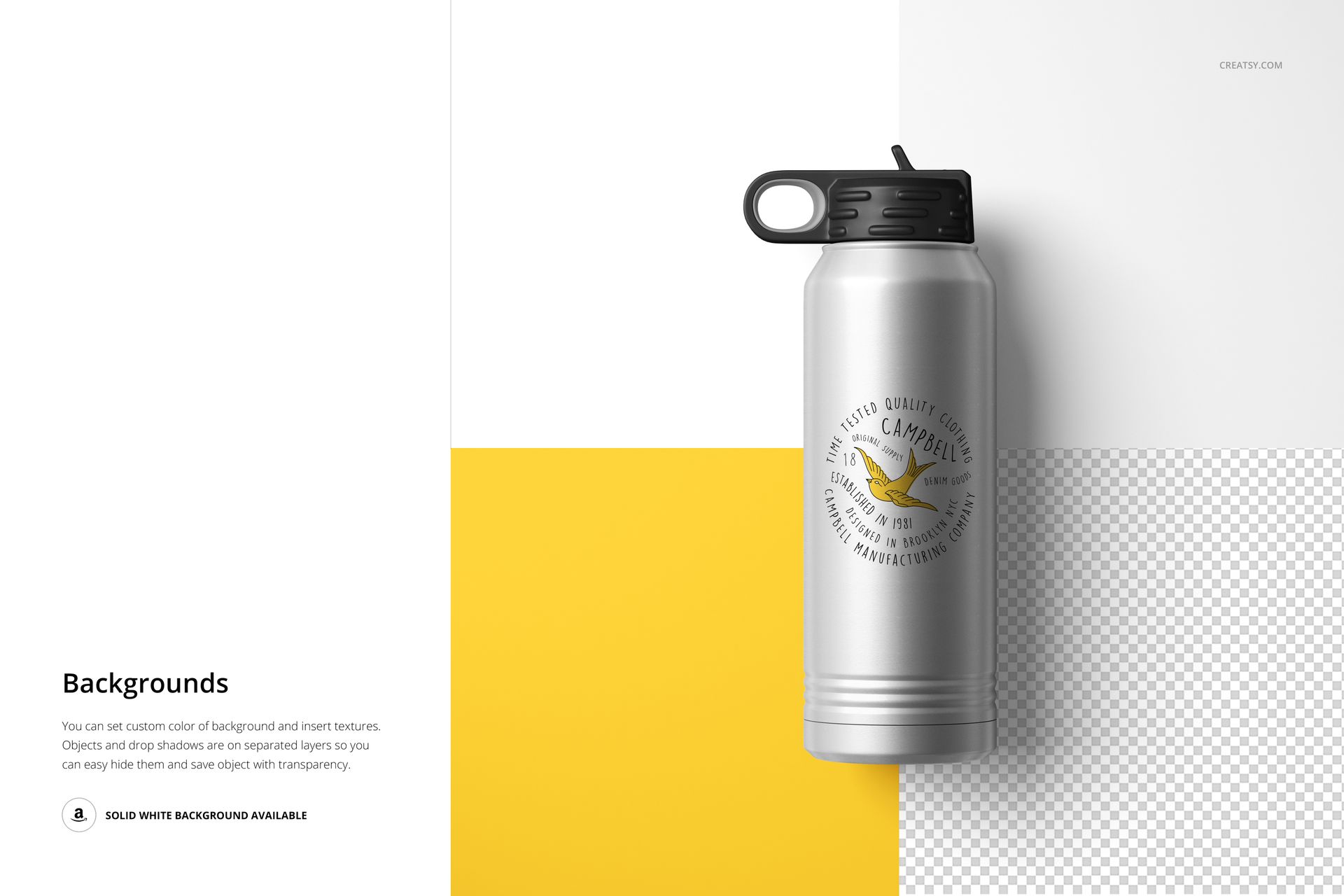
Customize studio background colors or designs and remove the drop shadow when needed.
Files and compatibility
6 layered PSD mockups, 6 JPG previews, and a PDF user manual; 13 files in total.
Listed PSD specification: 6000 × 4000 px, 300 dpi. All six JPG previews are 6000 × 4000 px.
Adobe Photoshop CC 2015 or later, or Photopea for browser-based PSD editing.
Digital mockup files. Sample designs shown in the previews are not included.
File details
- Compatibility
- Package size
- 1.68 GB
|1.8 GB
- Files type
- .psd, .jpg, .pdf
- Files size
- 6000x4000


MEET THE SHOP
- $1140$19.00
- $1140$19.00
- $1380$23.00
- $1140$19.00

HOW IT WORKS
3 clicks. That's it.
No tutorial needed. If you can copy-paste, you can use this.
- 1OpenDouble-click the smart object inside the PSD - in Adobe Photoshop, or free in your browser with Photopea.
- 2PasteDrop in your pattern, print, or artwork. Any design, any style.
- 3SaveHit save and the mockup wraps it in for you - shadows, folds, and lighting included.
FROM IDEA TO IMAGE
Built for real workflows
Wrap your logo around the cup, not a flat rectangle Drop the artwork in and see how it sits on the curve before you list it.
See it on the product, not a swatch Drop your file into the smart object and the scene's lighting and folds wrap around it, so you judge the real thing before you commit.
Smart Objects
Edit once and you're done. Your artwork drops into a smart object and the mockup updates itself - no masking, no warping by hand.
Perfectly Organized
Named layers and folders you can actually navigate. Find what you need, change what you want, and get out fast.
Print-Ready
High-resolution files built to hold up on screen and in print. Exact size and DPI are in this product's Details above.