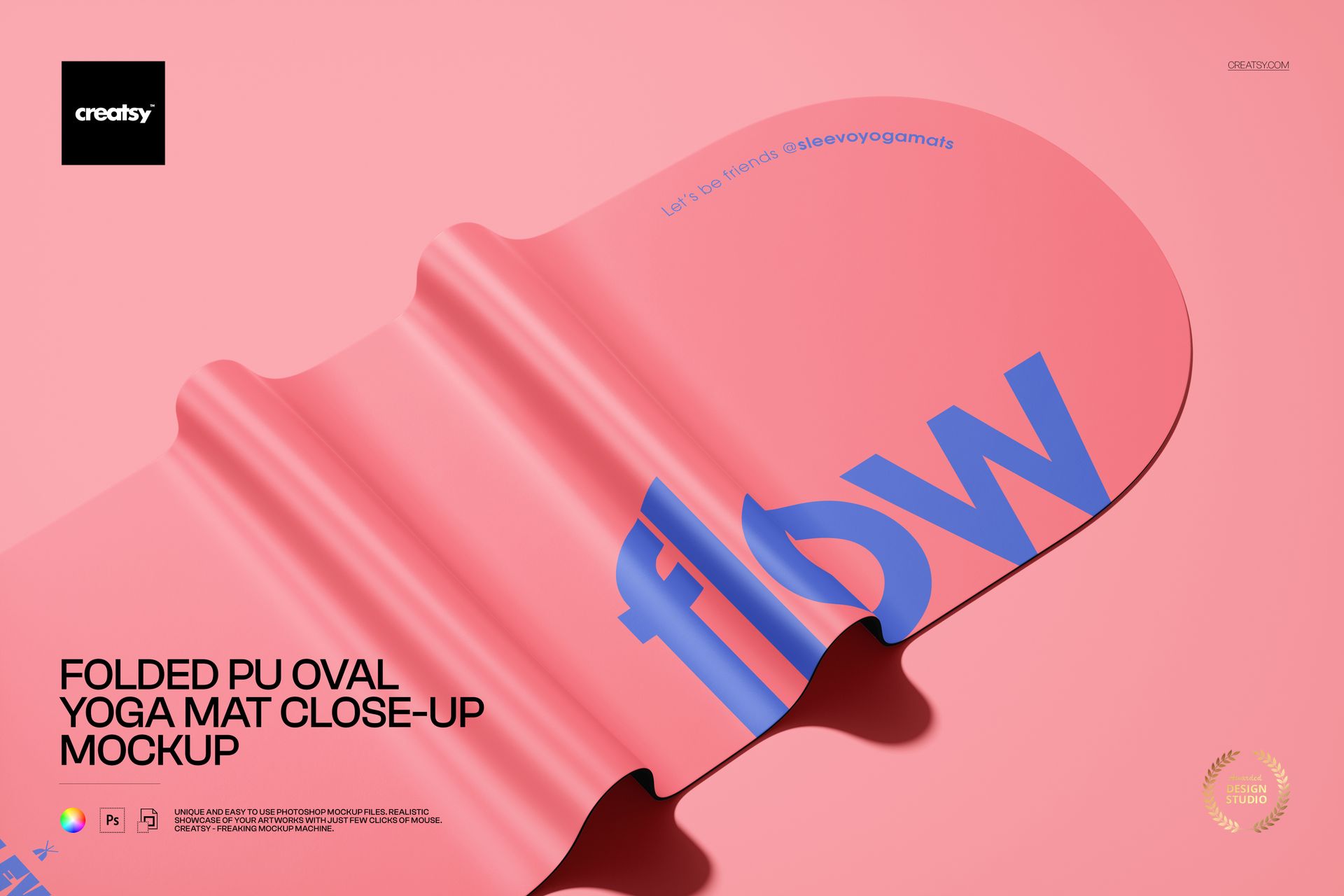
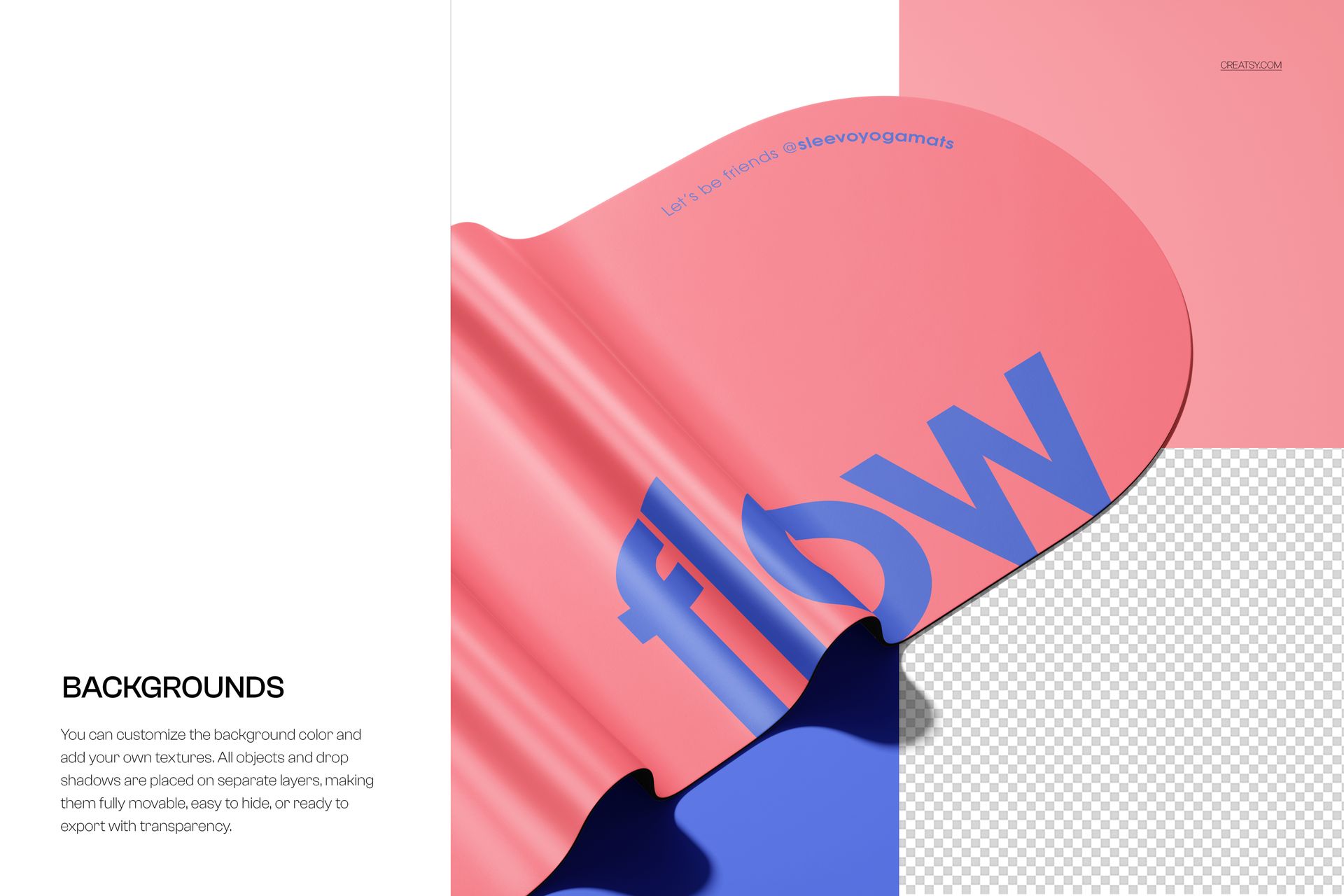
Folded PU Oval Yoga Mat Close-Up Mockup from Creatsy presents your surface pattern, brand logo, or custom artwork on a folded polyurethane oval yoga mat photographed at close range where the material thickness, surface texture, and fold detail are clearly visible. This mockup captures the mat in a folded position that reveals both the top surface and the mat edge, giving buyers a sense of material quality and construction that flat-lay mockups cannot communicate. The close-up perspective is ideal for yoga brands, fitness accessory companies, and surface pattern designers who need to show how their design looks on a premium PU mat while also demonstrating the product build quality through visible material thickness and fold behavior. The 6000 x 4000 pixel file at 300 DPI provides full resolution for web product listings, print catalogs, and professional presentations across digital and print channels.
Why This Mockup Works
The folded close-up perspective adds a dimension that flat-lay product shots miss entirely. Buyers shopping for yoga mats want to see material quality, and this mockup delivers that by showing the mat folded with visible thickness, edge detail, and surface texture at close range. Your pattern or branding appears on the curved folded surface where it demonstrates how the design adapts to bending and creasing, which is important information for buyers evaluating printed or patterned mats. The close-up framing also makes this an excellent secondary product image that pairs with full-mat flat-lay shots to create a complete product listing gallery.
What Is Included
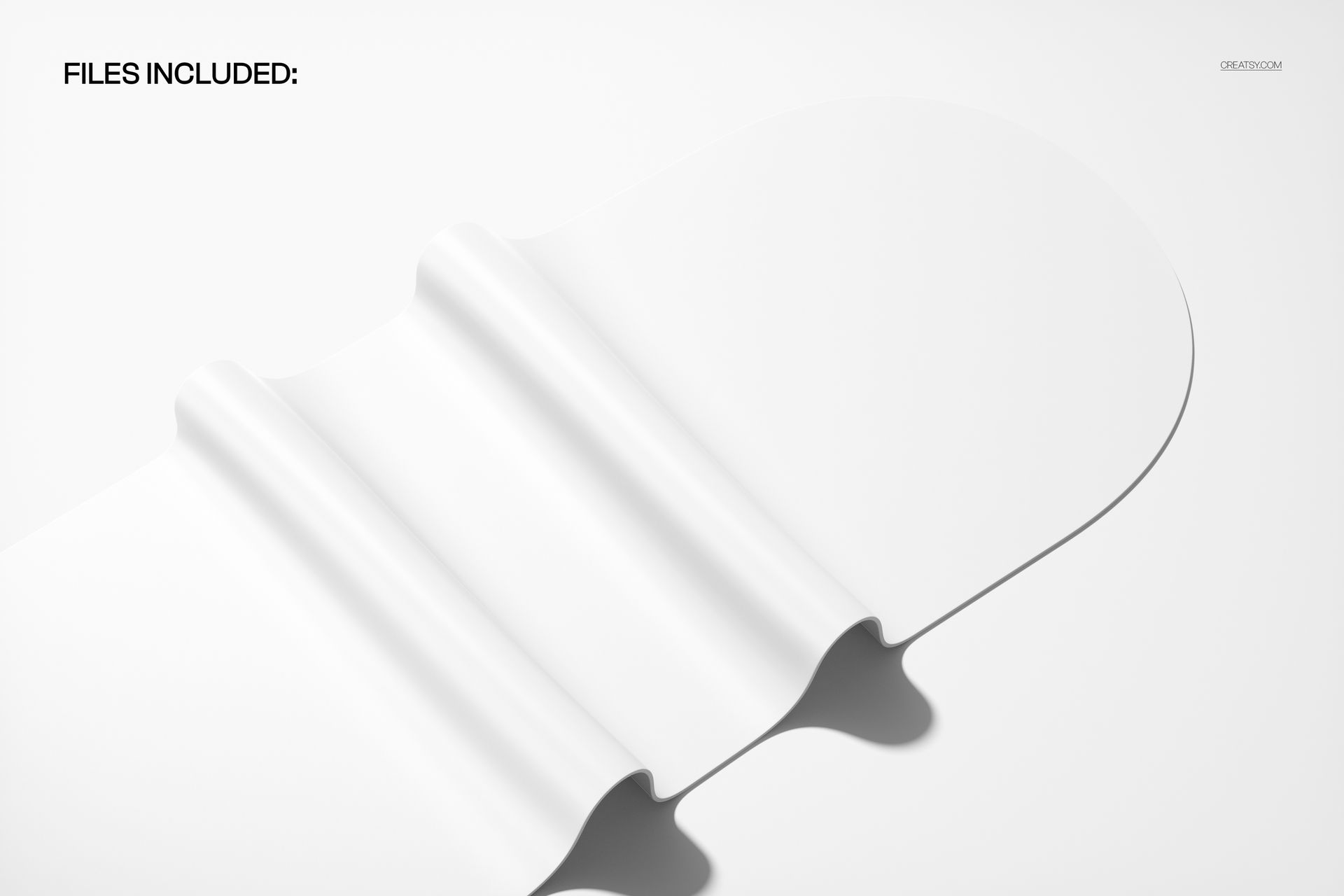
This download contains 1 PSD file at 6000 x 4000 pixels and 300 DPI. The file features a folded PU (polyurethane) oval yoga mat photographed at close range with studio lighting that highlights the material texture, fold detail, and surface finish. Layers are well organized so you can navigate to each editable element quickly without searching through unnamed groups. The file works in Adobe Photoshop (minimum version CC 2020) and in Photopea, a free browser-based editor that supports PSD files and smart object editing for browser-based design work.
What You Can Customize
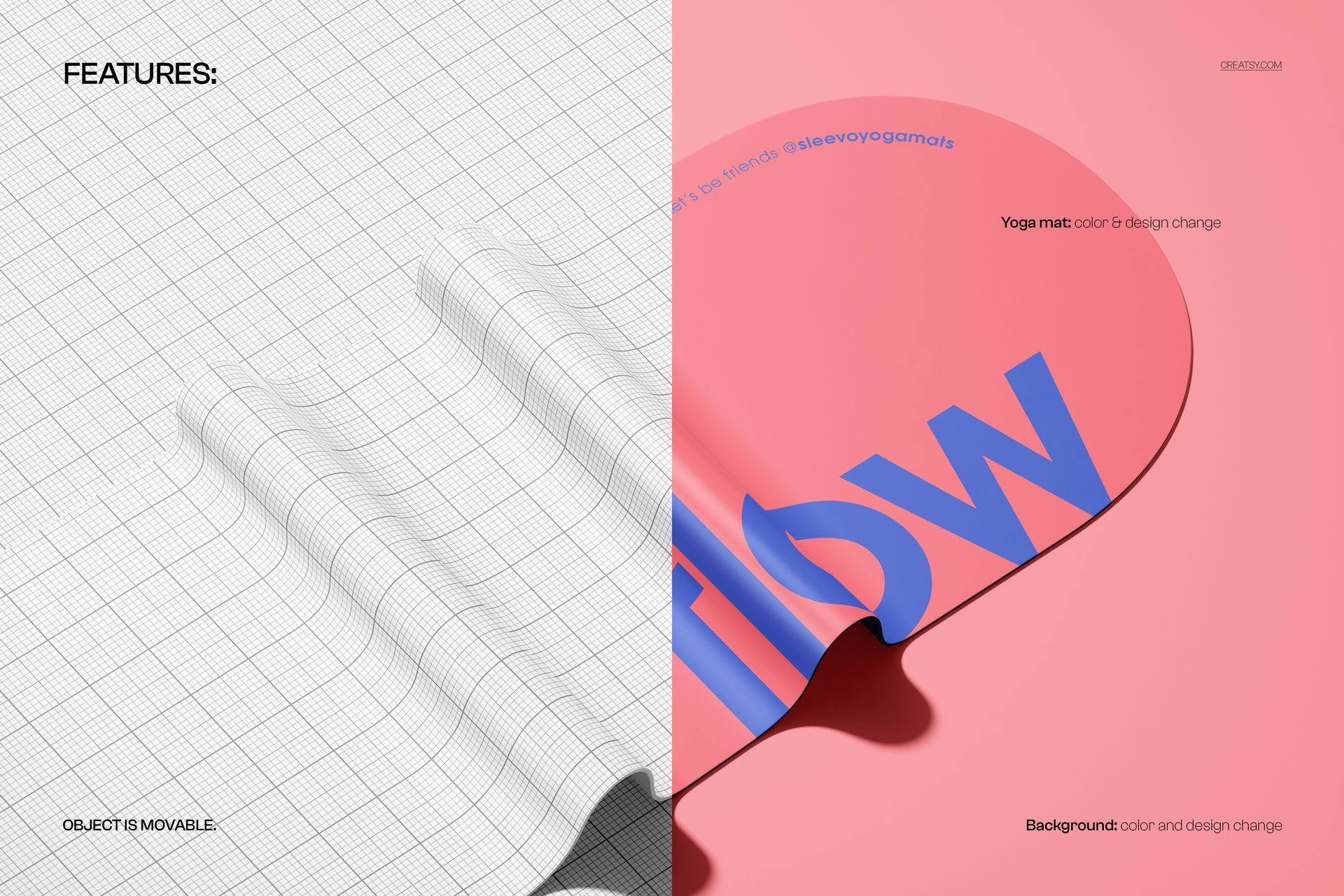
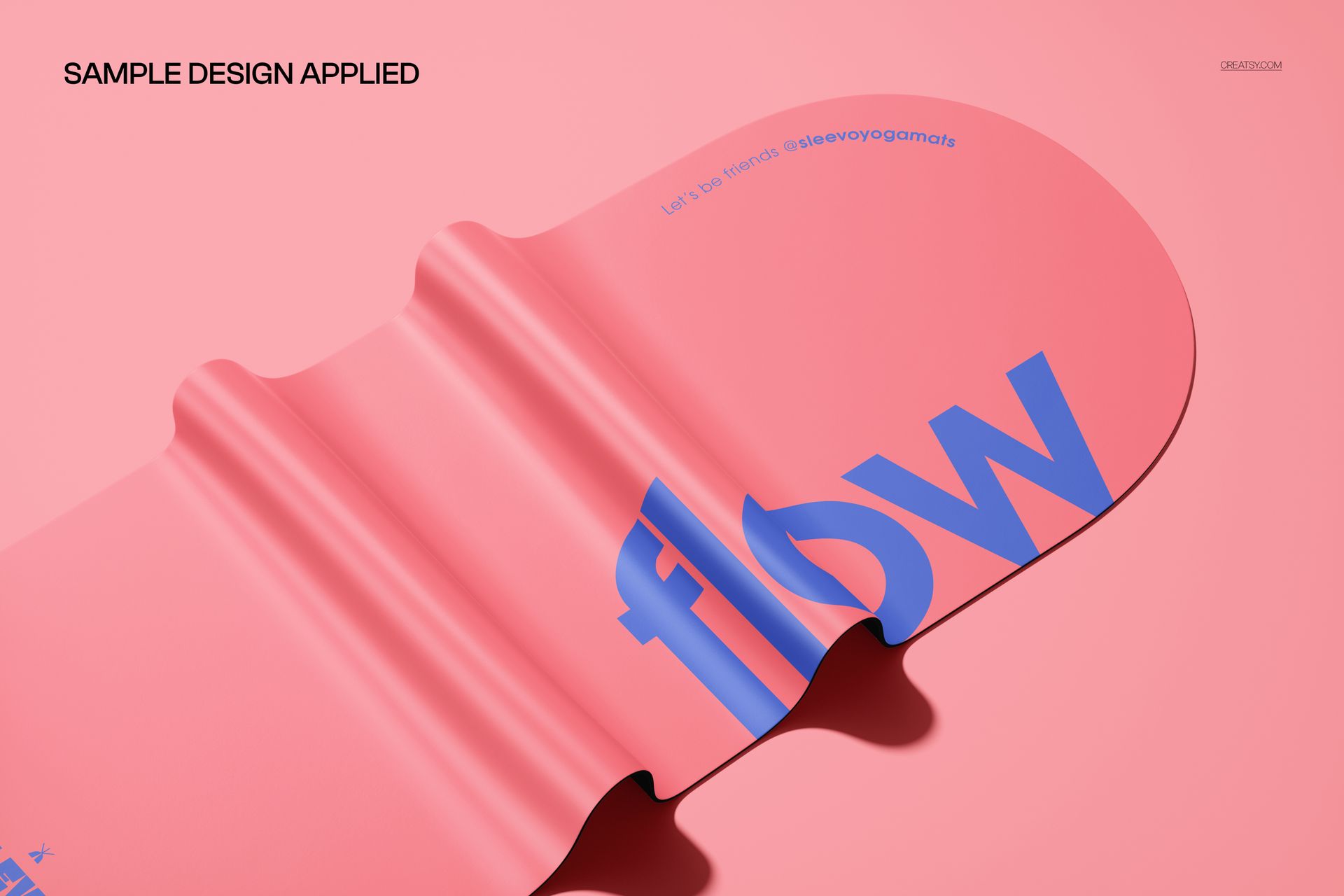
Smart object layers let you place your surface pattern, brand logo, custom illustration, or printed artwork onto the mat surface with accurate fold mapping that follows the curved and bent shape naturally. Your design wraps across the folded surface and responds to the PU material texture for realistic interaction at the close-up scale. You can adjust mat color, background color and surface, and overall scene tone to match your brand palette or create multiple product listing variations from the same file.
Who This Mockup Is For
This mockup serves yoga brands building detailed product listings that show material quality, fitness accessory companies creating multi-angle product galleries, and surface pattern designers presenting their work on curved three-dimensional surfaces. Meditation and wellness brands, print-on-demand sellers offering custom yoga mats, and boutique fitness equipment retailers will find the folded close-up format adds a premium product photography layer to their mat listing galleries.
File Specifications
File count: 1 PSD. Dimensions: 6000 x 4000 pixels. Resolution: 300 DPI. File size: 312.4 MB. Compatibility: Adobe Photoshop CC 2020 or newer, Photopea. Editing method: smart object layers for non-destructive surface placement with realistic fold mapping and PU material texture interaction at close-up scale.