Milk Thistle Seeds Paper Pouch Mockup Set

Product Details
Milk Thistle Seeds Paper Pouch Mockup Set
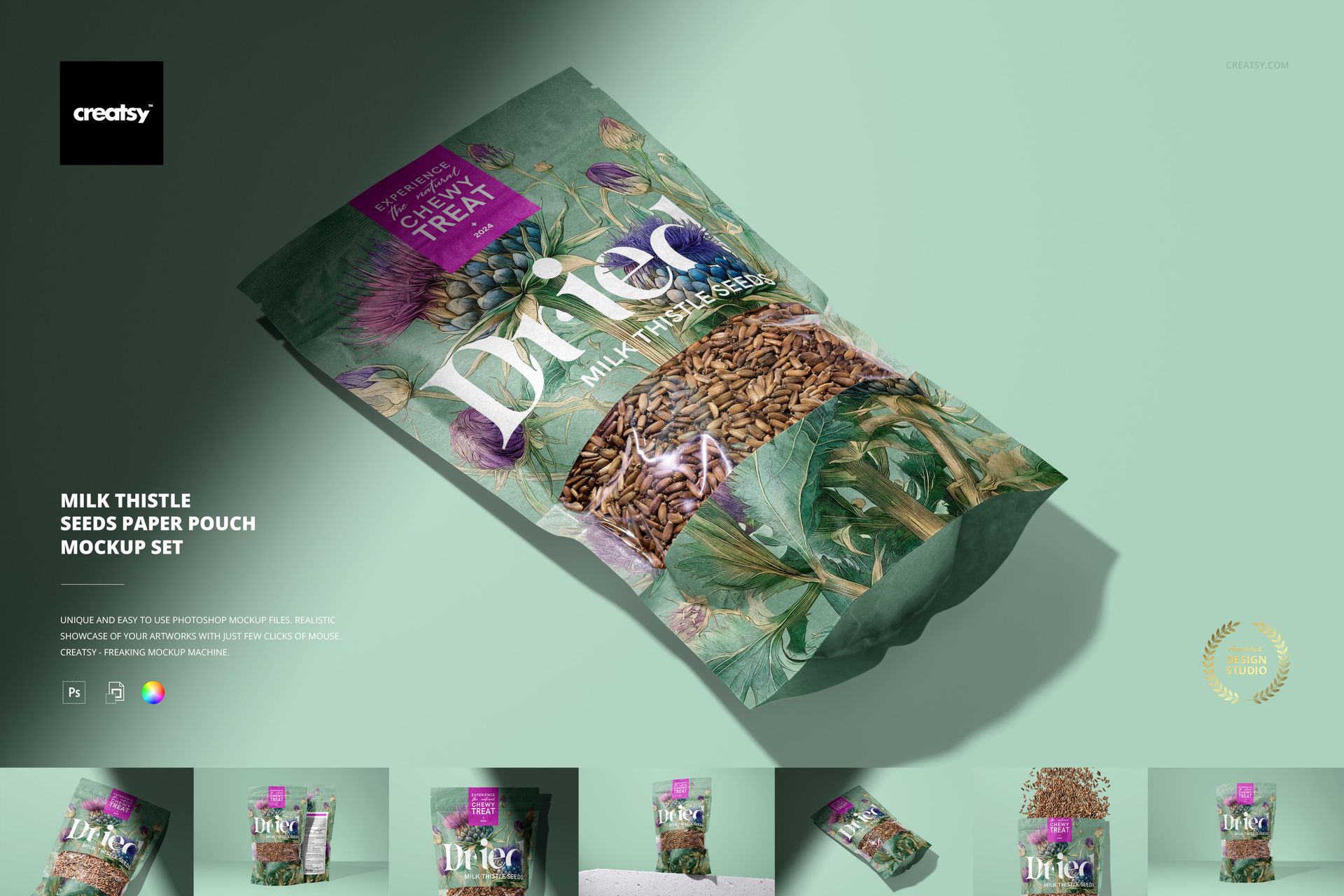
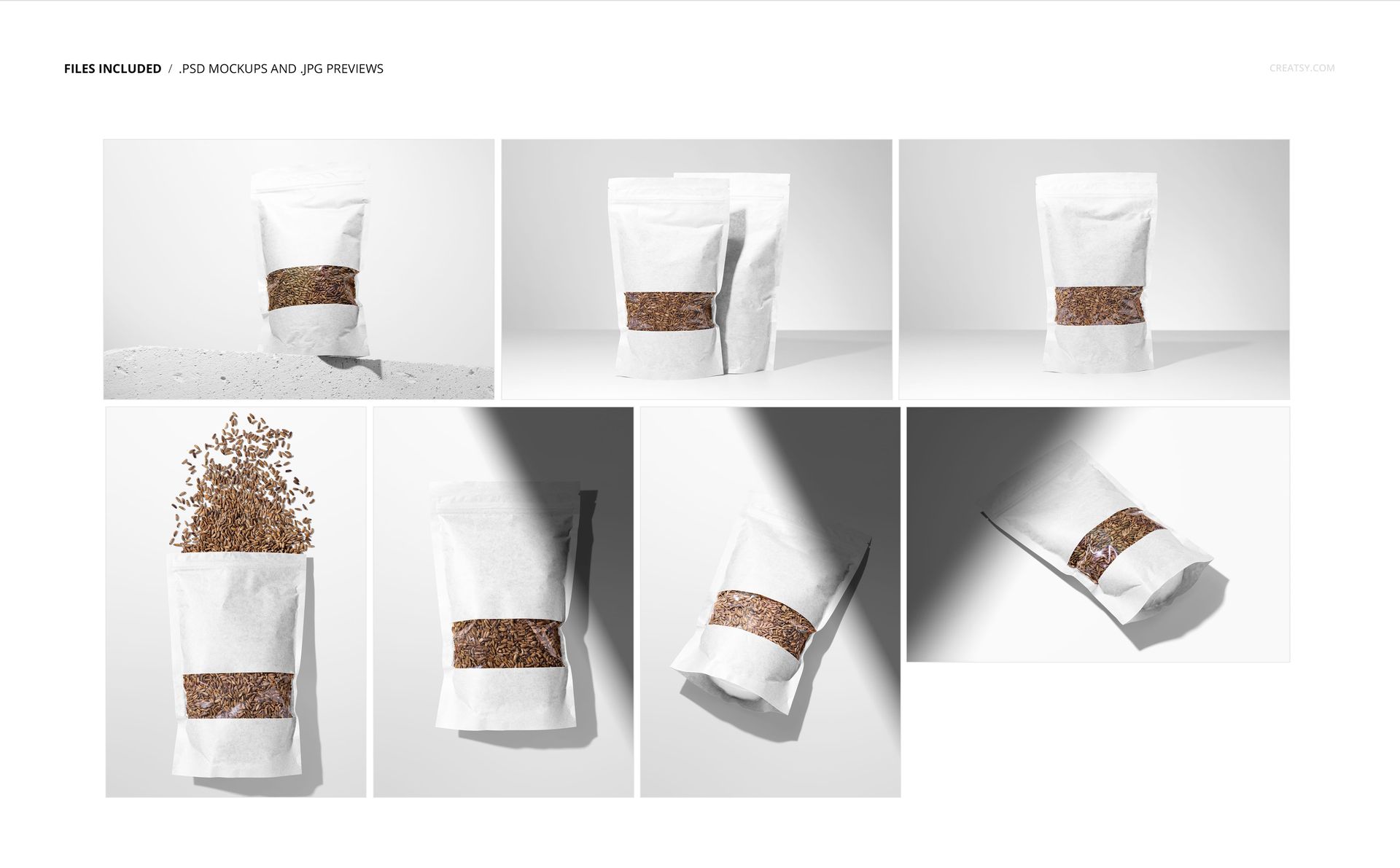
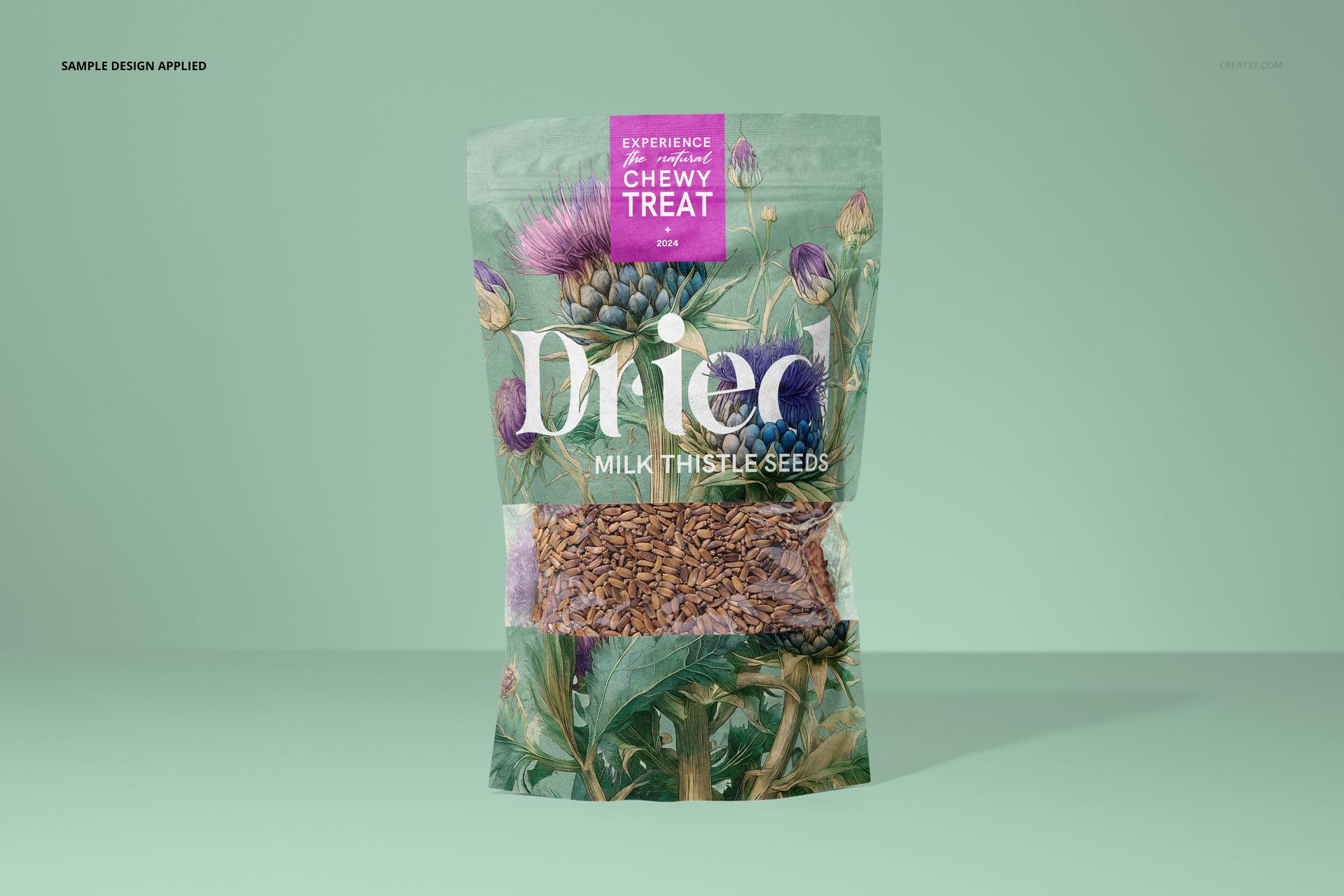
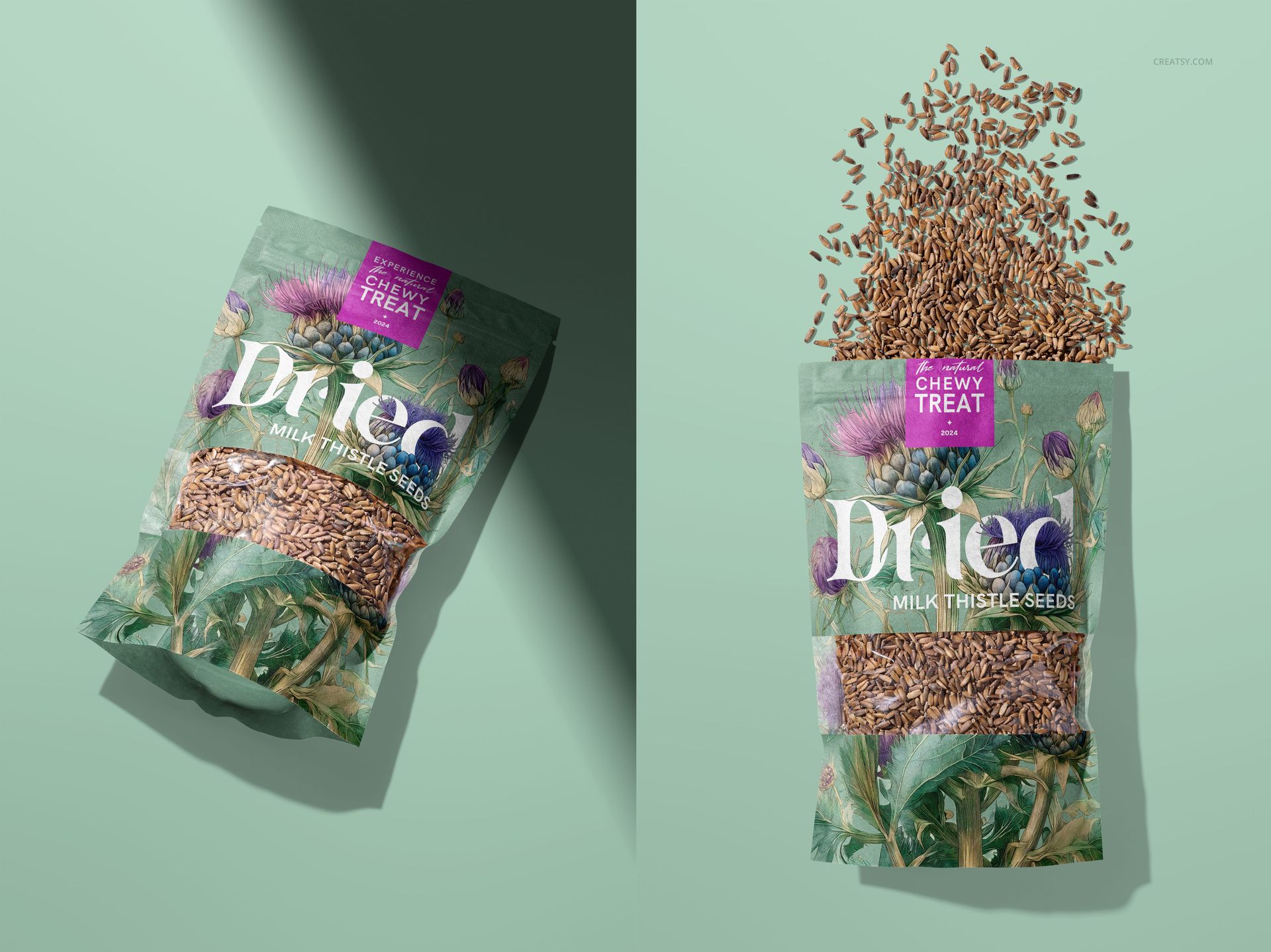
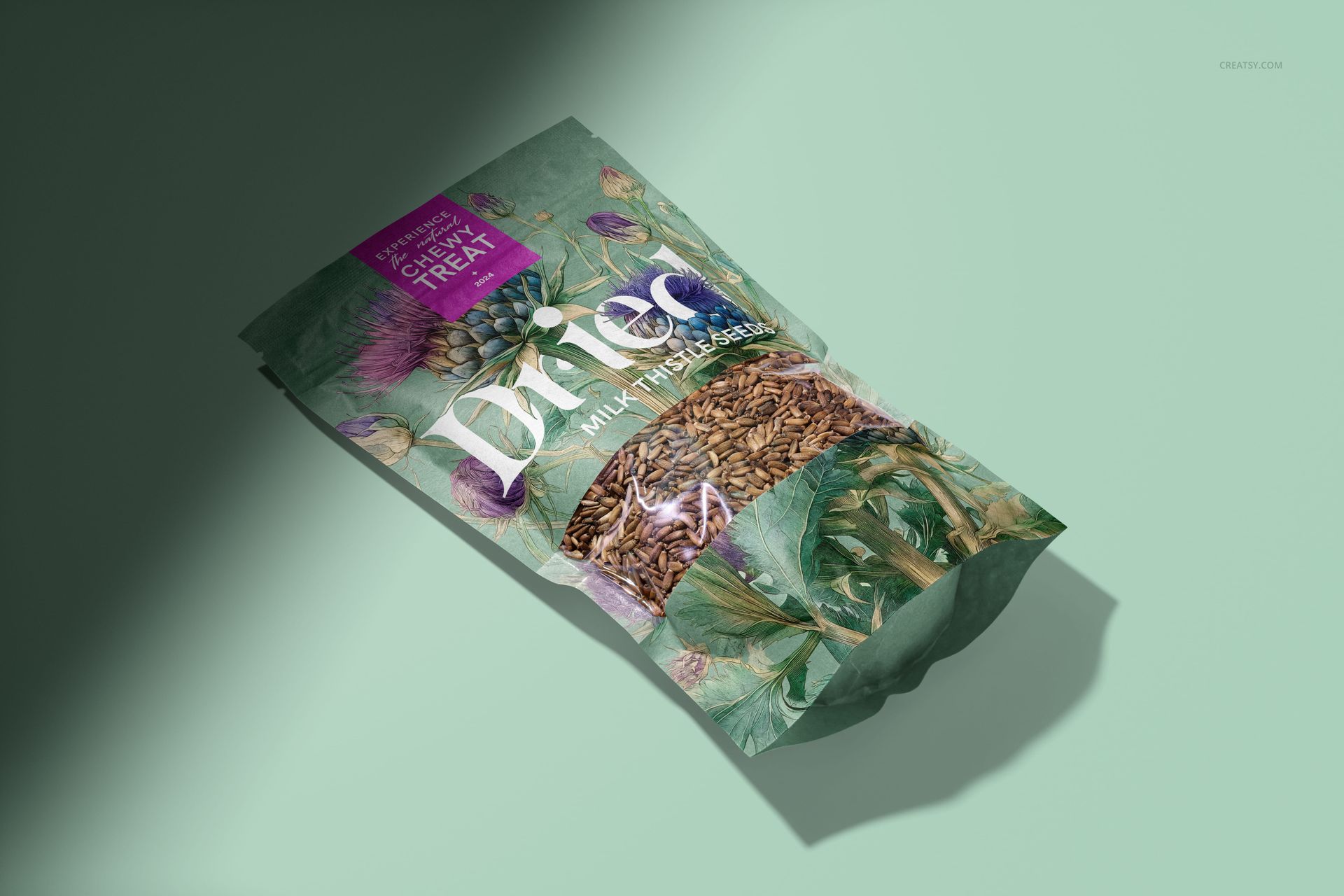
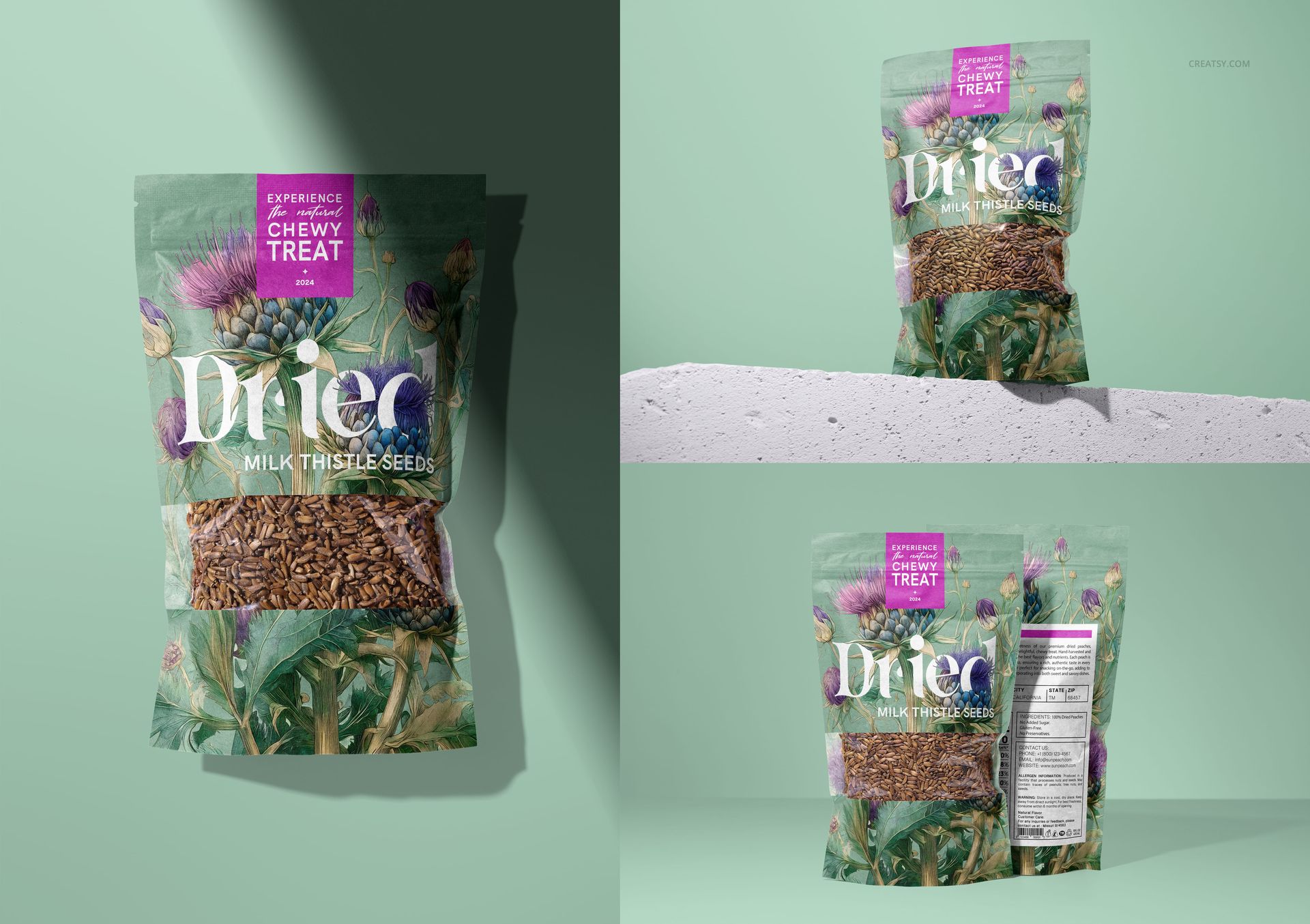
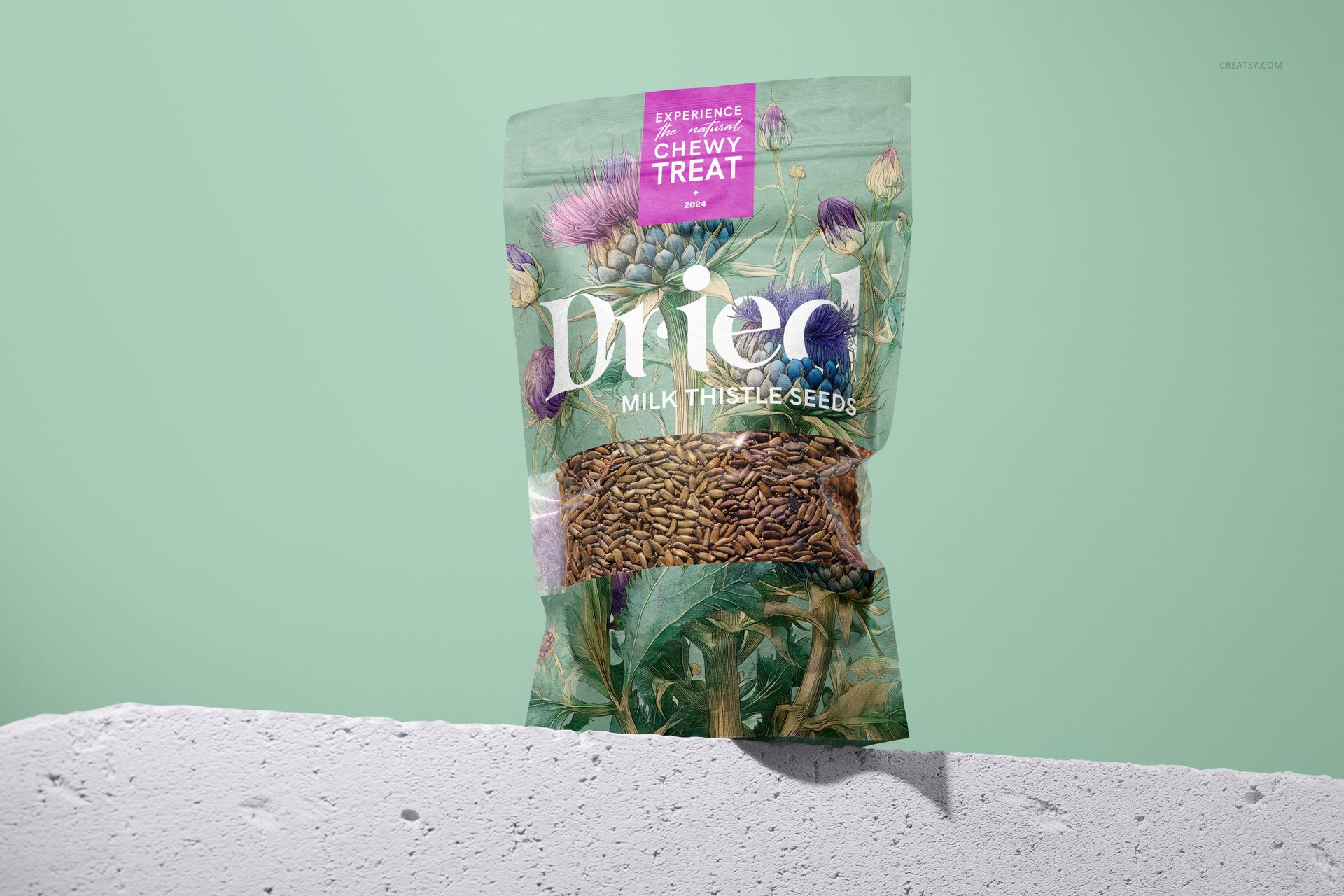
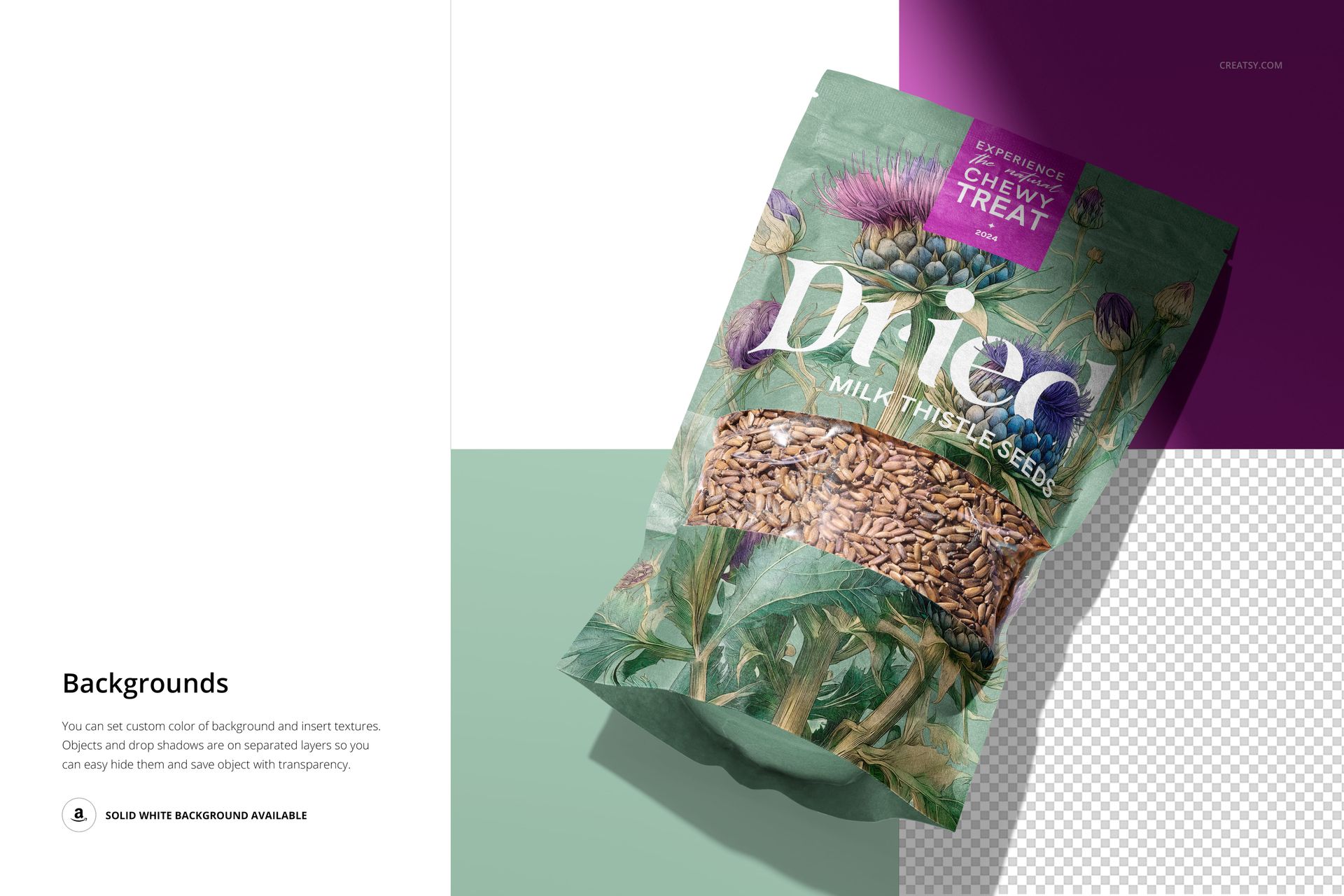
Present seed packaging with a clear view of both the branding and the product inside. This paper pouch mockup set combines seven scenes with a transparent window, upright and flat-lay compositions, and an open-pouch view with scattered seeds.
What's Included
7 layered PSD mockups and 7 JPG previews.
Landscape scenes 1–4: 6000 × 4000 px; portrait scenes 5–7: 4000 × 6000 px, at 300 dpi.
Compatible with Adobe Photoshop CC 2020 or later and Photopea.
Customize the Pouch and Presentation
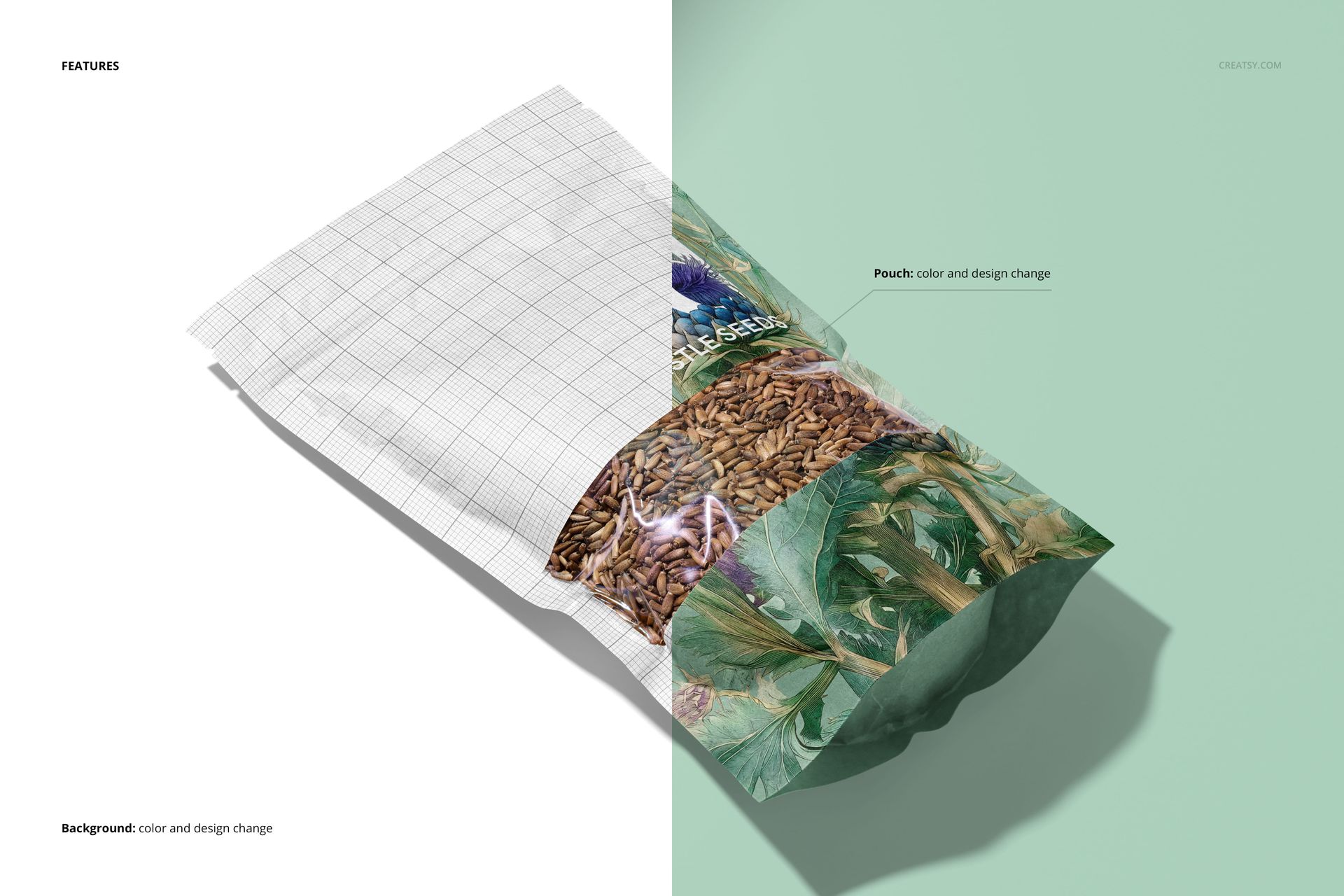
Place your artwork through Smart Objects and adjust the pouch color and design. Change the background color, add your own background texture, or use a white backdrop. Separate object and drop-shadow layers also support transparent-background exports.
Perfect For
Seed packaging concepts, botanical label designs, client presentations and coordinated product images. Use the upright scenes to review the front-panel hierarchy and the flat views to check how illustrations sit around the window. Digital mockup files only; physical pouches, seeds and the sample packaging artwork are not included.
File details
- Compatibility
- Package size
- 1.2 GB
|1.29 GB
- Files type
- .psd, .jpg
- Files size
- 6000x4000


MEET THE SHOP

HOW IT WORKS
3 clicks. That's it.
No tutorial needed. If you can copy-paste, you can use this.
- 1OpenDouble-click the smart object inside the PSD - in Adobe Photoshop, or free in your browser with Photopea.
- 2PasteDrop in your pattern, print, or artwork. Any design, any style.
- 3SaveHit save and the mockup wraps it in for you - shadows, folds, and lighting included.
FROM IDEA TO IMAGE
Built for real workflows
Get the label signed off before the print run Wrap your design onto the box, pouch, or bottle and show the client exactly what ships.
See it on the product, not a swatch Drop your file into the smart object and the scene's lighting and folds wrap around it, so you judge the real thing before you commit.
Smart Objects
Edit once and you're done. Your artwork drops into a smart object and the mockup updates itself - no masking, no warping by hand.
Perfectly Organized
Named layers and folders you can actually navigate. Find what you need, change what you want, and get out fast.
Print-Ready
High-resolution files built to hold up on screen and in print. Exact size and DPI are in this product's Details above.