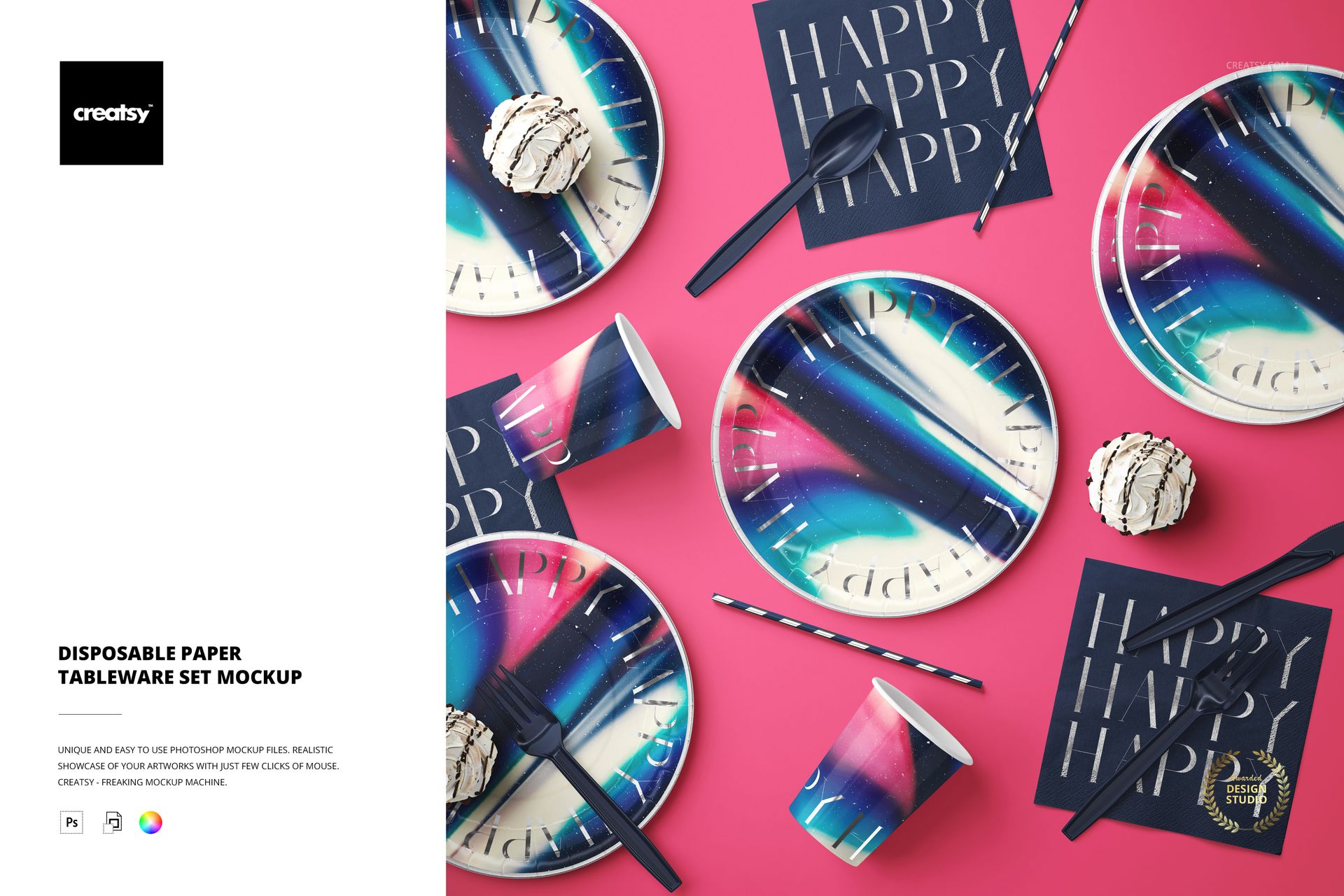
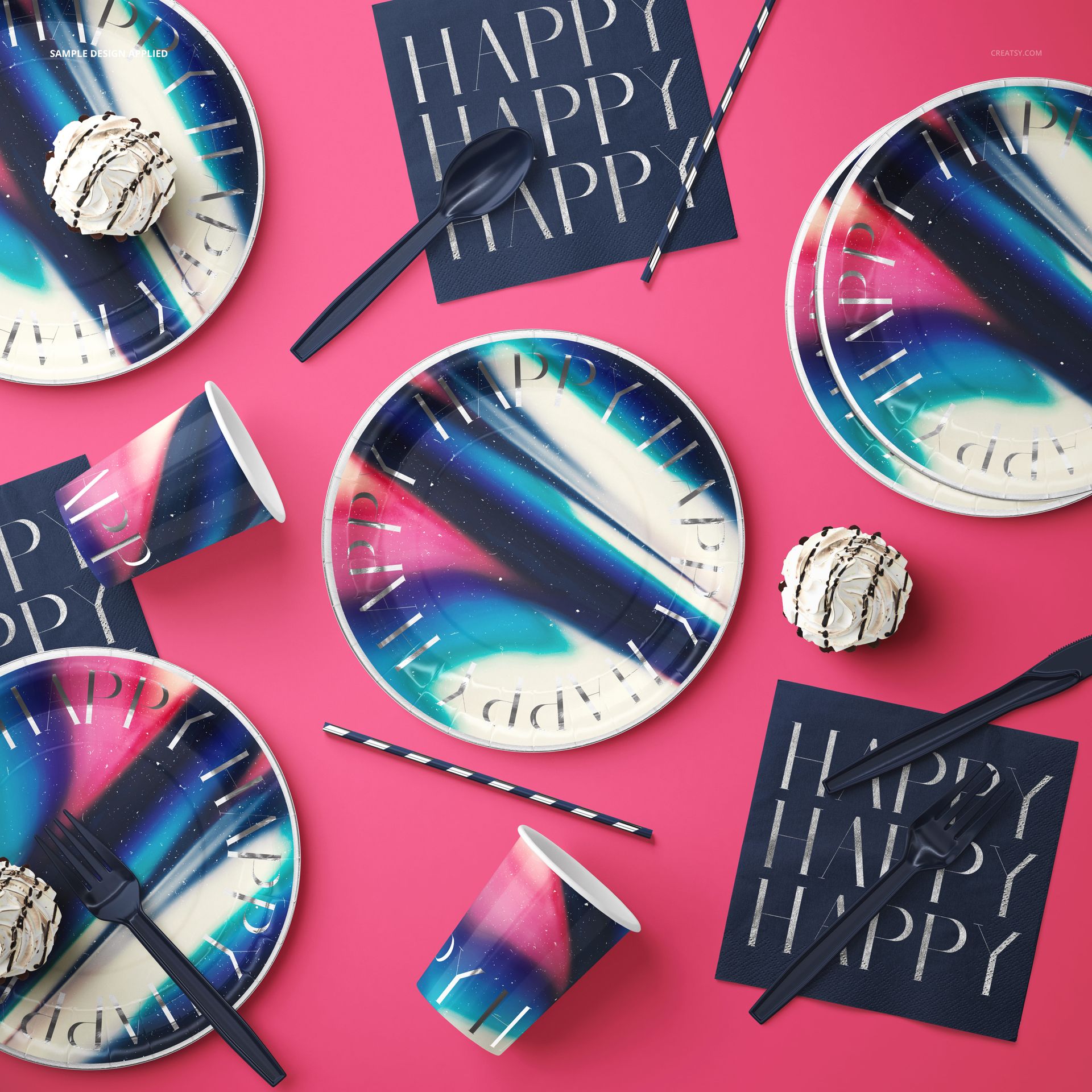
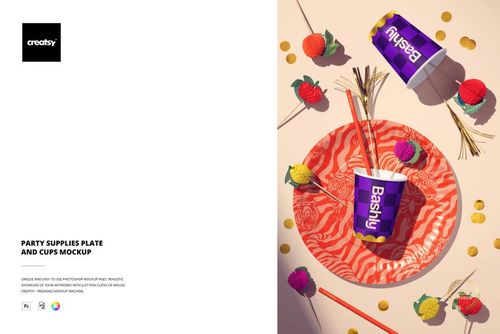
Style a whole party table from one Photoshop file. This is a top-down mockup of a disposable paper tableware set: plates, cups, napkins, straws and cutlery arranged like a birthday or celebration table, ready for your pattern or brand. Drop your design into the smart objects and it prints across the plates, cups, napkins and straws with real paper texture and soft shadow. Because every object can be moved, you can restyle the whole scene instead of accepting a fixed layout, which turns a single file into a full gallery of party shots.
You get one layered PSD at 6000 x 6000 px, 300 dpi, a large square canvas that crops cleanly for shop listings, Instagram and printed catalogs. It opens in Adobe Photoshop CC2020 or newer and in Photopea, the free browser editor, so a paid Adobe plan is optional. Layers are named and grouped by object, so you always know which one you are editing.
What you can change
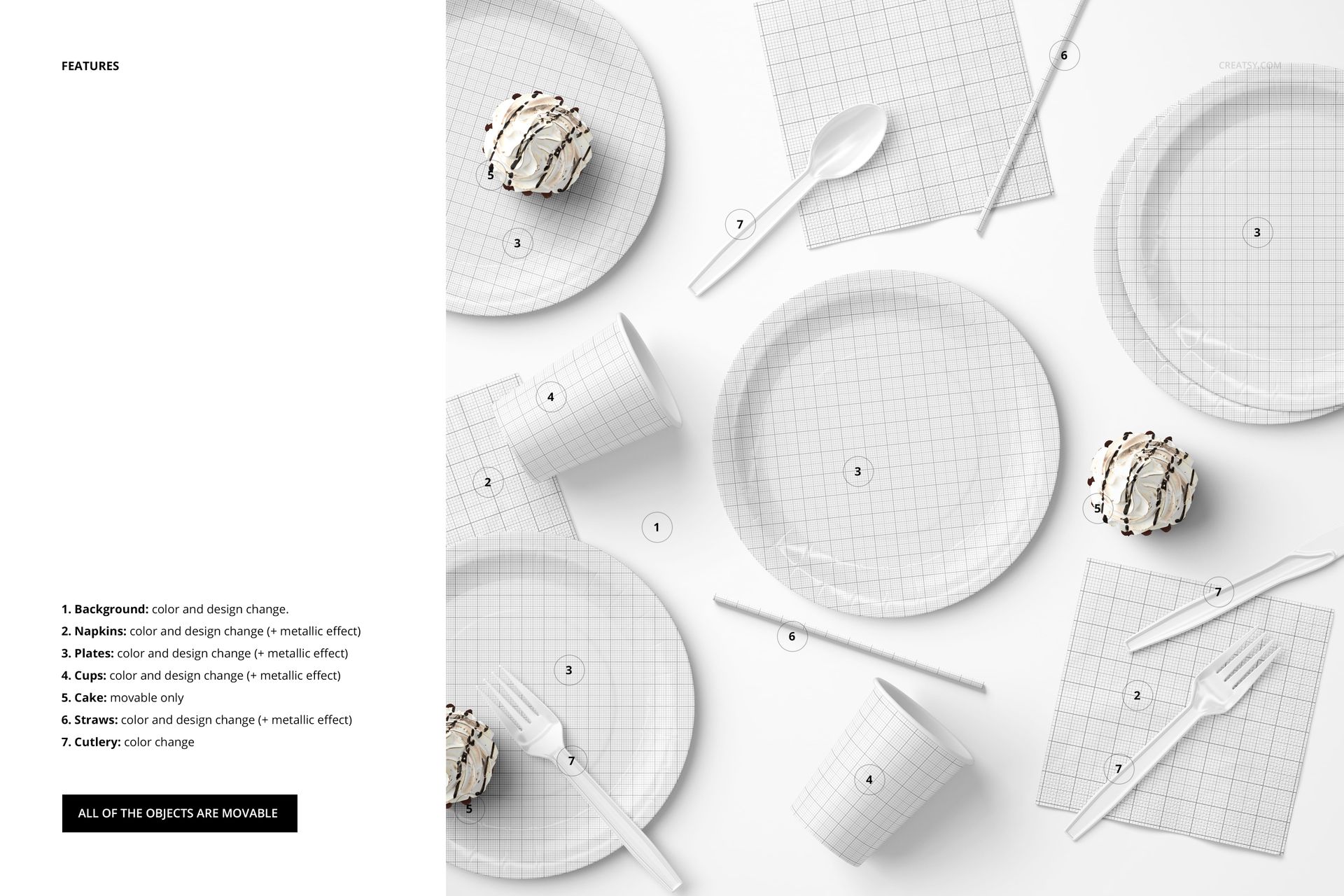
Each item sits on its own smart object and color layers, as shown in the feature preview:
Plates: color and design, with an optional metallic effect. Both the large and small plates take your artwork.
Cups: color and design, plus the metallic effect.
Napkins: color and design, plus the metallic effect.
Straws: color and design, plus the metallic effect.
Cutlery: color change to match your palette.
Background: color and design behind the whole setting.
Cake: a styling prop you can move, though it keeps its own look.
How the edit works
Open the PSD, double-click the smart object for a plate, cup, napkin or straw, then paste your pattern inside and save. Your artwork maps onto that item with its curve, fold and shadow already built in. Repeat for each object you want branded, set the background, and switch the metallic effect on or off. Nothing is destructive, so you can try a design, step back and try another in seconds.
Move everything
Every object in the scene is on its own layer and can be repositioned. Slide a plate, angle the cutlery, spread the napkins or open space for a hero item. That turns one file into many different table shots, so you are not stuck with the arrangement shown in the preview, and you can shoot a busy full table or a calm minimal corner from the same file.
The metallic option
Plates, cups, napkins and straws each carry a metallic effect you can switch on, which suits foil and metallic party goods. Leave it off for a flat matte print, or turn it on for a shiny foil finish, without redrawing your artwork. It is a quick way to show a premium version of the same design next to the standard one.
Who it is for
Party supply and party goods brands, event and birthday stationers, print-on-demand sellers listing paper plates and cups, surface and pattern designers presenting a collection on tableware, and event planners or party-box subscription brands that need clean product shots. If you sell disposable tableware or party patterns, this builds the images for you without a photo shoot, styling table or props to buy.
What is in the download
One .psd mockup plus .jpg previews in a single zip. Layers are named and grouped by object, and your artwork goes in through smart objects, so every edit stays reversible and you can revisit a design later.
File and software details
1 layered PSD file
6000 x 6000 px, 300 dpi
Adobe Photoshop CC2020 or newer, or free Photopea in the browser
all objects movable, smart objects for your artwork
optional metallic effect on plates, cups, napkins and straws
well organized, named layers