ID: 1427906901 | Updated: Sep 12, 2023

Product Details

Curtains and Upholstery Fabric VL00 Mockup Set

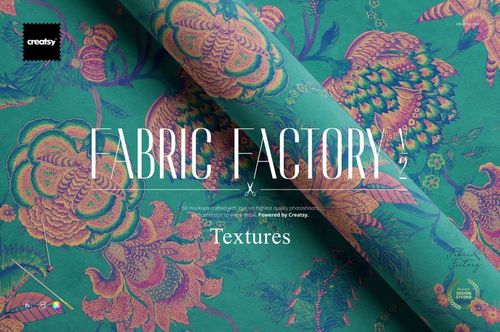
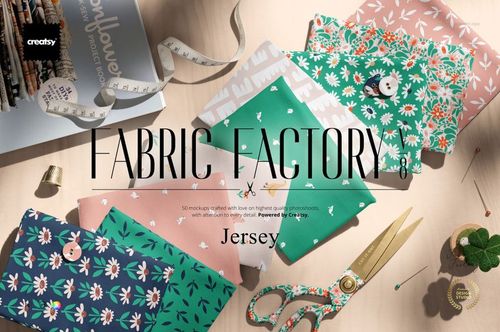
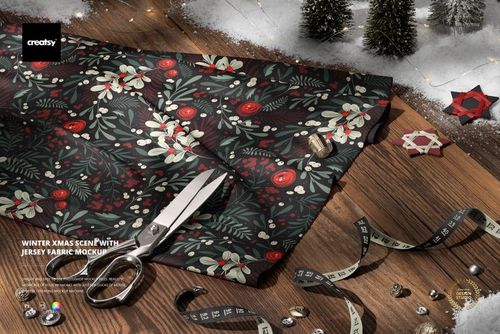
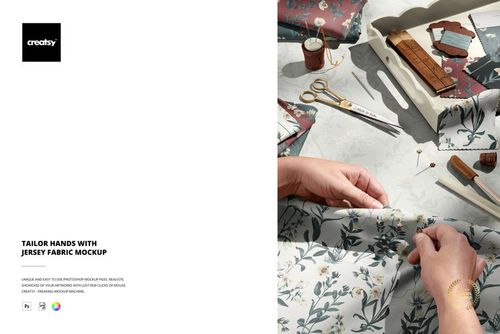
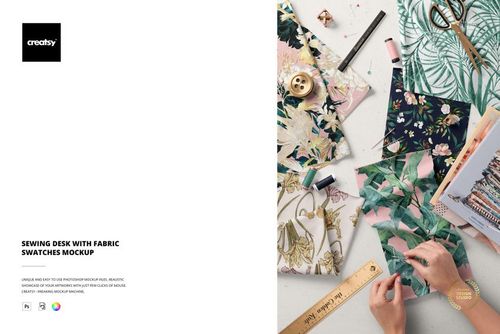
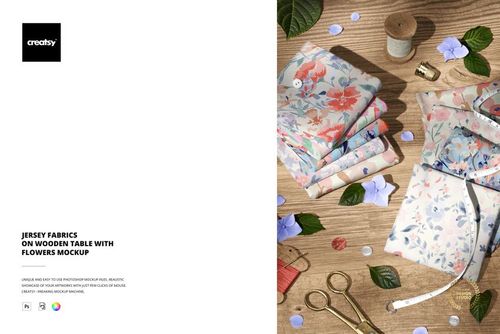
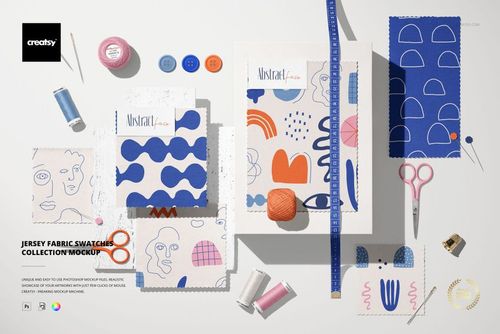
Give curtain and upholstery prints a fabric-based presentation before they become finished furnishings. This VL00 fabric mockup set includes four PSD files for exploring pattern placement across draped, folded and gathered textile views.

Bring Your Textile Collection into Focus

Build a home furnishing textile pitch around the print itself. Show a large motif in a broad view, then use a detail image to explain the repeat rhythm and palette. This helps a fabric buyer compare a collection without mistaking a flat pattern tile for the finished presentation.

  • Present curtain and upholstery fabric concepts without a full room scene.

  • Compare coordinating prints and alternate colorways in a consistent visual format.

  • Prepare textile range previews, licensing decks and surface design portfolio images.

What Is Included

  • 4 layered PSD mockup files.

  • Listed canvas resolution: 6000 x 4000 px at 300 dpi.

  • Organized layers for a clear editing workflow.

  • Adobe Photoshop CC 2020, version 21, or later, with the updated Warp tool.

Check the preview images for the supplied fabric views and available features. This is a digital presentation tool, not a production pattern or a physical textile sample.

Sample Artwork Credit

Preview pattern by Imrik Studio, imrikstudio.com. The sample artwork is not included in the main ZIP file.

File details

Compatibility
PhotopeaAdobe Photoshop
Package size
238 MB238 MB|249 MB249 MB
Files type
.psd, .jpg
Files size
6000x4000
TEST FOR FREE

MEET THE SHOP

Creatsy logo

Creatsy

Poland
4.8 (703)

Bring your ideas to life.

We're a family-run studio in Katowice, Poland, making PSD mockups by hand since 2016. Everything in this shop starts in our own studio. We shoot the photography, build the 3D, and put together every Smart Object PSD ourselves - then we test it, organize the layers, and only ship it once it actually works...
GO TO SHOP

HOW IT WORKS

3 clicks. That's it.

No tutorial needed. If you can copy-paste, you can use this.

  1. 1OpenDouble-click the smart object inside the PSD - in Adobe Photoshop, or free in your browser with Photopea.
  2. 2PasteDrop in your pattern, print, or artwork. Any design, any style.
  3. 3SaveHit save and the mockup wraps it in for you - shadows, folds, and lighting included.

FROM IDEA TO IMAGE

Built for real workflows

Skip the photo shoot Show your artwork on the real product type for approvals or listings - no studio, no model, no sample.

See it on the product, not a swatch Drop your file into the smart object and the scene's lighting and folds wrap around it, so you judge the real thing before you commit.

Smart Objects

Edit once and you're done. Your artwork drops into a smart object and the mockup updates itself - no masking, no warping by hand.

Perfectly Organized

Named layers and folders you can actually navigate. Find what you need, change what you want, and get out fast.

Print-Ready

High-resolution files built to hold up on screen and in print. Exact size and DPI are in this product's Details above.