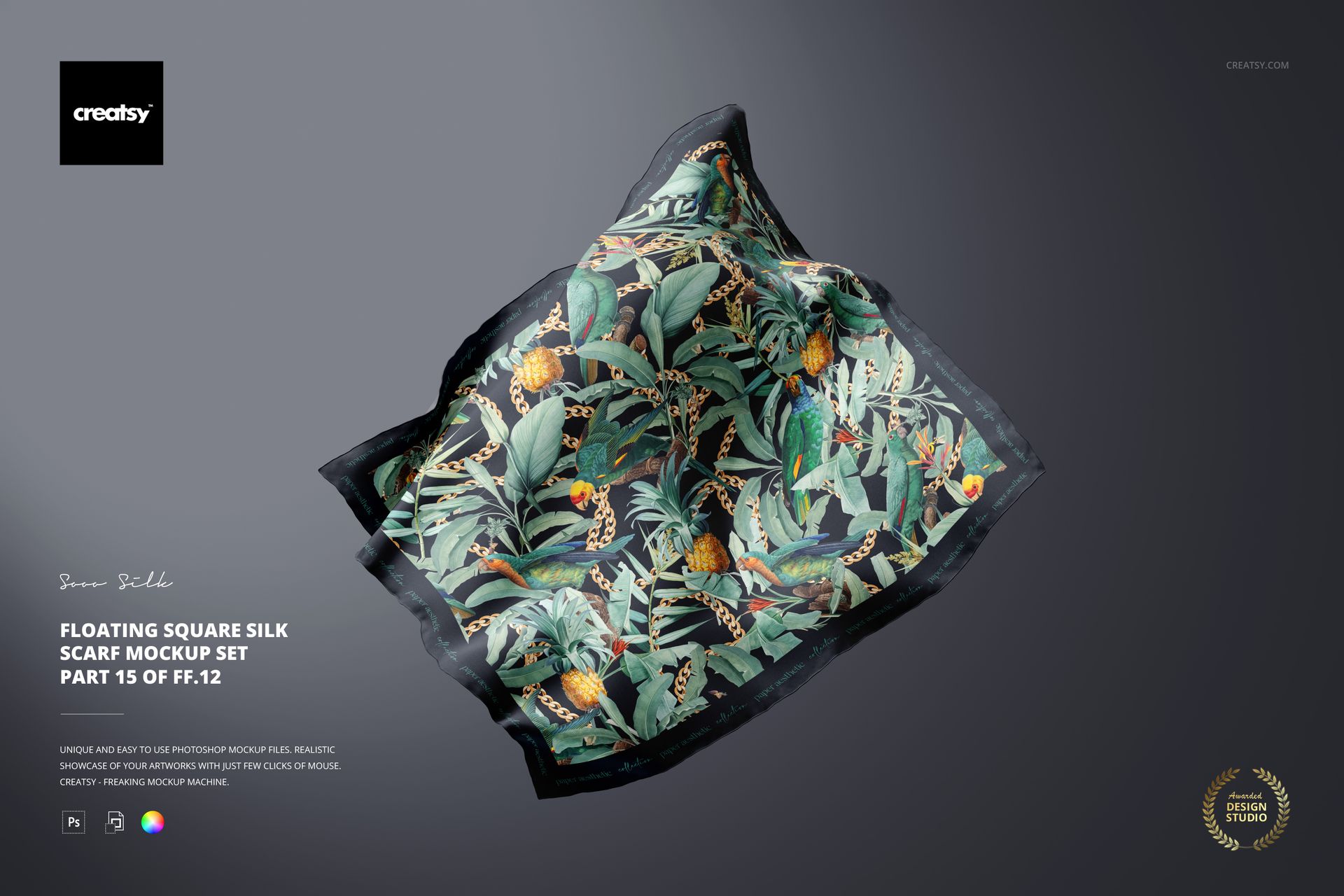
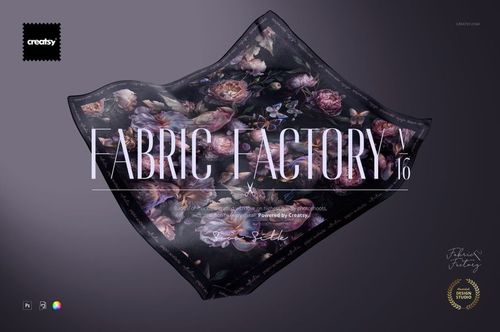
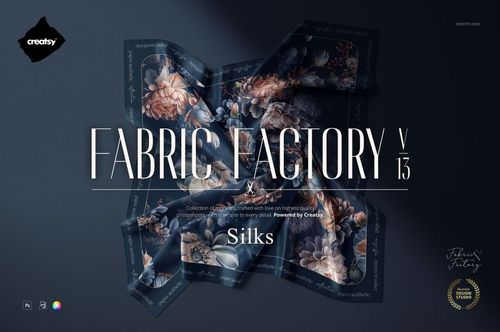
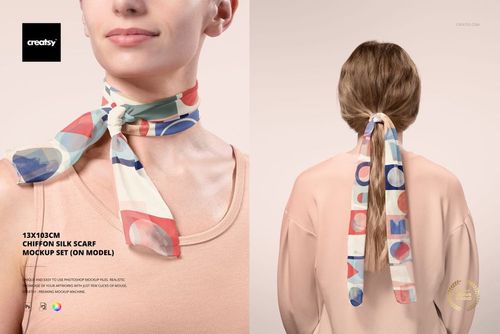
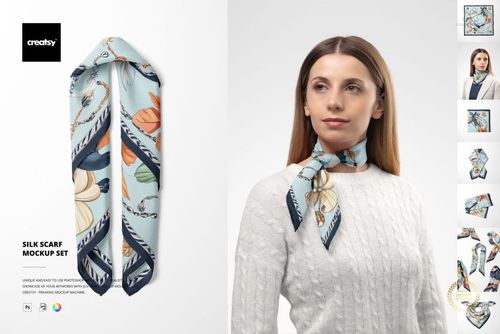
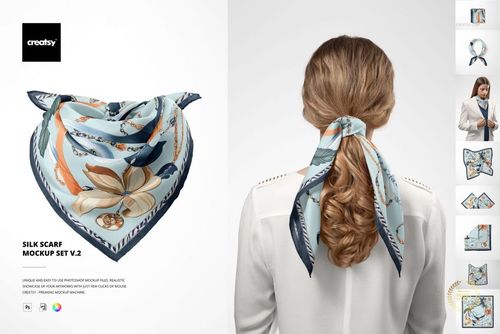
Floating Square Silk Scarf Mockup
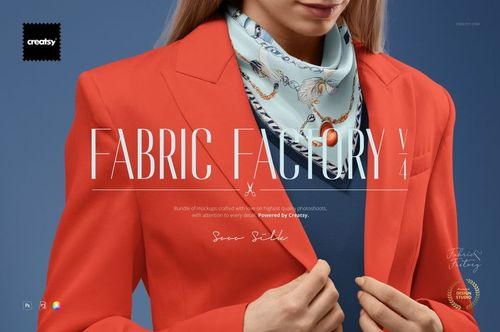
This product is a part of Fabric Factory v.4 Mockup Bundle
Product Details
What is Floating Square Silk Mockup (15FFv.12)?
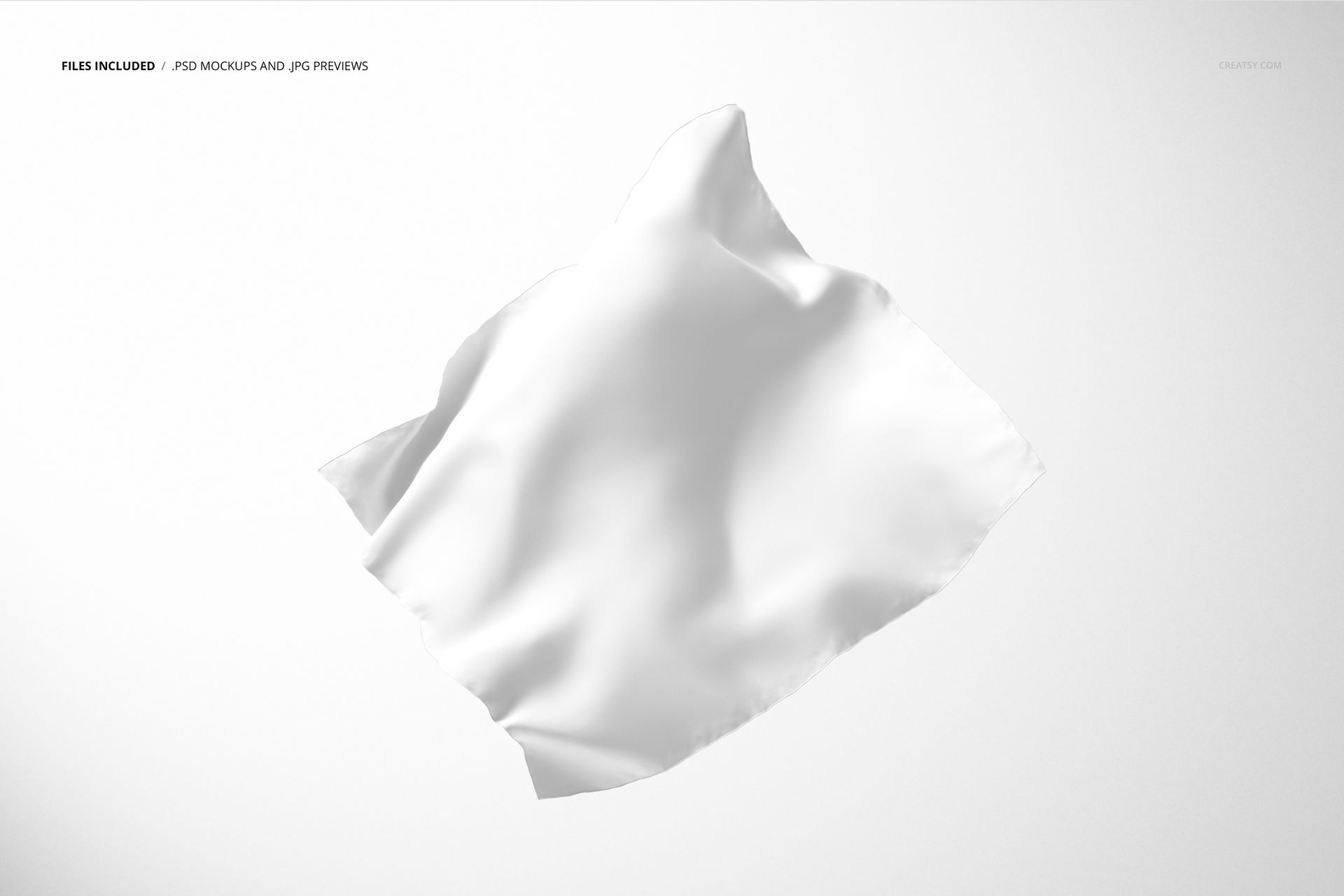
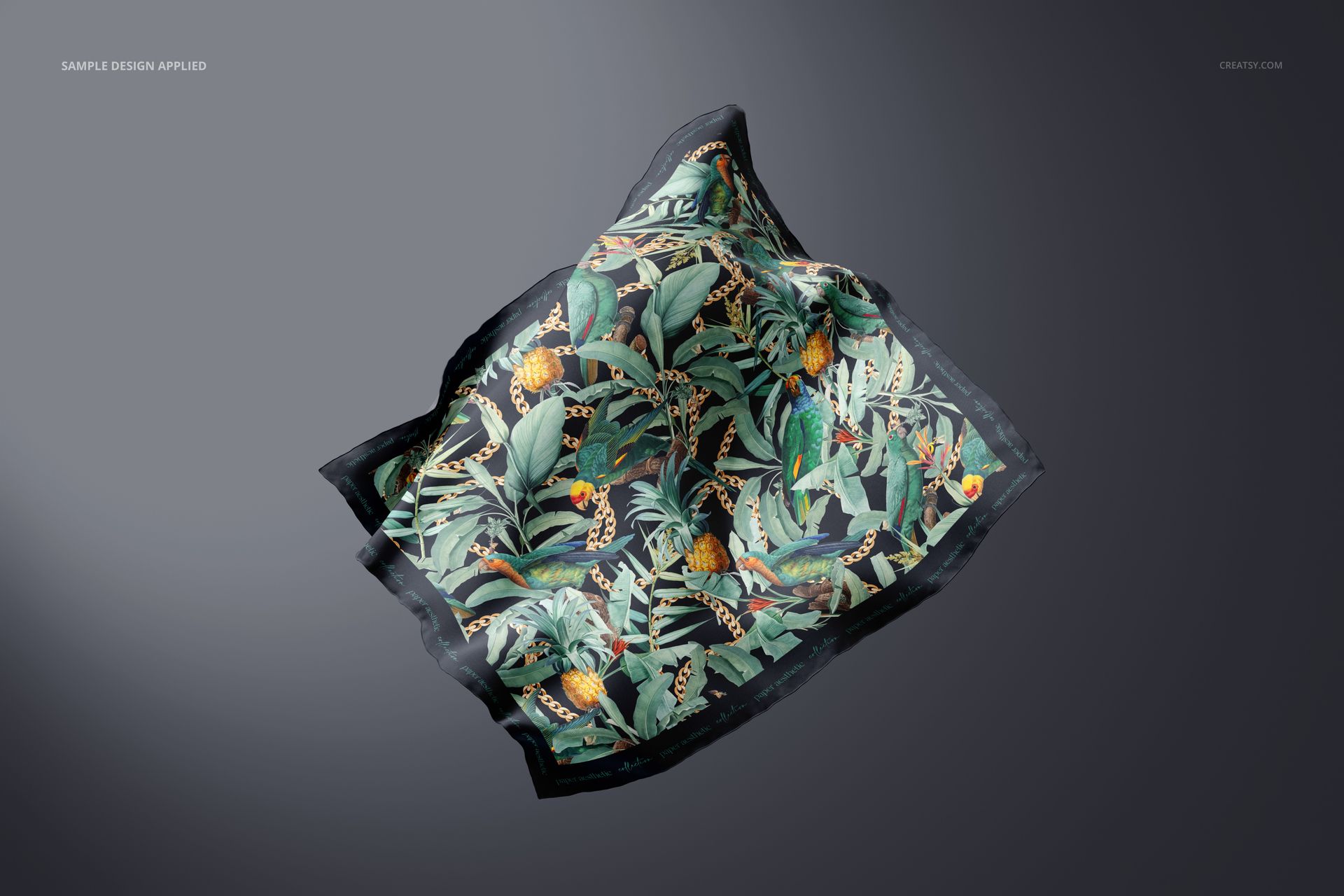
Floating Square Silk Scarf Mockup (15FFv.12) is a mockup file with editable Adobe Photoshop layers that uses smart objects, color layers, and shadows to portray your designs on actual products. Showcasing your design has never been easier, giving you a competitive advantage in the marketplace.
What makes Creatsy mockups unique?
Creatsy’s standard of excellence means you will always have the best files possible to show your artwork in a realistic setting. You can use mockups to achieve your business goals and expand your current customer base. Well-organized mockup files are a must-have for every designer, artist, or illustrator who wants to increase online visibility, impress clients, and build a stunning portfolio.
- Compatibility: Adobe Photoshop min. version PS CC2019,
- Includes: 1 PSD file with well-organized layers: 6000x4000 px, 300 dpi,
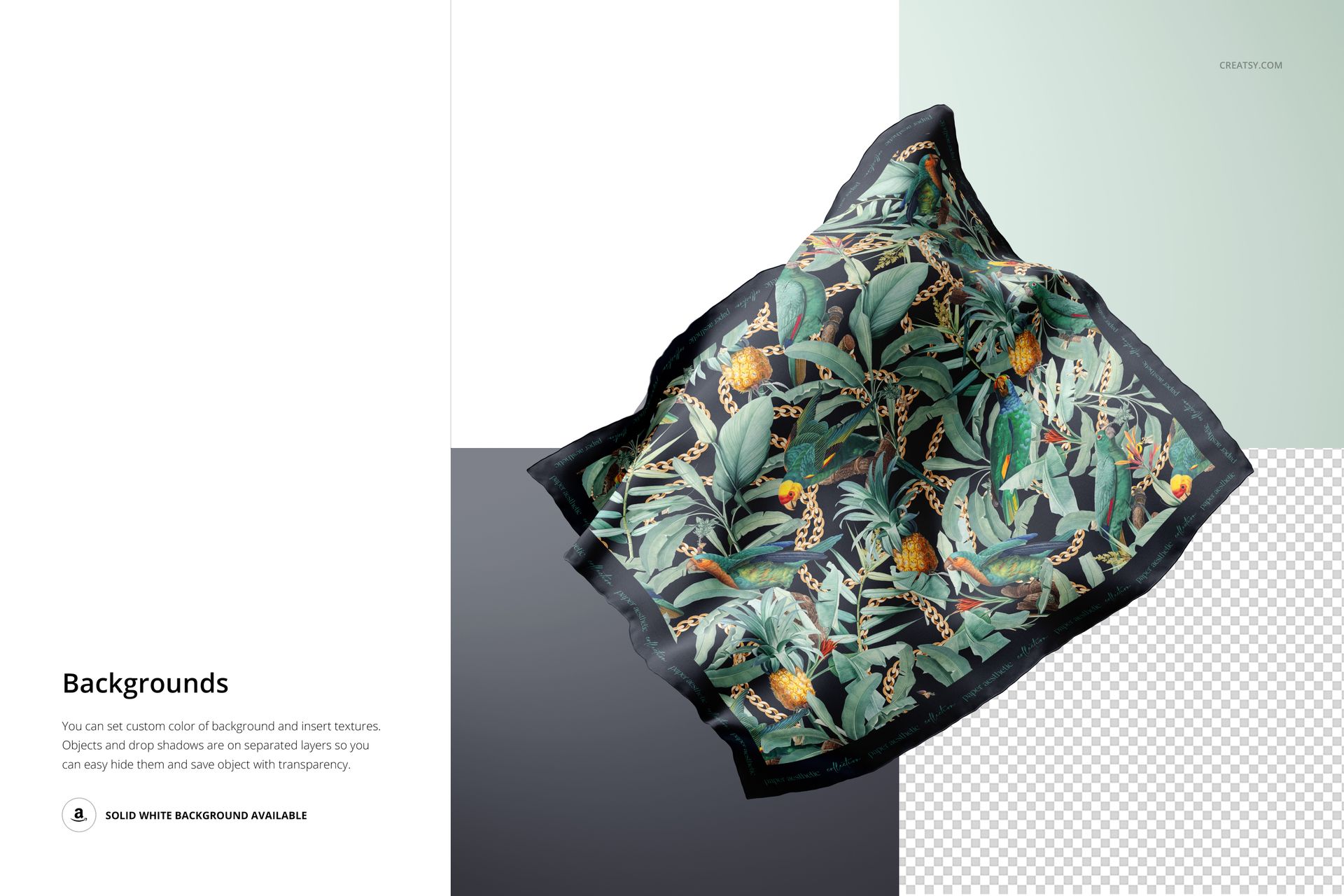
- Editable components: rolled hem scarf, background,
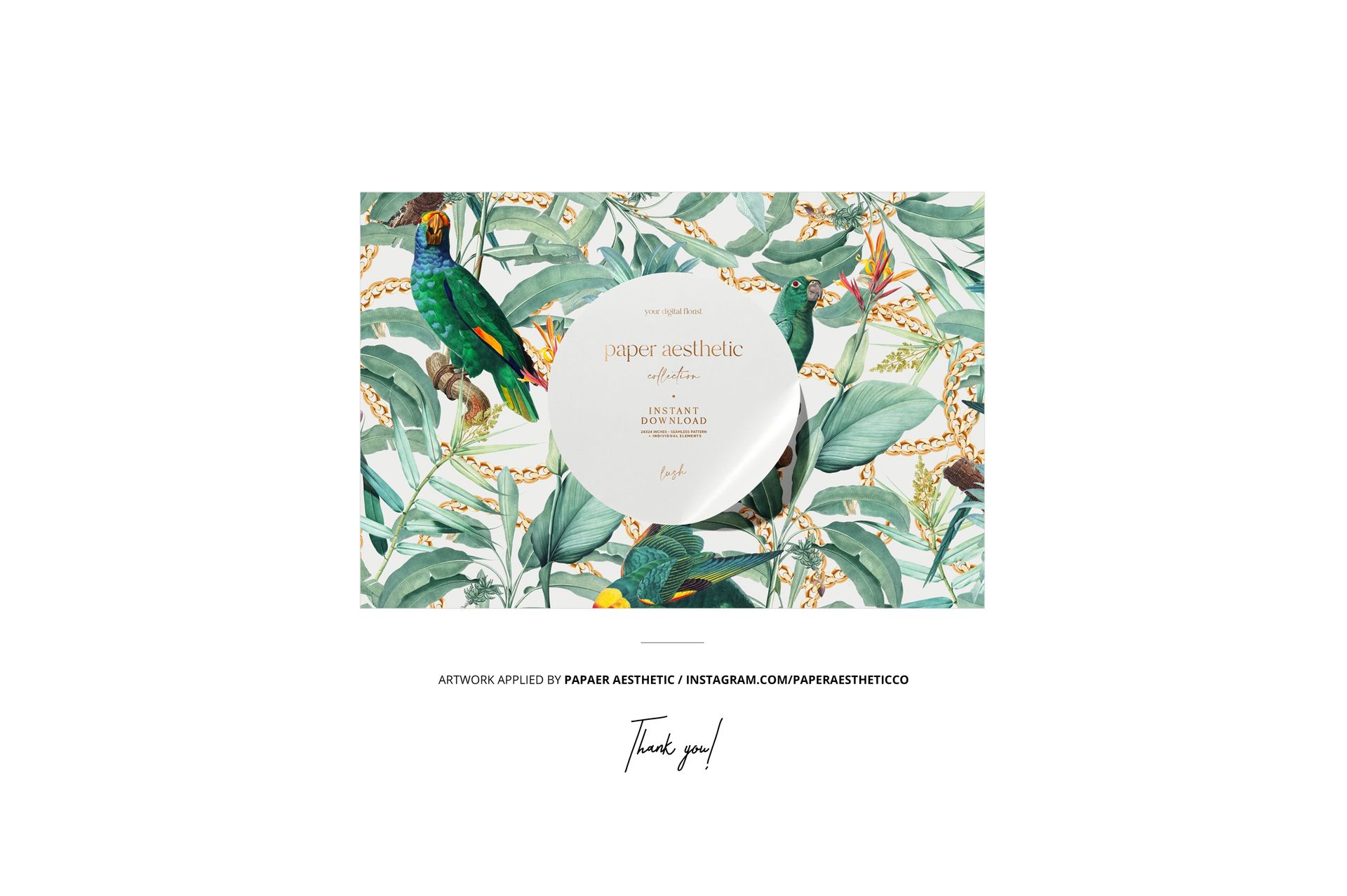
- Example artwork by Paper Aesthetic / instagram.com/paperaestheticco
- Patterns are NOT included, this product is a mockup intended for you to add your own designs.
File details
- Compatibility
- Number of files included
- 6
- Package size
- 659 MB
|691 MB
- Files type
- .psd, .jpg, .pdf
- Files size
- 6000x4000


MEET THE SHOP
- $1890$27.00
- $1820$26.00
- $1890$27.00

HOW IT WORKS
3 clicks. That's it.
No tutorial needed. If you can copy-paste, you can use this.
- 1OpenDouble-click the smart object inside the PSD - in Adobe Photoshop, or free in your browser with Photopea.
- 2PasteDrop in your pattern, print, or artwork. Any design, any style.
- 3SaveHit save and the mockup wraps it in for you - shadows, folds, and lighting included.
FROM IDEA TO IMAGE
Built for real workflows
Skip the photo shoot Show your artwork on the real product type for approvals or listings - no studio, no model, no sample.
See it on the product, not a swatch Drop your file into the smart object and the scene's lighting and folds wrap around it, so you judge the real thing before you commit.
Smart Objects
Edit once and you're done. Your artwork drops into a smart object and the mockup updates itself - no masking, no warping by hand.
Perfectly Organized
Named layers and folders you can actually navigate. Find what you need, change what you want, and get out fast.
Print-Ready
High-resolution files built to hold up on screen and in print. Exact size and DPI are in this product's Details above.