Triple Packaging Tape Mockup
This product is a part of Packaging Tape Mockup Bundle
Product Details
Triple Packaging Tape Mockup
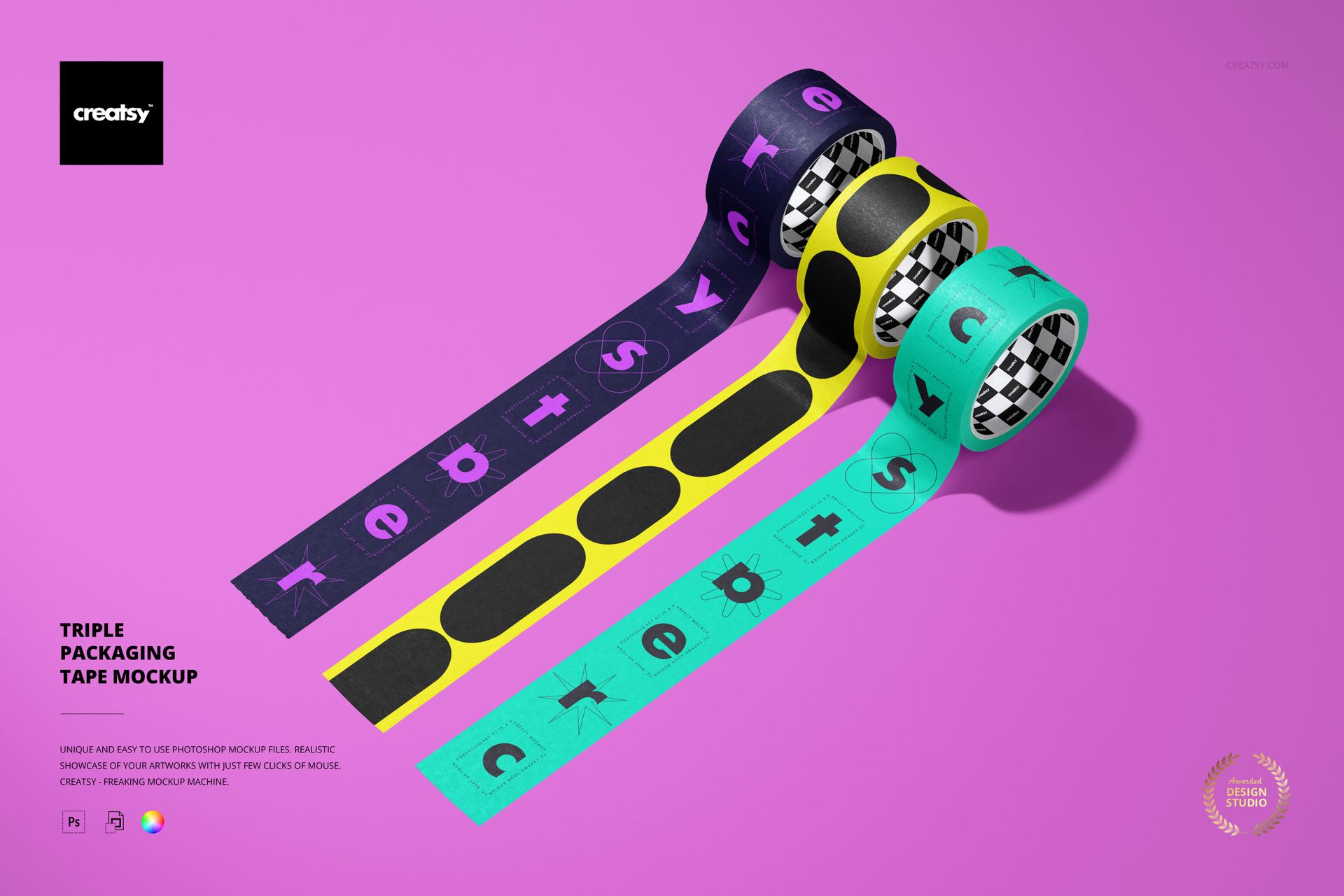
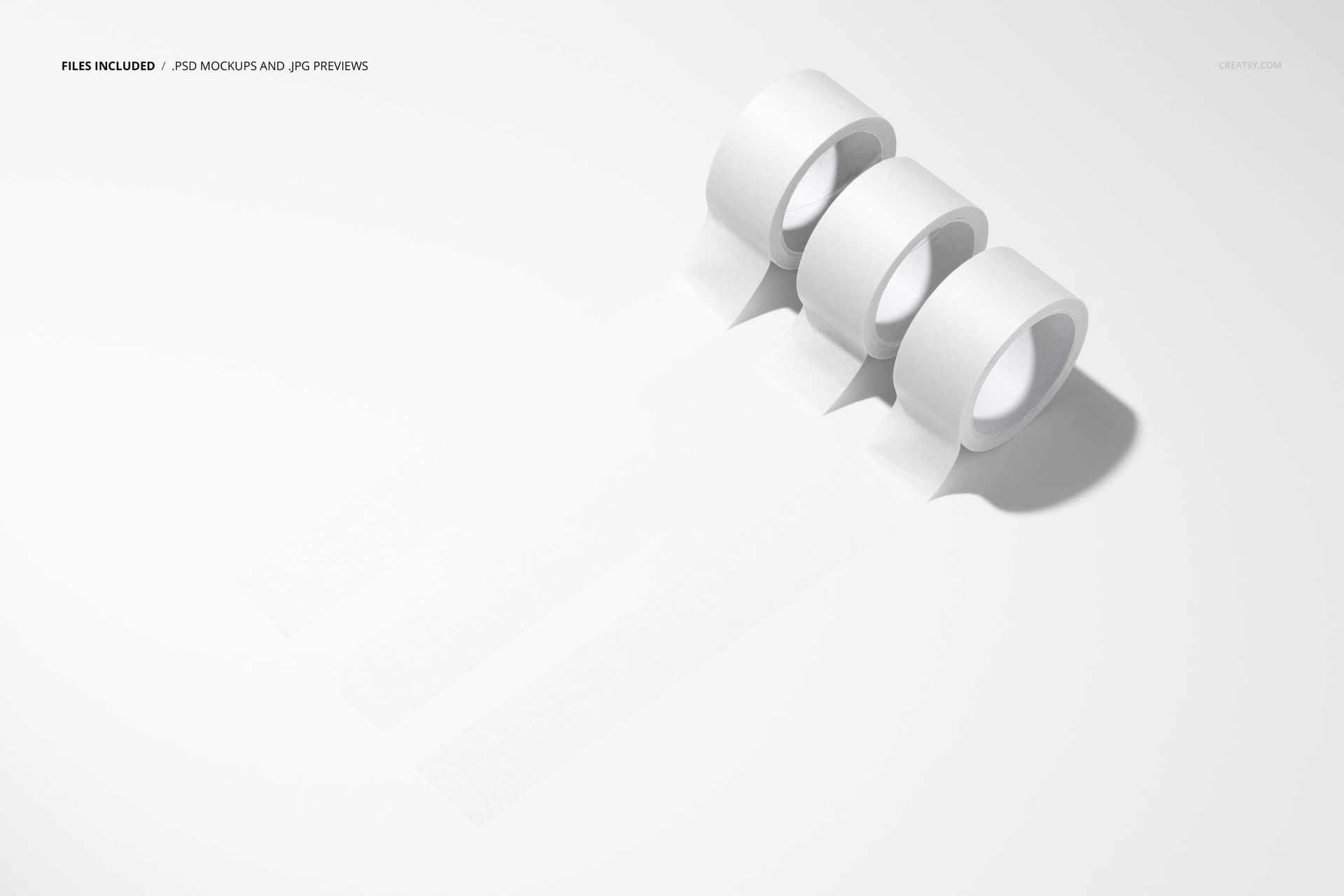
Three upright rolls line up side by side, each releasing a long strip toward the foreground. The parallel tapes keep the artwork separated and easy to compare, while the angled view reveals the curved outer surfaces, inner cores and shadows.
Three Directions in One View
Present a compact collection or give a client a clear choice between three graphic directions. The shared setting puts contrasting lettering, motifs and color combinations into the same visual context, with a long visible strip for each design.
What Is Included
1 layered PSD mockup, 6000 x 4000 px at 300 DPI.
1 JPG preview at 512 x 341 px, 2 files in total.
One landscape scene with three rolls and parallel unrolled strips.
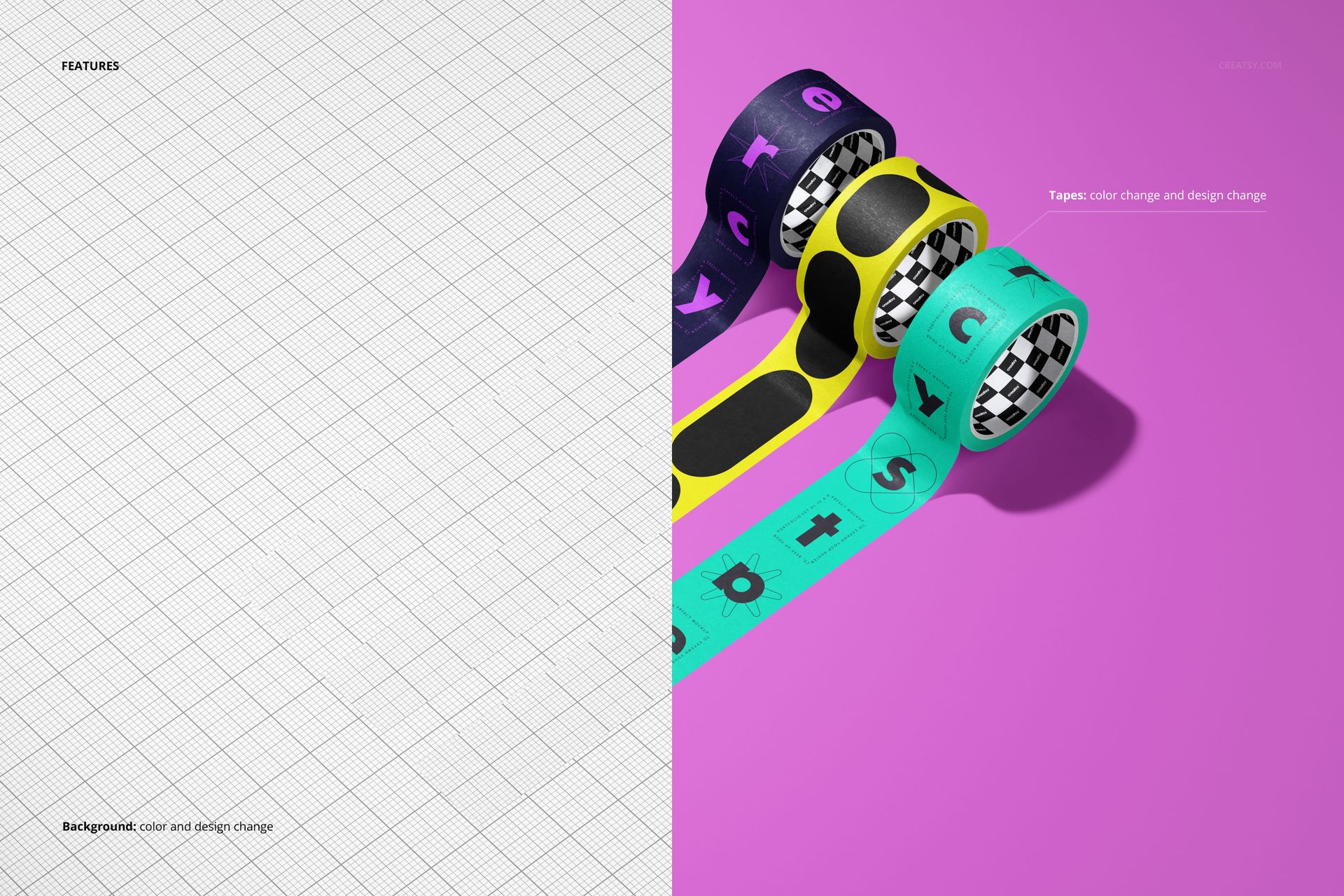
Color and design changes for the tapes and the background.
Easy Smart Object Editing
Use Smart Objects to replace the example artwork in Adobe Photoshop CC2020 or newer, or Photopea. The file has organized layers, with controls for tape graphics and colors as well as background color and design.
Useful for Shortlists and Small Collections
Branding designers can present three packaging concepts, tape suppliers can show a focused selection, and surface pattern designers can demonstrate a small coordinated range. This is a digital mockup, not physical tape. The example artwork is for presentation and is not included as separate design assets.
File details
- Compatibility
- Package size
- 64.3 MB
|67.4 MB
- Files type
- .psd, .jpg
- Files size
- 6000x4000


MEET THE SHOP
- $2380$28.00
- $1785$21.00
- $2210$26.00
- $1615$19.00

HOW IT WORKS
3 clicks. That's it.
No tutorial needed. If you can copy-paste, you can use this.
- 1OpenDouble-click the smart object inside the PSD - in Adobe Photoshop, or free in your browser with Photopea.
- 2PasteDrop in your pattern, print, or artwork. Any design, any style.
- 3SaveHit save and the mockup wraps it in for you - shadows, folds, and lighting included.
FROM IDEA TO IMAGE
Built for real workflows
Get the label signed off before the print run Wrap your design onto the box, pouch, or bottle and show the client exactly what ships.
See it on the product, not a swatch Drop your file into the smart object and the scene's lighting and folds wrap around it, so you judge the real thing before you commit.
Smart Objects
Edit once and you're done. Your artwork drops into a smart object and the mockup updates itself - no masking, no warping by hand.
Perfectly Organized
Named layers and folders you can actually navigate. Find what you need, change what you want, and get out fast.
Print-Ready
High-resolution files built to hold up on screen and in print. Exact size and DPI are in this product's Details above.