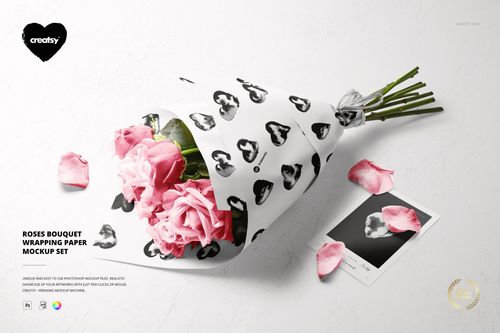
Mixed Flower Bouquet in Wrapping Paper Mockup Set
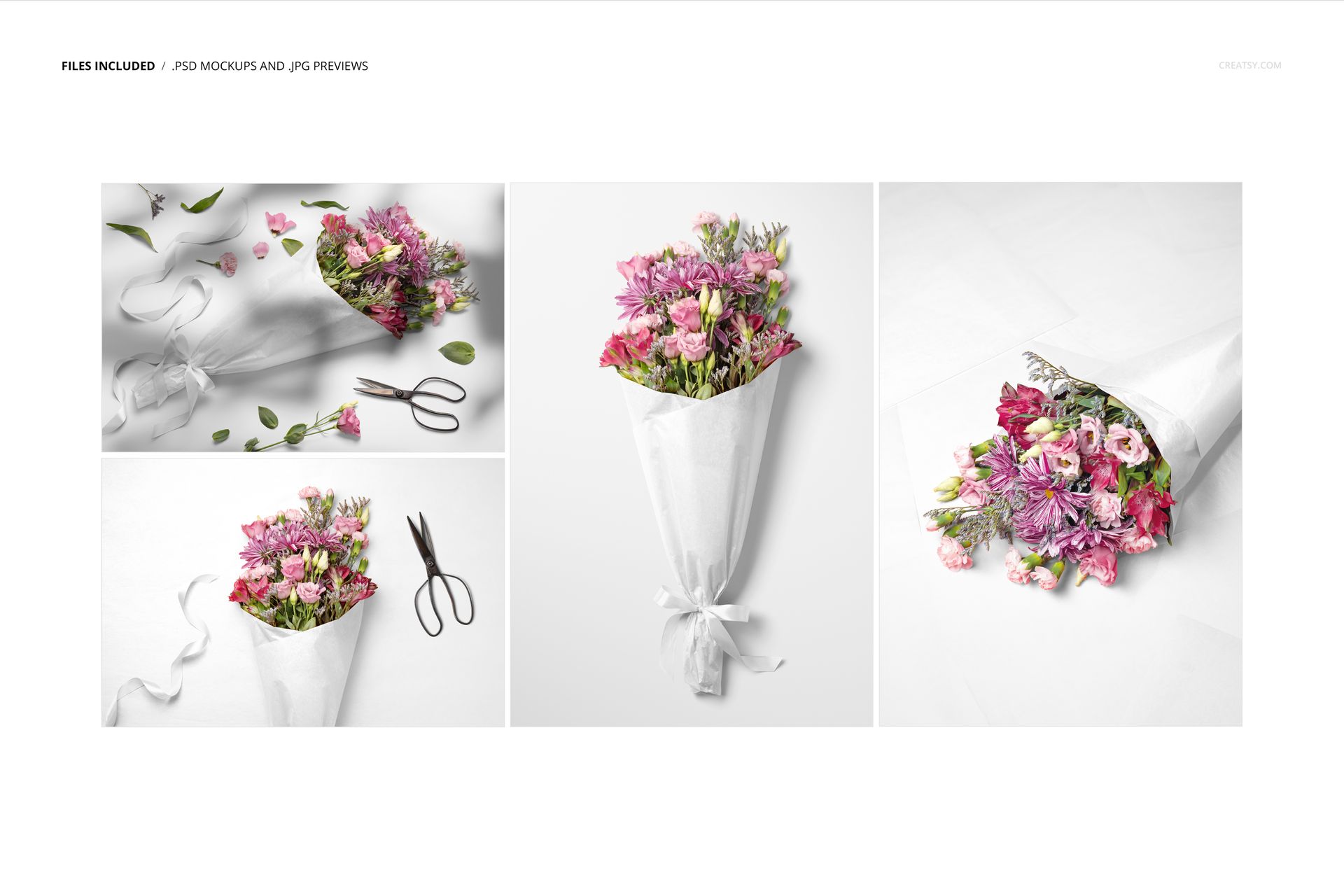
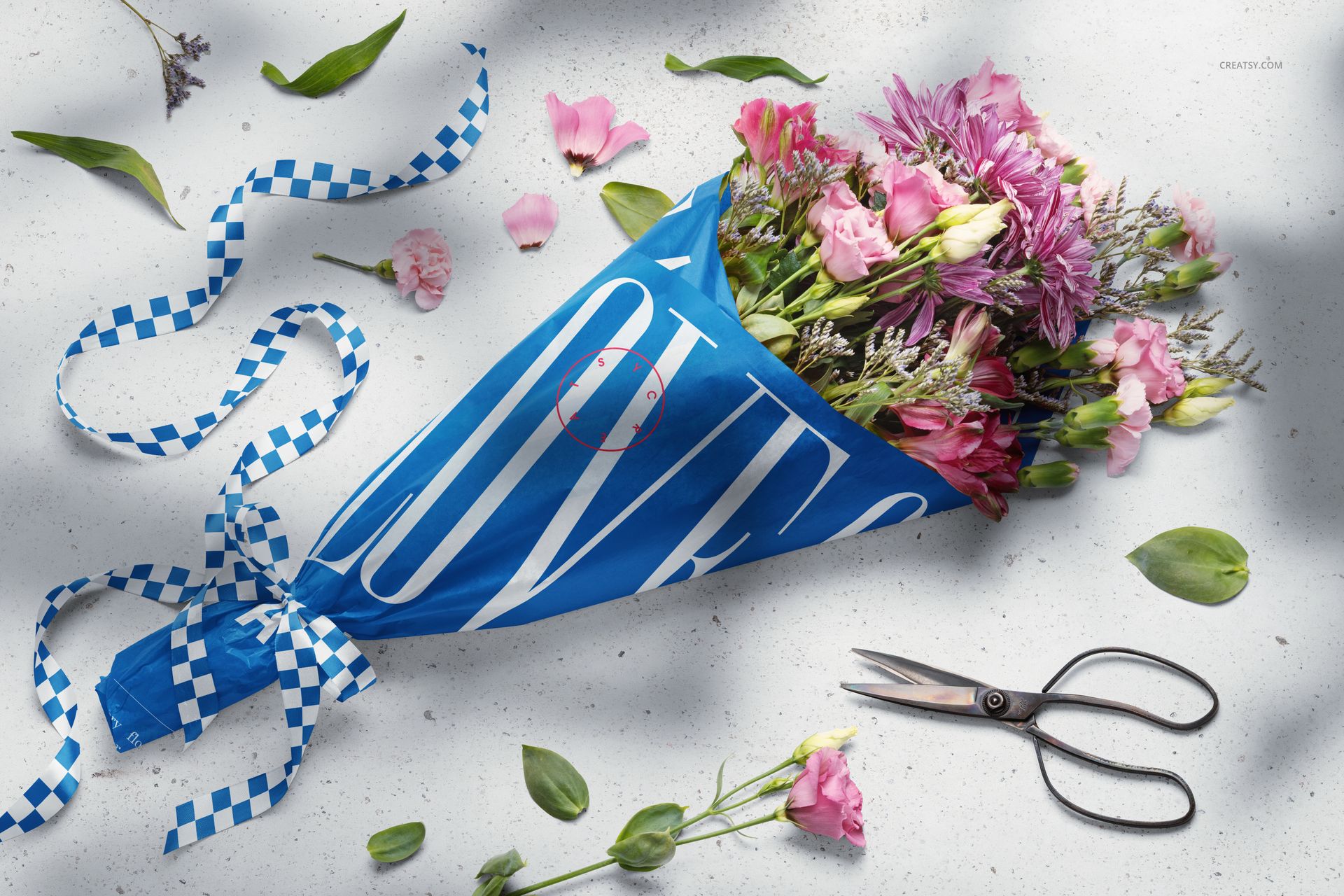
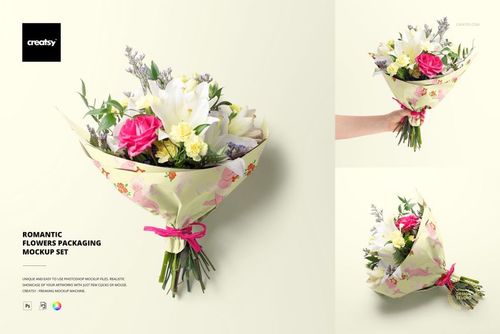
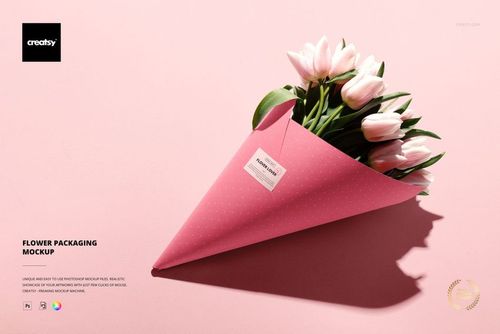
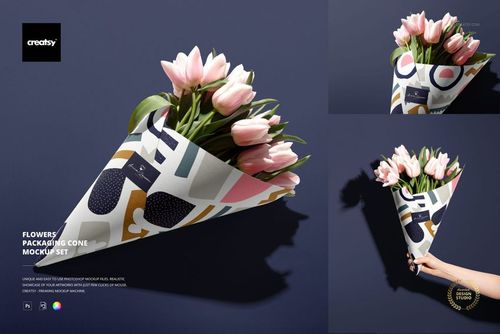
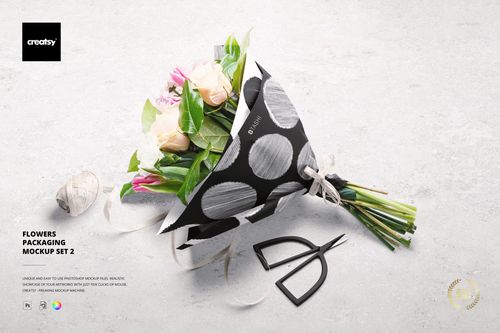
Introducing the Mixed Flower Bouquet in Wrapping Paper Mockup Set — a fresh, floral visual experience designed for creatives who want to express more than just aesthetics. With four high-resolution PSD files, this mockup set captures the natural beauty of flowers in carefully styled scenes that feel both polished and authentic. From a clean top-down layout to a casually scattered flat lay with ribbon and scissors, every composition invites you to craft a moment, not just a product.
A Bouquet That Tells a Story
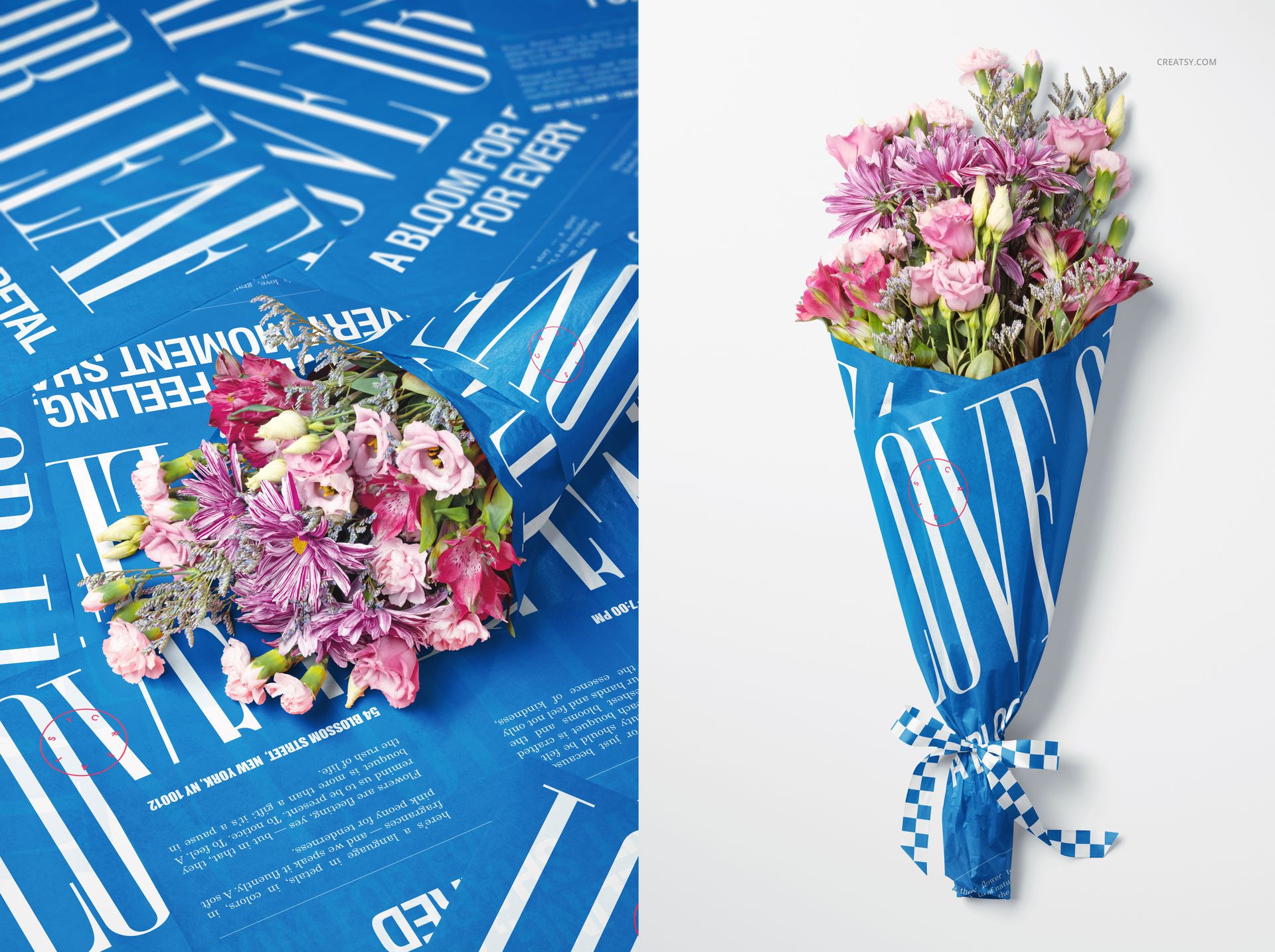
Each angle in this collection offers something unique — a tidy front view perfect for packaging presentations, an inviting side shot ideal for social media visuals, and editorial-style setups that echo real-world gift wrapping and floral design. This mockup is made for designers, florists, and small business owners looking to elevate their storytelling with visuals that feel vibrant, seasonal, and full of life.
Make It Yours — Every Petal, Every Fold
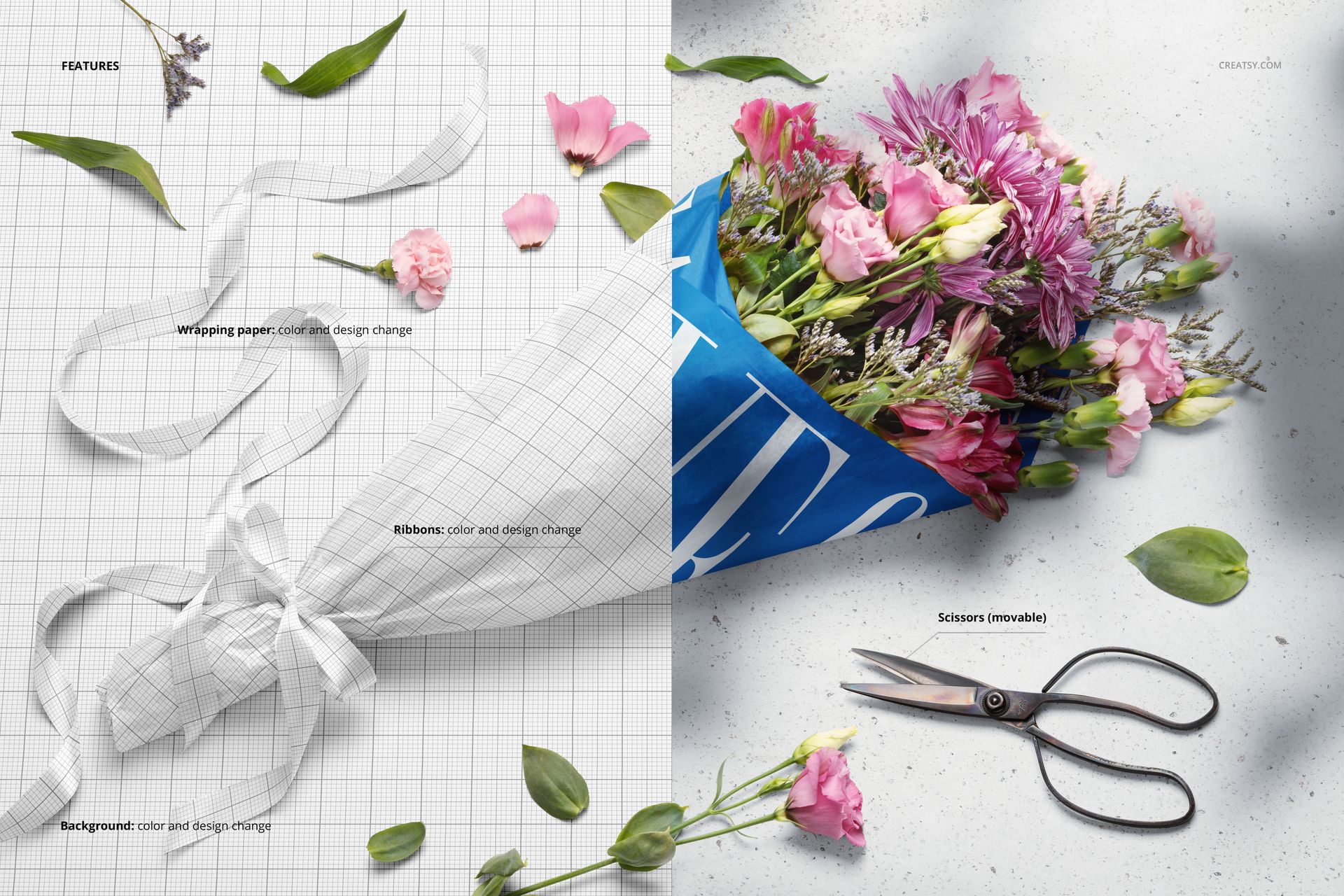
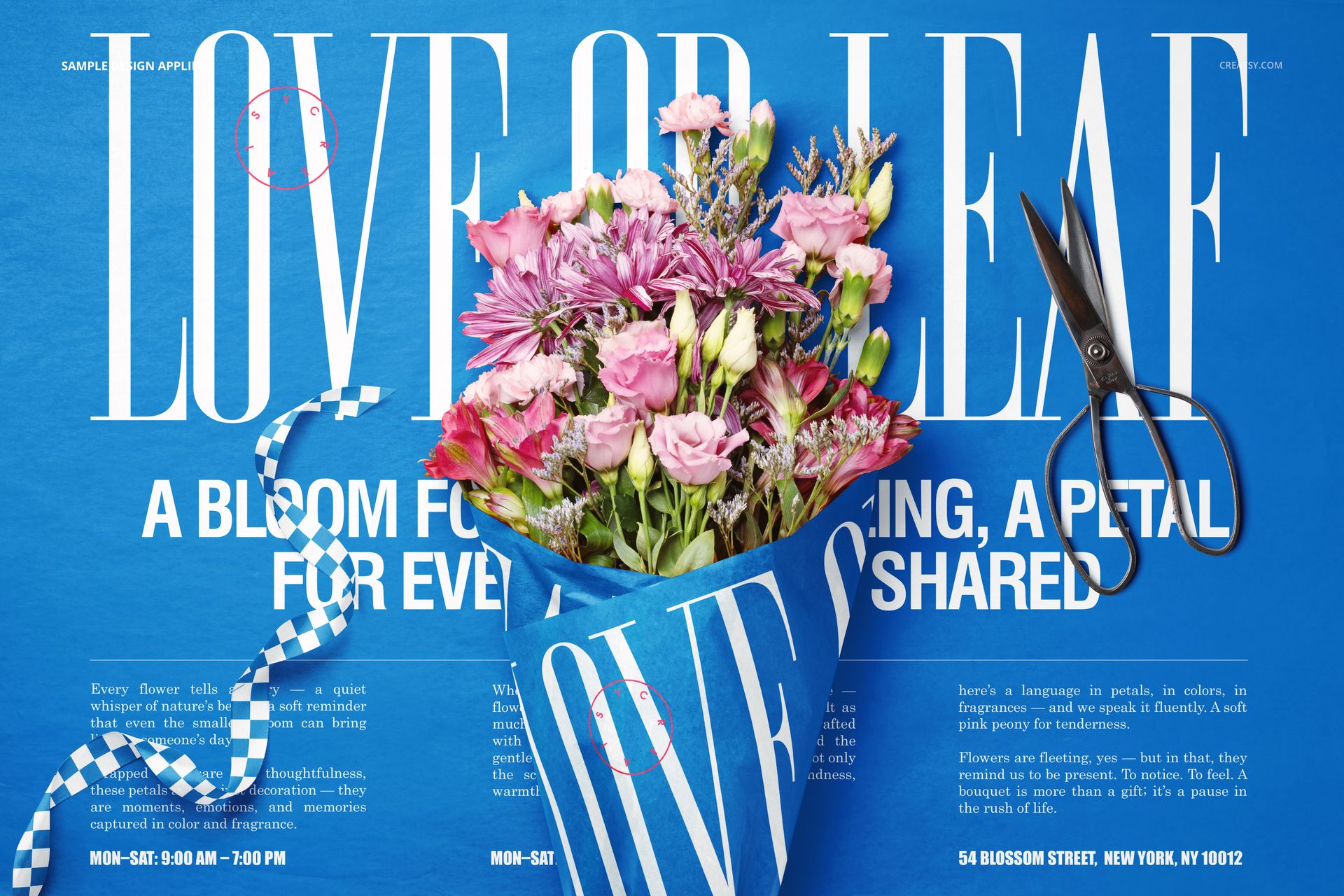
Customization is at the heart of this mockup set. Change the design on the wrapping paper with just a few clicks using smart objects, match the ribbon color to your branding, add or remove background textures, and fine-tune every detail to suit your mood board. No matter what style you're going for — soft and romantic, bold and graphic, or playful and modern — this set will bring your surface, branding, or packaging design to life in a truly immersive way.
Files work in Photoshop (min. version CC2020) and in free online editor: Photopea.com;
Pack includes 4 .psd files: ~6000x4000px, 300dpi;
Check screenshots for all the features;
Well organized layers.