Two Christmas Gifts on Pedestal Mockup
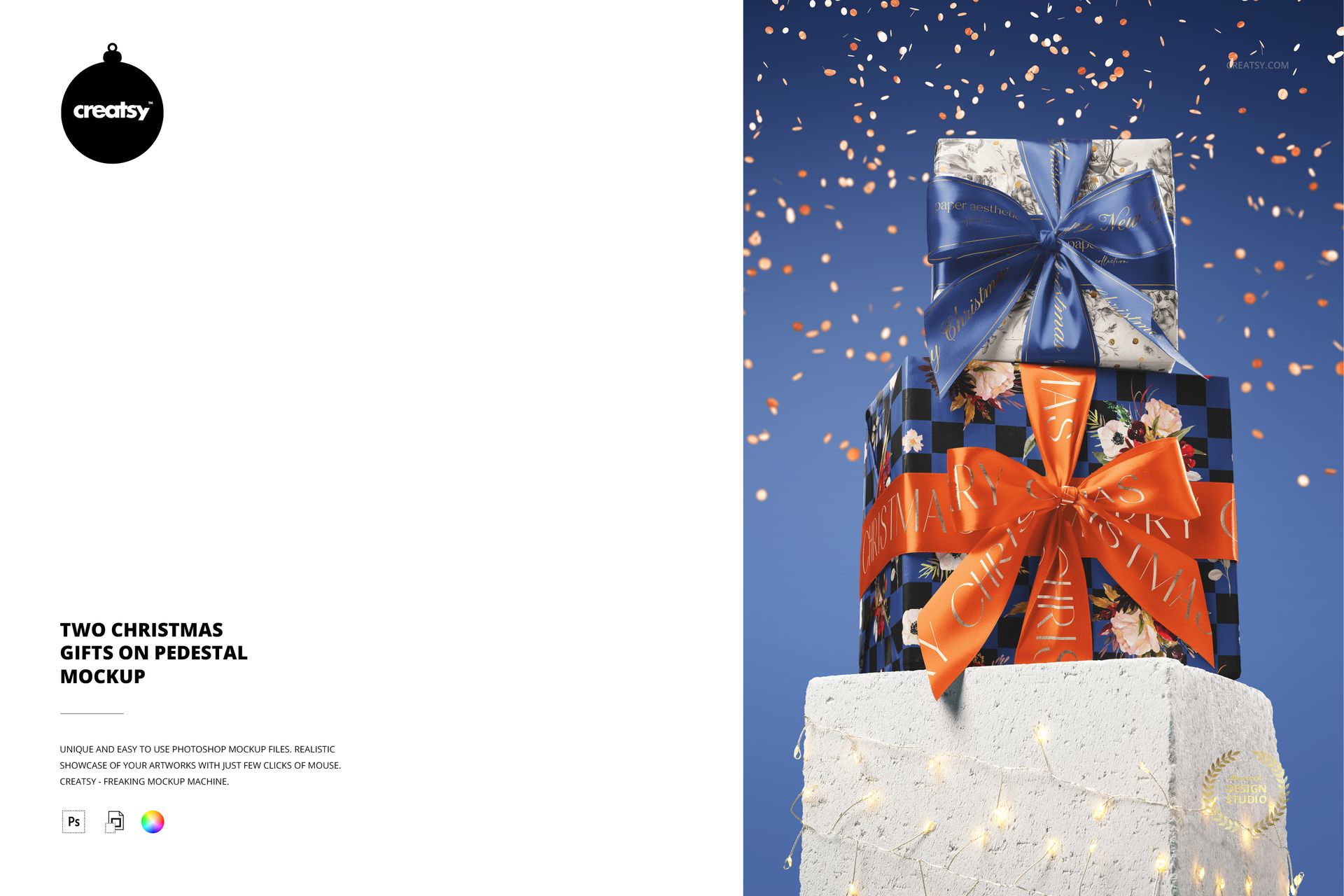
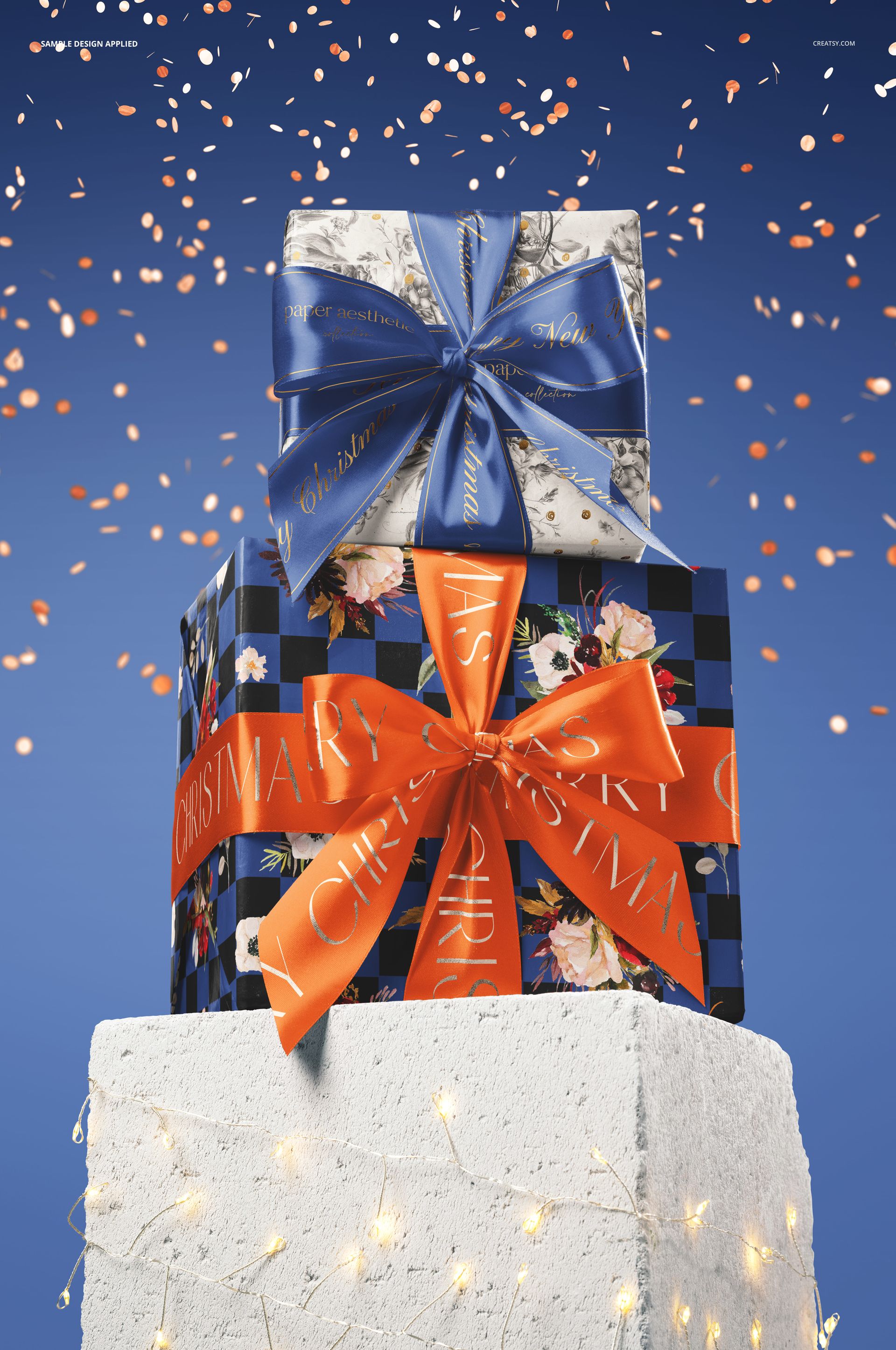
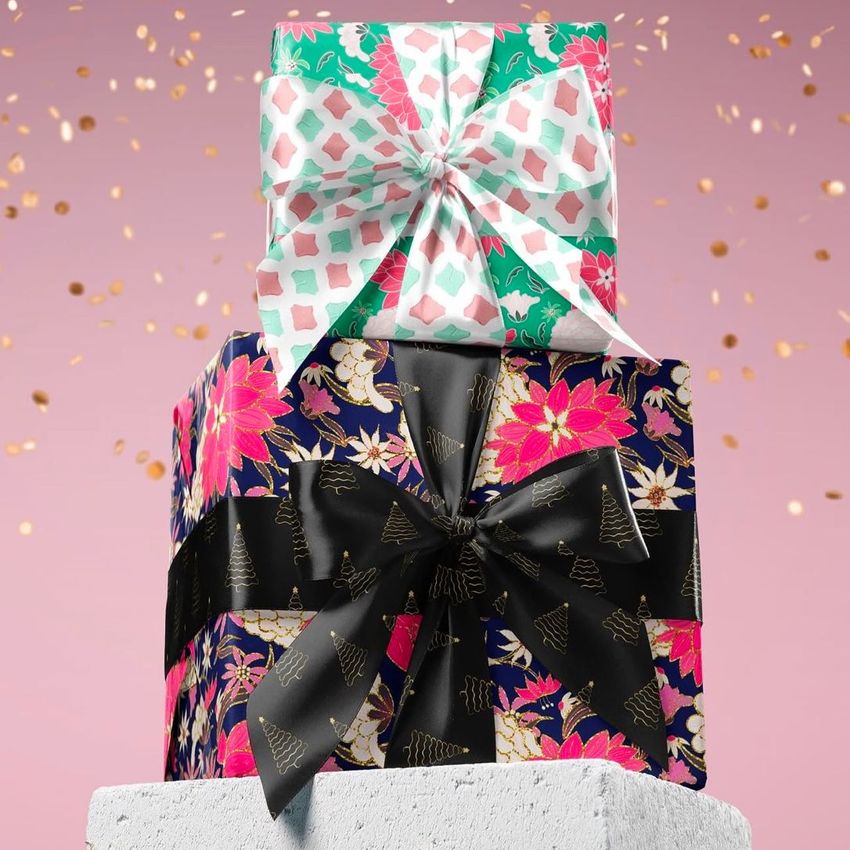
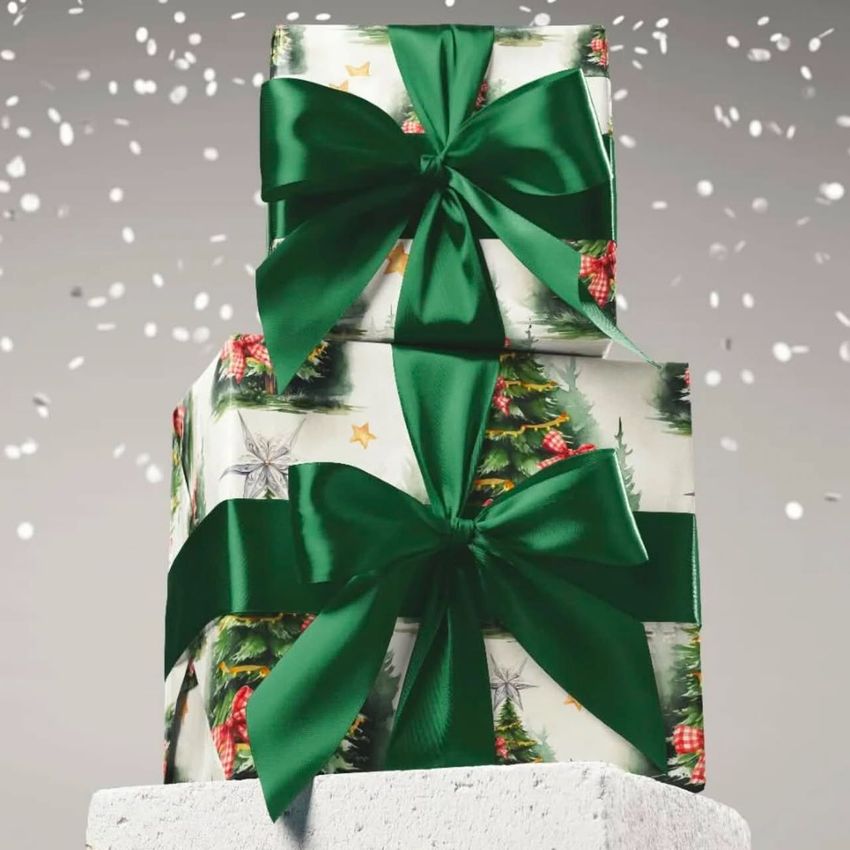
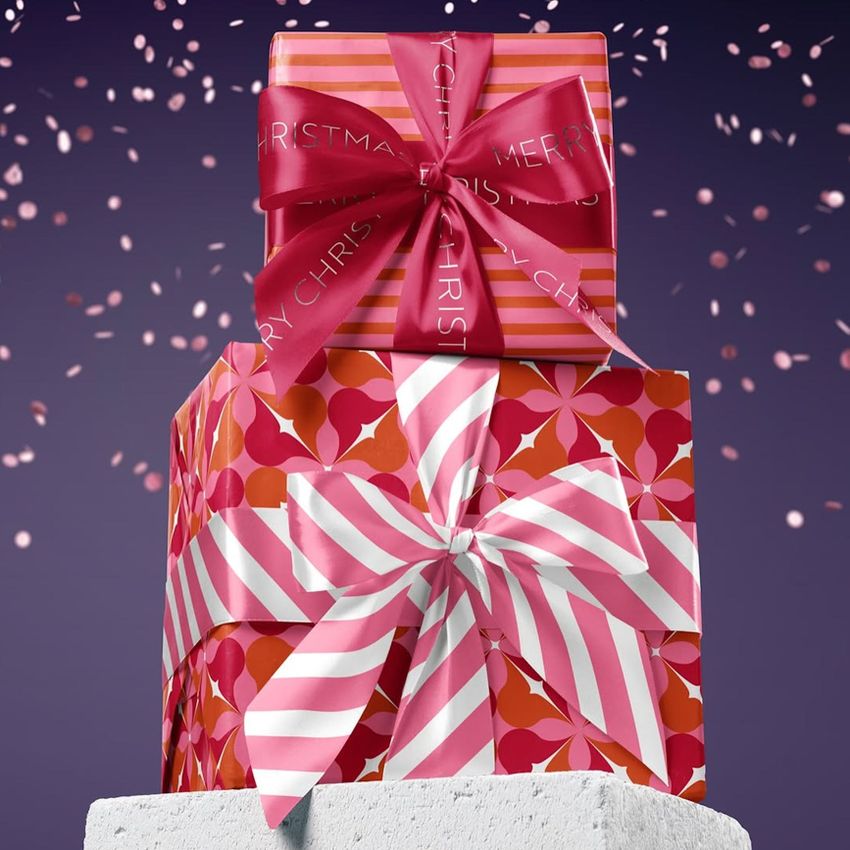
Present two coordinated gift designs in a single festive display. Two Christmas Gifts on Pedestal Mockup places a smaller wrapped present above a larger one on a textured pedestal, with prominent ribbon bows and a confetti backdrop. The stacked arrangement gives wrapping paper and ribbon artwork a clear seasonal context for Christmas packaging presentations.
Use the paired gifts to show how a collection works together: a detailed illustration can sit alongside a simpler repeat, while a shared ribbon color ties the presentation together. The prepared scene lets clients see the relationship between the designs beyond a flat pattern swatch.
What Is Included
1 layered PSD file at 4000x6000 px and 300 DPI, containing one scene with two stacked gifts on a pedestal.
1 JPG file accompanying the editable mockup.
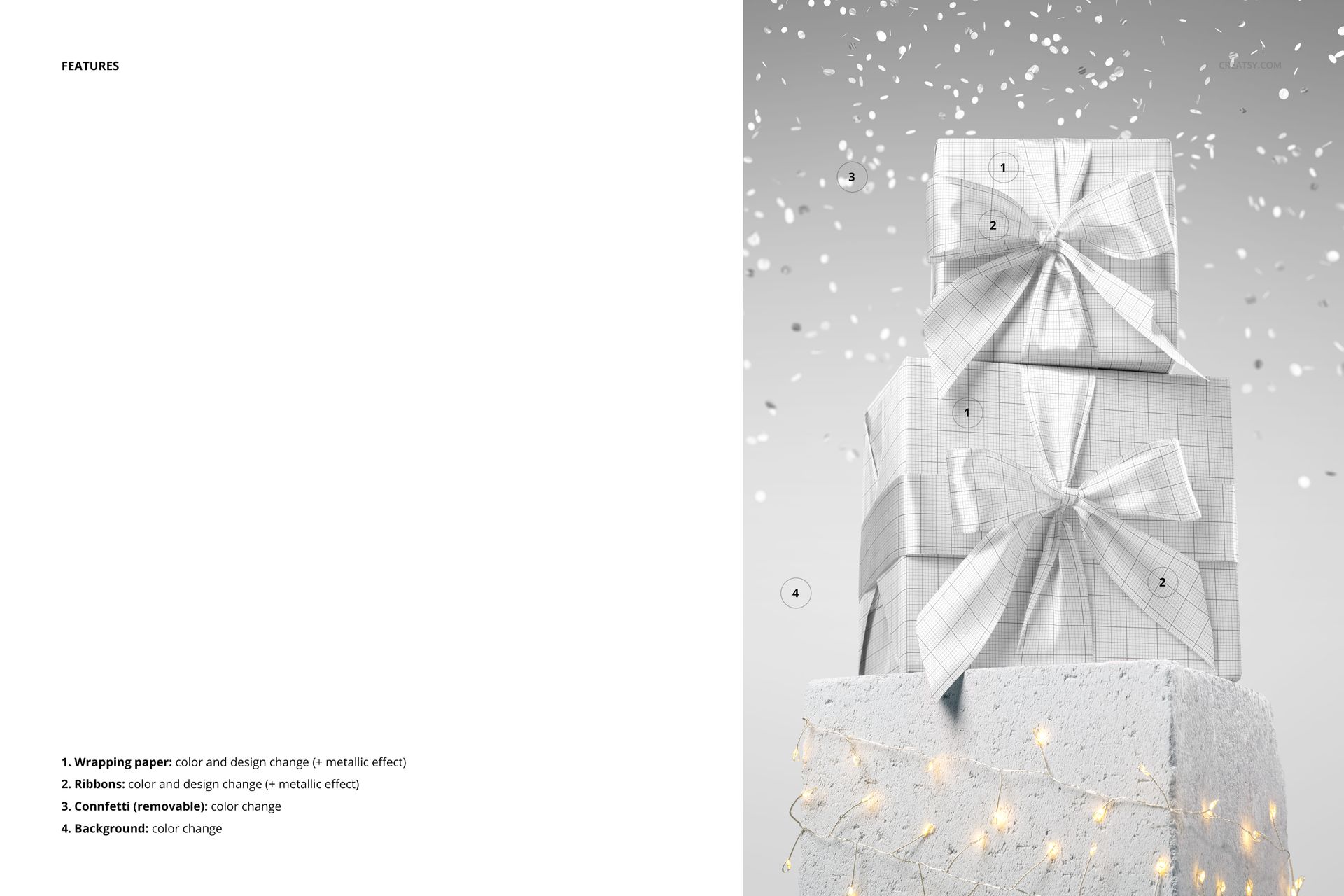
Customizable Paper, Ribbons and Confetti
Change the color and design of the wrapping paper and ribbons, with a metallic effect available for both. Recolor the confetti or remove it, and adjust the background color to complement your artwork. The pedestal and decorative lights give the scene its display setting; these are not listed as separate customization controls.
Easy Smart Object Editing
Open the PSD in Adobe Photoshop CC 2020 or later, or in Photopea. Add your artwork through the Smart Object layers, save the edited object within the document and return to the mockup to review the result. Check the bows, folded edges and visible paper areas before exporting your presentation.
Perfect For
Christmas wrapping paper collections, branded ribbon concepts, surface pattern portfolios, retailer pitches and seasonal campaign visuals. The tall arrangement also offers a useful starting point for a portrait crop, provided the upper bow and the pedestal remain visible.
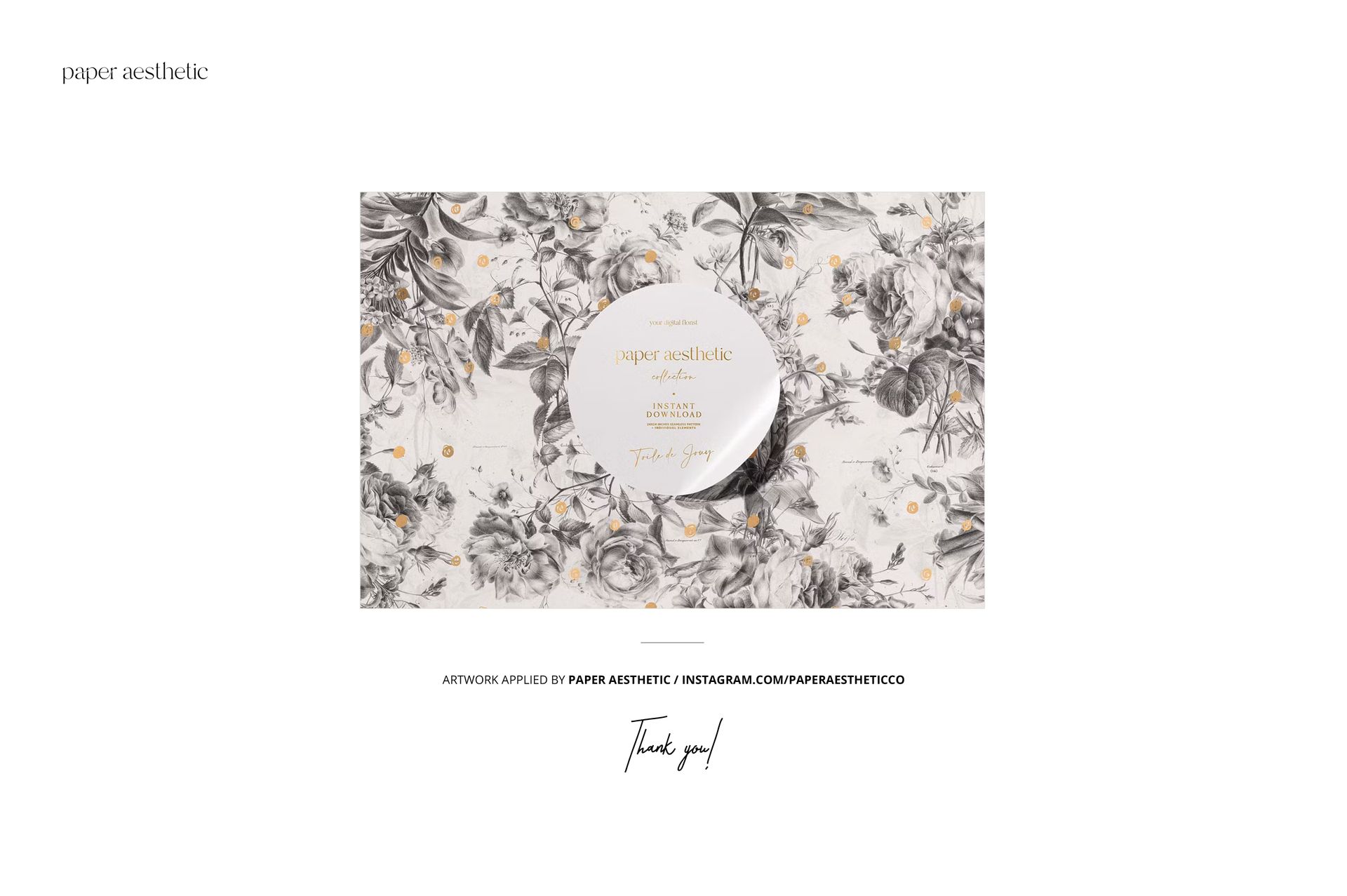
Preview Artwork Credit
Paper Aesthetic created the artwork shown in the main product previews. The sample designs are not included in the main ZIP file.
This is a digital mockup for presenting your own designs. No physical gifts, printed wrapping paper or ribbons are supplied.