What Is the Socks Mockup Set (short)?
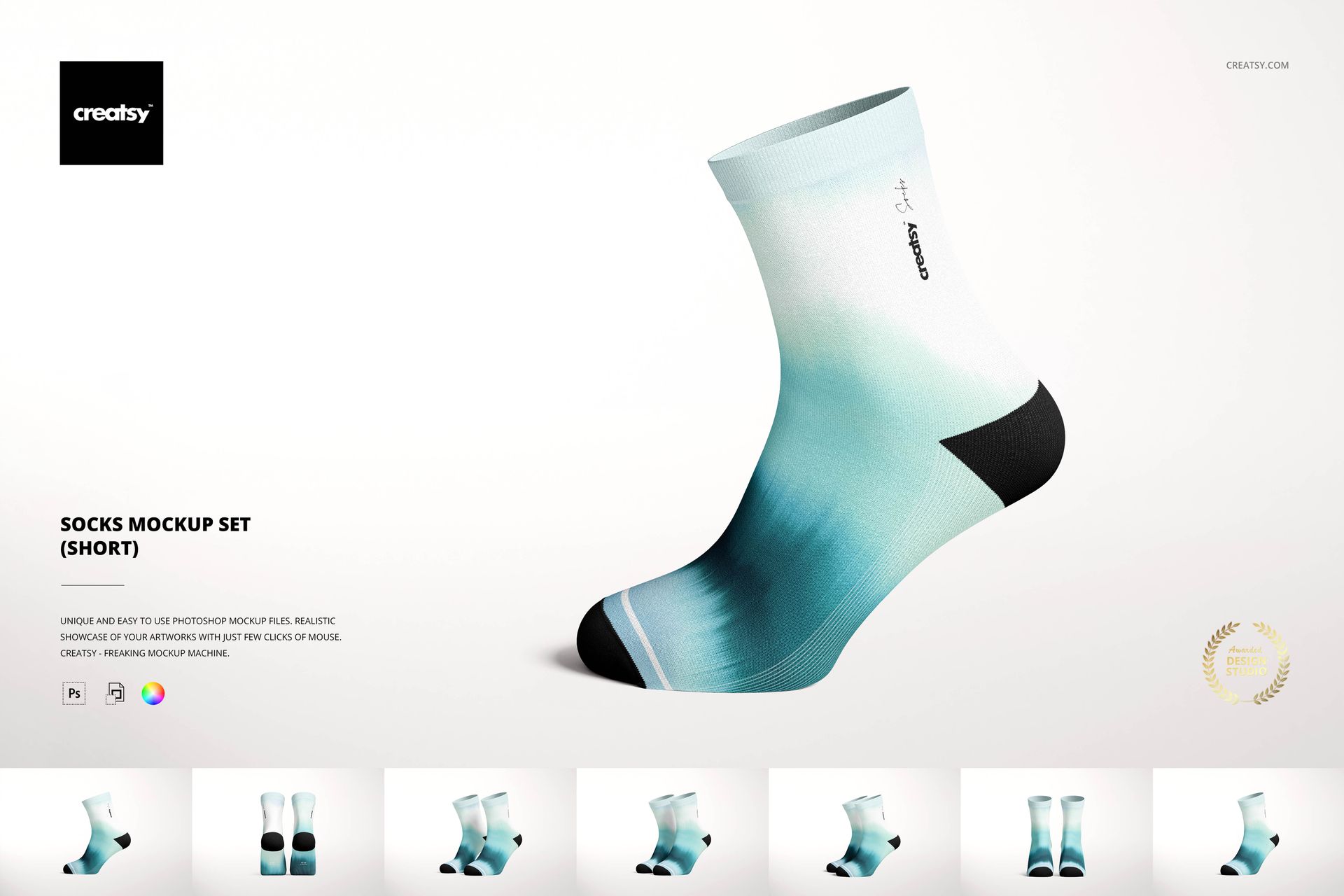
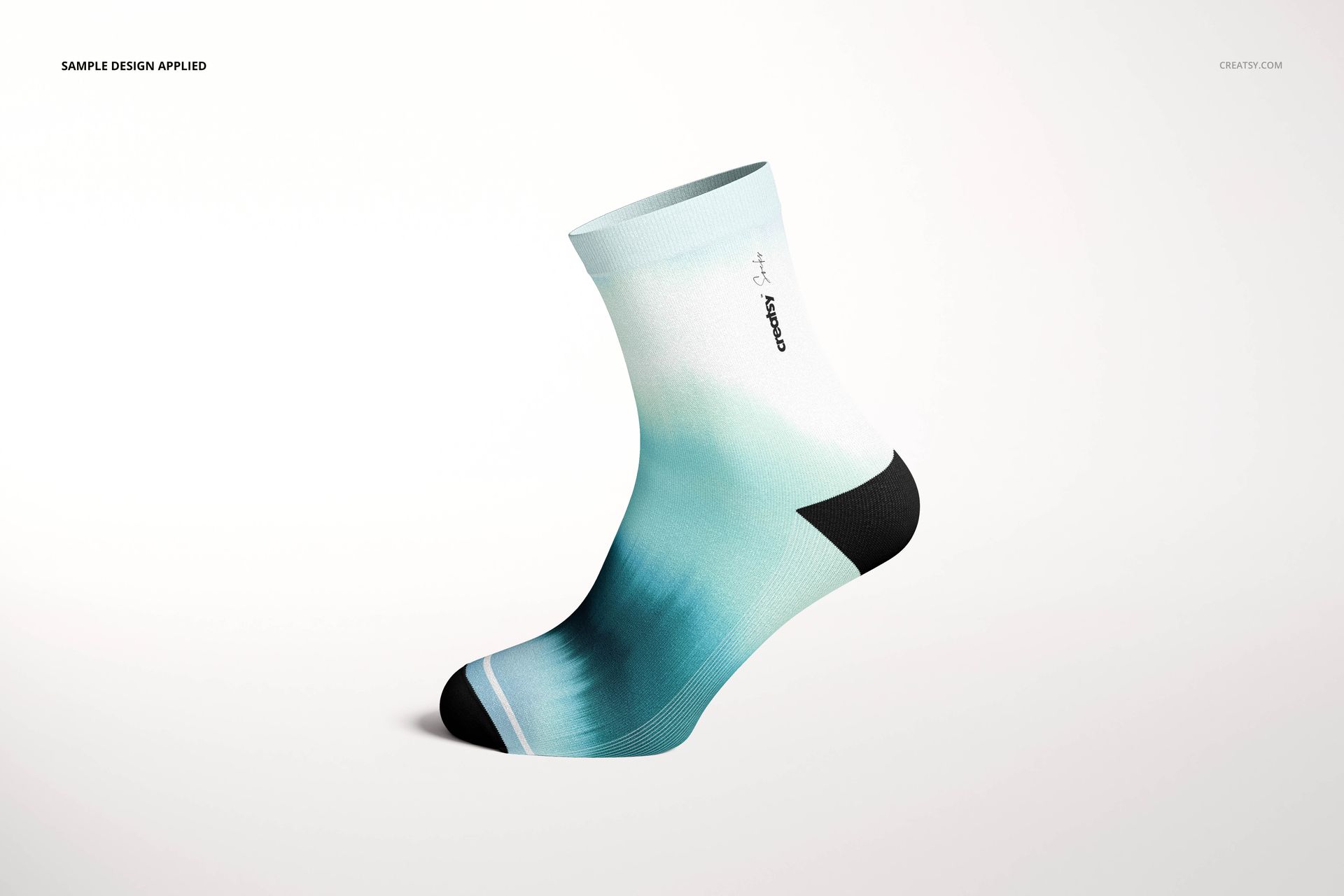
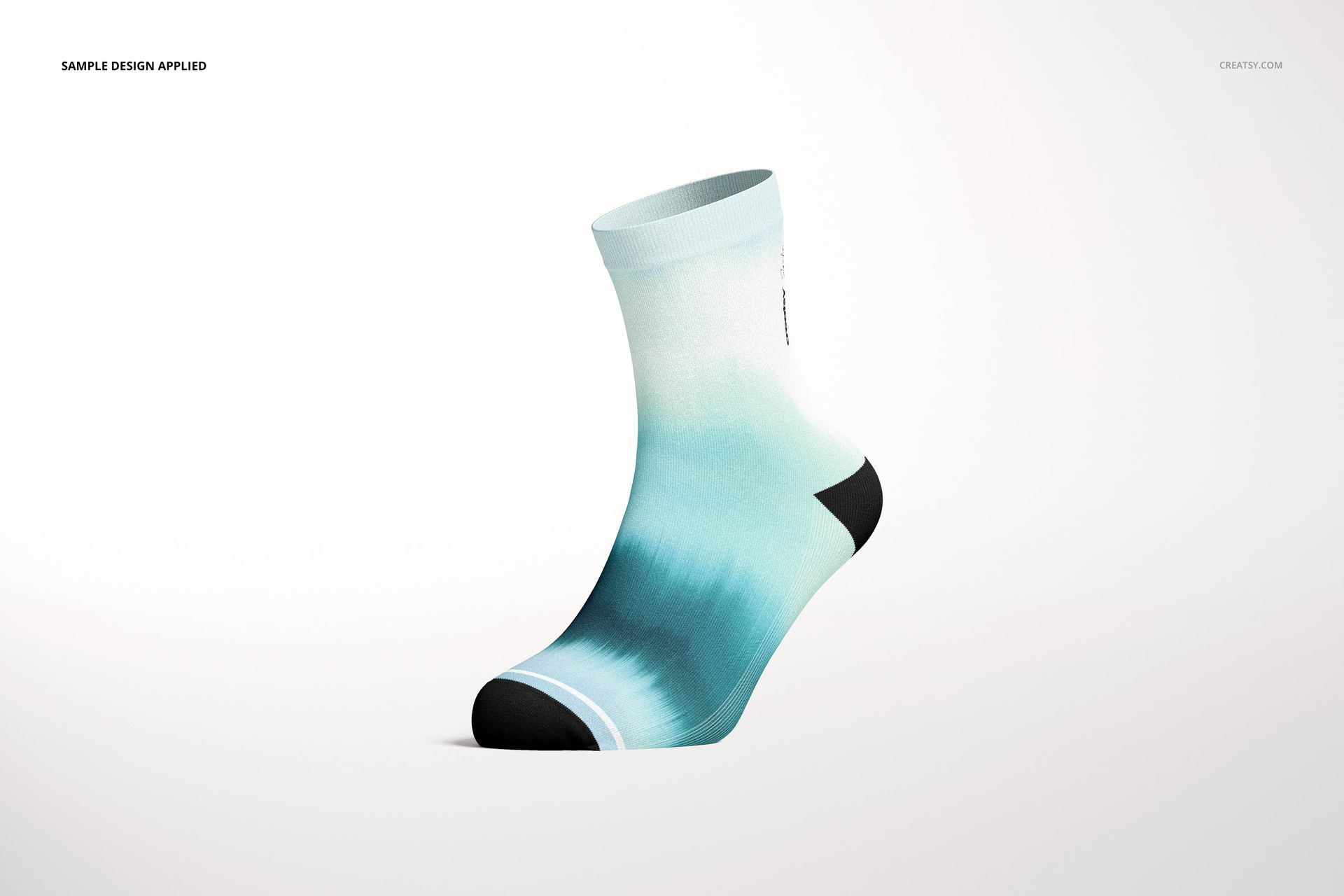
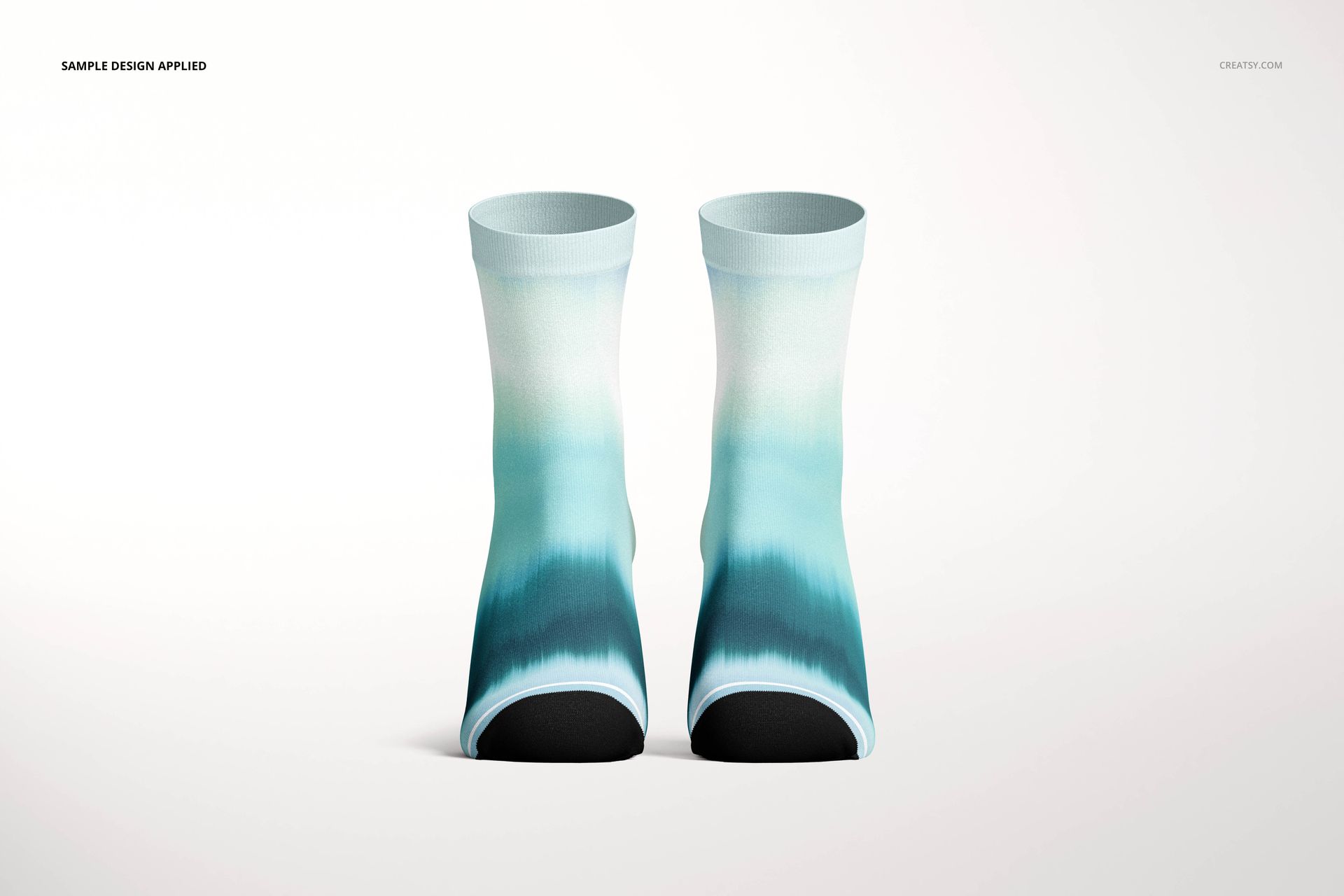
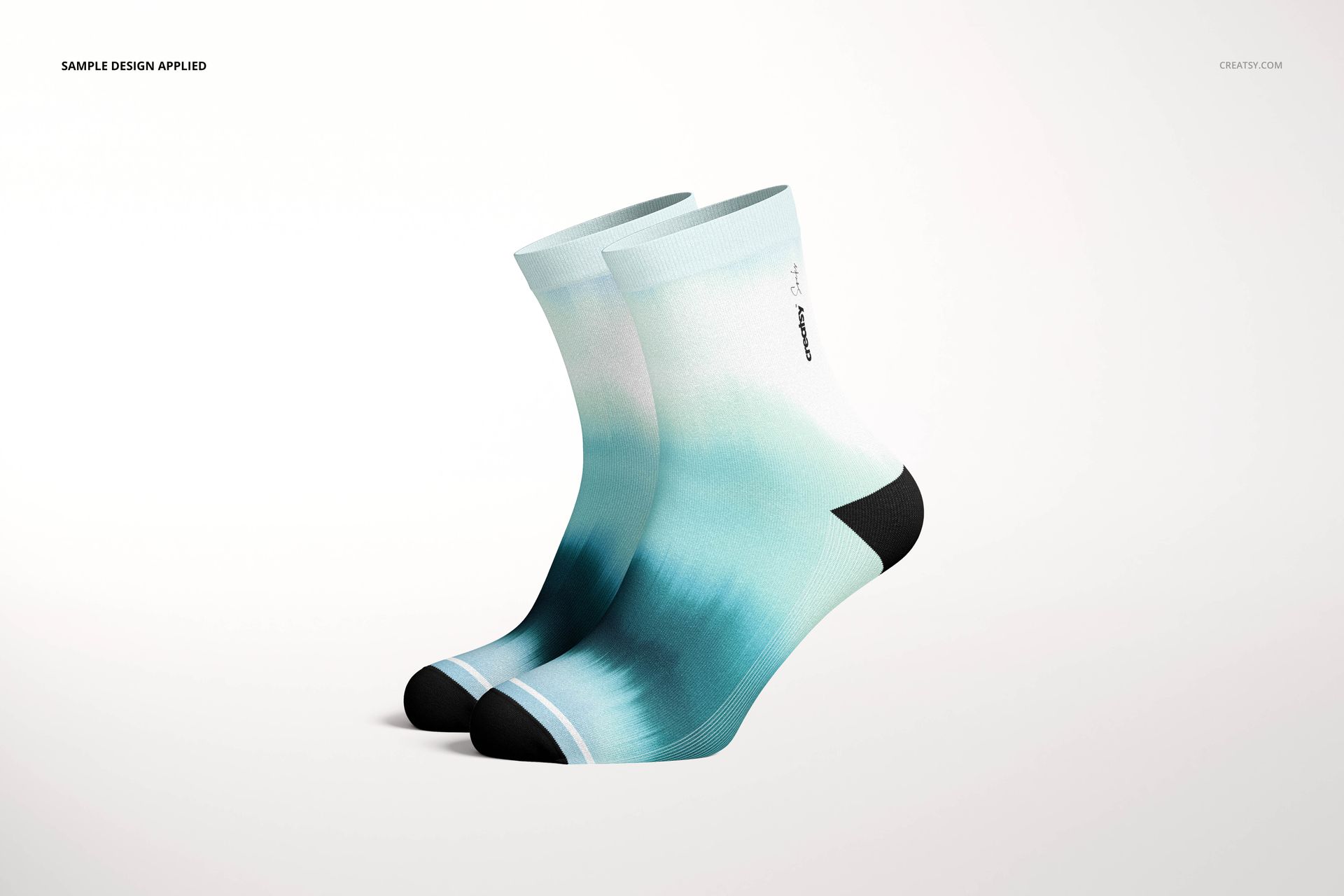
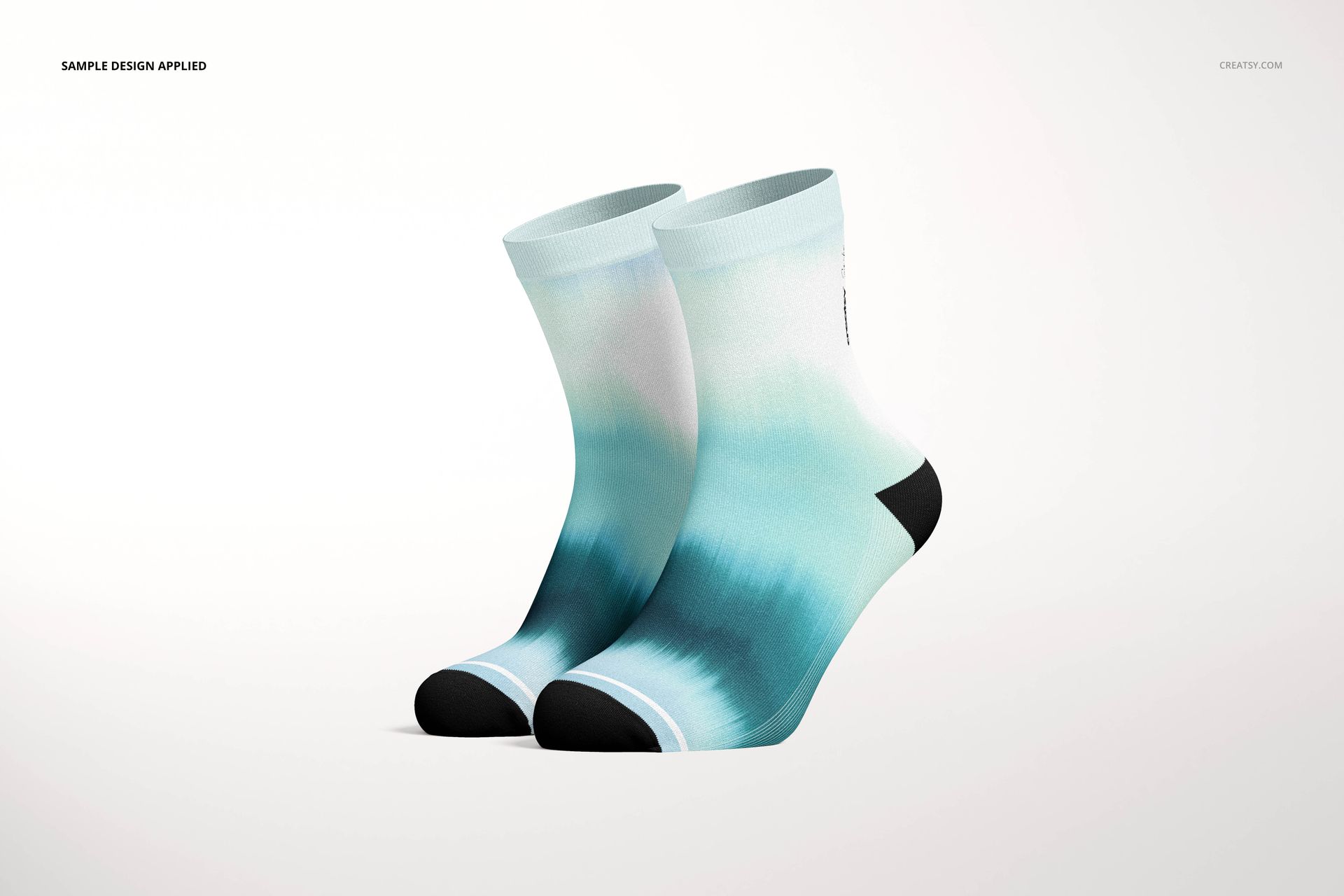
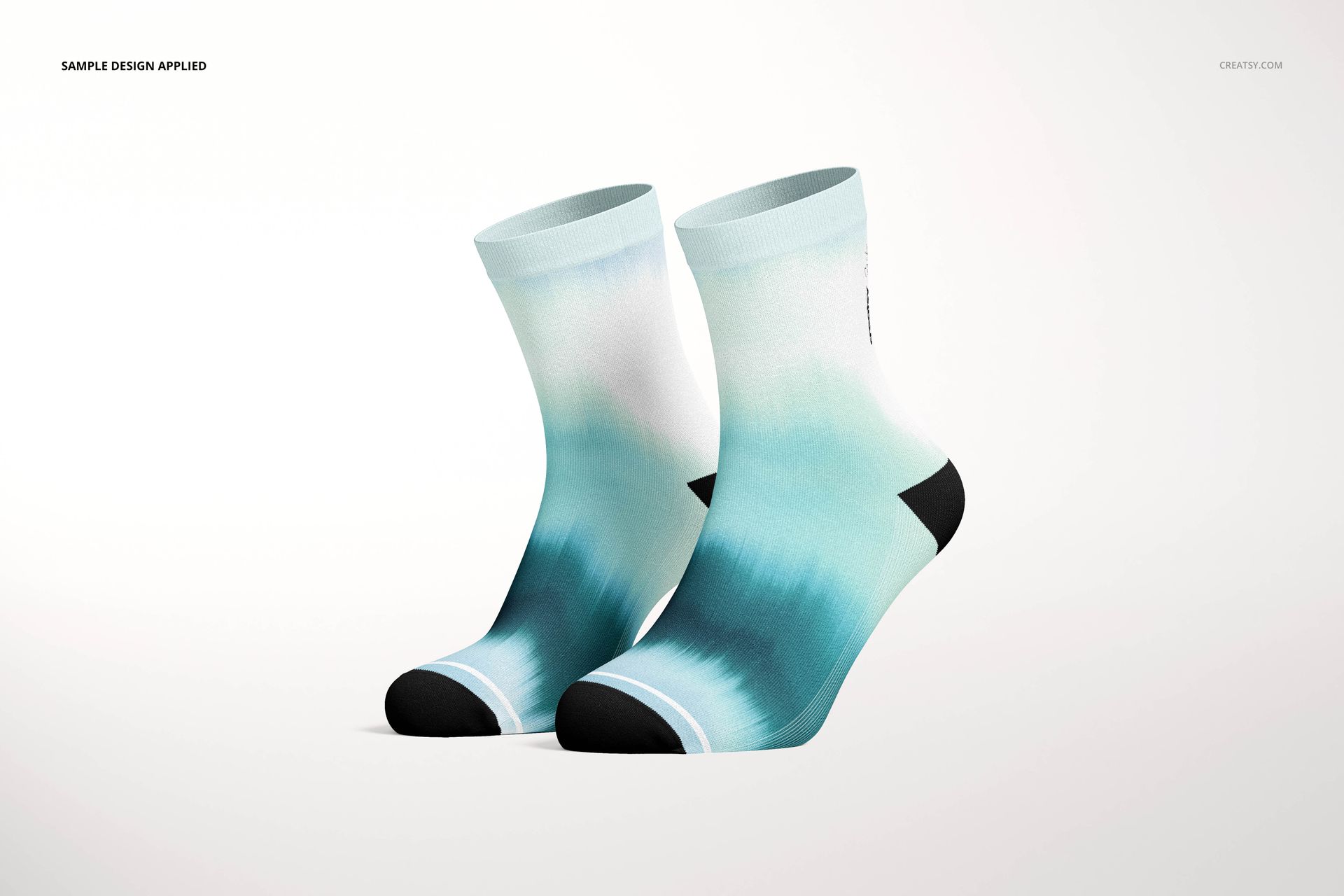
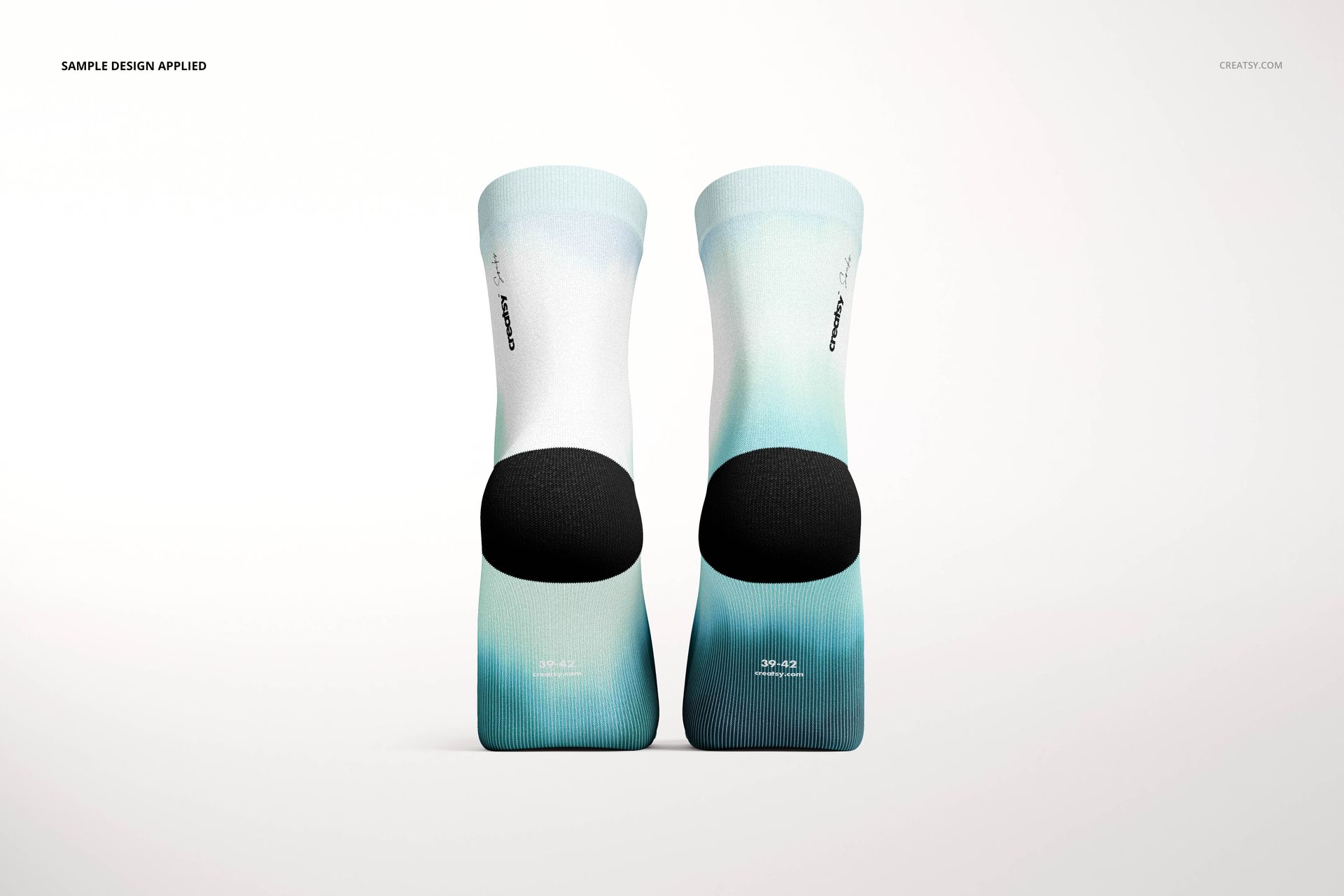
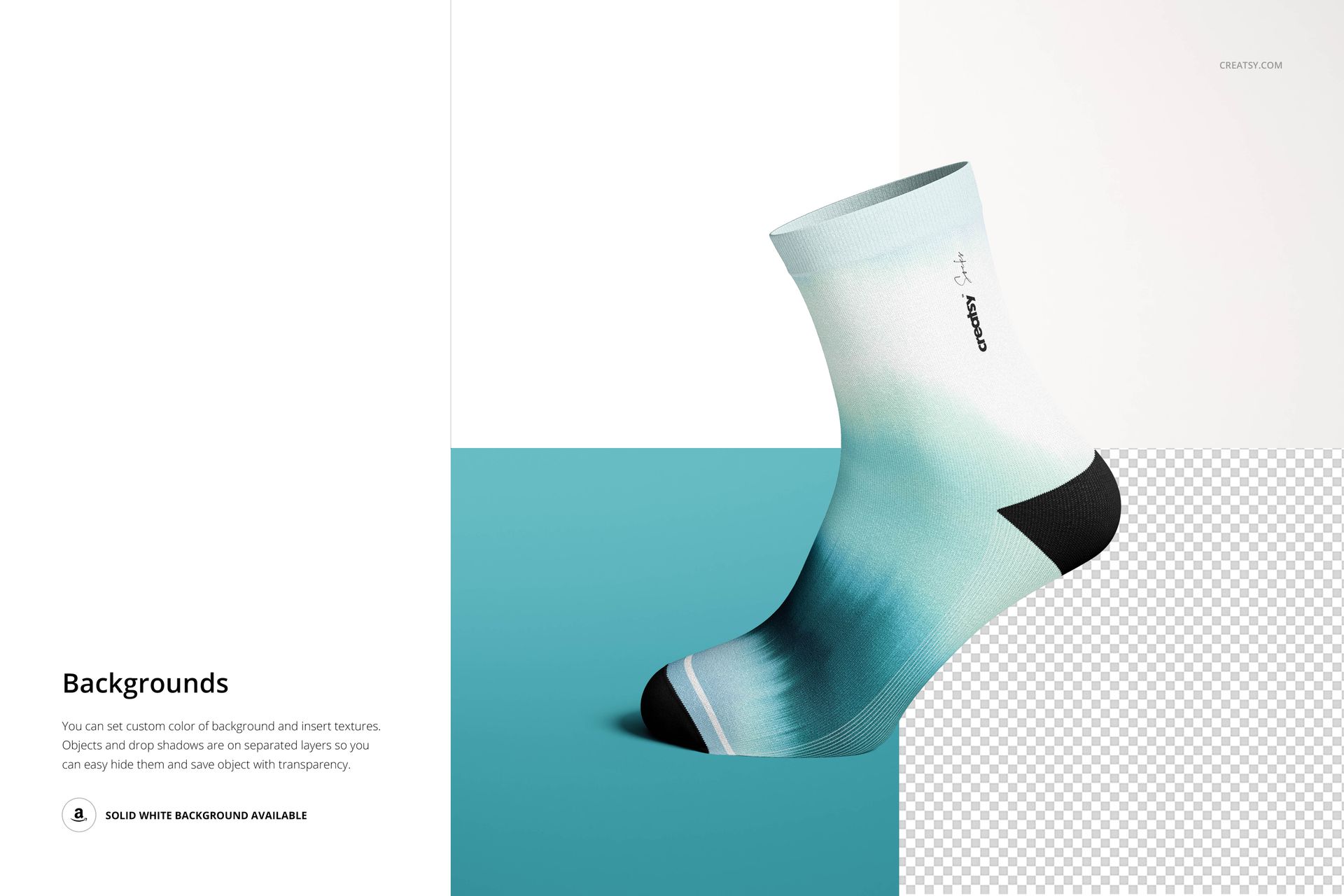
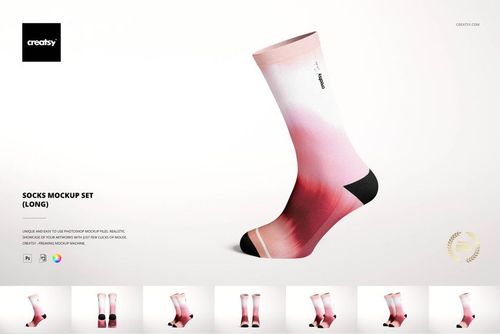
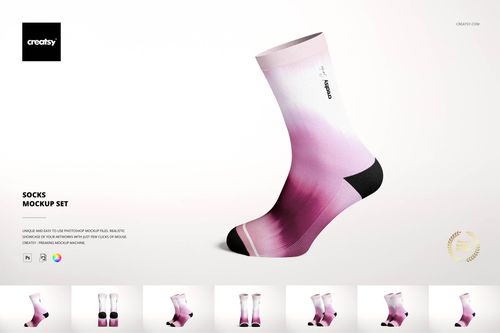
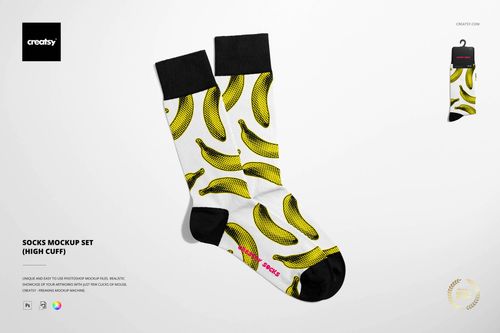
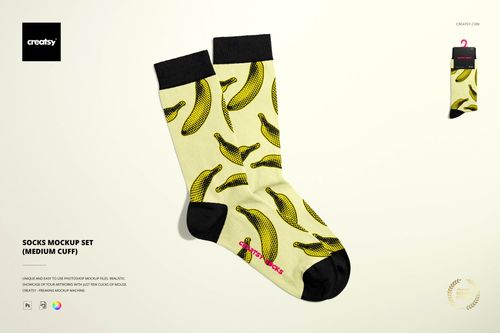
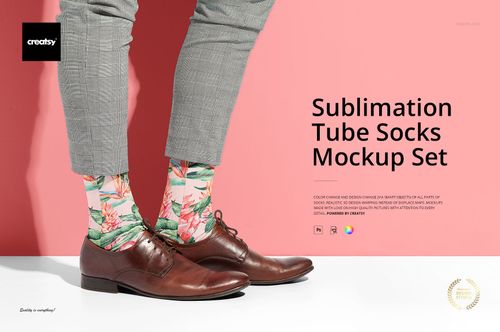
Prepare to be astonished by the remarkable capabilities of the Socks Mockup Set (short). This outstanding mockup features high-quality images warped into awe-inspiring Adobe Photoshop product mockup scenes that seamlessly complement your artwork, logos, and designs. With effortless precision, you can seamlessly edit smart objects and color layers, shaping and refining your composition to embody your unique vision flawlessly. Brace yourself for a breathtaking experience as the Socks Mockup Set (short) graciously steps aside, allowing your design to take center stage and mesmerize viewers with its unparalleled realism, undeniable charm, and sheer visual genius. Embark on an endless journey of creative exploration as you unleash your imagination through fastidiously organized Adobe Photoshop layers, offering you unparalleled customization options. Whether you are an accomplished artist, a visionary surface pattern designer, or an aspiring creator, our mockups transcend boundaries, propelling your brand to new heights and infusing your portfolio with an irresistible allure of professionalism.
Compatibility: Adobe Photoshop min. version CC 2020, photopea.com,
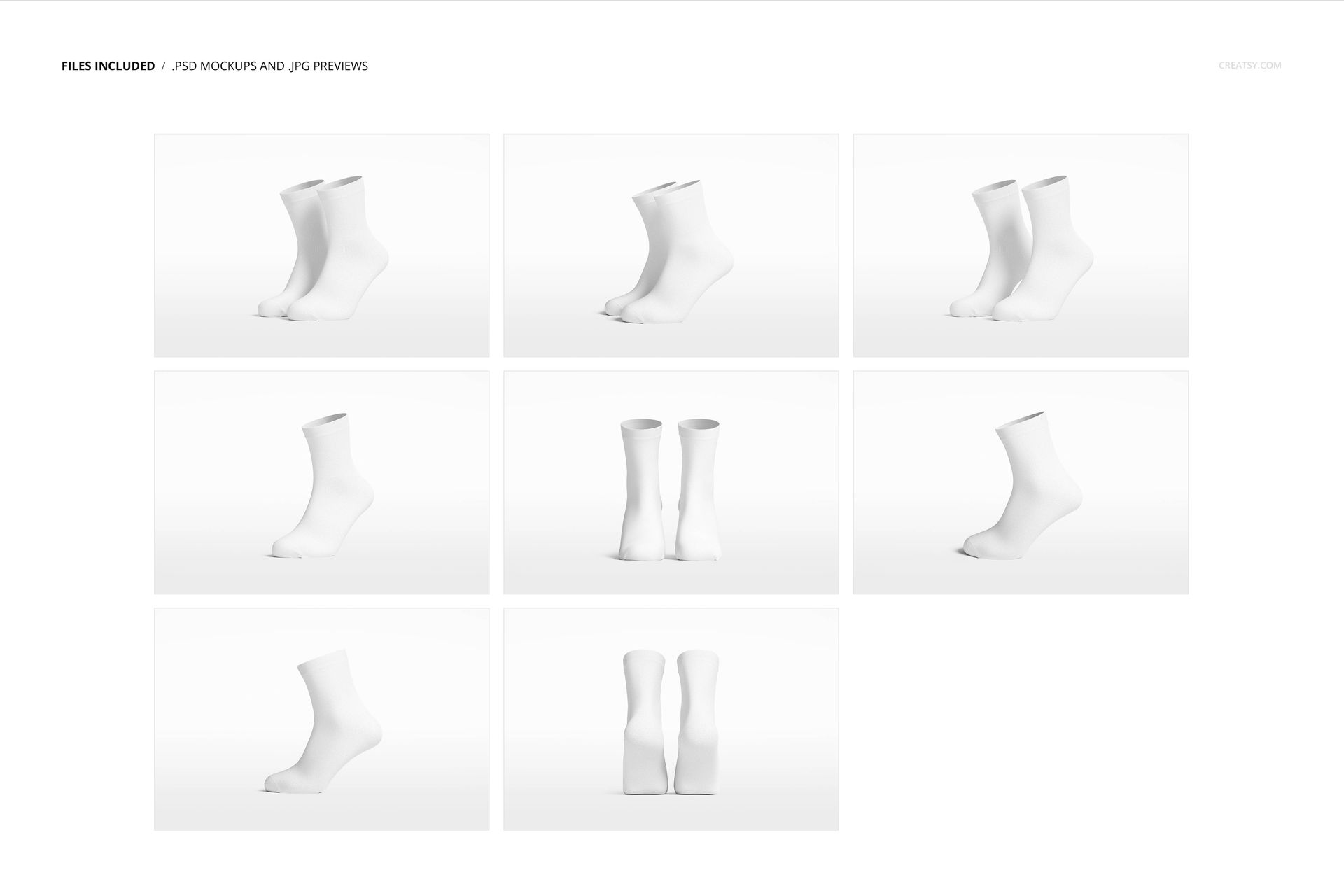
Includes: 8 PSD files with well-organized layers: 6000x4000 px, 300 dpi,
Editable components: color and design change,
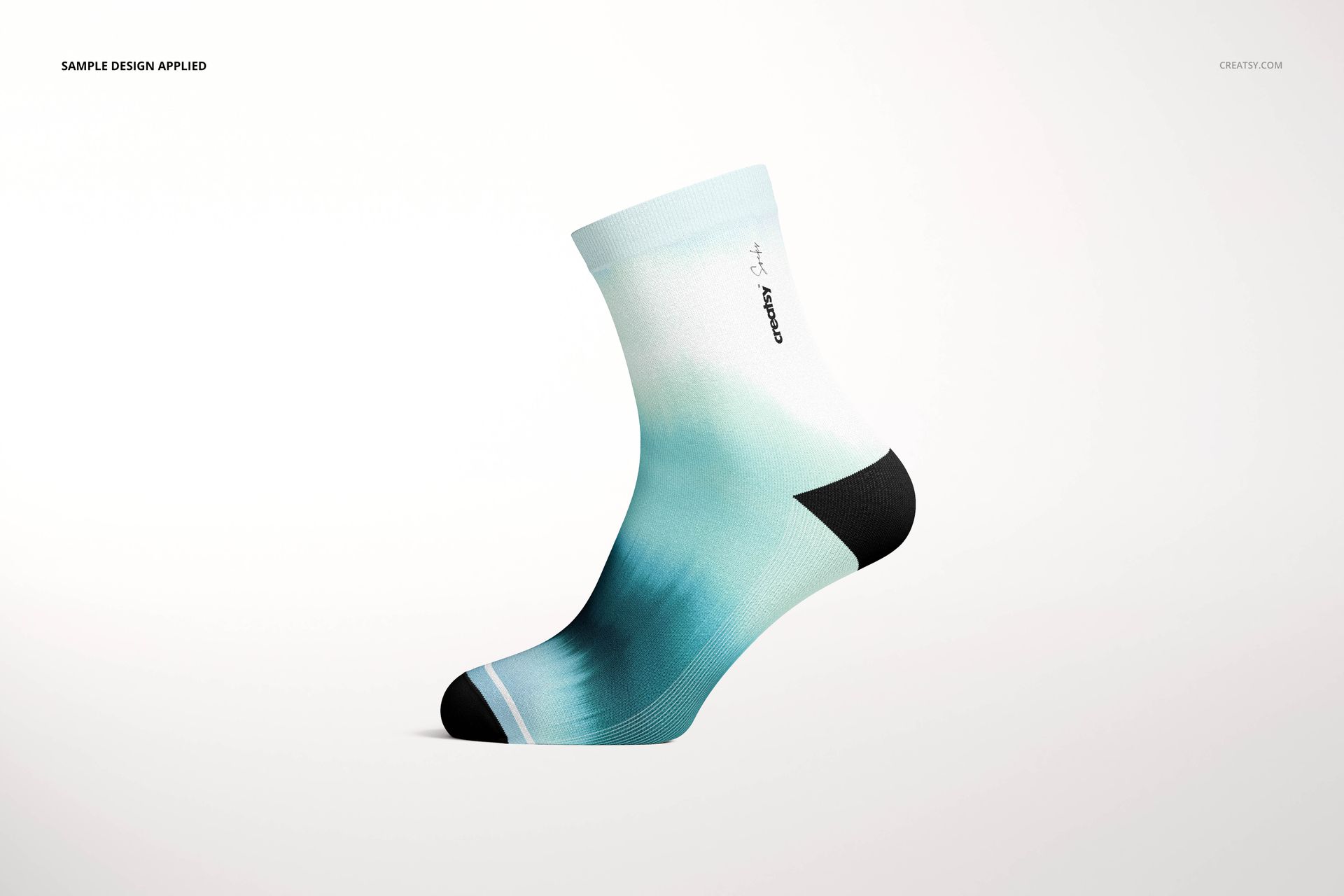
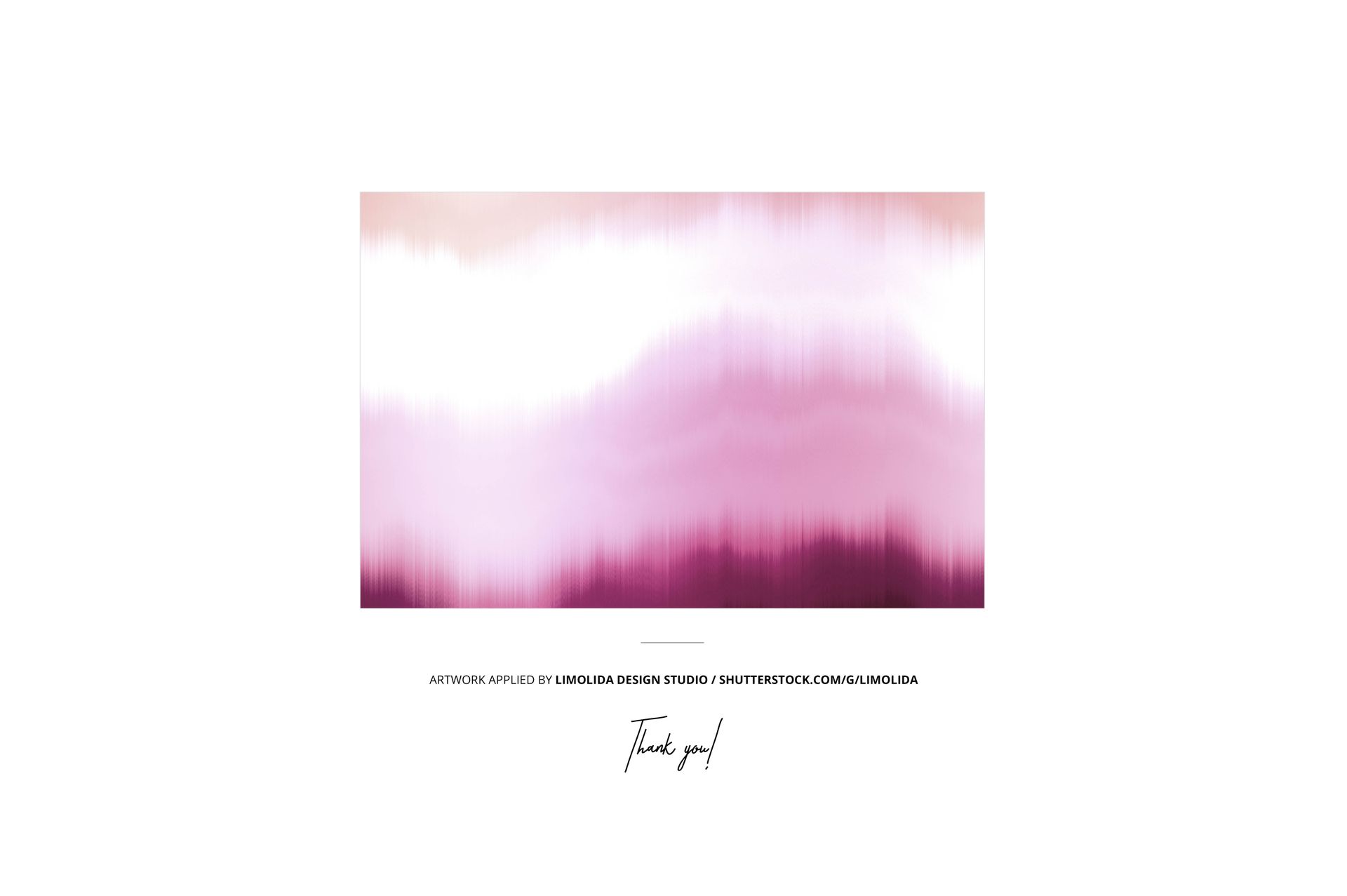
Example artwork by Limolida Design Studio / shutterstock.com/g/limolida
Patterns are NOT included, this product is a mockup intended for you to add your own designs.







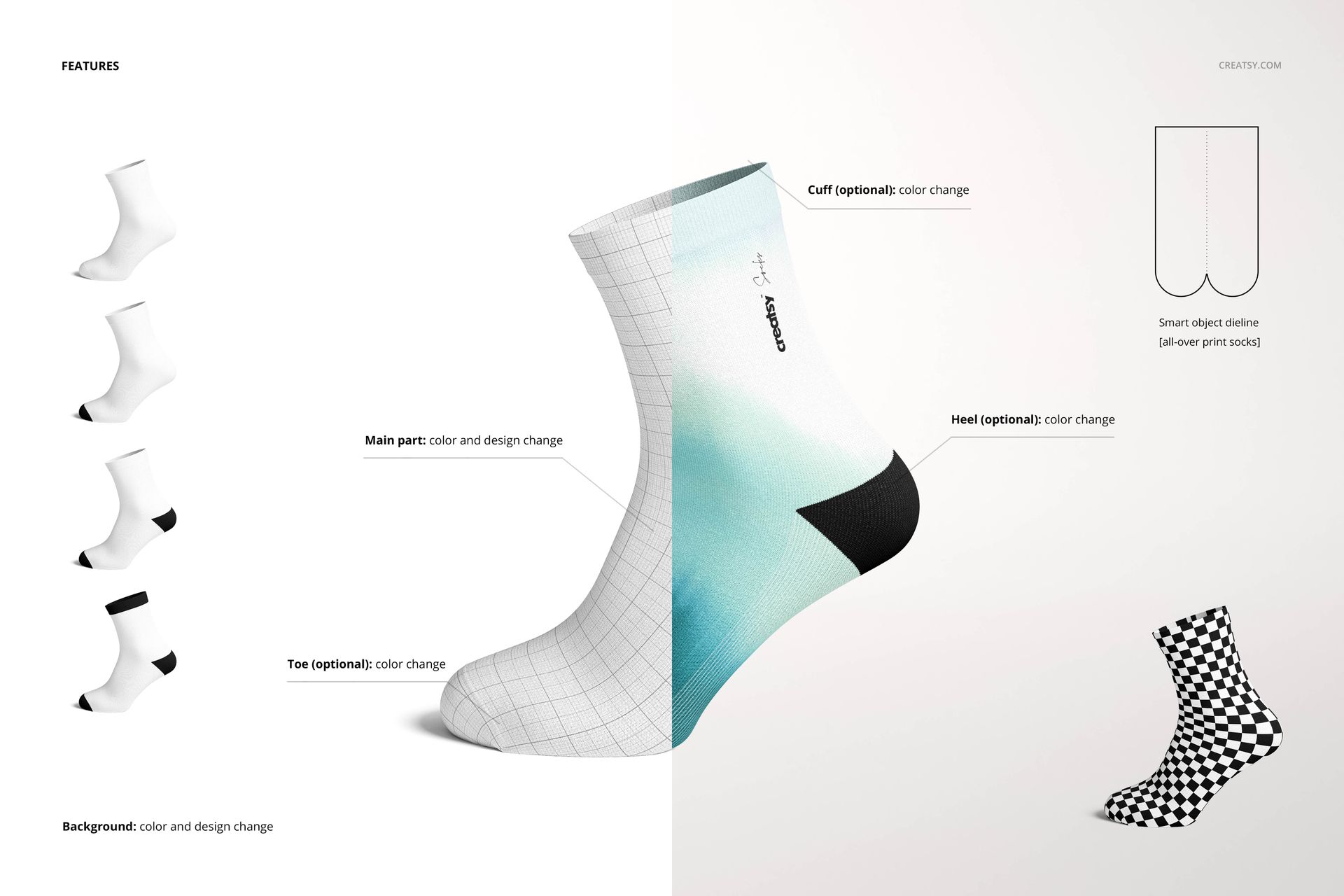









It's overall ok, however a bit difficult to create the designs on the smart objects since they don't line up and has to be distorted to look accurate.
Thank you for your feedback, and we’re sorry to hear that aligning your designs with the smart objects has been difficult. Could you please send us a few screenshots showing where the smart objects don’t line up or where the design needs to be distorted? This would help us better understand the issue and find the best way to resolve it. We want the mockups you purchased to be easy to use, practical, and genuinely helpful, and most importantly, we want you to be fully satisfied with your purchase. Please email us directly at [email protected] with the screenshots, and we’ll be happy to assist you.