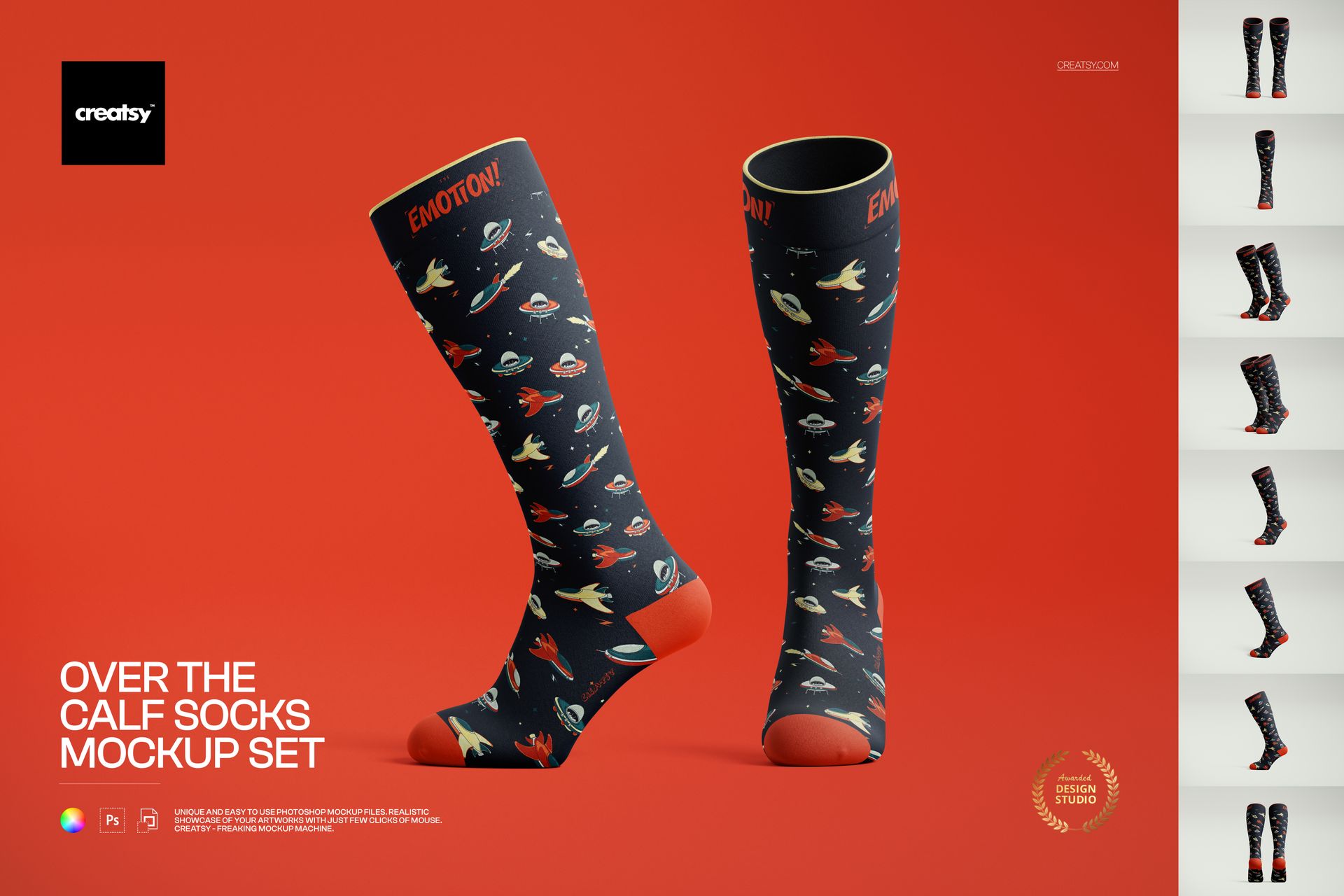
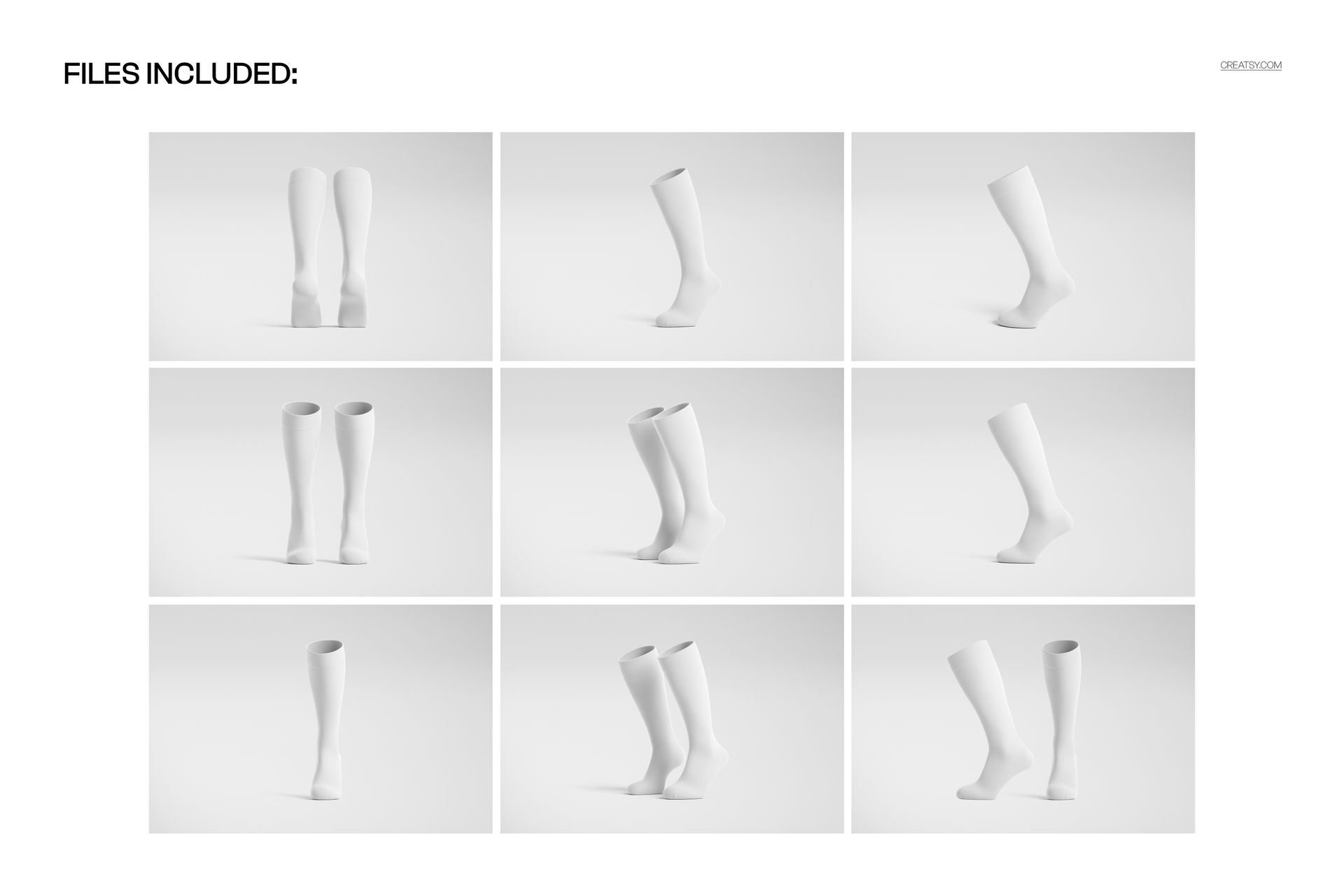
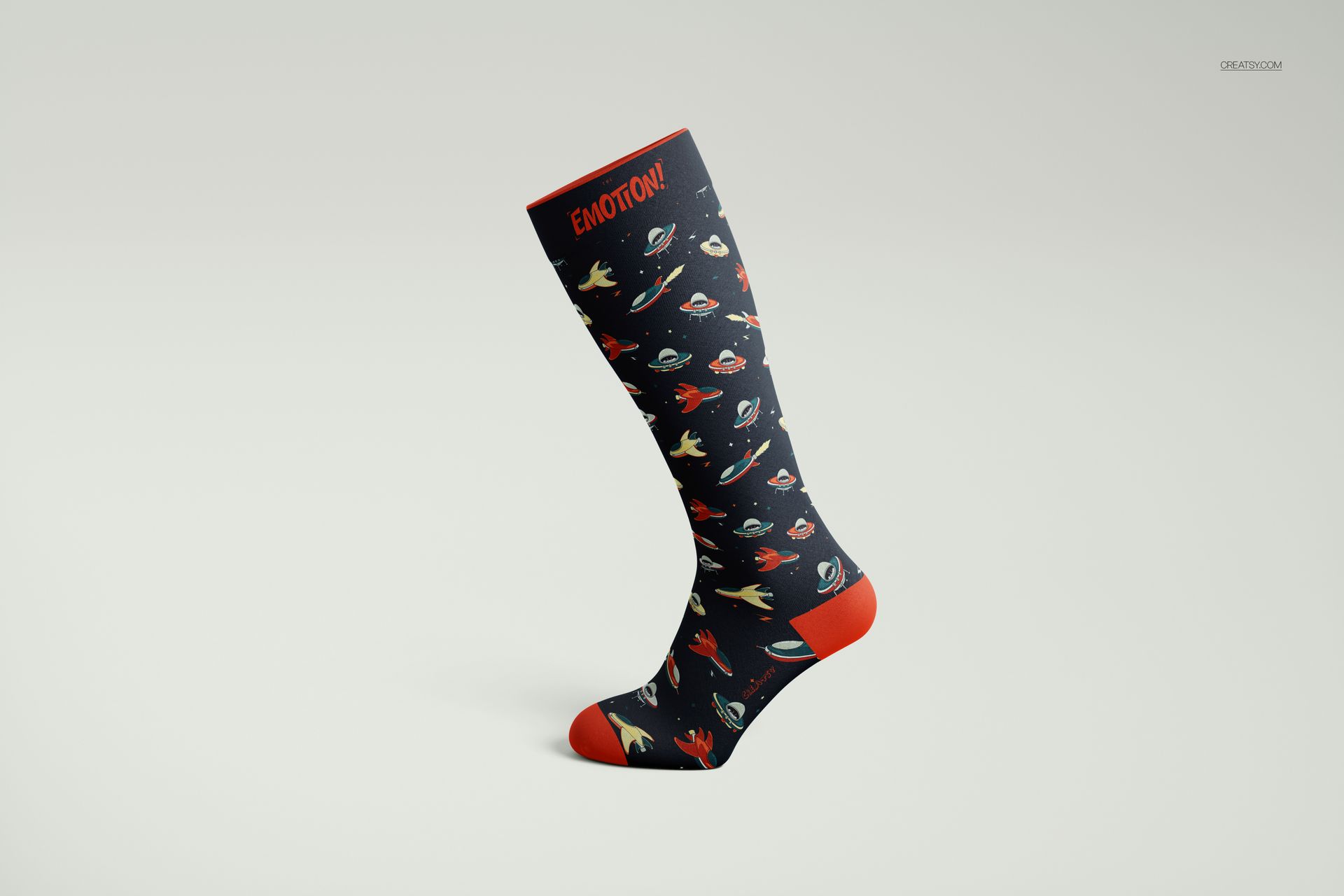
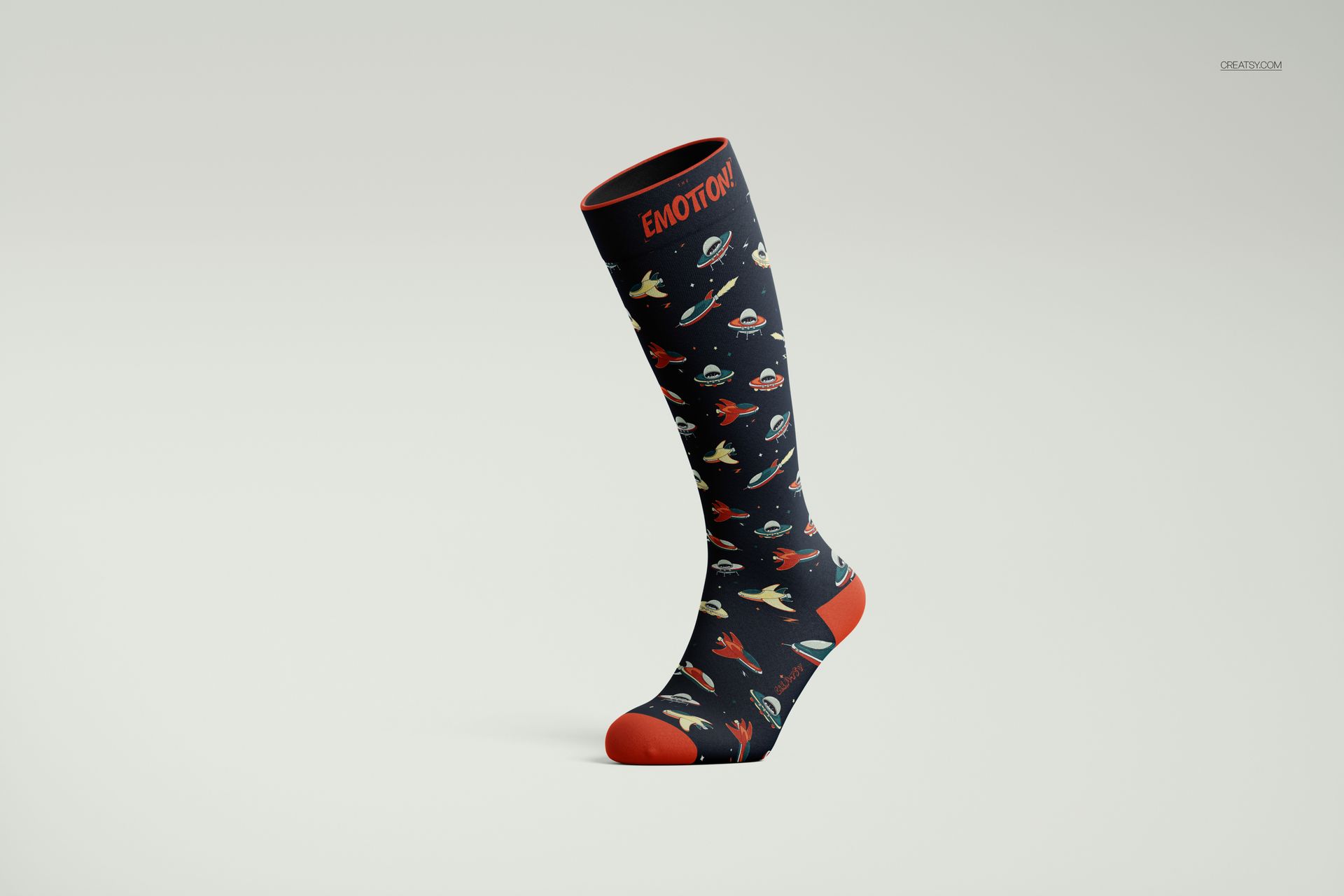
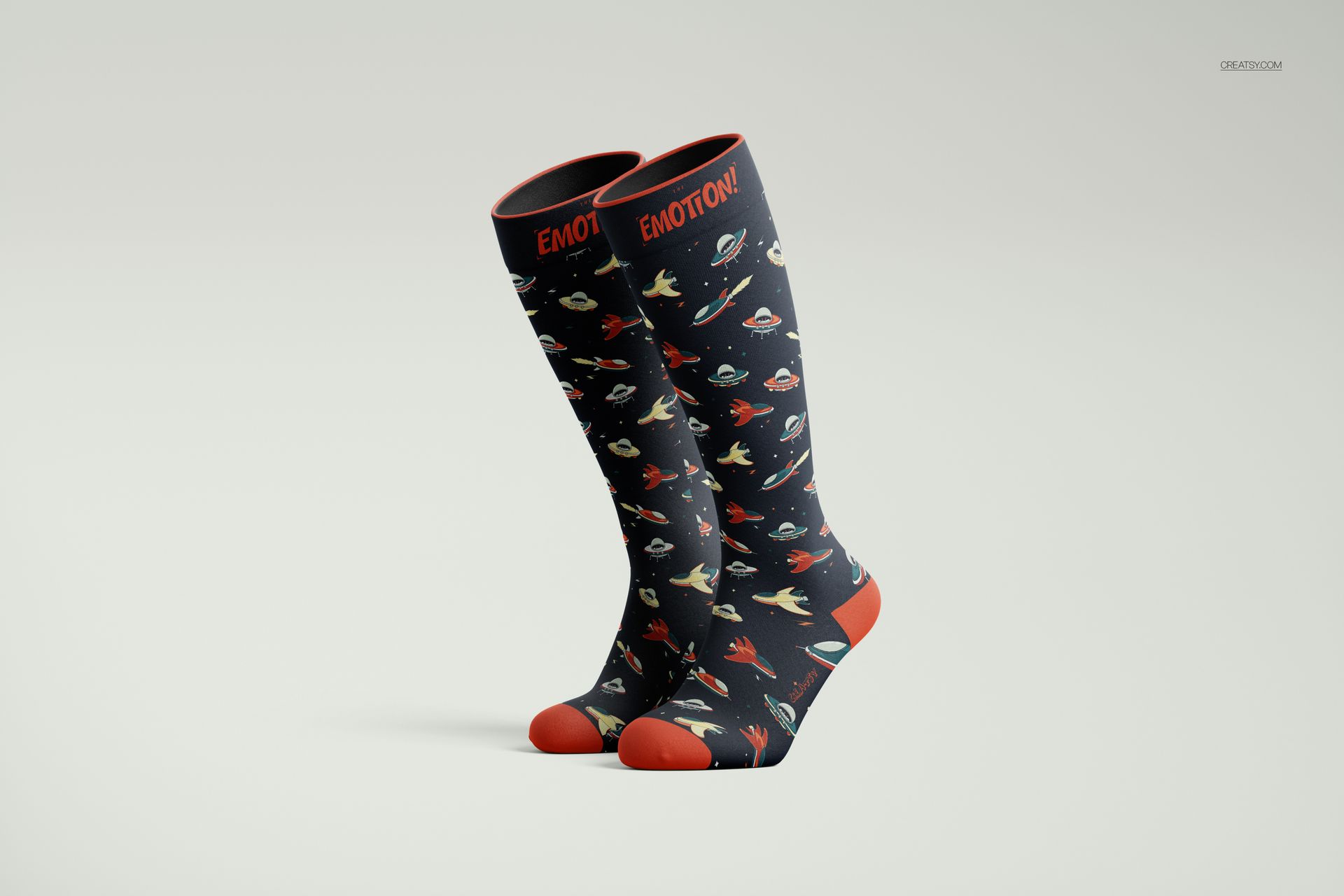
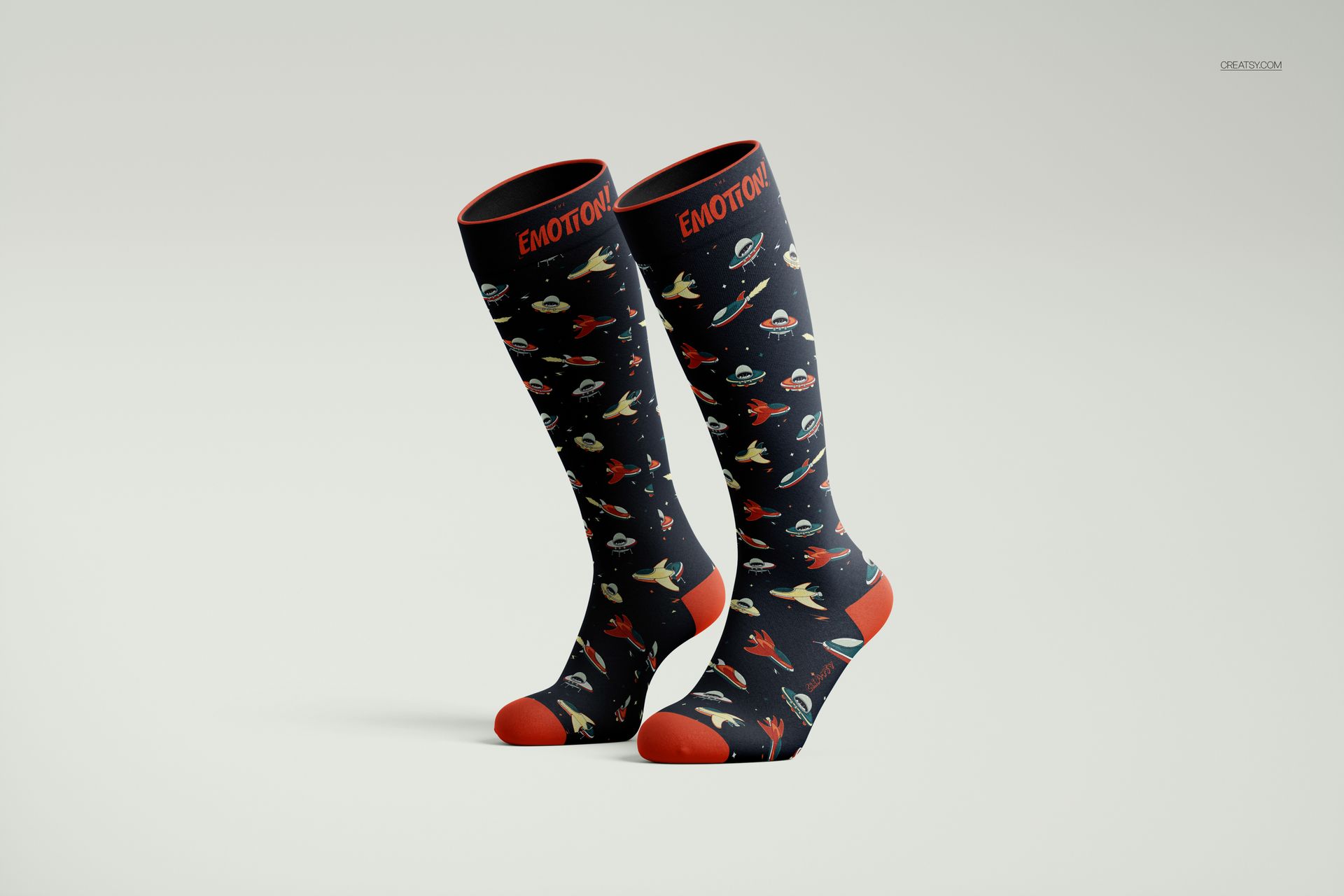
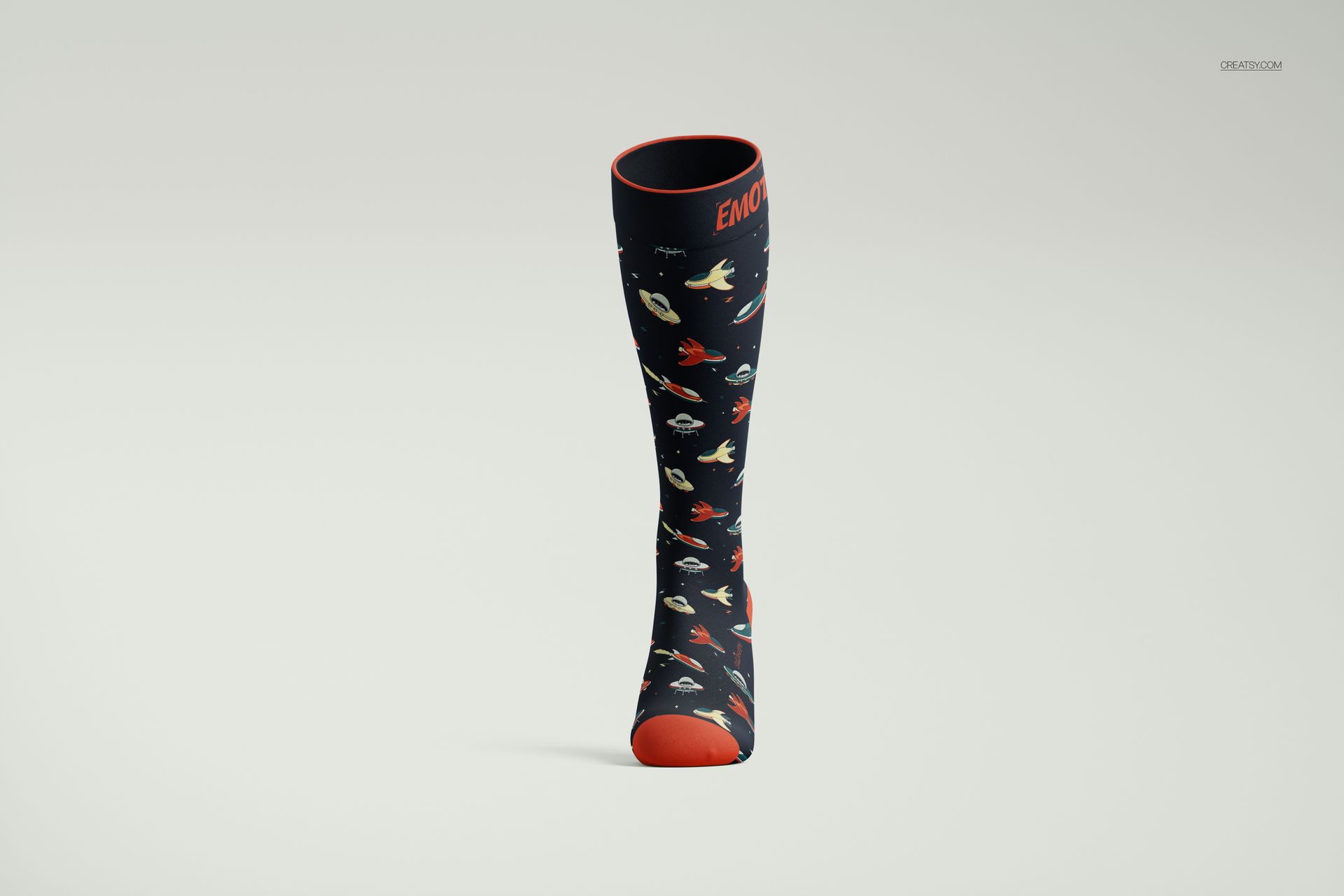
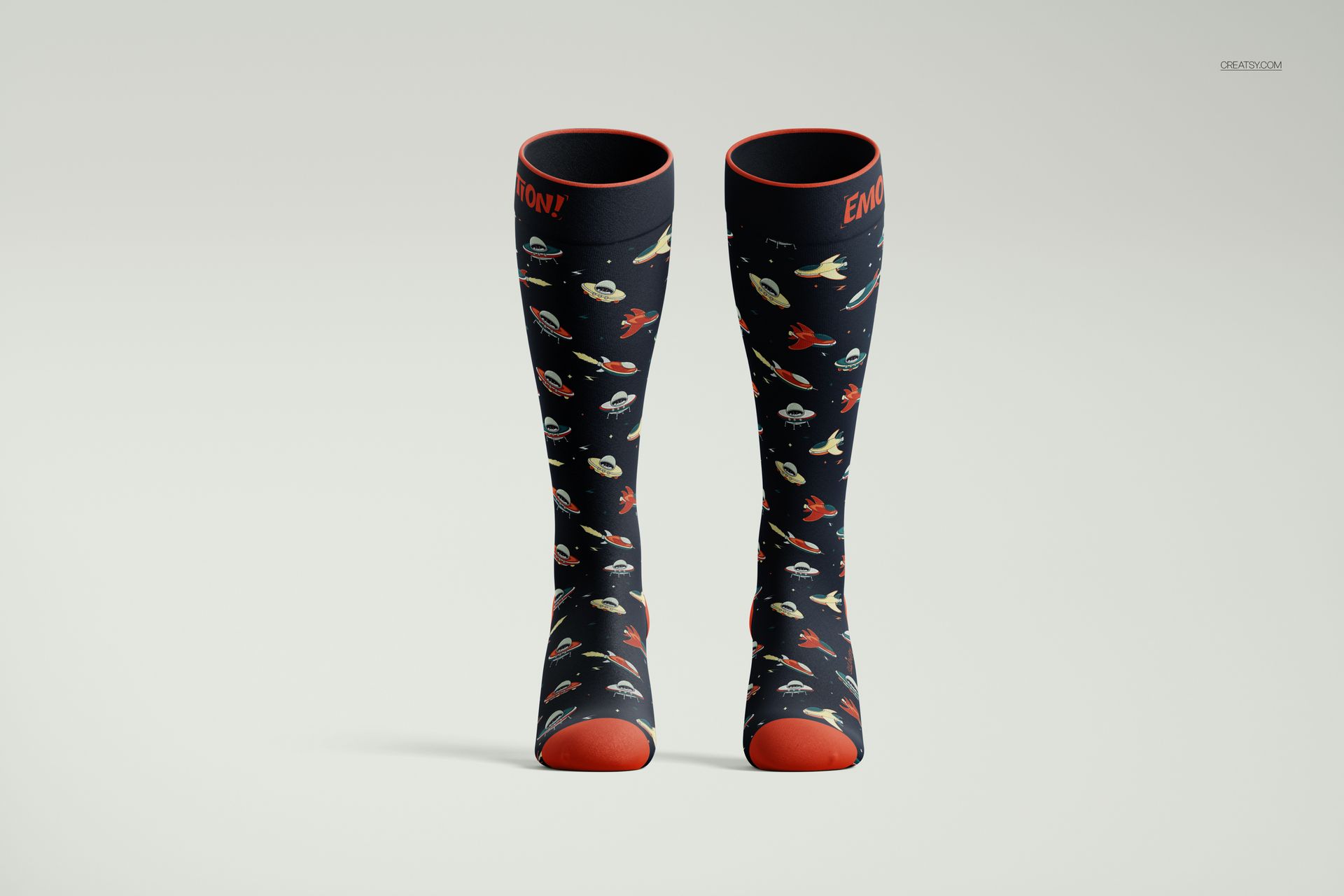
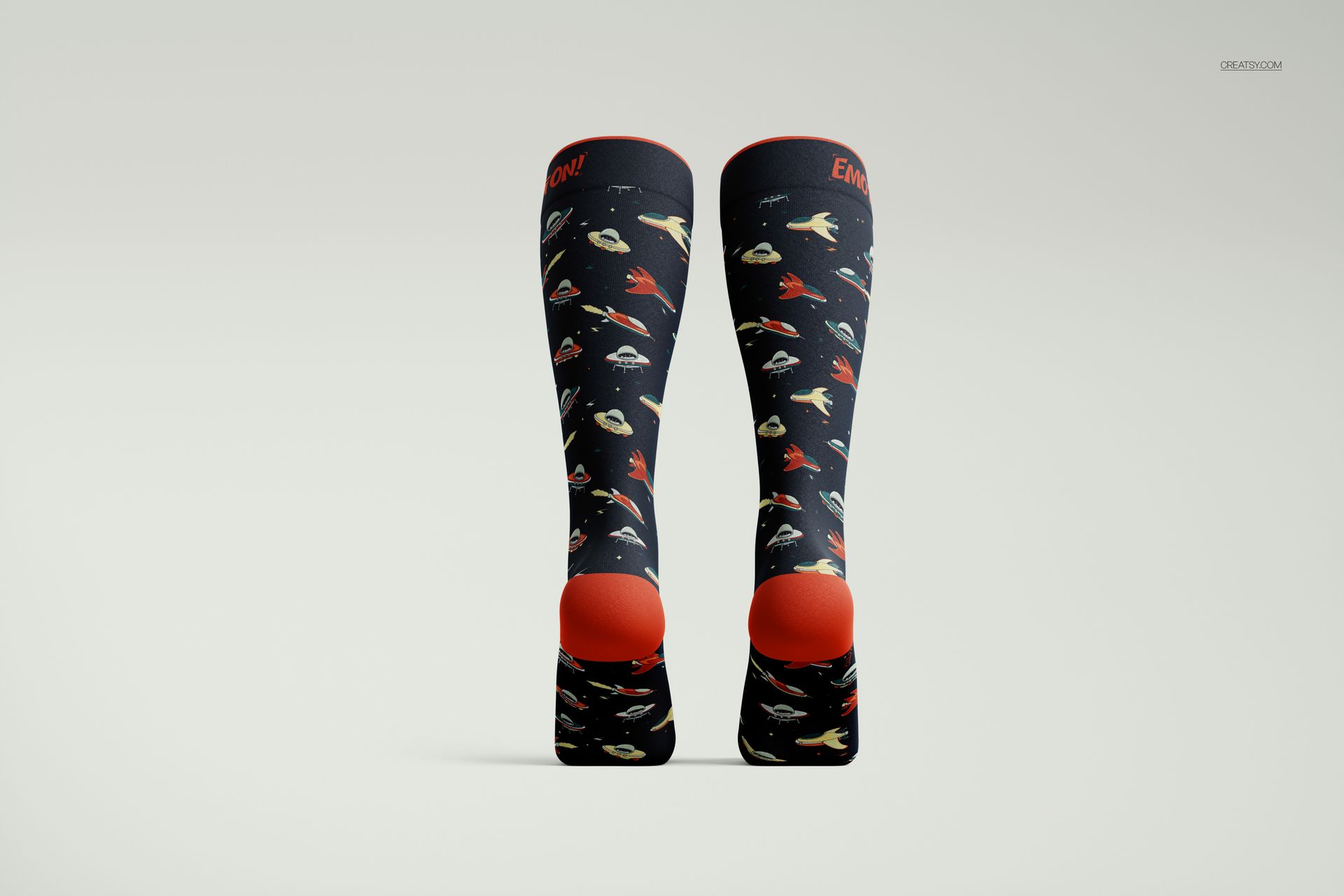
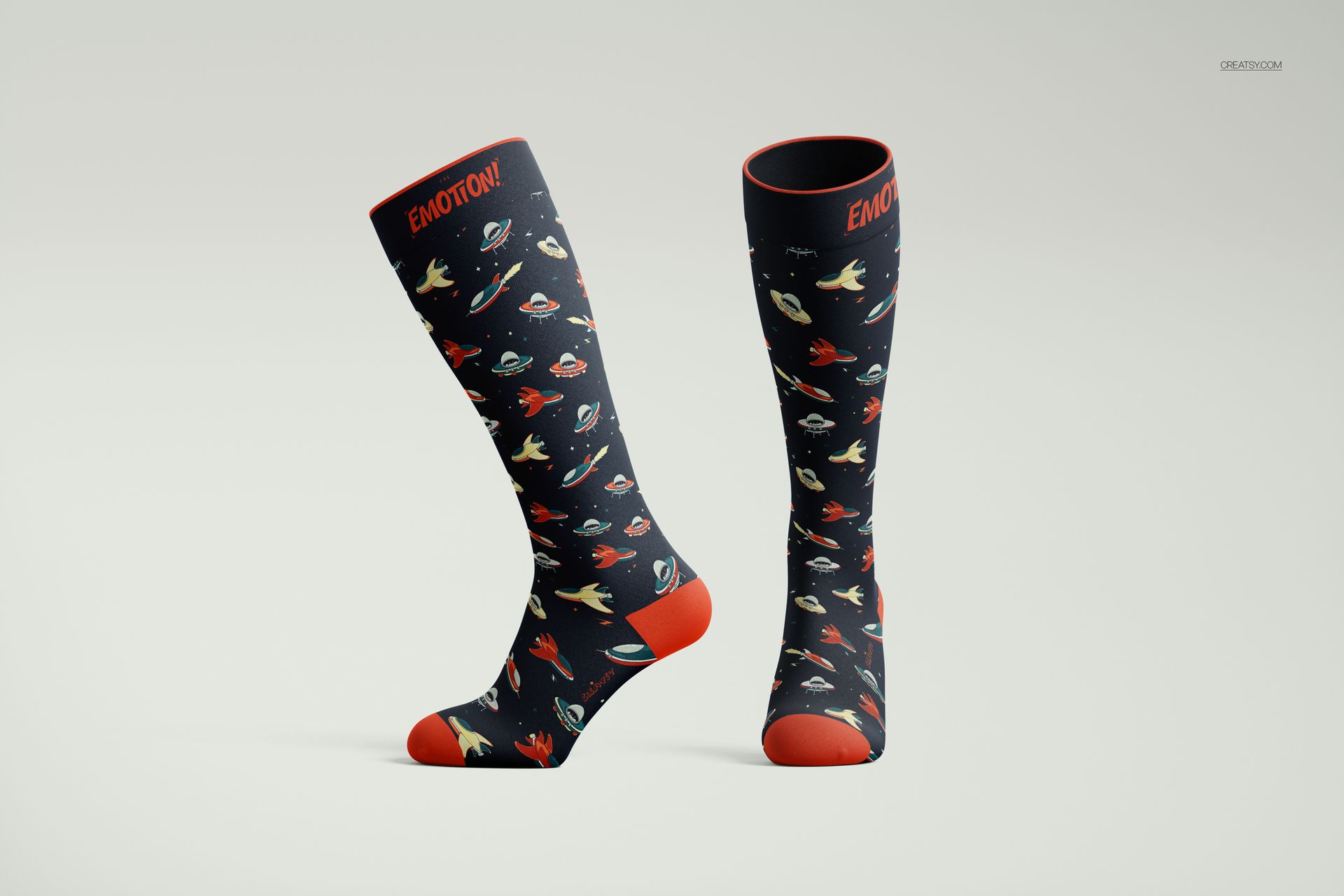
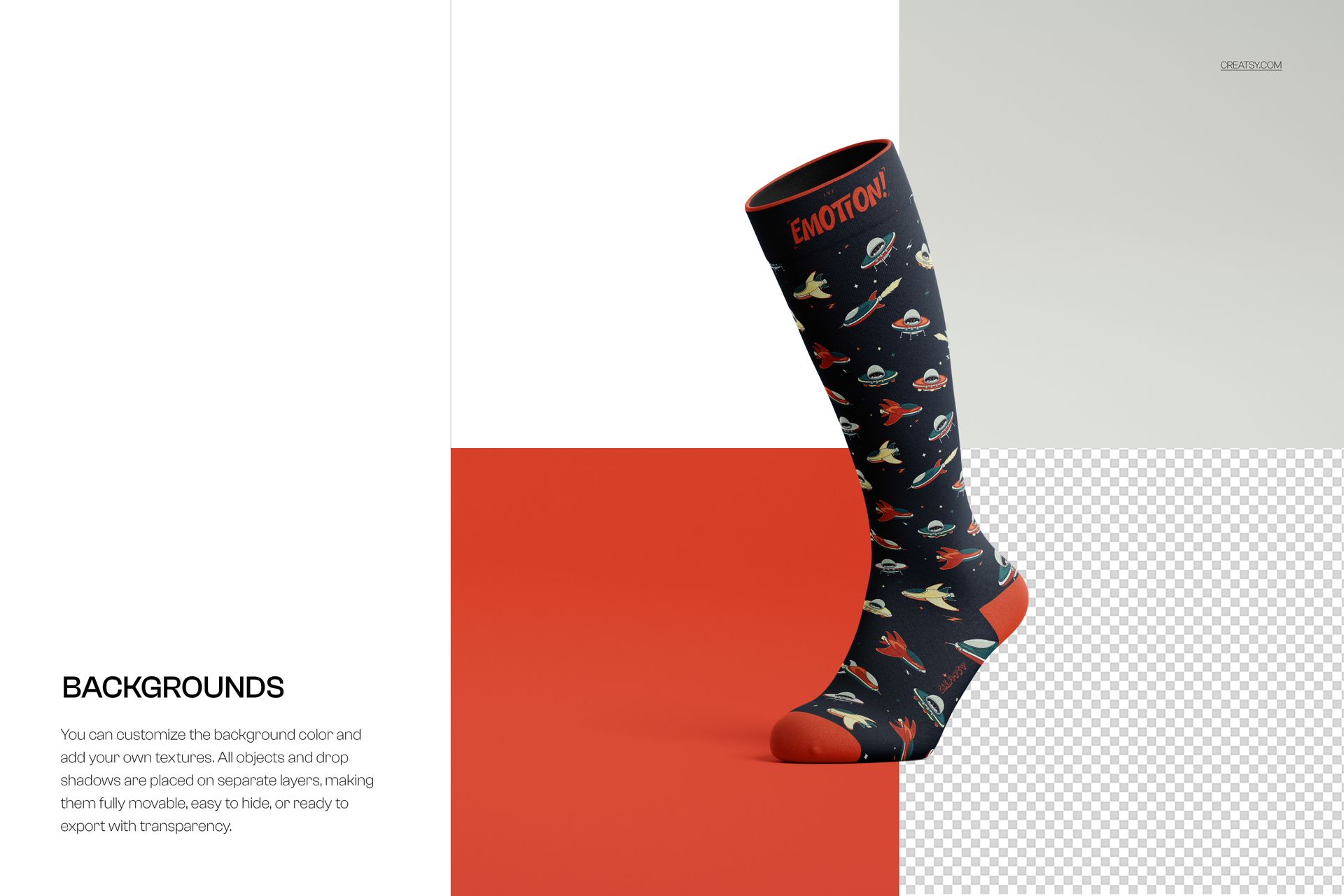
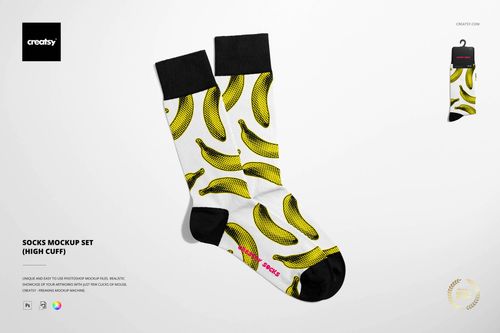
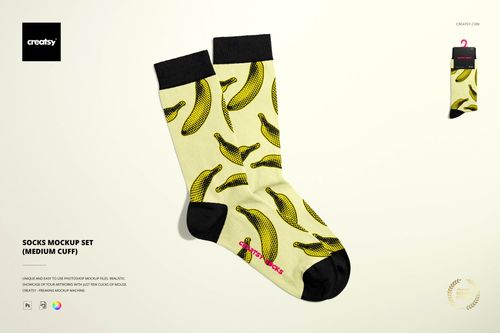
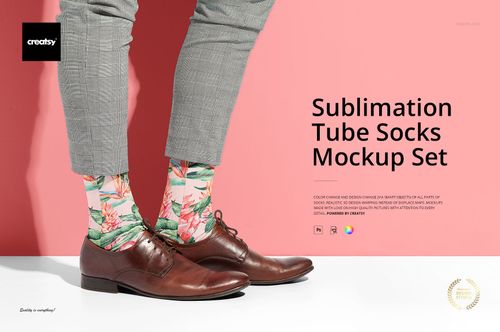
Create stunning sock presentations with the Over the Calf Socks Mockup Set by Creatsy. This comprehensive collection includes 9 photorealistic PSD scenes at 6000×4000px (300 dpi), featuring over-the-calf length socks in multiple angles — front, back, side, folded, and flat lay — with fully customizable fabric design, cuff, heel, and toe colors via smart objects.
What's Inside:
- 9 high-resolution PSD files (6000×4000px, 300 dpi)
- Over-the-calf length socks in multiple angles and compositions
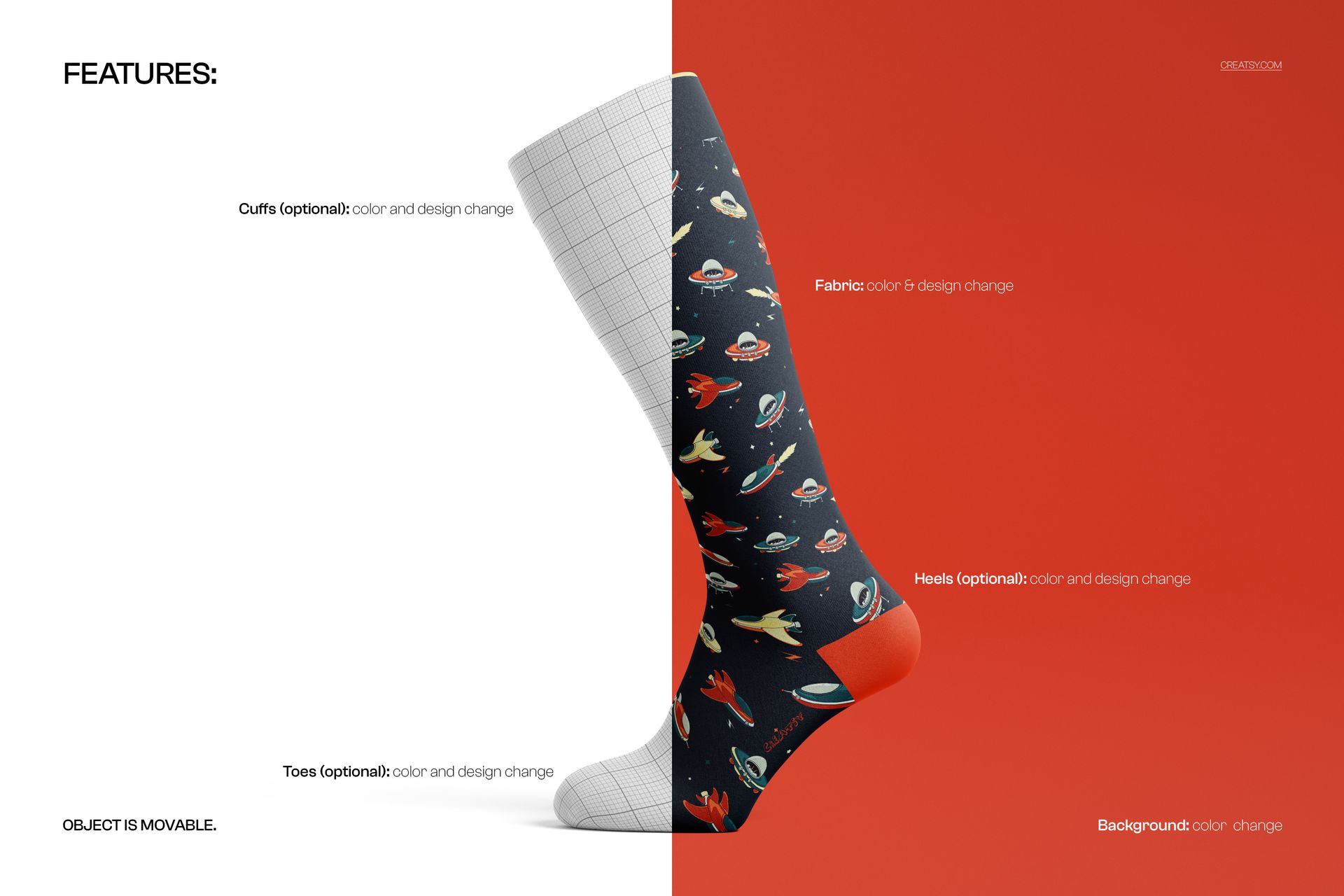
- Full fabric design customization via smart objects
- Individual color control for cuff, heel, and toe sections
- Separated background with custom color and texture support
- Clean, well-organized layer structure
Design Capabilities:
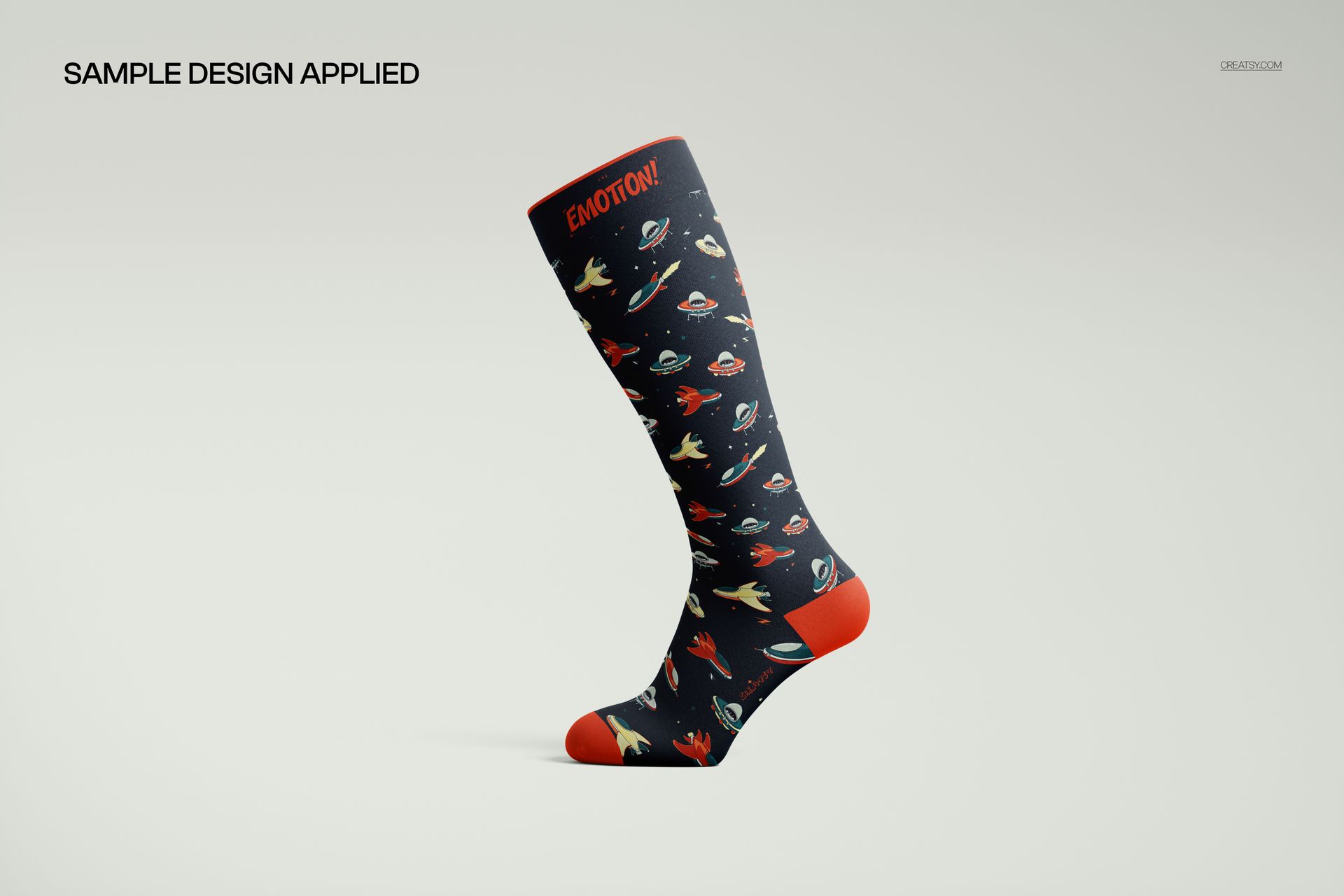
- Apply any pattern, print, or textile design across the entire sock surface
- Change cuff, heel, and toe colors independently (all optional)
- Set custom background colors or add textures (objects and shadows separated)
- Realistic fabric wrinkle mapping and shadow behavior
Compatibility:
- Adobe Photoshop CC 2020 or newer
- Photopea (free browser-based alternative)
Ideal For:
- Sock brands and apparel startups launching over-the-calf collections
- Textile designers presenting pattern and print concepts to clients
- Print-on-demand sellers creating Etsy, Amazon, and Shopify product listings
- Sports and athletic wear brands showcasing compression sock designs
- Fashion students and portfolio presentations