Christmas Gift with Candy Cane Mockup

Product Details
Christmas Gift with Candy Cane Mockup
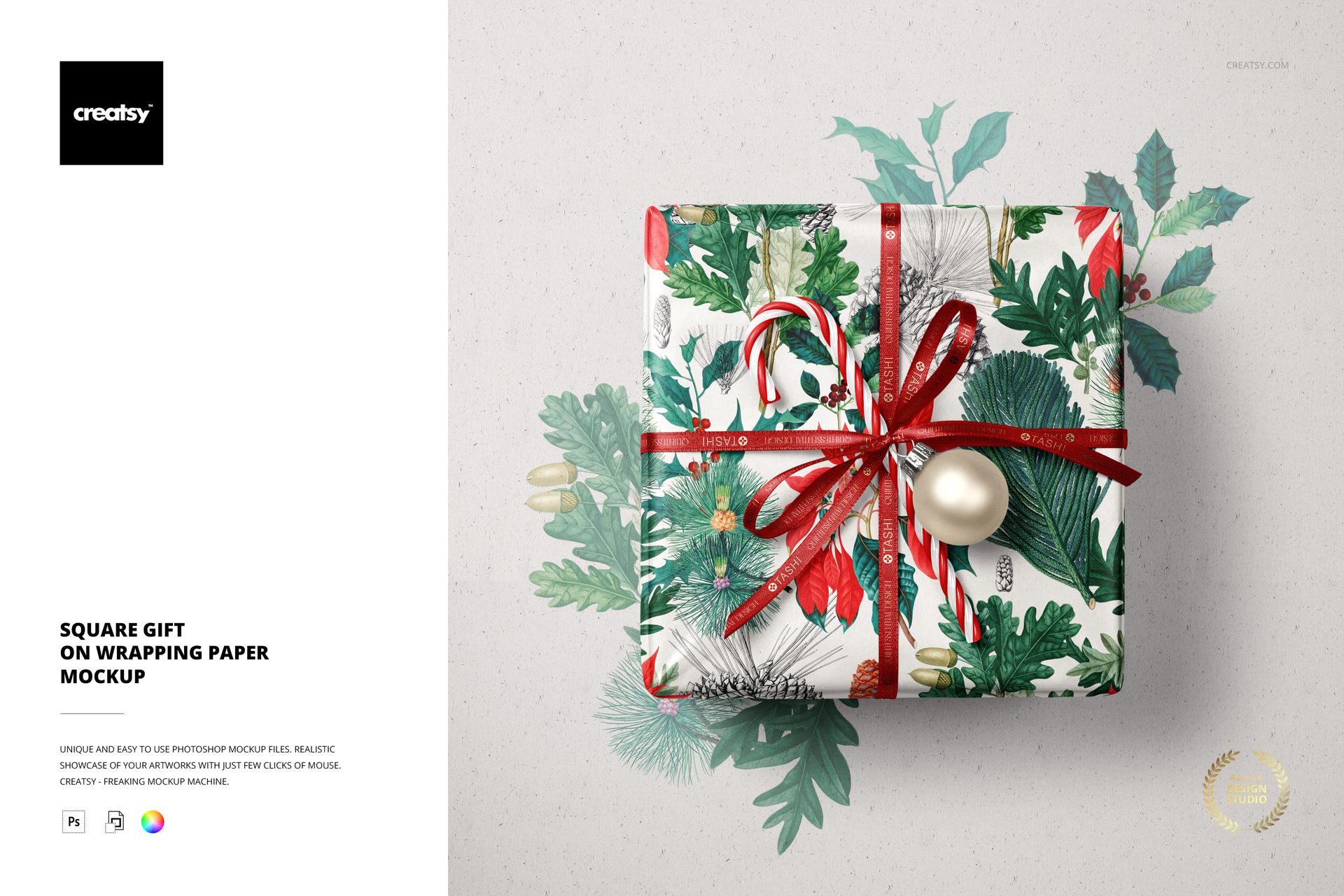
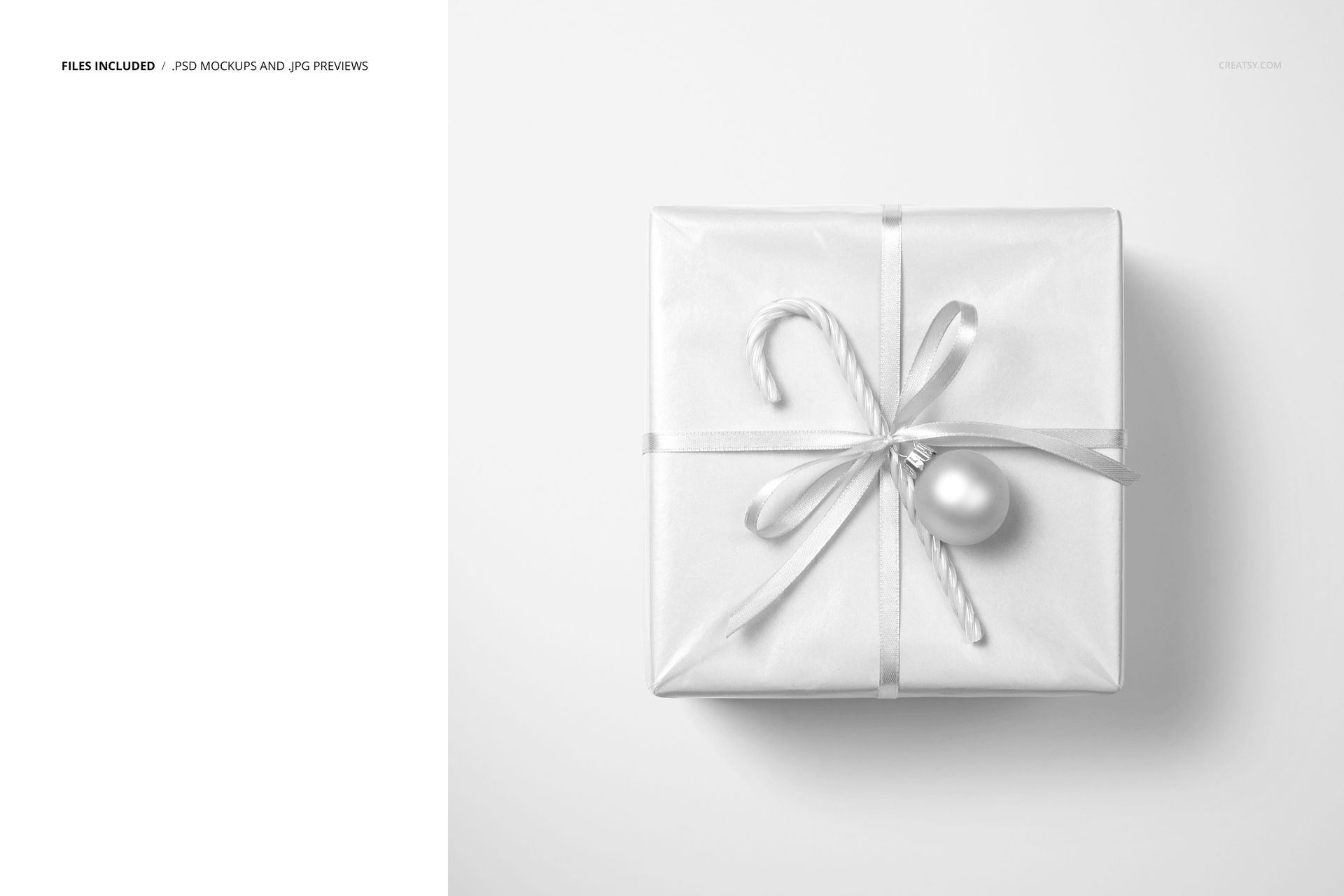
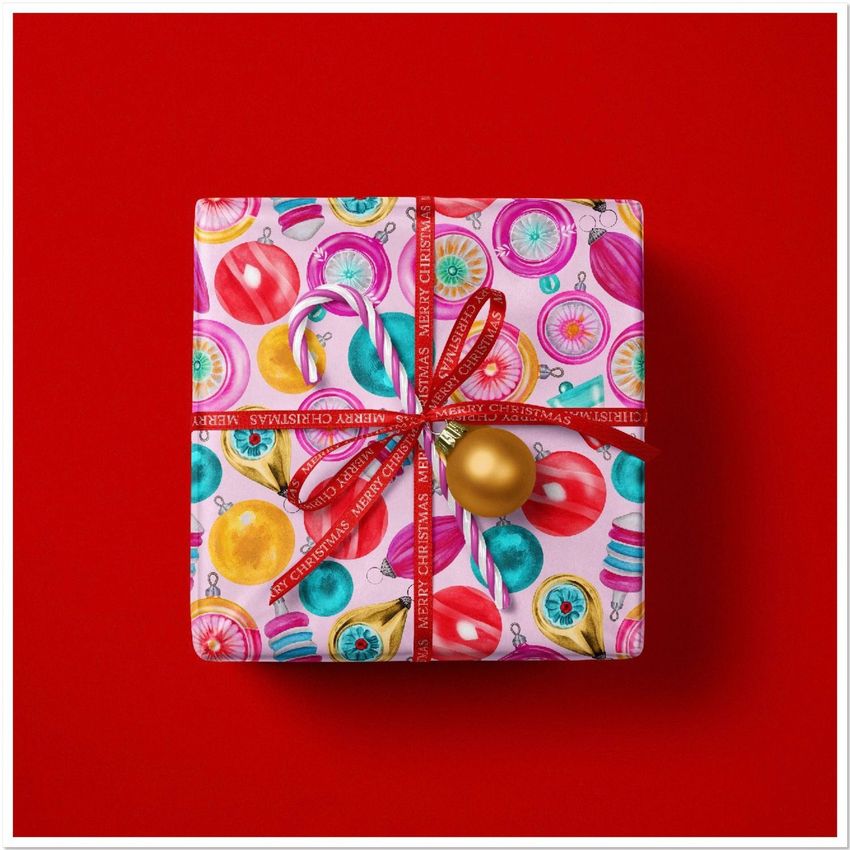
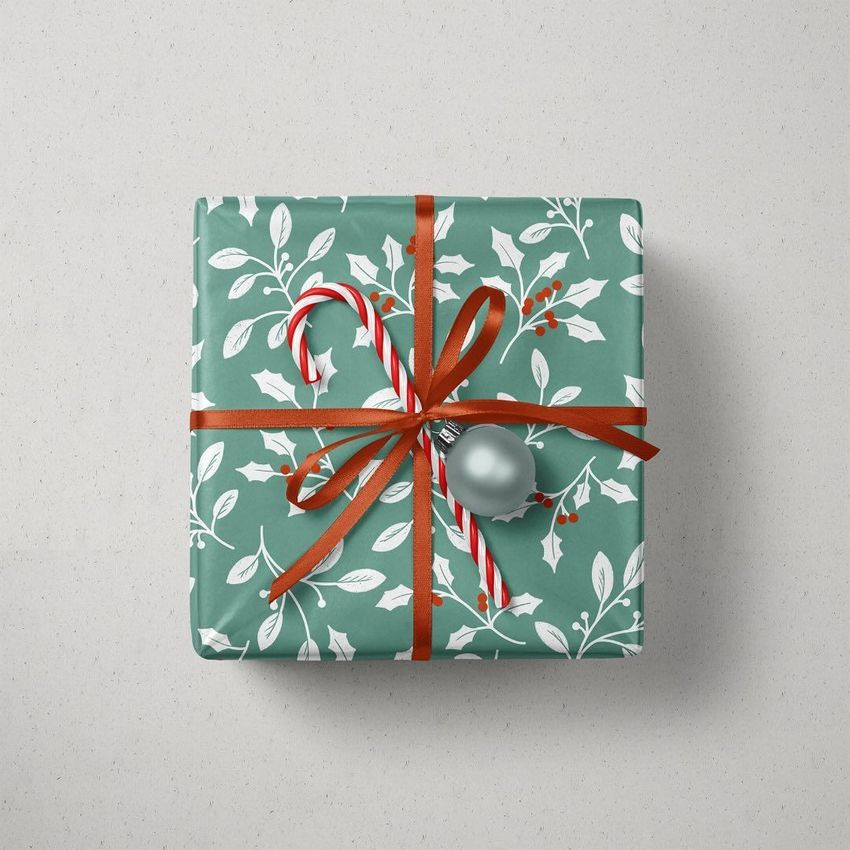
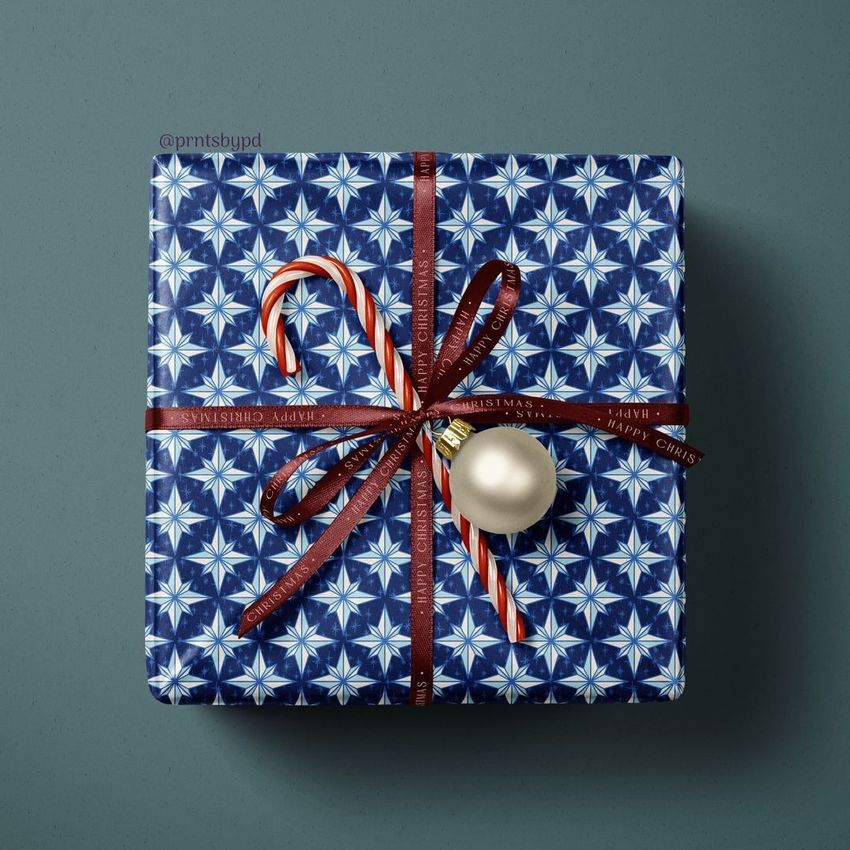
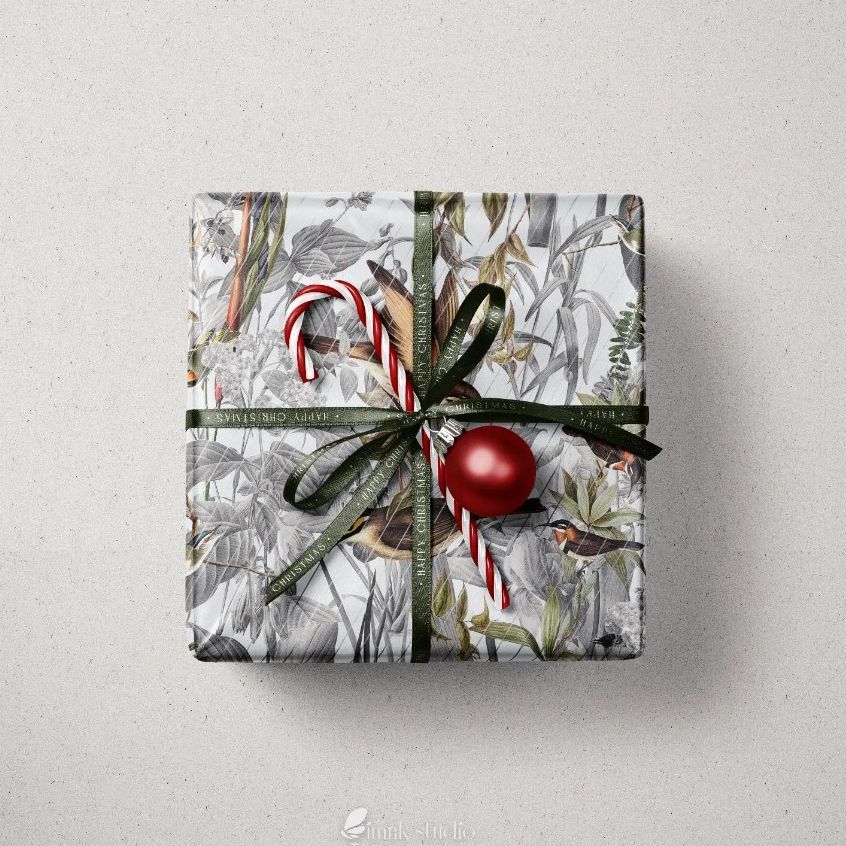
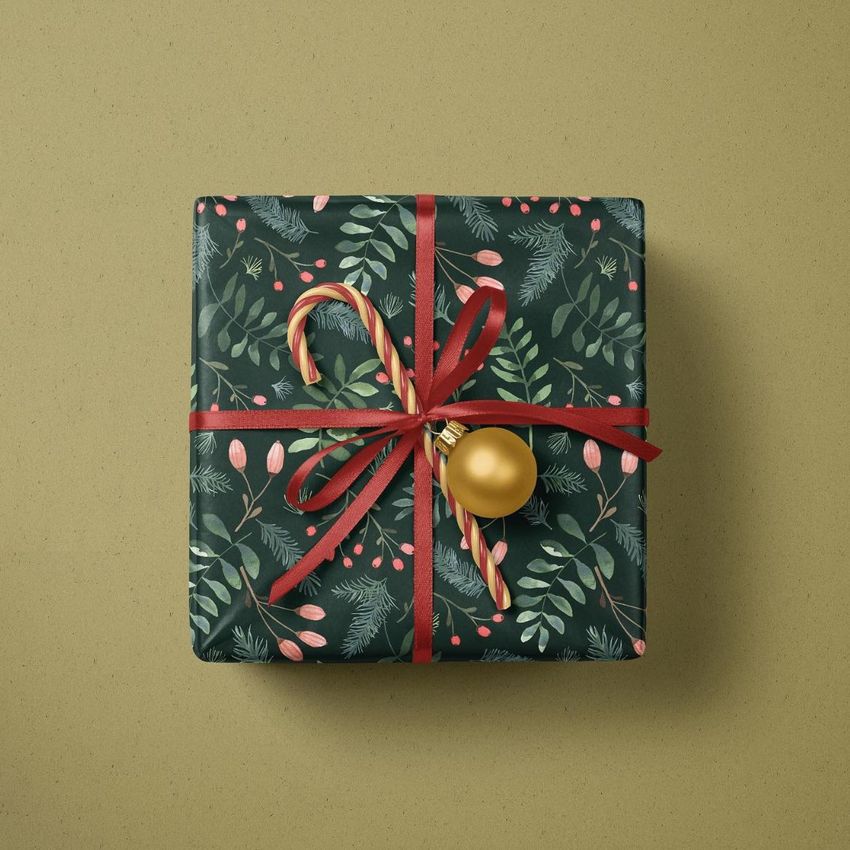
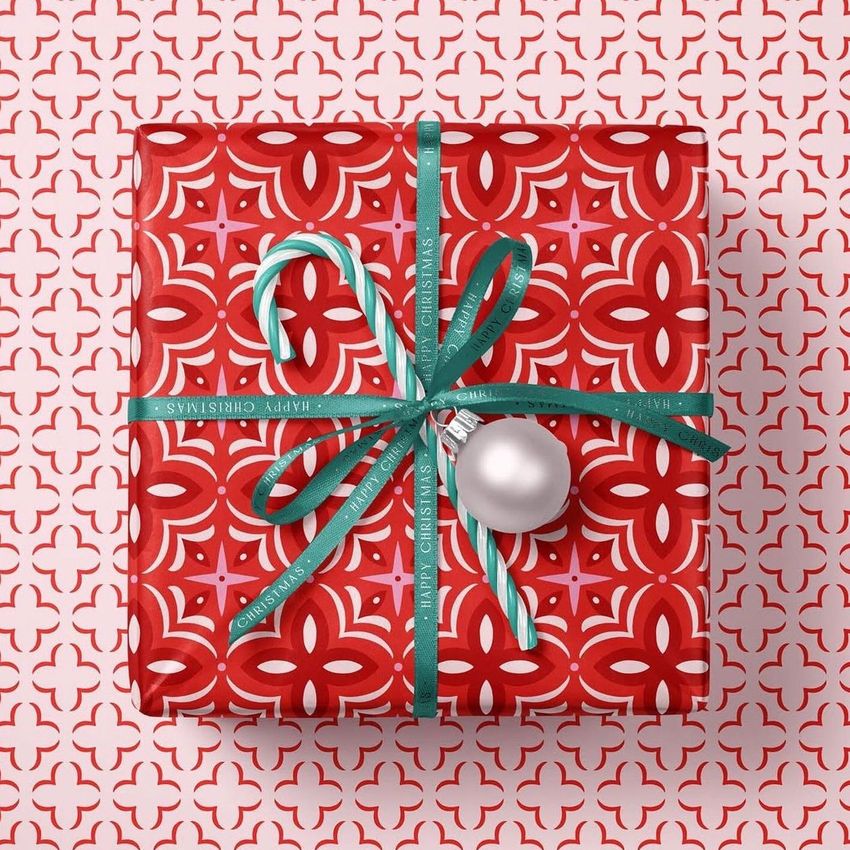
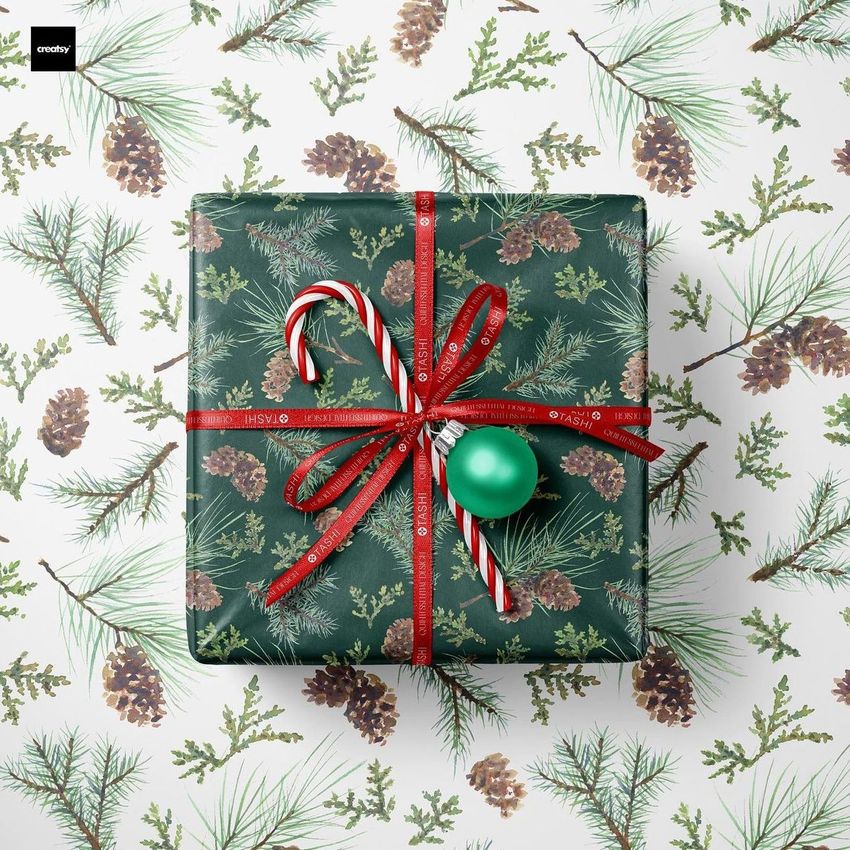
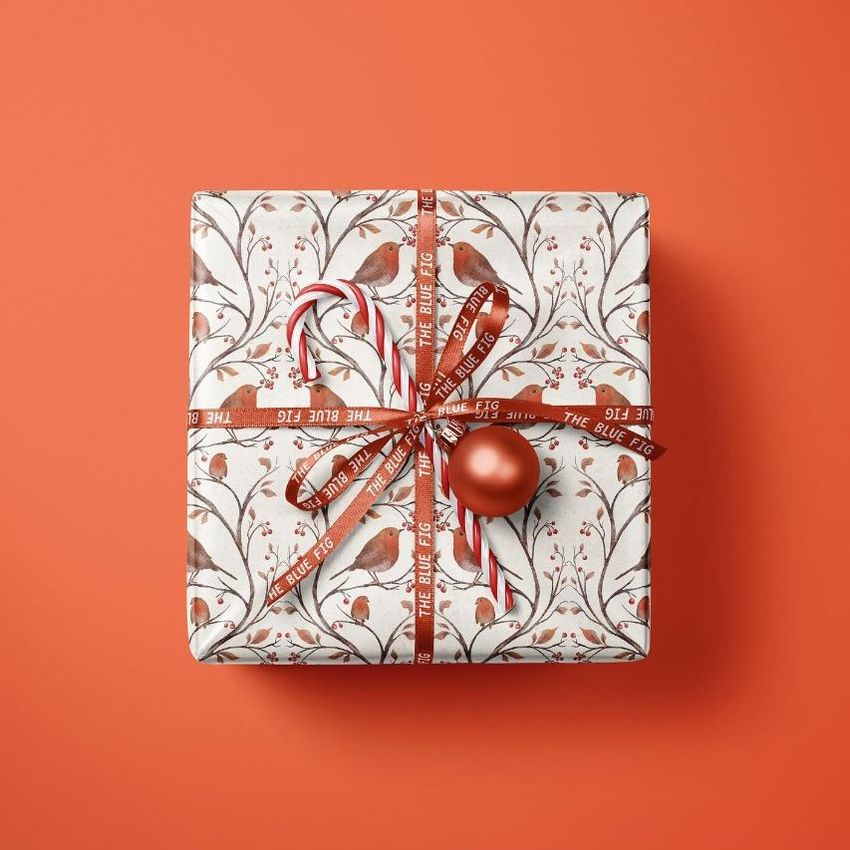
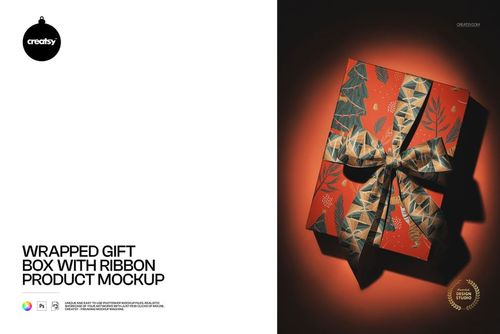
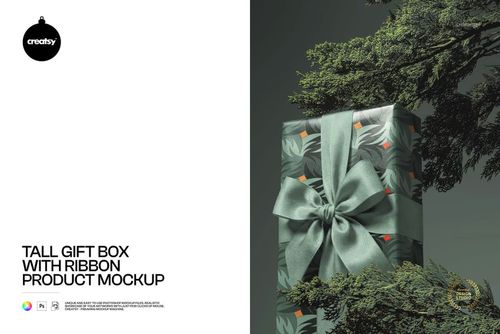
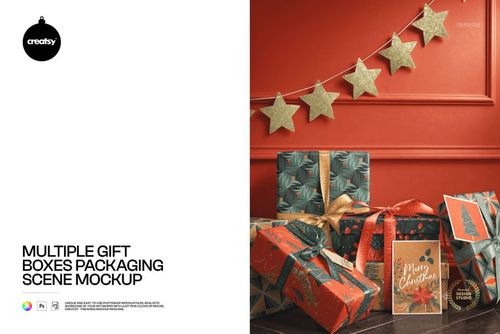
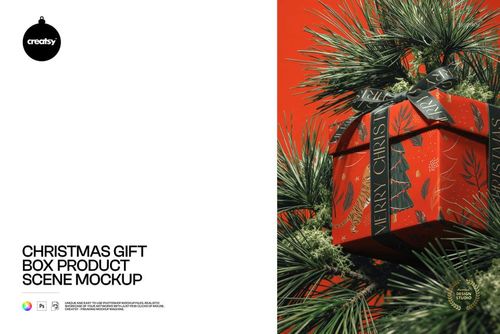
Celebrate the sweetness of the season with our Christmas Gift with Candy Cane Mockup - a delightful square gift that promises a treat for both the eyes and the taste buds. With the charm of a candy cane nestled in a ribbon adorned with festive stripes, this mockup is a visual feast with a touch of delicious whimsy.
Delicious Design Delights: Personalize Your Sweet Surprise
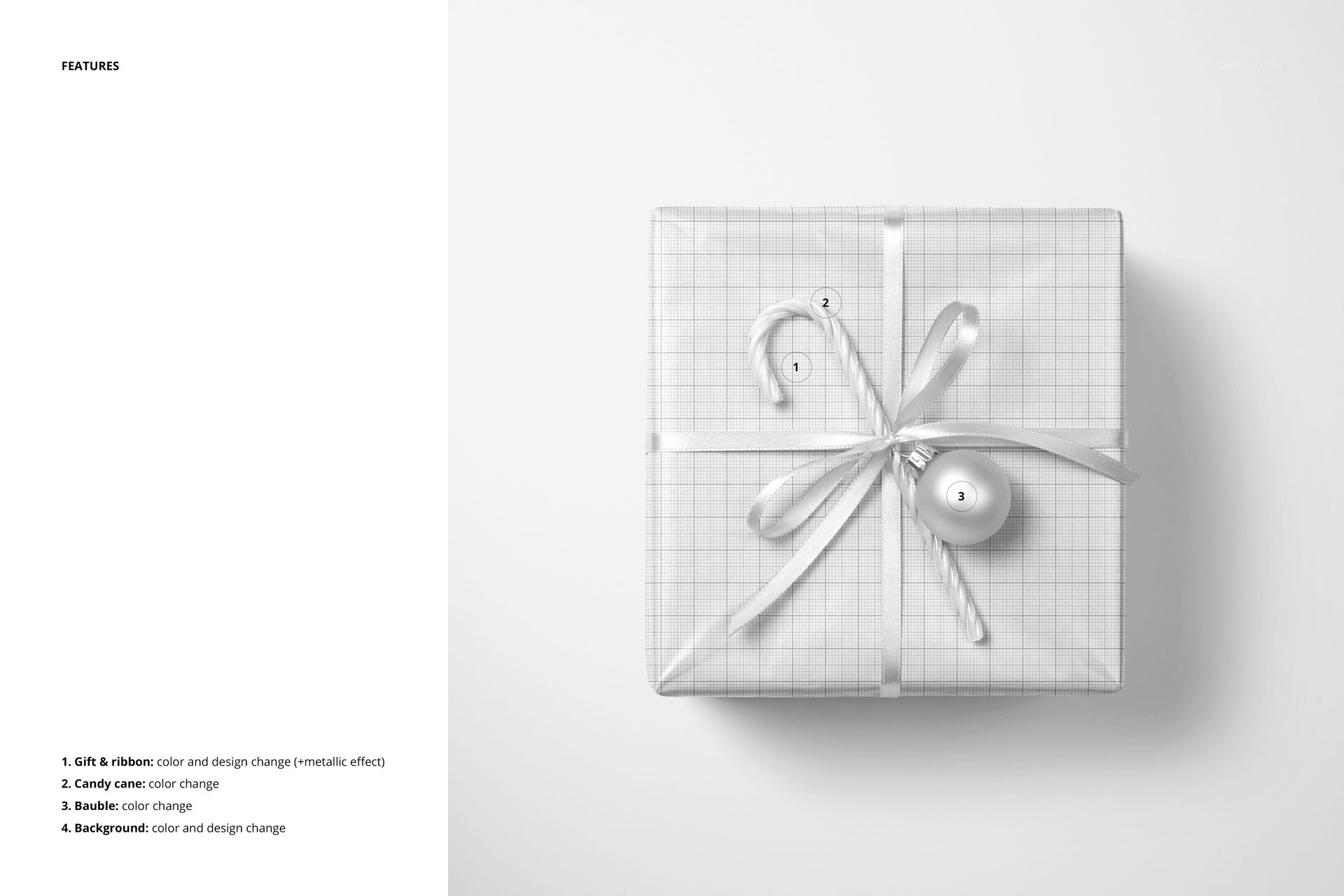
Unleash your creative flair by customizing the look and feel of your gift. From traditional holiday motifs to contemporary designs, you have the power to transform the color and design of the gift, ensuring that each gift is a unique expression of your festive spirit.
A Taste of Christmas: Personalize the Candy Cane and Bauble
Take advantage of the opportunity to personalize the candy cane by adjusting its color to harmonize with your overall design. In addition, customize the color of the accompanying bauble to create a harmonious ensemble that captures the essence of the holiday season. Enhance the elegance of the candy cane's companion, the ribbon. Customize its color and design, and add a touch of metallic sheen for a sophisticated touch. This feature allows you to create a gift presentation that perfectly complements your unique style and the recipient's taste.
- Files work in Photoshop CC and Photopea;
- Pack includes 1 .psd file: 4000x4000 px, 300dpi;
- Check screenshots for all the features;
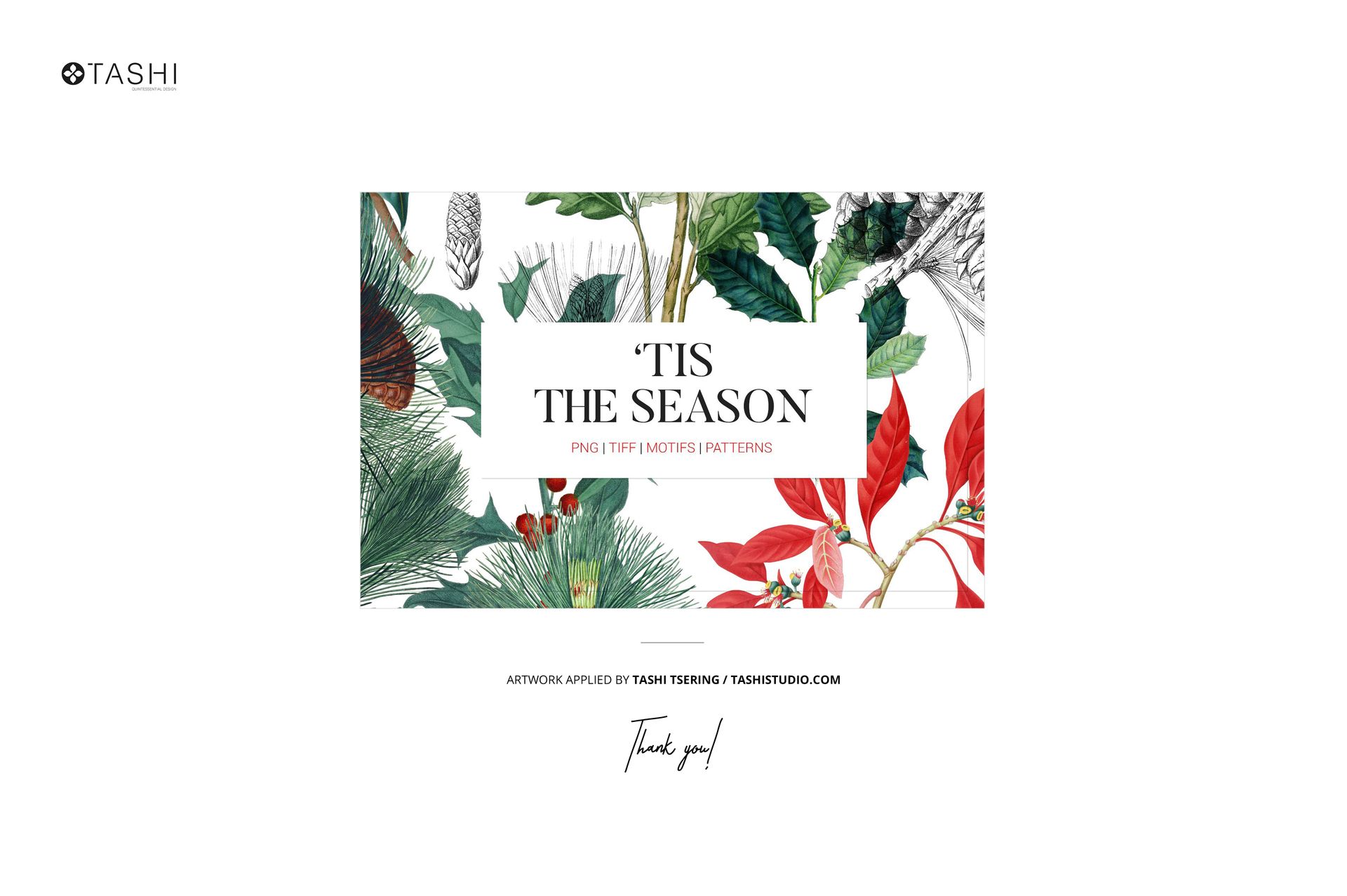
- Pattern applied on previews by Tashi Studio / tashistudio.com;
Patterns are NOT included, this product is a mockup intended for you to add your own designs.
File details
- Compatibility
- Number of files included
- 2
- Package size
- 67.8 MB
|71.1 MB
- Files type
- .psd, .jpg
- Files size
- 4000x4000


Made with Creatsy
Real designs. Real customers. See how creatives use Creatsy mockups to turn their artwork, branding, and product ideas into polished visuals.
MEET THE SHOP

HOW IT WORKS
3 clicks. That's it.
No tutorial needed. If you can copy-paste, you can use this.
- 1OpenDouble-click the smart object inside the PSD - in Adobe Photoshop, or free in your browser with Photopea.
- 2PasteDrop in your pattern, print, or artwork. Any design, any style.
- 3SaveHit save and the mockup wraps it in for you - shadows, folds, and lighting included.
FROM IDEA TO IMAGE
Built for real workflows
You just finished a print collection and need portfolio-ready shots - without booking a $2,000 photo shoot or waiting two weeks.
Your client wants to see the pattern on a real dress before approving. Send them a photorealistic mockup, not a flat swatch and a "trust me."
You're launching a summer drop on Etsy or Shopify and need listing images that actually convert.
You're pitching resort wear to a brand and your lookbook needs to feel like a million bucks. This gets you there for the price of lunch.
Smart Objects
Edit once and you're done. Your artwork drops into a smart object and the mockup updates itself - no masking, no warping by hand.
Perfectly Organized
Named layers and folders you can actually navigate. Find what you need, change what you want, and get out fast.
Print-Ready
High-resolution files built to hold up on screen and in print. Exact size and DPI are in this product's Details above.