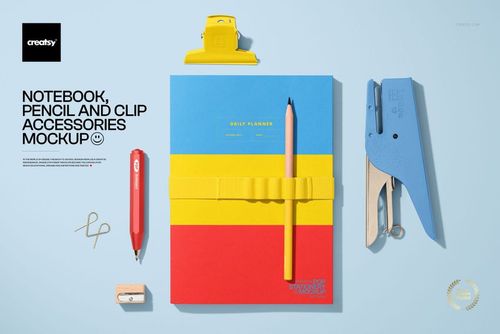
Planner Mockup Set
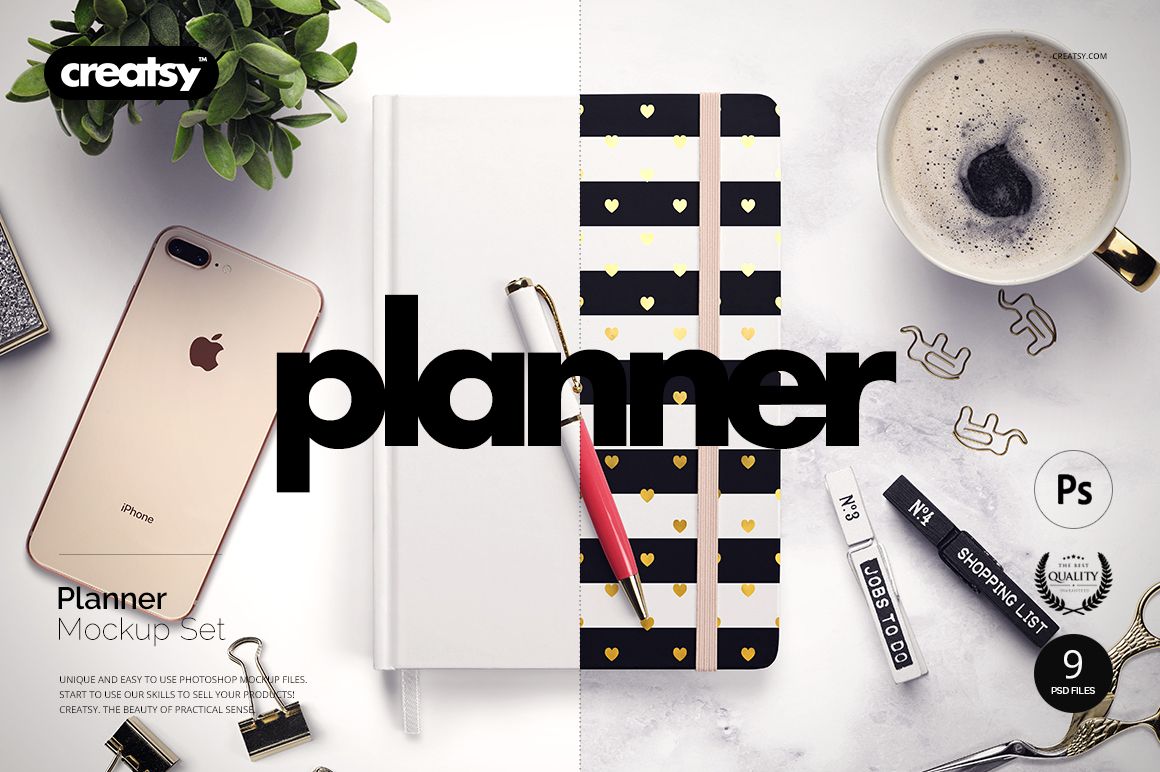
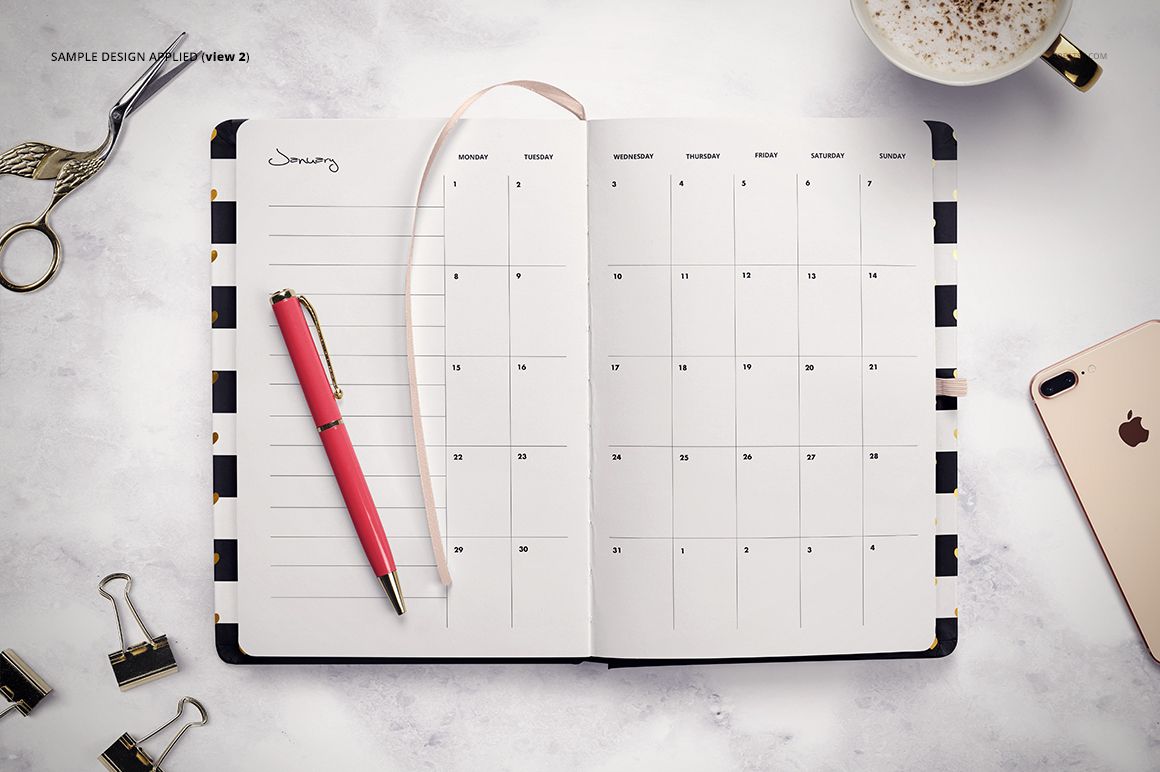
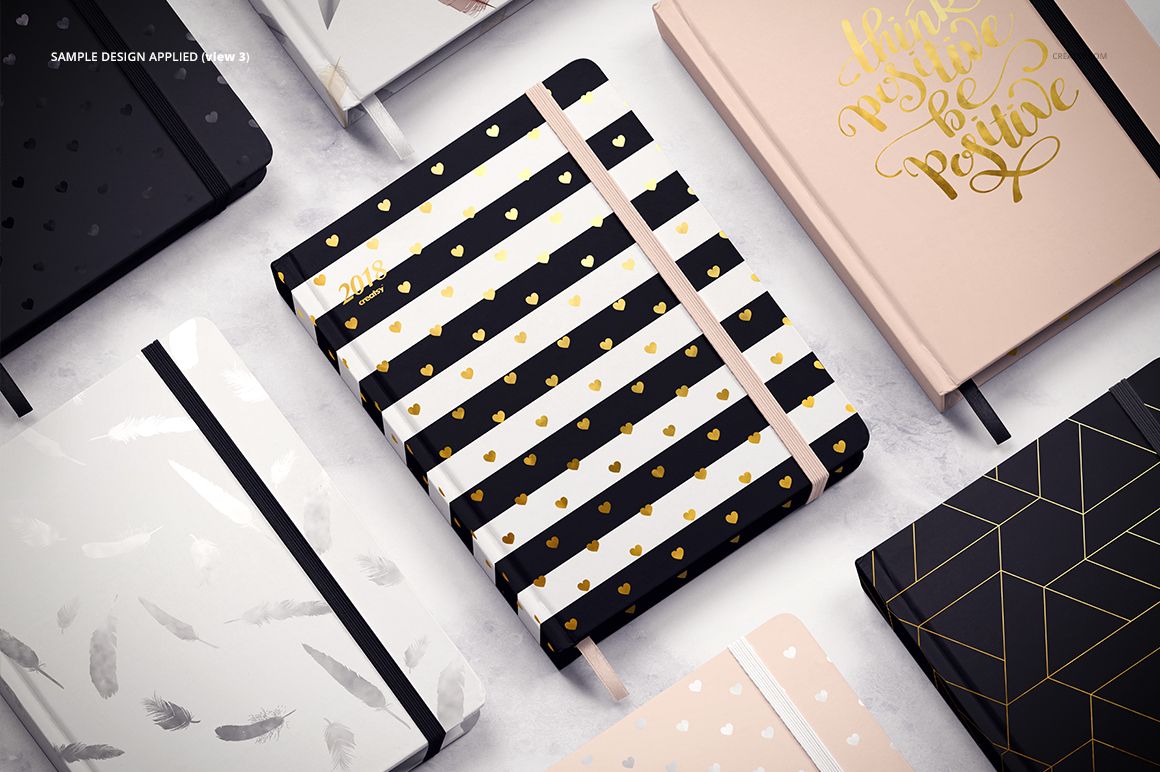
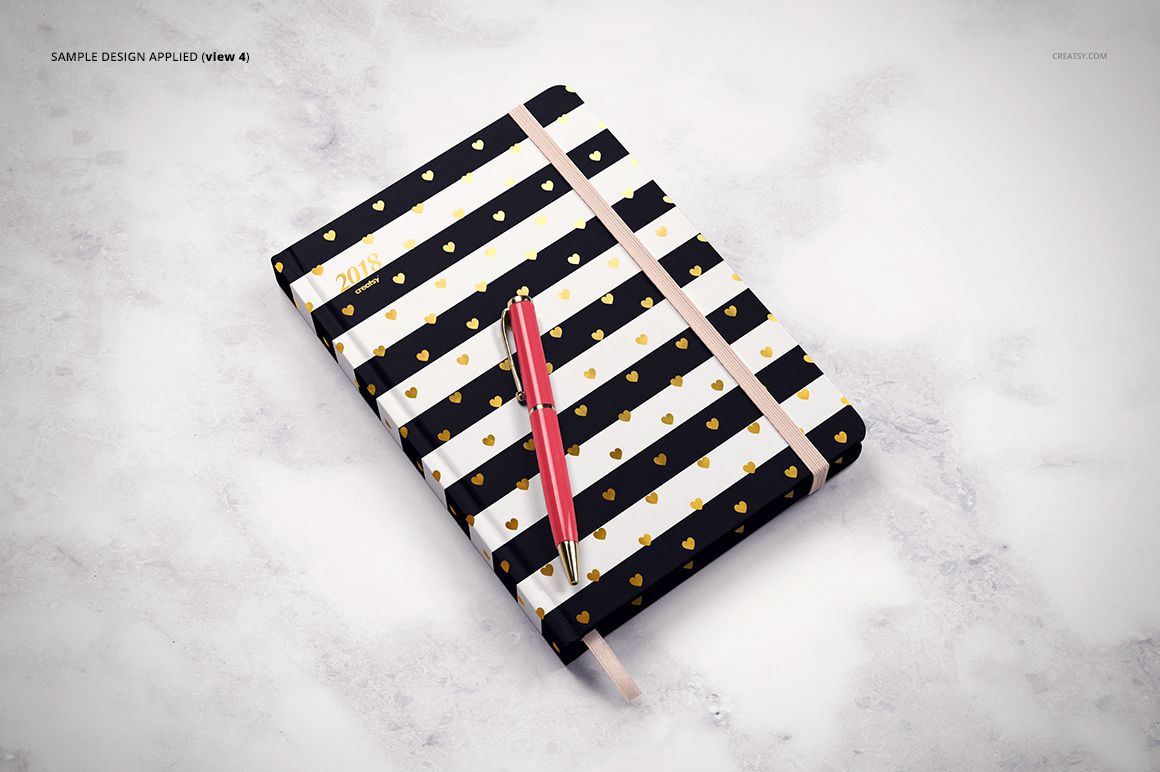
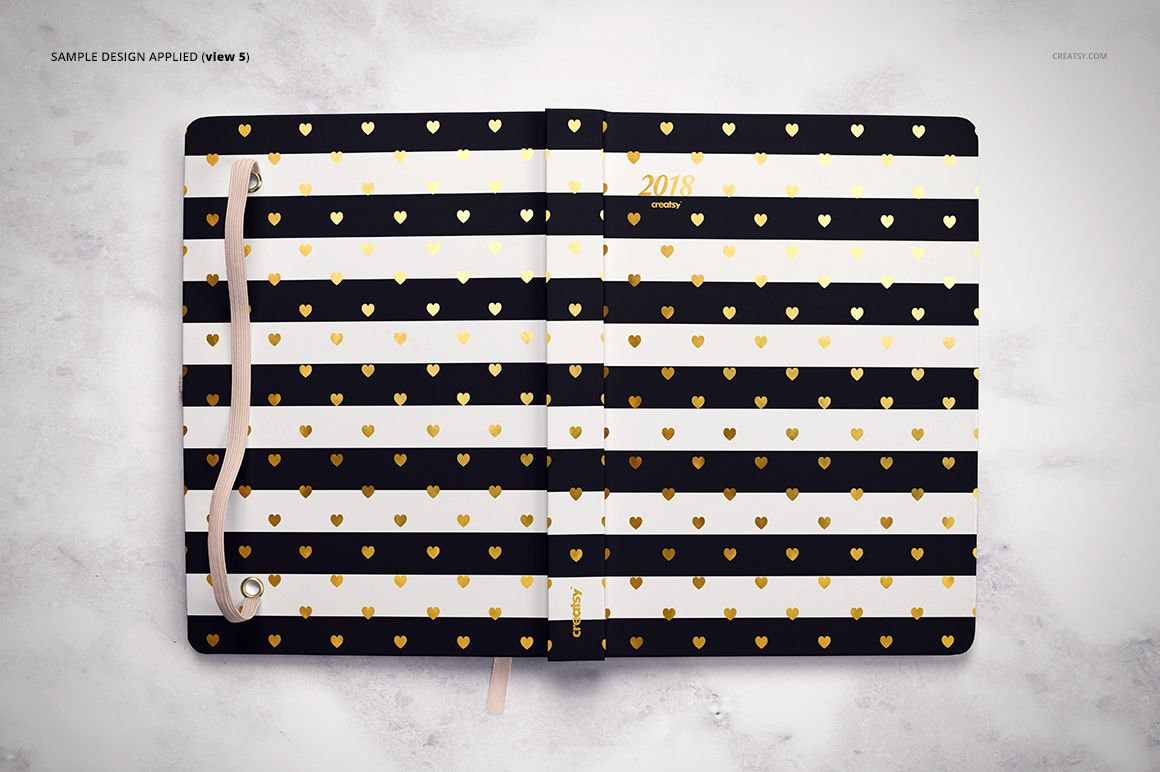
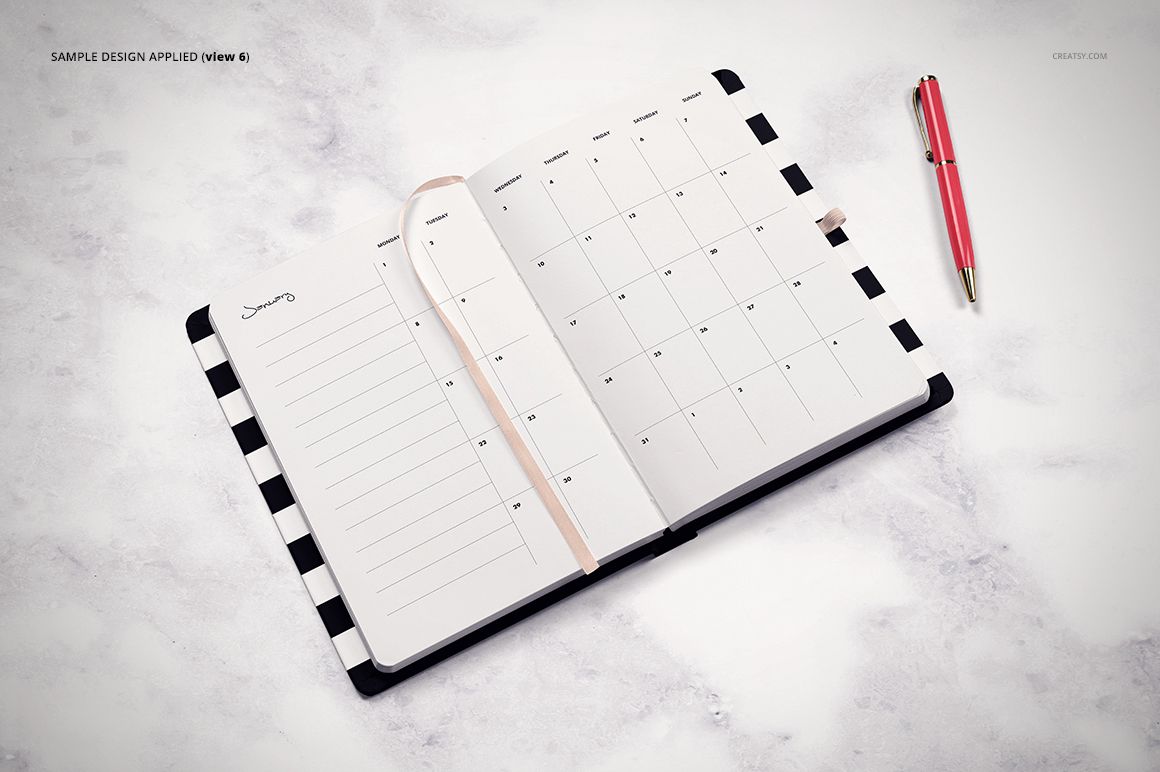
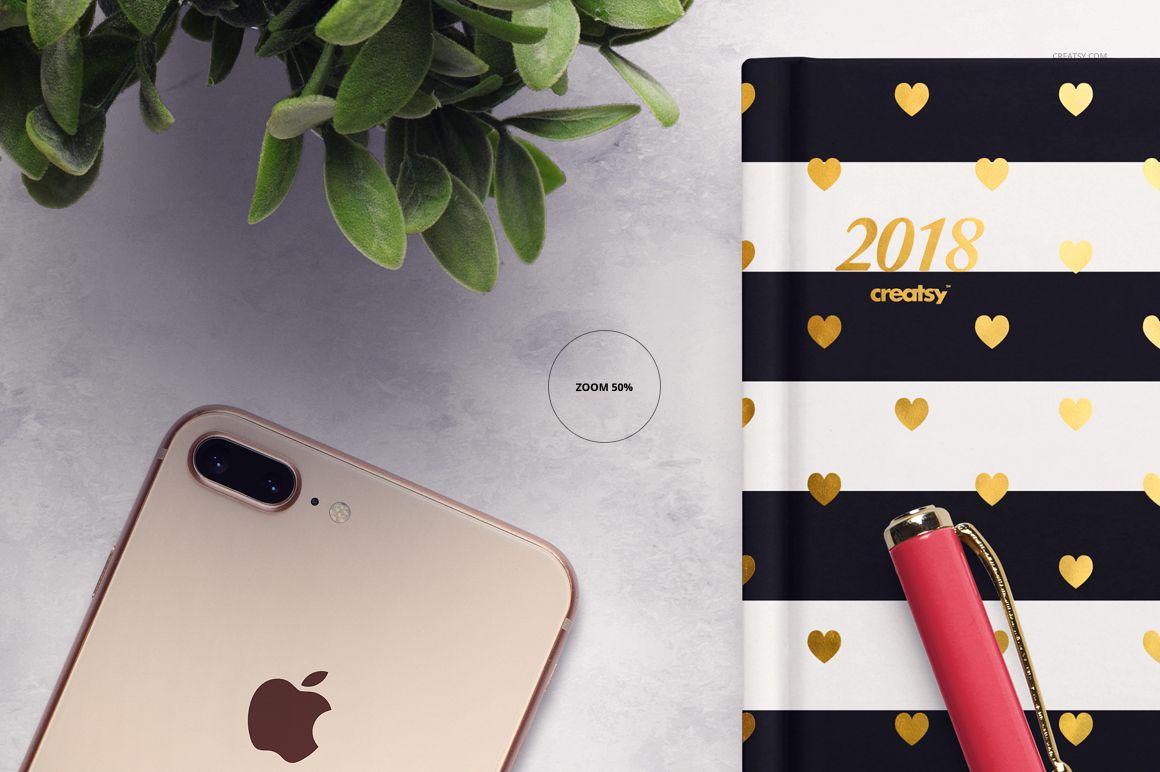
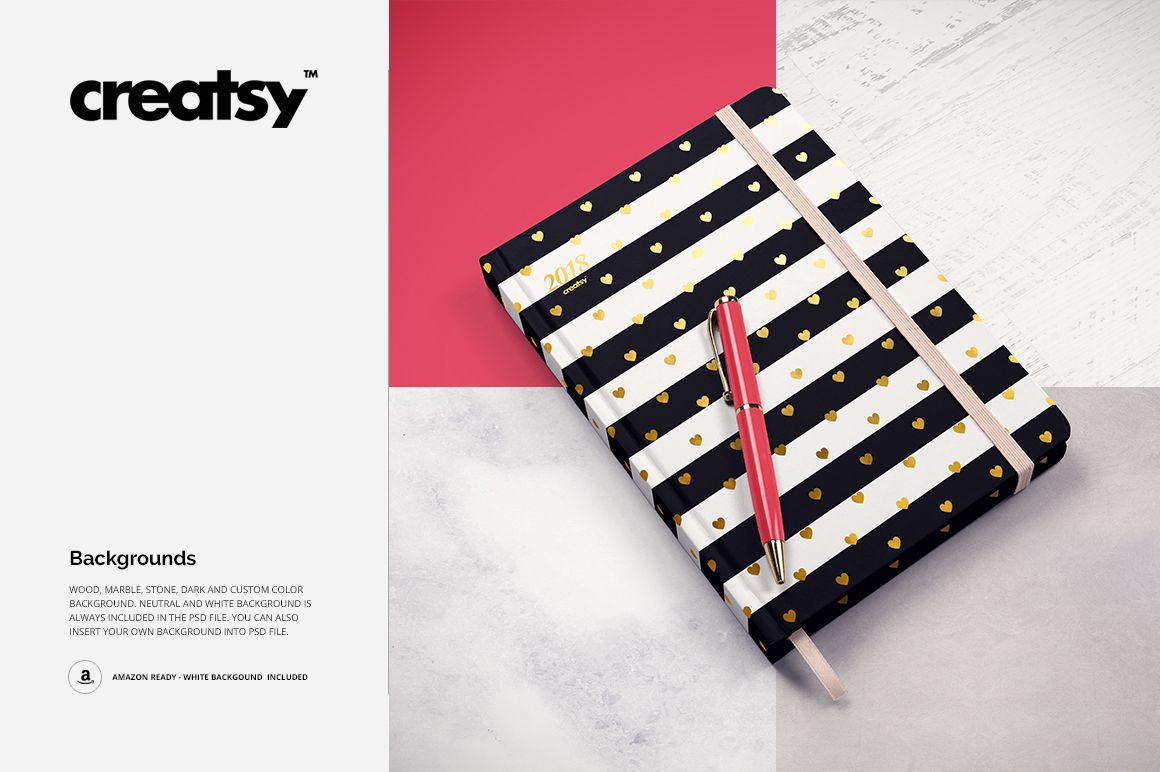
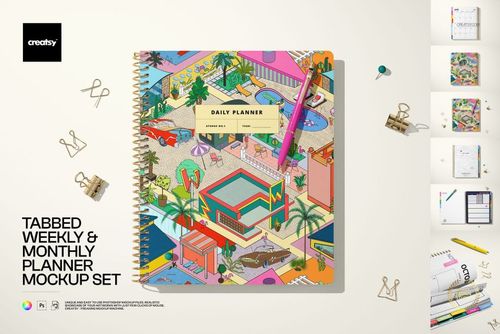
Present planner covers, interior page layouts, foil details and coordinated colorways across nine high-resolution flat lay scenes. The set combines open and closed planner views, grouped compositions and a pen-focused scene with more than 20 movable desk props.
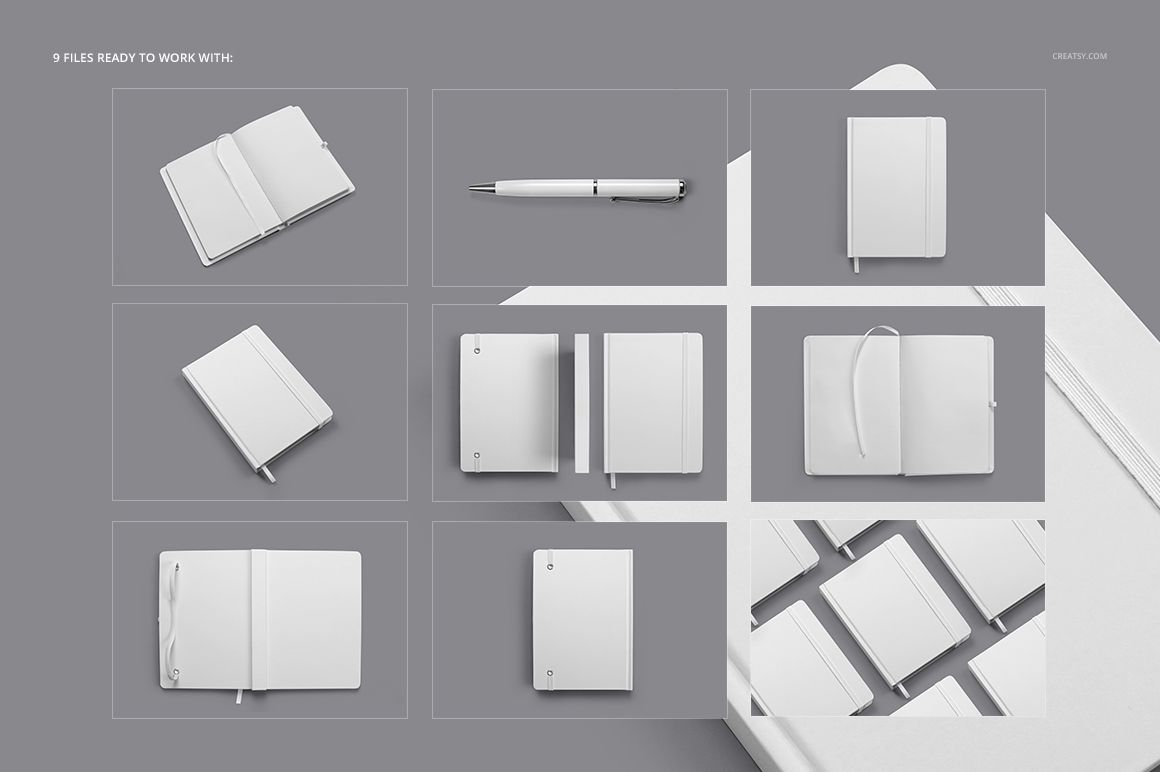
Nine Coordinated Flat Lay Scenes
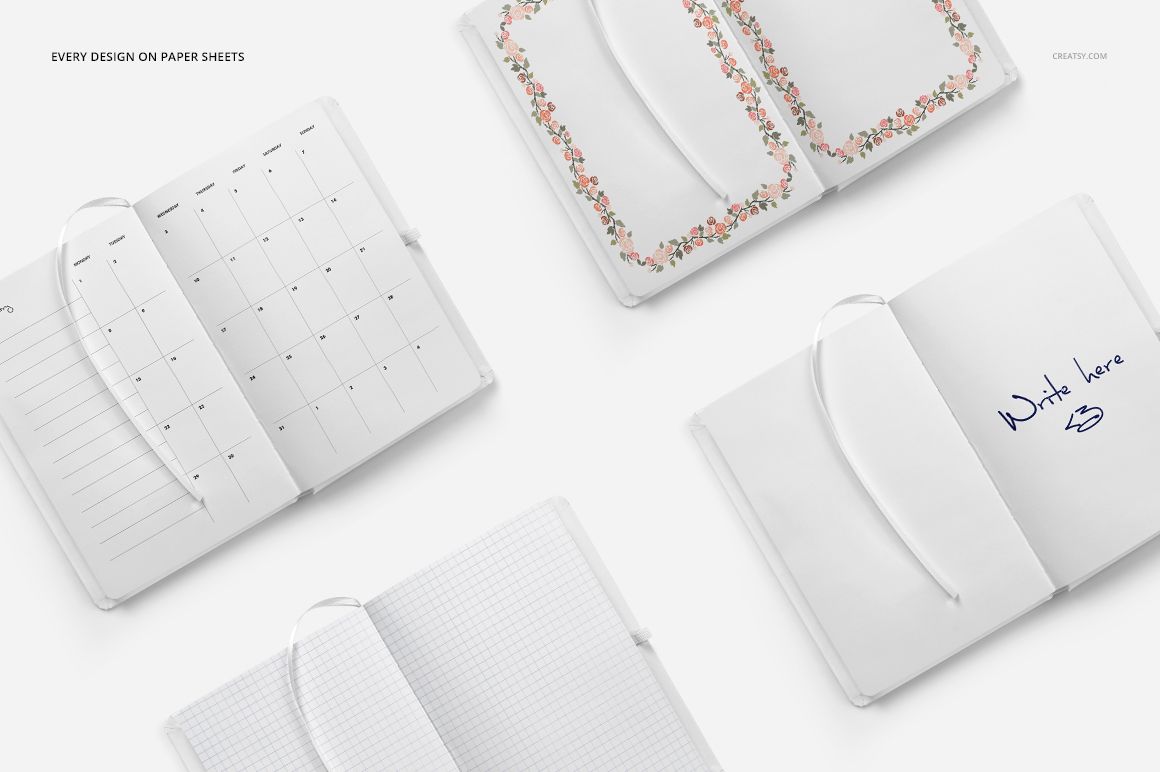
Open planner views for monthly, grid, lined, patterned and blank page layouts
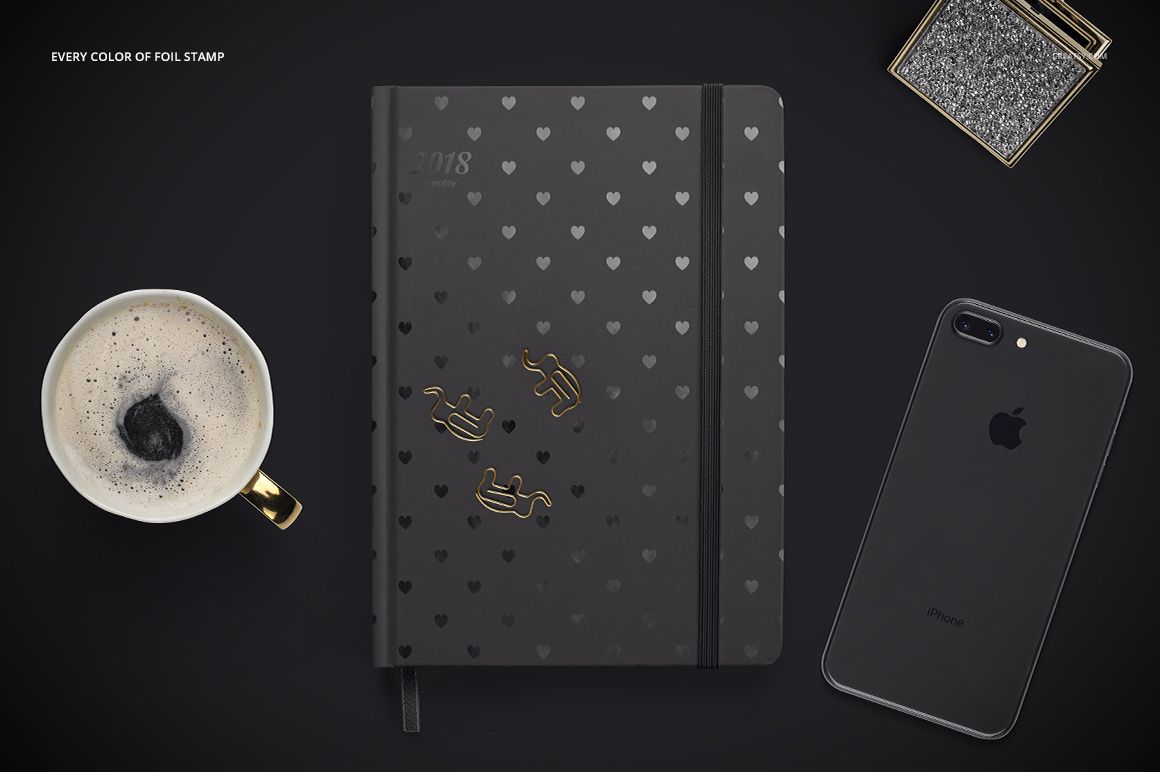
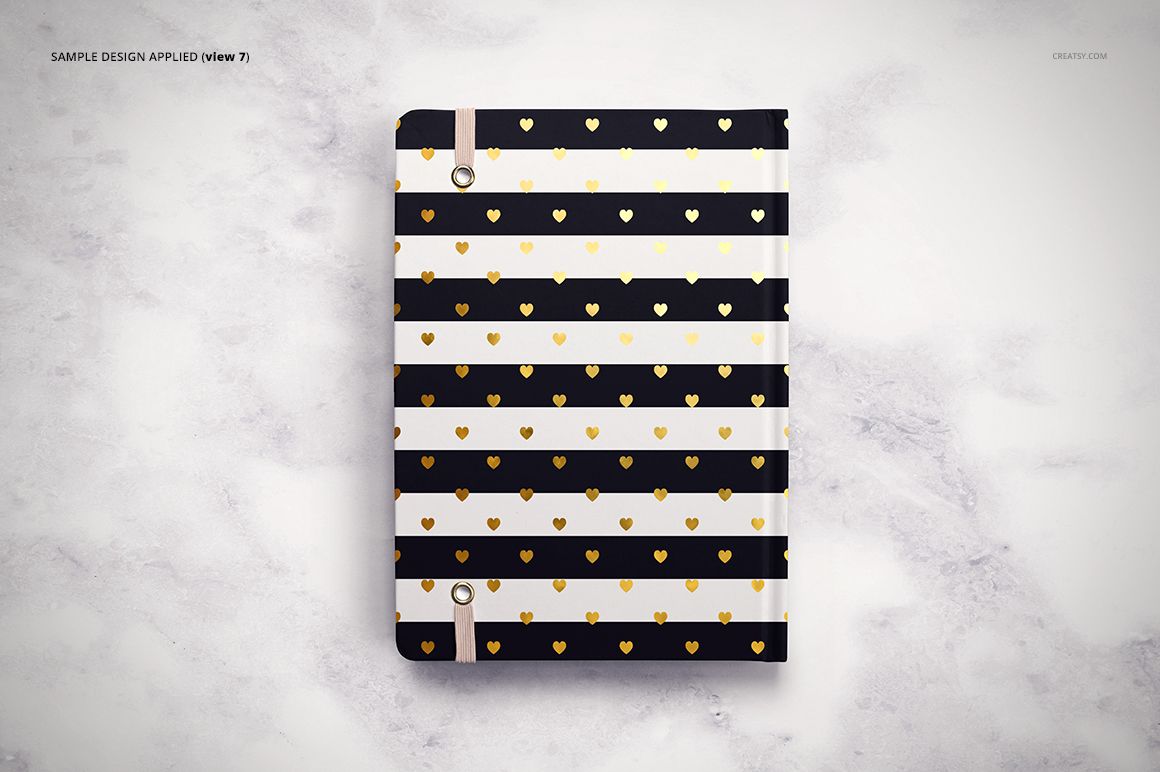
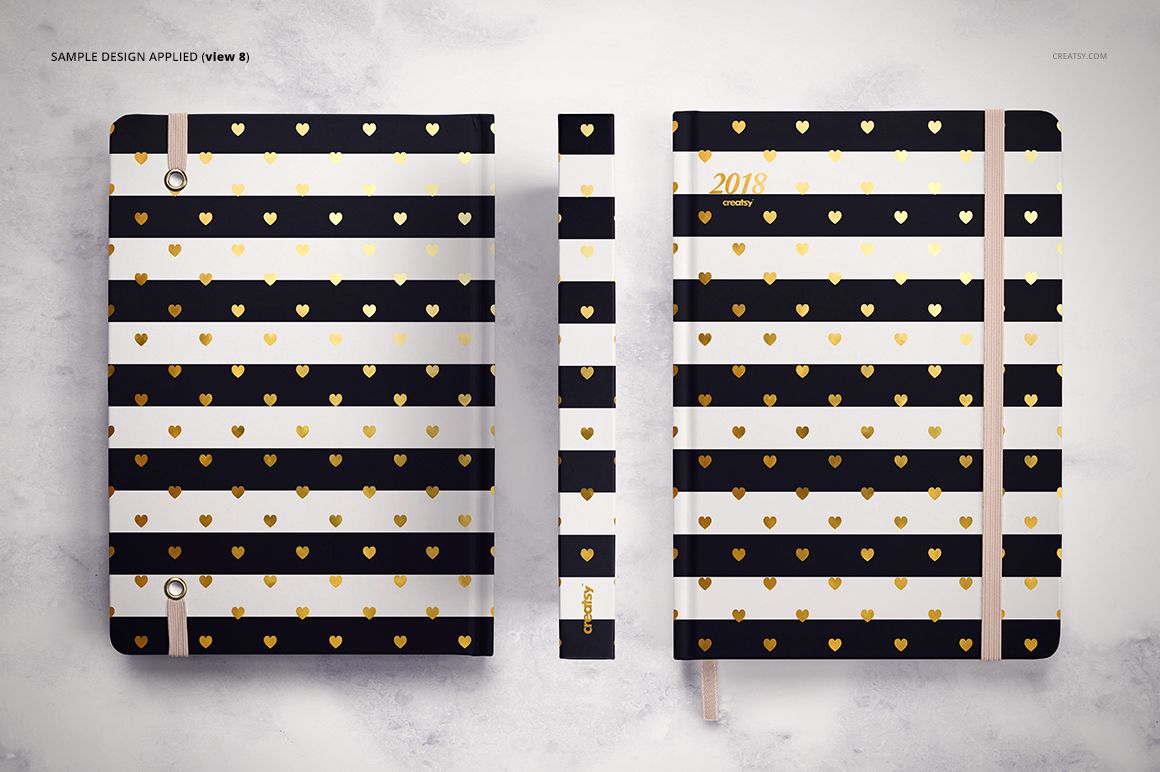
Closed planner views for cover artwork, elastic closures and foil accents
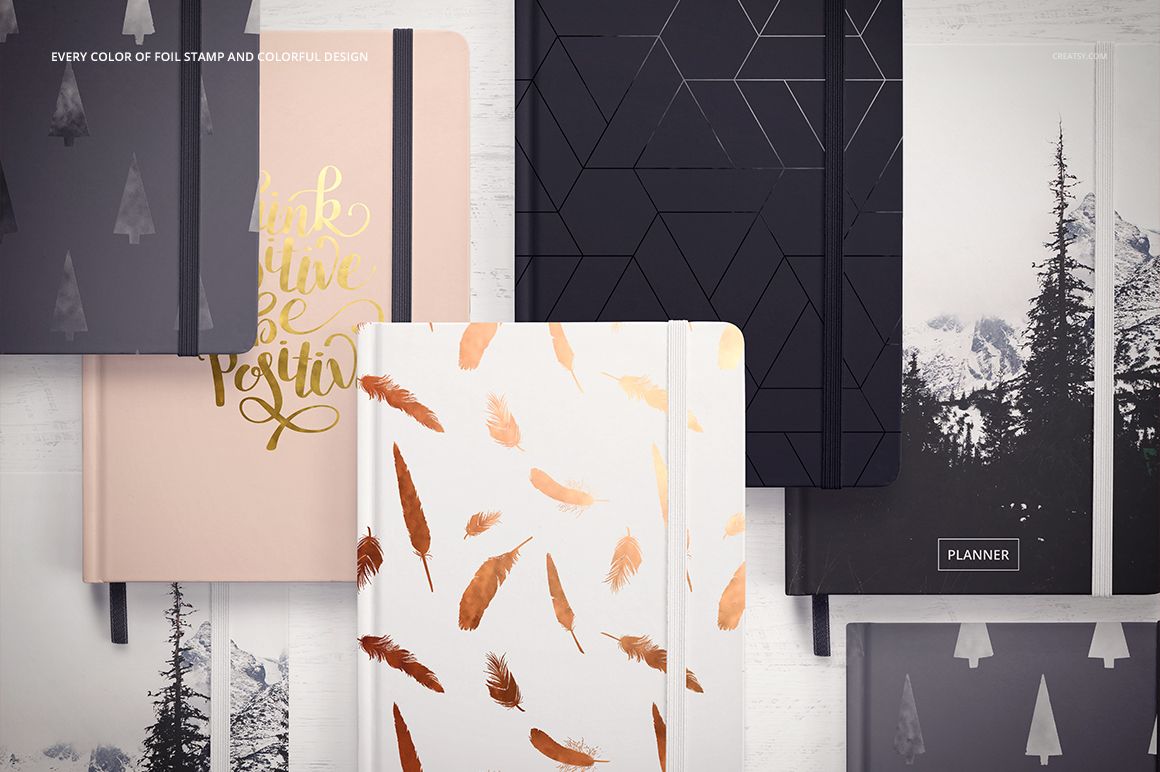
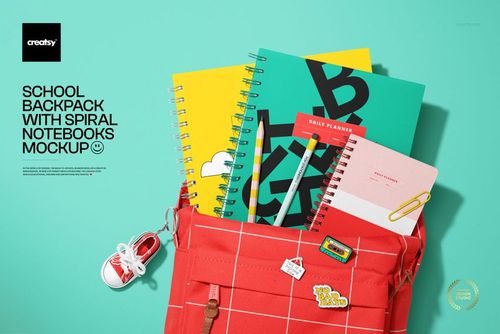
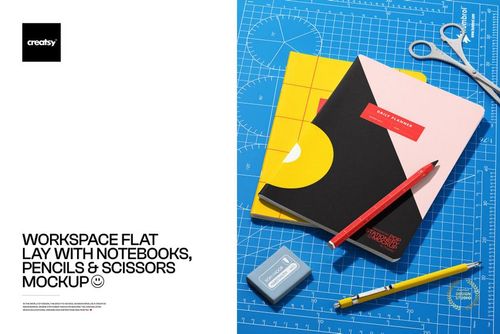
Grouped compositions for comparing coordinated designs and colorways
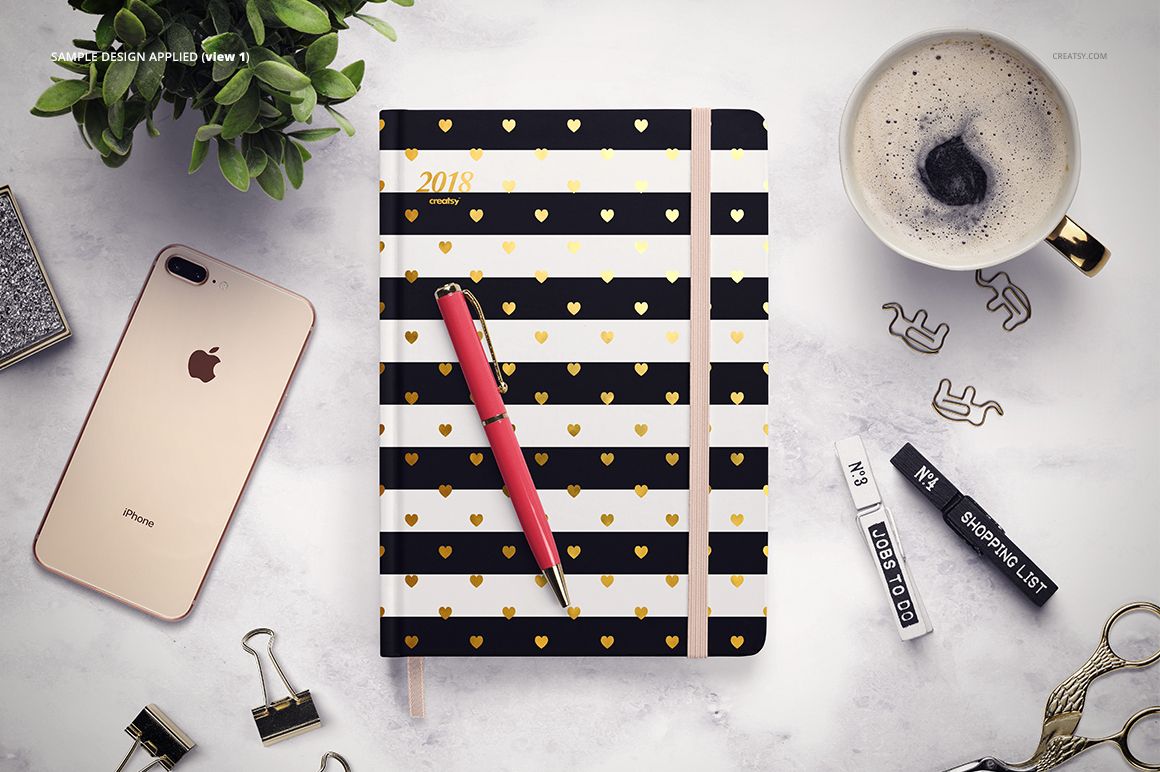
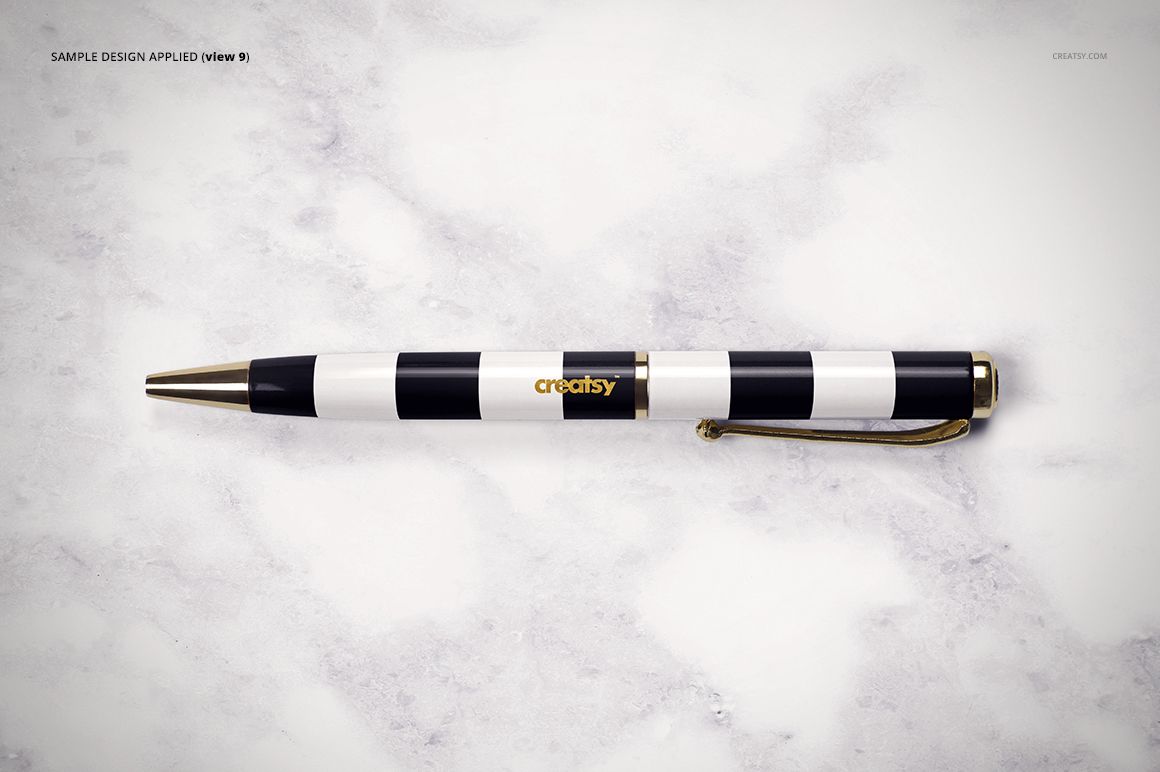
A standalone pen scene for supporting stationery presentations
Editable Planner Details
Place cover artwork and page layouts through prepared Smart Objects
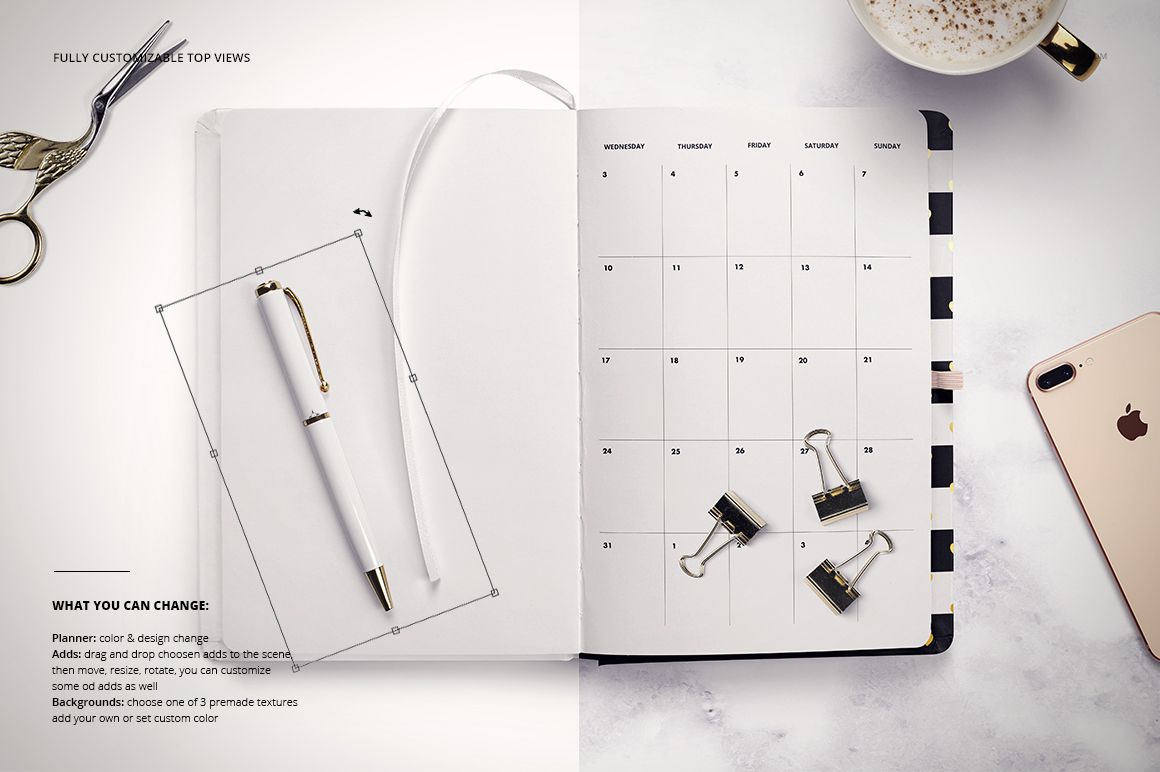
Change the planner color and design
Adjust the foil stamp color
Customize selected props and supporting elements
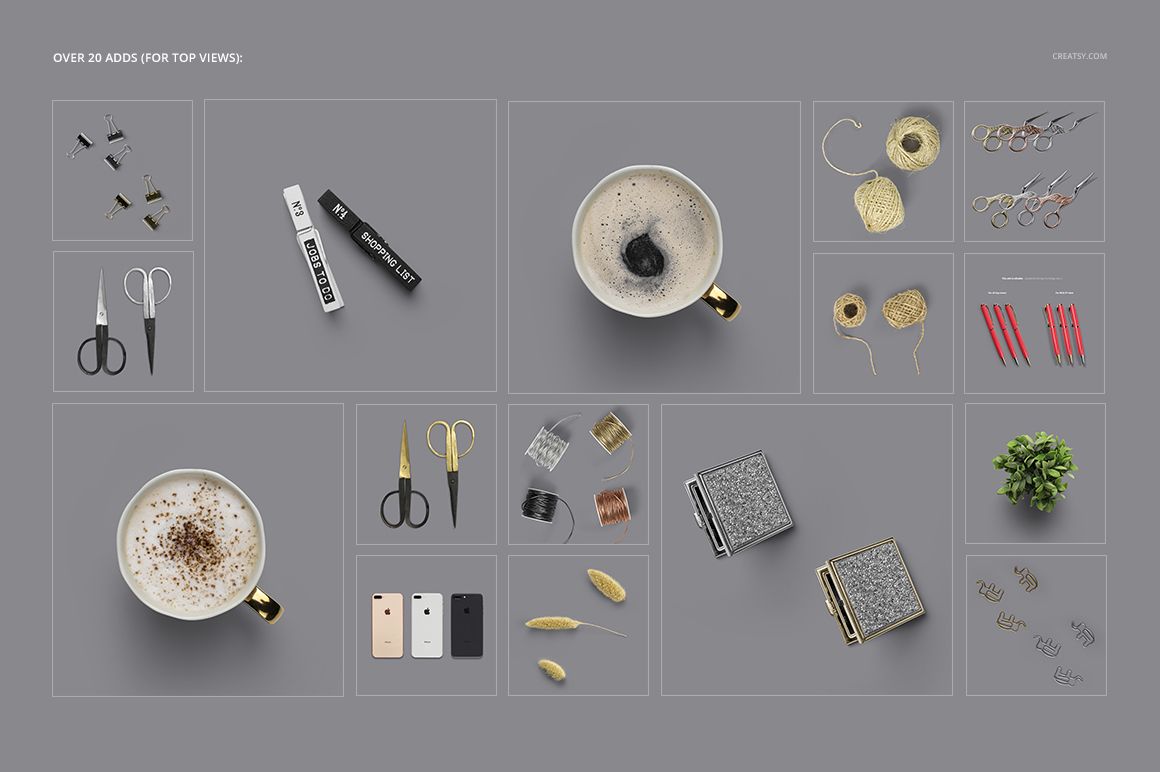
Movable Props and Backgrounds
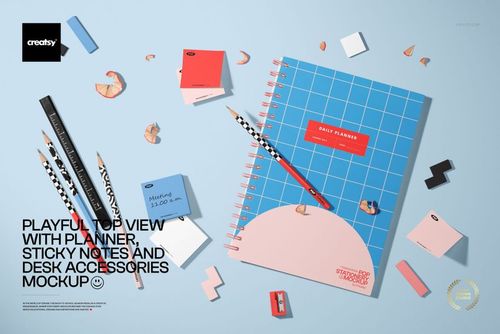
Arrange more than 20 included props around the planners. Move, resize and rotate them to adjust the composition, while selected props offer additional customization controls. Choose from 3 premade background textures, add your own texture or set a custom background color.
Easy Smart Object Editing
Open a scene in Adobe Photoshop CC 2015 or later, or in Photopea, then place artwork in the prepared Smart Objects. The layered files keep planner colors, foil details, props and backgrounds ready for coordinated editing.
What Is Included
8 layered PSD scene files and 1 layered PSB scene file
9 JPG scene previews at 6000 × 4000 px
2 TIF guide images at 2000 × 1414 px
1 adds.zip archive containing the included prop library
6000 × 4000 px mockup scenes at 300 DPI
Perfect For
Planner cover and interior page presentations
Stationery and surface pattern collections
Colorway and foil detail comparisons
Portfolio, client presentation and shop gallery images
Important Product Notes
This is a downloadable digital mockup product. No physical planner or stationery item will be shipped. Sample artwork is shown for presentation purposes only and is not included.