Blackberry Jam Jar Mockup Set
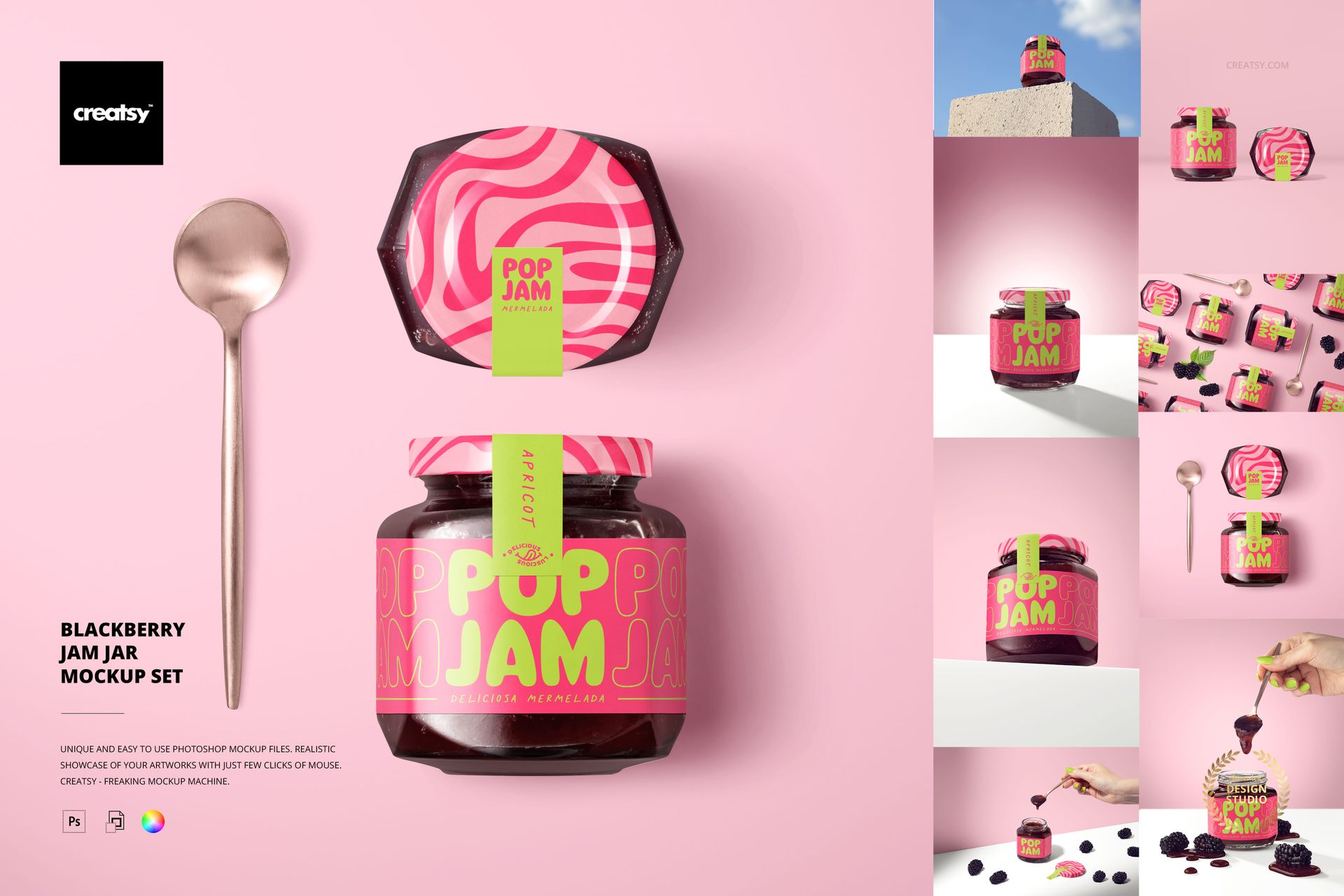
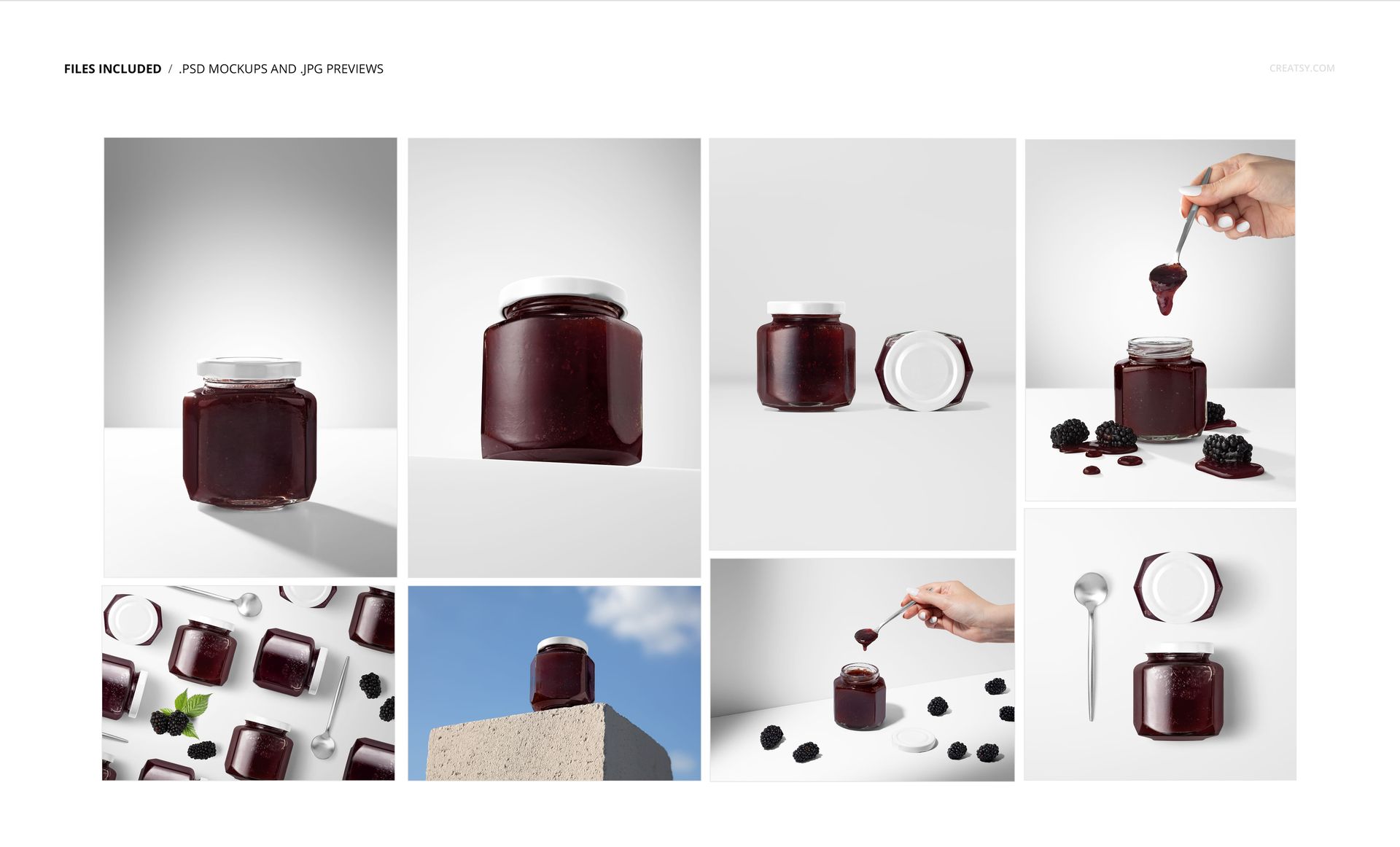
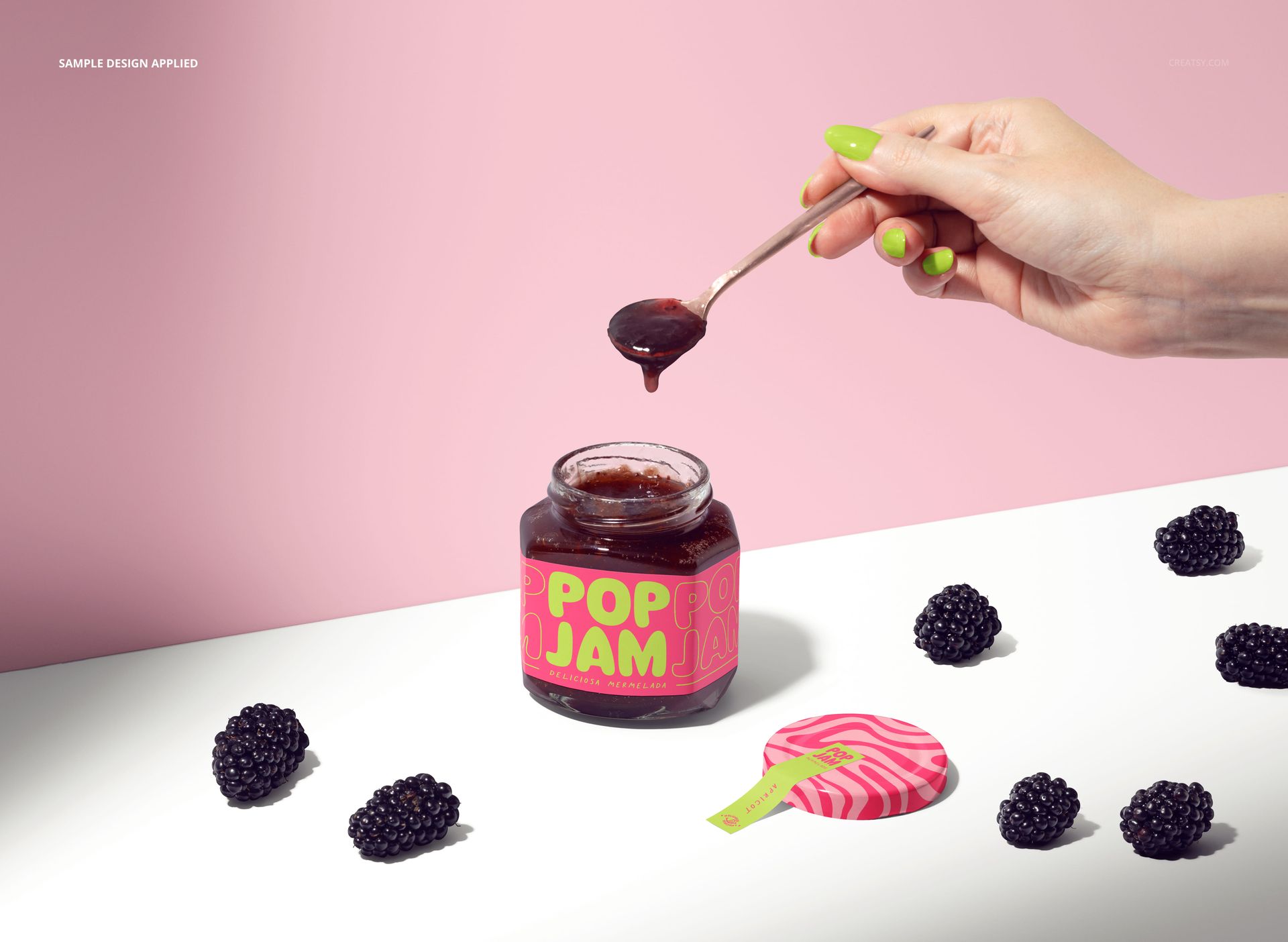
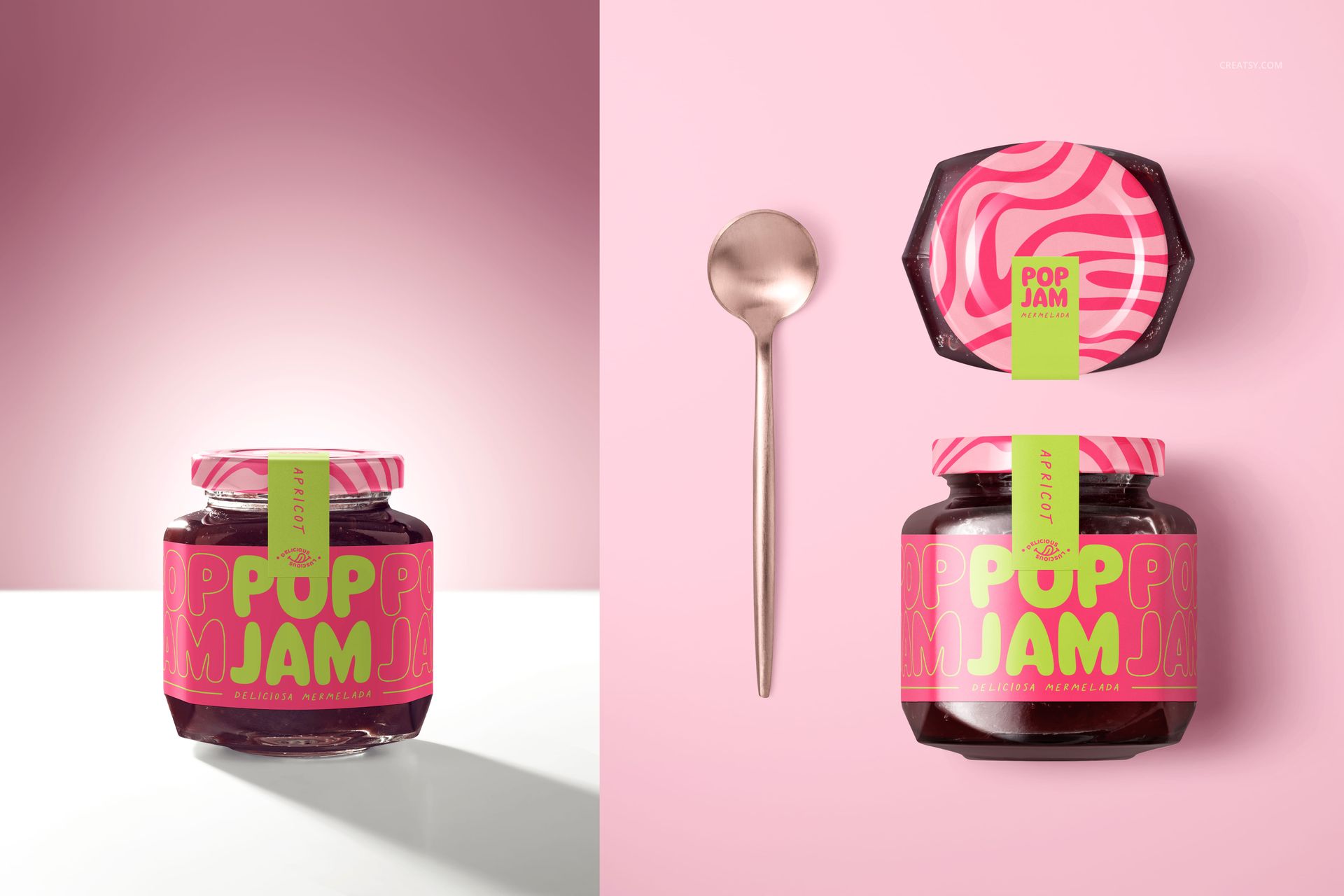
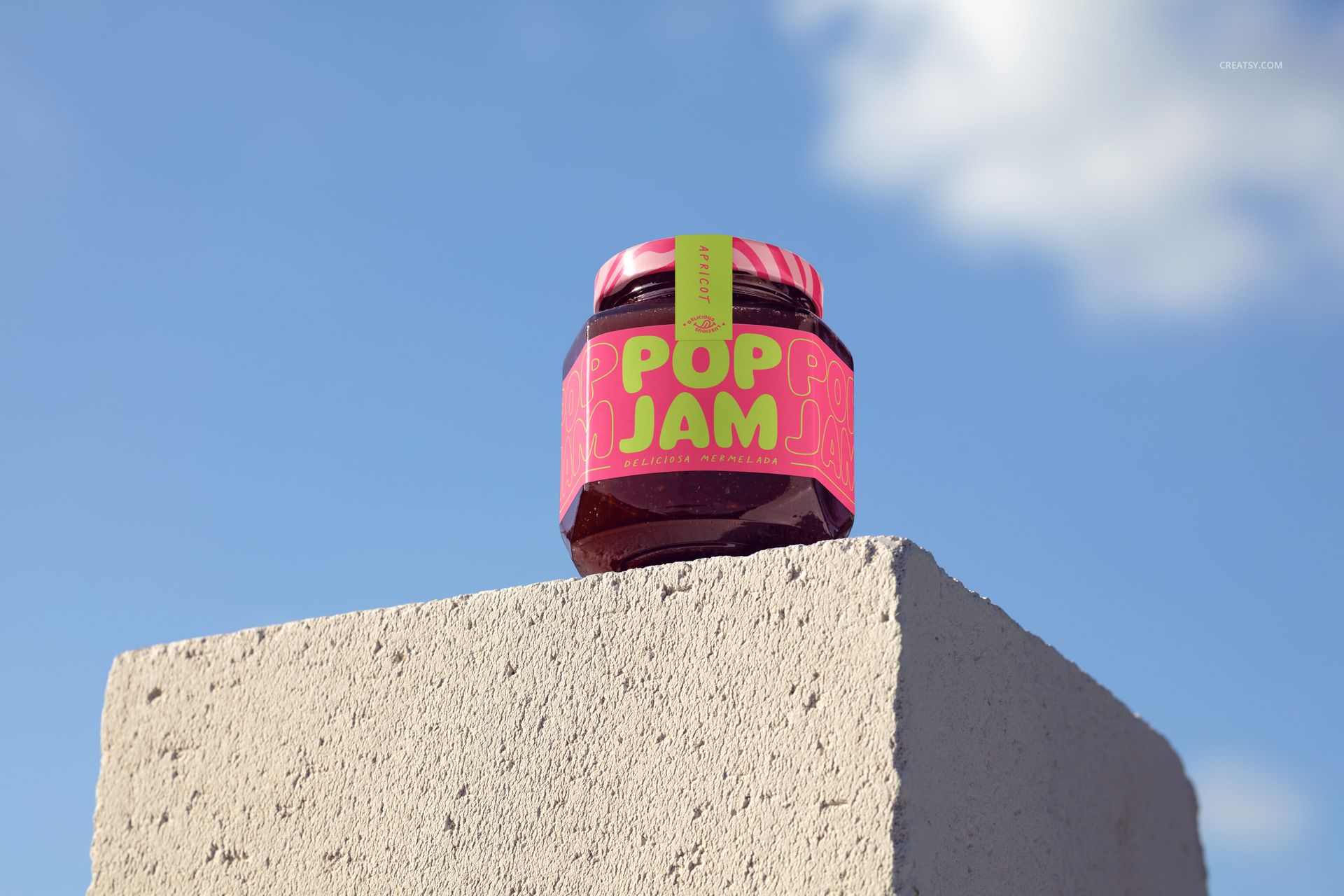
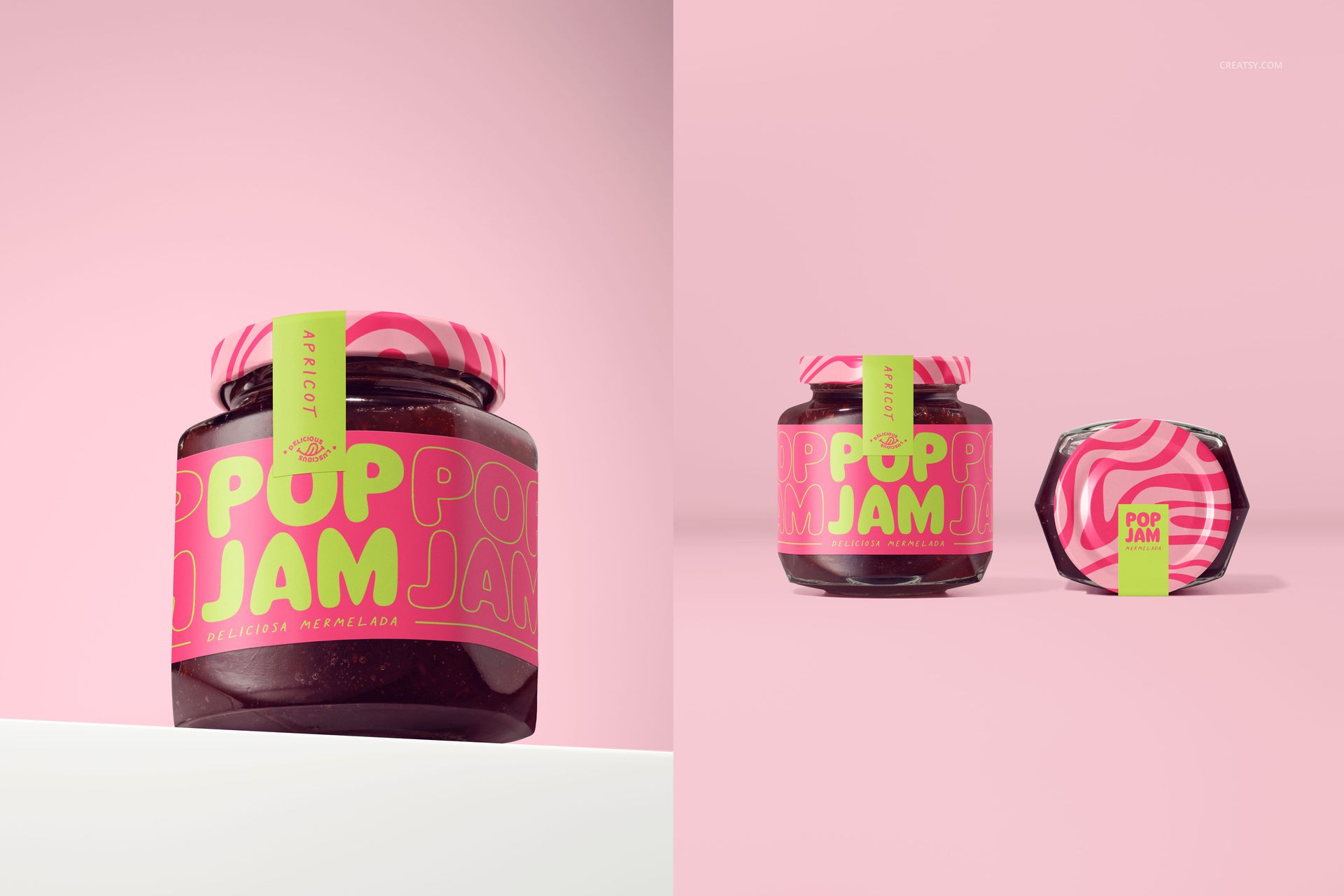
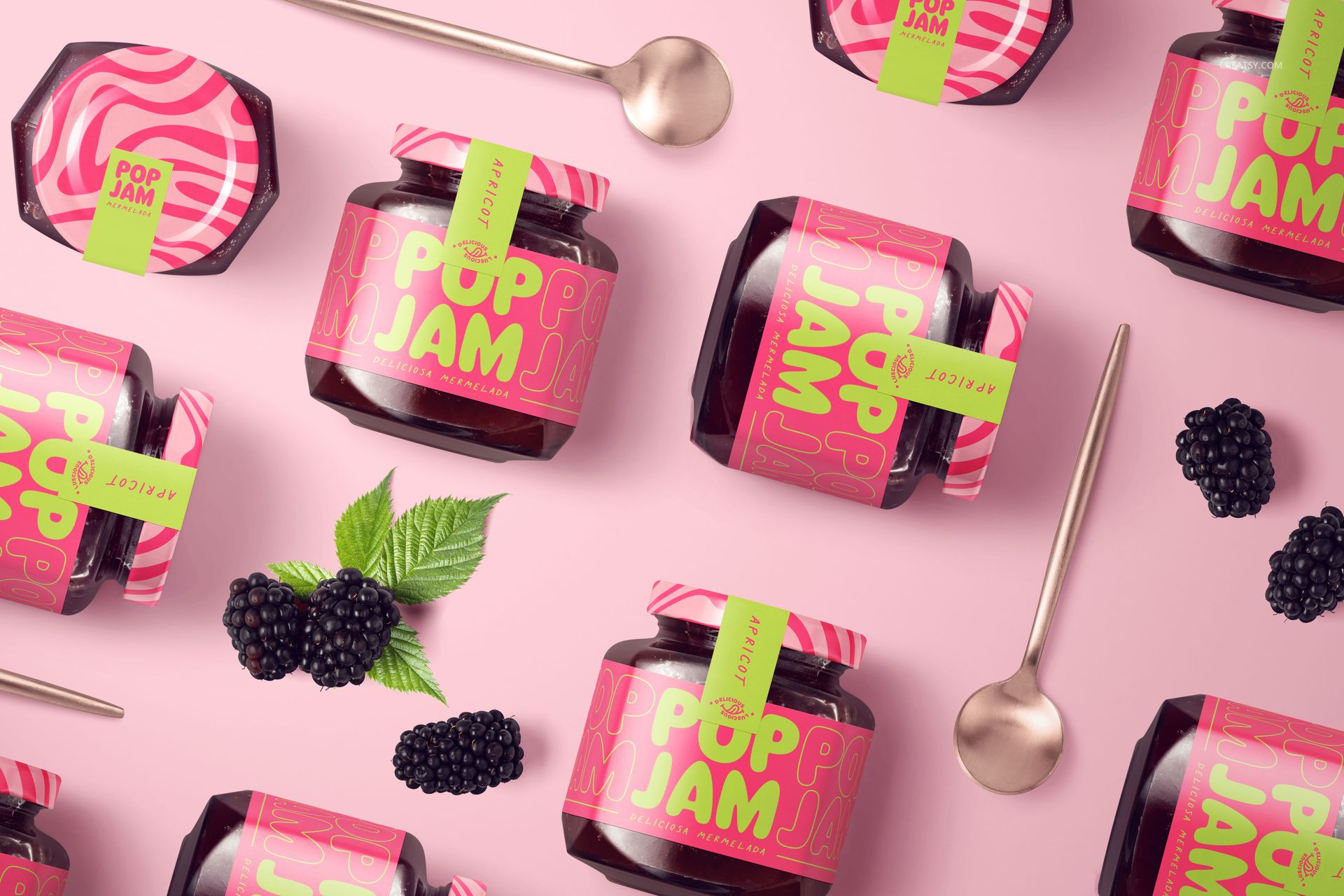
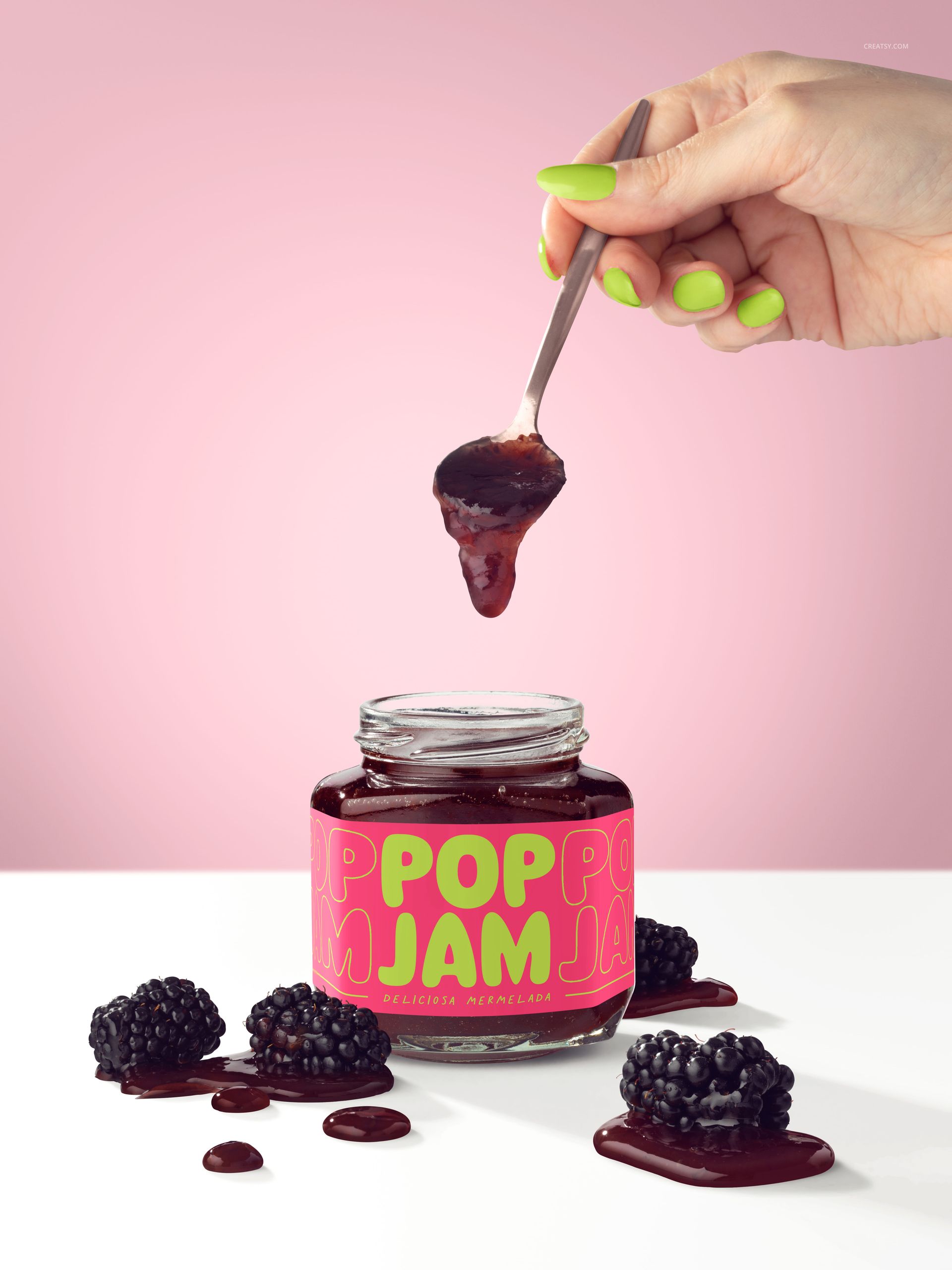
See a blackberry preserve identity against the deep color of the jam itself. Eight editable scenes combine hexagonal glass jars with loose berries, spoonfuls of jam, close product views and an outdoor concrete-block setting.
The mix of lid-focused views, front labels and serving moments lets you assess the whole package, not just a flat logo. Use the darker filling to test whether your label remains clear in both detailed presentations and small images.
What Is Included
8 layered PSD mockup scenes at 300 DPI.
8 JPG previews, 16 files altogether.
Square, portrait and landscape layouts with organized layers.
Dark Preserves, Clear Label Decisions
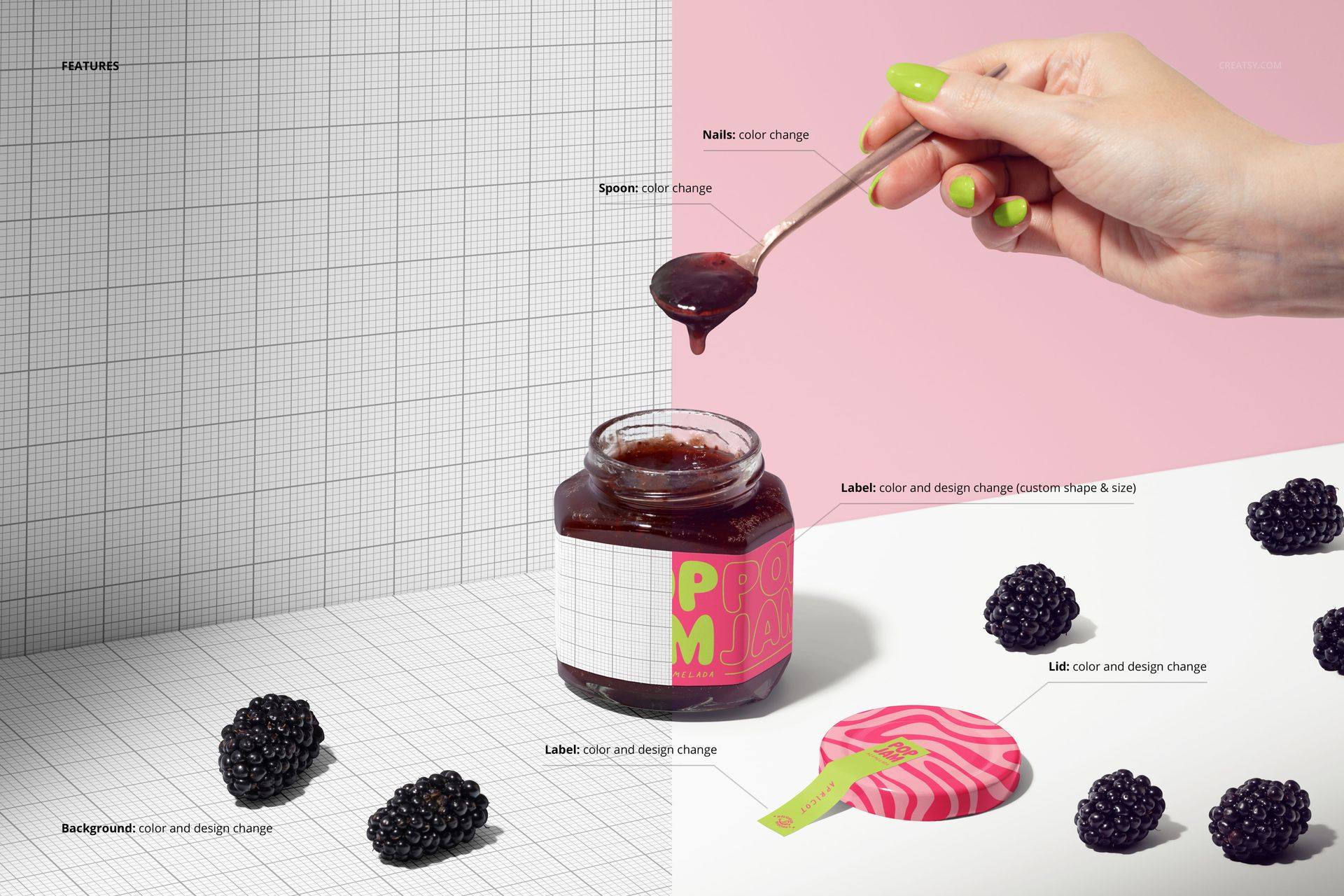
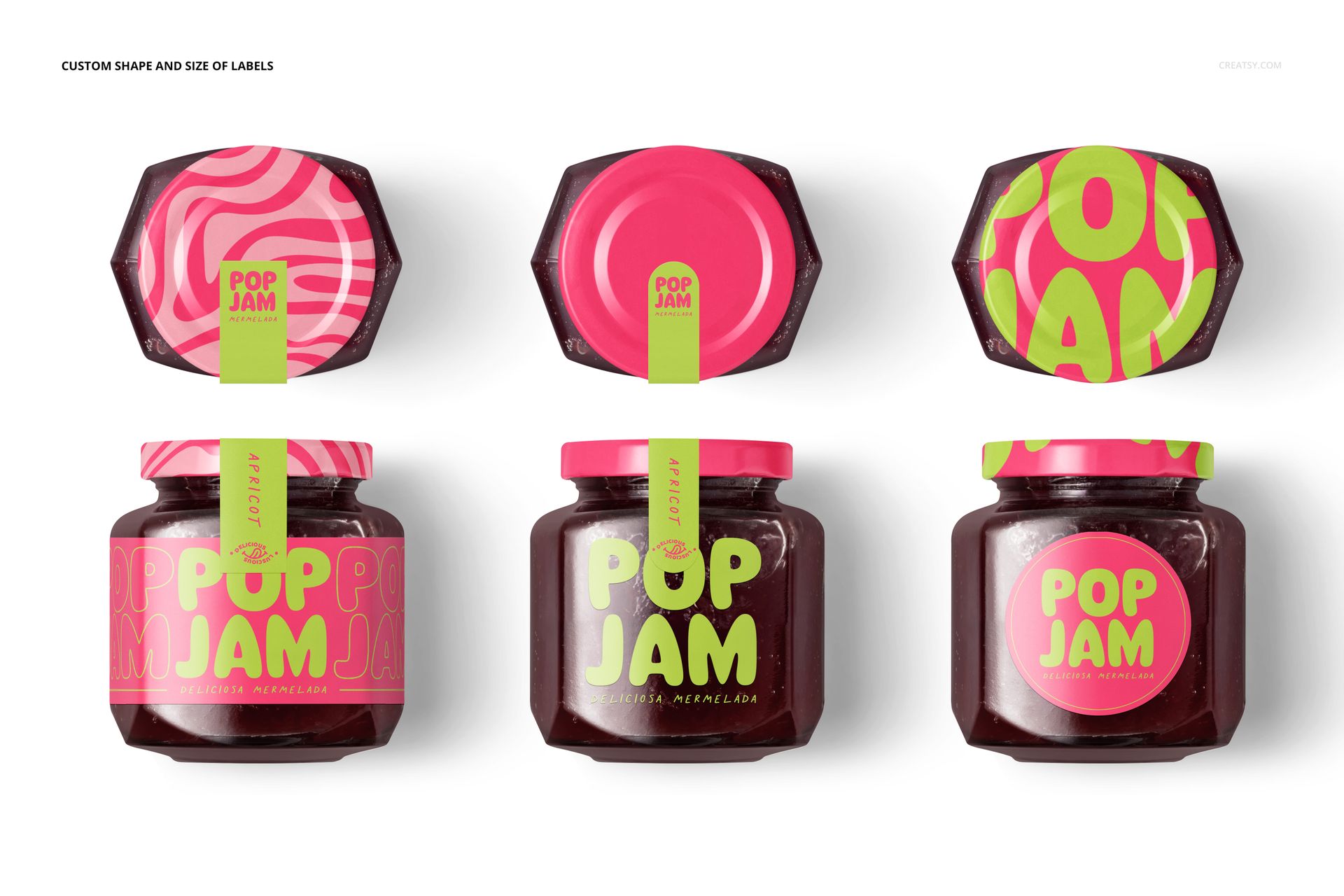
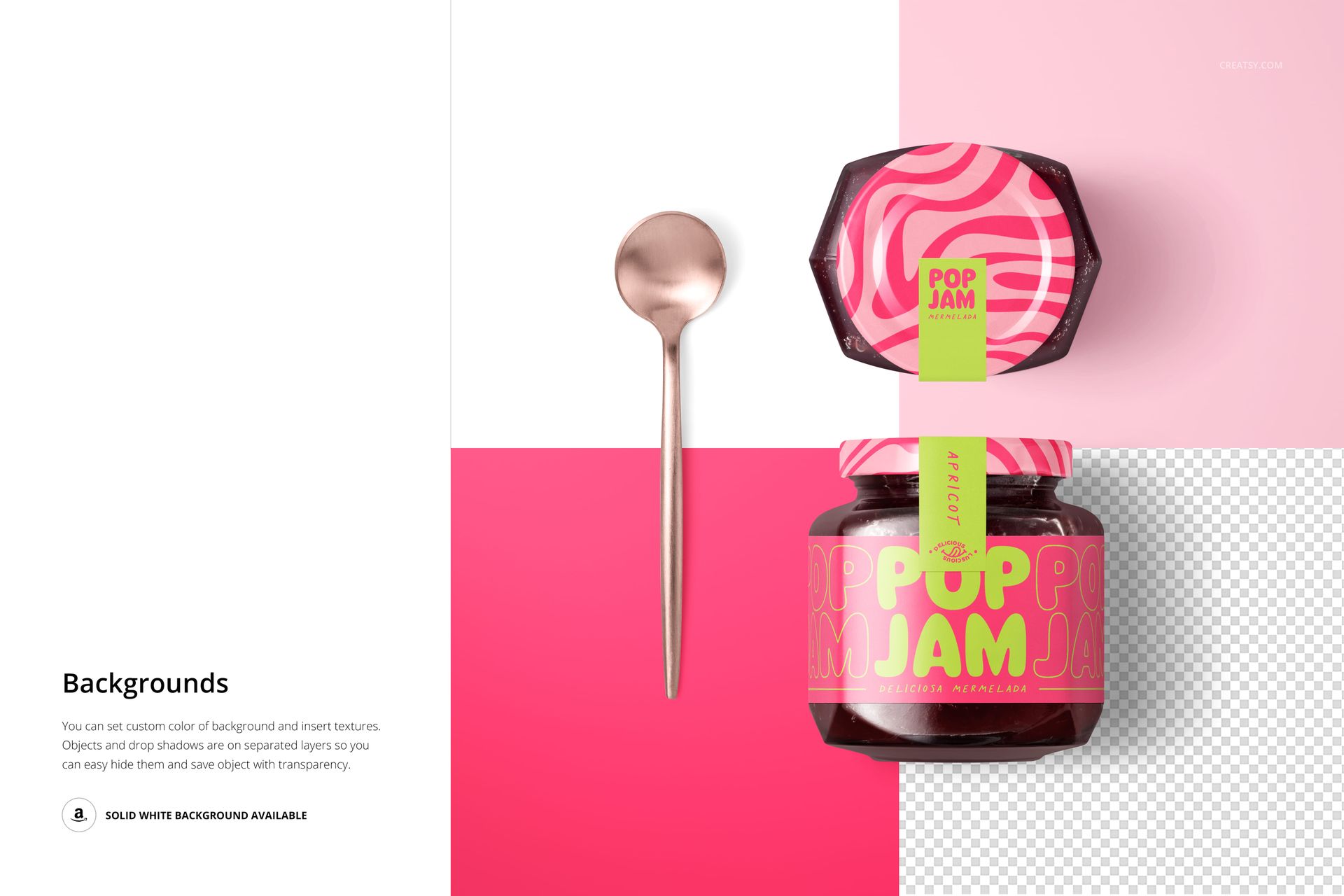
Change the jar label design, color, shape and size, and coordinate the lid and sealing-strip graphics where visible. Spoon and nail color adjustments are available in the relevant serving scenes. Studio backgrounds support custom colors and designs, with separate object and drop-shadow layers for transparent-background compositions.
Easy Smart Object Editing
Open the files in Adobe Photoshop CC2020 (version 21) or newer, or Photopea. Replace the artwork inside the Smart Objects, save them to update the jar and refine the scene's available colors. Keep the layered PSDs for later revisions and export the finished views for your presentation.
Perfect For
Blackberry jam and berry preserve packaging concepts.
Design studios testing label contrast on dark-filled glass jars.
Specialty food campaigns, brand proposals and packaging portfolios.
This download contains digital mockup files only. The physical products and example artwork are not included.