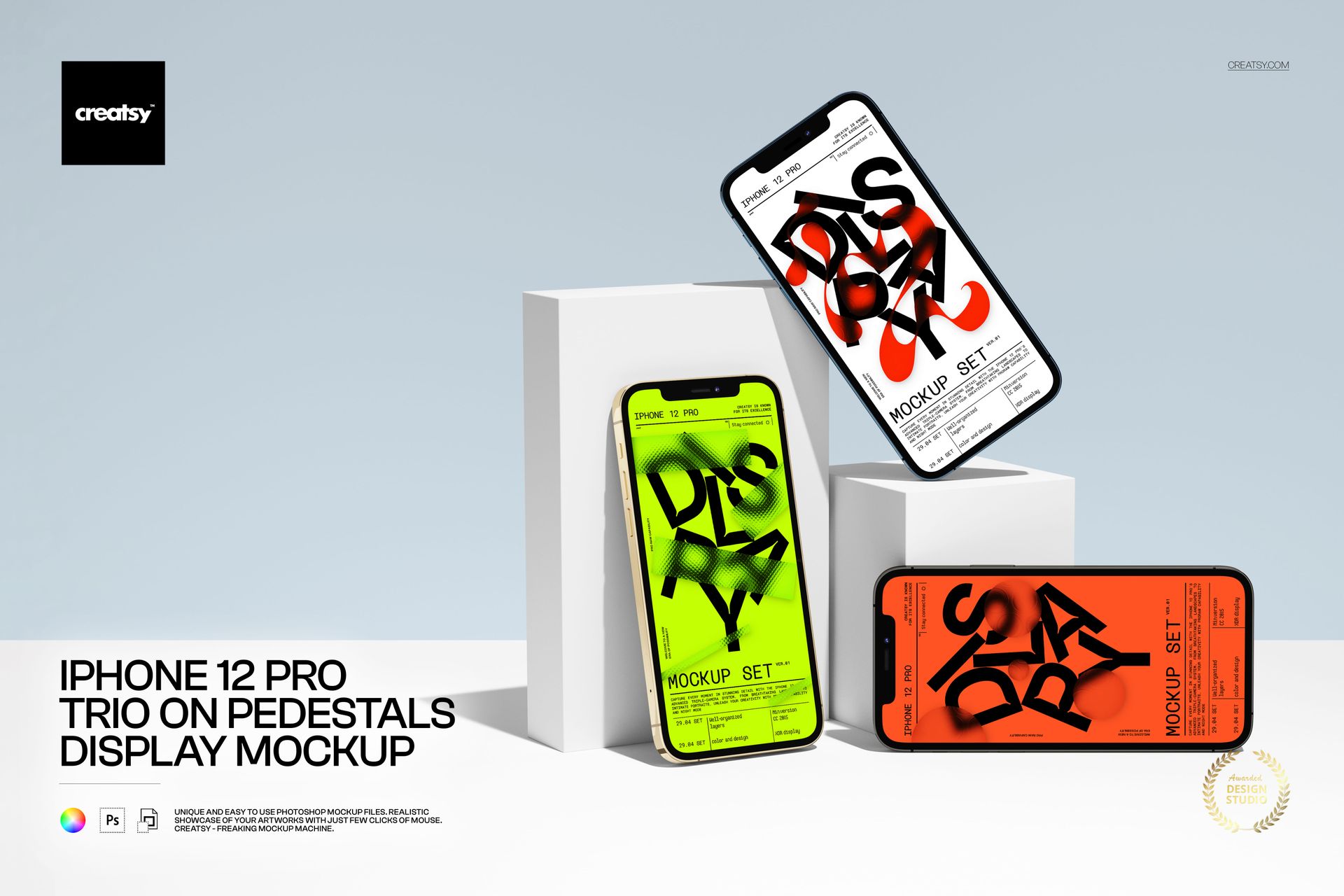
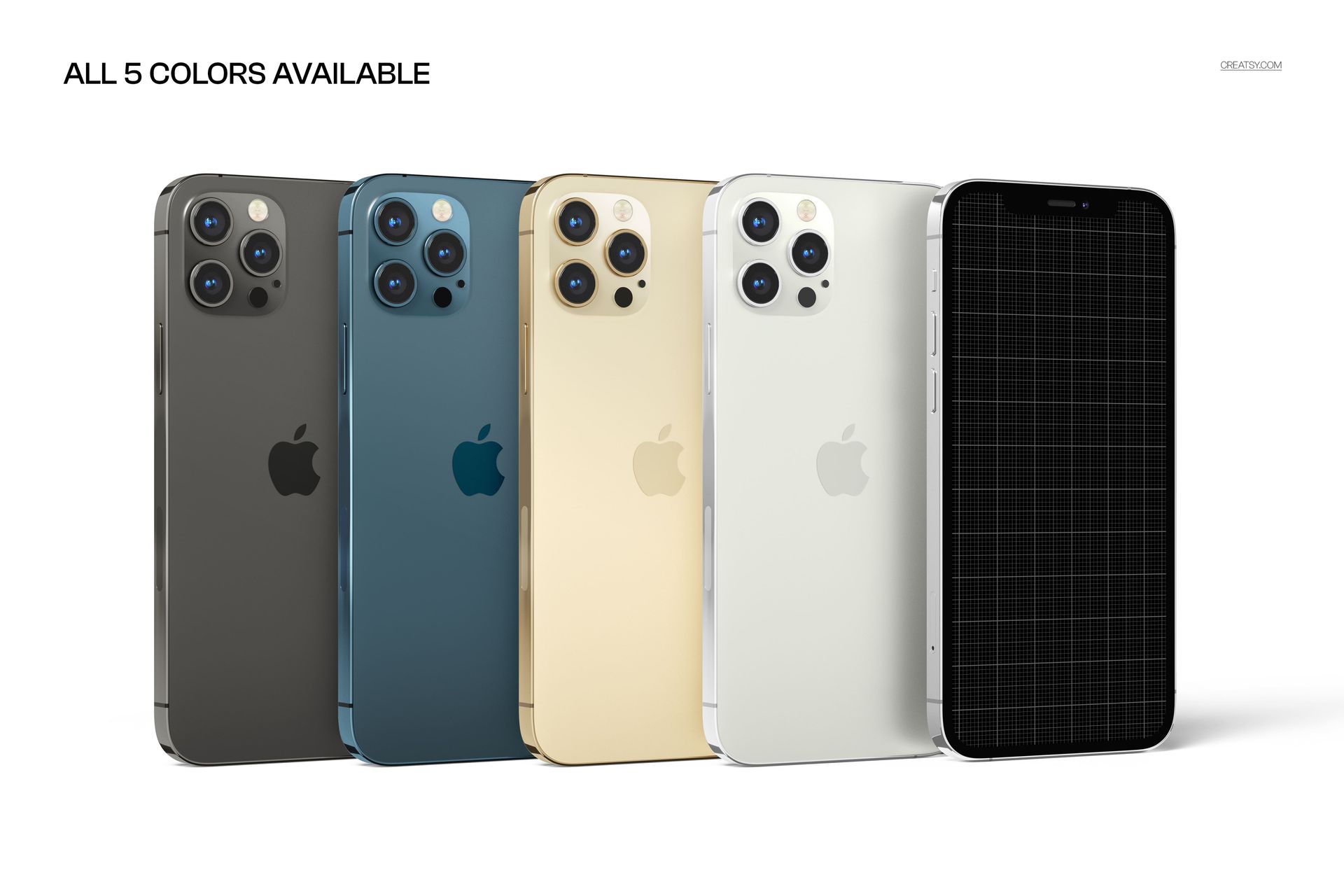
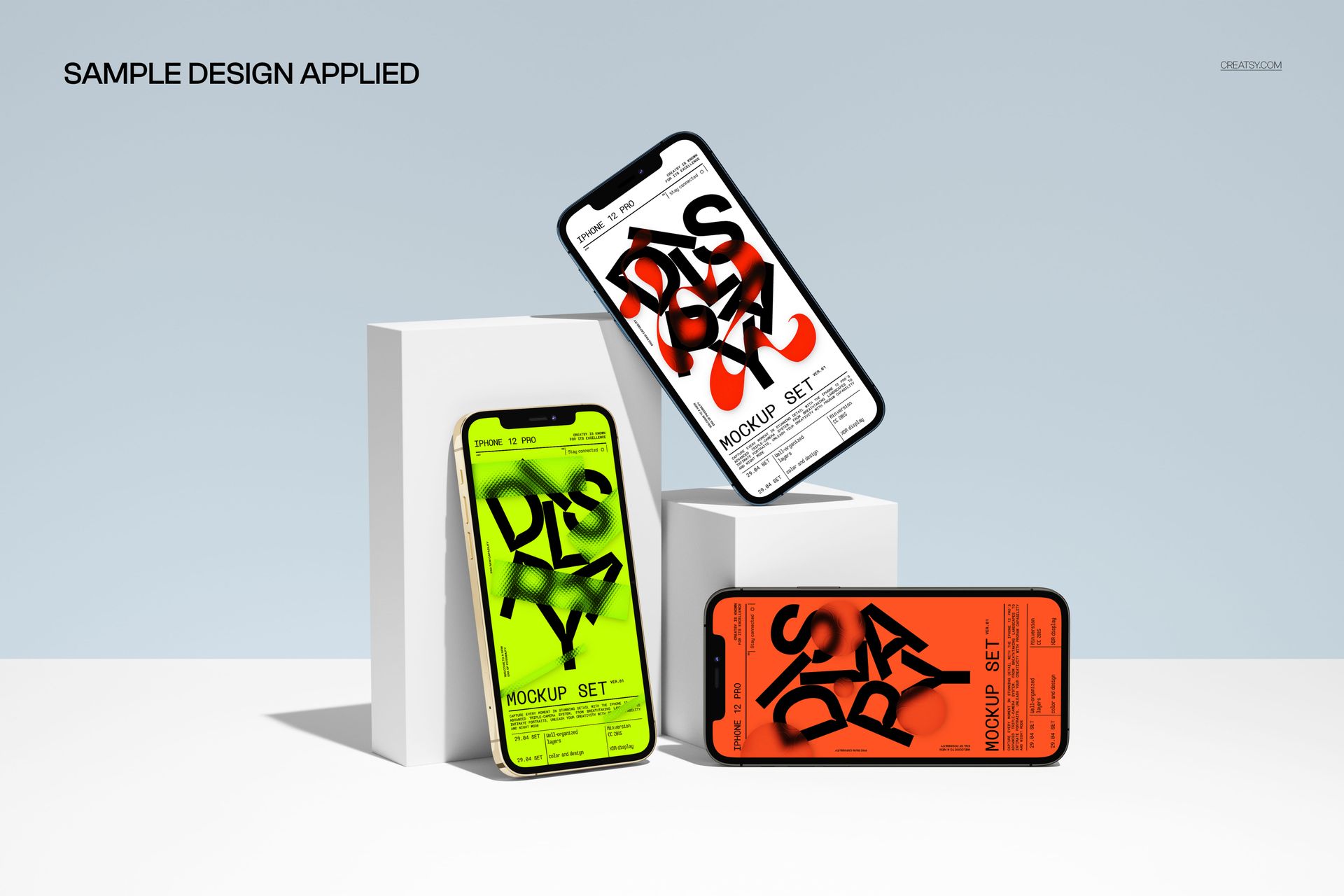
Showcase your app, UI, or promo graphics from every angle with this free iPhone 12 Pro Trio on Pedestals Display Mockup. Drop your designs into the Smart Objects to see them displayed across three iPhones arranged on minimalist pedestals. Customize the screen artwork for each device, match the background and pedestals to your brand palette, and export clean, gallery-style visuals for presentations, portfolios, or social media – all free for commercial use (see license for details).
Highlights
- Format: 1× PSD, 6000×4000 px, 300 dpi
- Workflow: Smart Objects; well-organized layers
- Apps: Photoshop (min. CC 2020) + Photopea (free online editor)
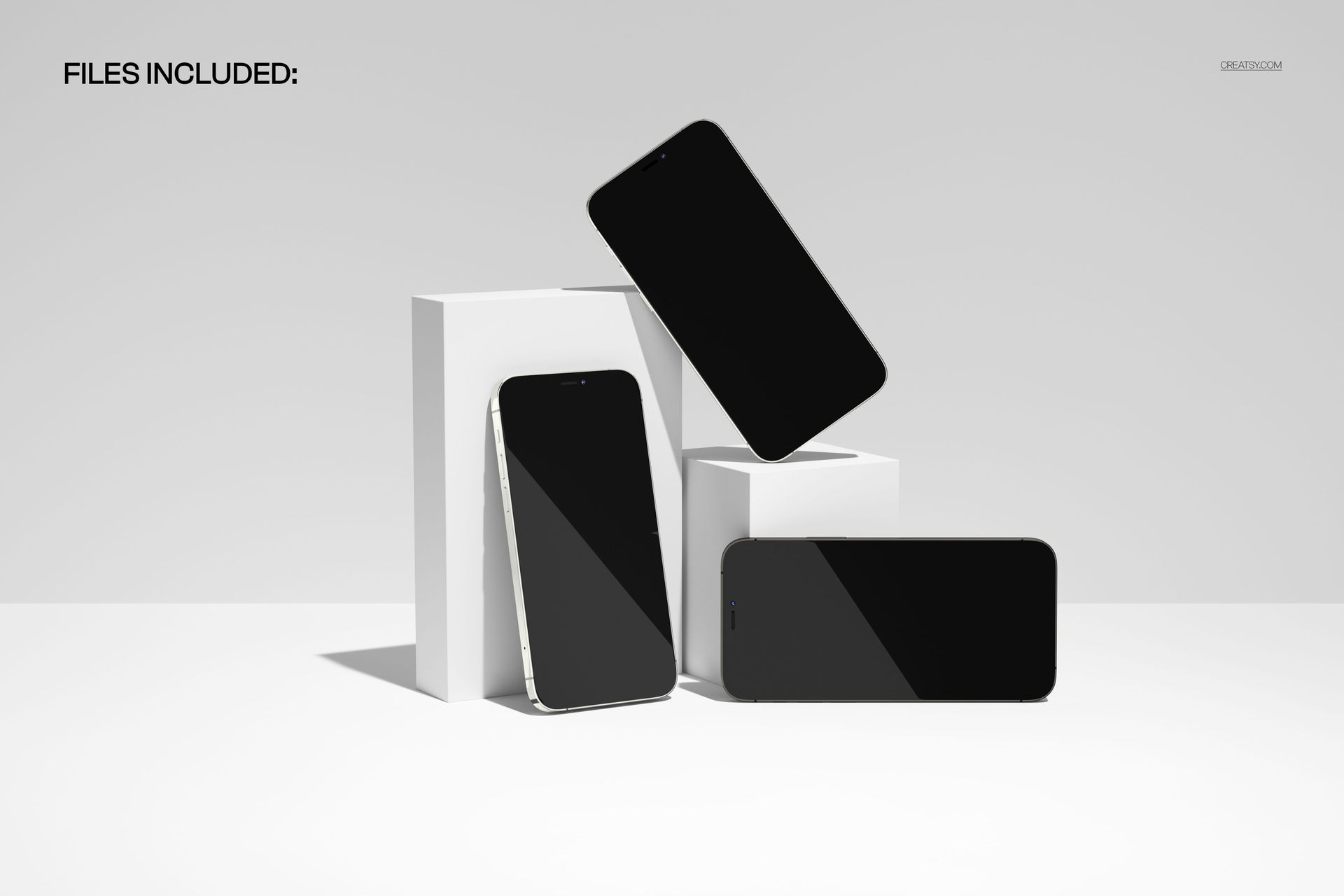
- Scene: Three iPhone 12 Pro devices arranged on simple pedestals against a soft studio background
- Use cases: app & UI showcases, website headers, case studies, Dribbble/Behance shots, promo banners
What’s inside / Specs
- Files: 1× PSD (+ JPG preview)
- Canvas: 6000×4000 px, 300 dpi
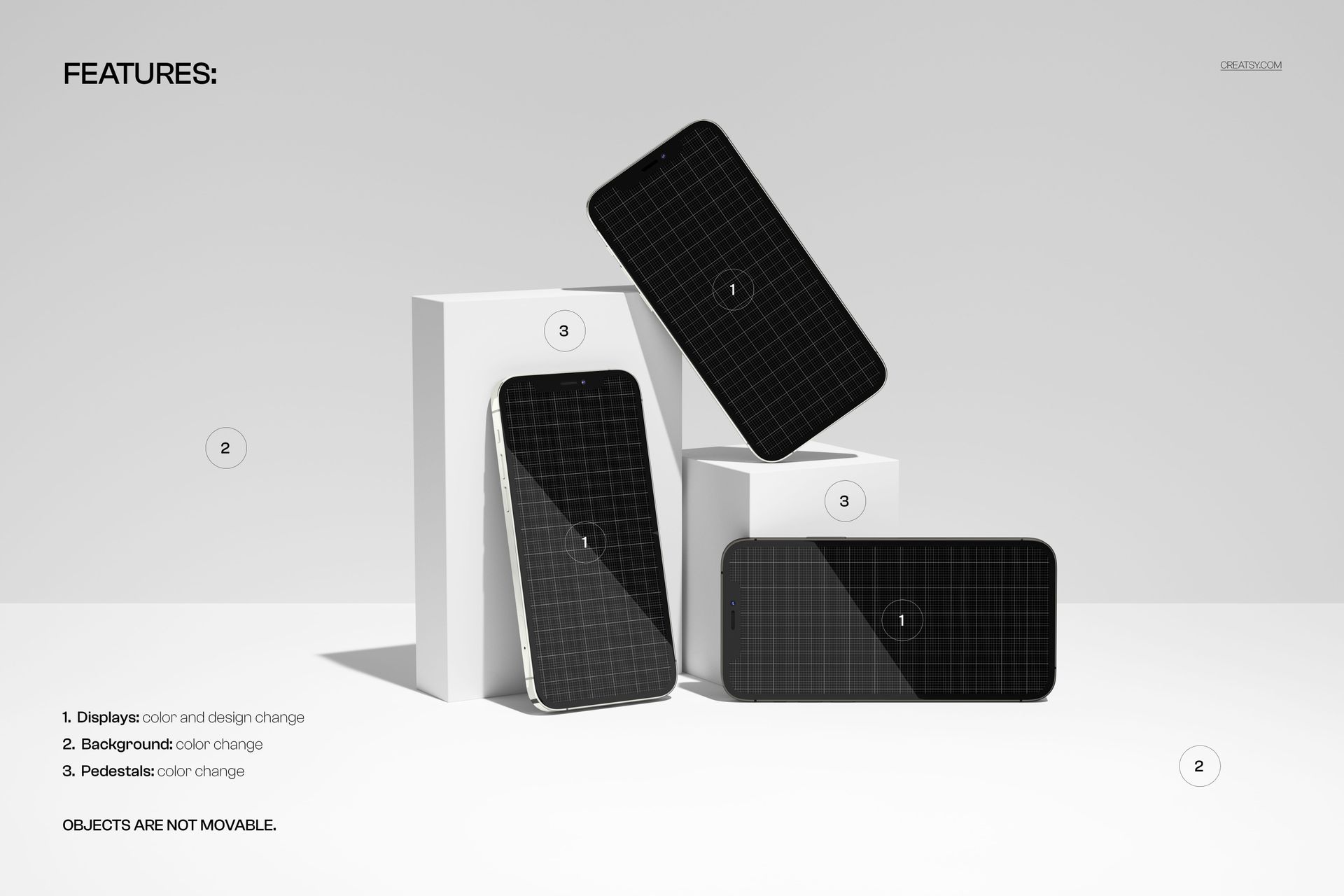
- Editable elements: iPhone displays: design & screen color (via Smart Objects); background: color; pedestals: color
- Fixed elements: device positions, lighting, and shadows (objects are not movable)
- Effects & details: realistic glass reflections, subtle device shadows, clean geometric composition
- Compatibility: Photoshop CC 2020 or newer; works in Photopea
- Approx. size: ~133–140 MB (archive may vary by compression)
How-to (Photoshop & Photopea)
- Open the PSD in Photoshop (CC2020+) or Photopea.
- For each phone, double-click the display Smart Object, paste your UI or artwork, save, and return to the main file.
- Adjust the color layers for the background and pedestals to fit your brand or project mood.
- Fine-tune global contrast/brightness if needed.
- Export high-resolution JPG/PNG/WebP for web, print, or client presentations.
License & usage
Free for personal & commercial use (for 1 business, up to 5,000 end products). Source files may not be resold, shared, or redistributed in any form. See the full license on the product page – check the “Freebie” row for complete details.