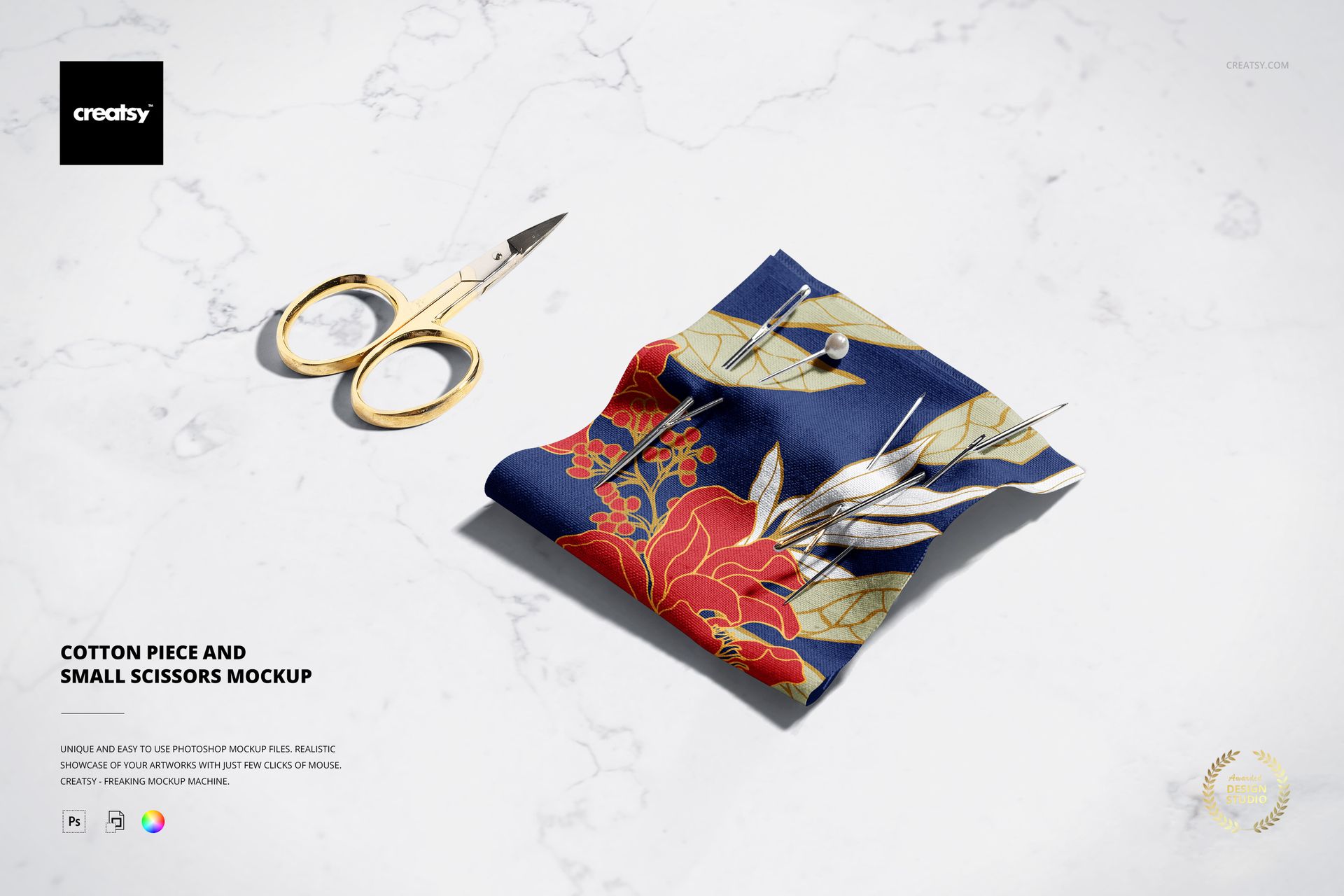
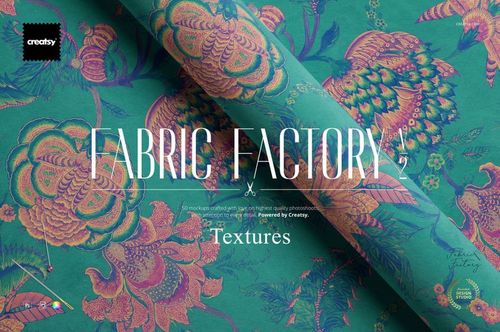
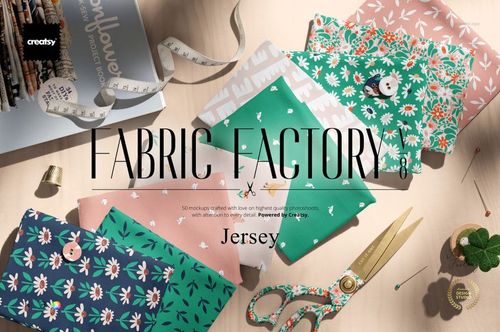
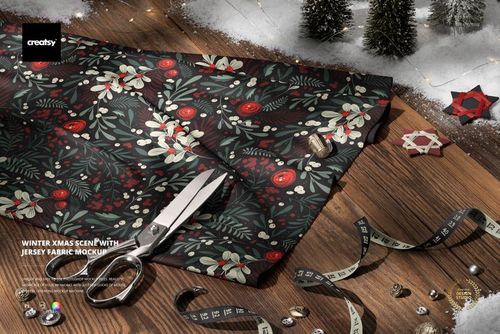
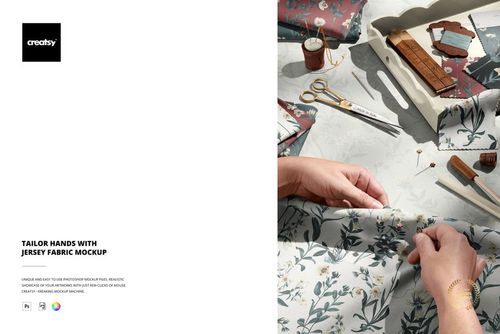
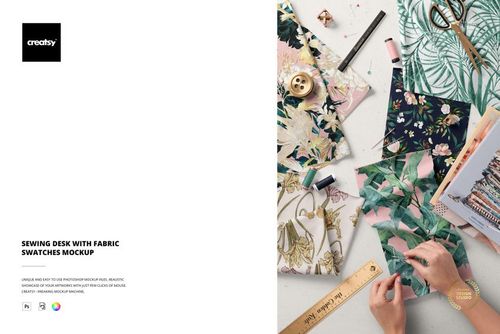
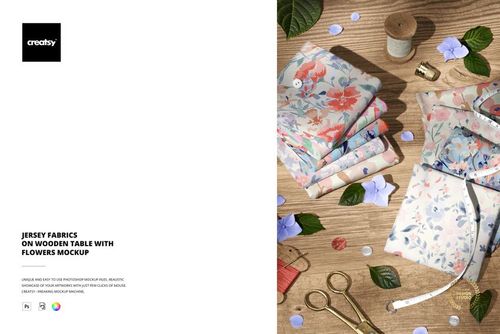
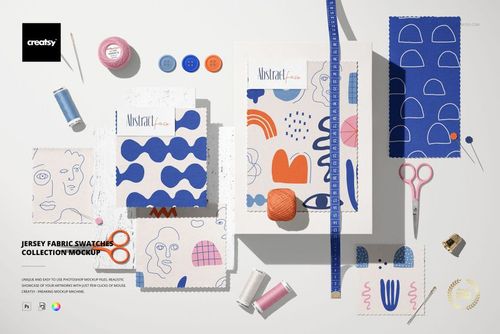
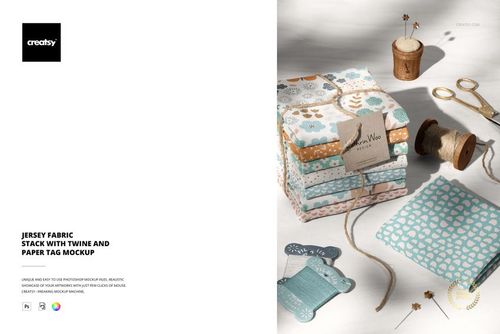
Cotton Piece and Small Scissors Mockup from Creatsy presents your textile design on a cotton fabric piece styled alongside small sewing scissors for an authentic crafting aesthetic. This mockup captures the natural texture and drape of cotton fabric in a composition that feels handmade, personal, and connected to the craft of sewing and pattern design. Whether you create surface patterns, textile prints, or fabric branding for your shop, this scene gives your artwork a production-ready context that resonates with makers, quilters, and fabric enthusiasts who value the tactile quality of real cotton.
Why This Mockup Works
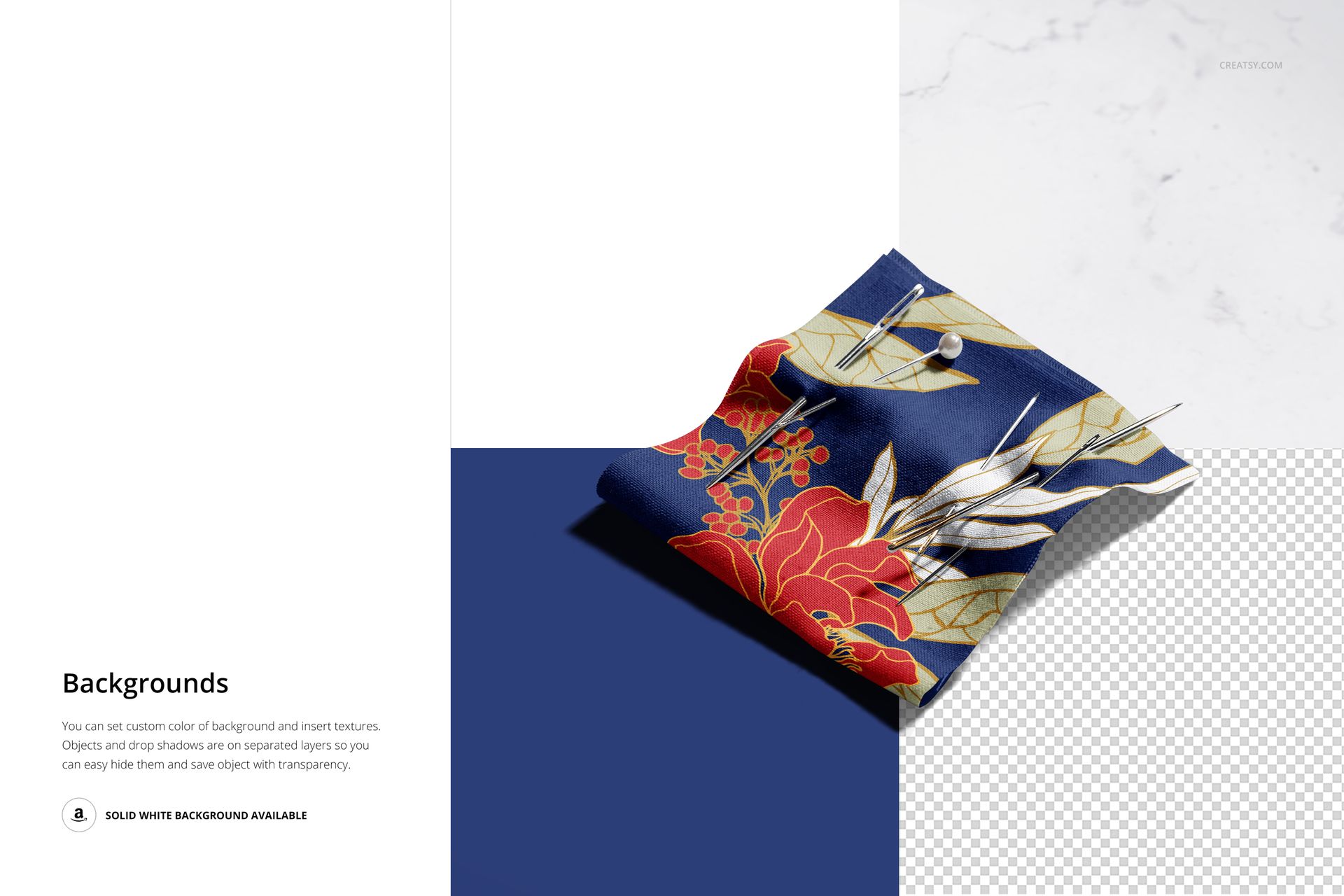
Textile mockups need to show how a pattern looks on actual fabric, not on a flat digital surface. This mockup delivers that experience by placing your design on a cotton piece with natural folds, subtle creases, and realistic fiber texture that you can only get from photographing real material. The small sewing scissors add a craft-oriented styling detail that immediately signals this is a product made for people who sew, quilt, and create with fabric. Together, the cotton piece and scissors create a visual story that connects your pattern to the hands-on world of fabric crafting and textile production. Multiple background options let you adjust the scene to match your brand style.
What Is Included
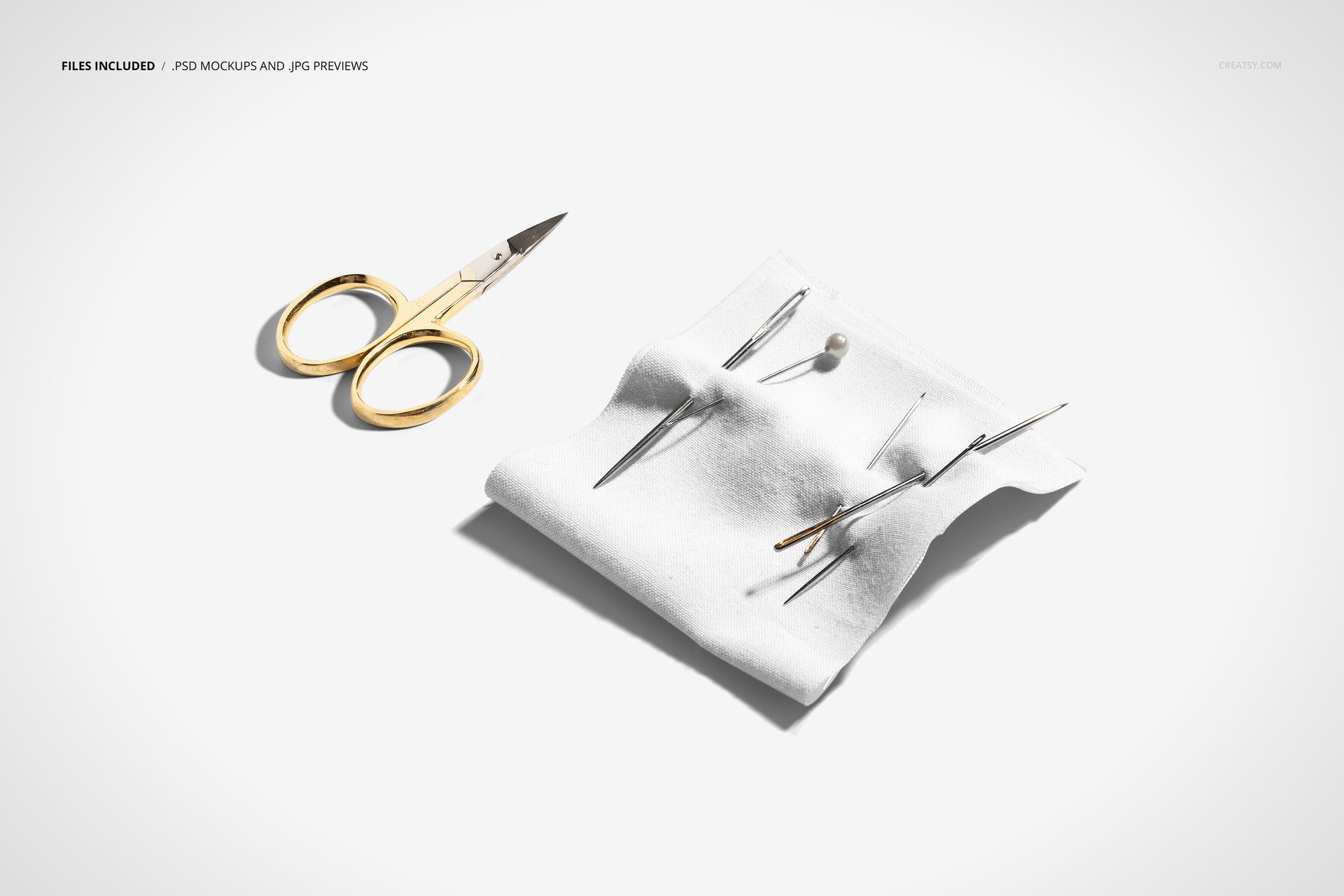
This download contains 1 PSD file at 6000 x 4000 pixels and 300 DPI. The file features a cotton fabric piece arranged alongside small sewing scissors with natural lighting and carefully styled composition. Layers are well organized so you can quickly locate and edit each element without digging through unnamed groups. The file works in Adobe Photoshop (minimum version CC 2020) and in Photopea, giving you flexibility whether you prefer desktop software or browser-based editing. Background options are included for different presentation contexts.
What You Can Customize
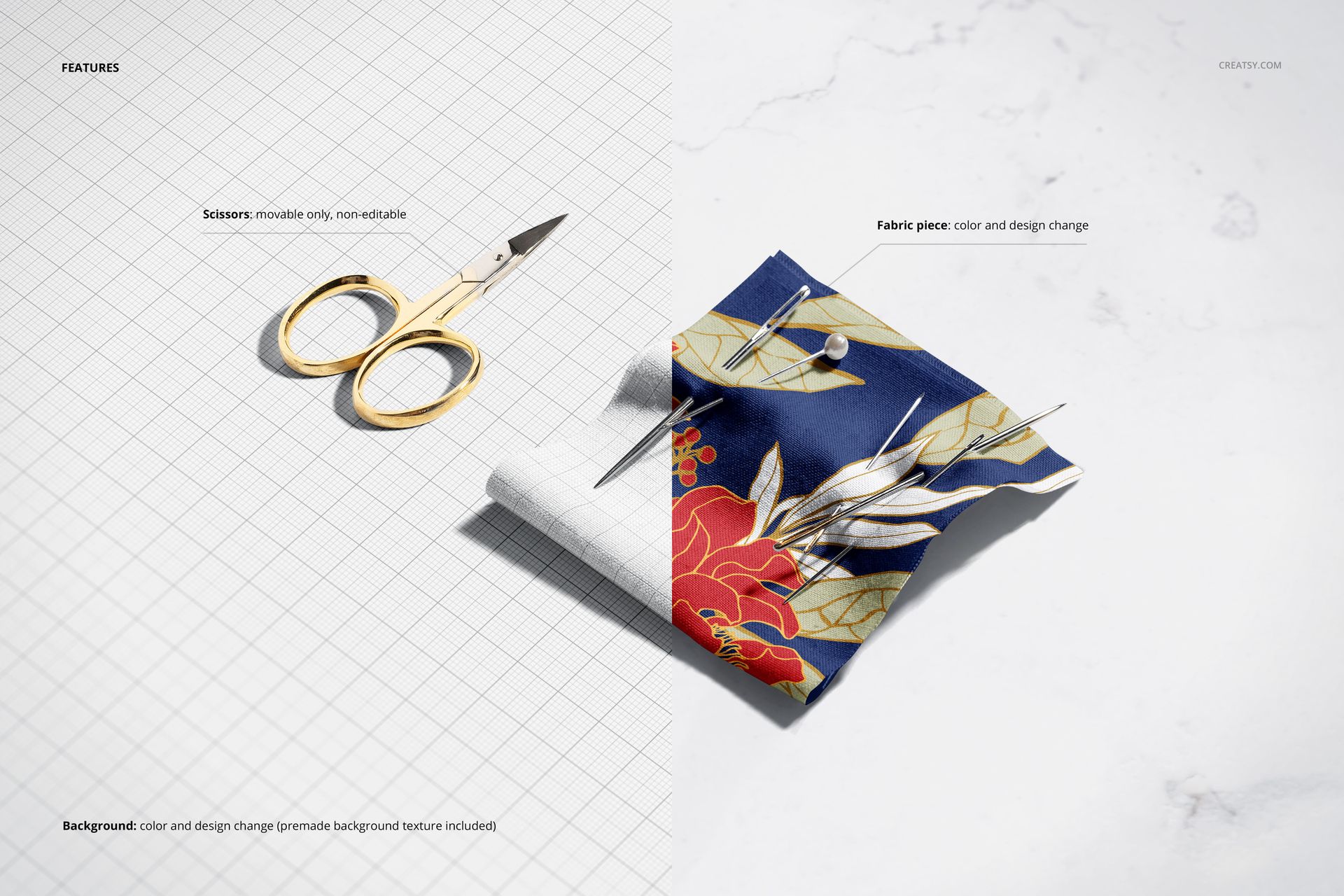
Smart object layers let you place your pattern, illustration, or textile design directly onto the cotton surface with accurate fabric mapping that follows the natural folds and texture of the material. You can adjust the fabric base color, modify background settings to match your brand palette, and fine-tune the overall composition. The organized layer structure keeps everything accessible so you spend your time on design decisions rather than file navigation. Every customization renders at full 300 DPI resolution for both digital and print-quality outputs.
Who This Mockup Is For
This mockup serves surface pattern designers presenting cotton fabric collections, textile artists showcasing prints for production, Etsy and Shopify sellers creating product listing images for custom fabric, and sewing pattern companies building branded visual content. Quilting fabric designers, craft supply retailers, and fashion students building portfolio pieces for textile courses will find the sewing-themed composition naturally aligned with their audience and product category. If your work involves fabric, patterns, or the craft of making, this mockup speaks that visual language.
File Specifications
File count: 1 PSD. Dimensions: 6000 x 4000 pixels. Resolution: 300 DPI. File size: 331.07 MB. Compatibility: Adobe Photoshop CC 2020 or newer, Photopea. Editing method: smart object layers for non-destructive artwork placement.