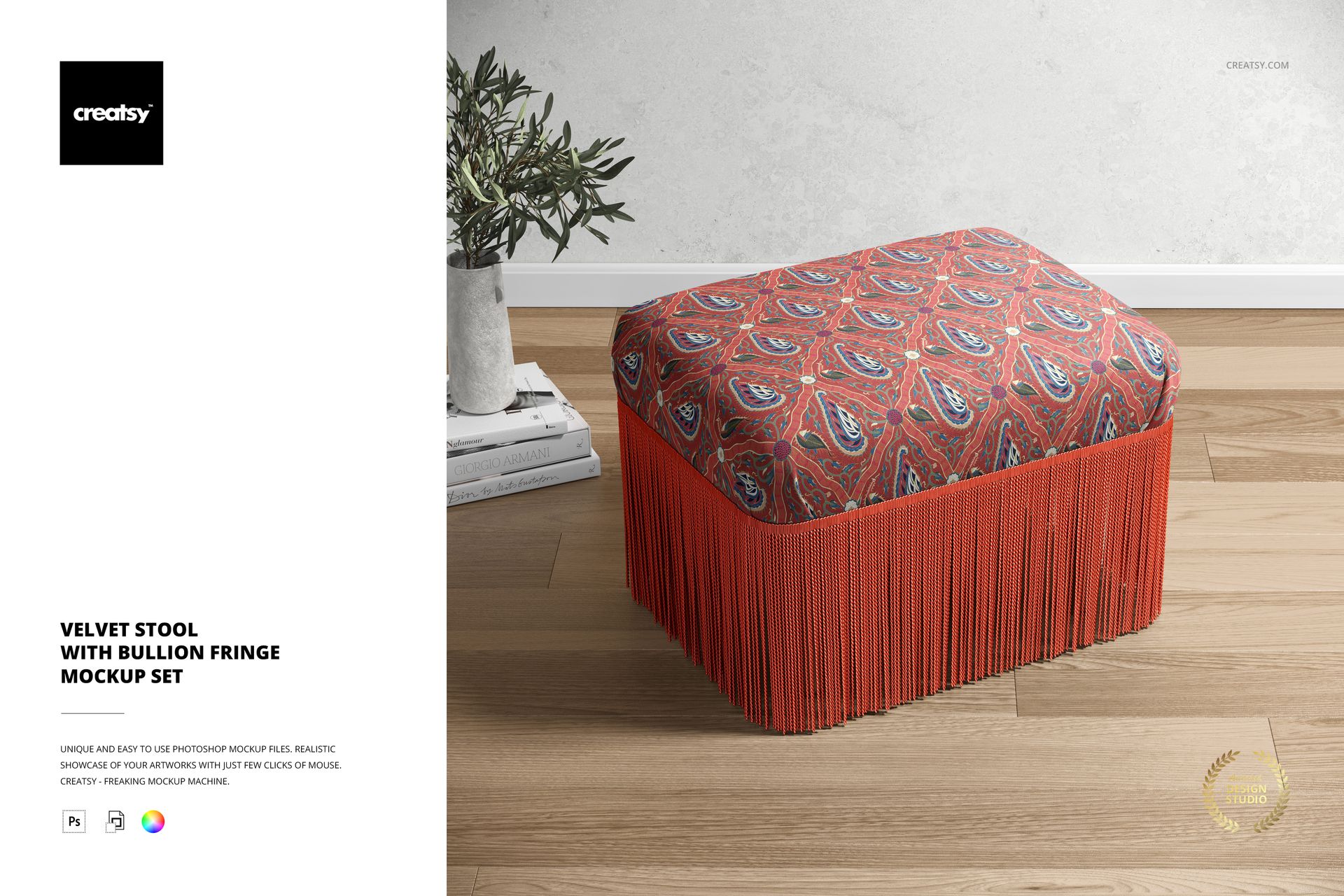
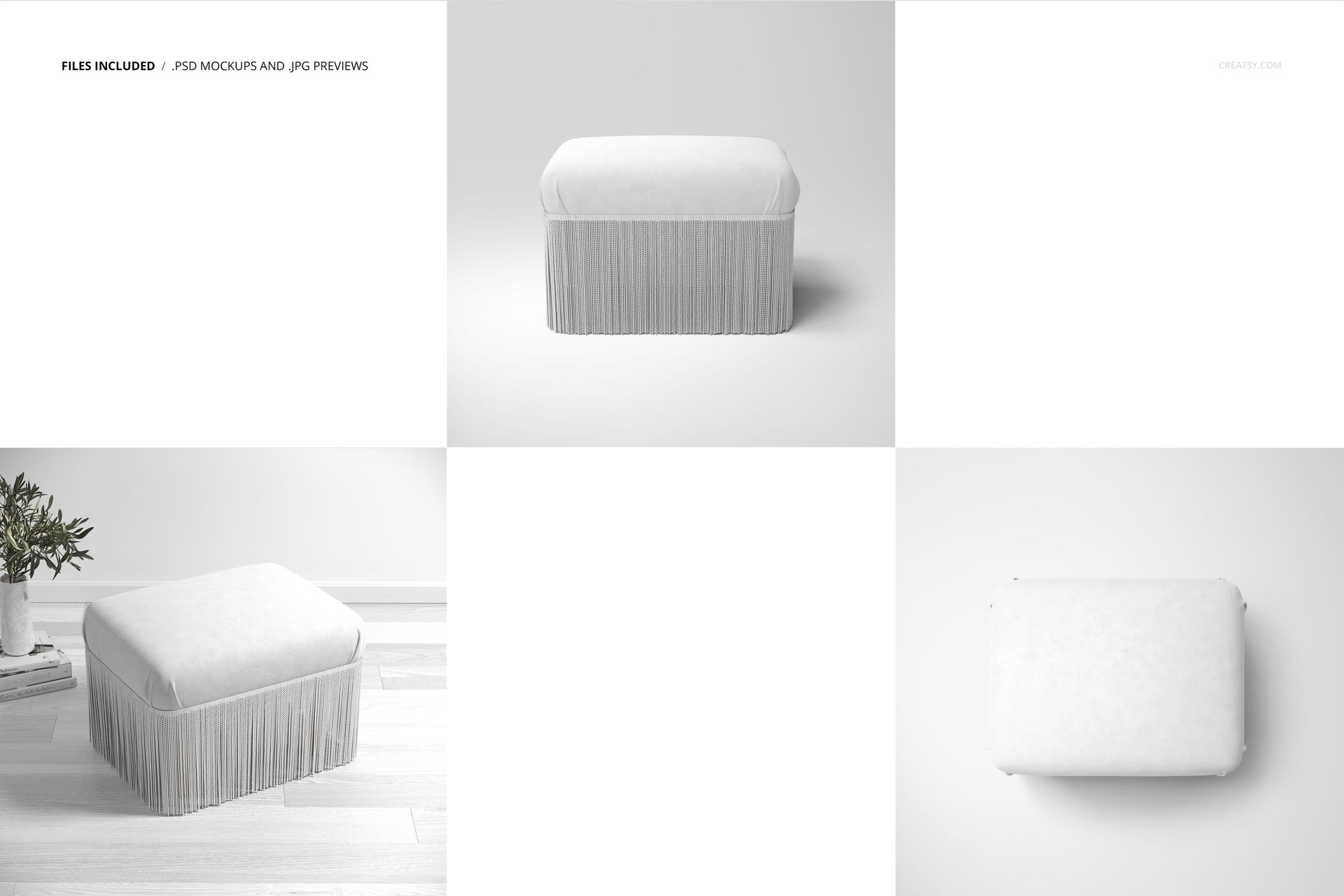
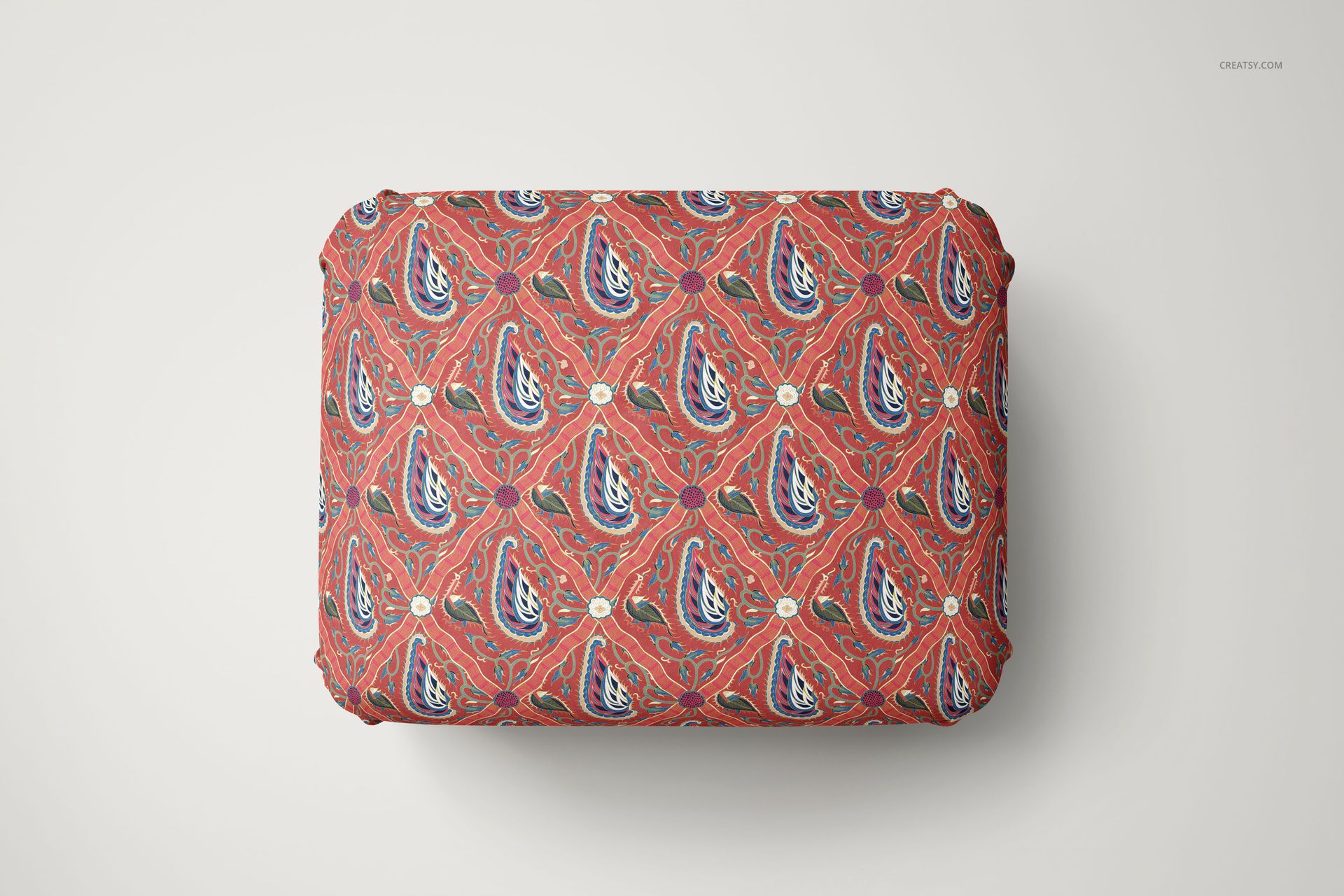
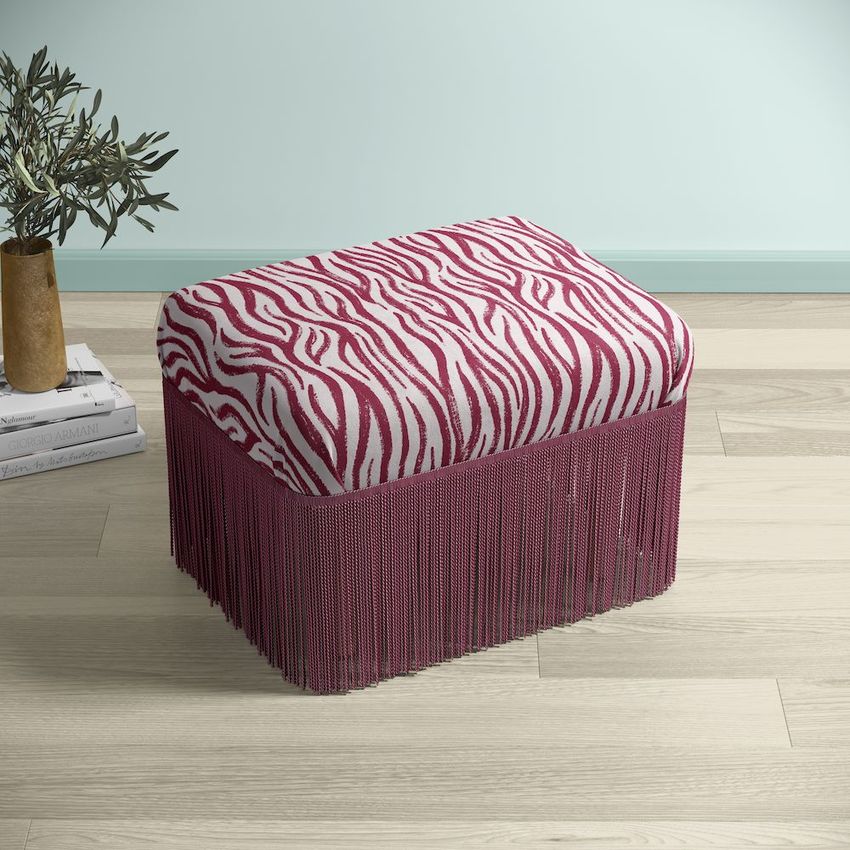
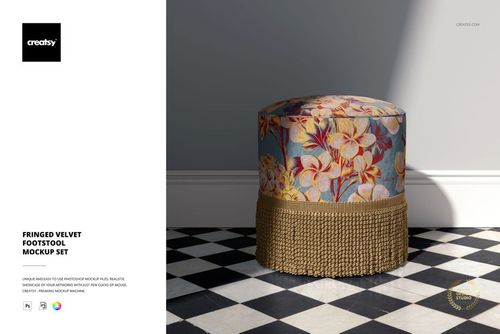
Present your fabric and surface pattern designs on a velvet stool with bullion fringe trim - one of the most distinctive furniture forms for showcasing upholstery textiles. This Velvet Stool with Bullion Fringe Mockup Set includes three PSD files shot from different angles: a styled living room scene with wooden flooring, warm lighting, and a decorative vase, plus two clean studio views that isolate the stool for product-focused presentations. Place your design, adjust the fringe color, and export ready-to-use images in minutes.
Why This Mockup Set Works
Flat fabric swatches and tiled pattern previews show the repeat but not the product. Customers buying upholstery fabric, furniture brands evaluating a textile supplier, and interior designers browsing portfolio sites all need to see the design on an actual piece of furniture. A velvet stool with bullion fringe is a high-impact subject - the plush seat surface displays the pattern at a readable scale, while the decorative fringe adds a luxury detail that signals quality. The lifestyle scene places the stool in a finished room, giving viewers the context they need to imagine the piece in a real interior. The two studio angles let you highlight construction details and fringe styling without background distractions. Three perspectives from one set means fewer mockup purchases and a more cohesive portfolio or product page.
What Is Included
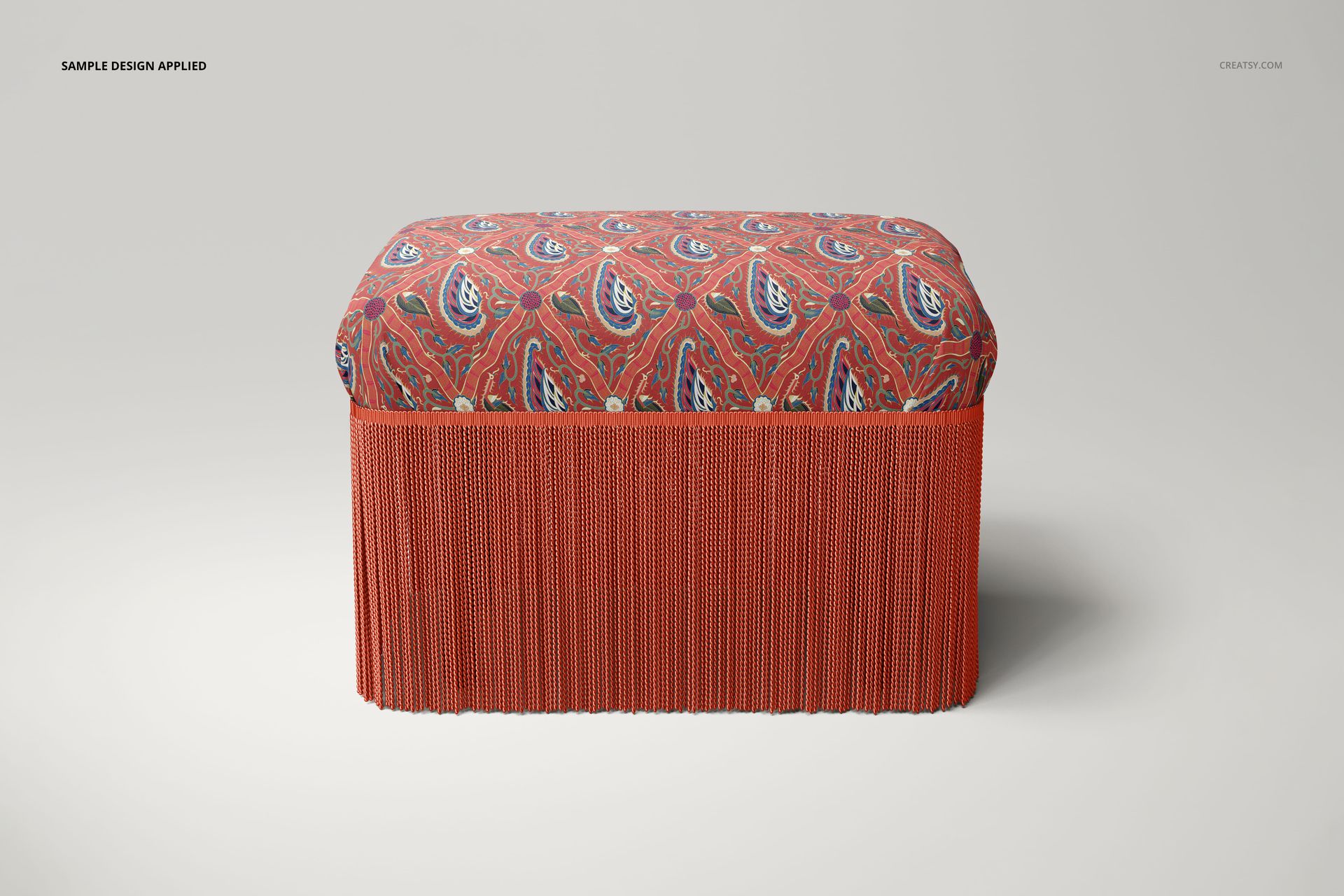
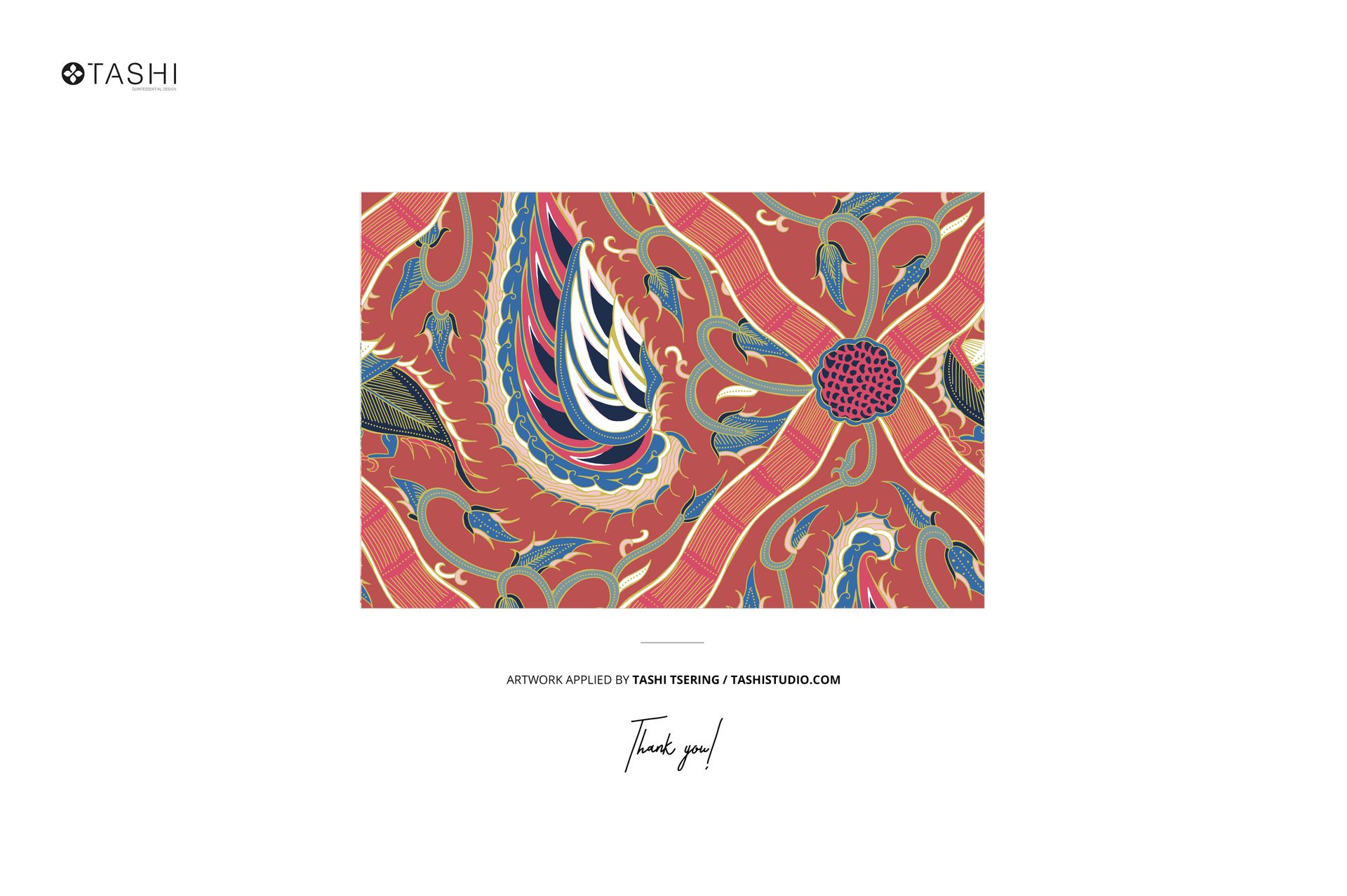
The download contains 3 high-resolution PSD files. File 1 is a lifestyle scene showing the velvet stool on wooden flooring with ambient lighting, a flower vase, and decorative elements. File 2 is a side-angle studio shot that emphasizes the bullion fringe hanging from the stool edge. File 3 is a top-down studio view focused on the velvet seat surface. Each file includes organized, clearly labeled layers and smart objects for design placement. The total download size is approximately 1.23 GB. Pattern previews shown in screenshots are by Tashi Tsering and are not included.
What You Can Customize
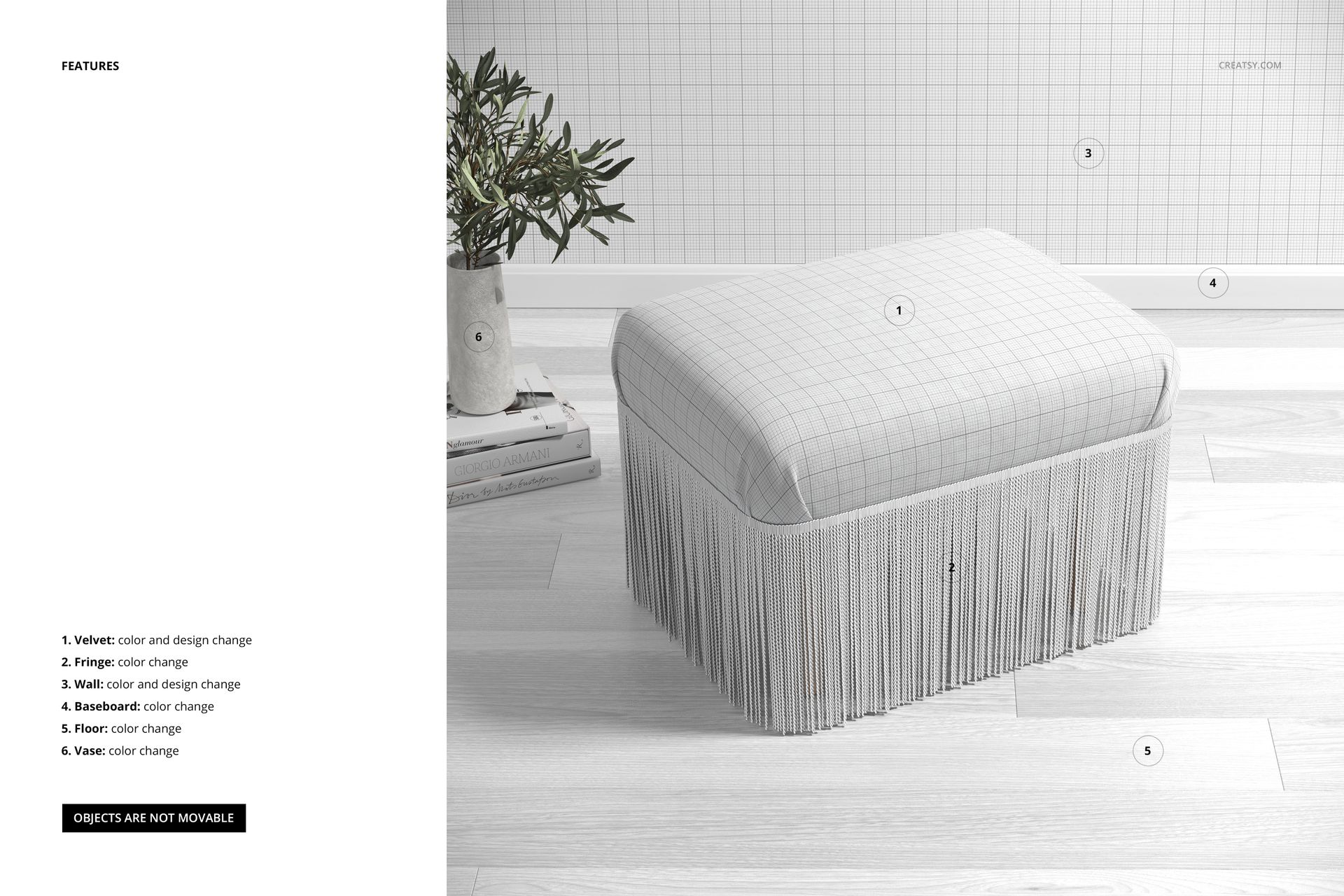
Each PSD contains smart object layers for the velvet seat fabric - double-click, paste your pattern or textile design, save, and the mockup updates with realistic fabric texture and lighting. You can also change the bullion fringe color to match or contrast with your fabric design. This lets you present complete colorway combinations: a floral seat with gold fringe, a geometric print with silver trim, or a solid velvet with contrasting tassel detail. The organized layer structure gives you control over individual scene elements for clean, focused compositions.
Who This Mockup Set Is For
Surface pattern designers creating upholstery-scale artwork for portfolios or licensing pitches. Textile designers presenting woven, printed, or embroidered fabric concepts to furniture manufacturers. Upholstery brands and furniture makers building product pages, catalogs, or trade show materials before physical samples are ready. Interior design studios assembling mood boards and client presentations that include custom furniture pieces. Home decor e-commerce sellers on Etsy, Shopify, or Amazon who need lifestyle and studio imagery for their listings. Design students building portfolio pieces that demonstrate how patterns translate from screen to finished furniture.
File Specifications
Format: PSD (Adobe Photoshop). Files included: 3 (1 lifestyle scene, 2 studio views). Resolution: 300 dpi. Smart objects: fabric seat and fringe color per file. Minimum software: Adobe Photoshop CC 2020. Layers: organized and labeled. Total download size: approximately 1.23 GB.