Wrapping Paper Rolls in a Vase Mockup
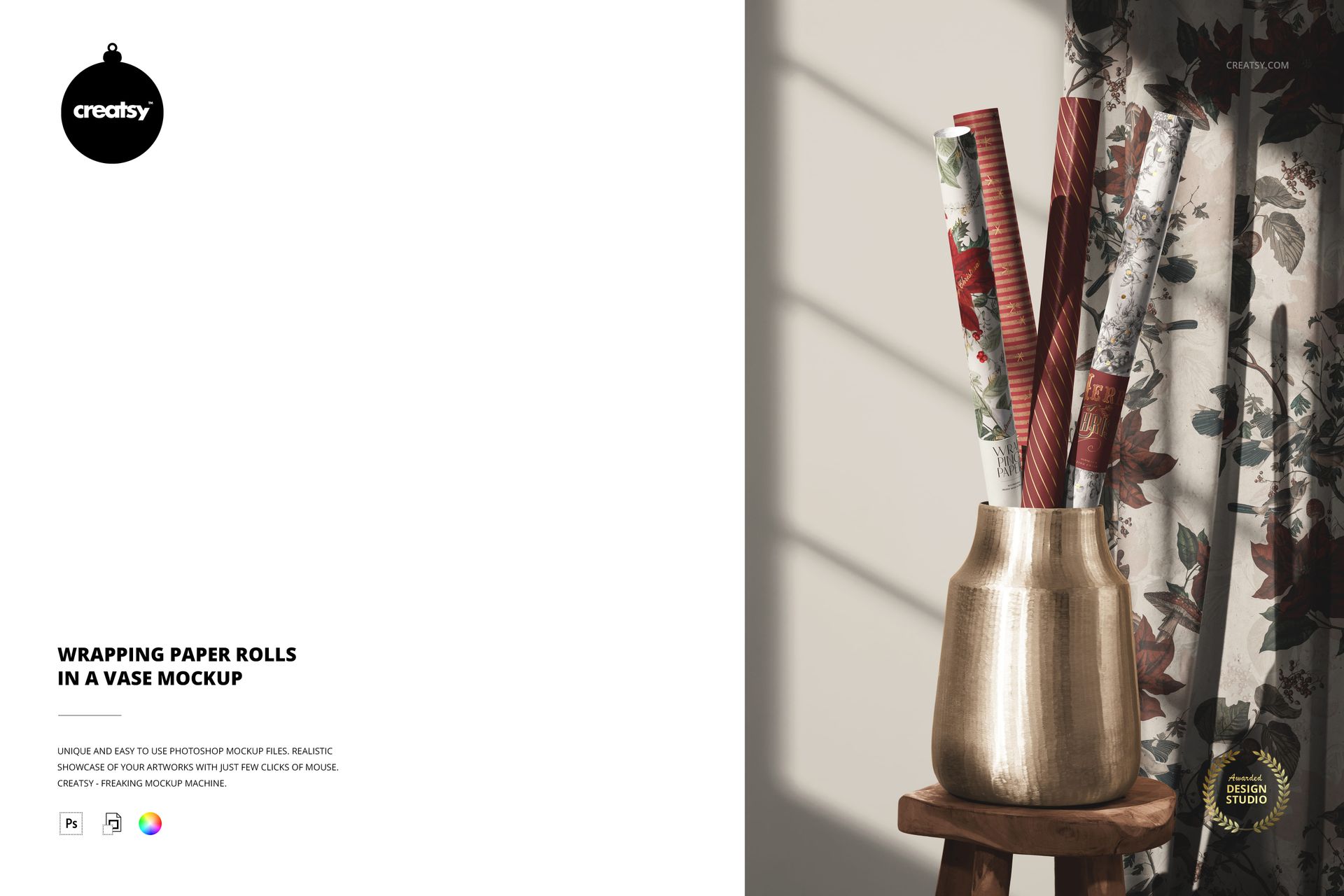
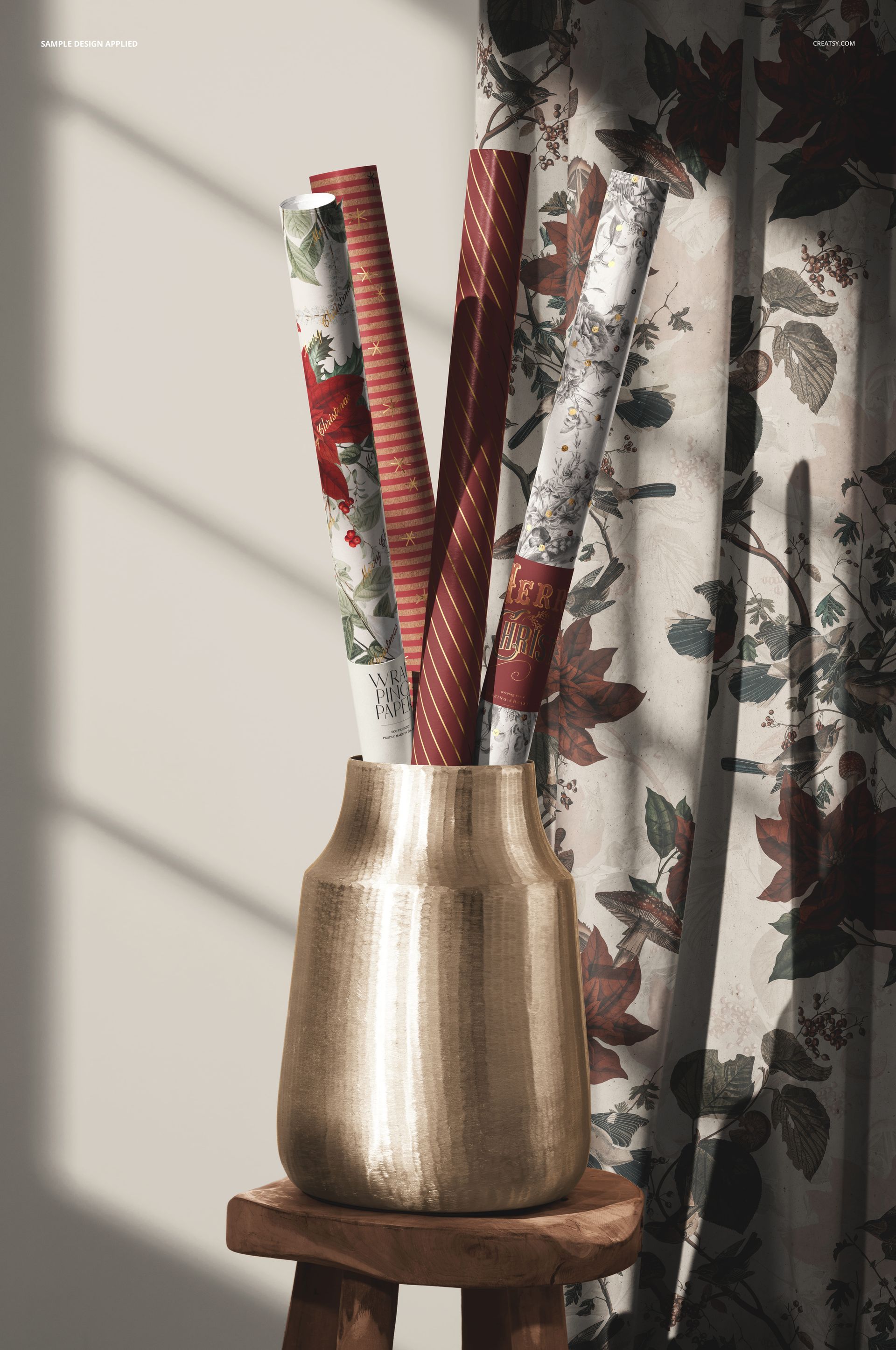
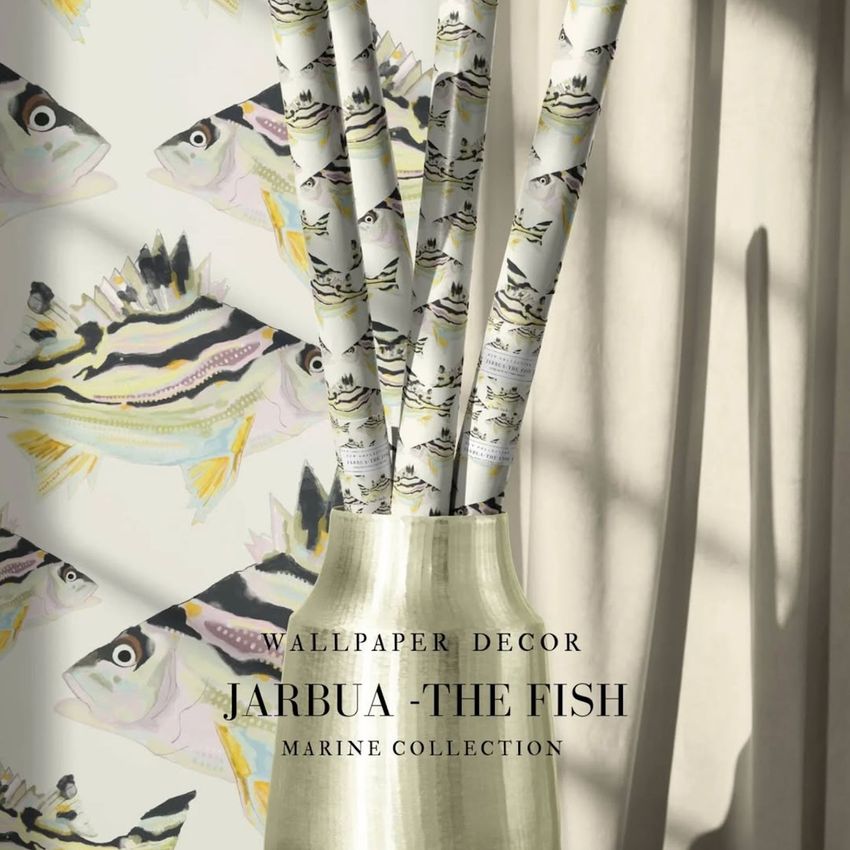
Four upright rolls turn a wrapping paper collection into a styled interior display. A metallic vase on a wooden stool, a curtain, and angled window shadows give the scene a sense of place while keeping the printed papers together in one composition.
Use the narrow, curved surfaces to see which motifs remain recognizable when only part of a repeat is visible. The surrounding wall and curtain can carry coordinating artwork, making this useful for showing how gift wrap belongs to a broader visual collection.
What Is Included
1 layered PSD mockup featuring four wrapping paper rolls in a vase, 4600x6000 px at 300 DPI.
1 small JPG preview, 2 files in total.
A fixed scene with editable paper rolls, labels, vase, stool, wall, and curtain as detailed below.
Style the Papers and Their Surroundings
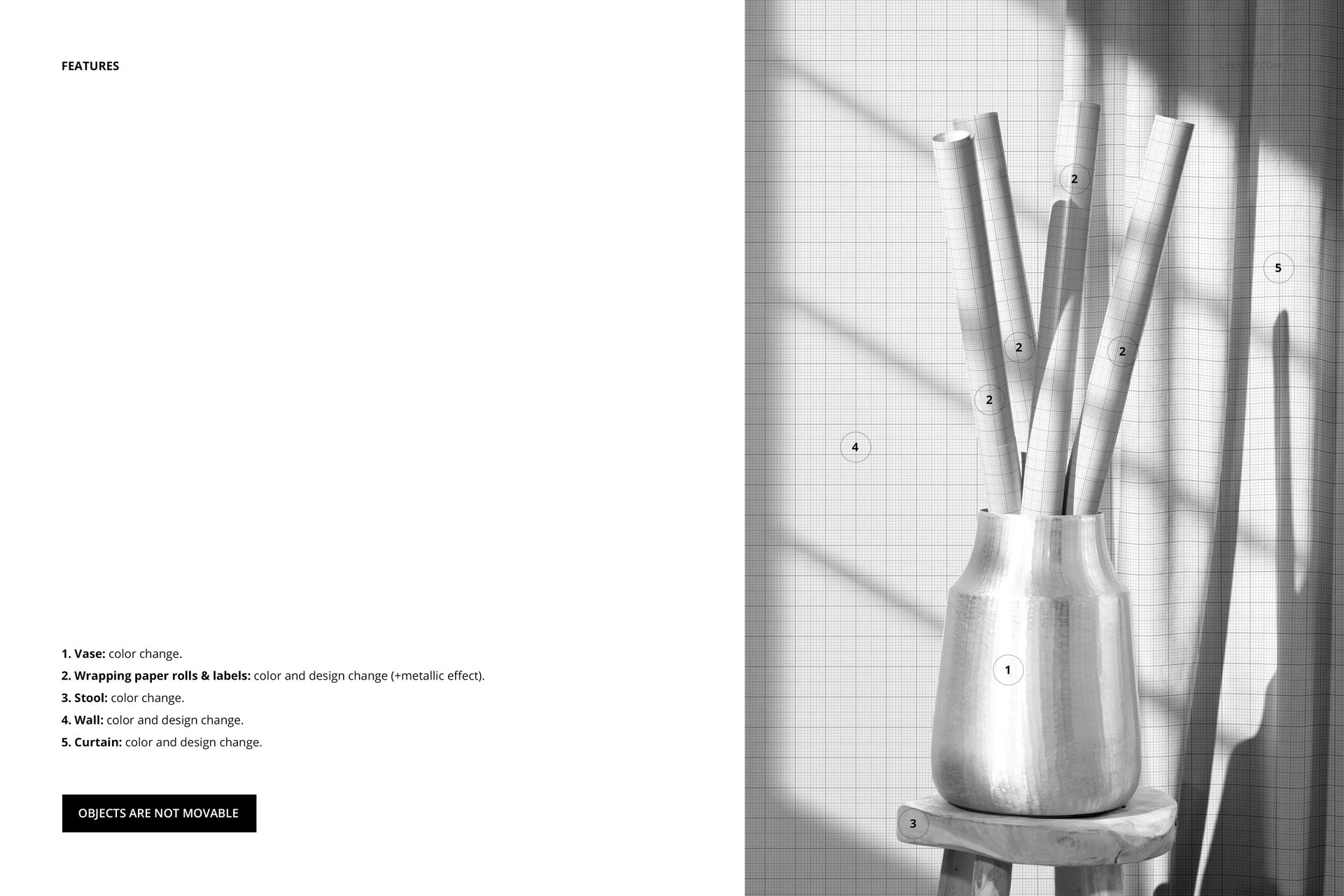
Change the color and design of the wrapping paper rolls and labels, with a metallic effect available for their artwork. Adjust the vase and stool colors, and change the wall and curtain colors and designs. The objects are not movable, so the arrangement stays consistent as you develop different treatments.
Easy Smart Object Editing
Open the PSD in Adobe Photoshop CC2020 or newer, or Photopea. Add your artwork through Smart Objects, then refine the available color and design settings using the organized layers.
Perfect For
Surface pattern designers, gift wrap brands, and illustrators can use this scene for collection launches, licensing presentations, and portfolio images that place their work in a room rather than on a flat sheet.
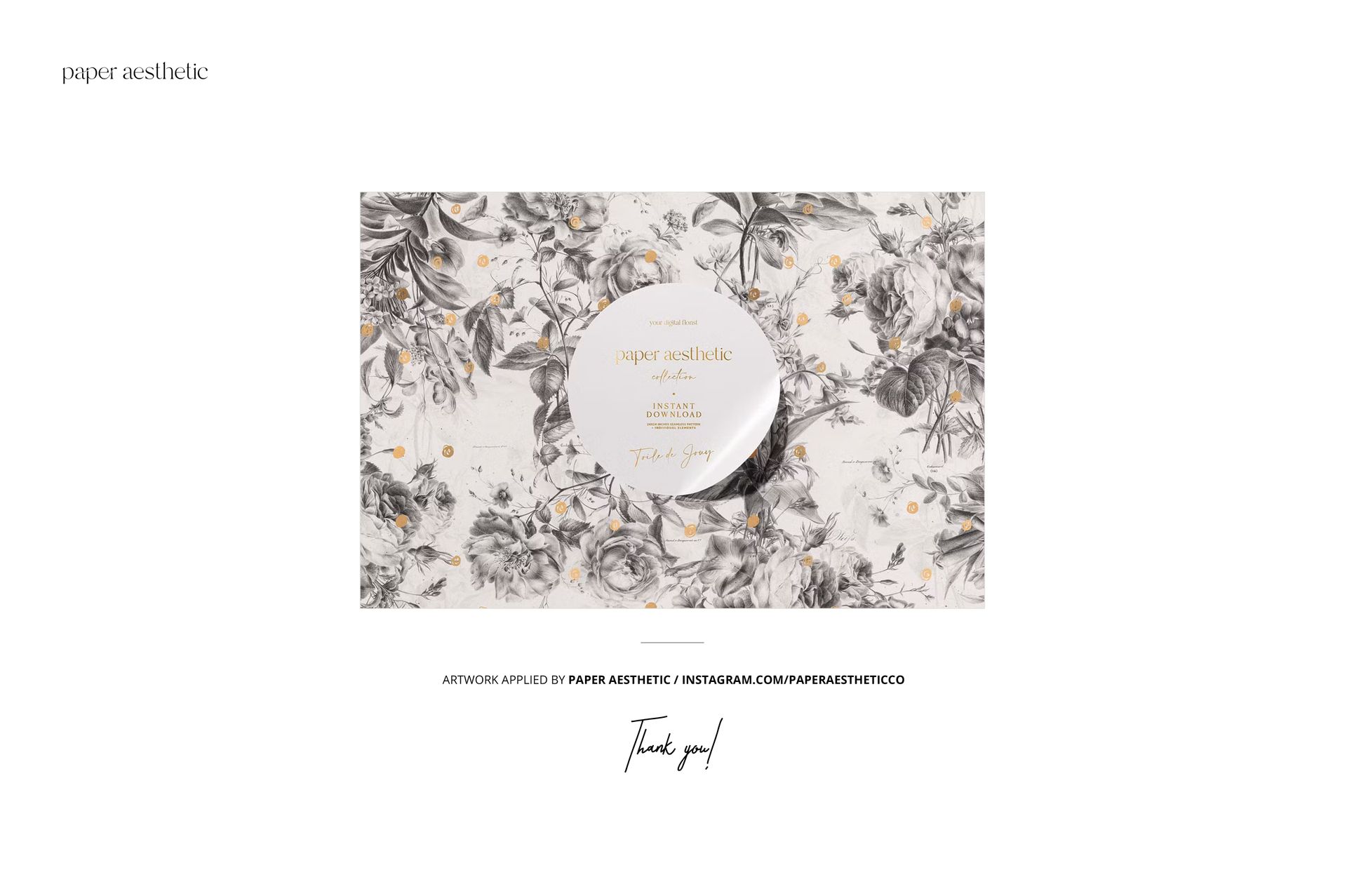
This is a digital mockup. Physical wrapping paper, props, and the sample artwork shown in the previews are not included.