Hardcover Book with Buckram Cloth Cover Binding Mockup Set

Product Details
Hardcover Book with Buckram Cloth Cover Binding Mockup Set
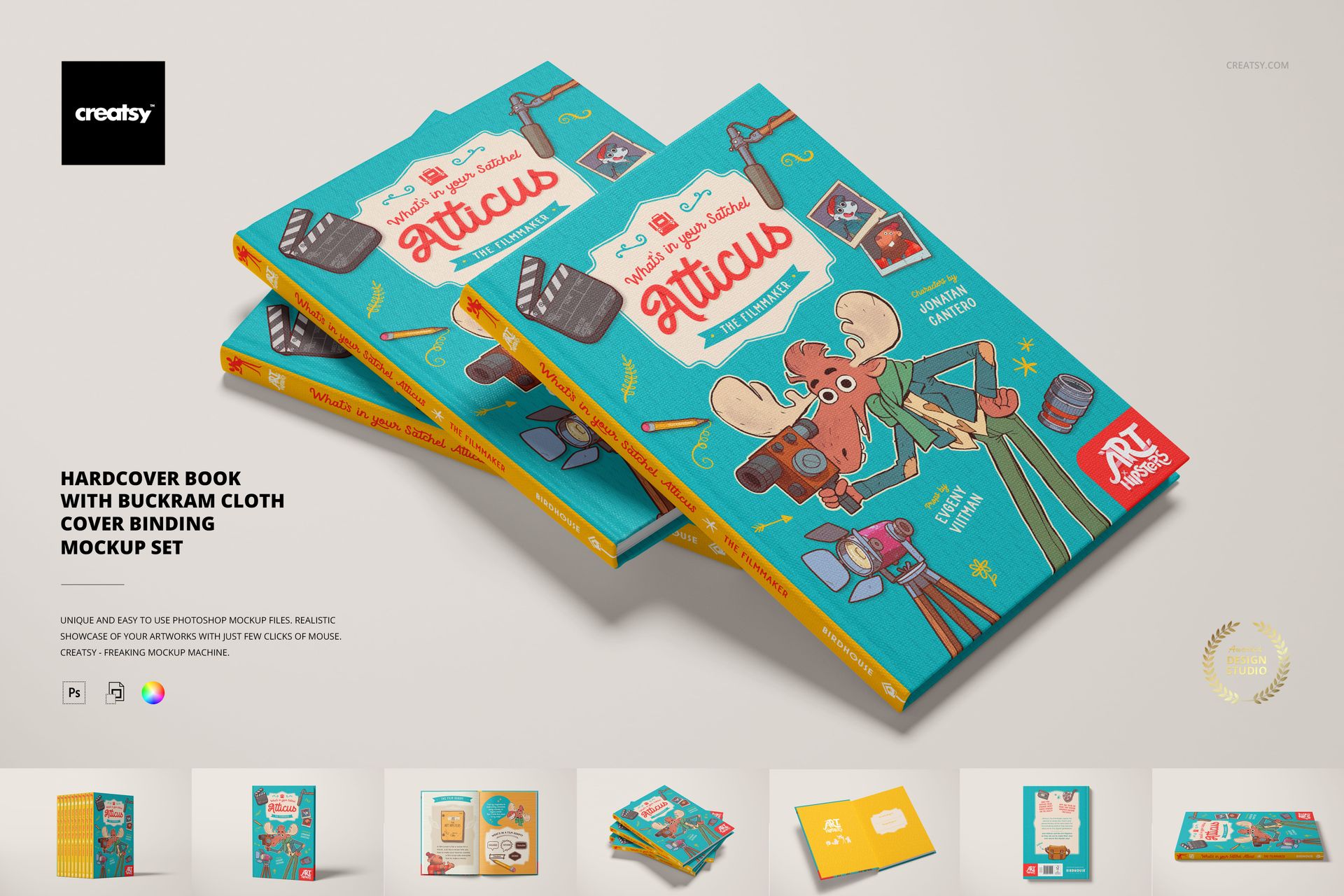
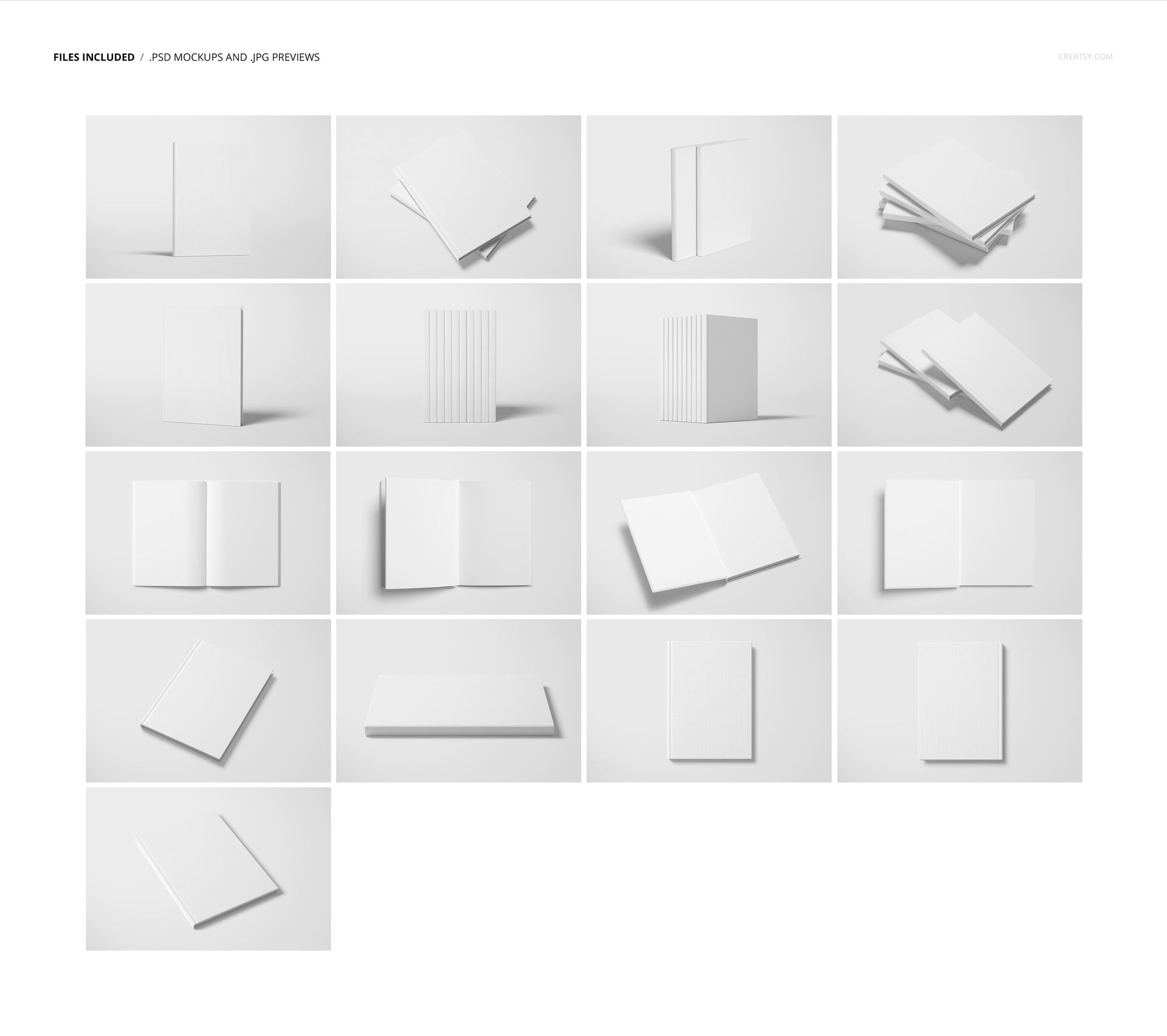
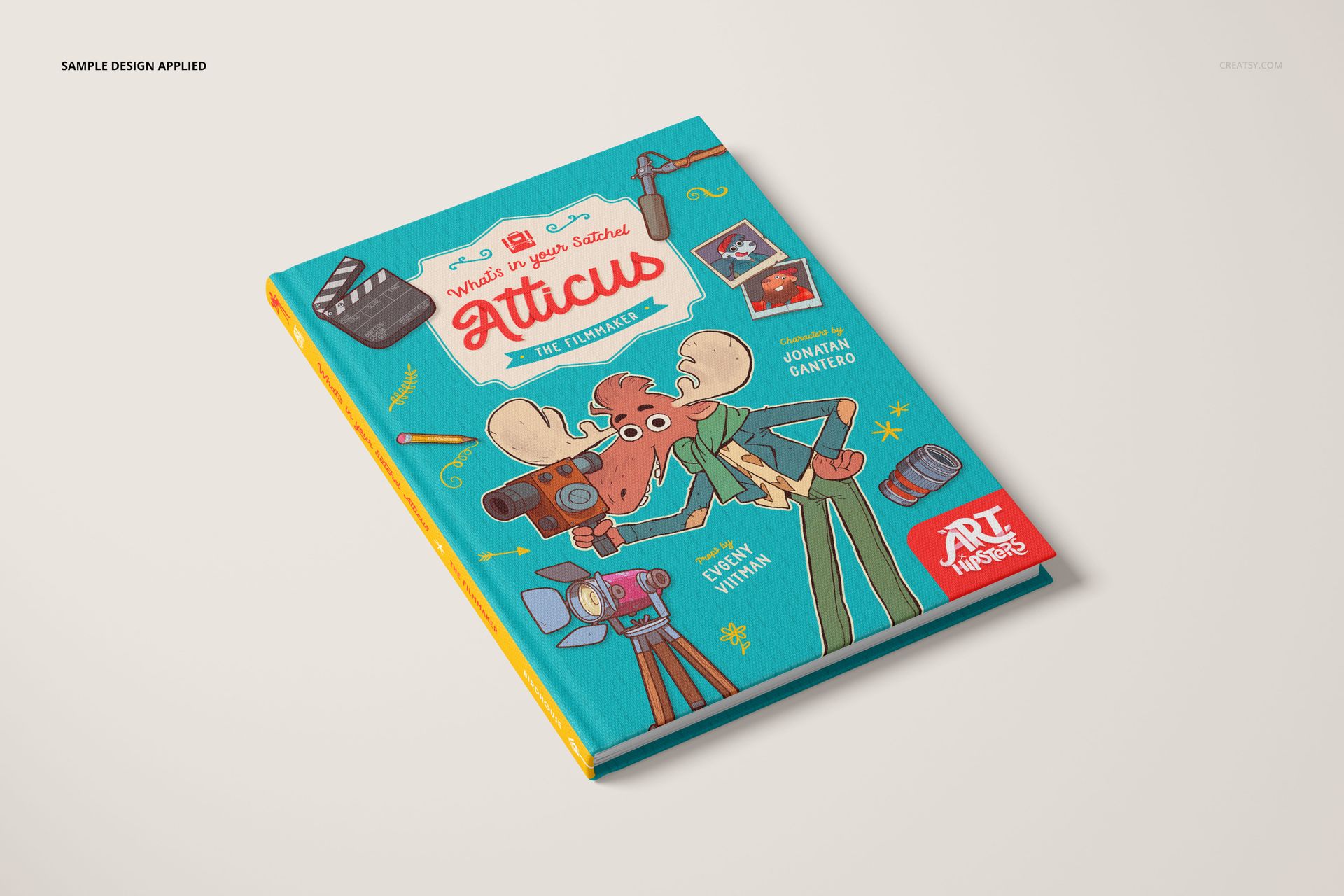
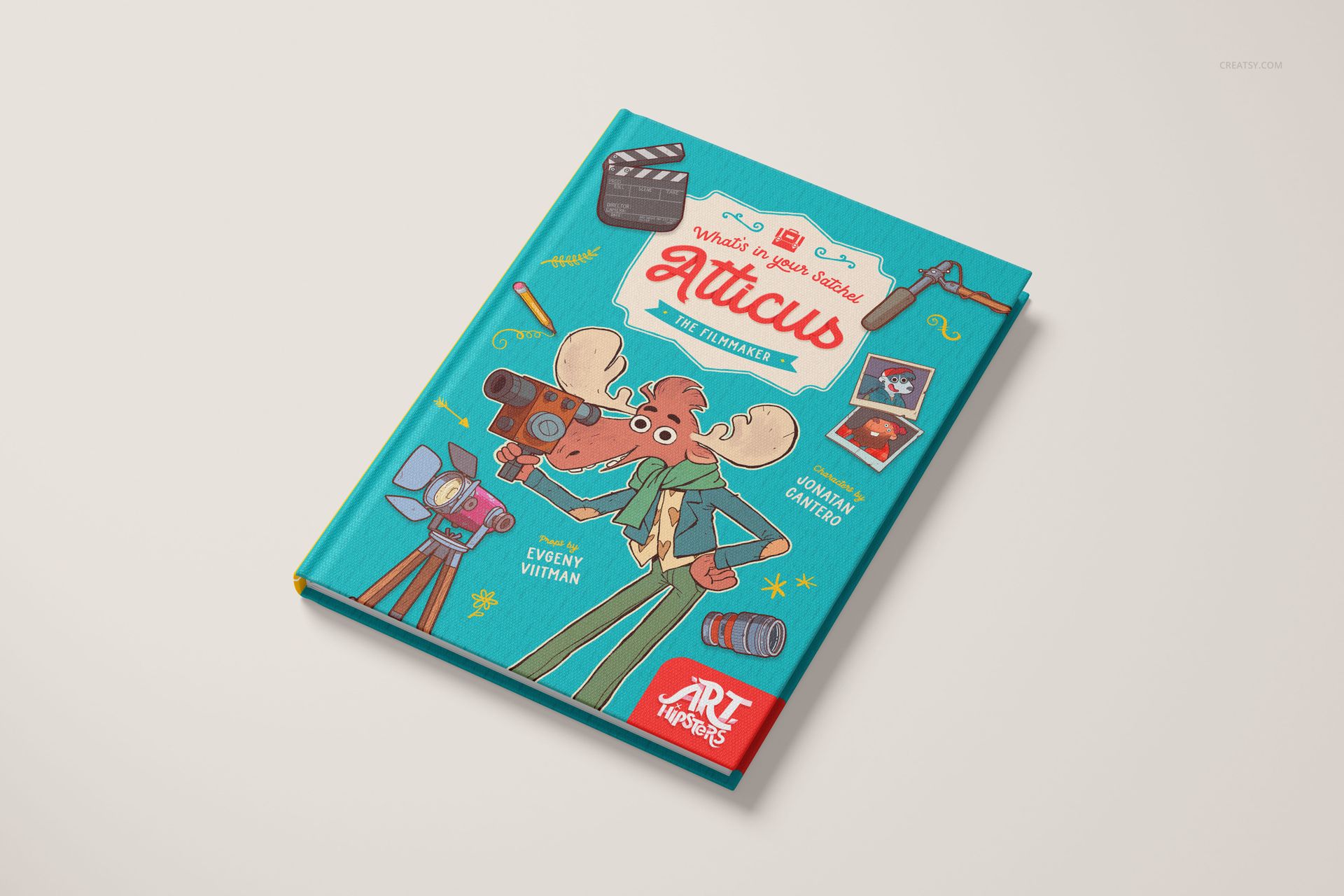
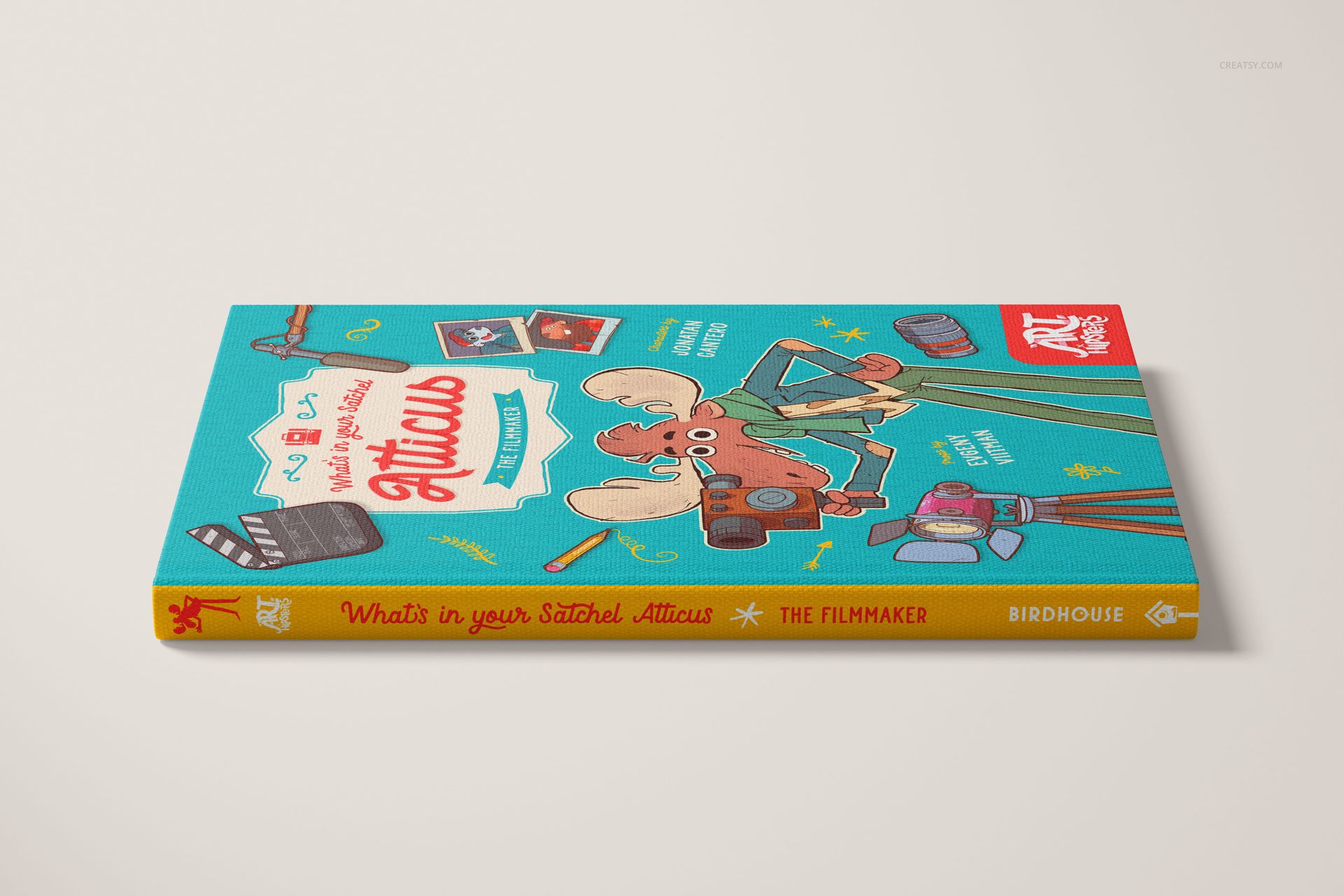
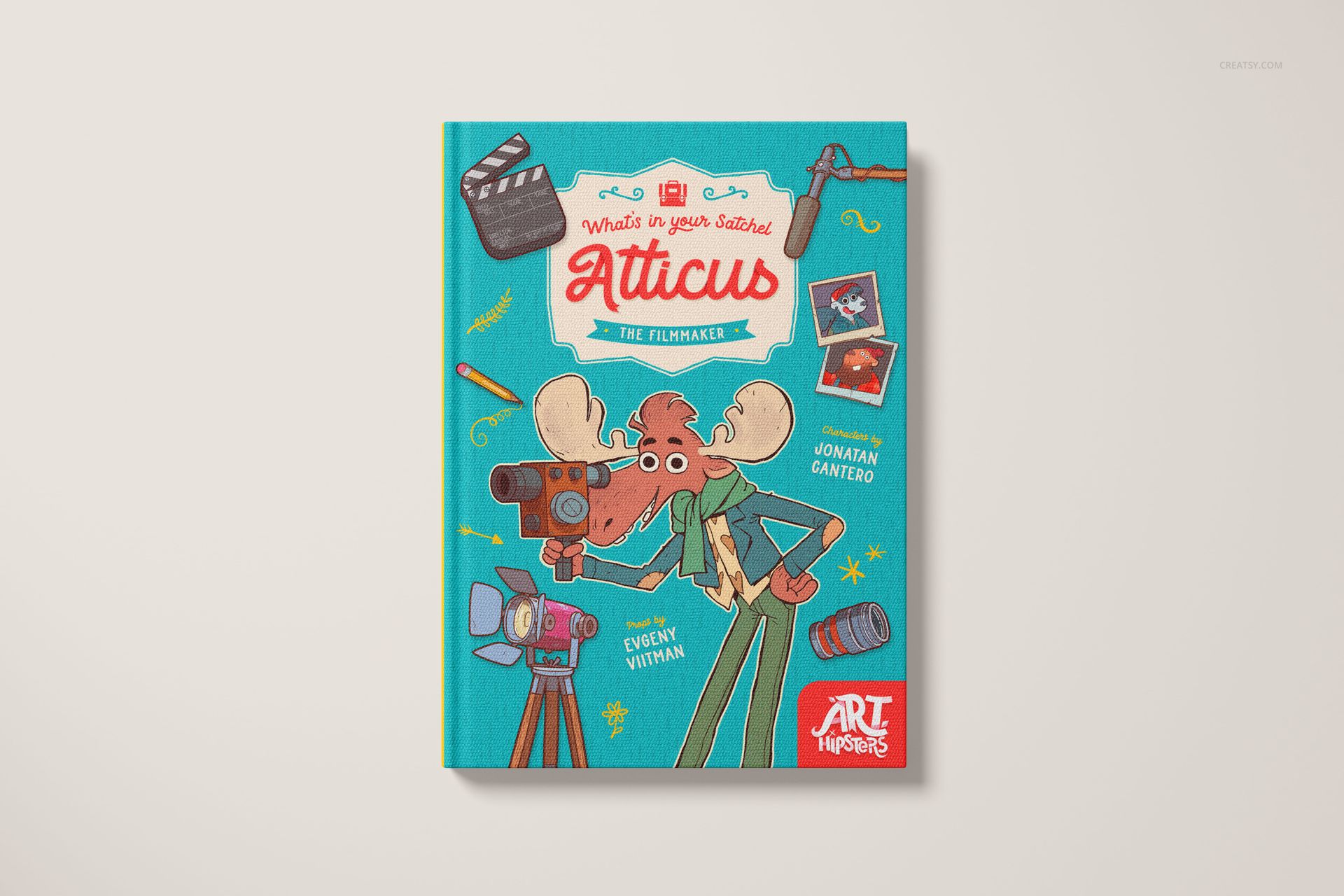
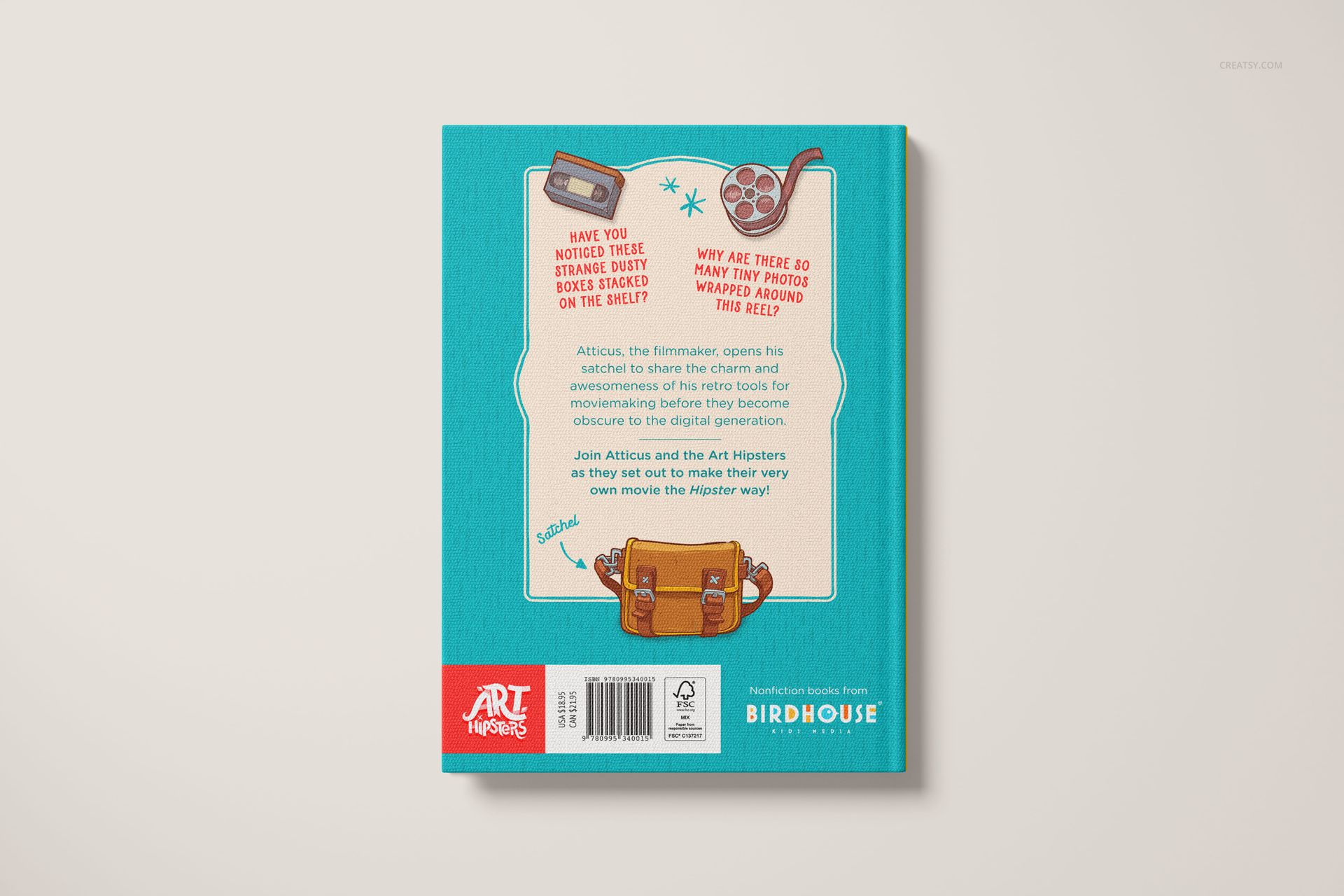
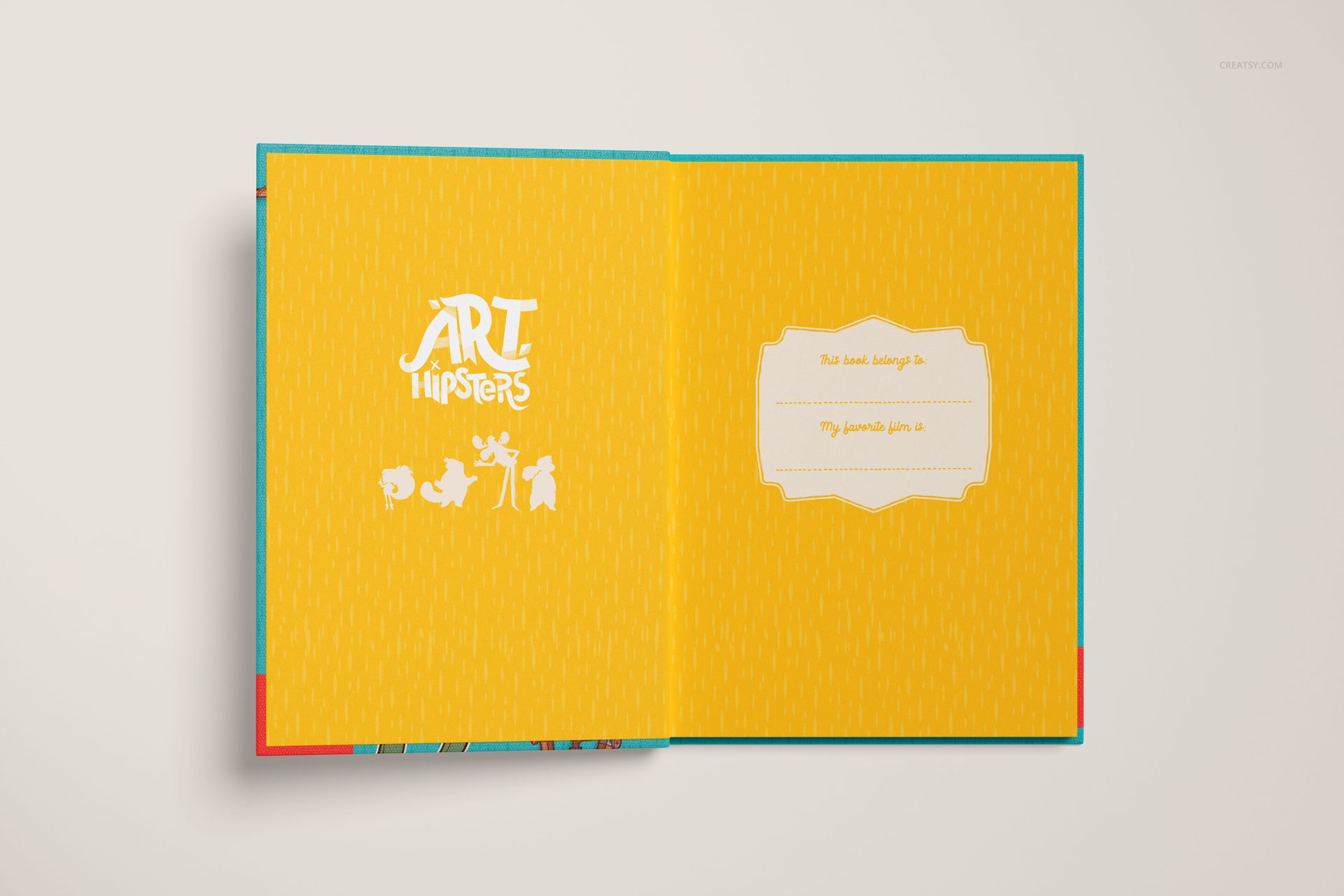
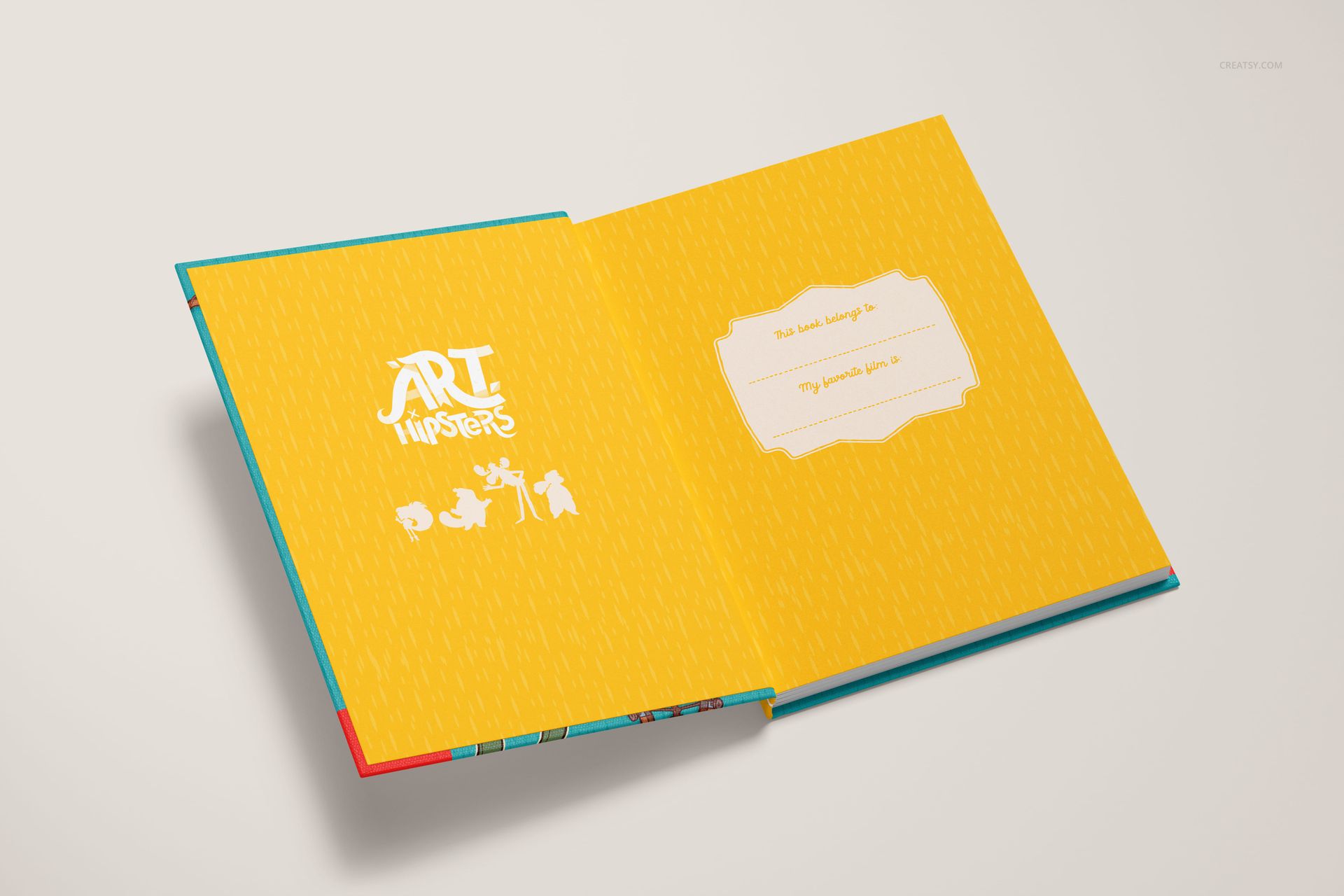
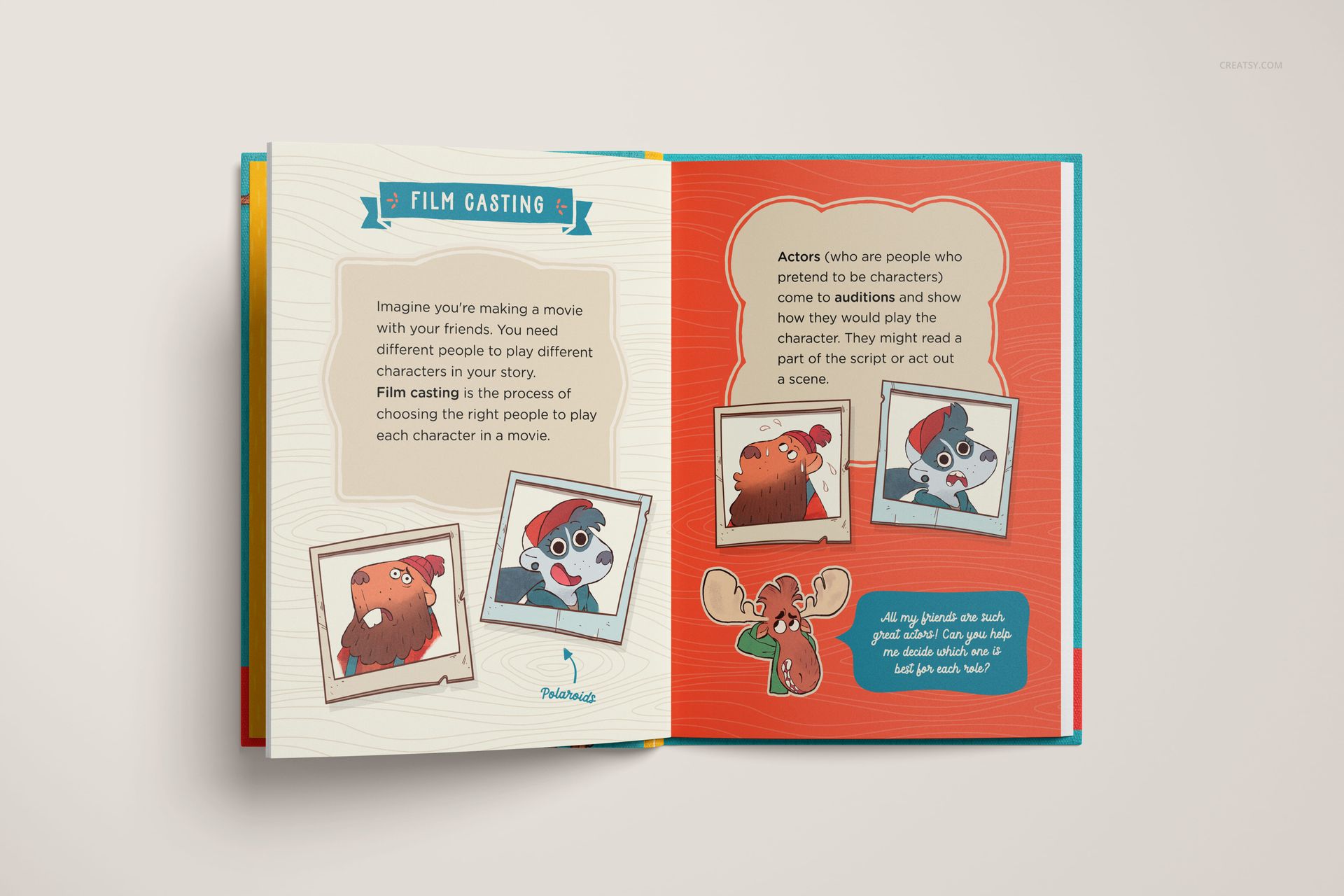
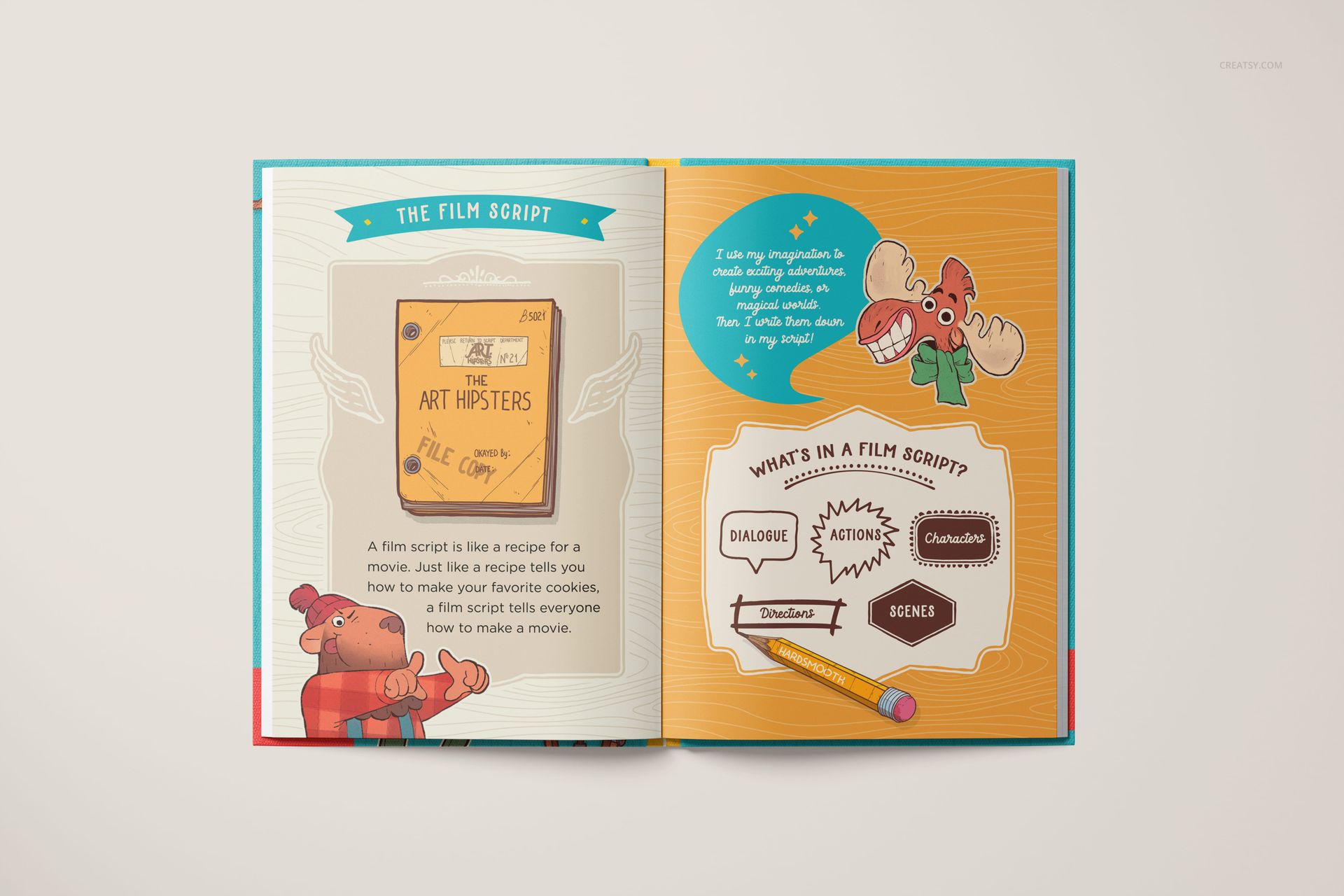
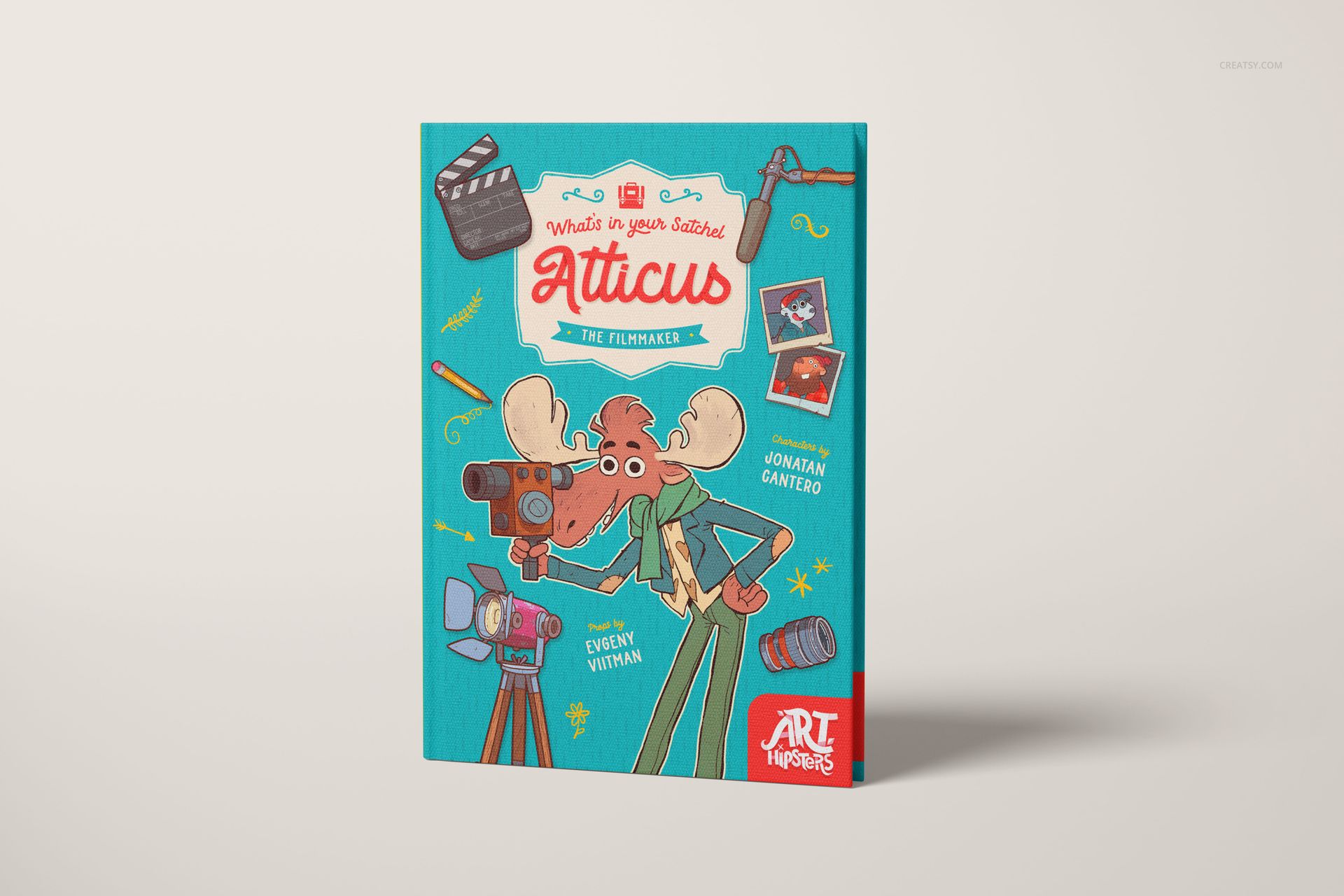
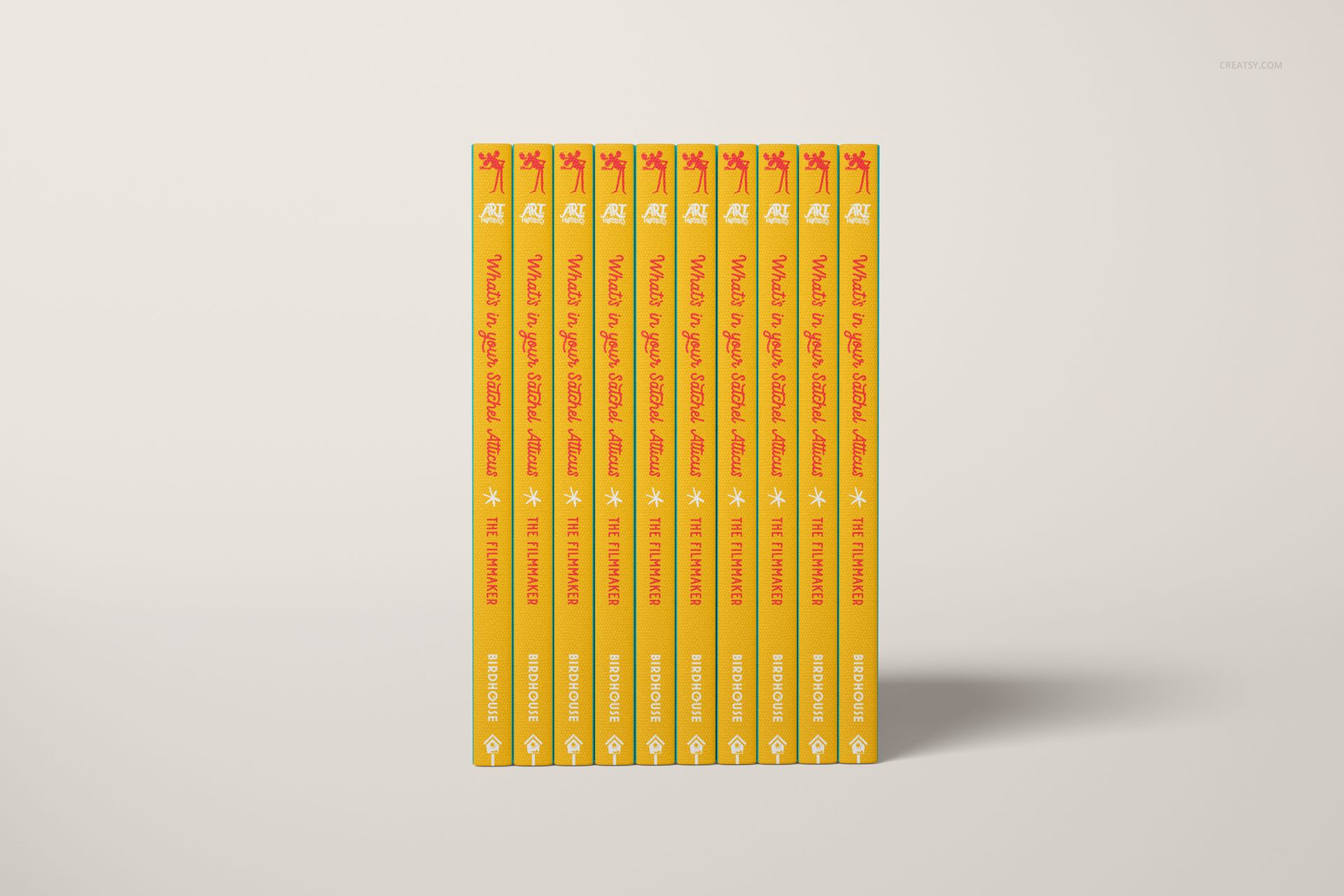
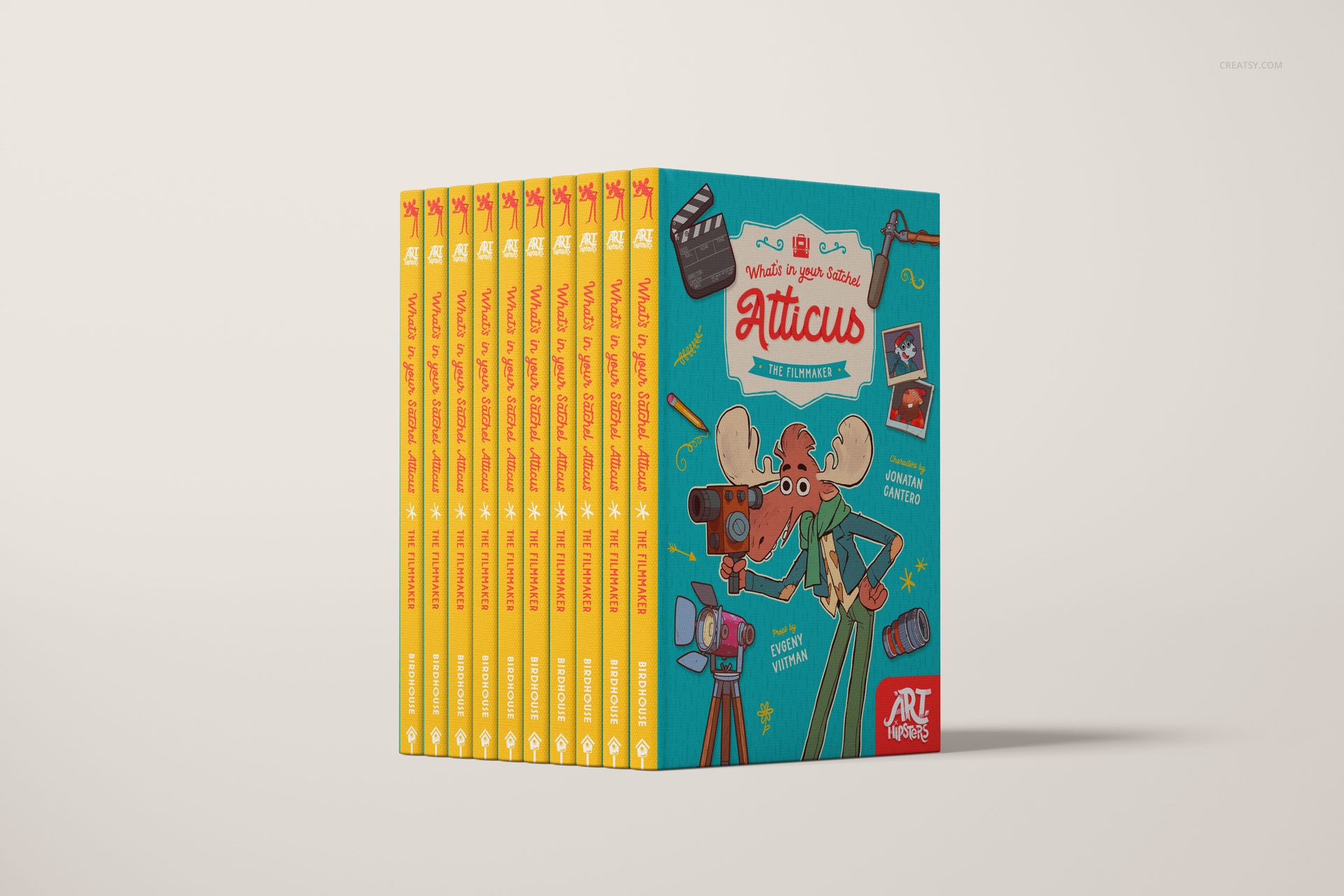
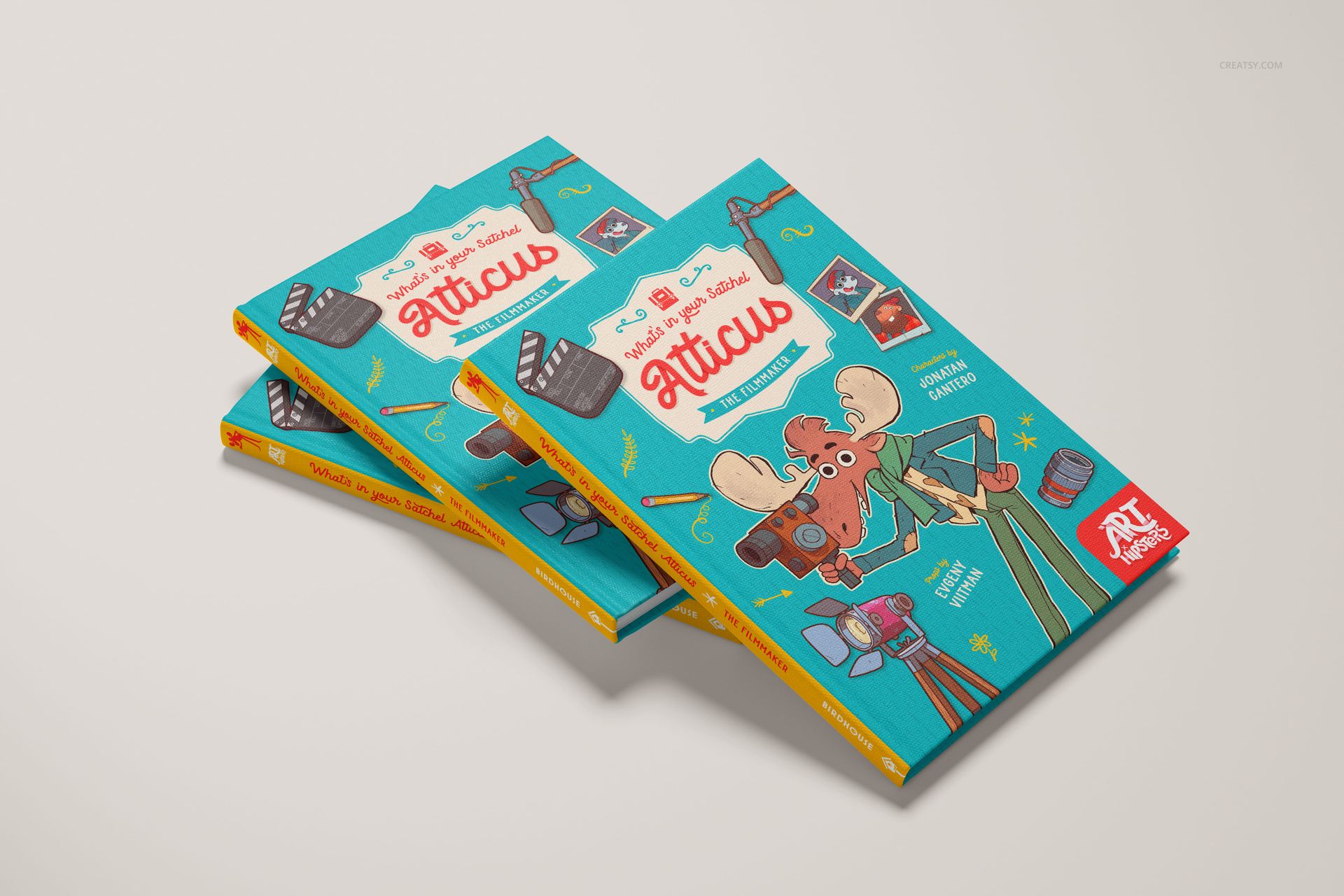
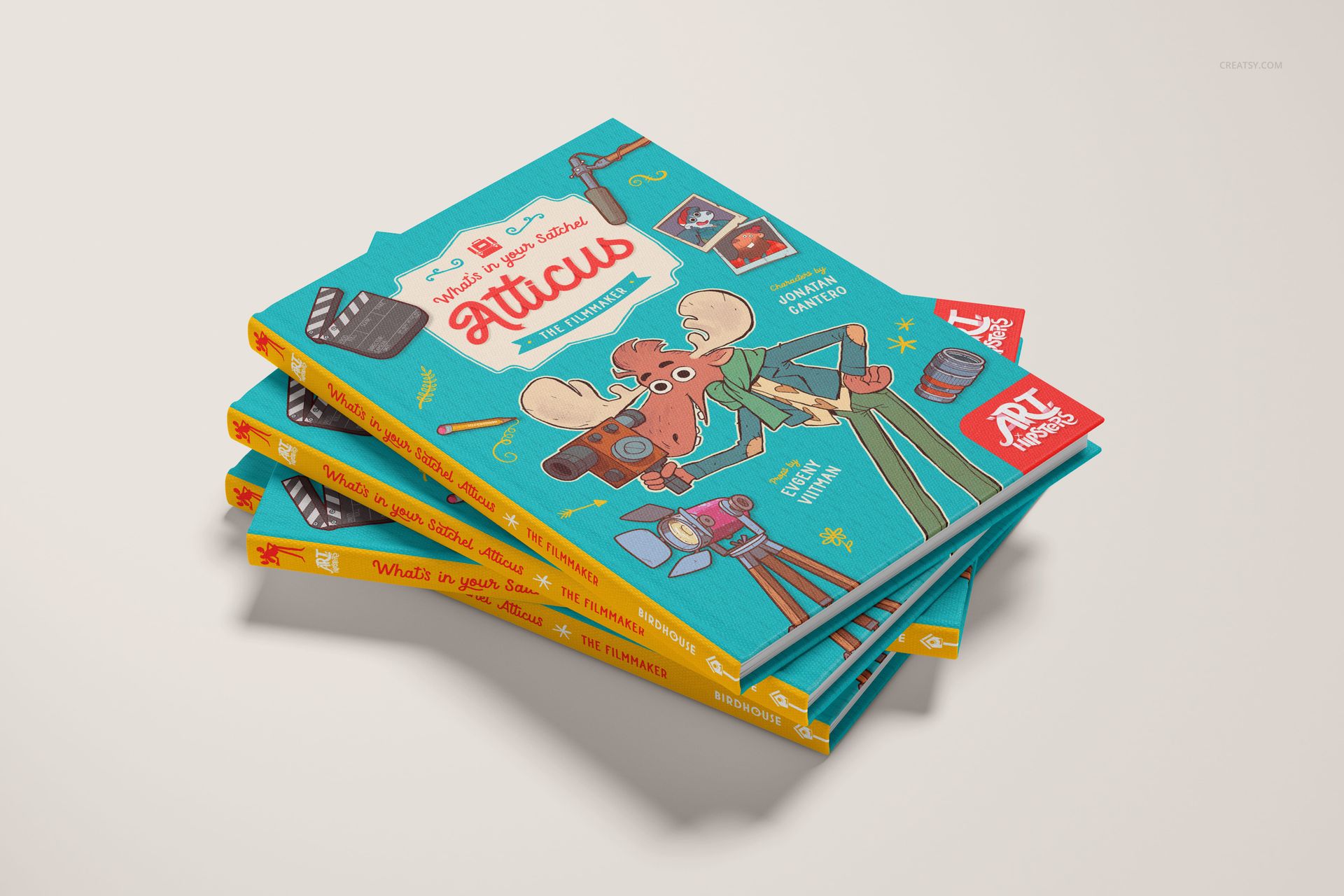
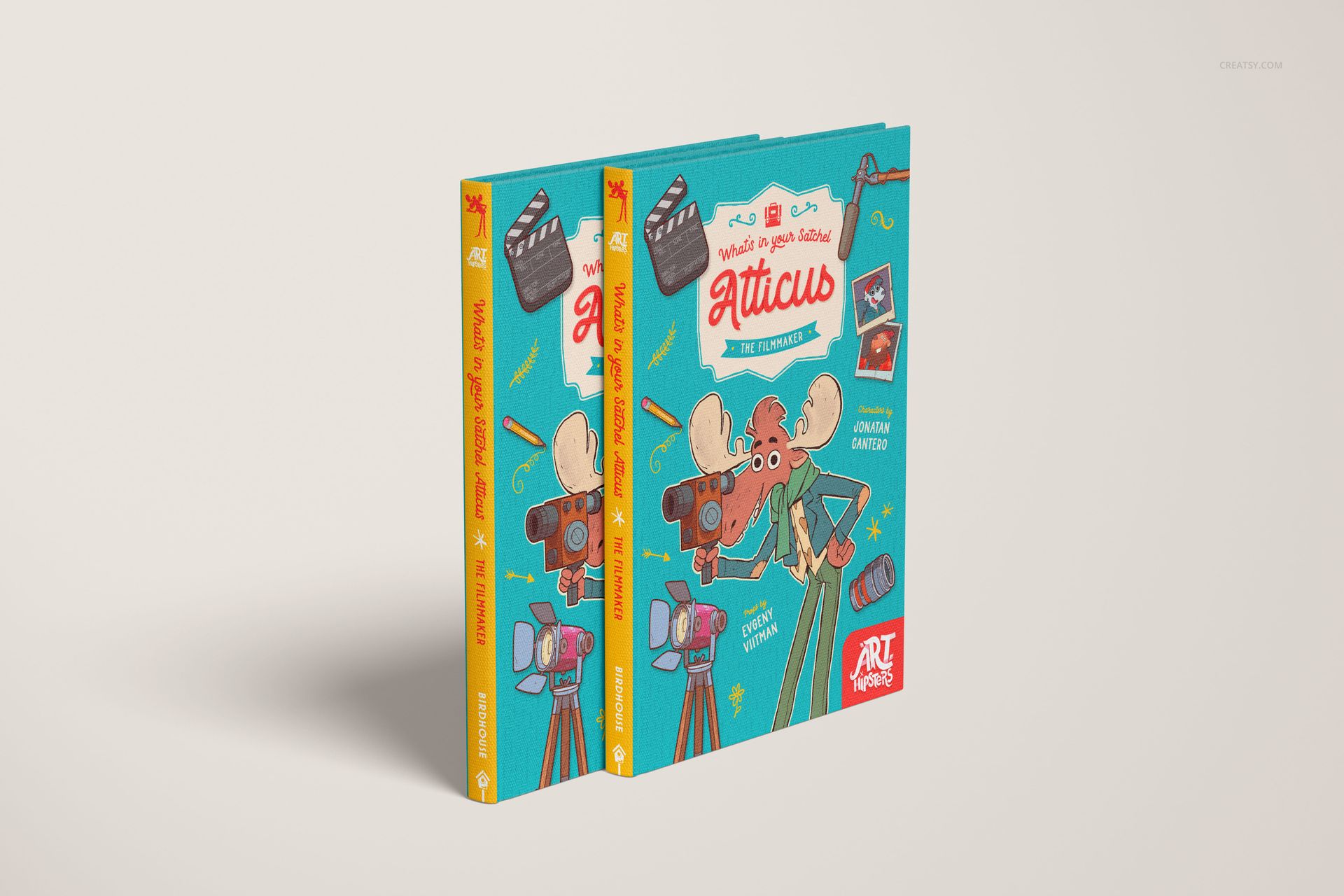
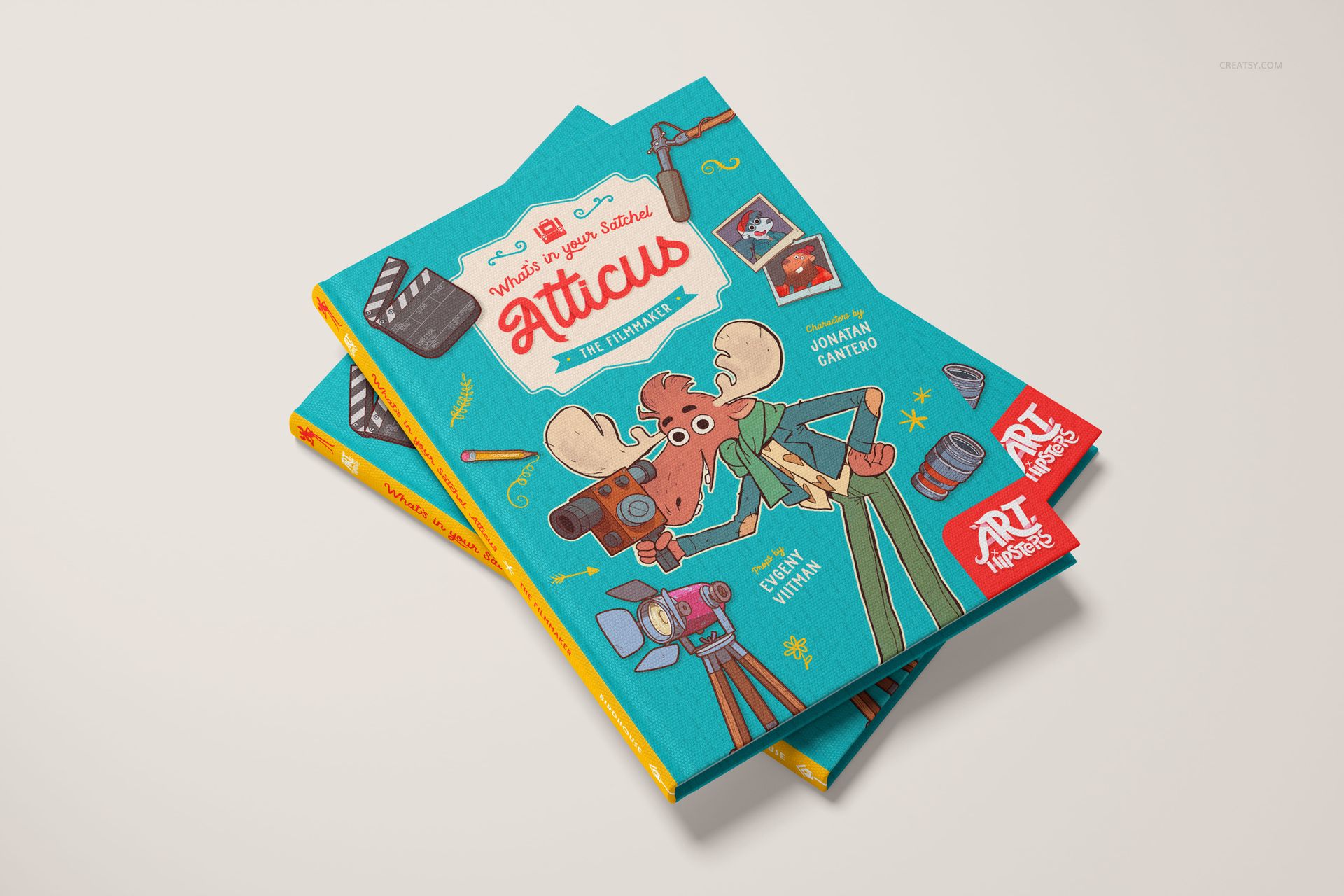
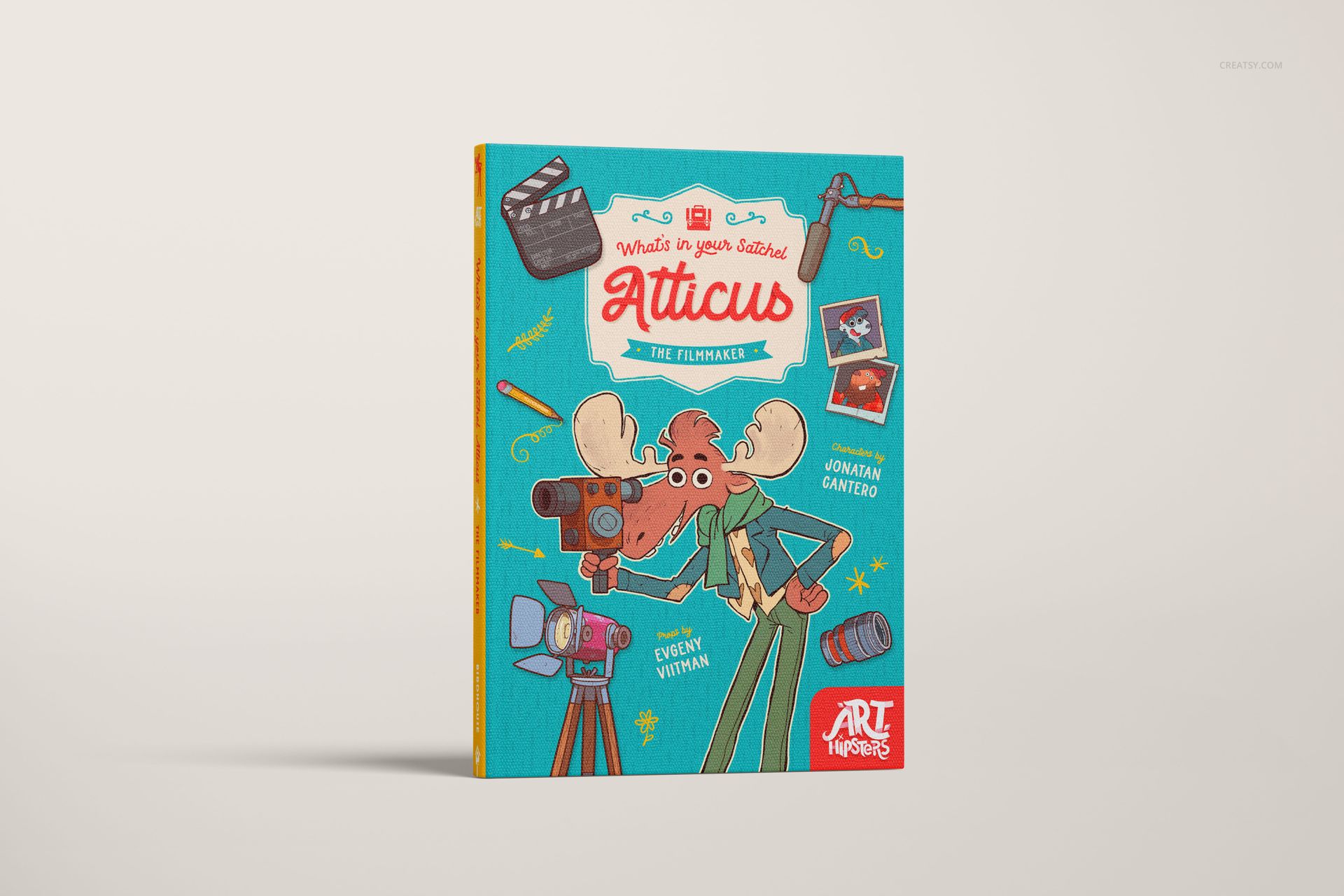
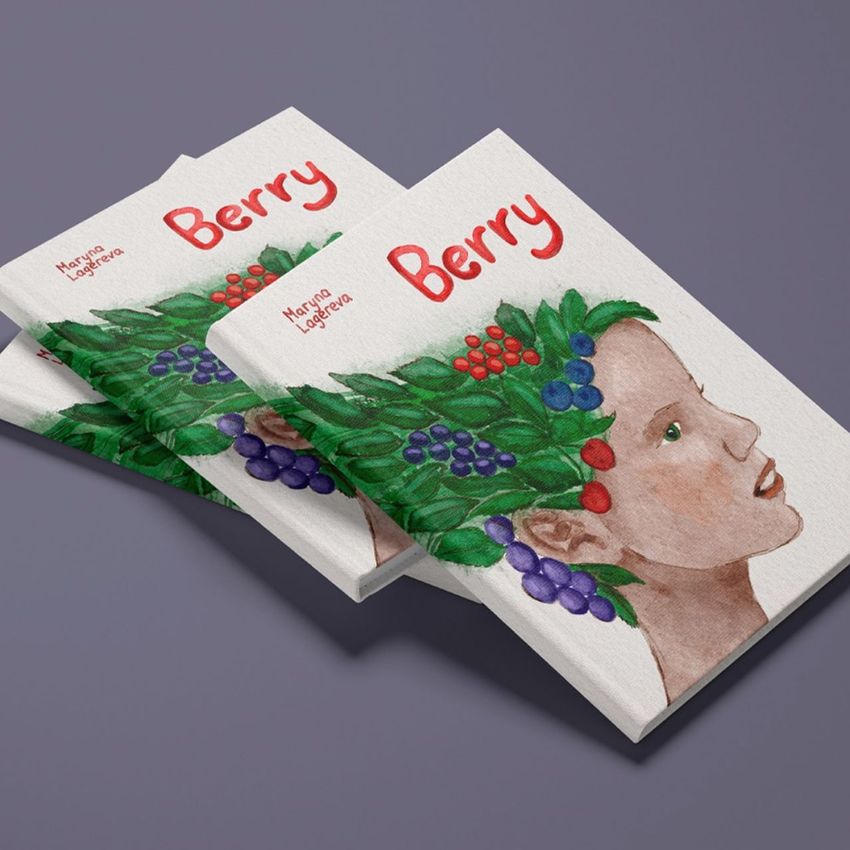
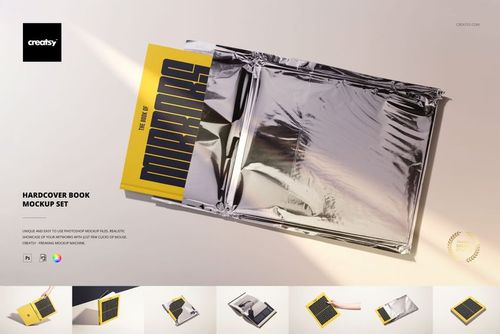
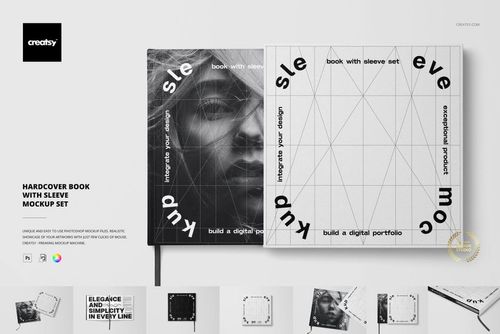
Show how an illustrated hardcover works with a buckram cloth binding, from the front cover to the endpapers and interior spreads. The seventeen-file set combines individual books, open views, stacked arrangements and upright groups for presenting a complete book design.
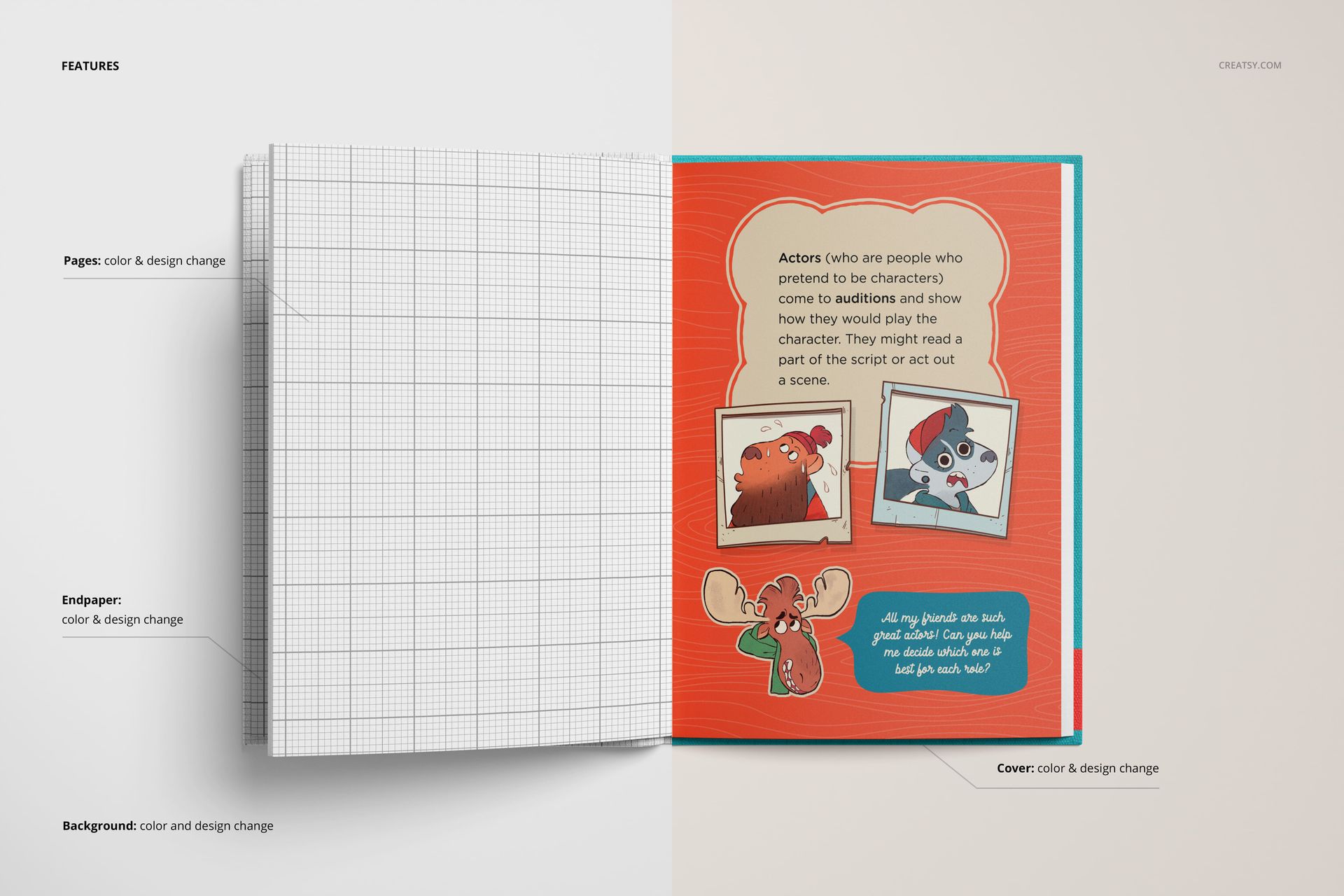
Cloth cover, endpapers and pages
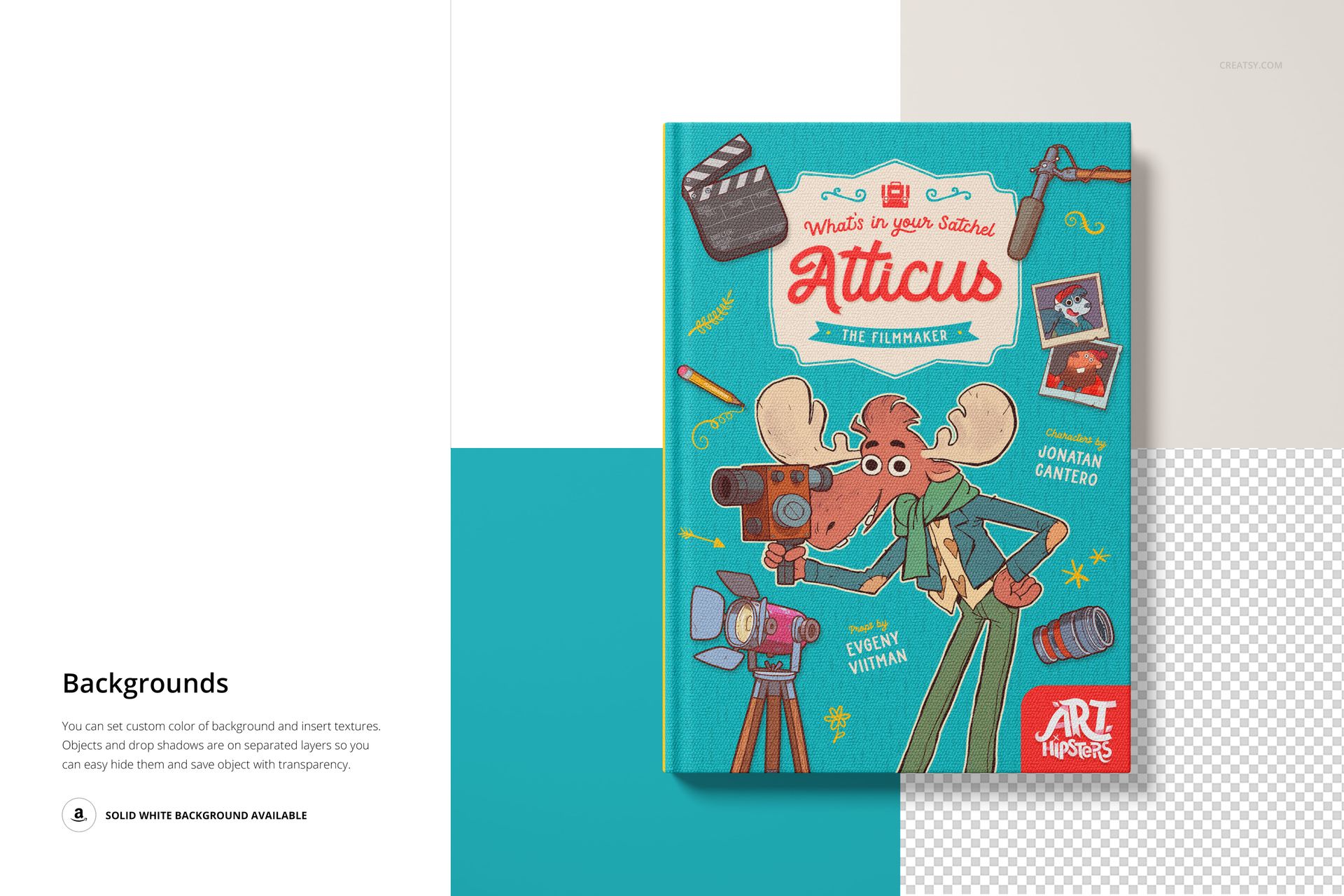
Apply artwork through Smart Objects and use the color controls to coordinate the book. The feature preview confirms color and design changes for the cover, endpapers and pages. The cloth texture remains part of the book’s appearance, while background color and textures can be chosen for your presentation.
17 layered PSD files and 17 JPG previews.
6000 × 4000 px at 300 dpi.
Works in Adobe Photoshop CC 2020 or later and Photopea.
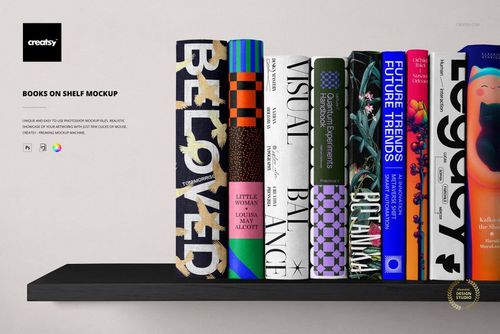
Use the endpaper and spread views to extend a cover concept through a children’s book, illustrated edition or publishing proposal. The grouped views can show how several covers or volumes sit together.
Sample book artwork: Art Hipsters by Birdhouse Kids Media. This artwork is shown for demonstration and is not included.
Digital mockup files only. No physical books or other products are included. Sample artwork shown in the previews is not included; add your own designs.
File details
- Compatibility
- Package size
- 3.83 GB
|4.11 GB
- Files type
- .psd, .jpg
- Files size
- 6000x4000
34 files total: 17 JPG, 17 PSD.


Reviews
Professional PSD mockups built in-house - editable, realistic, high-resolution, and supported by real people.
Made with Creatsy
Real designs. Real customers. See how creatives use Creatsy mockups to turn their artwork, branding, and product ideas into polished visuals.
MEET THE SHOP
- $1380$23.00
- $1140$19.00
- $1140$19.00
- $1140$19.00

HOW IT WORKS
3 clicks. That's it.
No tutorial needed. If you can copy-paste, you can use this.
- 1OpenDouble-click the smart object inside the PSD - in Adobe Photoshop, or free in your browser with Photopea.
- 2PasteDrop in your pattern, print, or artwork. Any design, any style.
- 3SaveHit save and the mockup wraps it in for you - shadows, folds, and lighting included.
FROM IDEA TO IMAGE
Built for real workflows
Skip the photo shoot Show your artwork on the real product type for approvals or listings - no studio, no model, no sample.
See it on the product, not a swatch Drop your file into the smart object and the scene's lighting and folds wrap around it, so you judge the real thing before you commit.
Smart Objects
Edit once and you're done. Your artwork drops into a smart object and the mockup updates itself - no masking, no warping by hand.
Perfectly Organized
Named layers and folders you can actually navigate. Find what you need, change what you want, and get out fast.
Print-Ready
High-resolution files built to hold up on screen and in print. Exact size and DPI are in this product's Details above.


Very nice mockup. A rare find of good mockup for children's book illustrators.
Thank you for your kind review! We’re glad the mockup helps you present your children’s book illustrations.