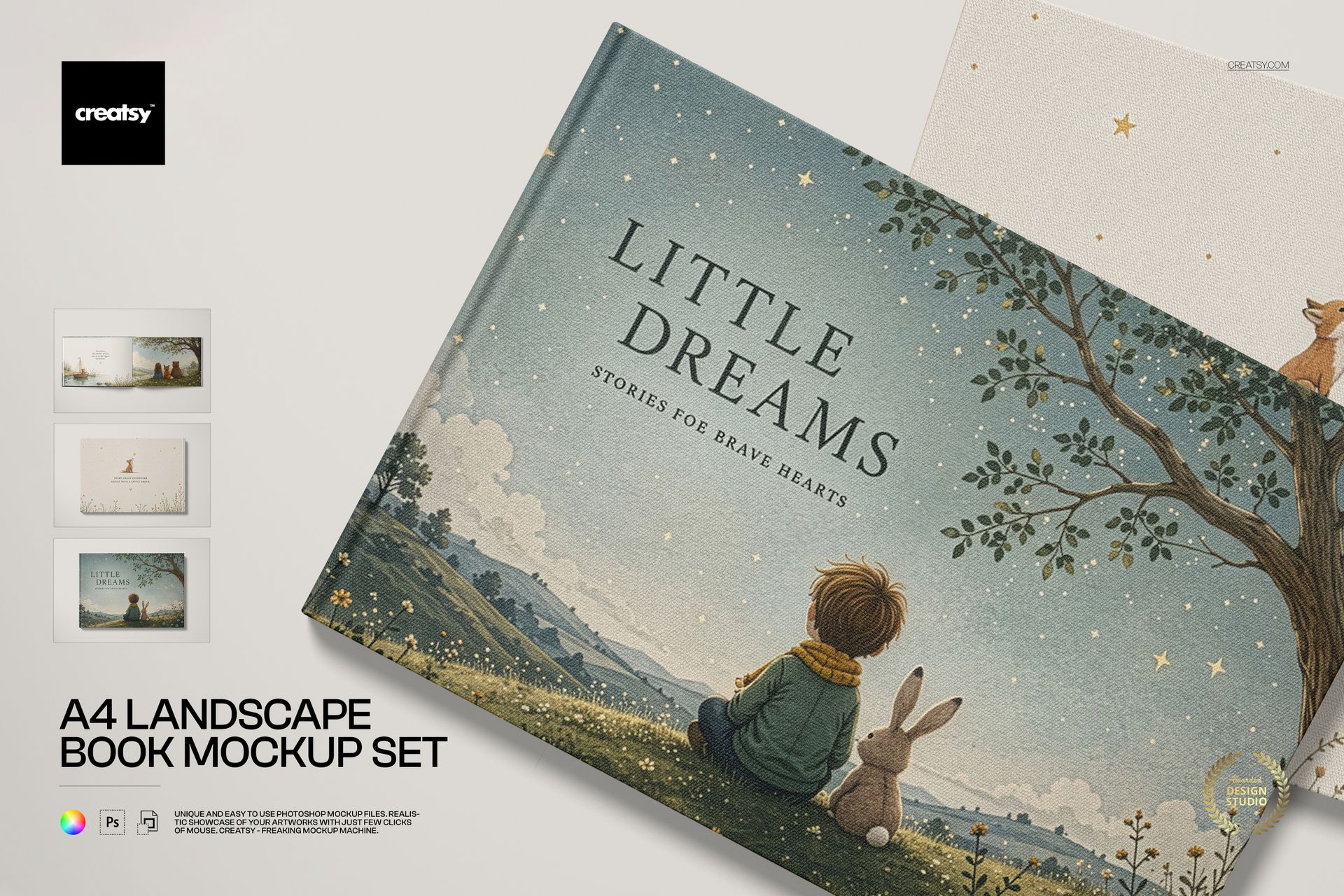
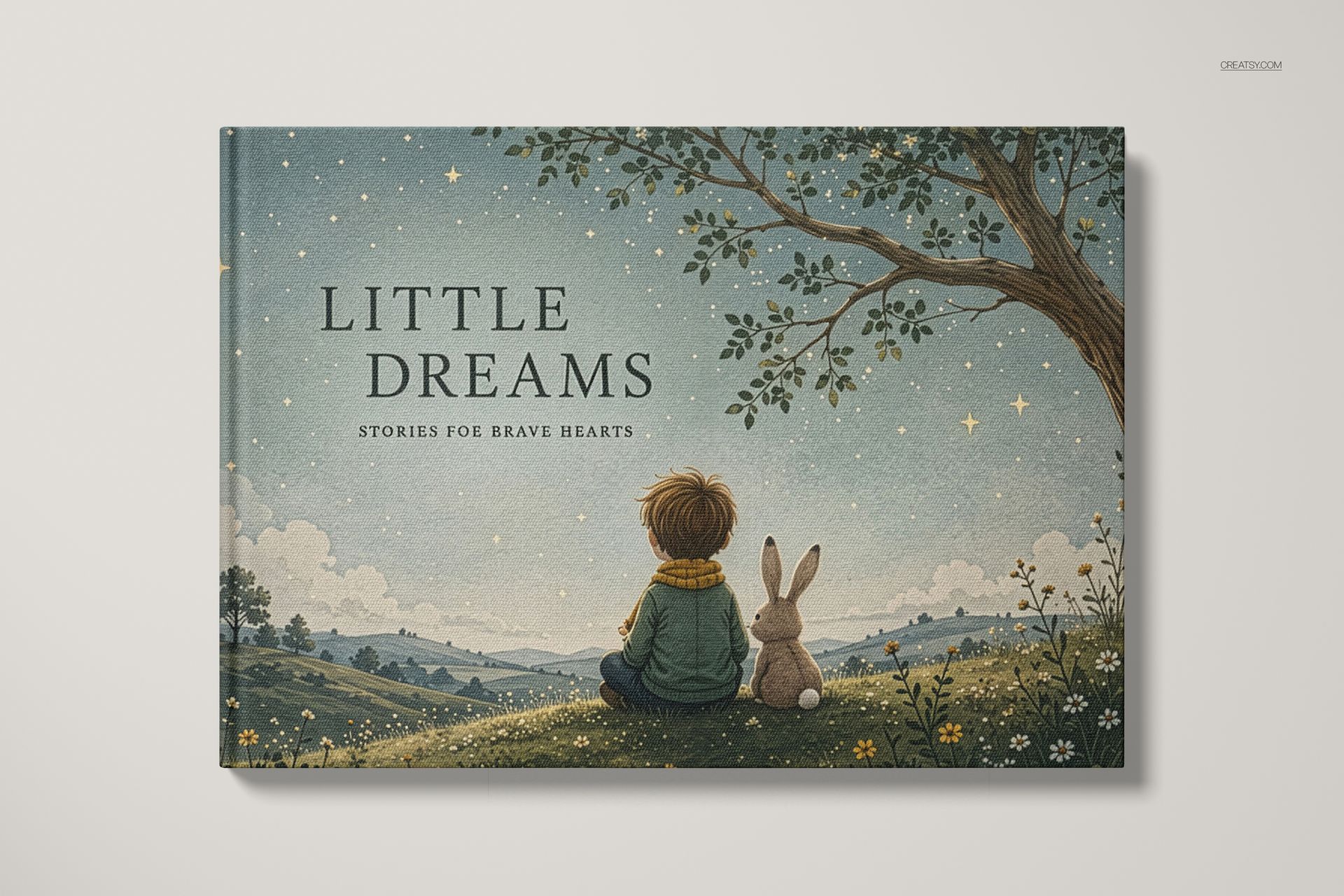
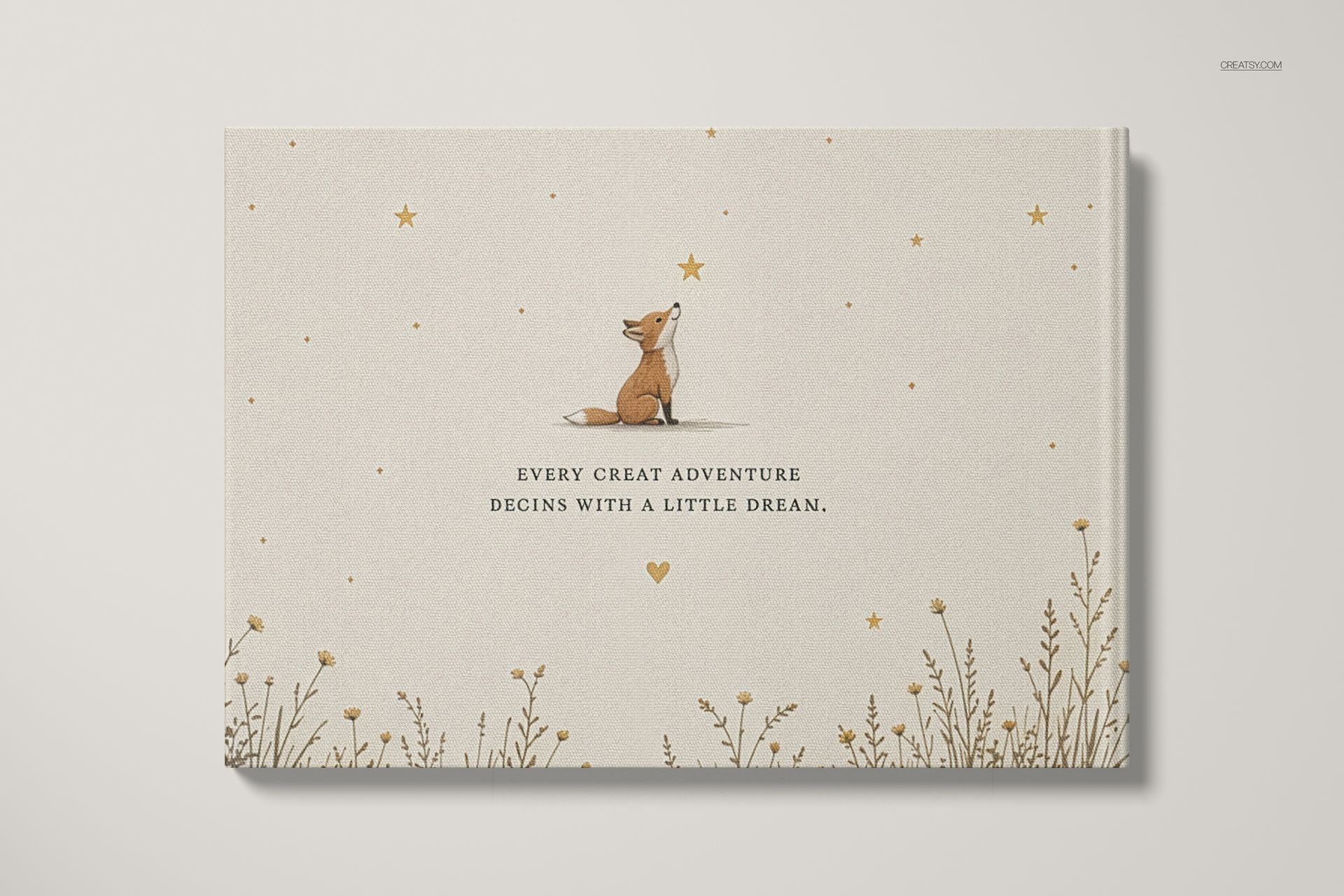
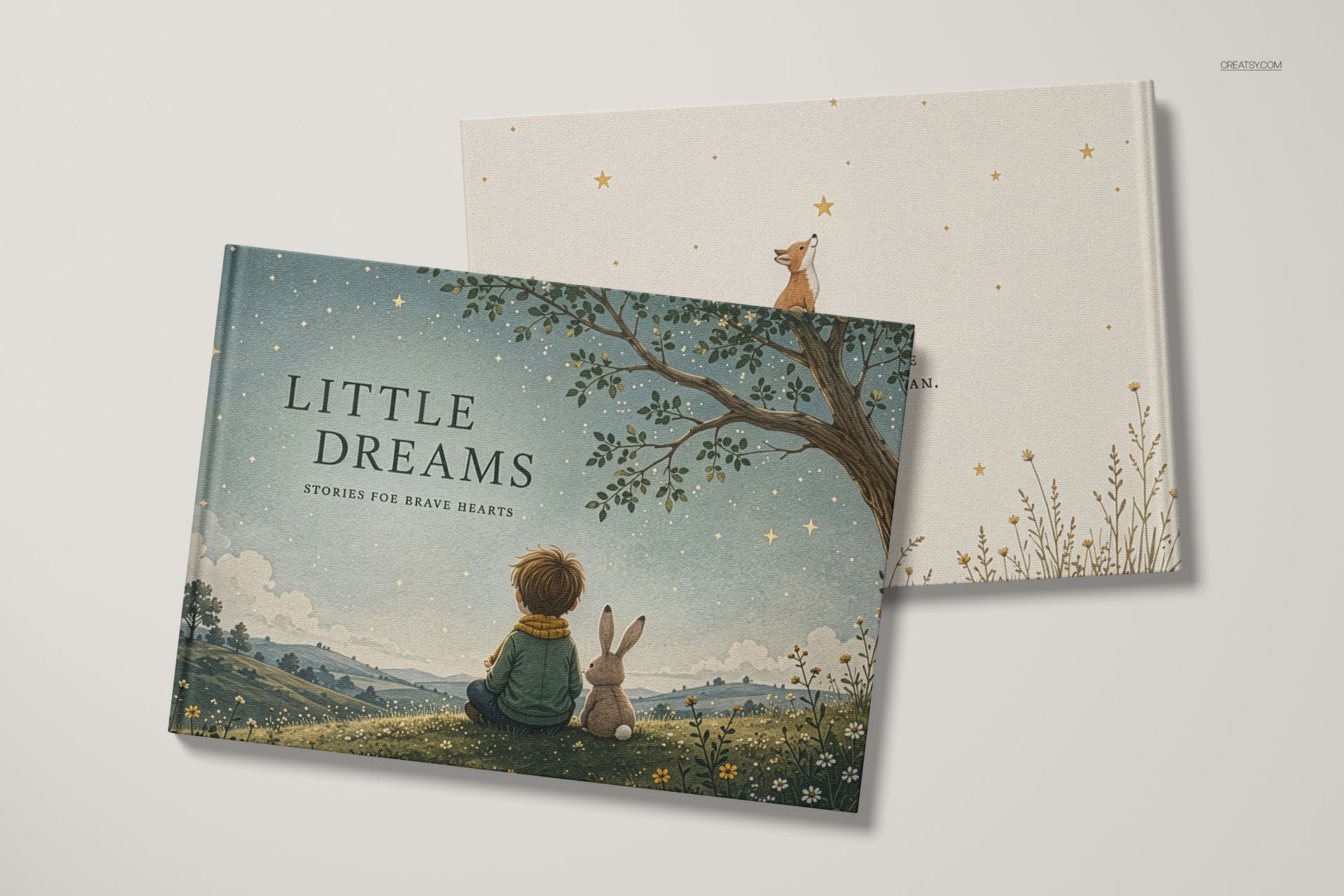
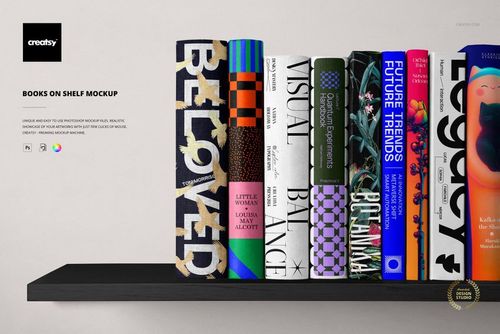
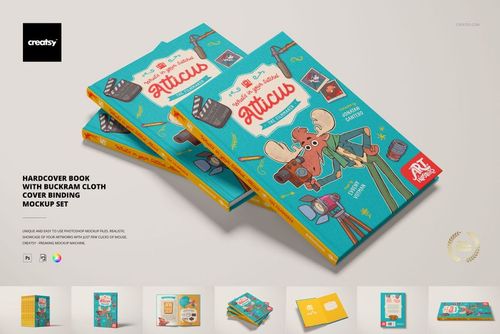
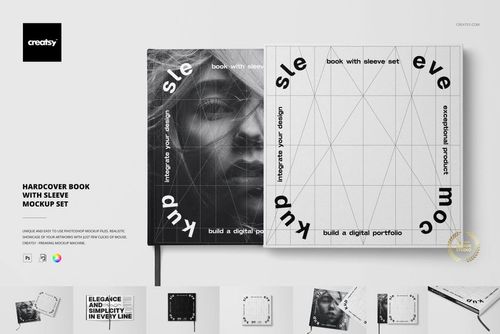
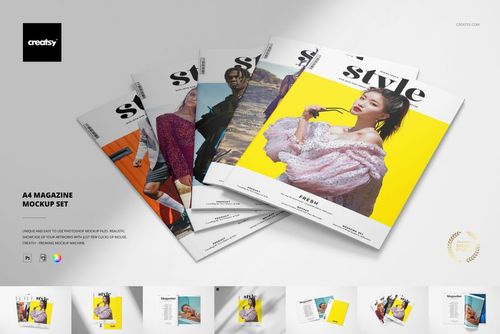
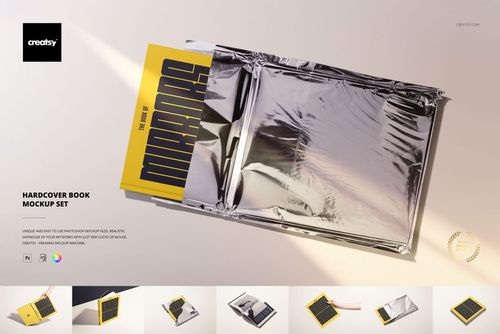
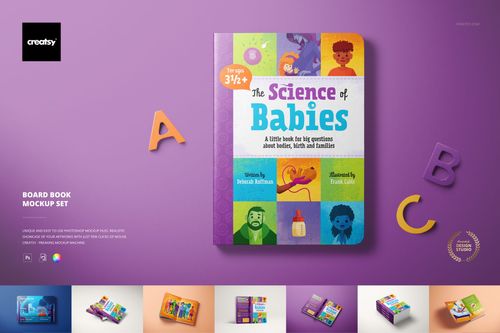
Show your book like it is already on the shelf. This book mockup set puts your own cover and page designs onto a real A4 landscape hardcover, across four ready-made scenes. Add your artwork, set the background, and turn a flat cover file into a polished, photo-real book image you can drop straight into a listing, a portfolio or a pitch.
Made for book designers, illustrators, self-publishers, photographers and Etsy or Shopify sellers, this set of four editable PSD files gives your cover and layout a real product setting. Your design sits on smart objects, so your artwork, your colors and your background go in without a camera or a printed proof.
Why a book mockup helps you sell
A cover shown flat is just a file. The same cover on a hardcover book, with real texture, light and shadow, tells a reader that the book is finished, professional and worth picking up. This set gives your design that credibility in four different shots, so you can lead a listing with the hero cover, show the open spread, and build a full gallery from one afternoon of work.
Four scenes in the set
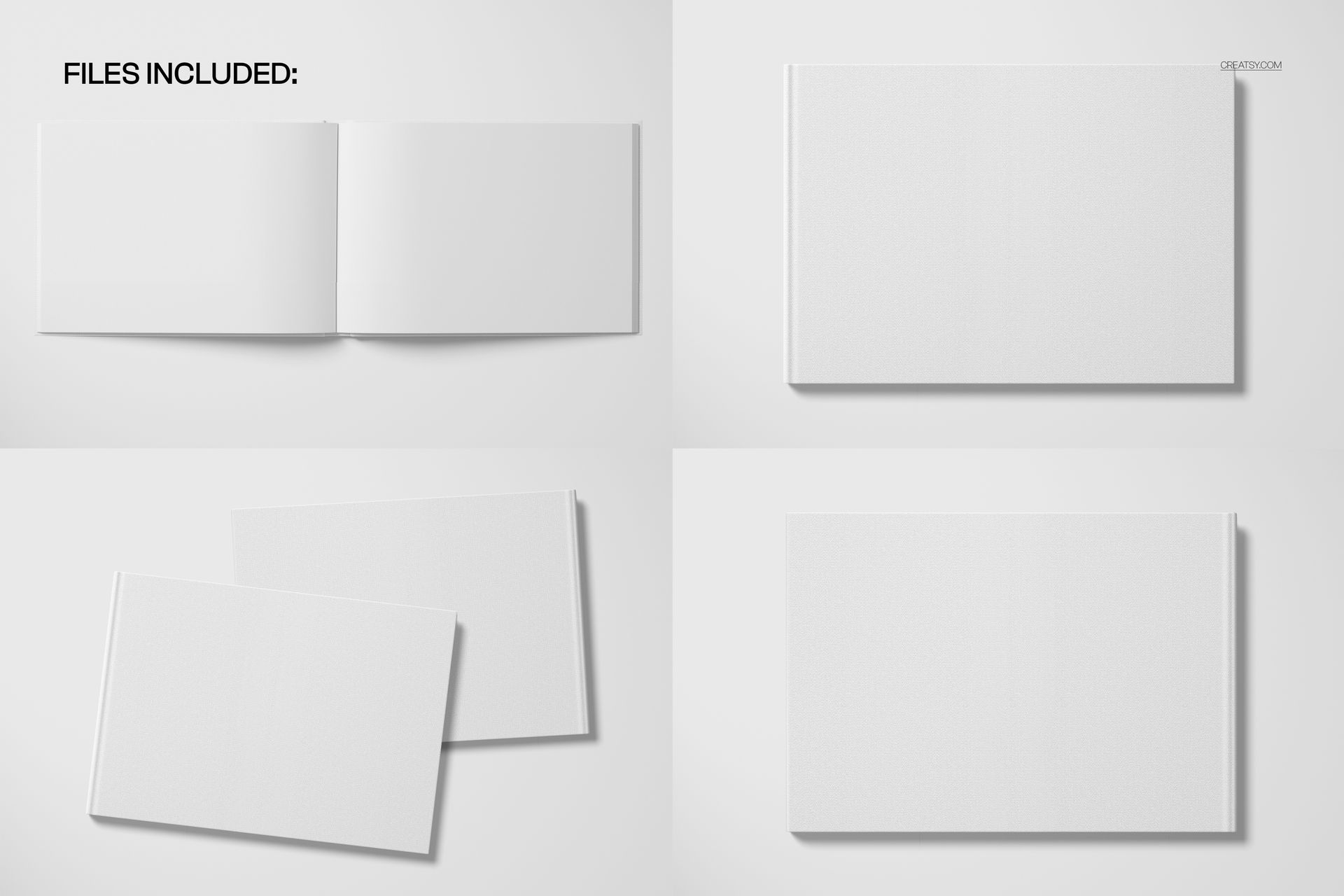
The set covers the angles a book listing needs:
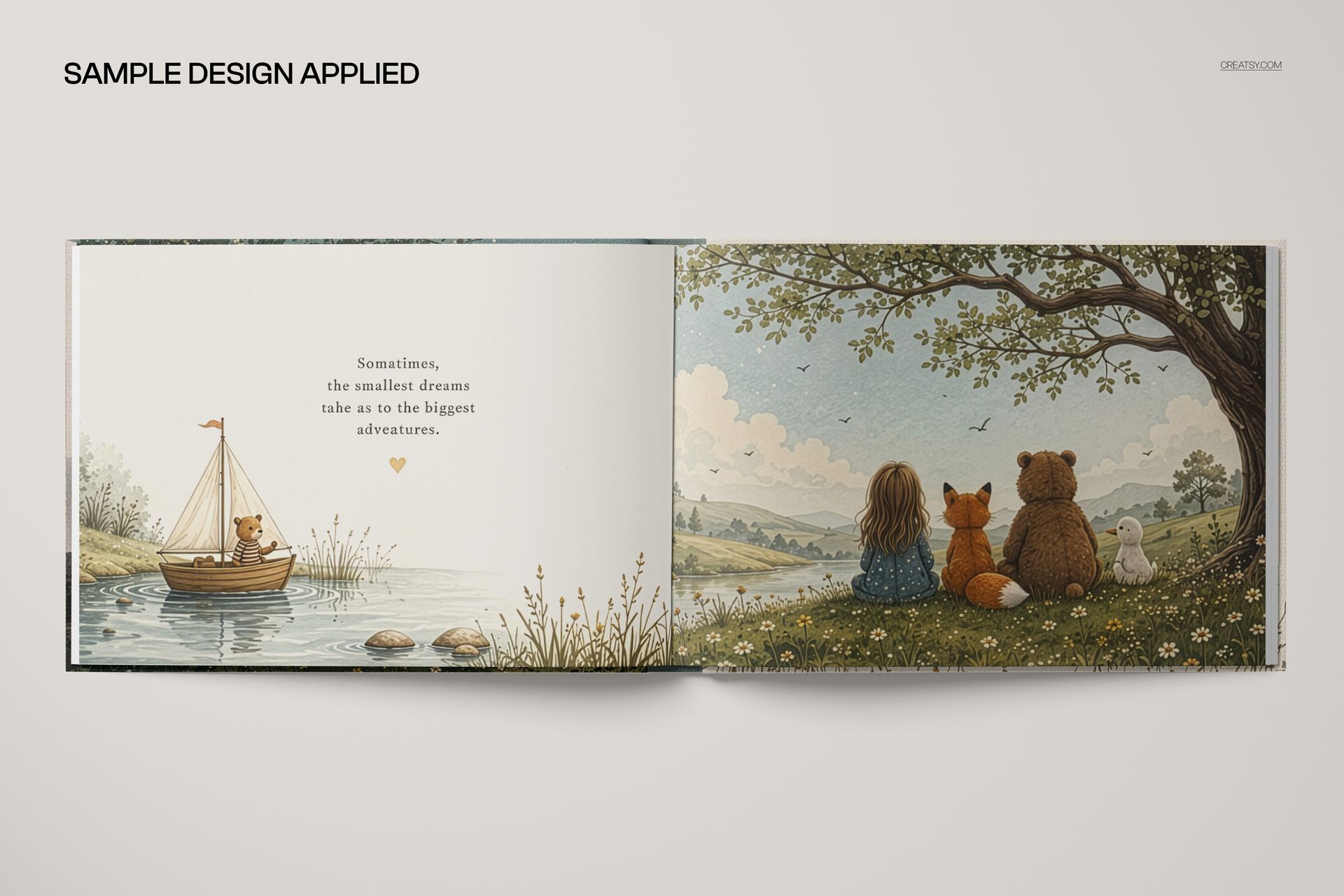
An open book showing a full interior spread, for your layout or illustrations.
A single closed book, angled, for a clean hero cover shot.
Two books together, for a stacked, editorial look.
A single front-facing book, for a straight, catalog-style image.
What you can customize
Each scene keeps editing simple:
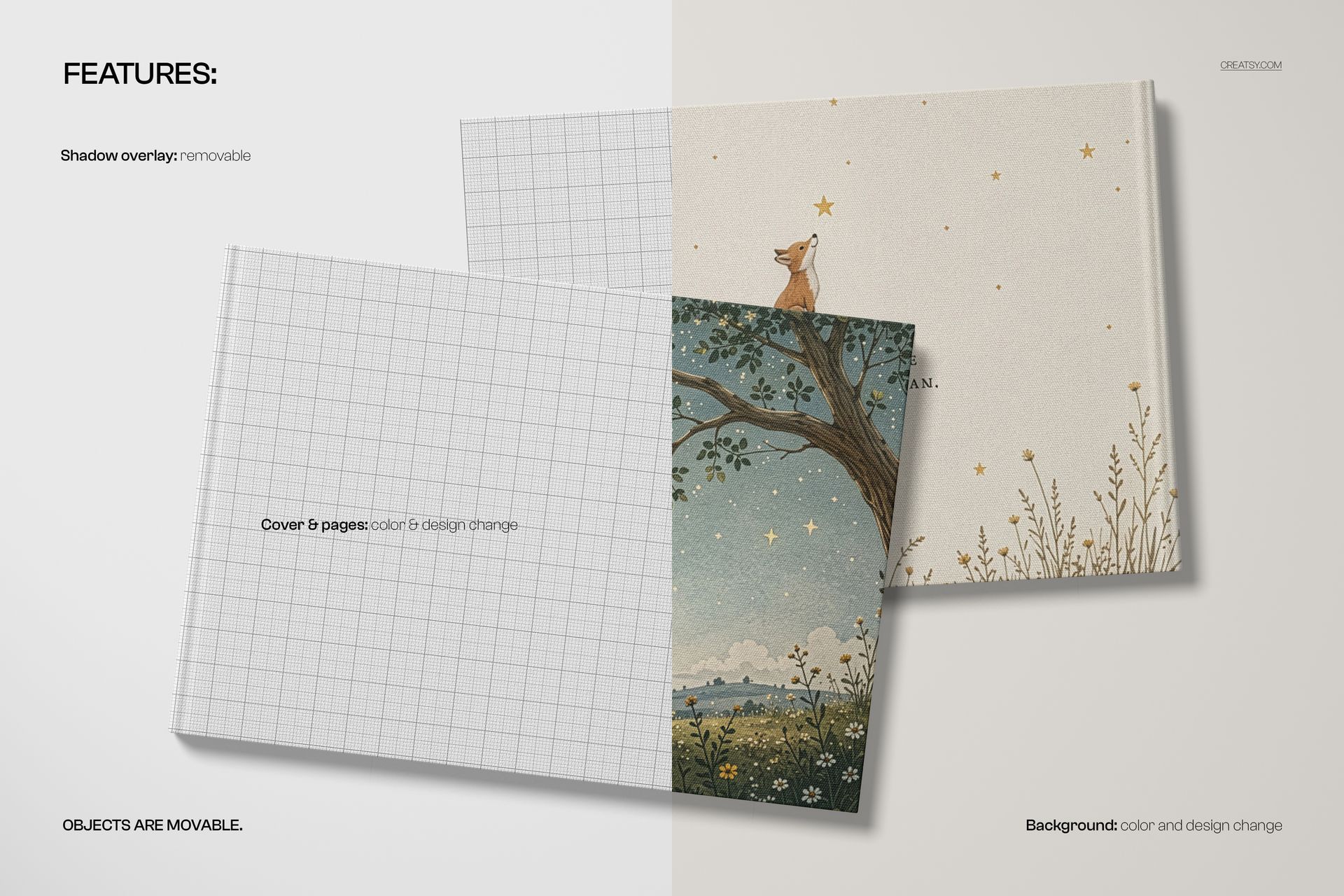
Cover and pages: add your own design and set the color, on the cover, the spine and the inside pages.
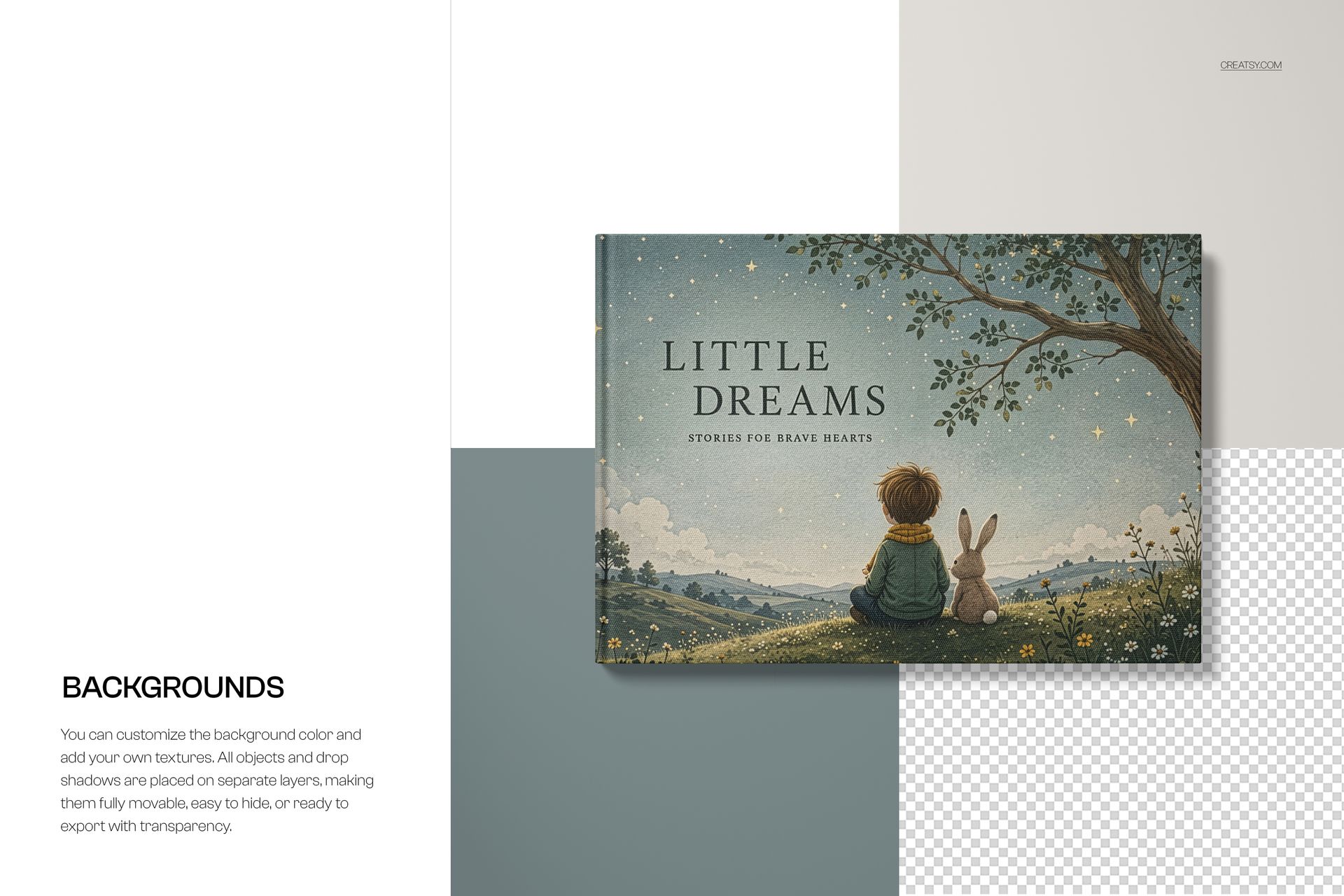
Background: change the backdrop color or drop in your own texture or scene.
Shadow overlay: keep the realistic shadow or switch it off for a cleaner look.
Movable book: the books can be repositioned, so you can adjust the composition to suit your cover.
How it works
You do not need to be a retoucher. Open the smart object for the cover, paste your design, and save. The hardcover texture, the light and the shadows are already in the scene, so your artwork wraps onto the book like a real photo. Set the background, keep or drop the shadow, move the book if you want, and export. Because the artwork sits on smart objects, you can swap a cover or try a new background in seconds and produce a whole set of images from the four files.
Where to use it
One set covers a launch. Use it for Amazon and Etsy book listings, Shopify stores, author and illustrator portfolios, publisher presentations, crowdfunding pages, social posts on Instagram and Pinterest, print previews and press kits. It suits a children picture book, a photo book, a wedding album, a lookbook, a brand book or an art and illustration portfolio in landscape format.
Who it is for
Book and cover designers, illustrators, self-publishing authors, photographers building photo books, and Etsy or Shopify sellers offering book or album templates. Use it to present a finished cover, pitch a book to a client or publisher, or fill a shop with clean, professional book images without printing a single copy.
File details
4 layered PSD files, one per scene, plus JPG previews
6000 x 4000 px, 300 dpi
A4 landscape hardcover book format
Adobe Photoshop CC2020 or newer, and Photopea (free online editor)
smart objects with color and design on the cover, pages and background
removable shadow overlay and movable book
well organized, named layers