ID: 1126070613 | Updated: Nov 4, 2025

Product Details

Christmas Gifts Velvet Ribbon Mockup

The wrapping is often the first part of a gift that someone remembers.

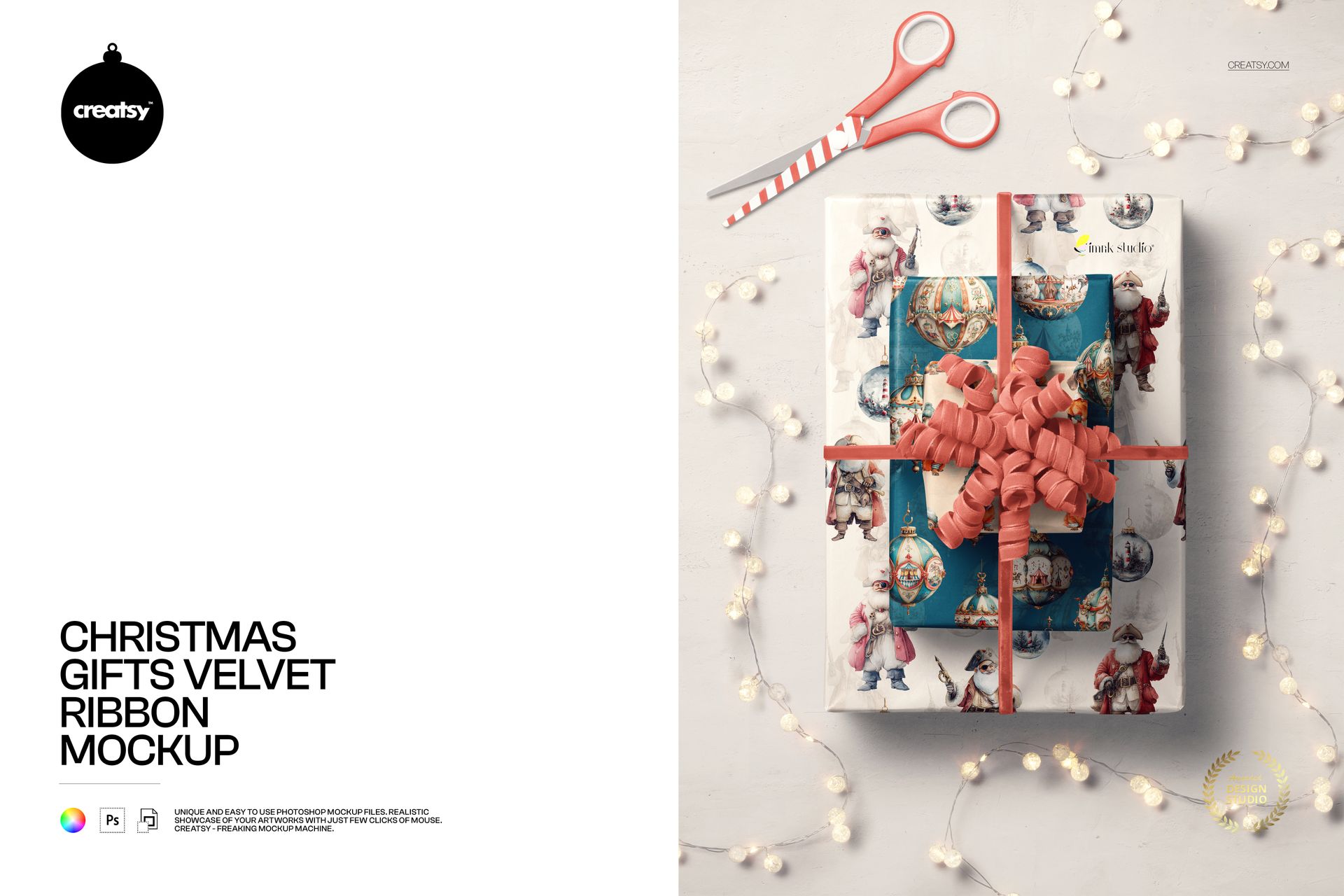
The Christmas Gifts Velvet Ribbon Mockup gives your packaging artwork a complete festive setting, not just an isolated box. The top-view composition brings together wrapped gifts, soft velvet ribbon, curled decorative details, fairy lights and scissors, creating the feeling of a beautifully prepared Christmas wrapping table.

The scene works especially well for surface patterns, holiday illustrations, wrapping paper collections and coordinated seasonal packaging. It gives viewers enough context to imagine the design as part of a real Christmas gift, while keeping the artwork on the boxes clearly visible.

A Christmas Scene That Feels Naturally Styled

The mockup captures the moment after the gifts have been wrapped but before they are placed under the tree.

Scissors remain beside the presents, ribbons curl across the scene and warm decorative lights add a subtle festive atmosphere. These details make the image feel lived in and authentic without turning it into a crowded lifestyle photograph.

This balance makes the scene suitable for:

Christmas wrapping paper collections
Holiday surface pattern portfolios
Festive gift box branding
Seasonal retail campaigns
Premium gifting concepts
Illustrated Christmas packaging
Corporate holiday gifts
Boutique product wrapping
Stationery and gift shop collections
Limited edition seasonal packaging

The styling creates an emotional holiday context, while the overhead perspective gives the packaging a clean and practical presentation.

Show How Patterns Work on Real Wrapped Gifts

A repeat pattern may look balanced as a digital tile but behave differently once it is folded around a box.

This mockup helps you see how the artwork responds to corners, edges and overlapping gift surfaces. It provides a more useful preview than a flat wrapping paper sheet because the design is already shown in the form customers will experience it.

Use the scene to evaluate:

Pattern scale on different gift sizes
The visibility of key motifs after folding
How colors work beside velvet ribbon
Whether several patterns feel coordinated
The balance between detailed and quieter areas
How the collection looks as a complete festive set
Whether the artwork remains clear in a campaign image

This can be particularly helpful for surface pattern designers, illustrators and licensing artists preparing seasonal portfolios or client presentations.

Build a Coordinated Holiday Collection

The presence of multiple wrapped gifts allows you to show more than one design direction within the same image.

You can present a collection of complementary patterns, several colorways from one Christmas range or a consistent visual system used across different box sizes. One gift may feature the hero pattern, while another uses a simpler coordinate or a smaller-scale repeat.

Creative directions could include:

Santa and character illustrations
Traditional Christmas motifs
Modern geometric patterns
Botanical winter artwork
Stars, ornaments and festive symbols
Minimal typography
Scandinavian-inspired designs
Folk and heritage patterns
Playful children’s wrapping paper
Elegant monochrome collections
Bold contemporary holiday graphics
Coordinated primary and secondary prints

The mockup helps those designs feel connected rather than presented as separate, unrelated swatches.

Velvet Ribbon Adds a Premium Finish

The ribbon introduces softness and texture to the composition, creating a contrast with the crisp folds of the wrapping paper.

This makes the scene particularly effective for premium gifting, boutique packaging and elevated Christmas collections. Even a playful illustration can feel more polished when it is shown beside a rich velvet ribbon and carefully arranged festive details.

Use the mockup when your presentation needs to suggest:

A thoughtful gifting experience
Premium seasonal packaging
Hand-wrapped boutique orders
Luxury retail collections
Elegant holiday campaigns
Special edition products
High-value corporate gifts
A more tactile Christmas identity

The ribbon also helps connect the gifts visually and gives the flat lay a stronger sense of movement.

Created for Seasonal Marketing Content

The composition is detailed enough to become a finished campaign visual, not only an internal packaging preview.

Use the final image for:

Instagram and Pinterest posts
Christmas launch announcements
Website hero banners
Newsletter headers
Seasonal ecommerce graphics
Holiday gift guides
Packaging design portfolios
Behance case studies
Surface pattern presentations
Client approval decks
Digital catalogs
Christmas advertising concepts

The overhead layout can also be incorporated into a wider design with a product name, campaign headline, launch date or promotional message.

Preview Your Gift Wrap Before Printing

Producing custom wrapping paper often requires test prints, minimum quantities and careful color decisions. A realistic mockup can help you narrow down the strongest direction before committing to production.

You can compare:

Large and small pattern scales
Different background colors
Traditional and modern color palettes
One hero print with supporting coordinates
Illustration-led and typography-led concepts
Minimal and decorative Christmas designs
Several seasonal collections in the same scene

Showing the design on wrapped gifts may also make client feedback more specific. Instead of commenting only on the flat artwork, the client can respond to how the final collection may actually look.

Simple Smart Object Editing

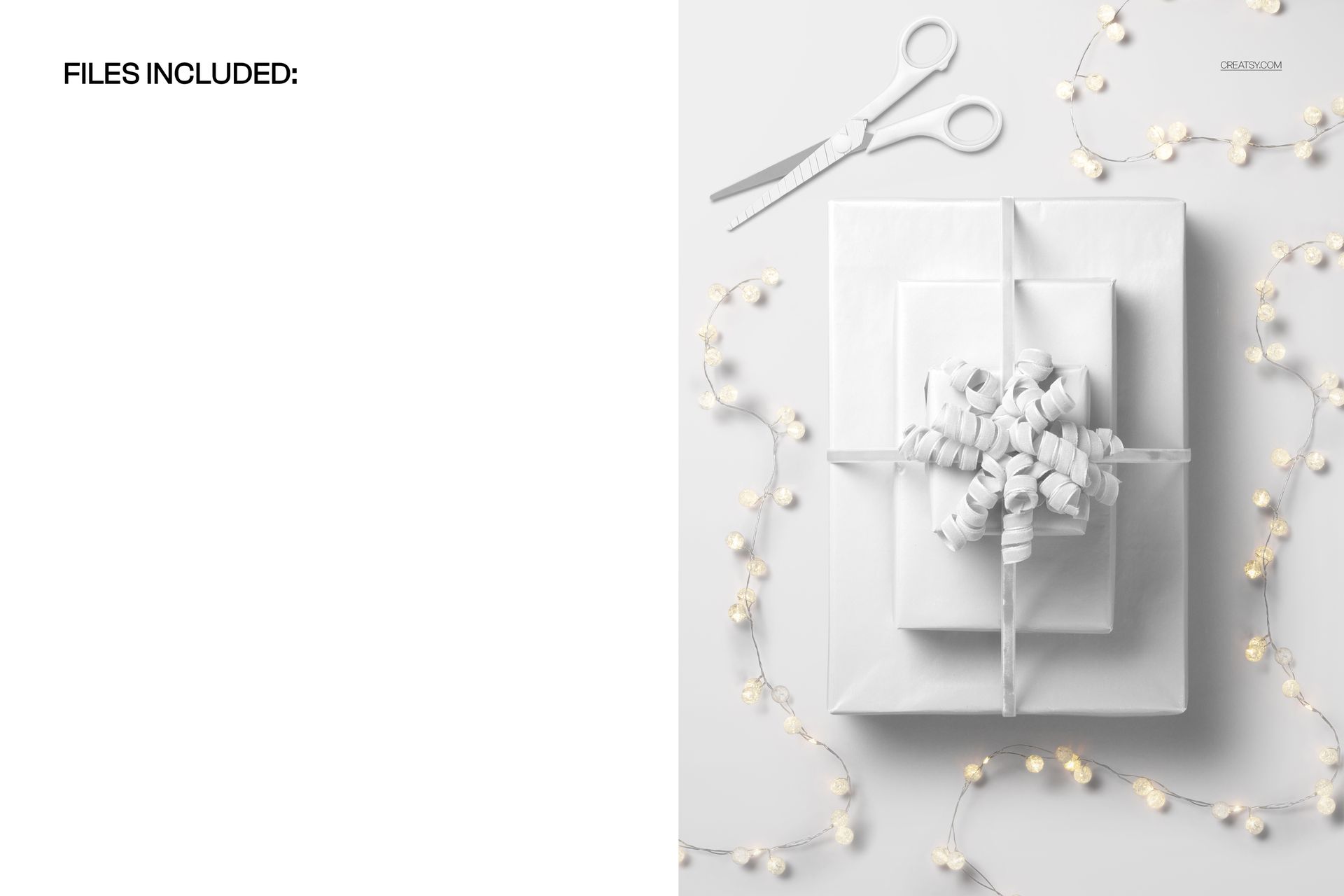
Open the PSD in Adobe Photoshop or Photopea, locate the editable Smart Object, add your wrapping paper artwork and save the file. The mockup places the design into the existing scene while preserving its folds, perspective, lighting and shadows.

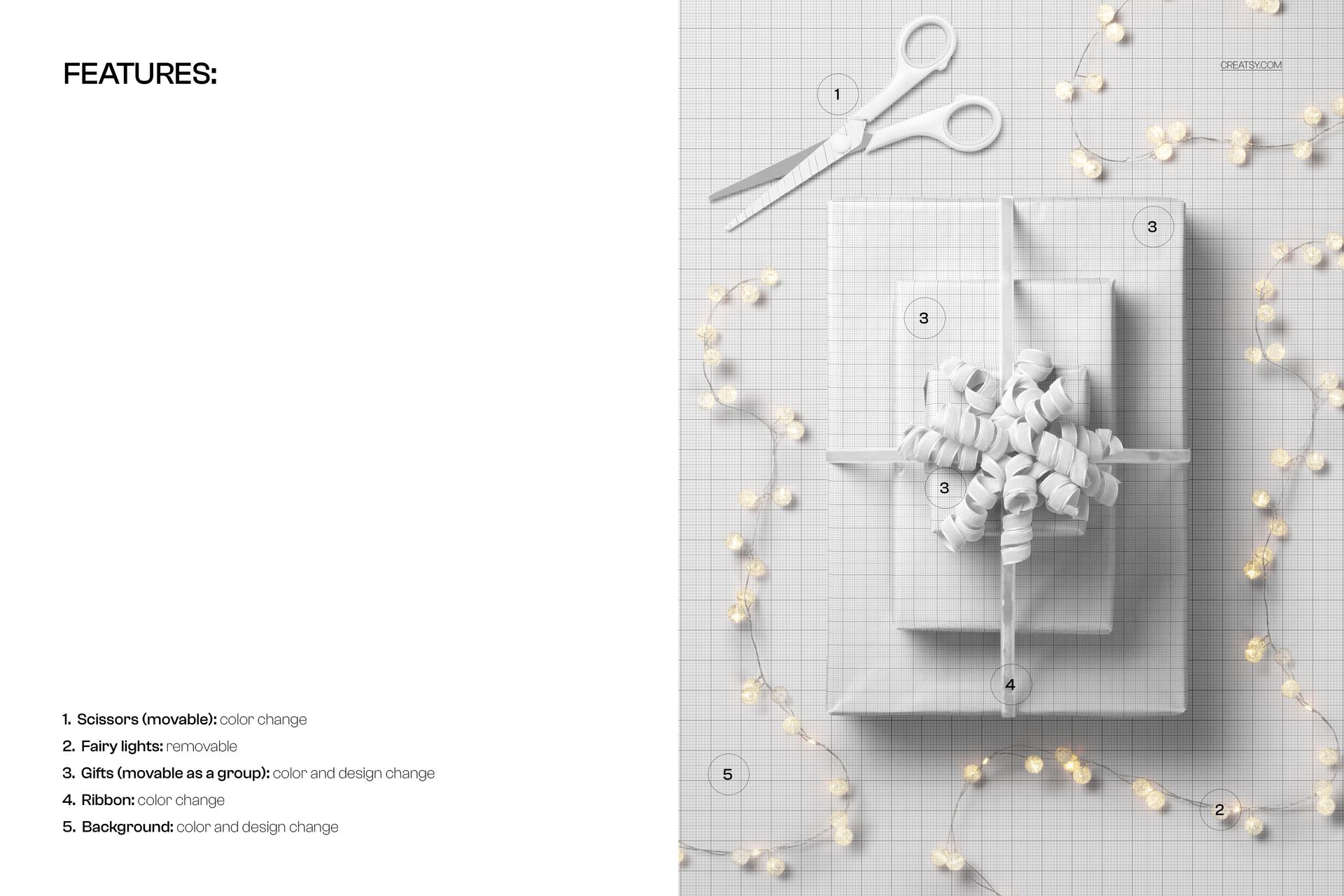
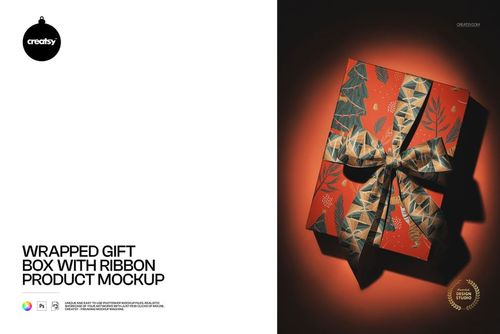
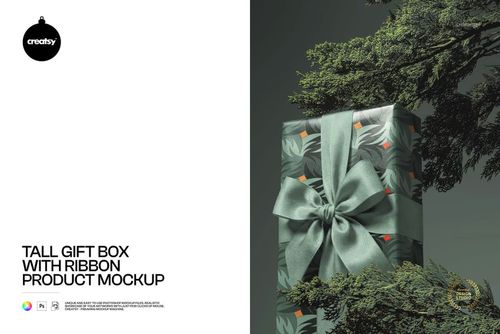
The file uses organized layers and folders for a smoother workflow. The product screenshots show the available editable features and scene options.

What You Can Showcase

Use this mockup to present:

Christmas wrapping paper designs
Holiday surface patterns
Stacked gift box artwork
Festive illustration collections
Luxury Christmas packaging
Seasonal retail branding
Coordinated pattern families
Corporate gift wrapping
Boutique holiday orders
Limited edition packaging
Christmas stationery collections
Gift shop product visuals
Client packaging concepts
Holiday campaign artwork
Licensing portfolio projects

File Specifications

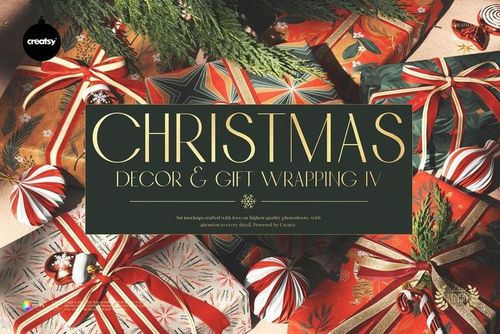
Part of Christmas Decor & Gift Wrapping Mockup Bundle IV
Pack includes 1 PSD file
2 files included in total
File formats: PSD and JPG
PSD dimensions: 6000x4000 px
Resolution: 300 DPI
Compatible with Adobe Photoshop CC2020 or newer
Compatible with Photopea
Smart Object editing workflow
Well organized layers
Check the product screenshots for all available features.

Preview Artwork Credit

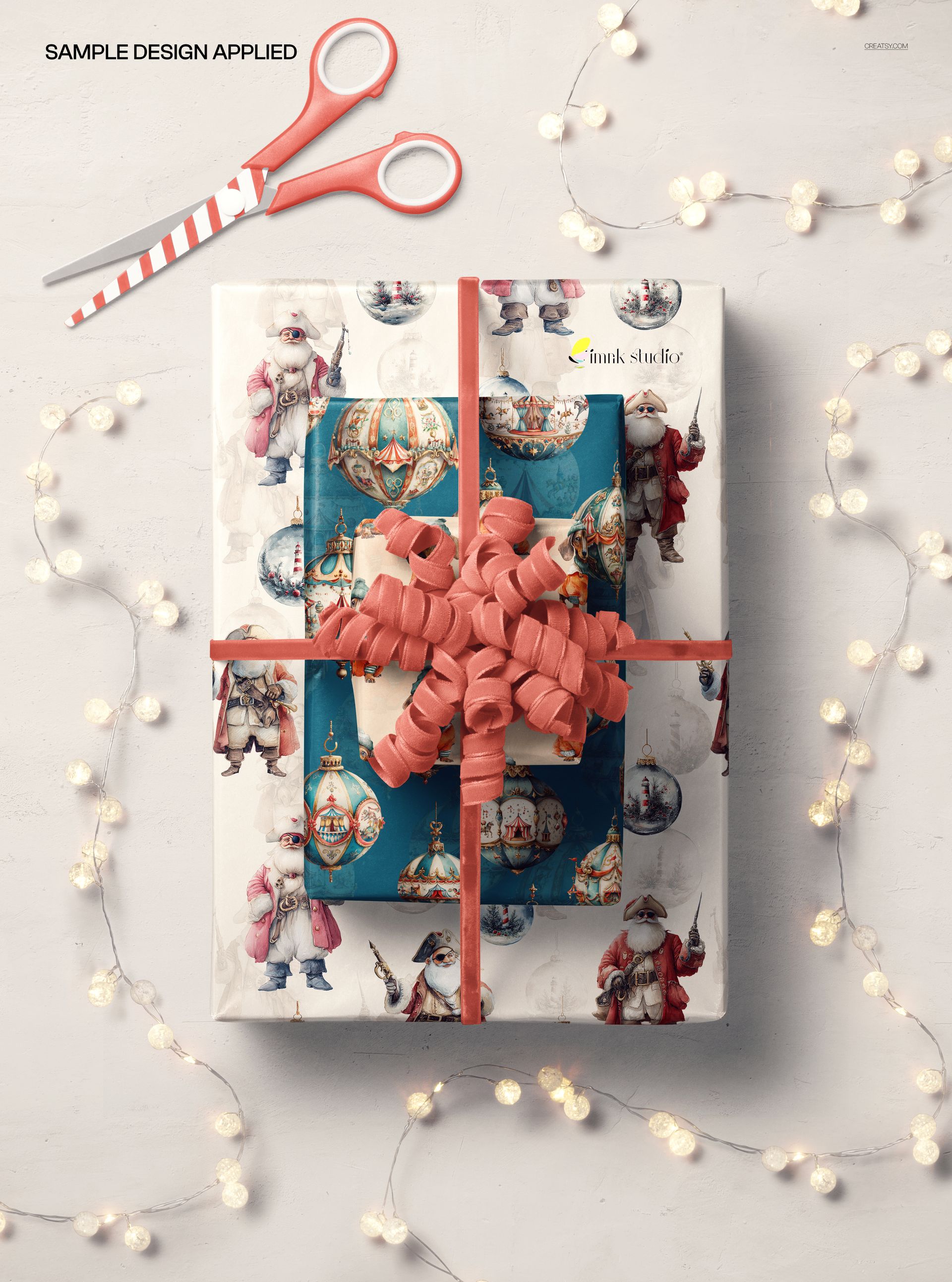
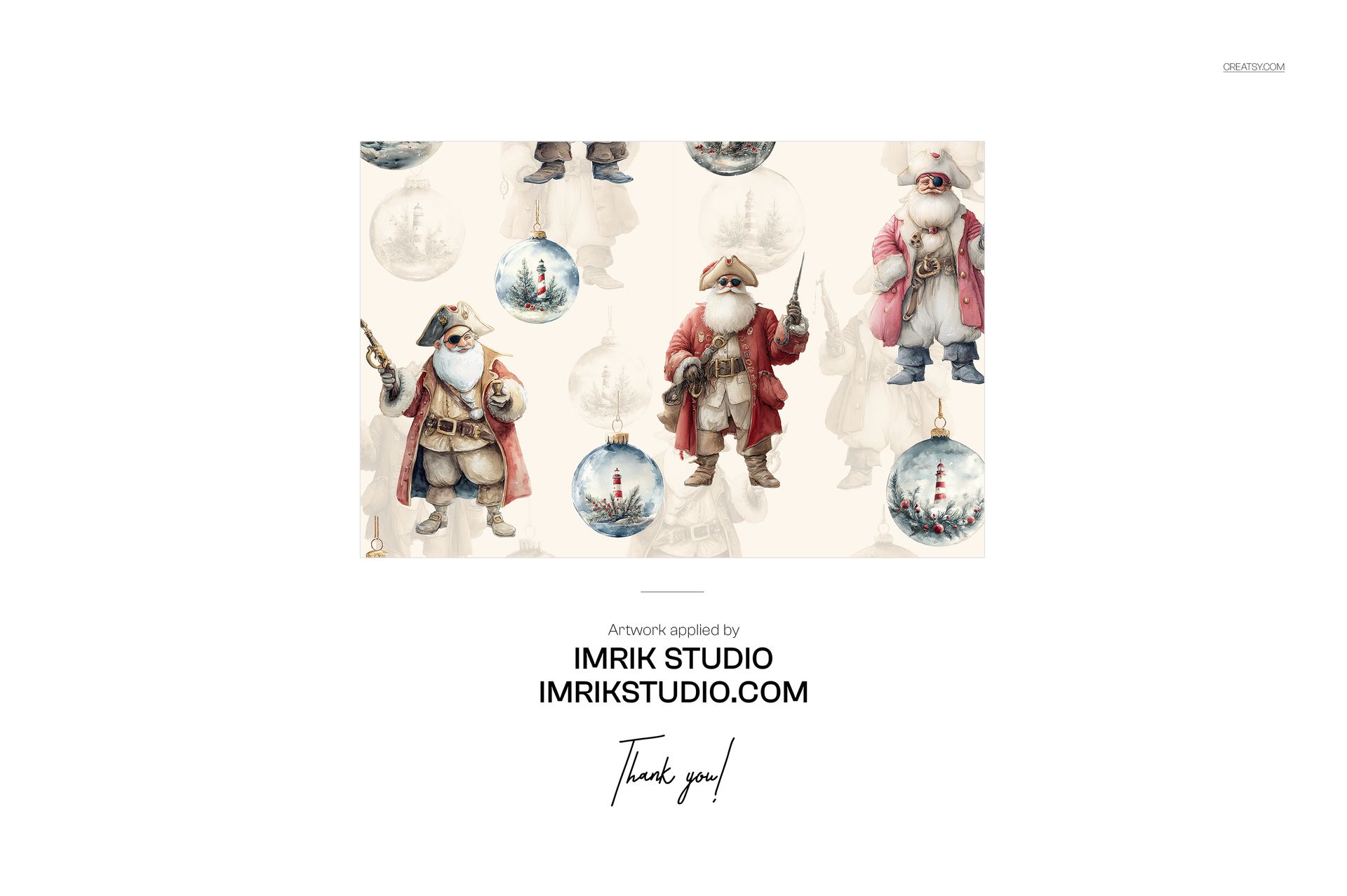
The designs featured in the main product previews are by Imrik Studio.

Imrik Studio: imrikstudio.com

The artwork demonstrates how festive illustrations and coordinated Christmas patterns can work across several wrapped gifts within one scene. It is used for presentation purposes only and is not included with the mockup download.

File details

Compatibility
PhotopeaAdobe Photoshop
Package size
384 MB384 MB|403 MB403 MB
Files type
.psd, .jpg
Files size
6000x4000
TEST FOR FREE

Reviews

Professional PSD mockups built in-house - editable, realistic, high-resolution, and supported by real people.

5 (1 rating)
Sort by:

annet avatar
annet
Dec 13, 2025

Creatsy make the best Mockups on the market, no matter what you need to showcase. These mockups are highly customizable, and the lighting in them makes everything look very realistic. You can keep or turn off many of the Items in the mockup, also a great feature giving control over the look you want. They have the most friendly and very helpful support. I highly recommend these mockups!


Made with Creatsy

Real designs. Real customers. See how creatives use Creatsy mockups to turn their artwork, branding, and product ideas into polished visuals.

MEET THE SHOP

Creatsy logo

Creatsy

Poland
4.7 (668)

Bring your ideas to life.

We're a family-run studio in Katowice, Poland, making PSD mockups by hand since 2016. Everything in this shop starts in our own studio. We shoot the photography, build the 3D, and put together every Smart Object PSD ourselves - then we test it, organize the layers, and only ship it once it actually works...
GO TO SHOP

HOW IT WORKS

3 clicks. That's it.

No tutorial needed. If you can copy-paste, you can use this.

  1. 1OpenDouble-click the smart object inside the PSD - in Adobe Photoshop, or free in your browser with Photopea.
  2. 2PasteDrop in your pattern, print, or artwork. Any design, any style.
  3. 3SaveHit save and the mockup wraps it in for you - shadows, folds, and lighting included.

FROM IDEA TO IMAGE

Built for real workflows

Skip the photo shoot Show your artwork on the real product type for approvals or listings - no studio, no model, no sample.

See it on the product, not a swatch Drop your file into the smart object and the scene's lighting and folds wrap around it, so you judge the real thing before you commit.

Smart Objects

Edit once and you're done. Your artwork drops into a smart object and the mockup updates itself - no masking, no warping by hand.

Perfectly Organized

Named layers and folders you can actually navigate. Find what you need, change what you want, and get out fast.

Print-Ready

High-resolution files built to hold up on screen and in print. Exact size and DPI are in this product's Details above.