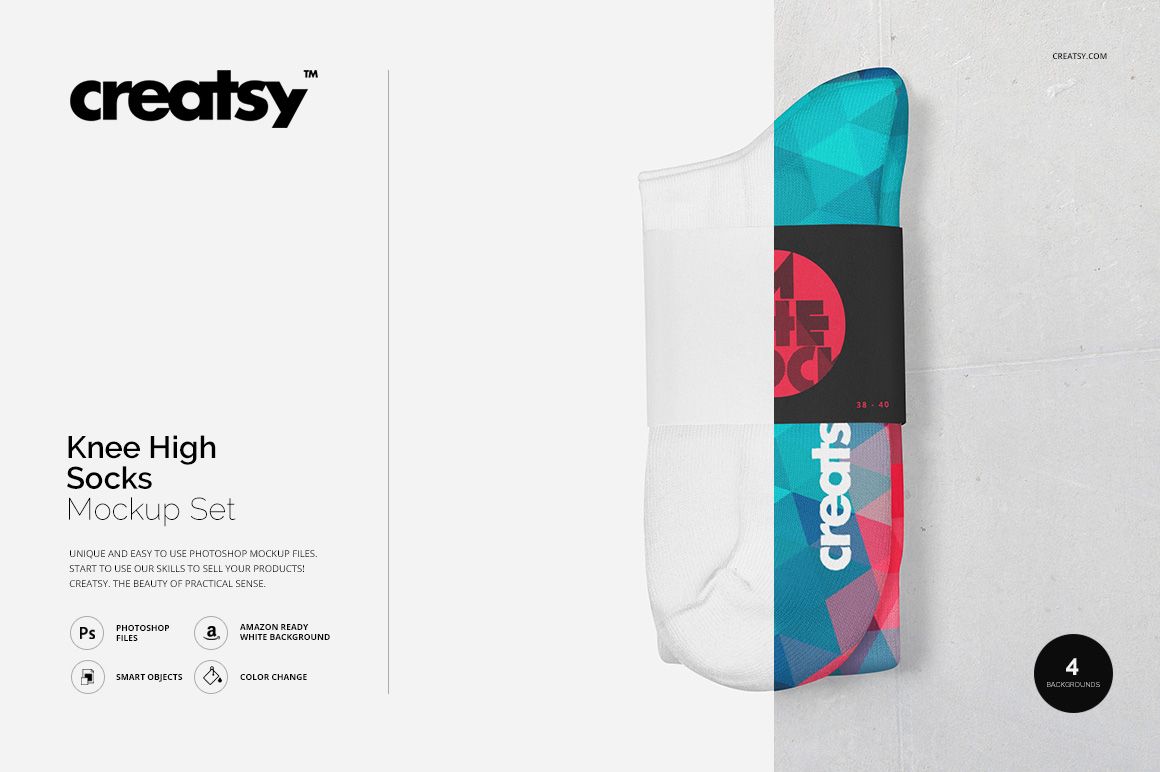
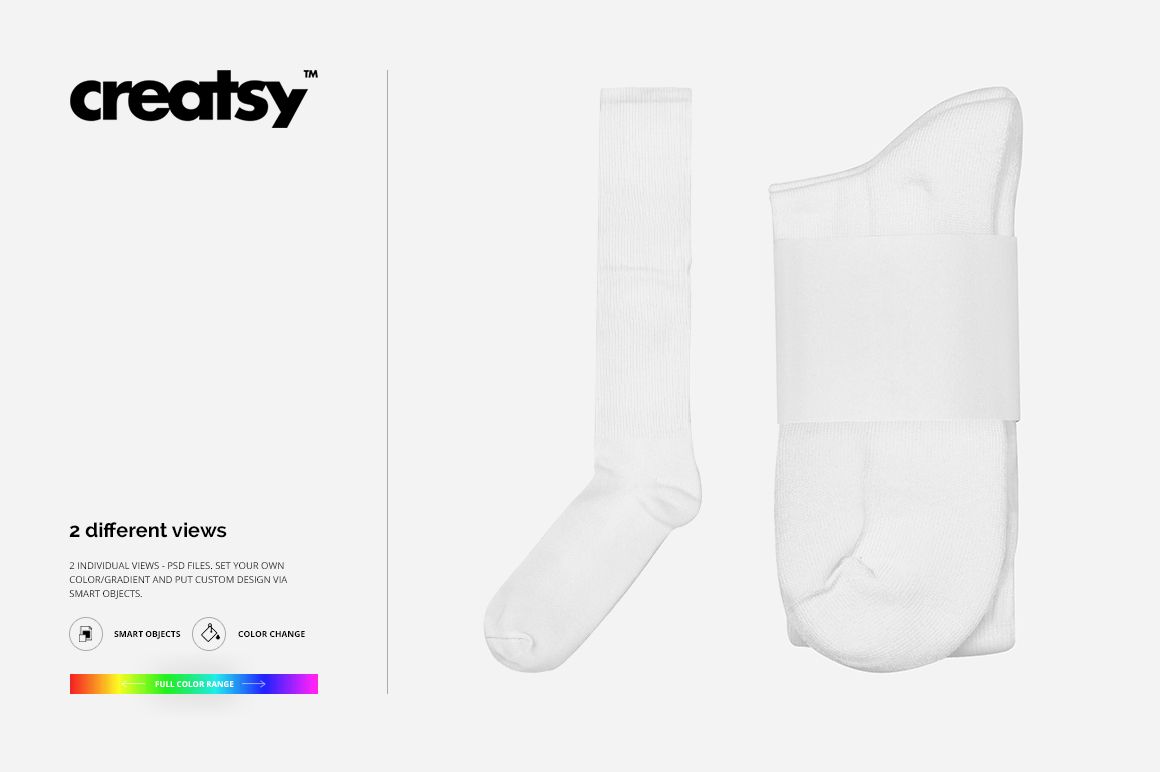
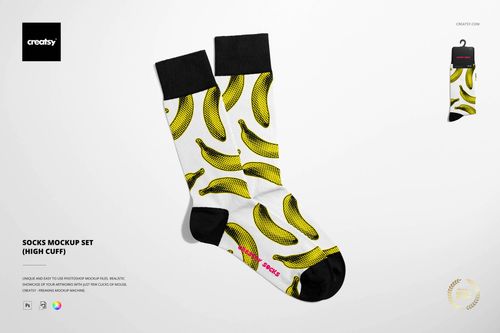
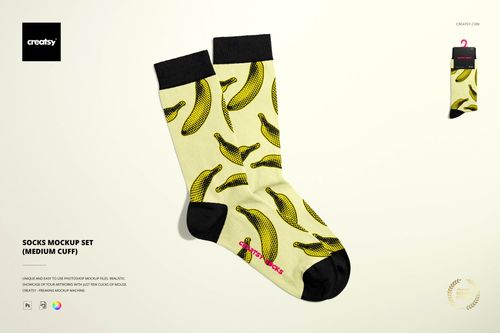
The Knee-High Socks Mockup with Paper Band Label by Creatsy is a knee high socks mockup built on two PSD files, 2000x2000 px at 300 dpi. Your pattern goes on the sock, your branding goes on the paper band, and the background takes a color or design of its own.
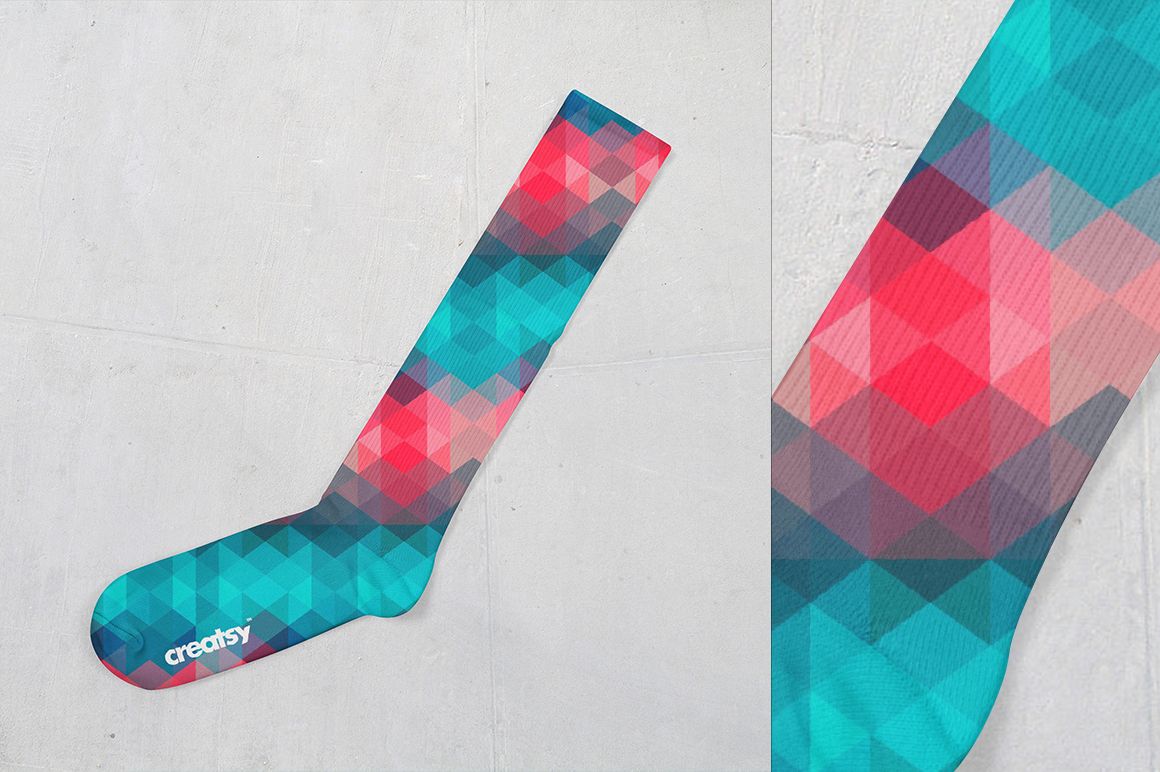
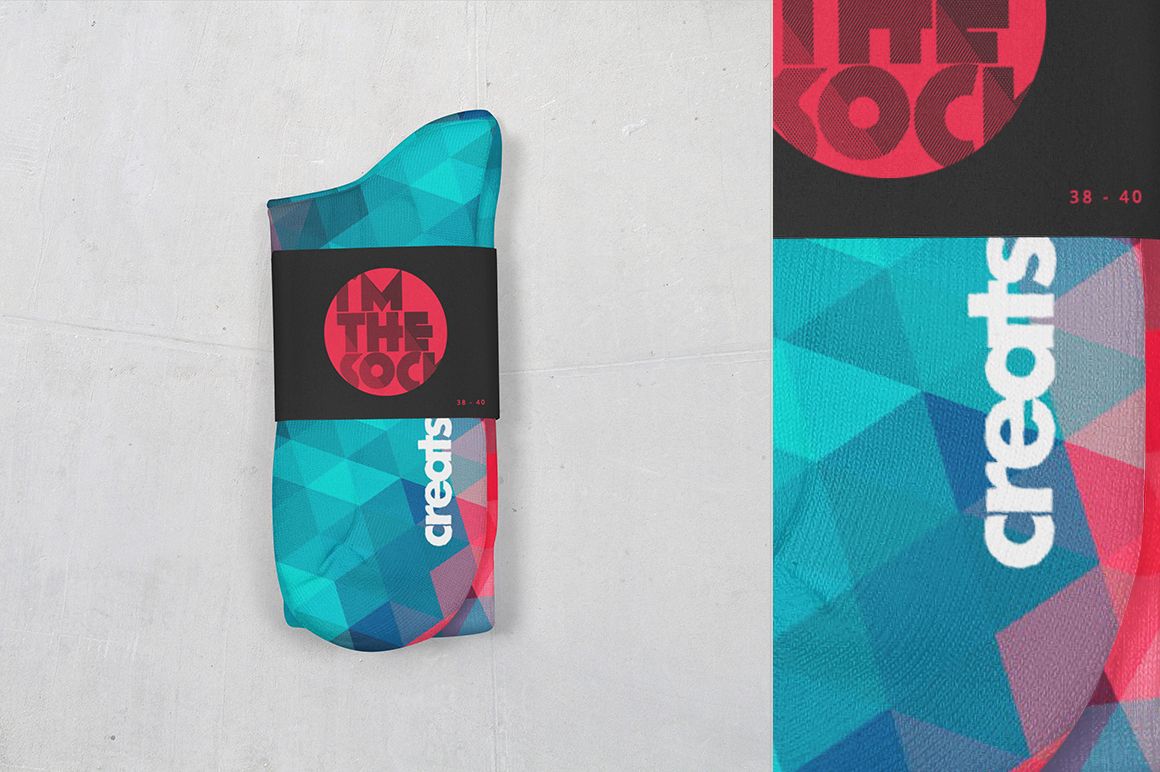
The two files split the job. One shows a single sock standing, where a repeat reads top to bottom along the full leg. The other shows the pair folded with a wide paper band around it, which is the shot that sells a banded product on Etsy. Both work from smart objects, and the sock takes a flat color or a gradient as well as a full print.
The band is the part most sock mockups skip. It's the piece that carries the logo, the size and the care icons, everything that makes a pair look like a product instead of a print test. Here it's a separate design surface, so the same file works for pattern designers and for finished brands.
The geometric pattern in the previews is sample artwork. It is not part of the mockup, so the socks and the band arrive blank.
Use it for sock brand launches, POD listings, sublimation previews and portfolio shots. At 2000x2000 px the exports are sized for shop pages and social, not for large print.
What you get
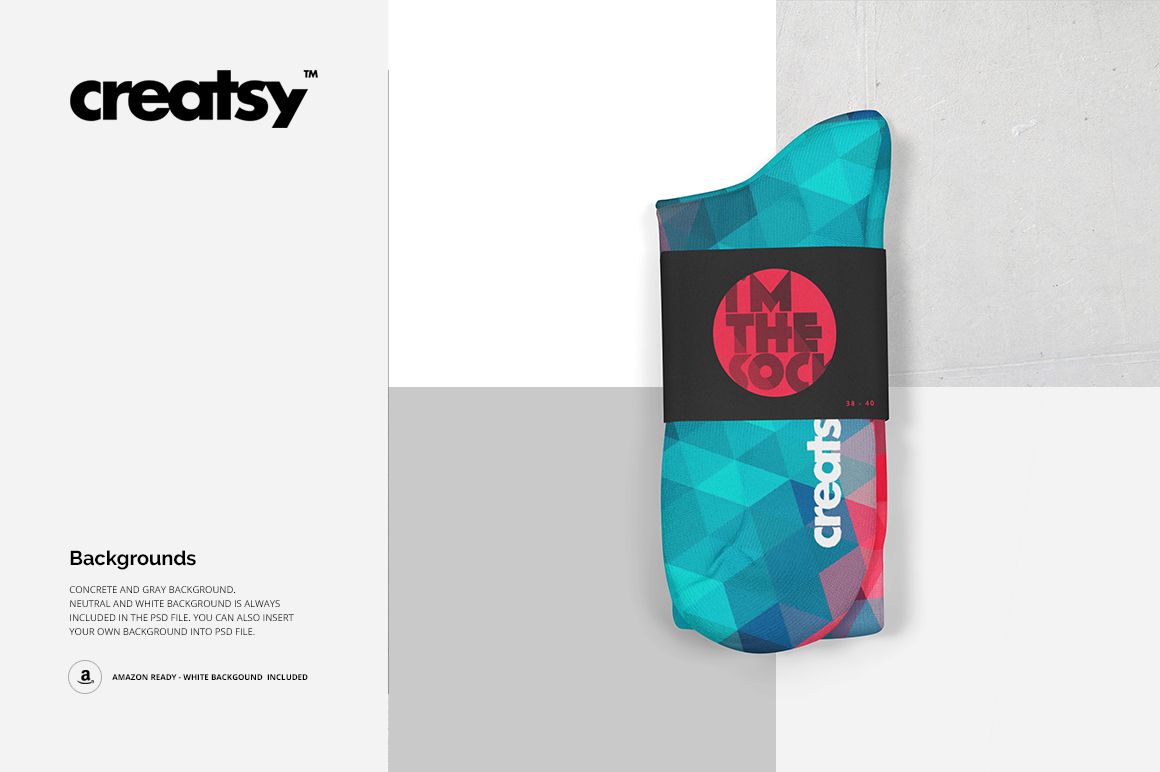
Smart object design change on the sock, the paper band and the background
Flat color or gradient on the sock when you're testing colors rather than prints
A standing single sock view and a folded pair view with the wide band
Blank white socks out of the box, ribbed cuff and natural fabric folds
Well organized, easy to follow layer stack
How it works
Open the PSD in Photoshop (CS4 or newer) or Photopea.
Double-click the smart object layer for the sock, the band or the background.
Paste your pattern or label design, scale it, then save and close the smart object.
Set the sock color or gradient if you're not using a print, then export.
Specifications
Files: 2 layered PSD
Dimensions: 2000x2000 px, 300 dpi
Download: .psd, .jpg and .pdf files
Package size: 113 MB (Windows), 119 MB (macOS)
Software: Adobe Photoshop CS4 or newer, or Photopea in a browser
License: Standard or Extended
Who it is for
Sock brands preparing a banded product shot, surface pattern designers testing repeats on a long sock, and print-on-demand sellers who need listing photos without a photographer.