About the Product
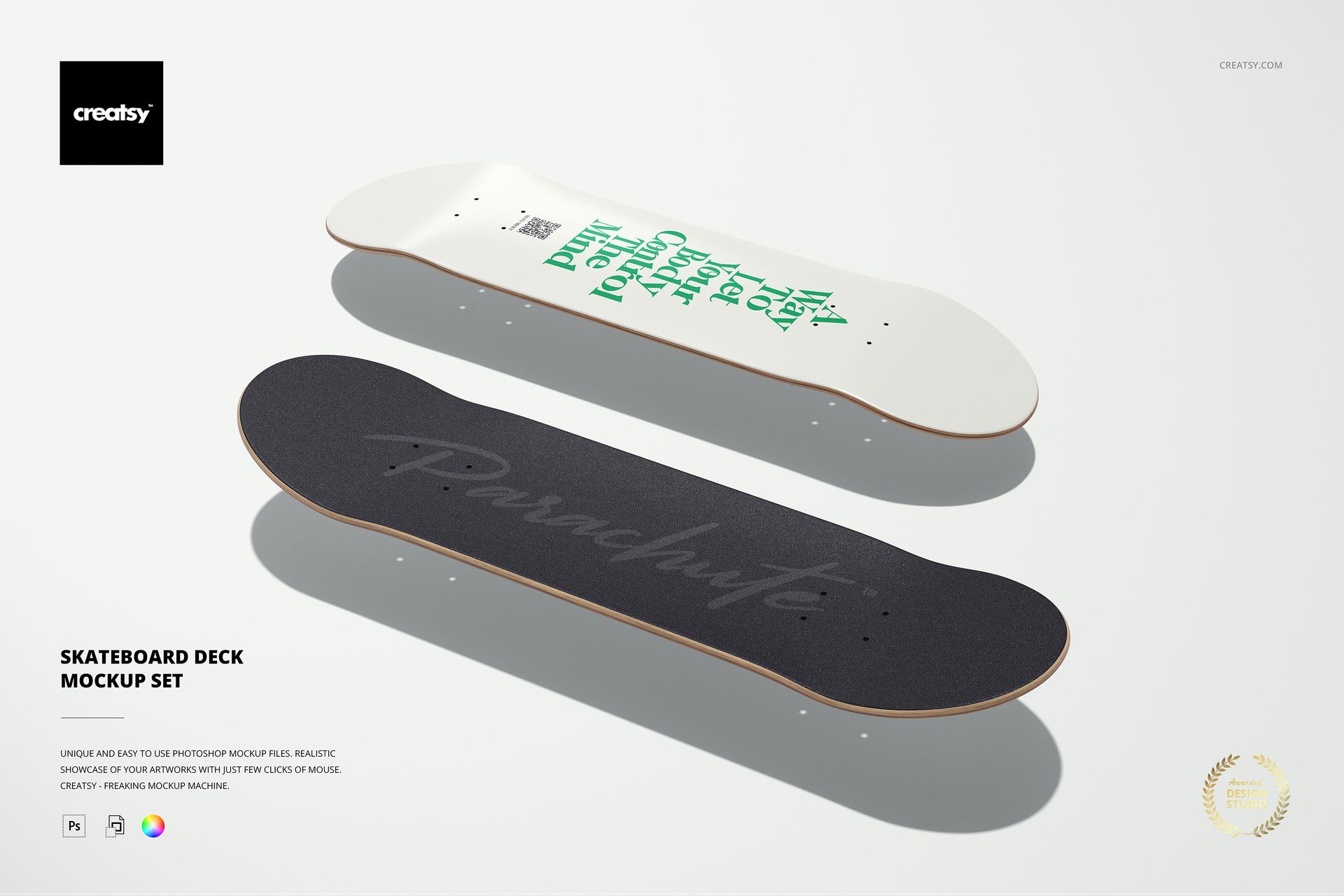
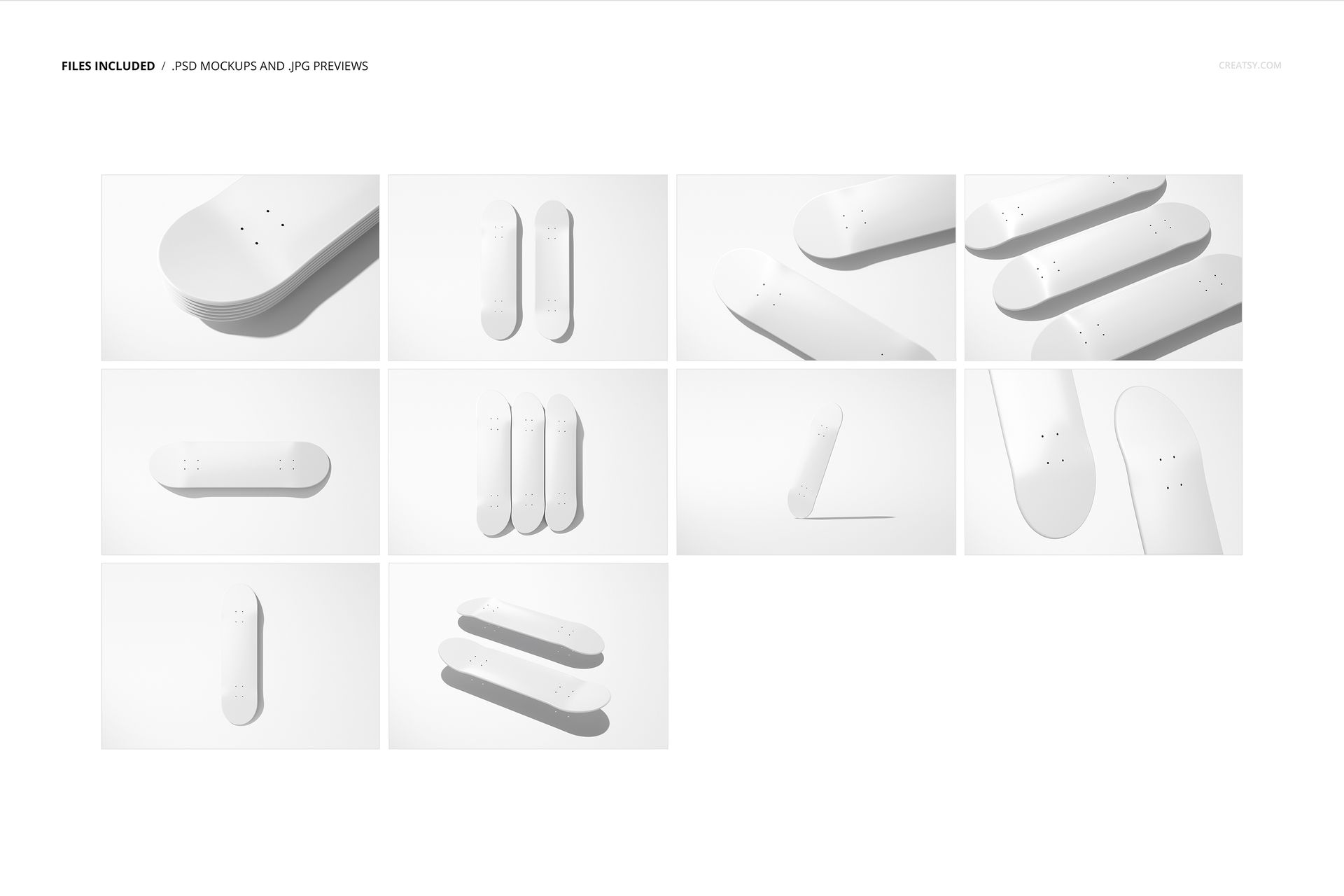
Skateboard Deck Mockup Set by Creatsy is a skateboard mockup that shows your graphics on a real deck, with ten layered Photoshop PSD scenes at 6000 by 4000 px and 300 dpi and smart objects for the art.
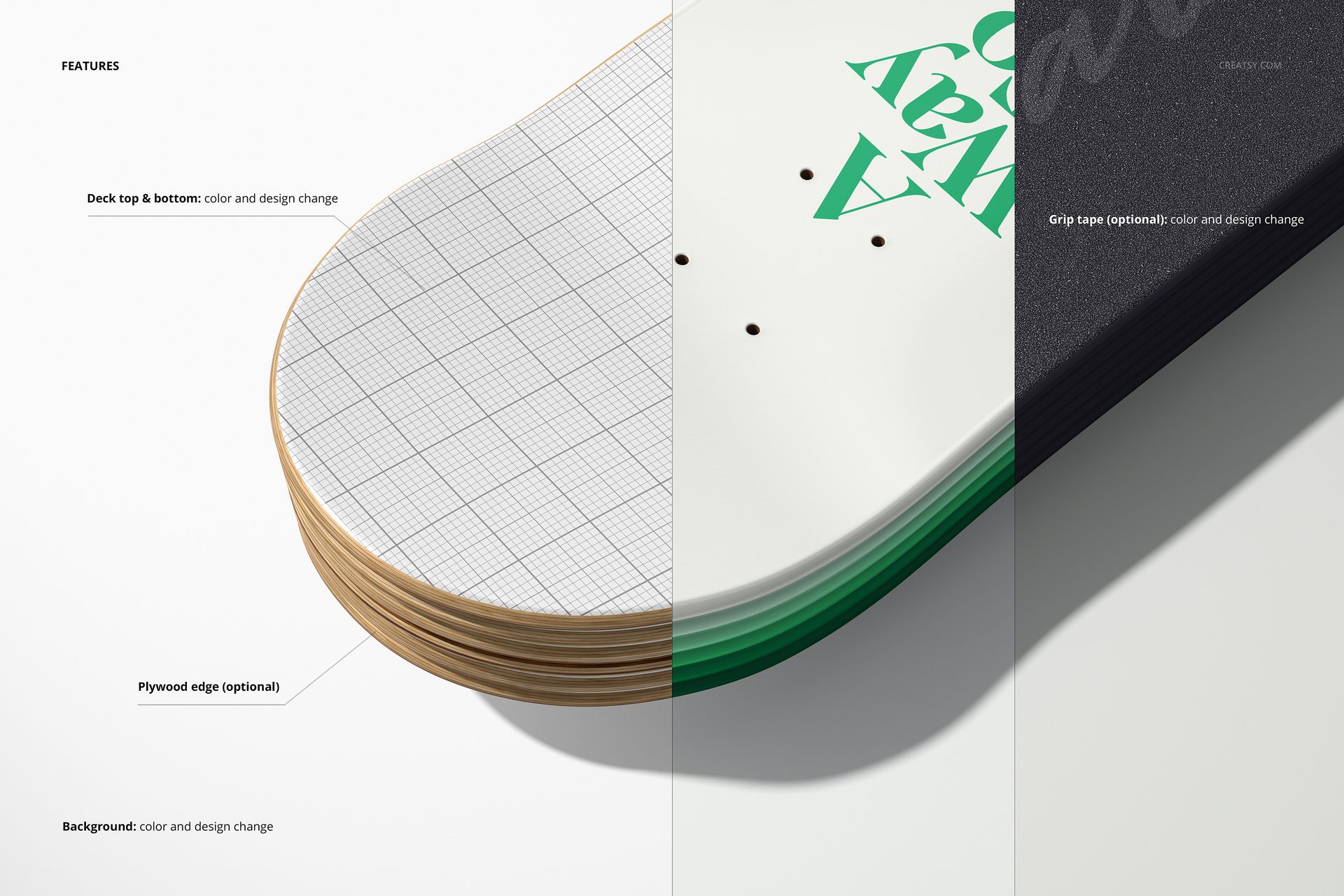
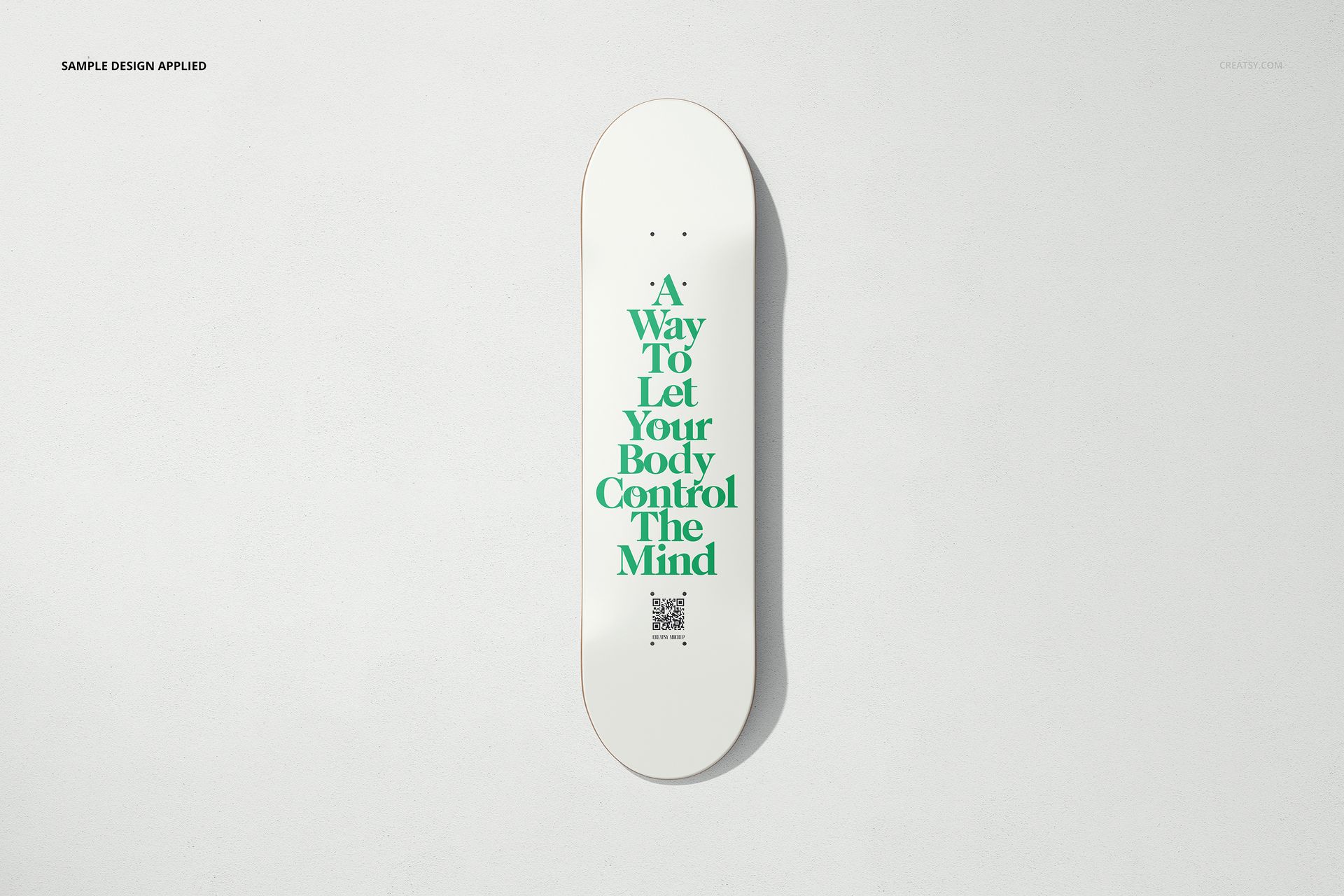
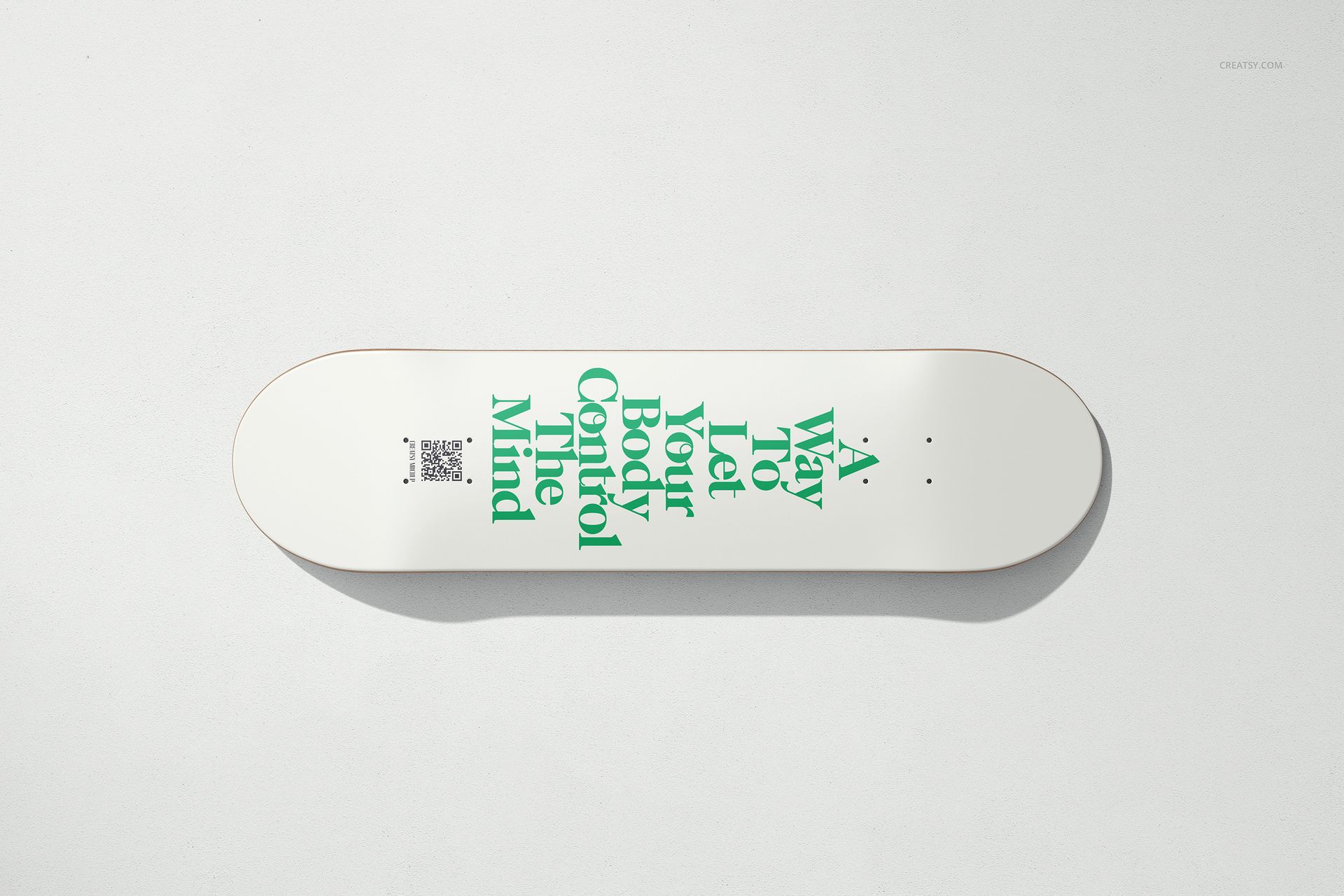
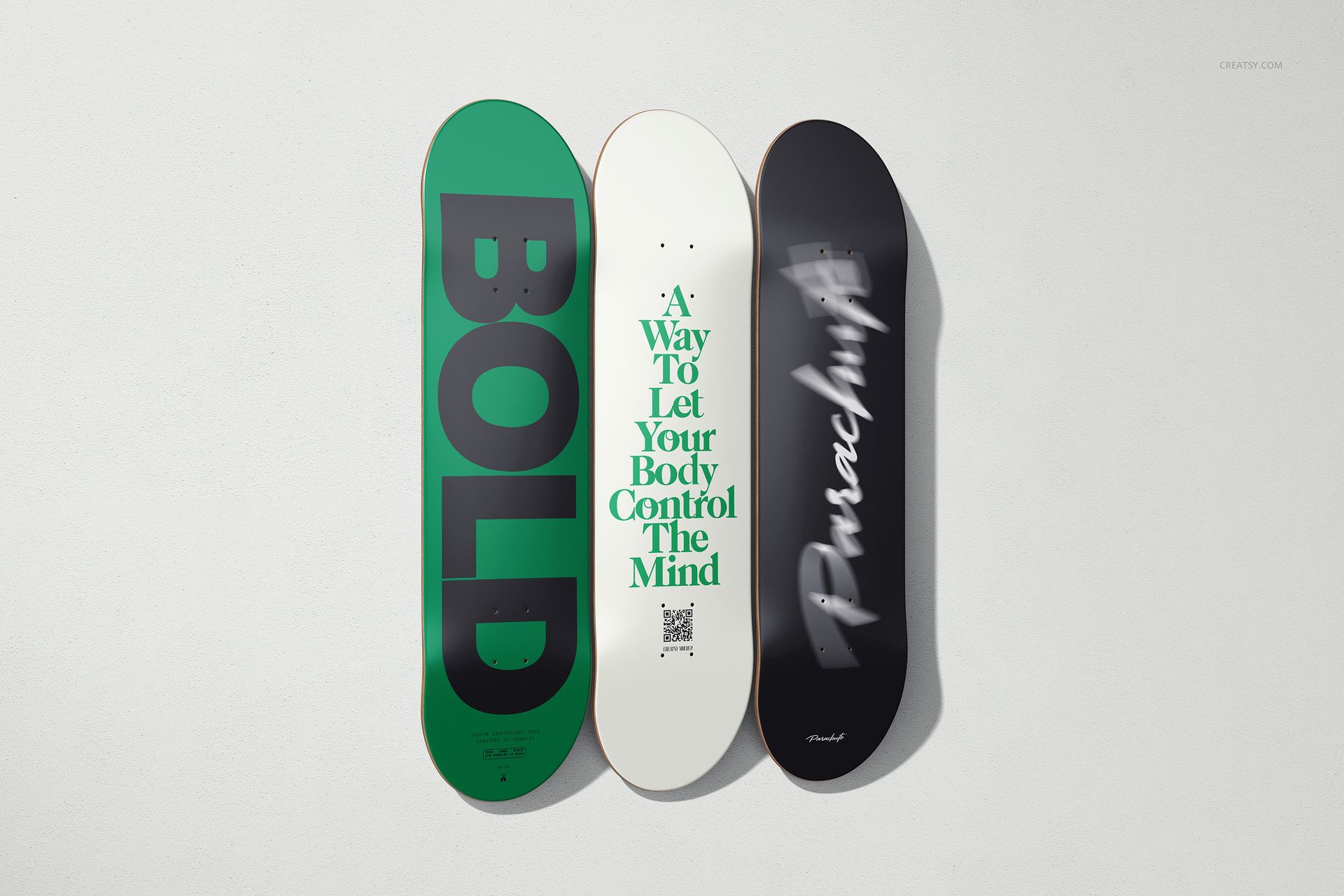
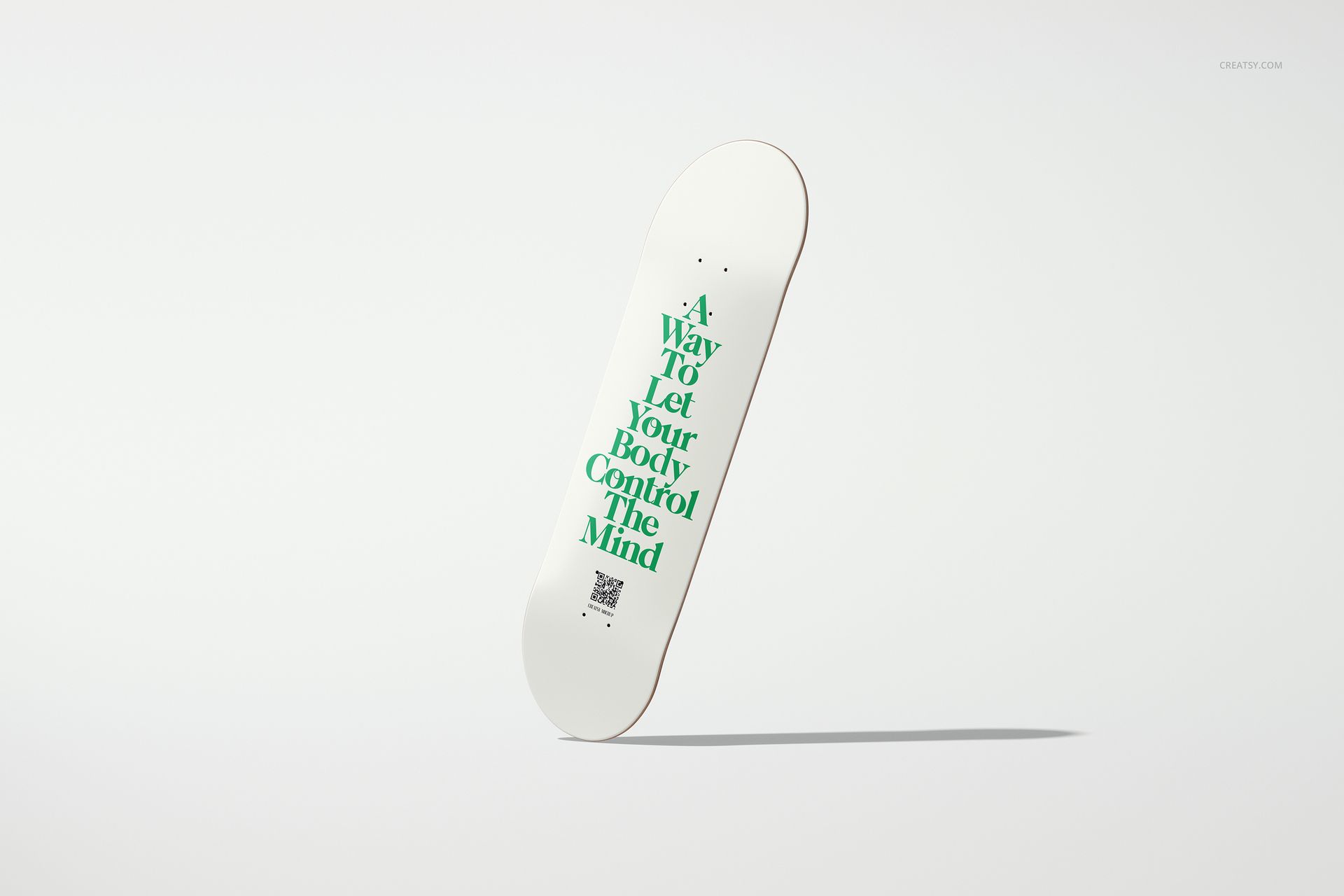
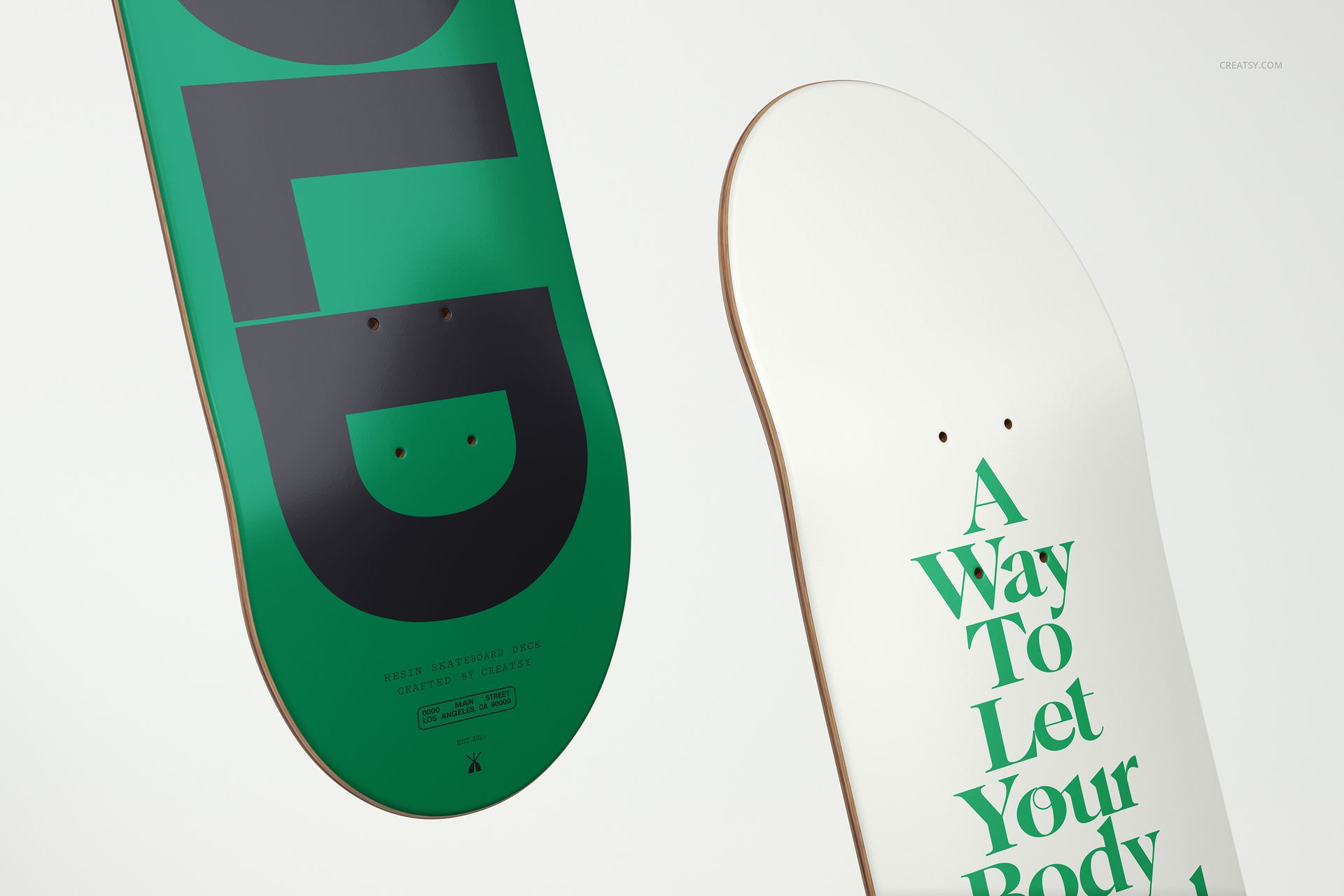
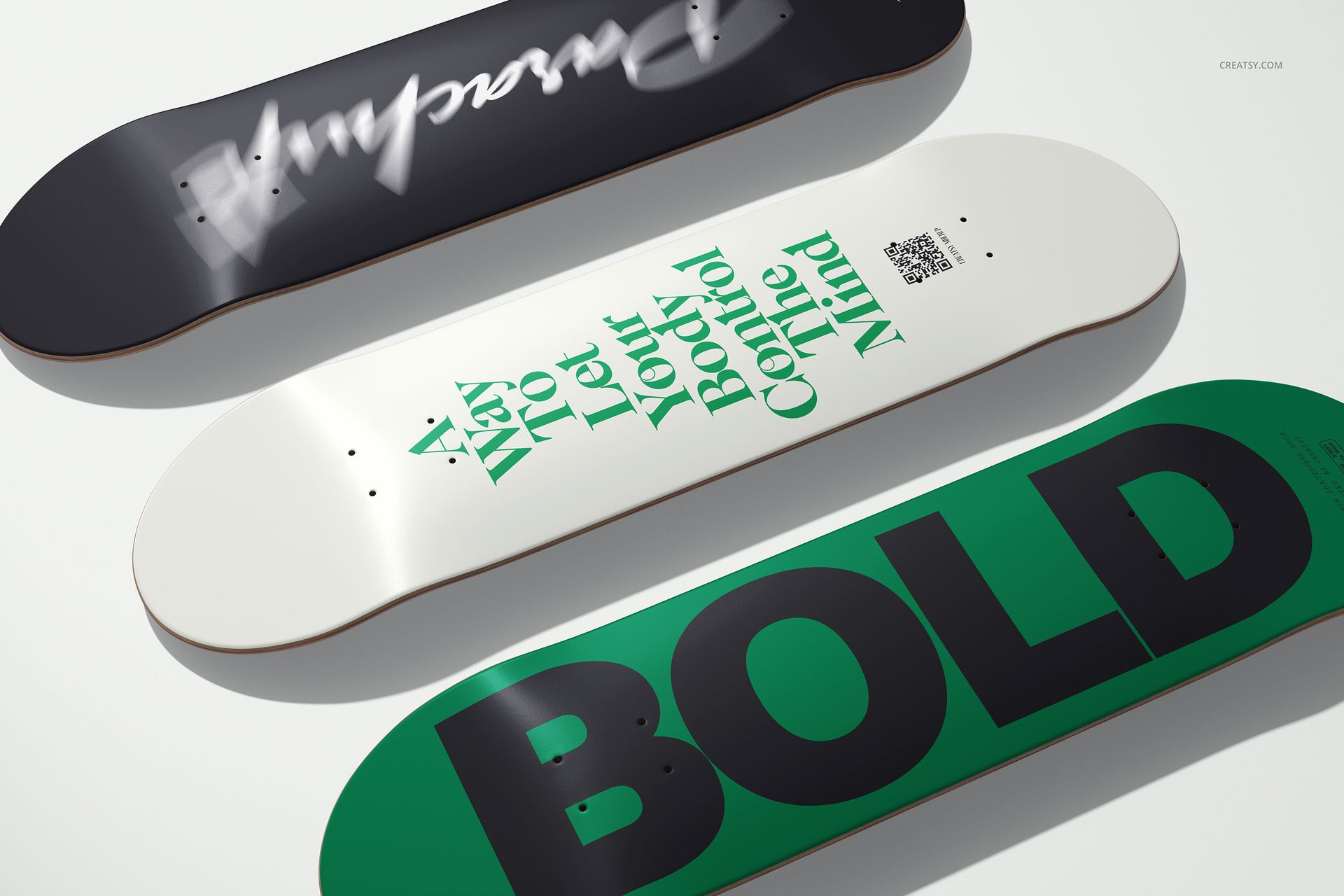
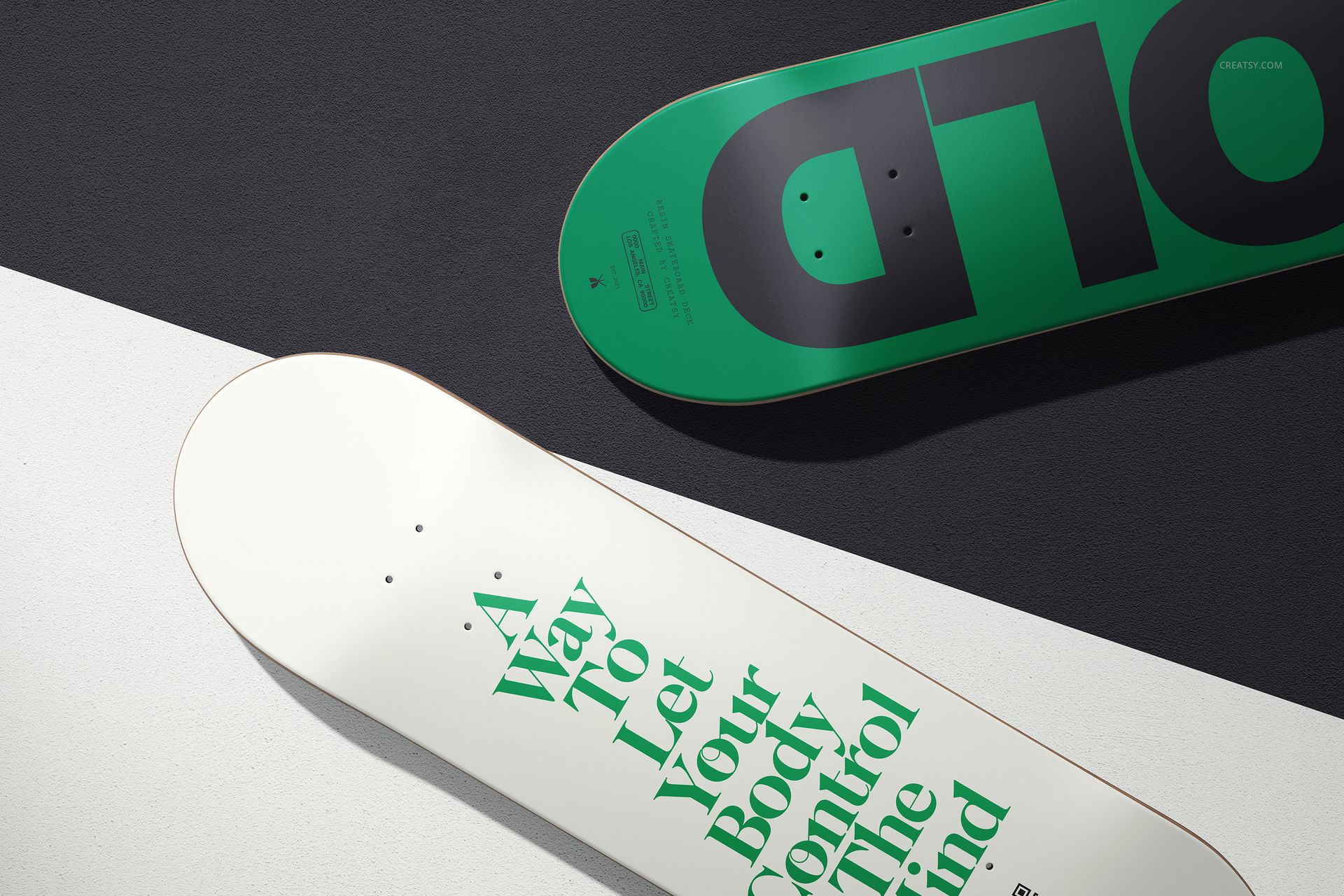
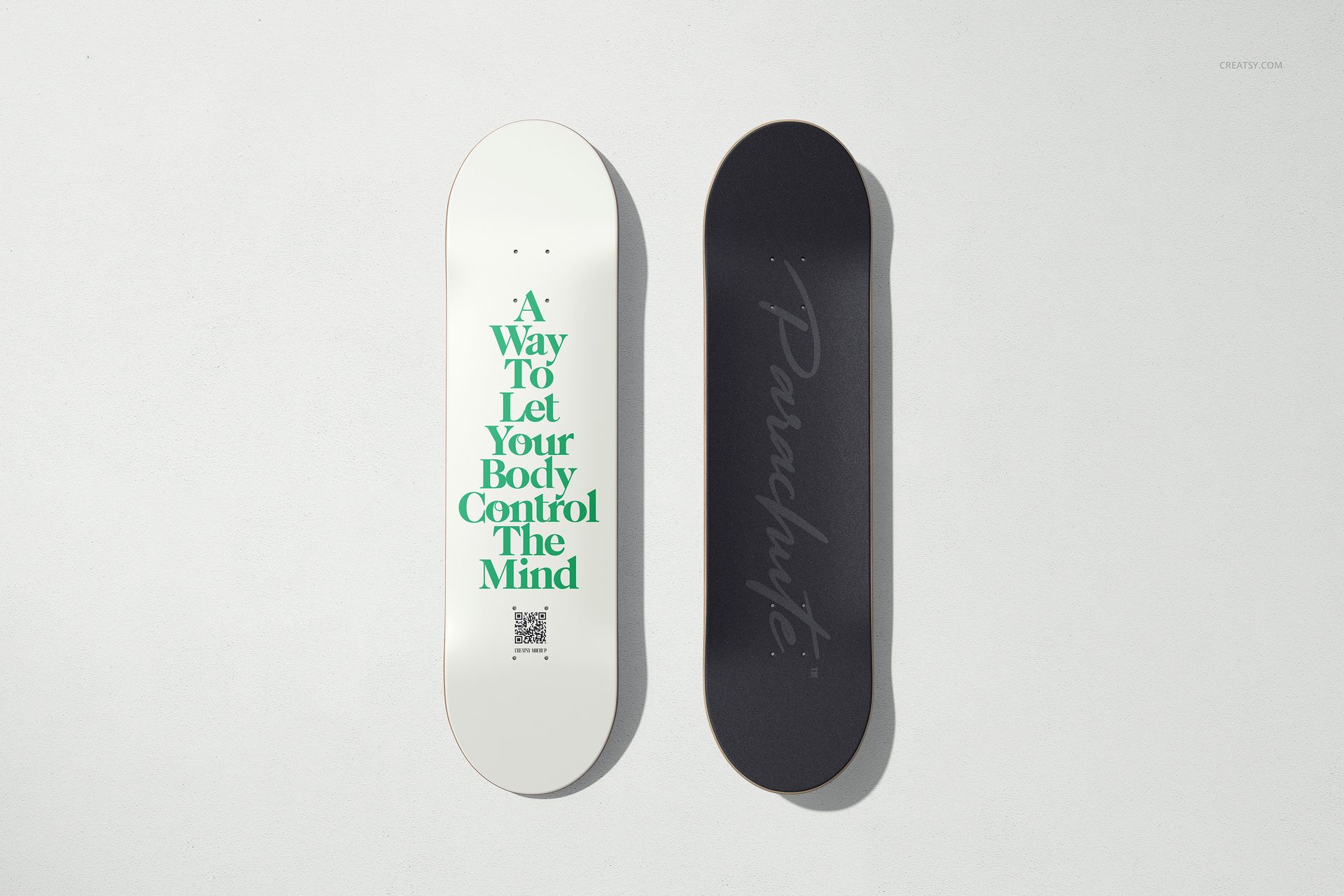
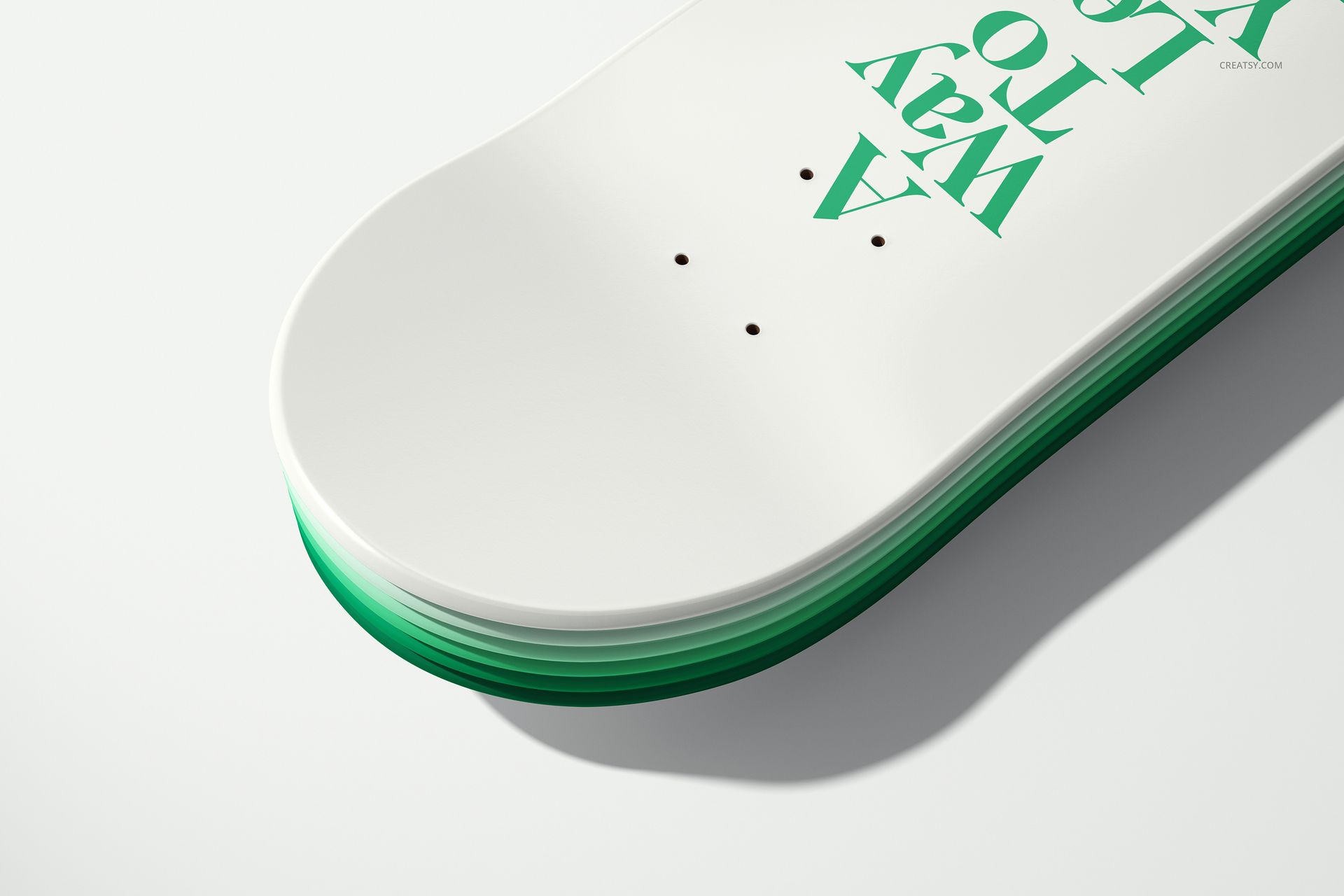
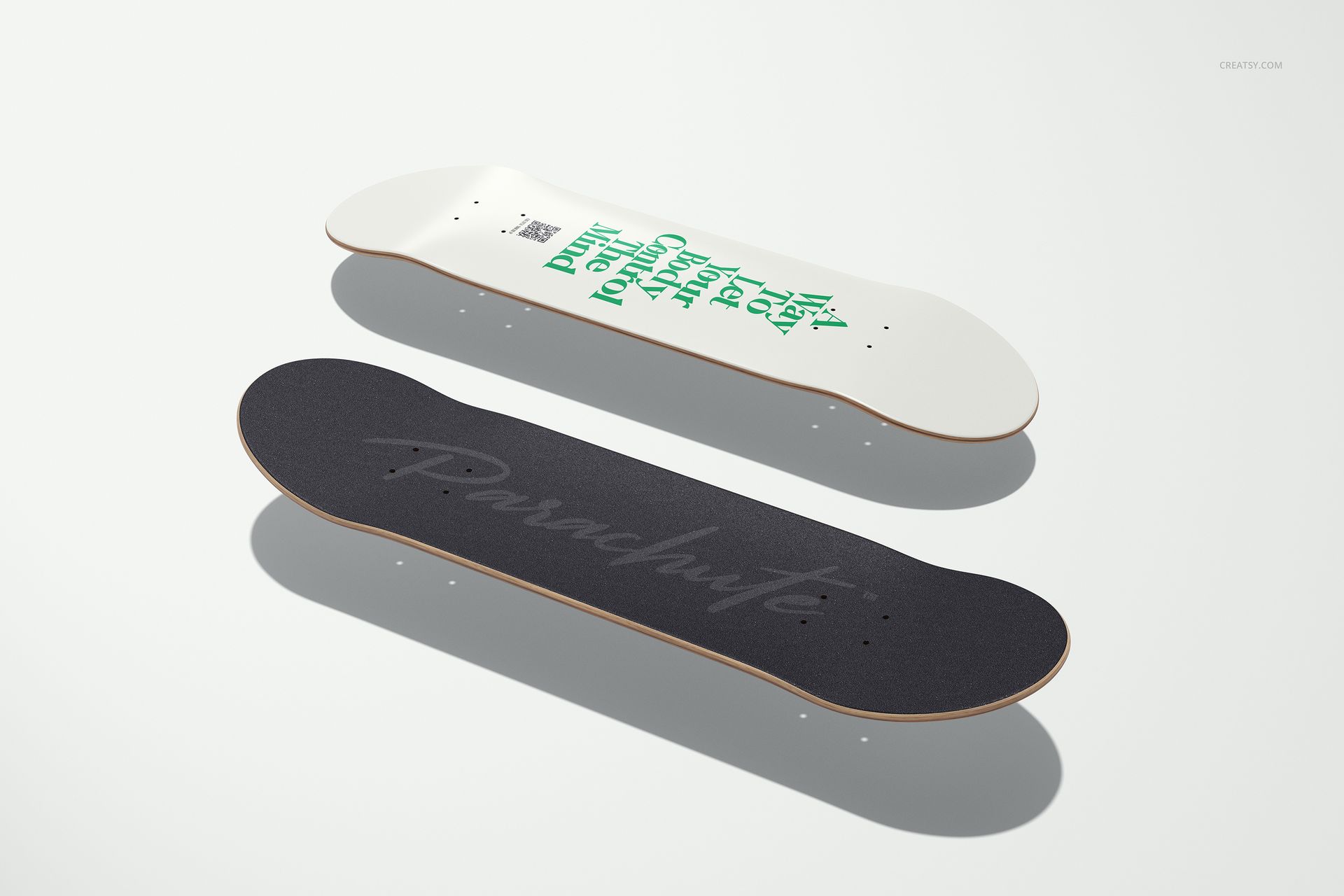
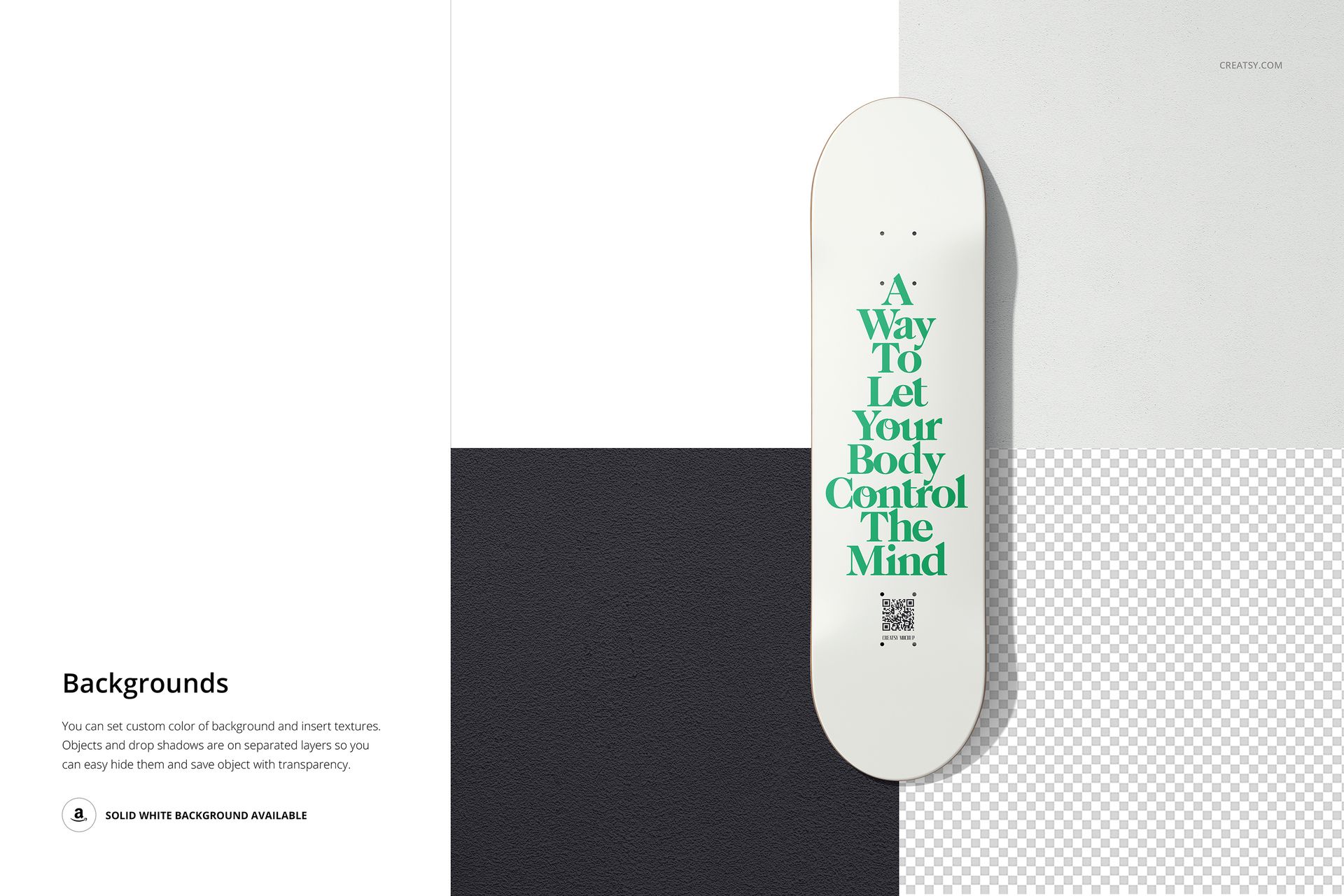
The set covers the deck from several angles, including top-down pairs, perspective views, and a close-up that shows the top, the bottom, and the grip tape, so you can present a full board graphic and not just one face. Each surface is a smart object: drop your design in, save, and it sits on the deck with the wood and light of the scene. You can set a custom background color and add textures, so the board reads the way you want against any backdrop. The green and grip designs in the previews are there to show placement, not to ship with the file.
It is built for skate brands and board graphic artists who need to see a deck design before it goes to print, and for Etsy or print on demand sellers and portfolio pages where a clean skateboard image sells the art. Ten scenes from one purchase cover a product shot, a hero, and a few detail crops.
What you get
Ten layered Photoshop PSD scenes at 6000 by 4000 px, 300 dpi
The deck top, bottom, and grip tape as smart objects for your graphics
Top-down pairs, perspective views, and a close-up
A custom background color, with the option to add textures
20 files in the download (.psd, .jpg, .pdf); package 711 MB on Windows, 745 MB on macOS
Well organized layers, built for Adobe Photoshop CC2020 or later
How it works
Open a PSD in Adobe Photoshop CC2020 or later.
Double-click a smart object for the top, bottom, or grip tape and paste your graphic.
Save, and your design sits on the deck with its wood texture and shadows.
Set a background color or texture, then export the JPG for your shop, pitch, or portfolio.
Specifications
Files: 10 layered PSD scenes (download includes .psd, .jpg, .pdf)
Resolution: 6000 by 4000 px, 300 dpi
Editable: deck top, bottom, and grip tape are smart objects; background color and texture
Scenes: top-down pairs, perspective views, and a close-up
Software: Adobe Photoshop CC2020 or later
Package size: 711 MB (Windows) / 745 MB (macOS); 20 files
License: Standard, $19