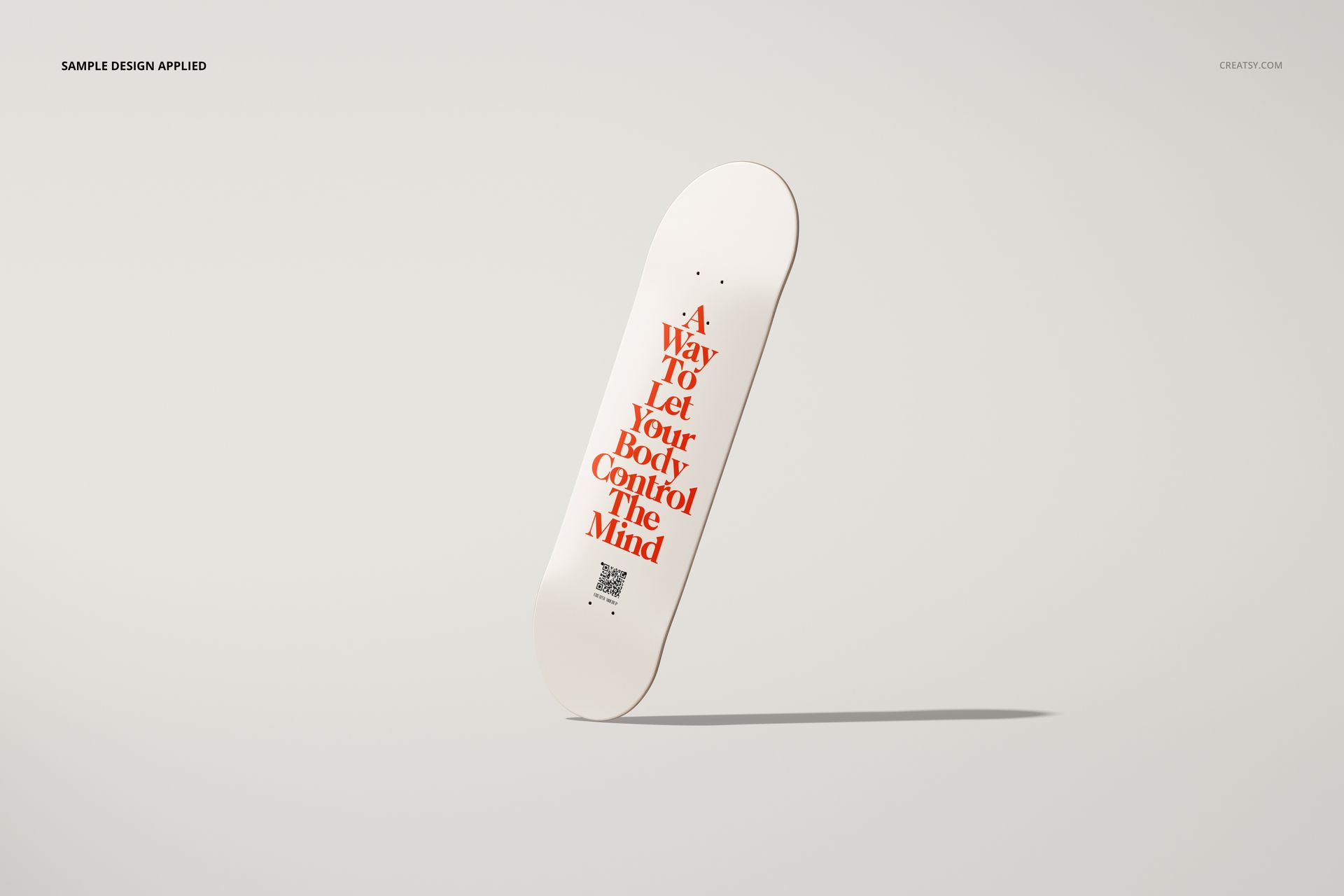
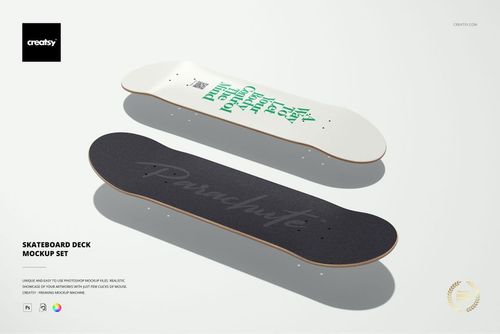
The skateboard deck is a format problem. It is taller than it is wide. Both ends curve. The surface area is roughly the size of a large poster, but the proportions reject every standard print layout. For artists and designers, that constraint is the entire appeal. Artwork designed for a skateboard deck cannot be repurposed from a square canvas or a horizontal banner. It has to be made for this shape, and this mockup set exists to show what that shape looks like on a wall.
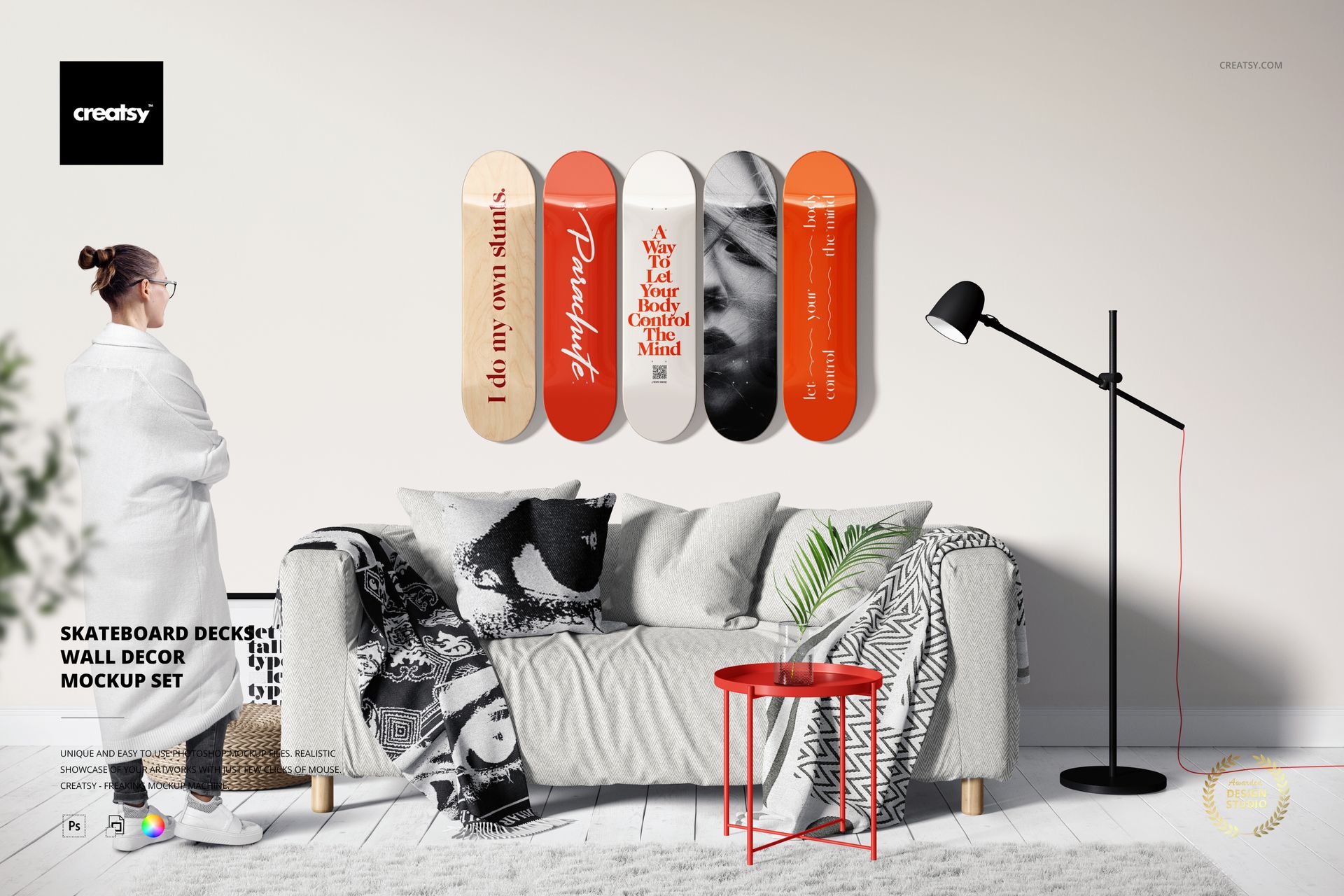
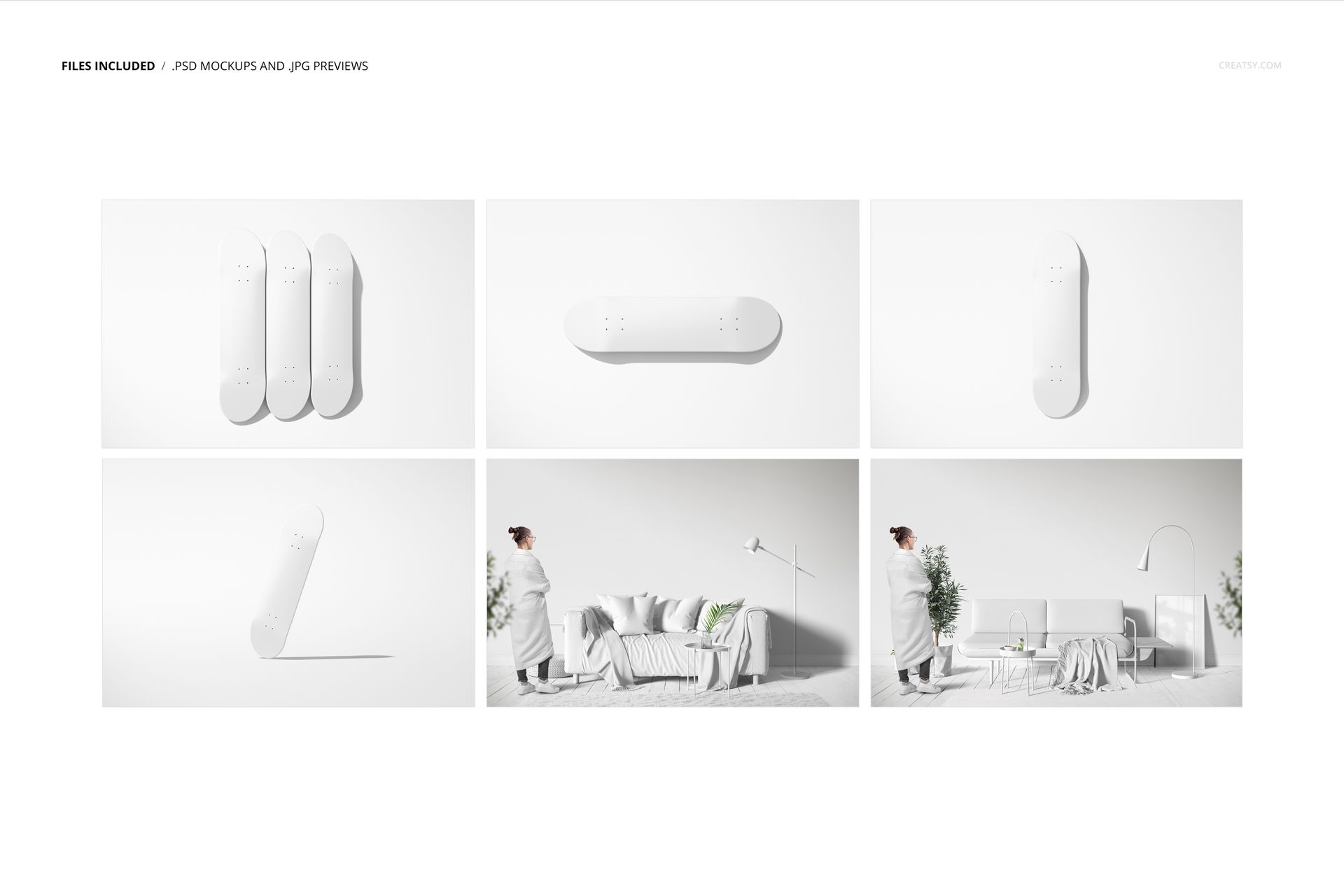
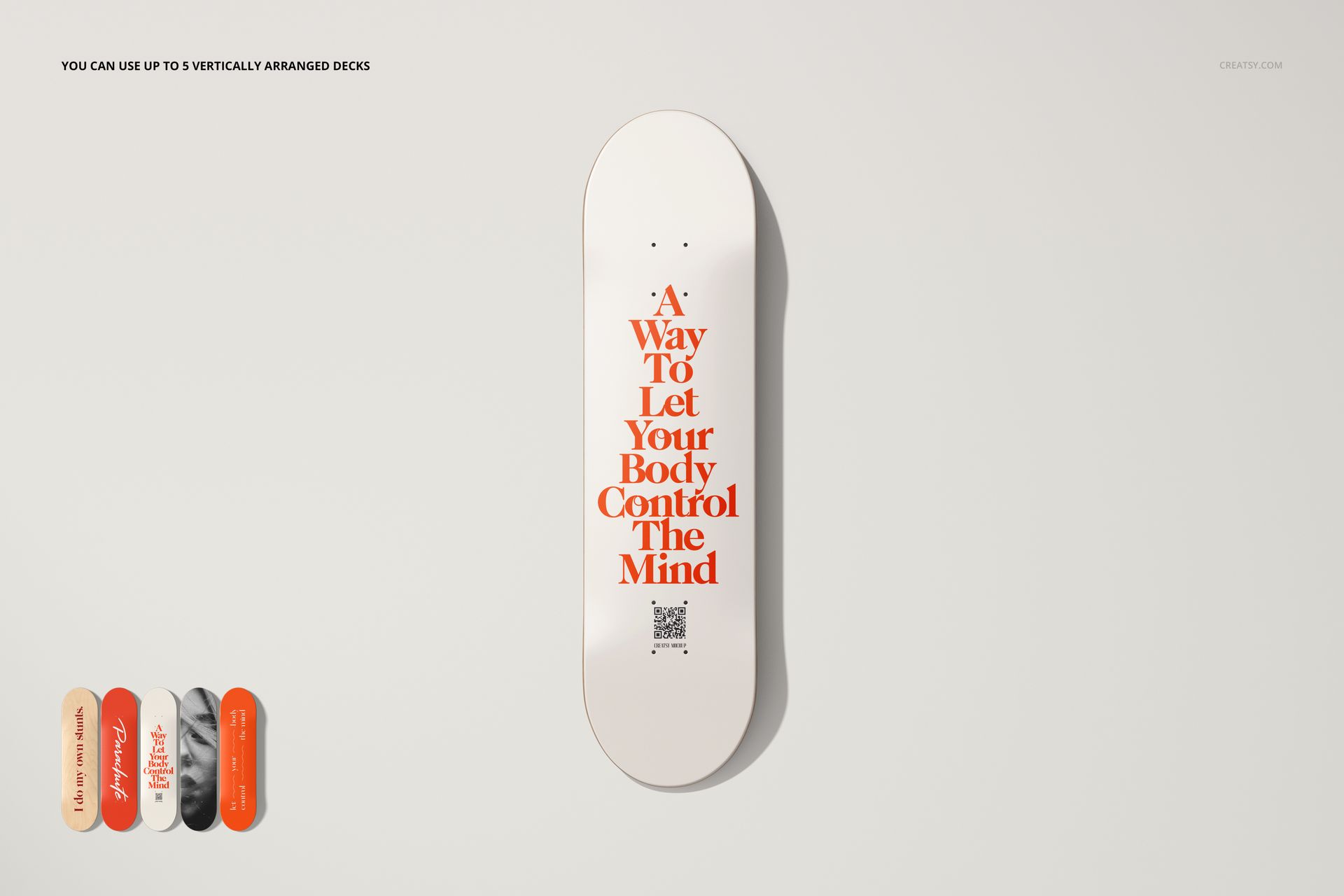
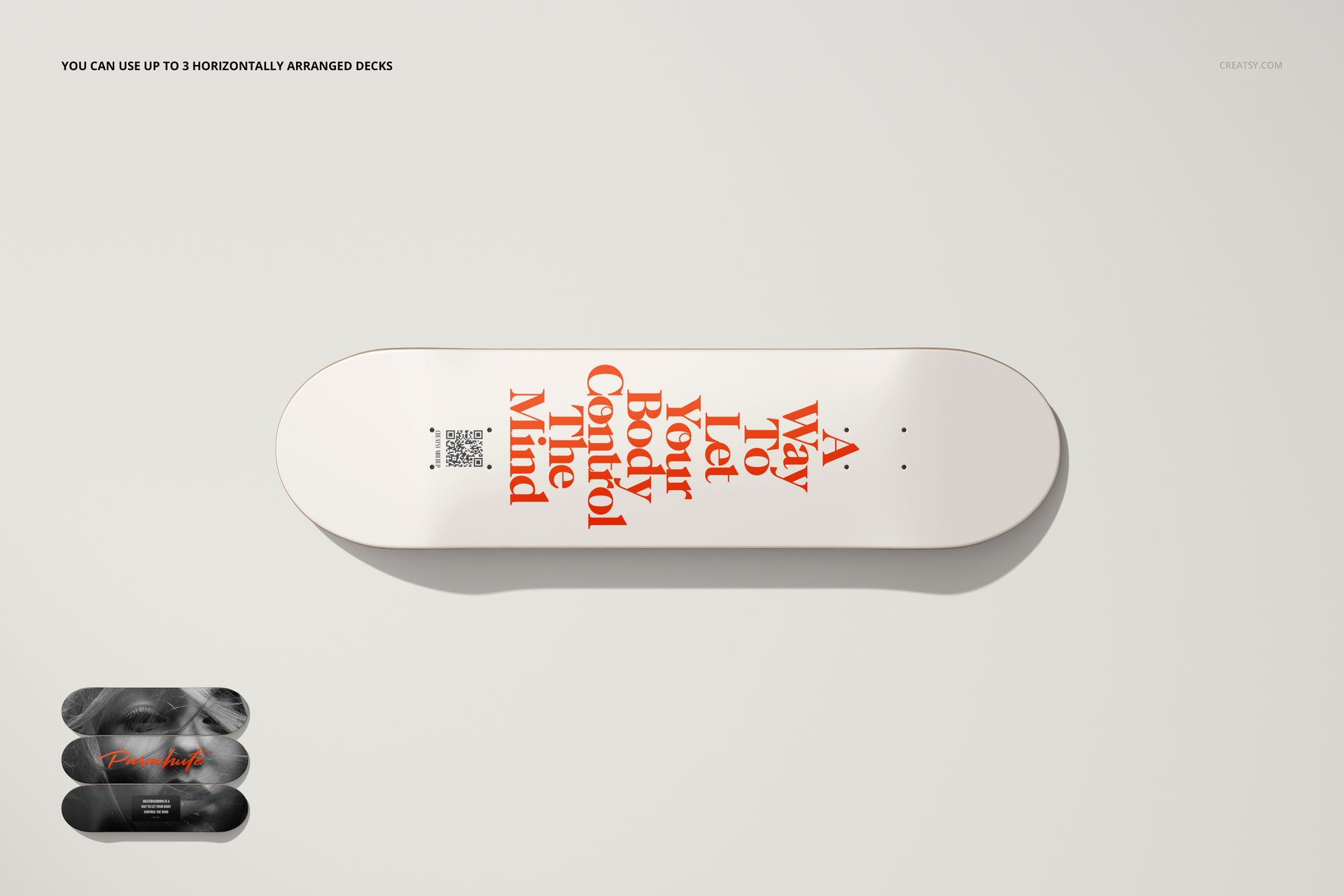
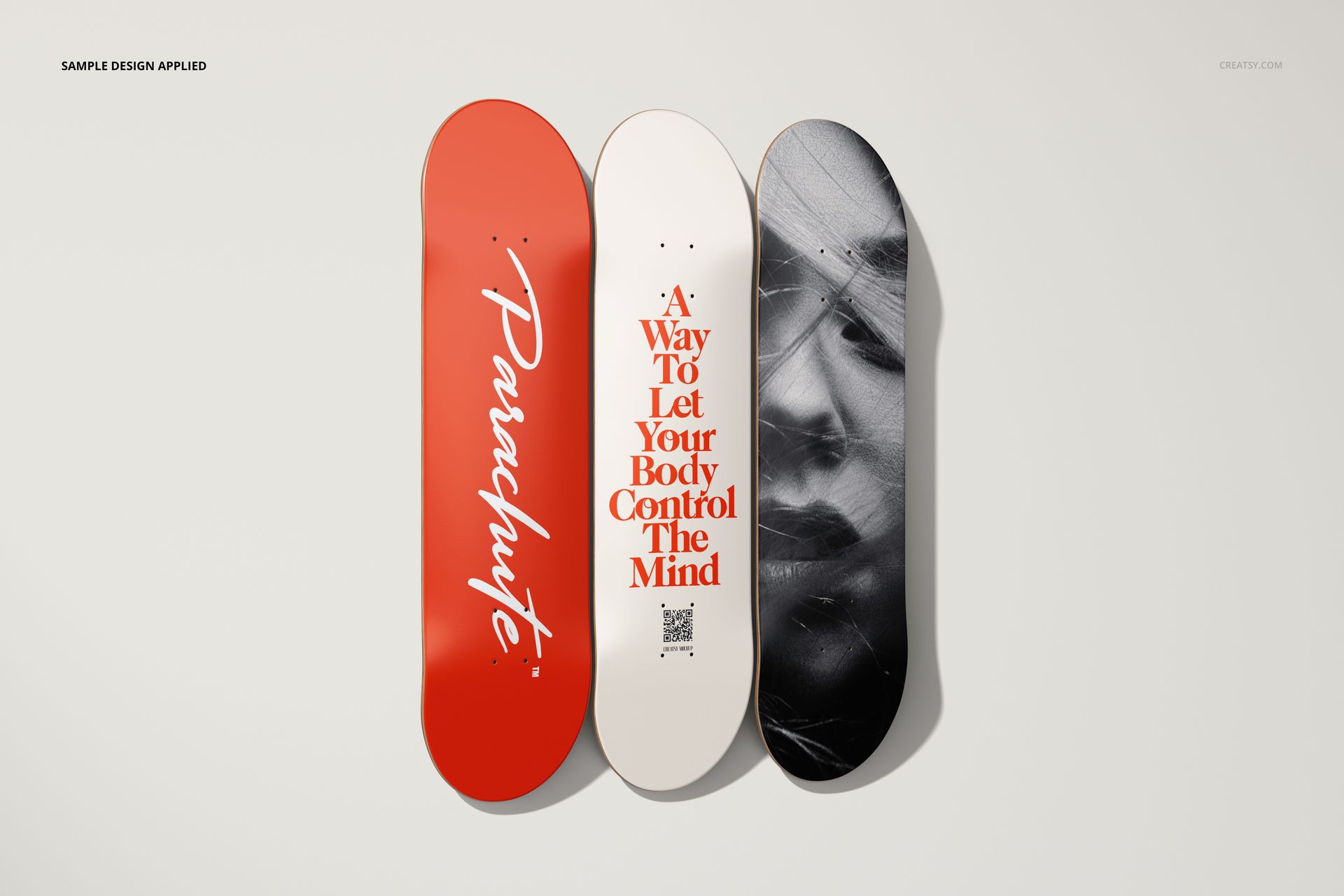
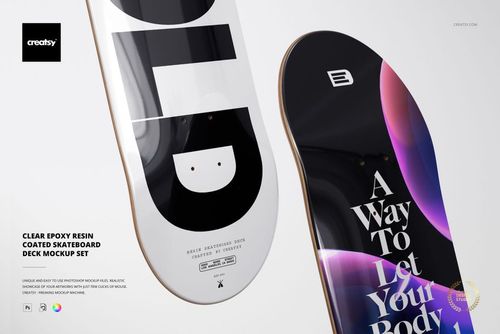
Five PSD files present skateboard decks as wall decor in different arrangements and environments. Single decks for focused art evaluation. Multiple decks for series and collection displays. Close-ups for detail and texture inspection. Room-context shots for scale and interior design integration. Each file answers a different visual question for artists, brands, and retailers who treat the deck as a display surface rather than only a piece of sports equipment.
Wall Decor Context
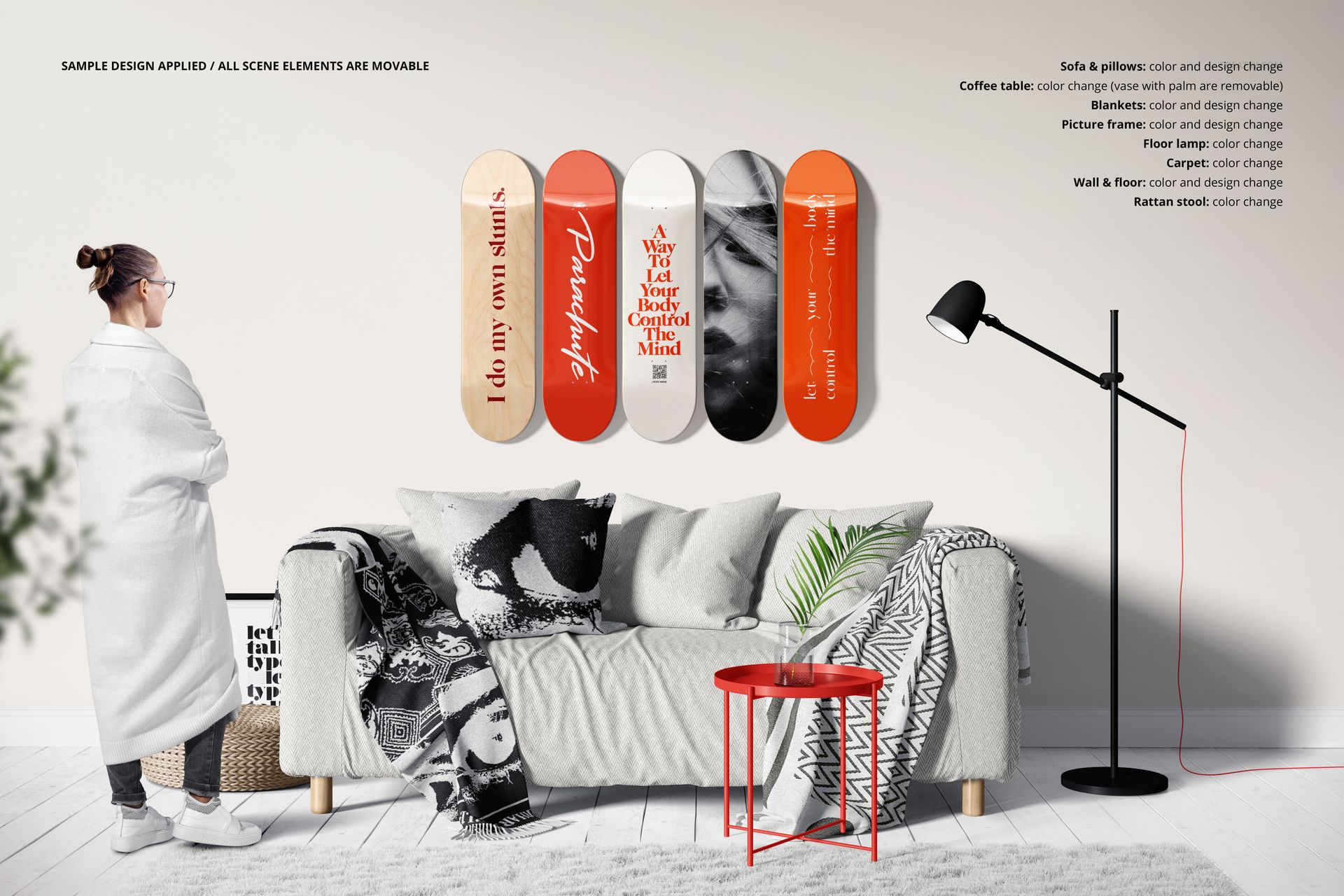
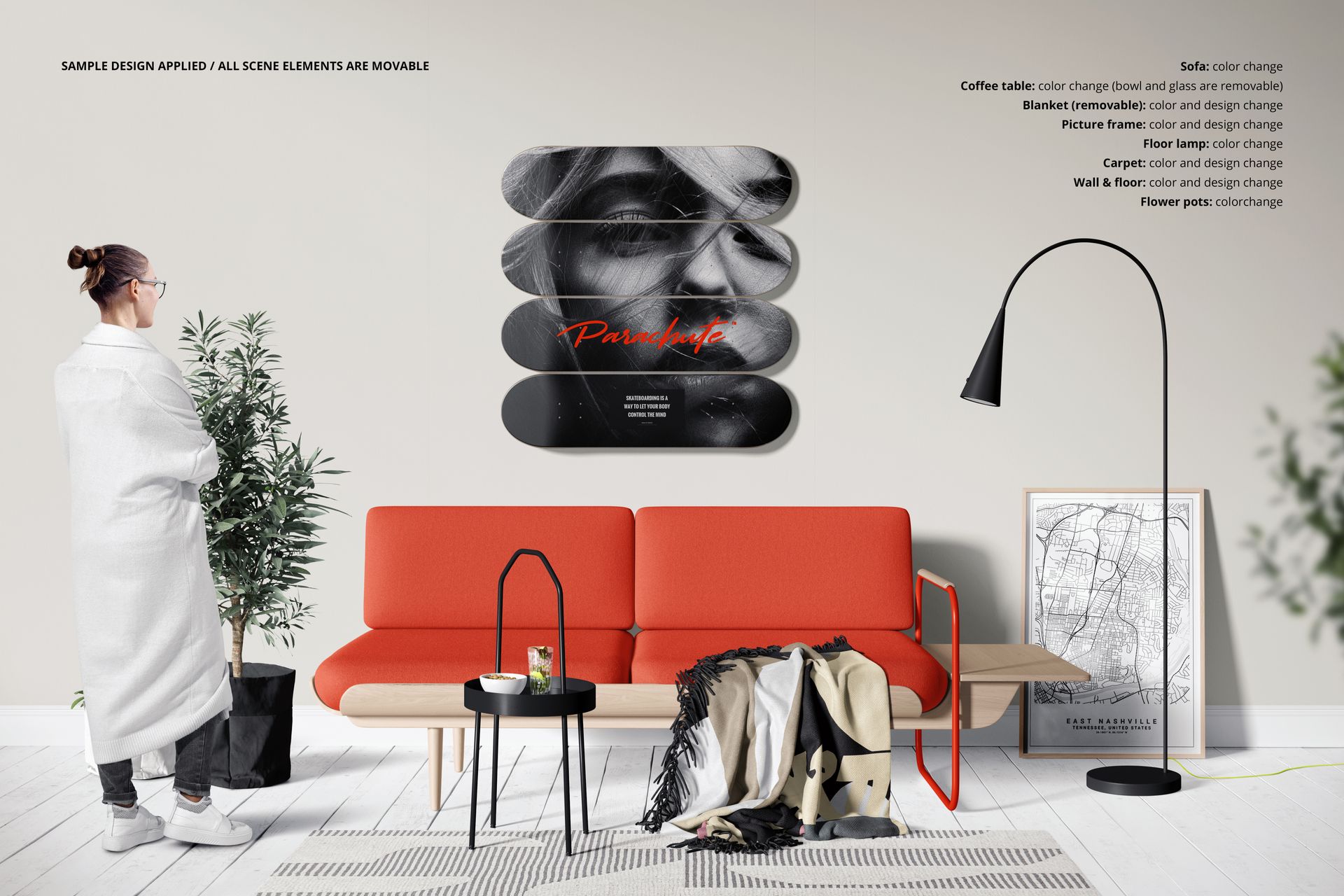
Mounting a skateboard deck on a wall changes how the artwork is perceived. It shifts from functional gear to a deliberate design object. The viewer stops thinking about grip tape and trucks and starts seeing composition, color balance, and surface finish. This mockup set captures that perceptual shift by placing decks in interior settings where they read as art pieces - mounted at eye height, lit intentionally, surrounded by architecture and furniture that provide scale reference. The result is a presentation tool for anyone selling the artistic value of a deck, not just the ride.
Five Files, Five Compositions
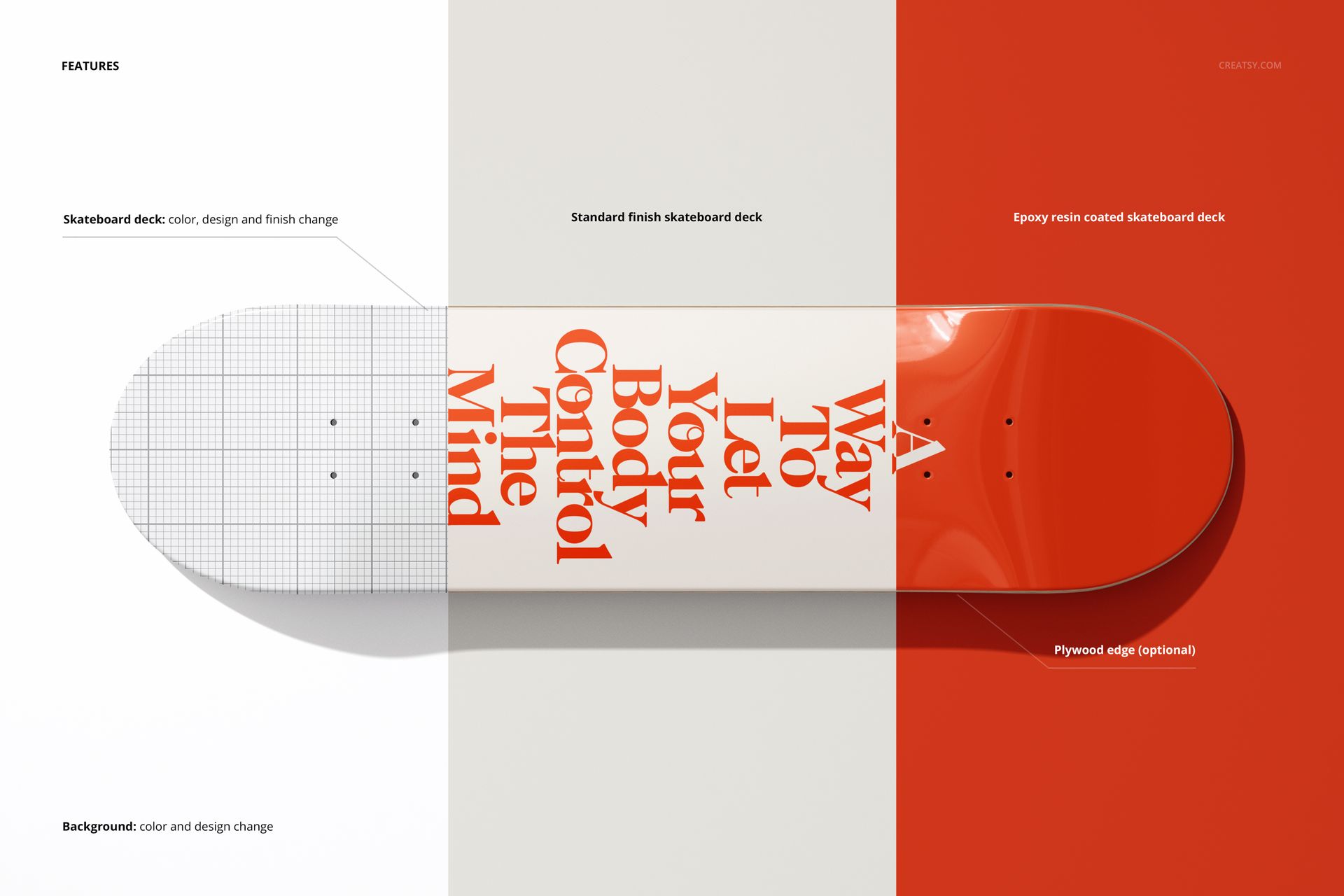
Each PSD provides a distinct layout. Some files show a single deck isolated against a clean background for portfolio use and online store product pages. Others arrange multiple decks in a row or cluster for series presentations, showing how a collection of designs relates when displayed together. Room environment shots place the decks in realistic living spaces - against a wall with visible furniture, flooring, and lighting fixtures - demonstrating how the deck functions as an interior design element. Close-up views reveal surface texture and print detail at a distance where brushstrokes, grain, and finish quality are visible.
Smart Object Editing
Every skateboard deck surface in each file is editable through organized smart object layers. Open the smart object, place your artwork, save, and the PSD maps your design onto the deck shape with correct curvature, perspective, and surface texture response. Background colors and wall surfaces are also editable, allowing you to match the presentation environment to the mood of your artwork - white gallery walls, dark interiors, colored accent walls, or textured concrete. Shadows and objects sit on separate layers for full control over depth and transparency. Compatible with Adobe Photoshop CC 2020 and newer. All files also open in Photopea (photopea.com).
Technical Specifications
Five PSD files at 6000 x 4000 pixels, 300 DPI. Each file produces images large enough for gallery-quality prints, web portfolios, e-commerce listings, and social media at any standard dimension. Total download size approximately 467 MB. Includes a PDF user manual for workflow guidance. Well-organized, labeled layers throughout.
Who Presents Deck Art This Way
Skateboard graphic artists building portfolios that position their work as collectible art rather than disposable gear graphics. Deck brands launching new seasonal collections where the visual story matters as much as the shape specifications. Interior design firms sourcing wall art for commercial spaces - offices, studios, retail stores, hospitality projects - where skateboard decks add character without the formality of framed prints. Print-on-demand sellers offering custom deck designs who need product images showing the deck in a real-world display context. Galleries and exhibition organizers preparing promotional materials for skateboard art shows.