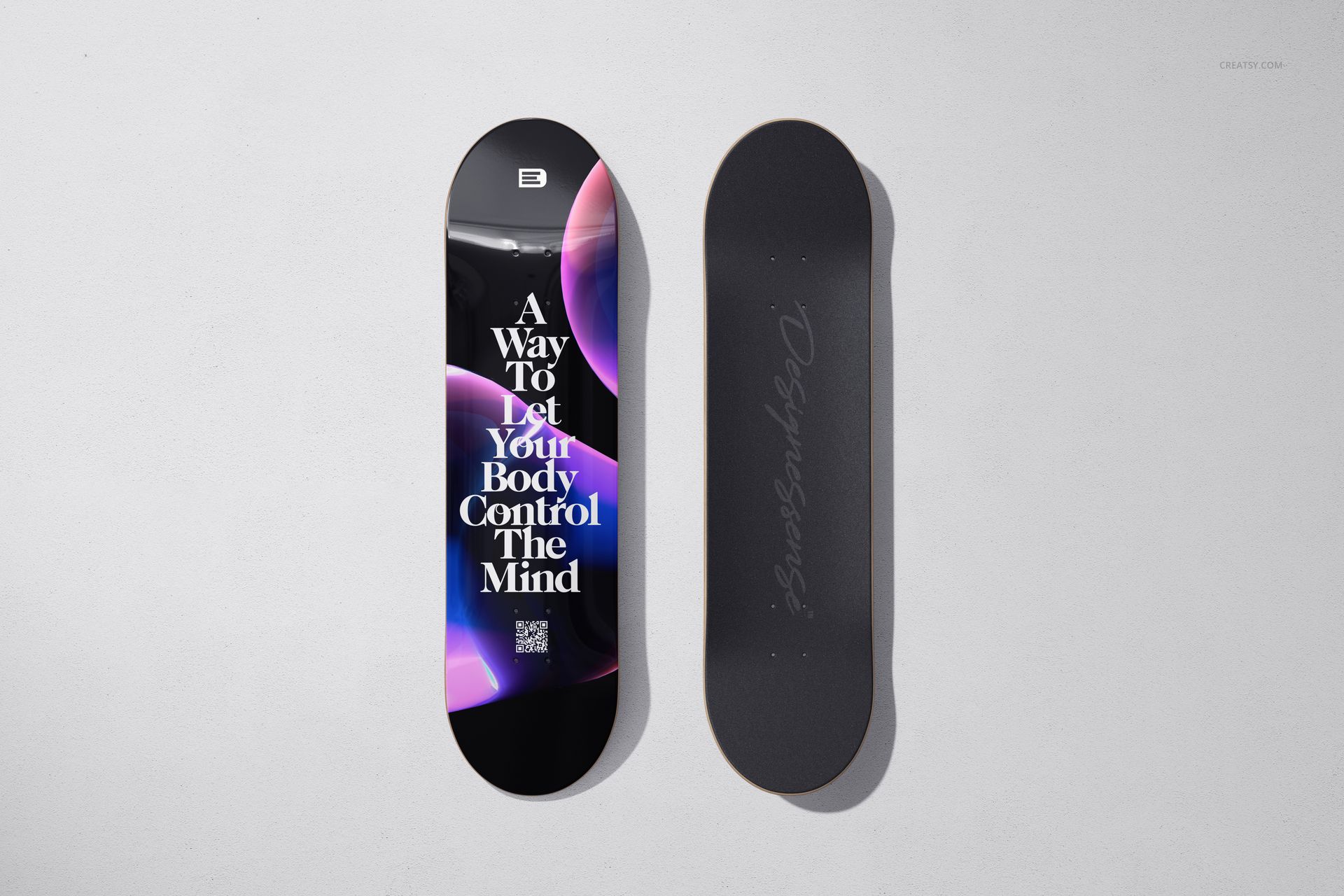
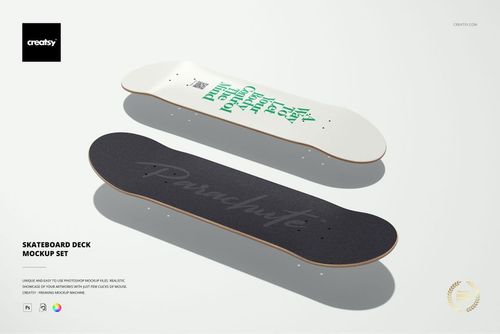
Epoxy resin changes how a skateboard deck surface behaves. It fills the wood grain. It deepens color saturation. It adds a glass-like layer that catches light from every angle and makes the artwork underneath appear to float just below the surface. For designers and brands producing premium deck collections, this finish is the difference between a printed board and a display-grade object. These ten PSD mockups show that difference.
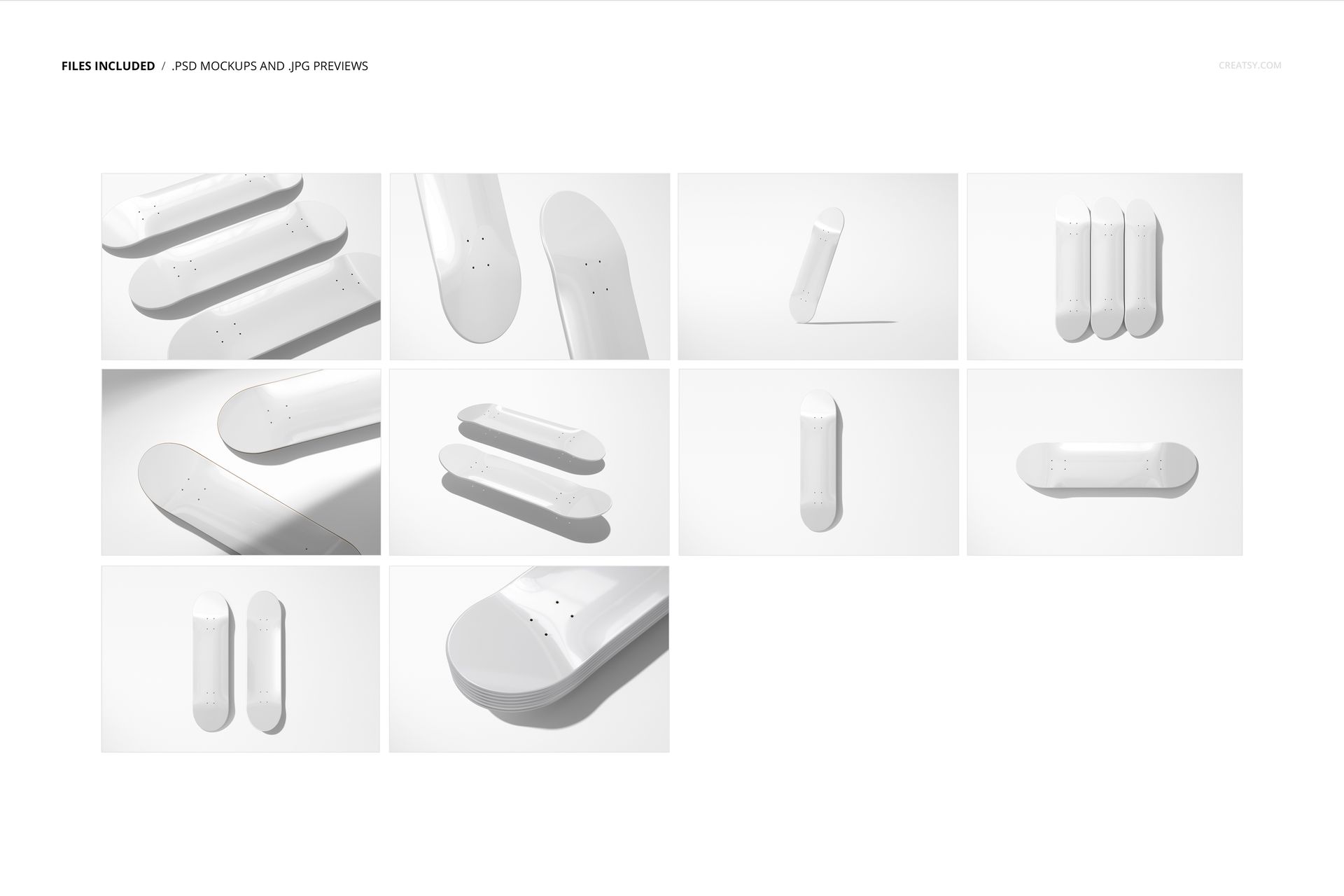
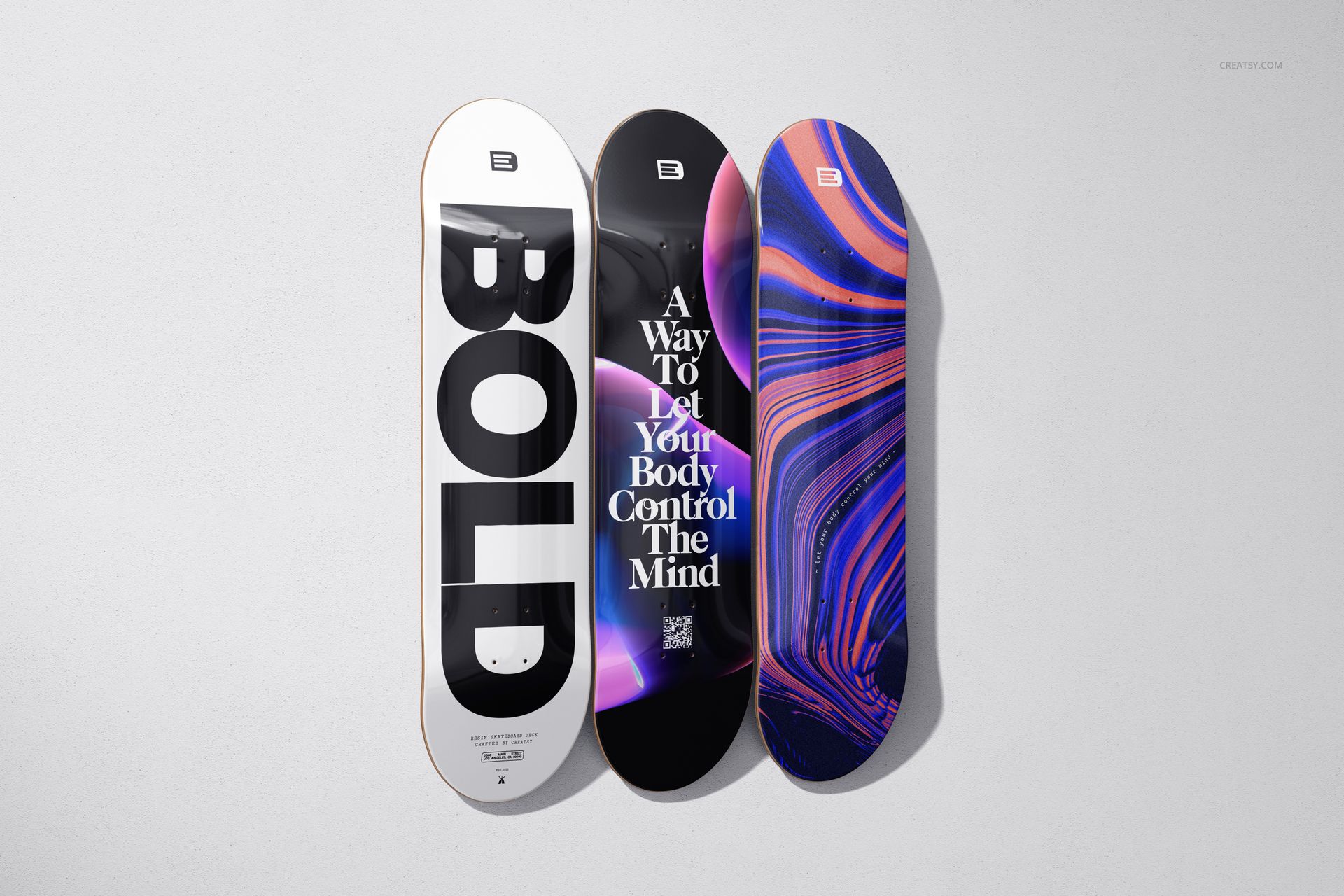
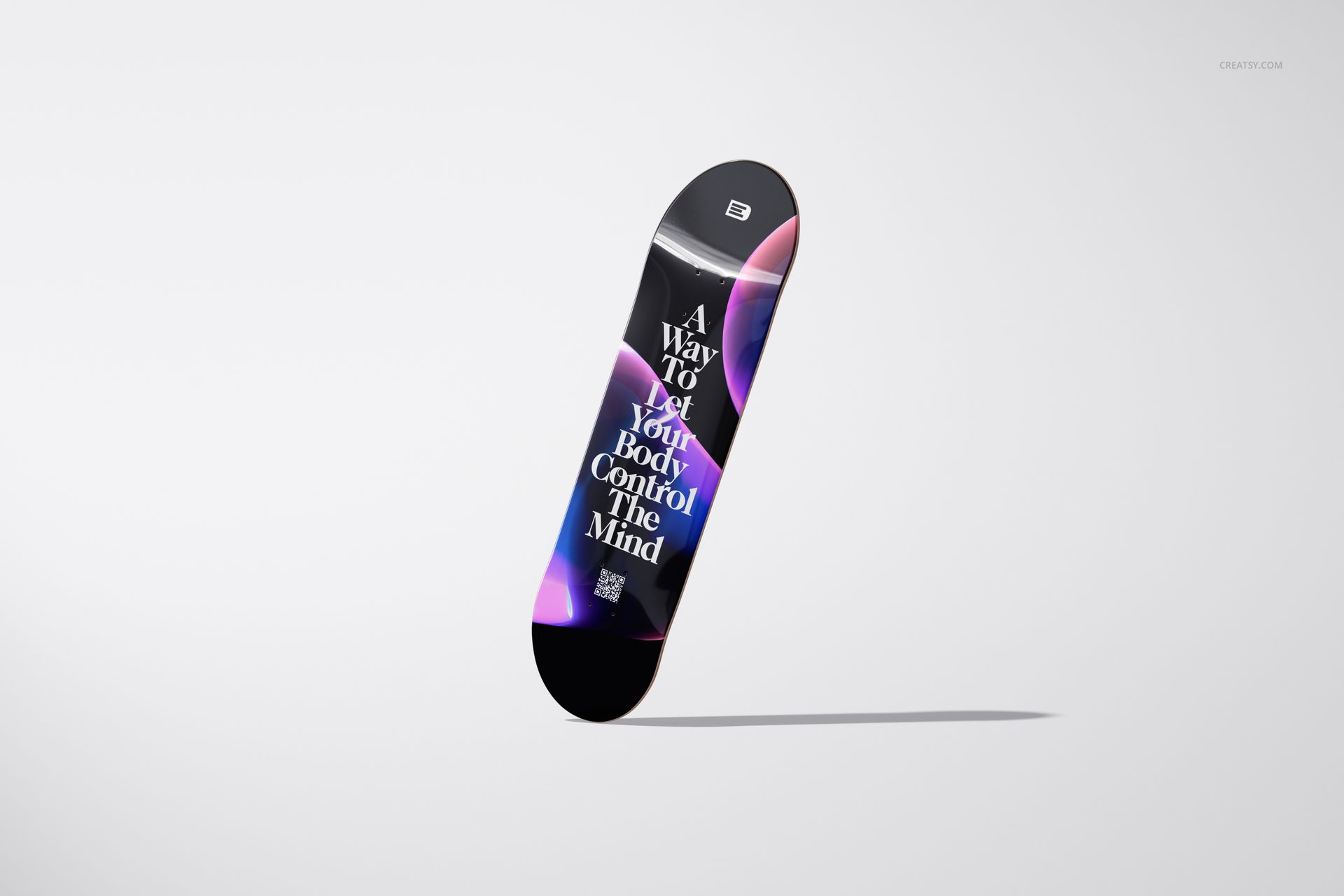
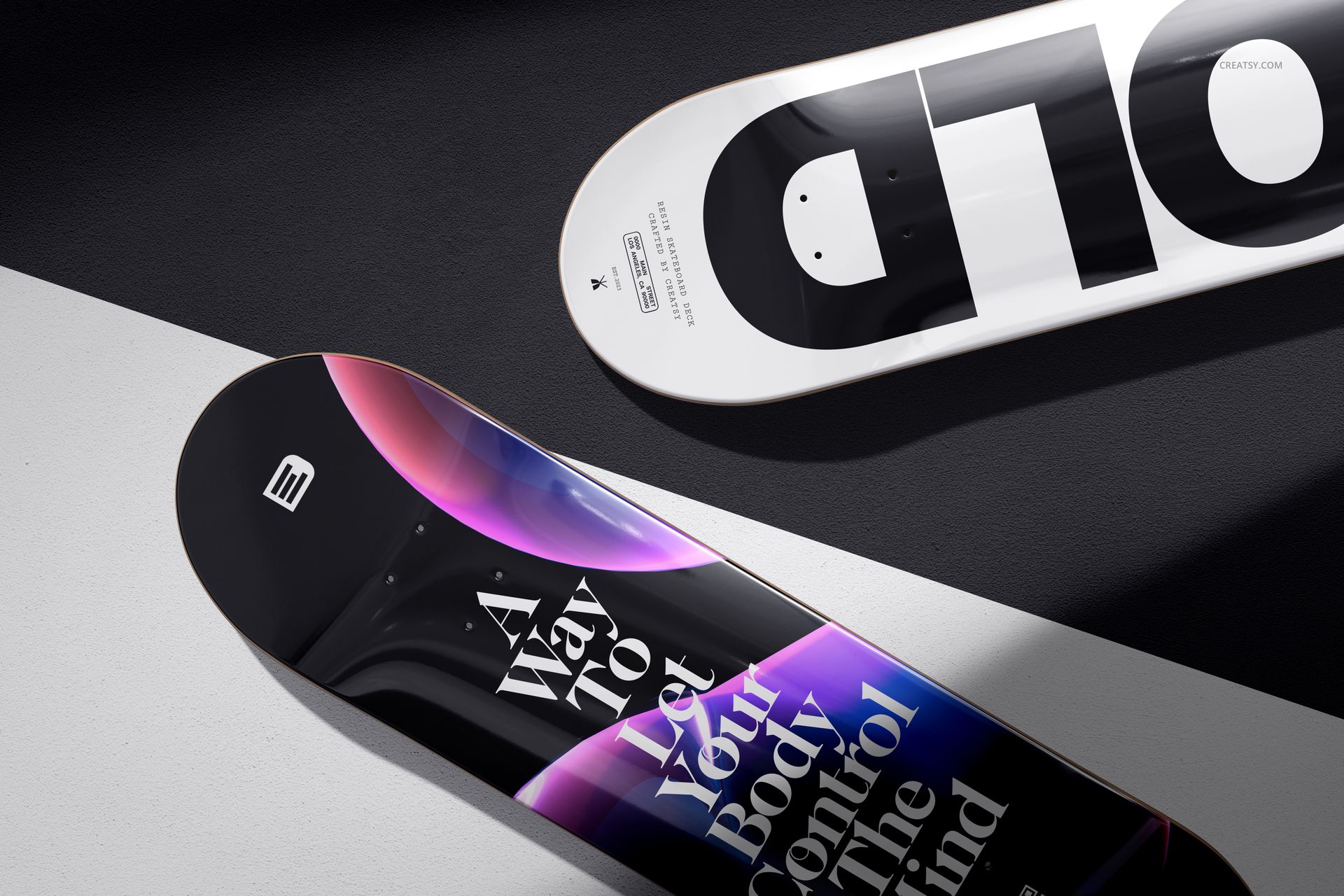
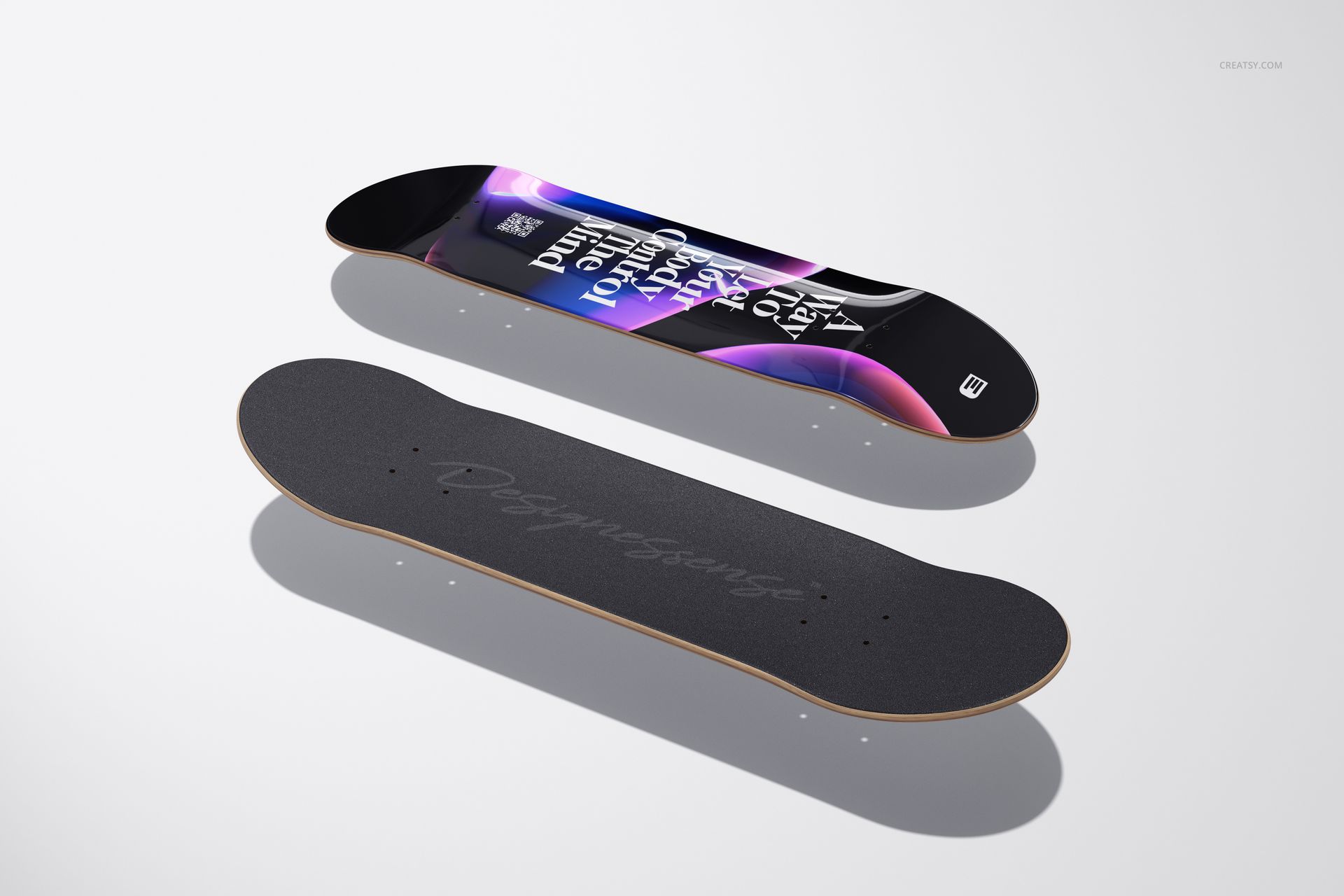
The set presents clear epoxy resin coated skateboard decks in ten compositions that isolate the glossy surface quality and let the viewer see how their artwork will respond to this specific finish. Single deck views for detailed art evaluation. Grouped arrangements for collection presentations. Angled perspectives that emphasize the resin depth and light reflection. Each file is built to communicate the material quality that separates a coated deck from a standard matte or satin print.
What the Resin Layer Does to Your Design
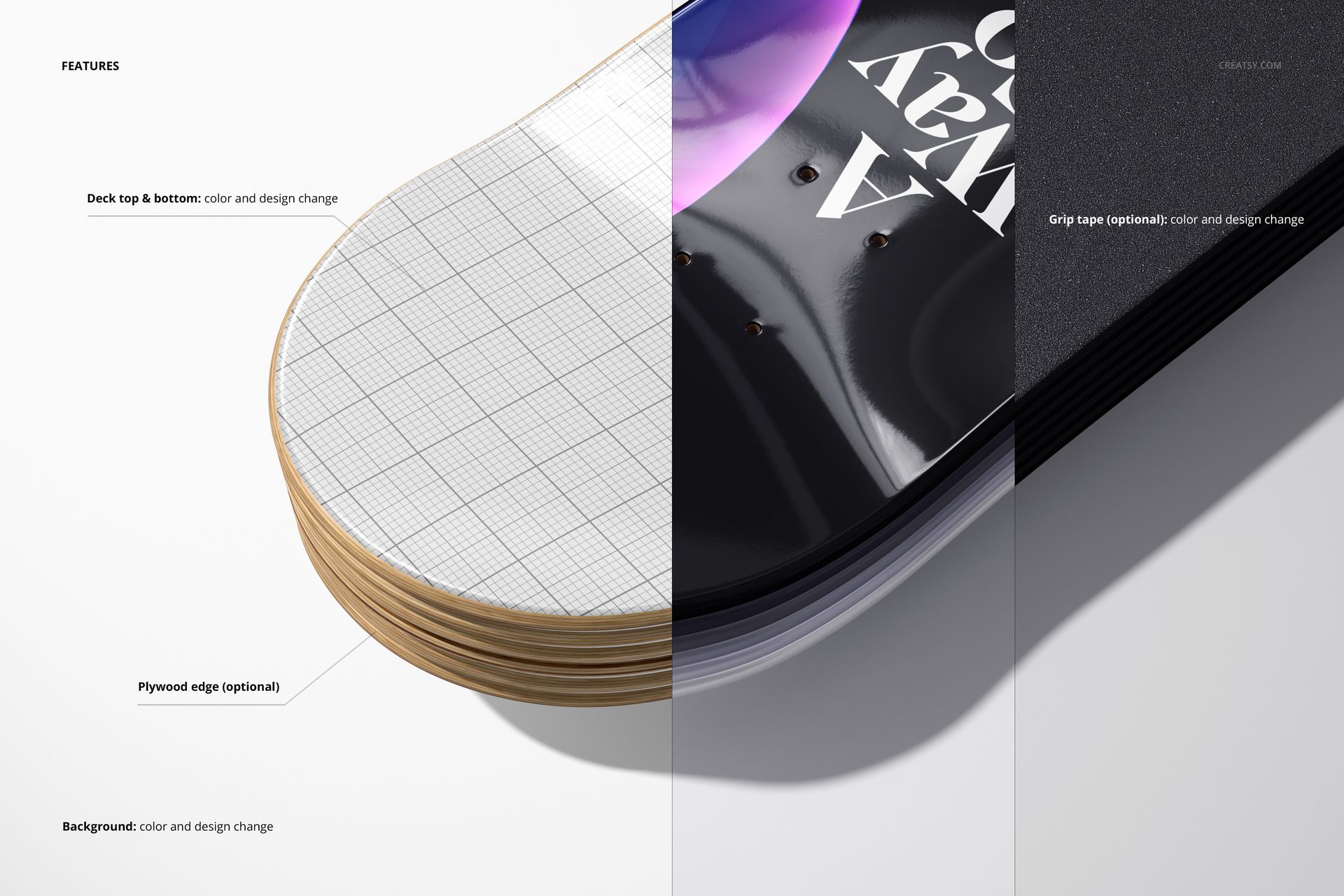
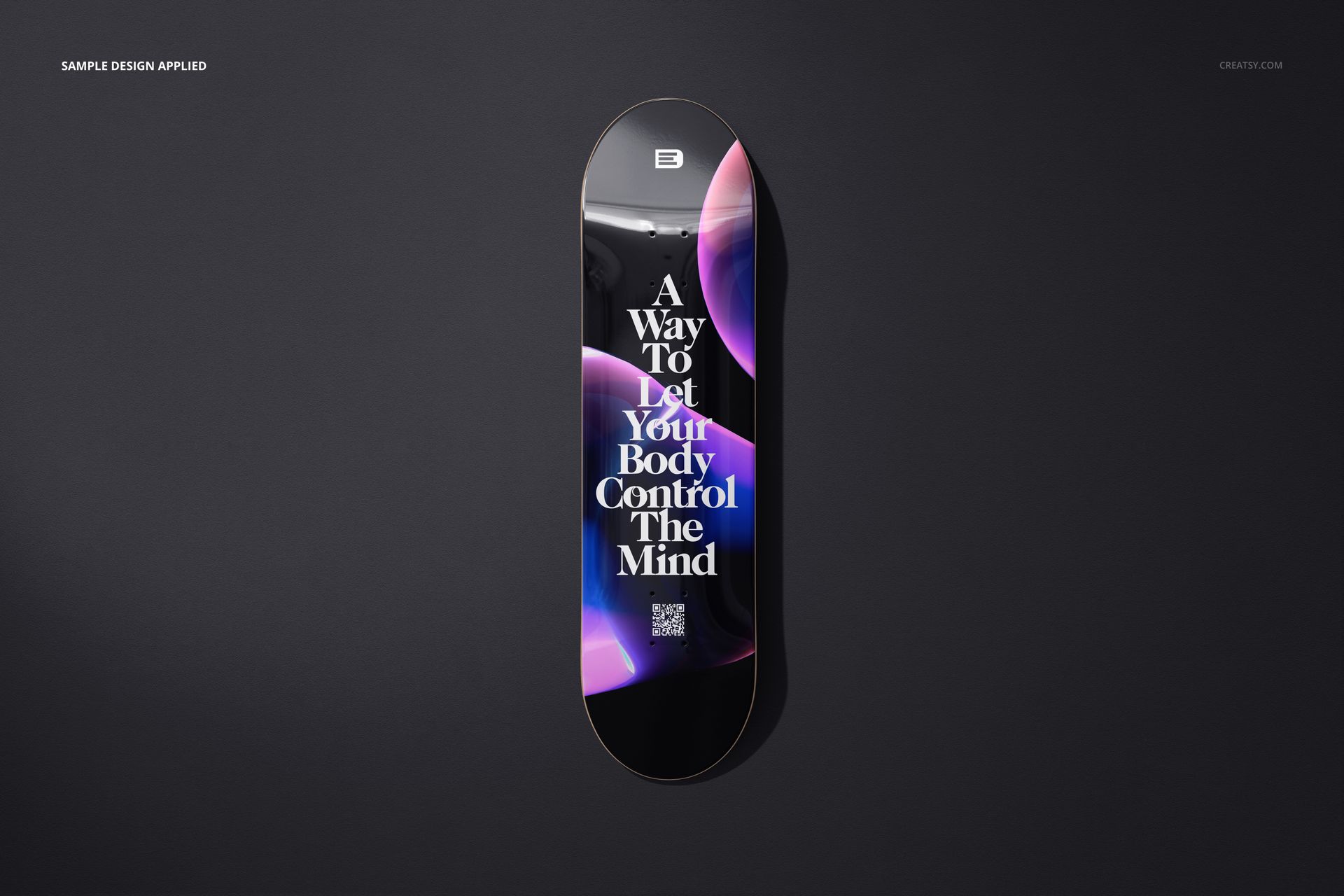
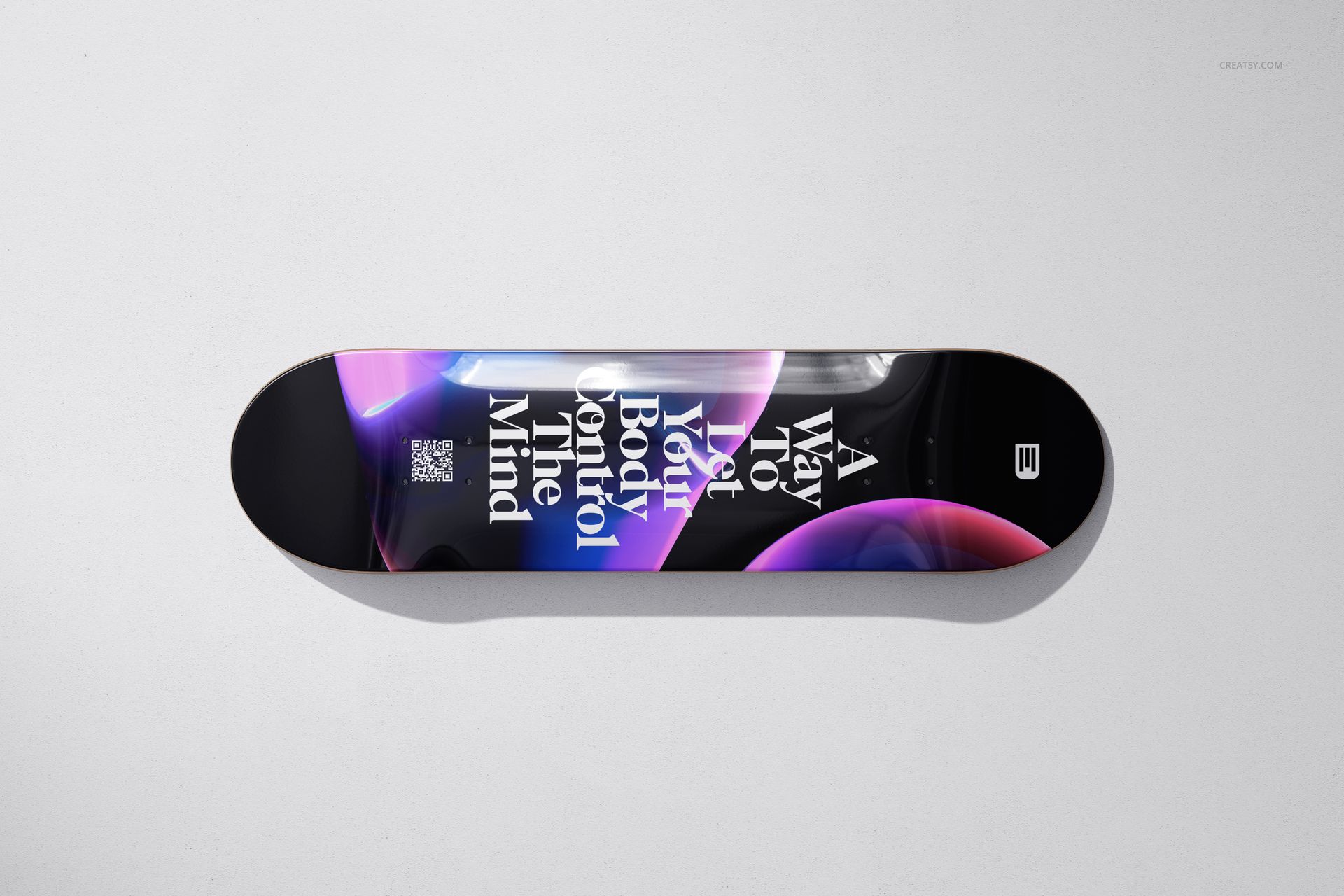
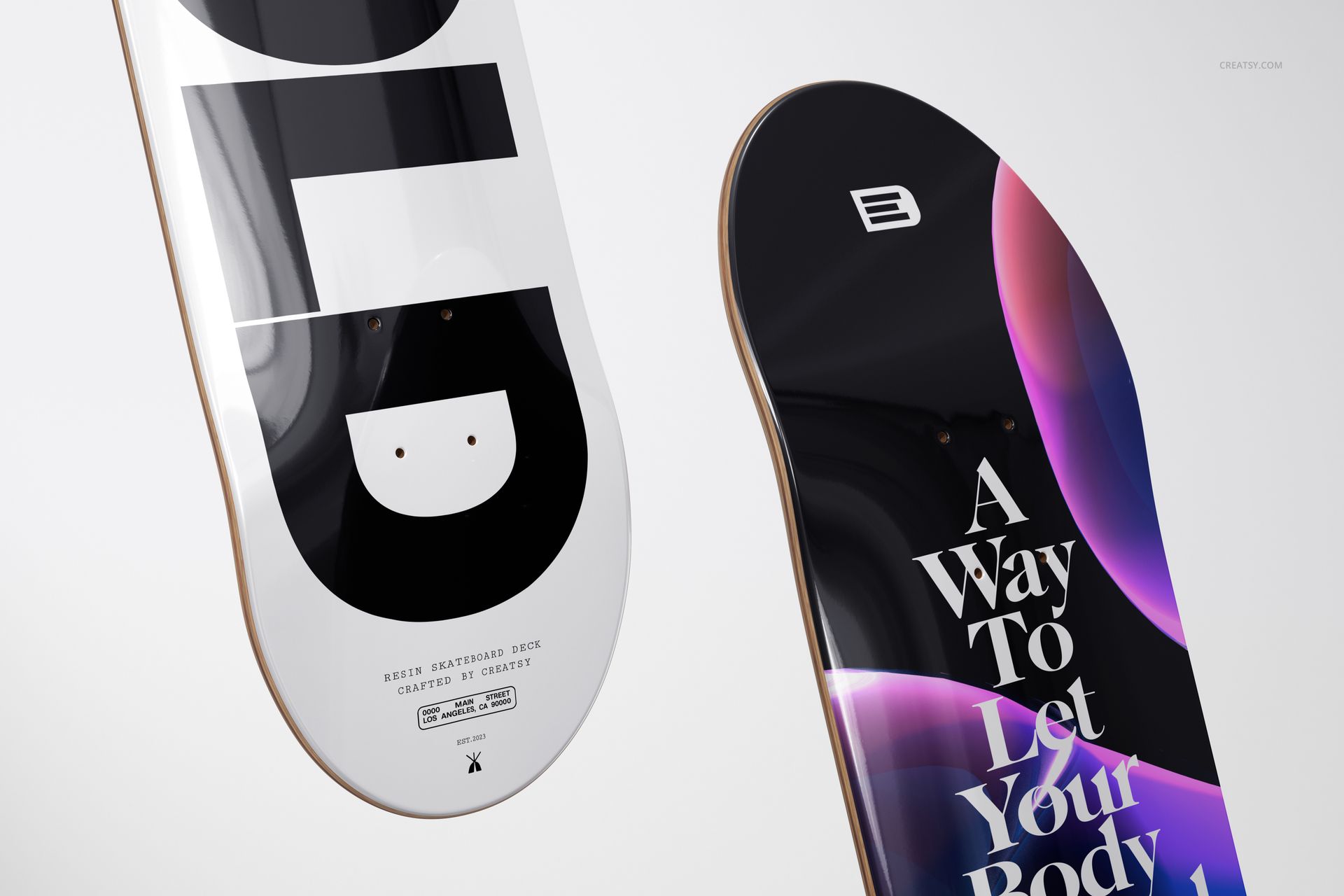
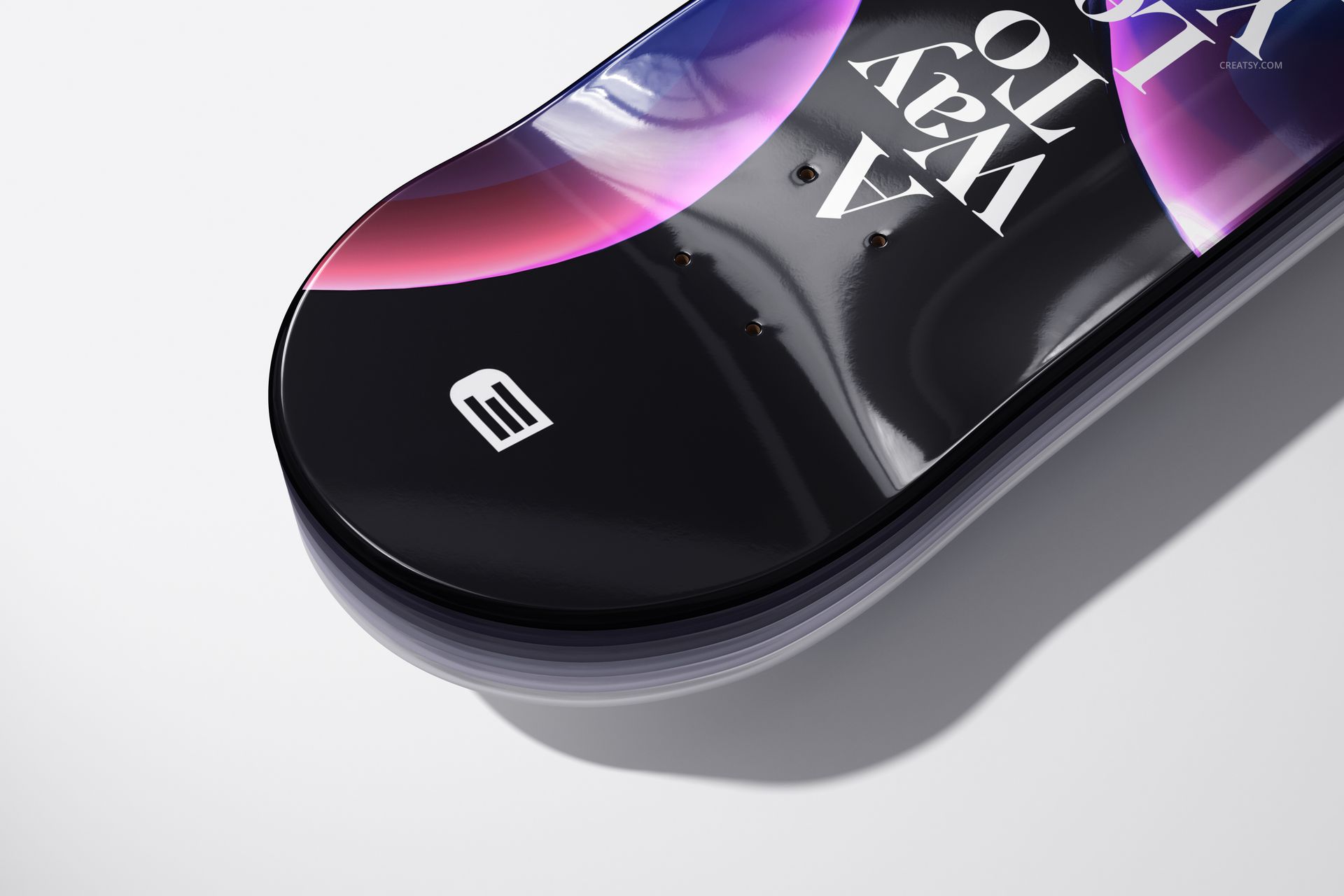
A skateboard deck coated in clear epoxy resin transforms flat printed artwork into something with perceived depth. Colors appear more vivid because the resin acts as a magnifying layer. Fine details become sharper. Gradients transition more smoothly under the glass-like surface. The reflective quality adds environmental lighting to the artwork - window reflections, overhead lights, ambient color from surrounding objects all interact with the deck surface. These mockups capture those optical properties accurately, showing potential buyers and clients what the finished product actually looks like rather than what a flat digital file looks like.
Ten Files, Ten Perspectives
Each PSD delivers a different viewing angle and arrangement. Some files present a single deck at close range where the resin coating depth and surface reflection are clearly visible. Others show multiple decks arranged together for collection and series presentations - useful when launching a seasonal line or capsule collection where visual cohesion across designs matters. Wide-angle room context shots position the decks in interior environments, demonstrating scale and how the glossy finish interacts with ambient room lighting. Detail crops let viewers examine surface texture, edge finishing, and how the resin meets the deck perimeter.
Editing Process
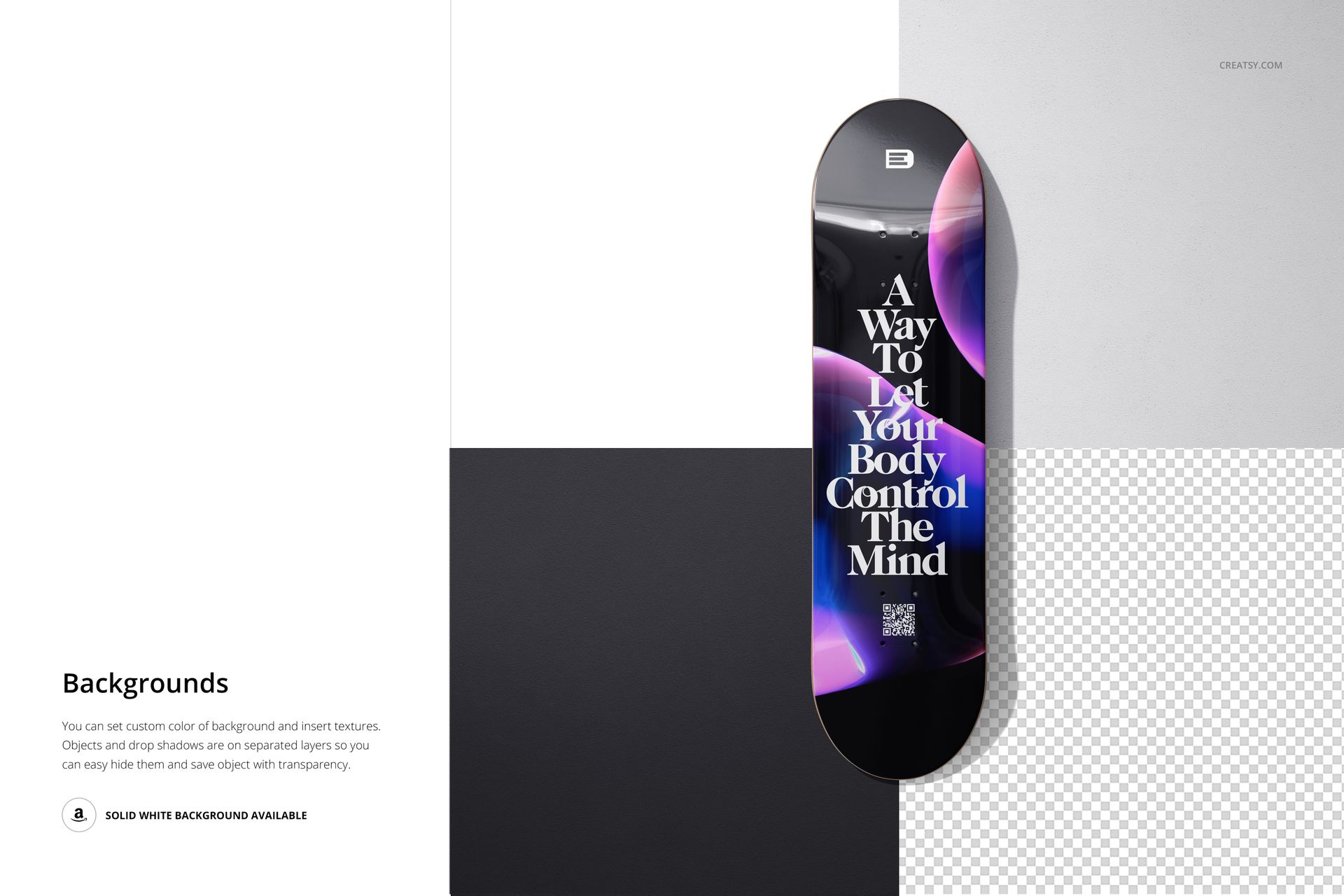
Every deck surface is accessible through labeled smart object layers. Double-click the smart object, place your artwork file, save, and the main PSD renders your design with the epoxy resin coating effect applied - including accurate light reflection, surface gloss, and edge curvature. Background elements, wall colors, and surrounding surfaces are editable through separate layers, letting you build the exact presentation context your project requires. Shadow layers are isolated for independent control over depth and transparency. Compatible with Adobe Photoshop CC 2020 and newer versions. All files also open and edit in Photopea (photopea.com).
Technical Specifications
Ten PSD files at 6000 x 4000 pixels, 300 DPI. Each file exports at resolution sufficient for large-format prints, web portfolios, e-commerce product pages, social media content, and pitch decks. Total download approximately 699 MB. Includes a PDF user manual. Layer structure is organized and labeled throughout all ten files.
Target Applications
Premium skateboard brands producing limited-edition or artist-collaboration decks where the resin coating is a selling point. Deck artists and illustrators who need portfolio images showing their work on a high-end finished product rather than a raw board. Print-on-demand sellers differentiating their offerings with a premium finish presentation. Interior designers and art consultants sourcing decorative skateboard decks for commercial and residential wall installations. Gallery curators preparing exhibition materials for skateboard art shows where surface finish quality is part of the curatorial statement.
Example patterns by Designessense.