New Year Scene with Velvet Carpet and Champagne Branding Mockup
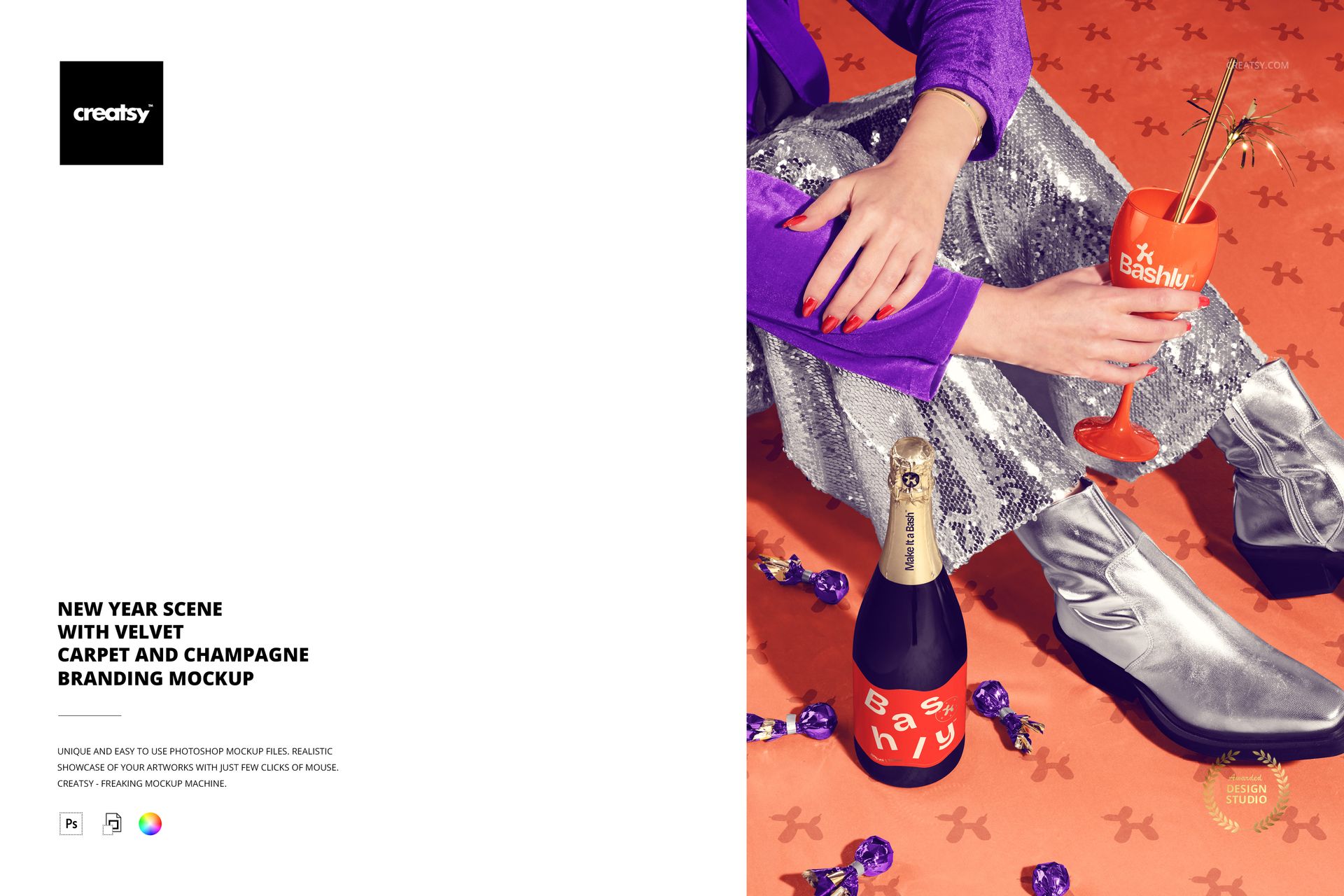
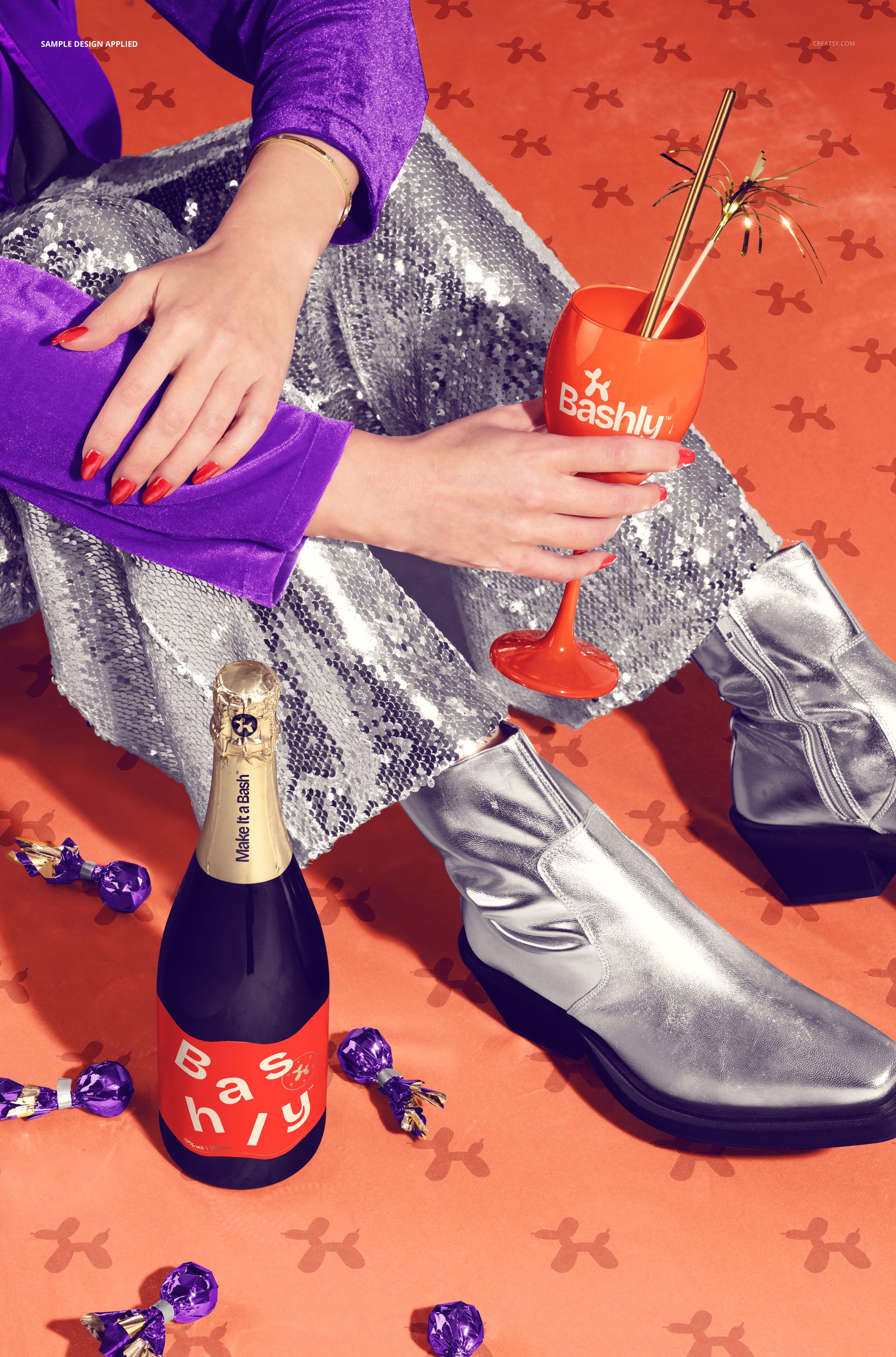
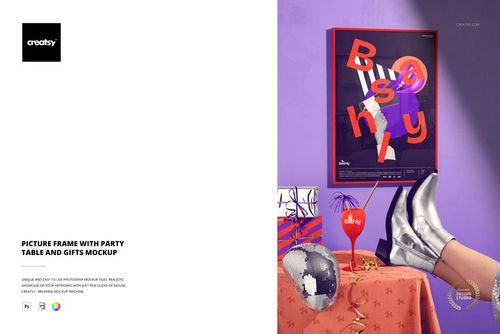
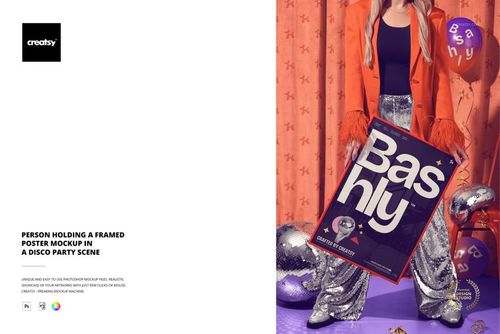
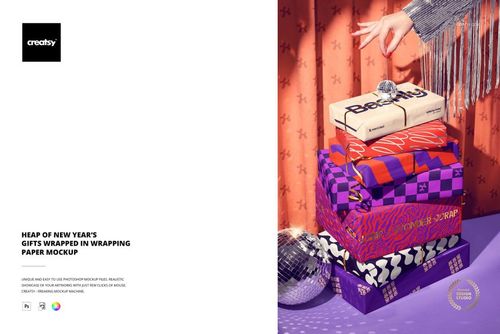
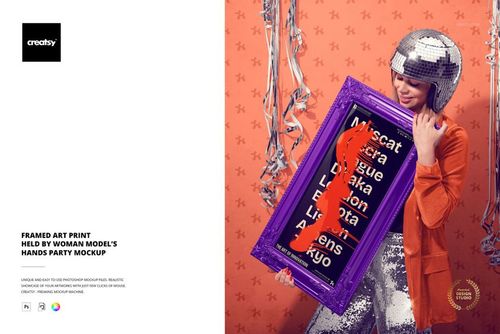
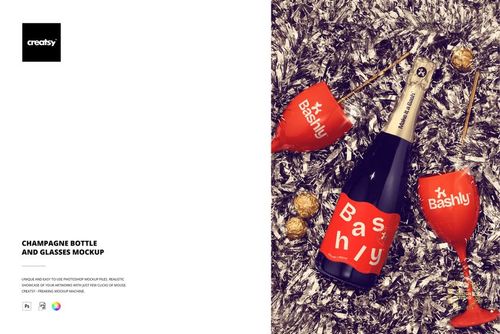
Put champagne branding inside a dressed-up New Year celebration. A seated figure in sequins and metallic boots holds a wine glass beside a champagne bottle, scattered pralines and a velvet carpet. The scene connects bottle and glass artwork with fashion and decor details for a coordinated party campaign.
What Is Included
1 layered PSD mockup with organized layers
1 JPG reference preview, 2 files in total
A fixed, ready-composed New Year celebration scene
Bottle Branding Meets Party Styling
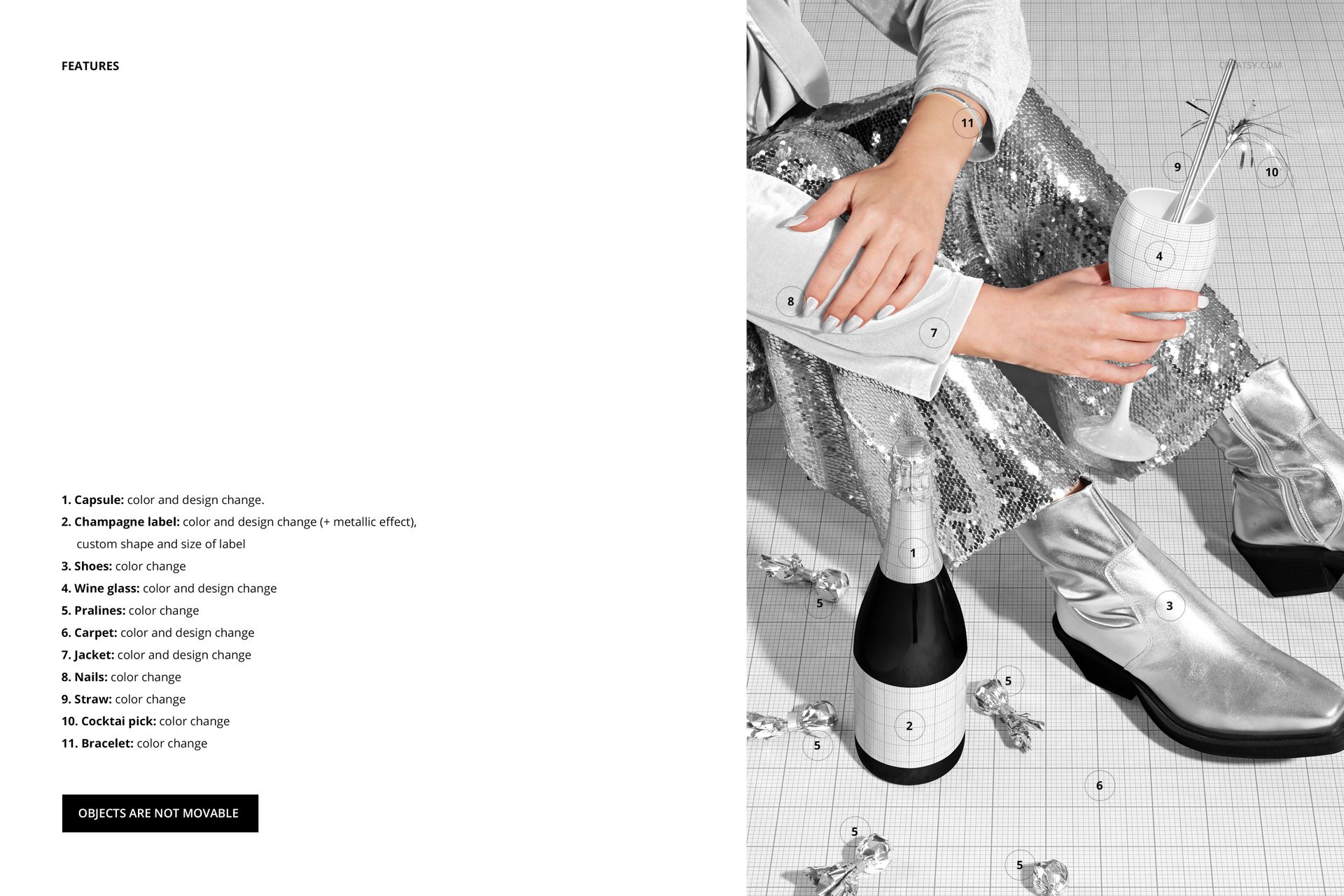
Change the capsule color and design, then replace the champagne label with artwork in a custom shape and size. A metallic label effect is available. The wine glass, velvet carpet and jacket also support color and design changes, so the main brand graphics can extend into the surrounding scene.
Separate color controls cover the shoes, pralines, nails, straw, cocktail pick and bracelet. Objects are not movable: use the provided composition while customizing its supported surfaces and colors.
Smart Object Workflow
Open the PSD in Adobe Photoshop CC2020 or newer, or in Photopea. Place your graphics in the relevant Smart Objects, save them and return to the composed scene. Coordinate the remaining colors and export an image for your campaign or client presentation.
Designed for Celebratory Brand Presentations
Use this scene for champagne label concepts, New Year promotions, party-brand portfolios and coordinated surface-pattern presentations. It is especially useful when you want to show how bottle branding relates to a glass, textile pattern and styled environment.
This is a digital mockup, not physical party supplies or a print-production template. Sample artwork shown in the previews is not included.