Duct Tape Roll on Tree Bark Mockup
A single roll can carry an entire visual identity.
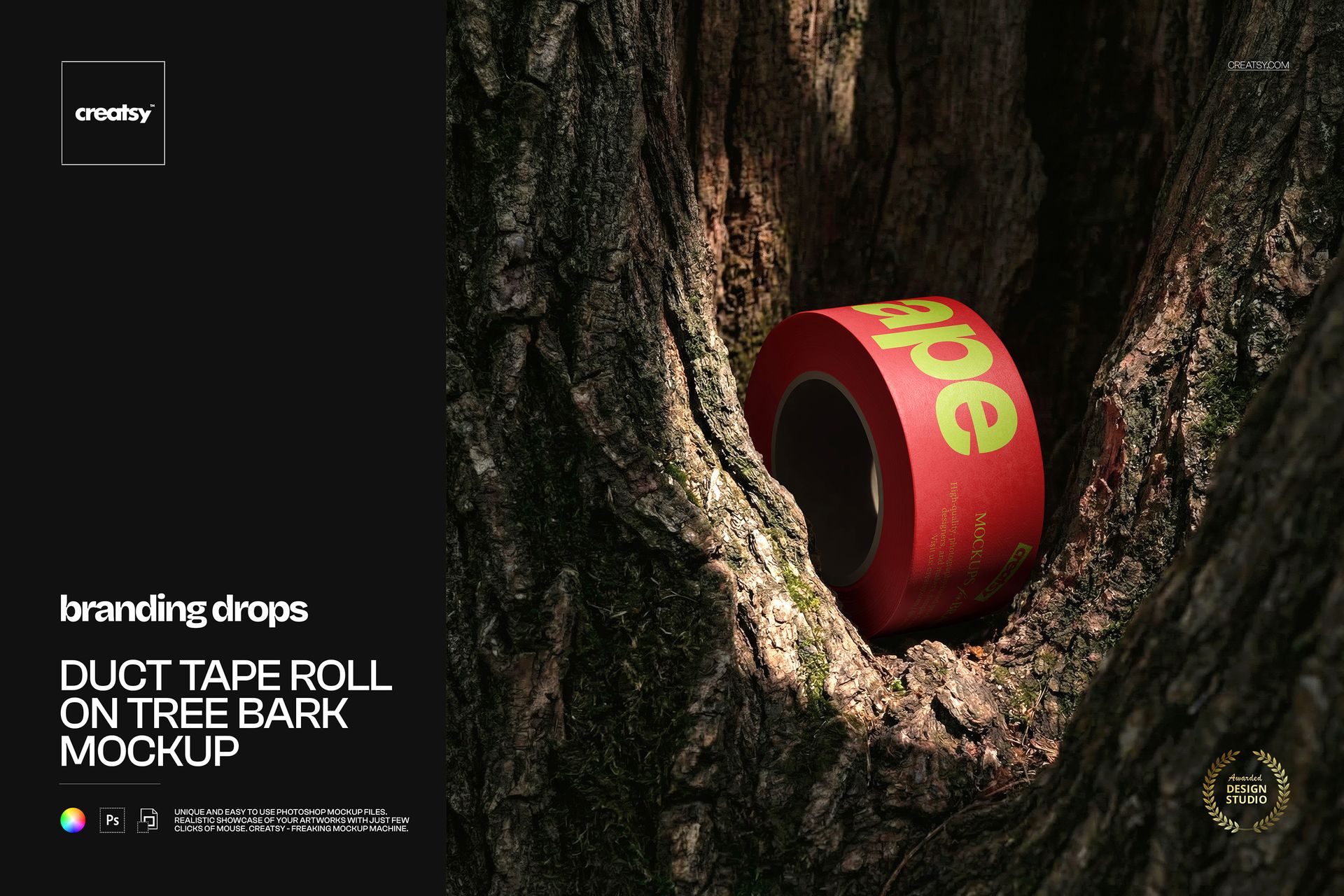
The Duct Tape Roll on Tree Bark Mockup places your artwork inside a rough tree-bark hollow, creating a close-up product scene with strong natural texture and contrast. The tape remains the clear focal point, while the cracks, grooves and irregular surface of the bark give the presentation a tactile, memorable character.
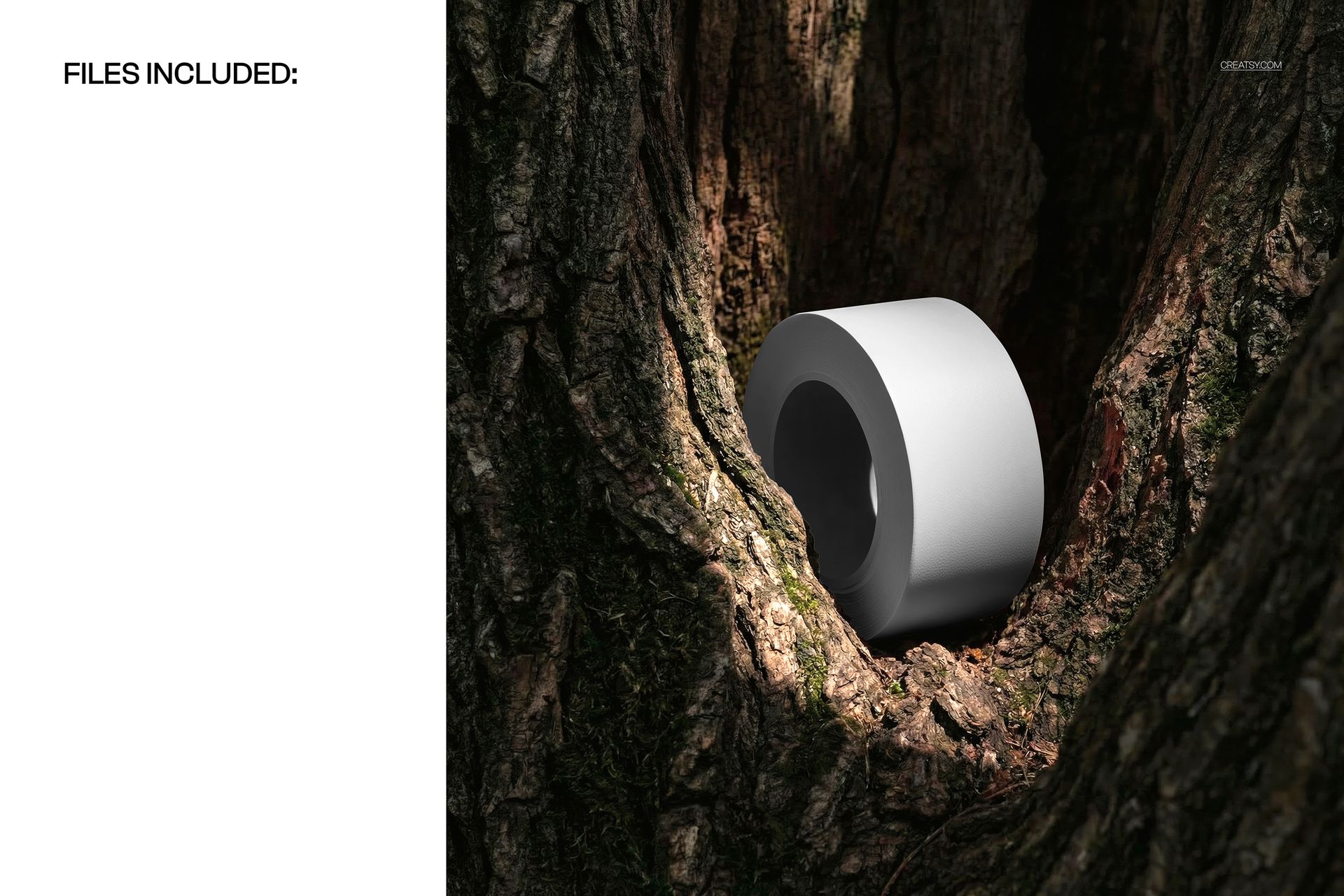
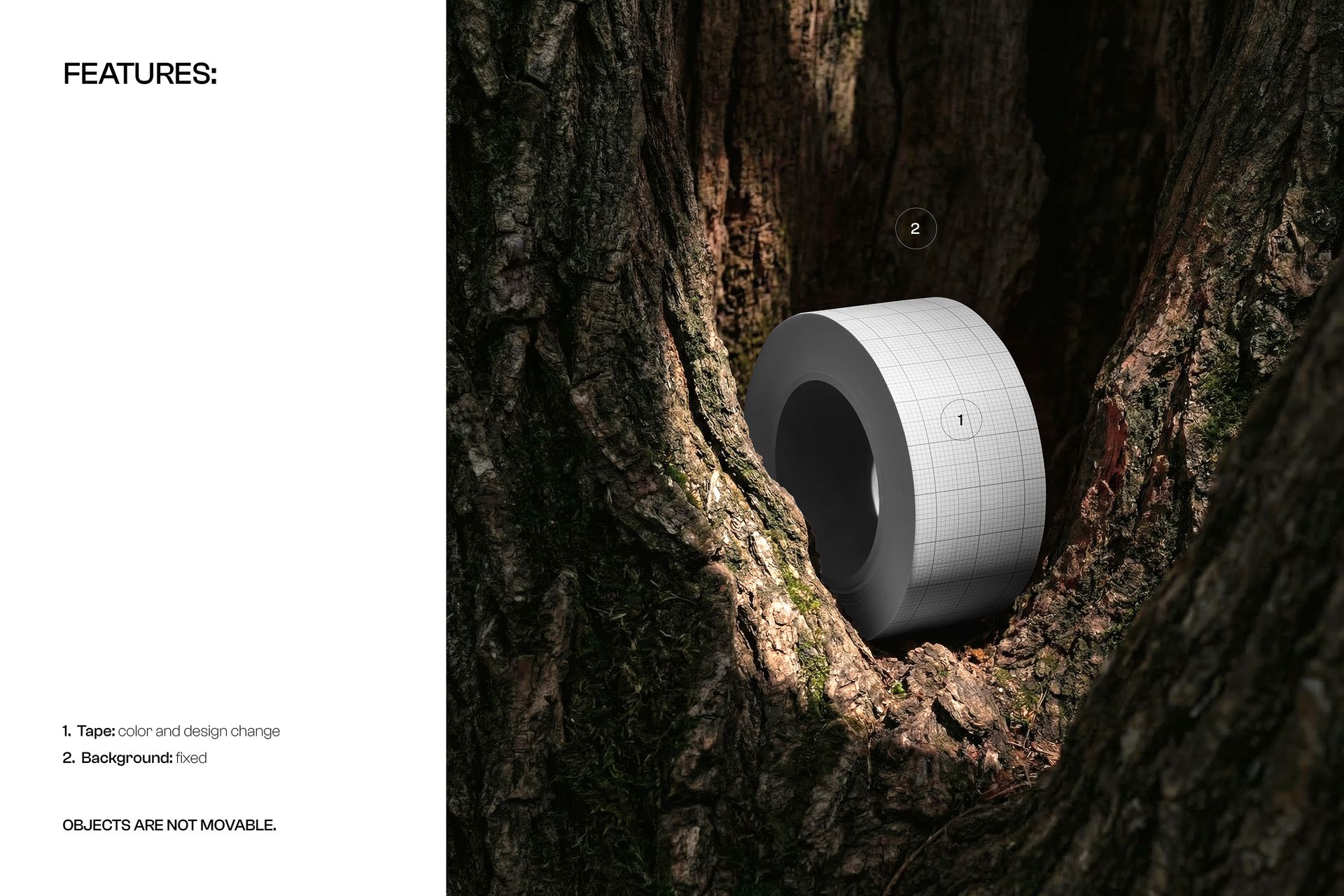
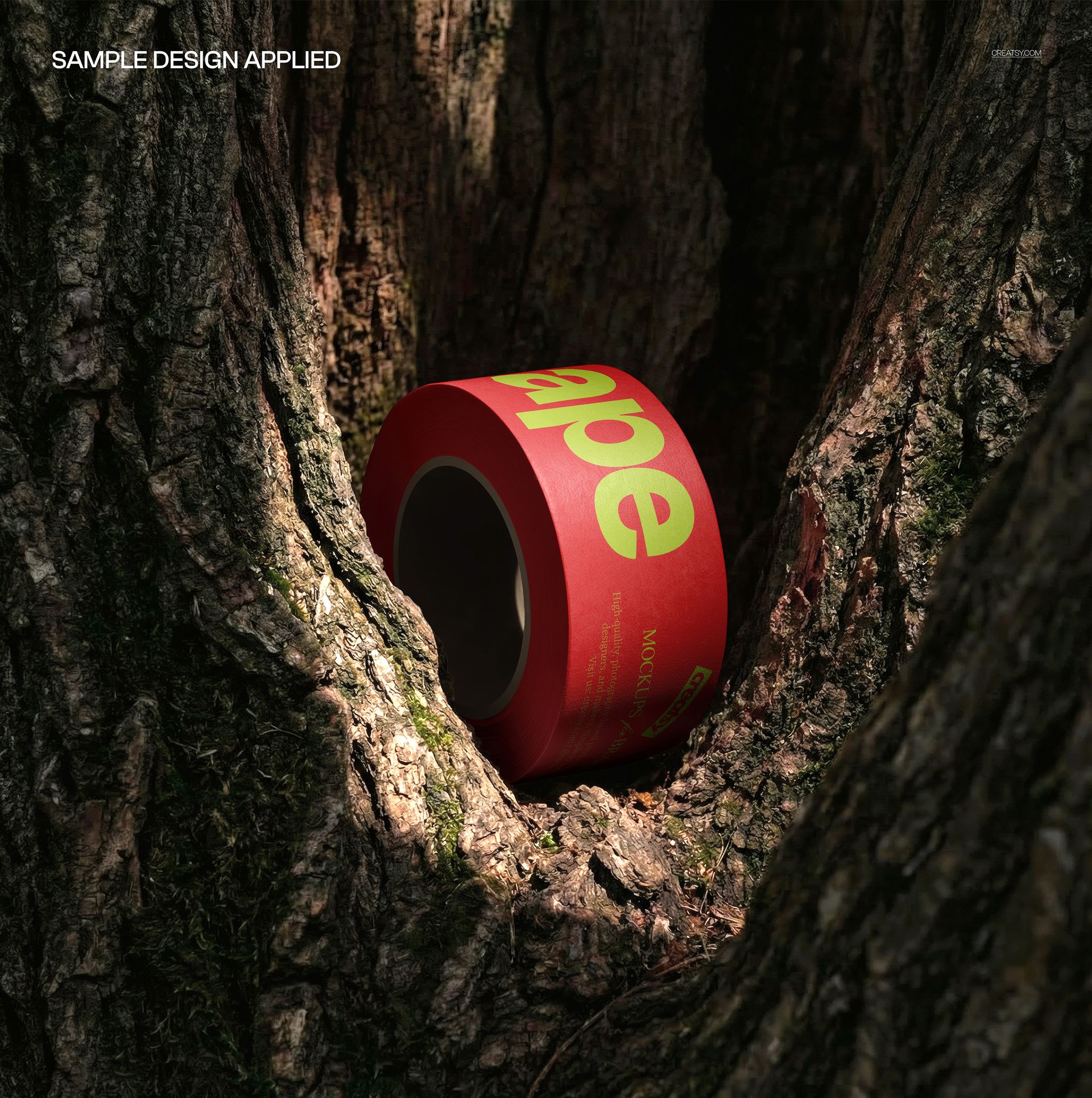
The preview gallery shows the roll with a clean white surface, a structured grid pattern and a bold red-and-green design. This demonstrates how the same scene can support minimal branding, repeating graphics and expressive typography.
One Roll, One Clear Design Focus
Unlike multi-roll compositions, this scene concentrates attention on one product.
That makes it especially useful when you want viewers to notice the details of a logo, pattern, illustration or short message. The square composition and front-facing placement provide a clear view of the artwork without turning the mockup into a technical presentation.
Use it to evaluate:
Logo size and positioning
Pattern scale
Repeat spacing
Typography legibility
Color contrast
The relationship between the tape and its environment
How the design performs in a close-up campaign image
The result can work as a product listing visual, campaign graphic, portfolio image or client presentation slide.
Also Suitable for Wide Washi Tape Designs
Although the product title refers to duct tape, the scene can also be used creatively for wide washi tape, decorative tape and craft tape concepts.
Because the photographed roll has a broad surface, it works particularly well for washi tape designs that need more room for illustrations, repeating patterns, lettering or coordinated artwork.
Try it with:
Botanical washi tape collections
Floral and woodland patterns
Geometric decorative tape
Hand-drawn illustrations
Seasonal craft tape
Stationery collection artwork
Short repeating messages
Brand logos and symbols
Color-coded tape collections
Artist-designed paper tape concepts
The natural bark setting is an especially strong match for botanical, handmade and nature-inspired washi tape, but it can also create an interesting contrast with bright colors, playful illustrations or modern geometric artwork.
A Tactile Setting for Bold Tape Designs
Tape is usually presented as a practical object. This mockup gives it a more expressive role.
The rough bark creates a visual contrast with the smoother tape surface. That contrast helps the product stand out and makes the design feel more physical than it would against a plain studio background.
The scene can suit:
Outdoor and adventure brands
Craft and stationery businesses
Handmade product shops
Packaging designers
Artist merchandise collections
Garden and botanical brands
Workshop and utility products
Lifestyle businesses
Creative branding projects
Nature-inspired product campaigns
It can also be used for packaging tape concepts, particularly when the wider brand identity is based on raw materials, craftsmanship or outdoor environments.
Useful for Craft and Stationery Presentations
Washi tape and decorative tape are often sold as part of a wider collection rather than as isolated products.
Use this mockup to introduce:
A new washi tape series
A limited seasonal collection
A collaboration with an illustrator
A coordinated stationery range
A craft supply launch
A decorative tape colorway
A branded packaging accessory
A portfolio project for surface design
The close-up composition can become the main hero image, while additional mockups show the tape in stacks, sets or unrolled views.
Built for Branding with Character
The tree bark does more than provide a background. It gives the image a clear mood.
A simple black logo can feel rugged and utilitarian. A floral pattern can feel organic and handmade. Bright typography can become playful and unexpected. A geometric design can create a sharp contrast with the irregular natural surface.
This flexibility allows the same mockup to work across different styles without becoming generic.
Use the finished visual in:
Brand identity presentations
Packaging portfolios
Craft product campaigns
Stationery collection previews
Website banners
Instagram posts
Pinterest graphics
Newsletter launches
Client approval decks
Digital catalogs
Behance case studies
Online product listings
Easy Smart Object Editing
Open the PSD in Adobe Photoshop or Photopea, double-click the Smart Object, place your artwork and save the file. The mockup updates the tape while preserving the original perspective, lighting and shadows.
Creatsy’s product workflow uses organized layers and Smart Objects, so the design can be added without manually masking or warping the tape surface.
This makes it easy to compare several patterns, prepare different colorways or build a coordinated presentation before producing physical samples.
What You Can Showcase
Use this mockup to present:
Duct tape artwork
Wide washi tape designs
Decorative paper tape
Custom adhesive tape
Craft tape collections
Repeated logos
Typography-led tape designs
Surface patterns
Illustrated tape artwork
Outdoor product branding
Utility tape concepts
Seasonal stationery collections
Handmade business packaging
Client design proposals
Creative product campaigns
File Specifications
Part of Branding Drops Mockup Bundle
Pack includes 1 PSD file
2 files included in total
File formats: PSD and JPG
PSD dimensions: 4100x4100 px
Resolution: 300 DPI
Compatible with Adobe Photoshop CC2020 or newer
Compatible with Photopea
Smart Object editing workflow
Well organized layers
Screenshots show the available presentation variations and features