Jacquard Fringed Woven Throw Blanket Mockup Set v.3
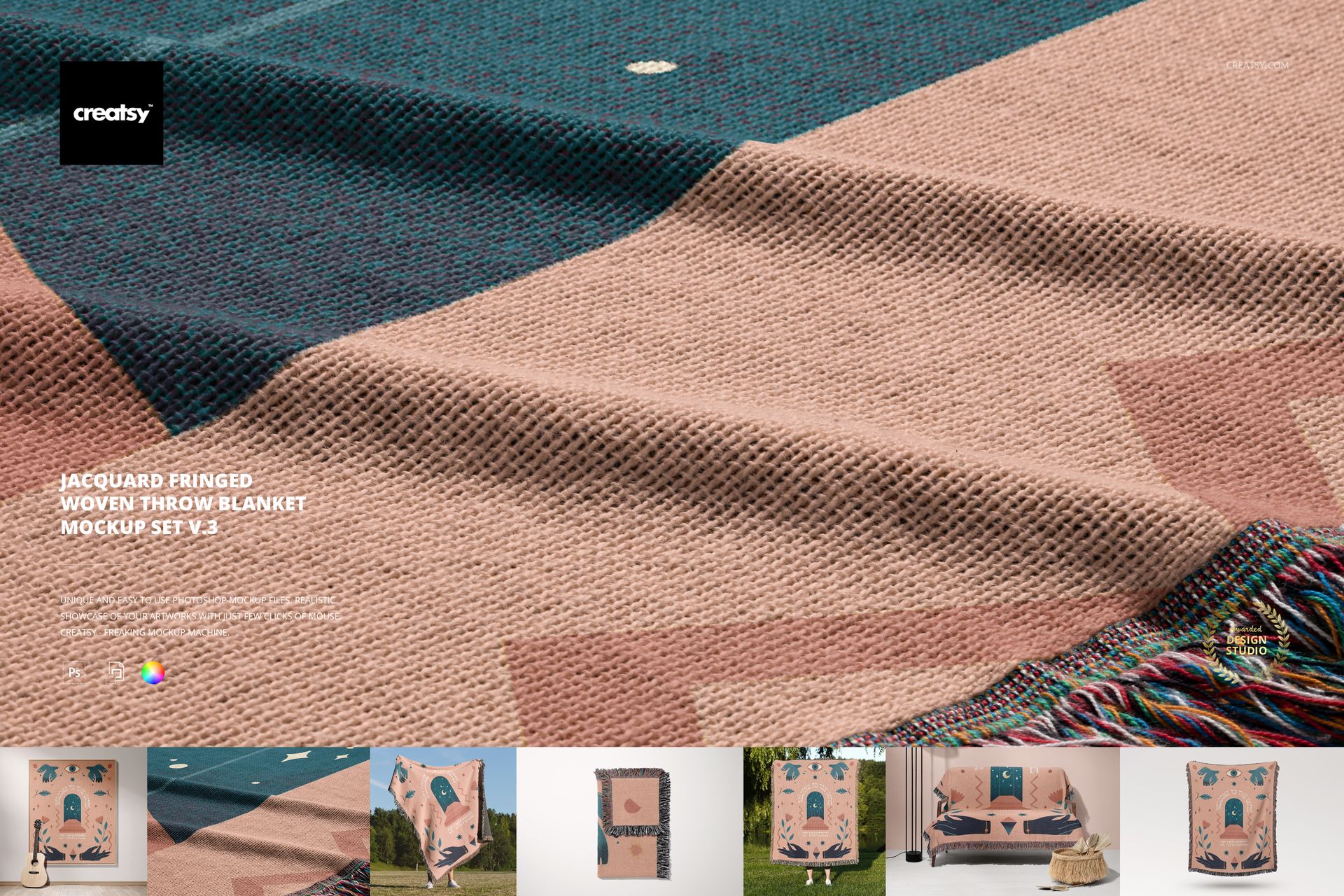
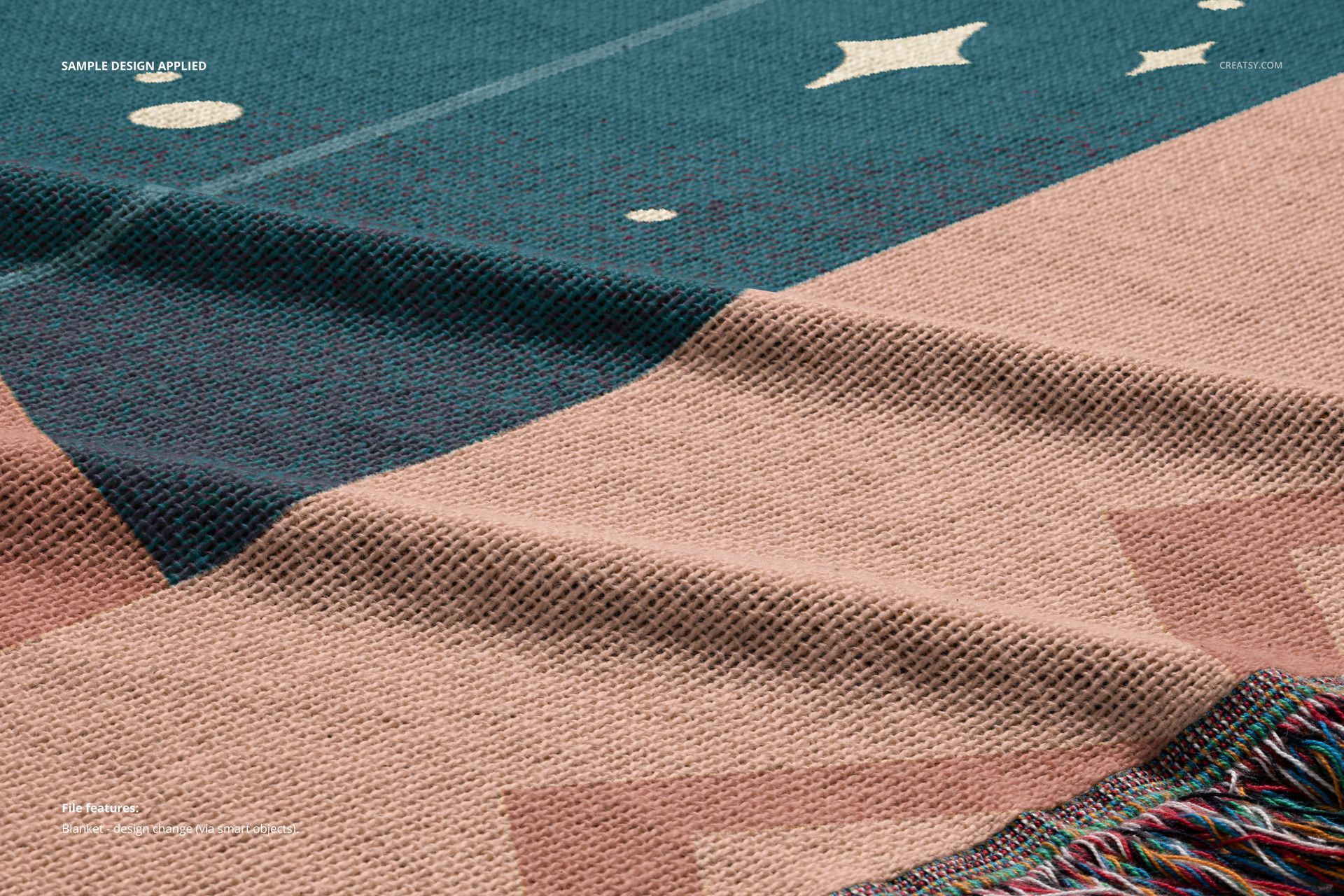
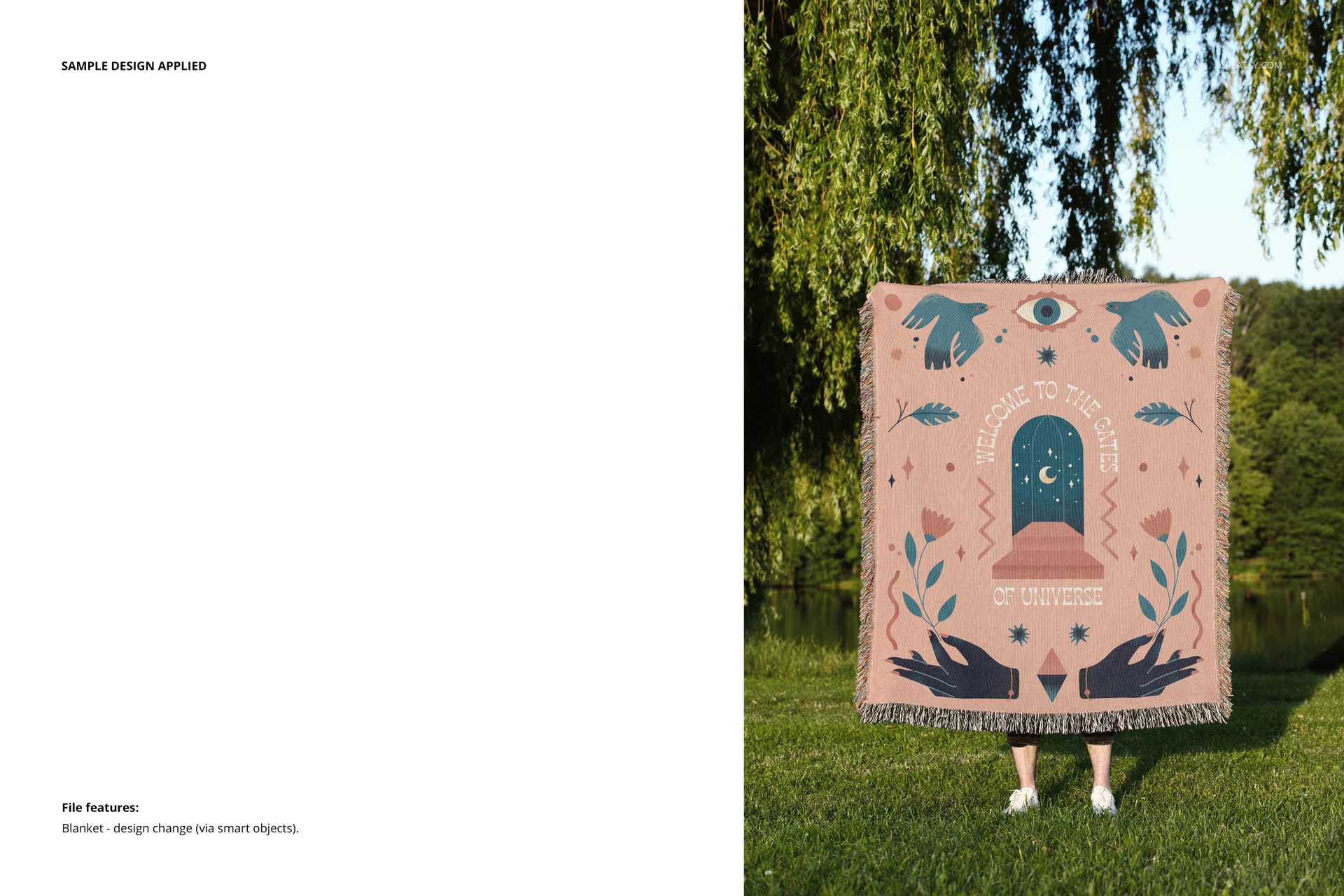
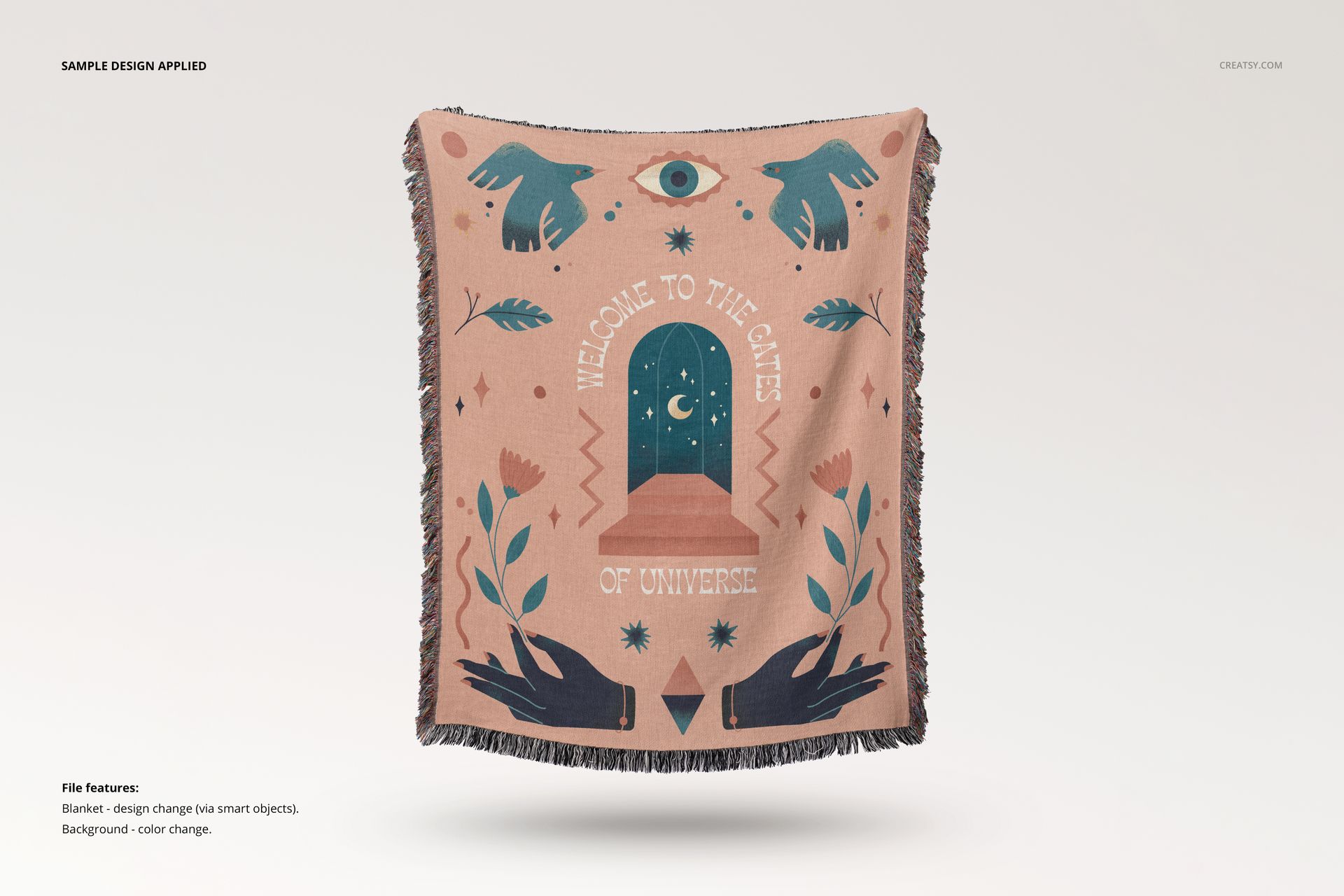
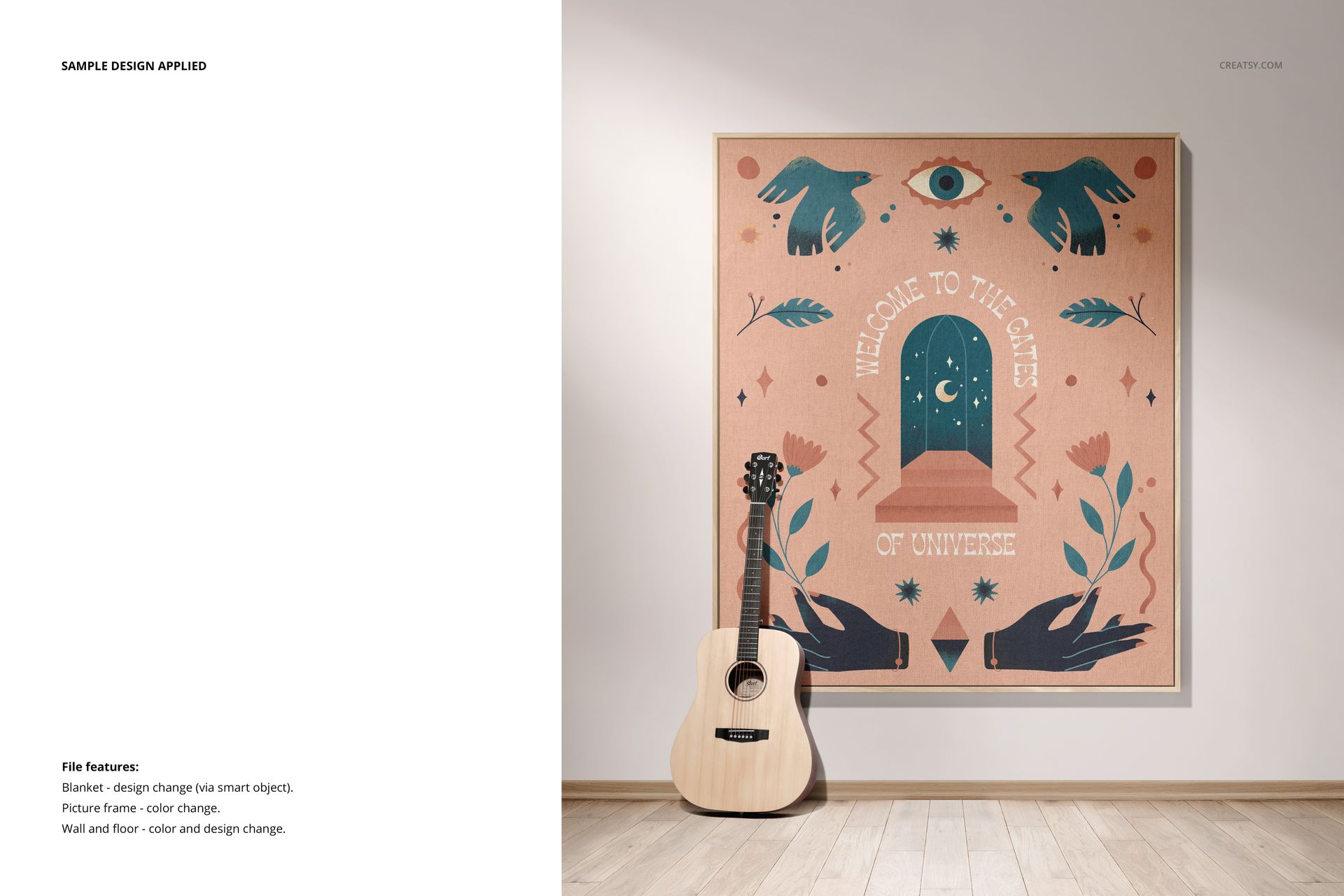
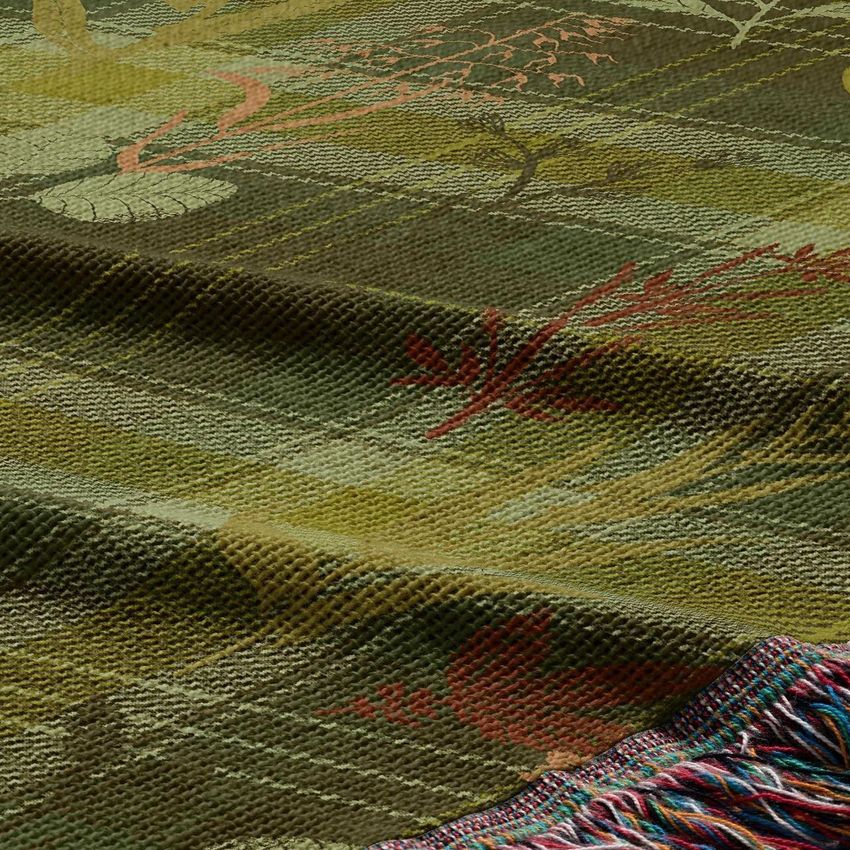
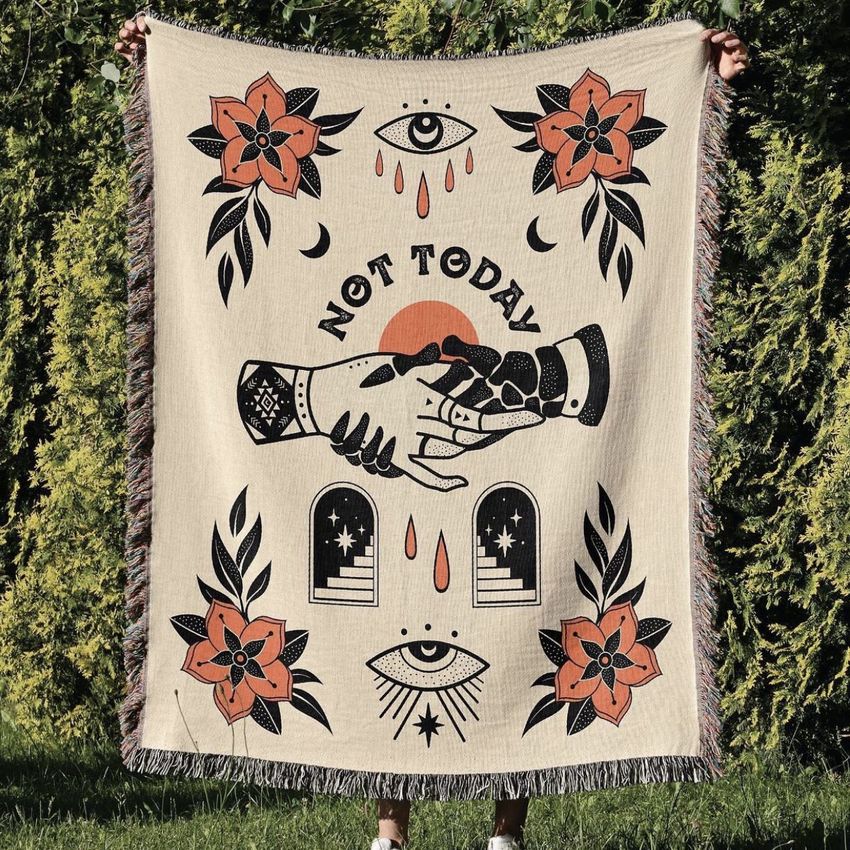
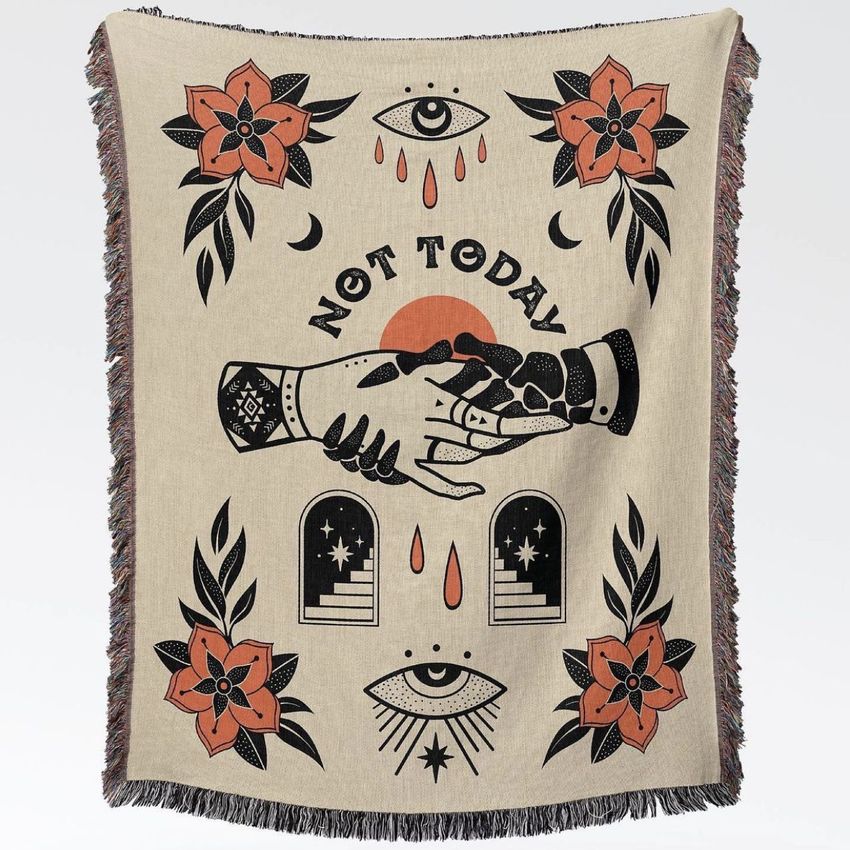
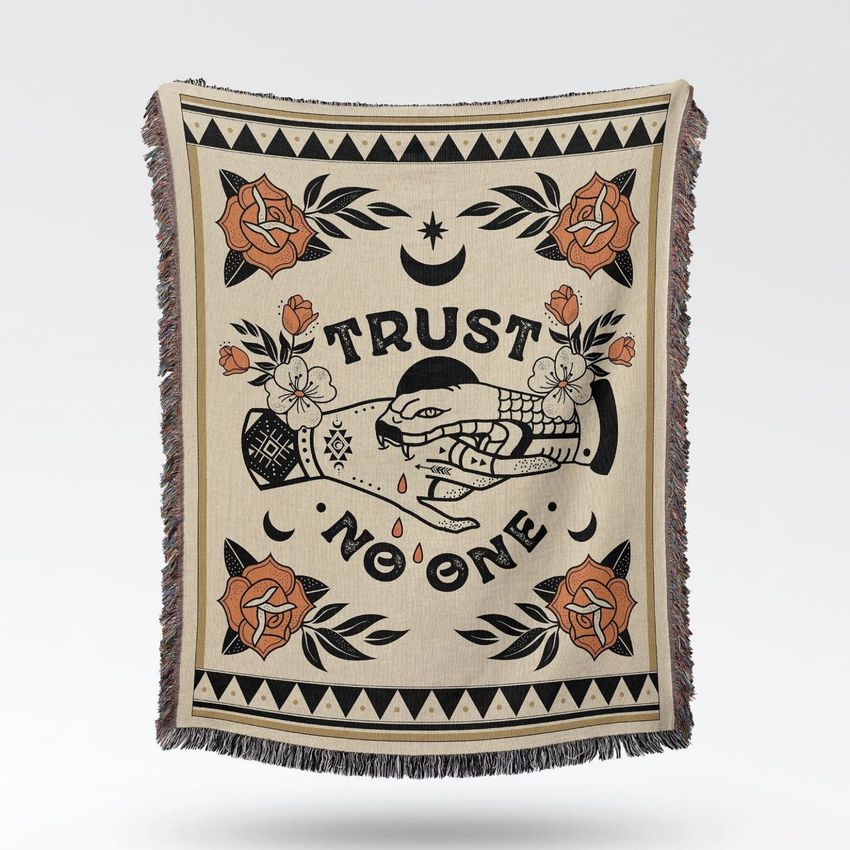
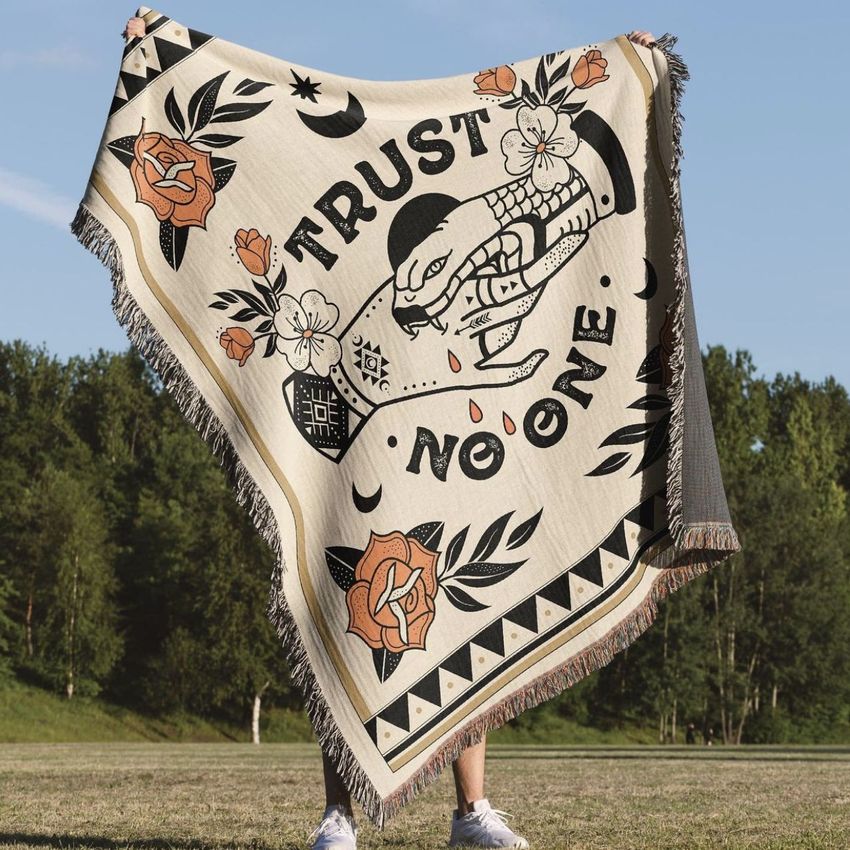
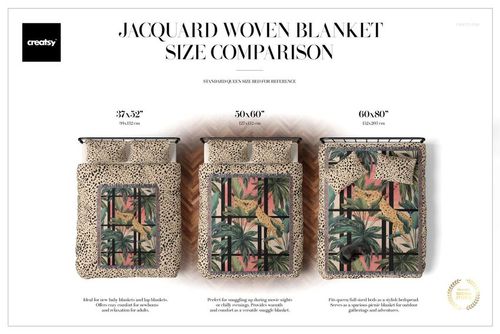
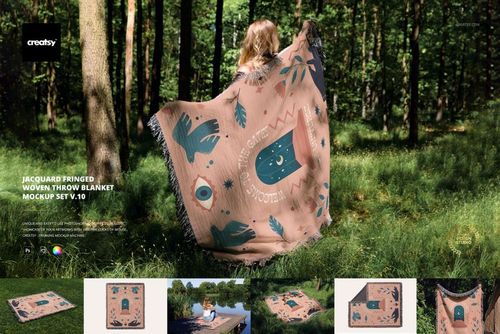
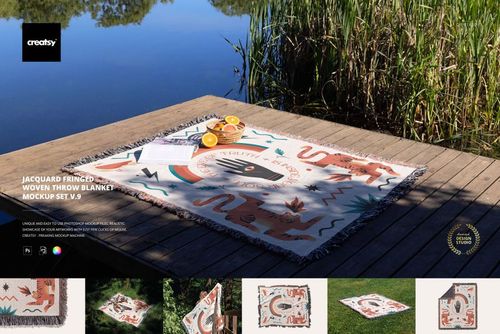
Compare the same blanket artwork held outdoors, draped over an armchair and displayed in a frame. Seven Photoshop scenes pair full designs with folded fabric and a weave closeup, giving textile designers both lifestyle imagery and a clear view of pattern detail.
Scenes and editing options
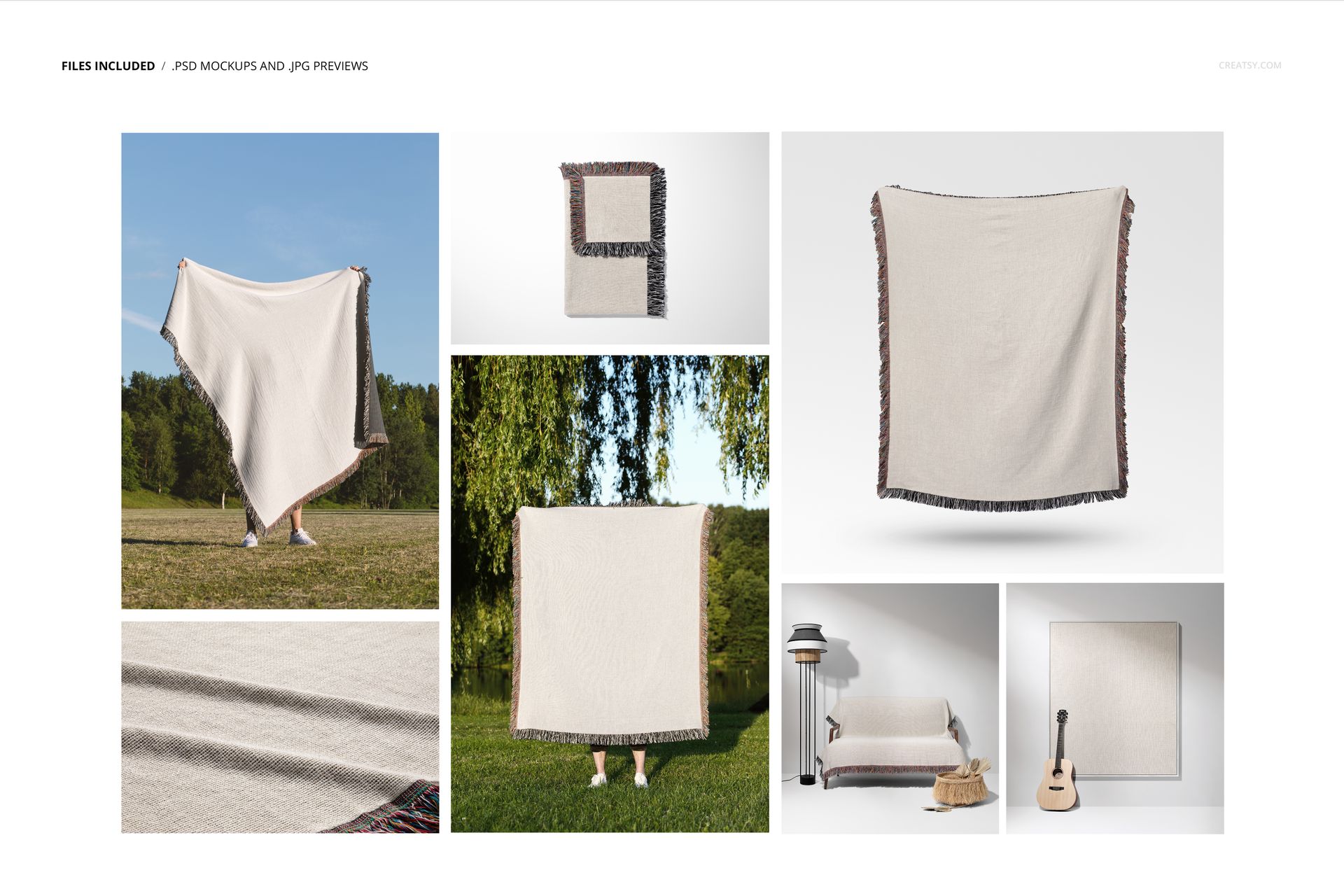
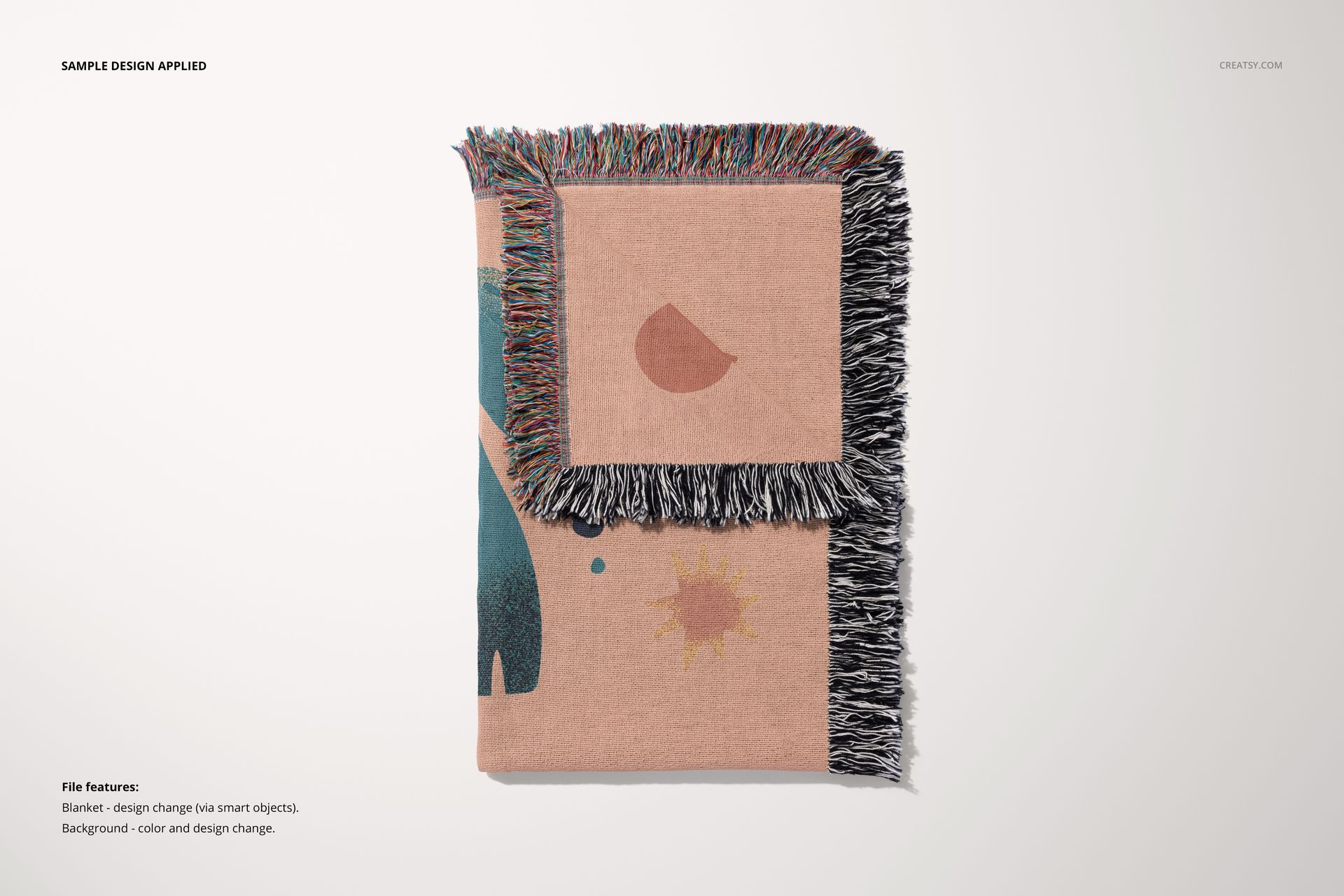
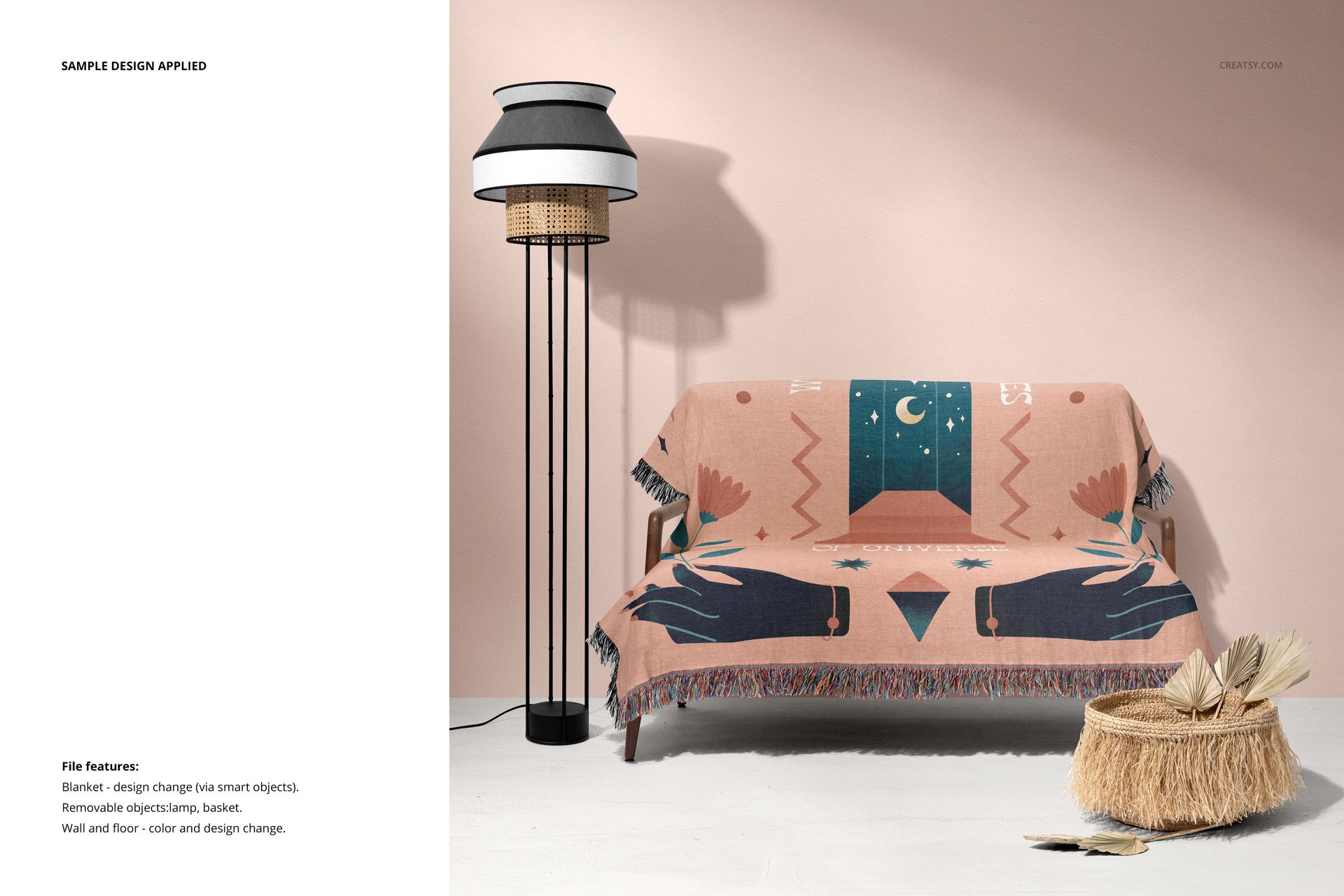
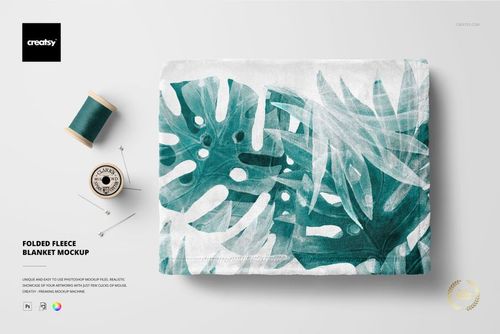
Seven scenes: two outdoor held blanket views, a folded blanket, a fabric closeup, a studio held blanket, a blanket draped over an armchair, and a framed blanket with a guitar.
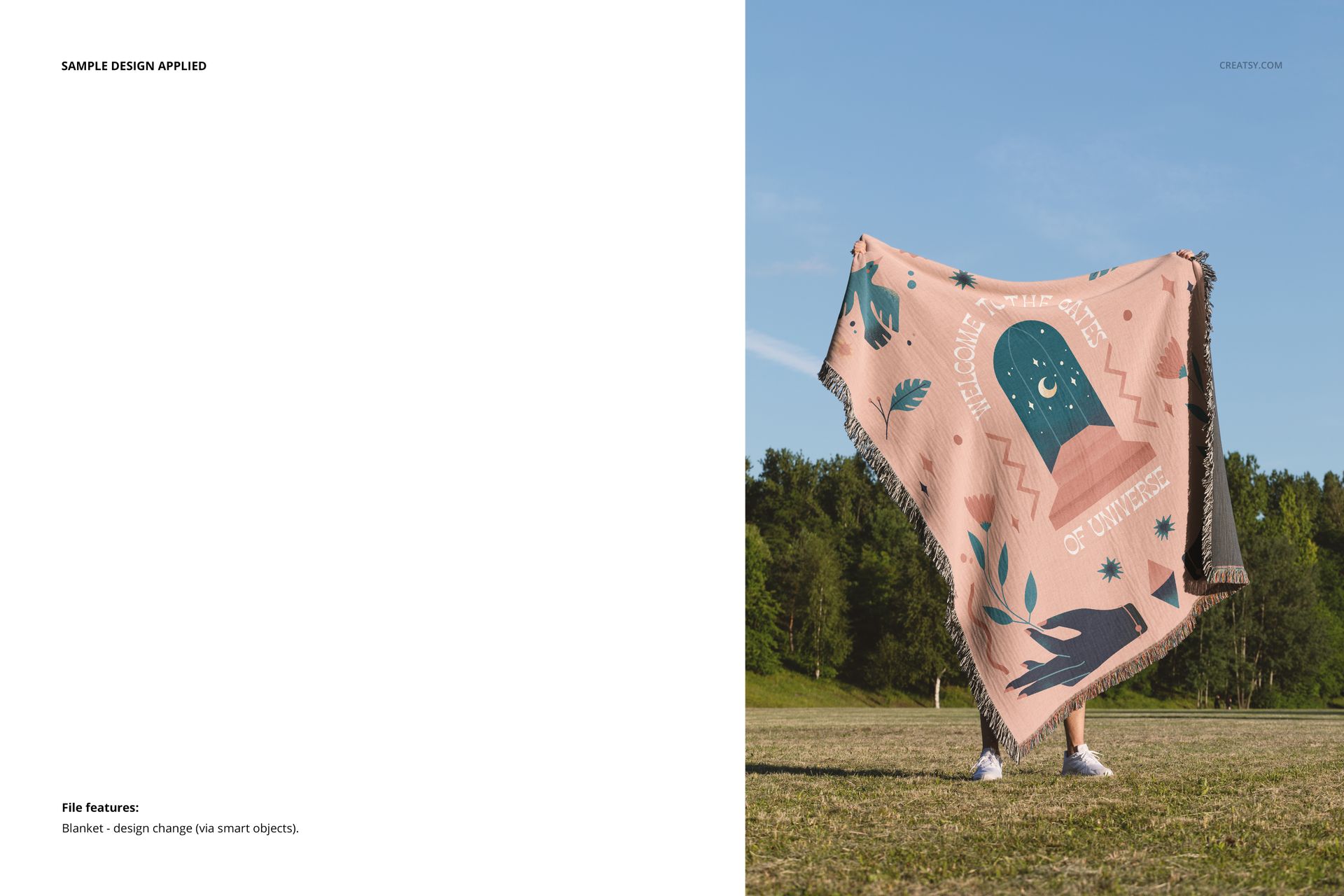
Replace blanket designs through Smart Objects.
Change background colors and designs in the folded view, or the background color in the studio held view.
In the armchair scene, hide the lamp or basket and edit wall and floor colors and designs. In the framed scene, change the frame color and wall and floor colors and designs.
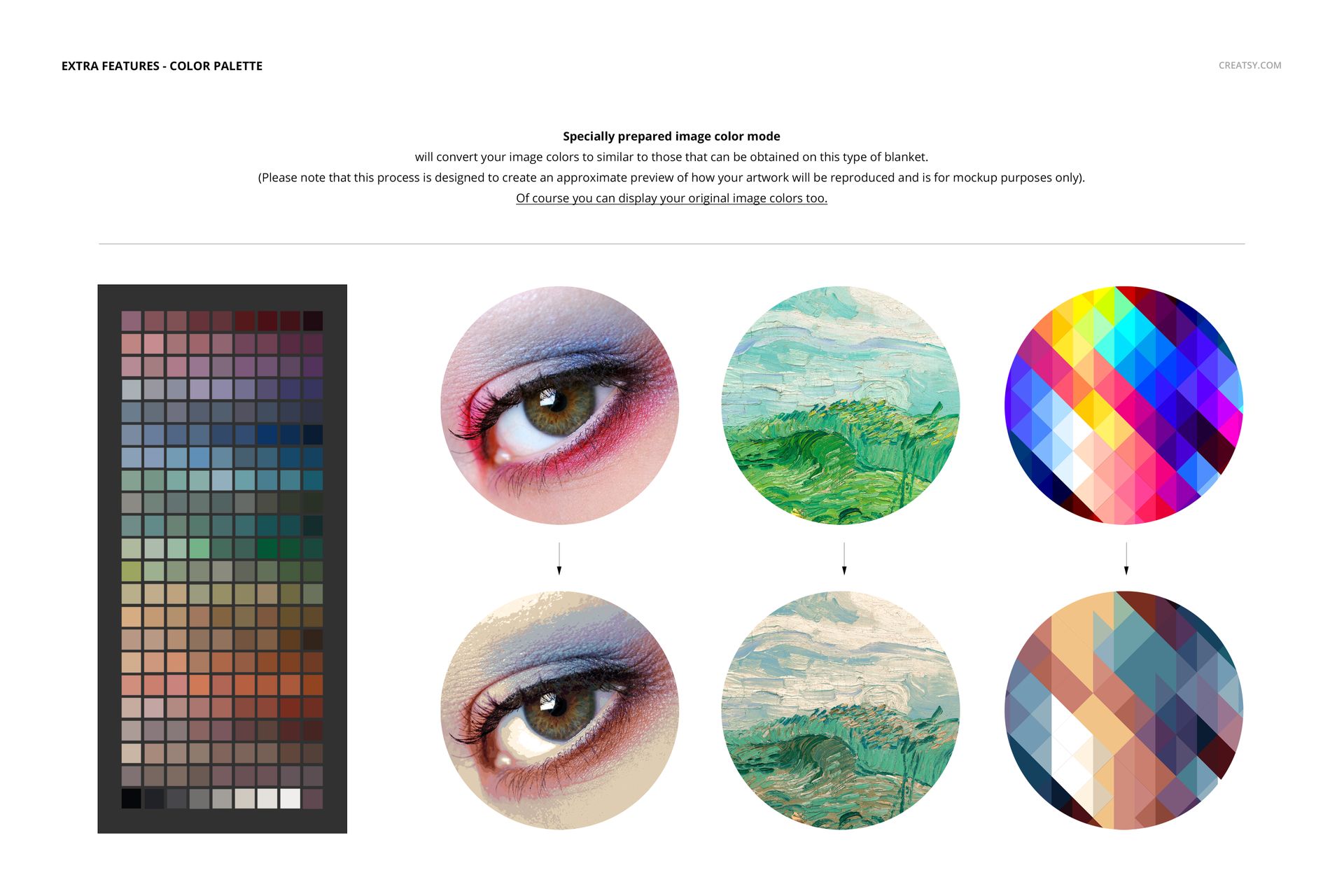
Woven color preview
The Woven Colors workflow approximates a woven color palette for mockup presentation. You can also display the original artwork colors. This visual simulation does not provide an exact production color proof; follow the included Woven Colors guide when using the ACT palette.
What is included
7 layered PSD mockups and 7 JPG previews.
2 PDF guides: User Manual and User Manual Woven Colors, plus 1 ACT color palette.
Editable document sizes across the set: 6000x4000 px, 5500x5500 px, 4500x5188 px, 4000x6000 px at 300 dpi.
Requires Adobe Photoshop CC 2020 or later.
Artwork credit
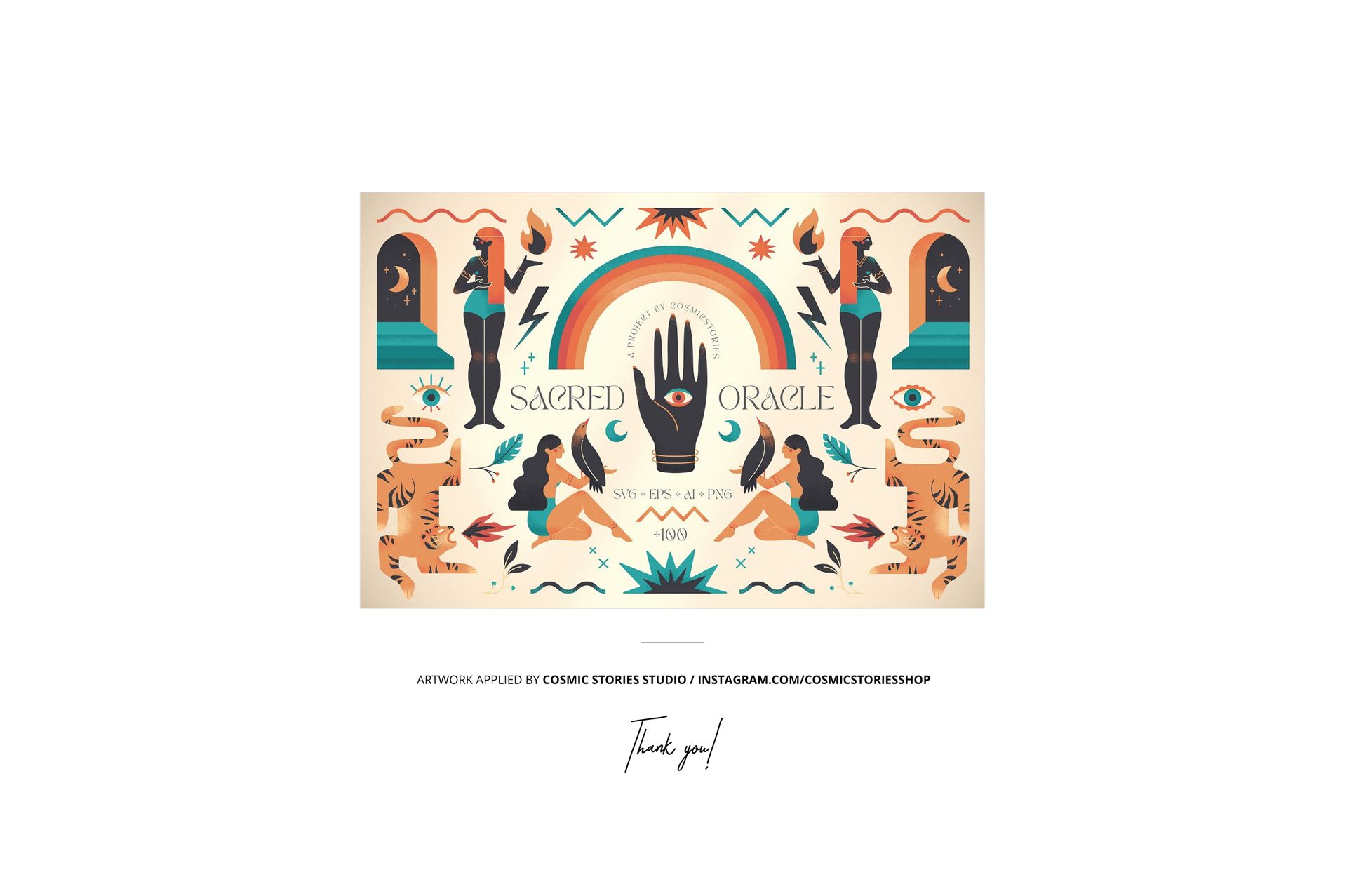
Preview artwork by Cosmic Stories Studio. Sample artwork and patterns are not included. This is a digital mockup product; no physical blanket is supplied.