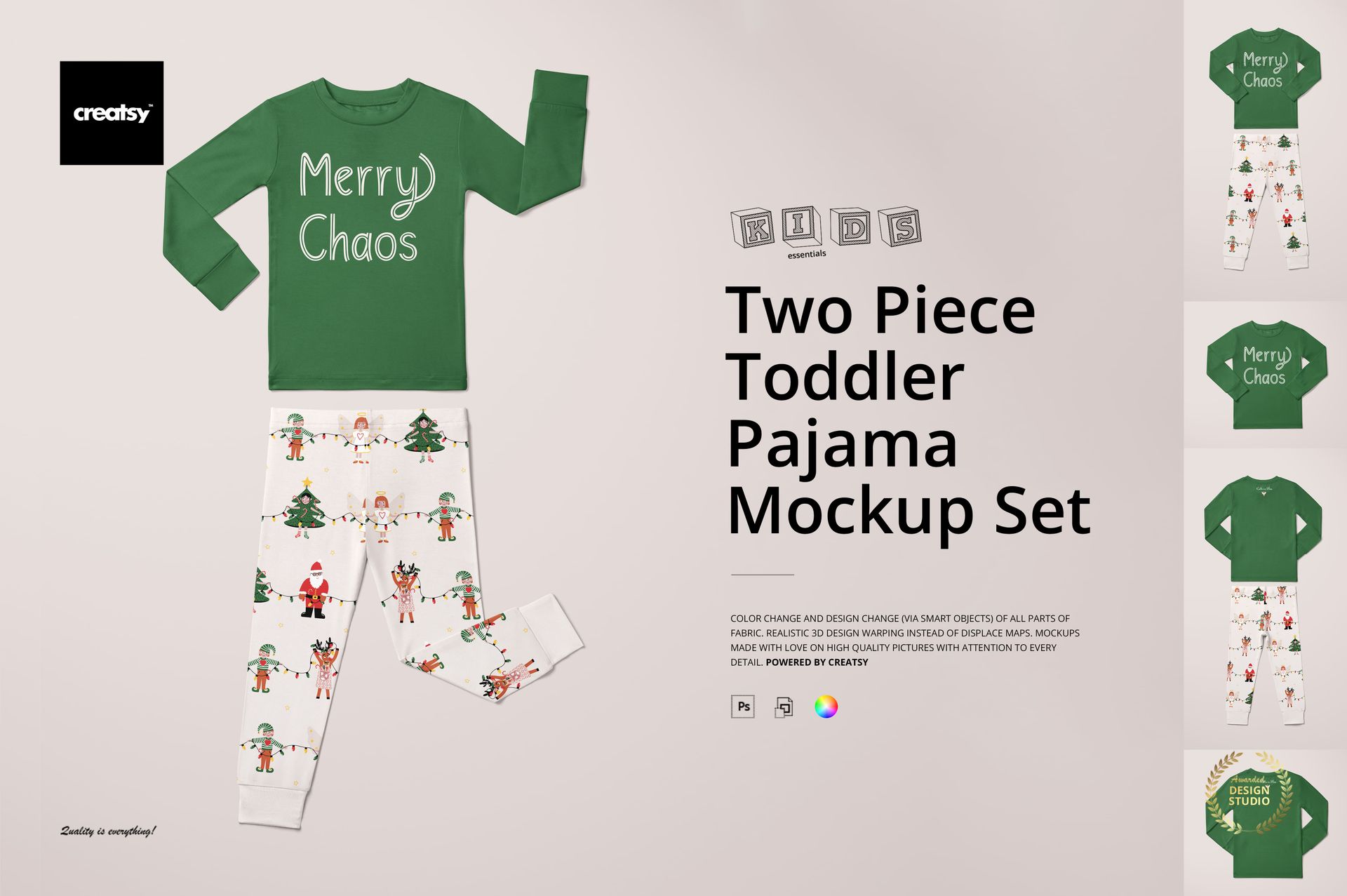
Two Piece Toddler Pajama Mockup Set
This product is a part of Kids Essentials Mockup Bundle II
Product Details
Two Piece Toddler Pajama Mockup Set
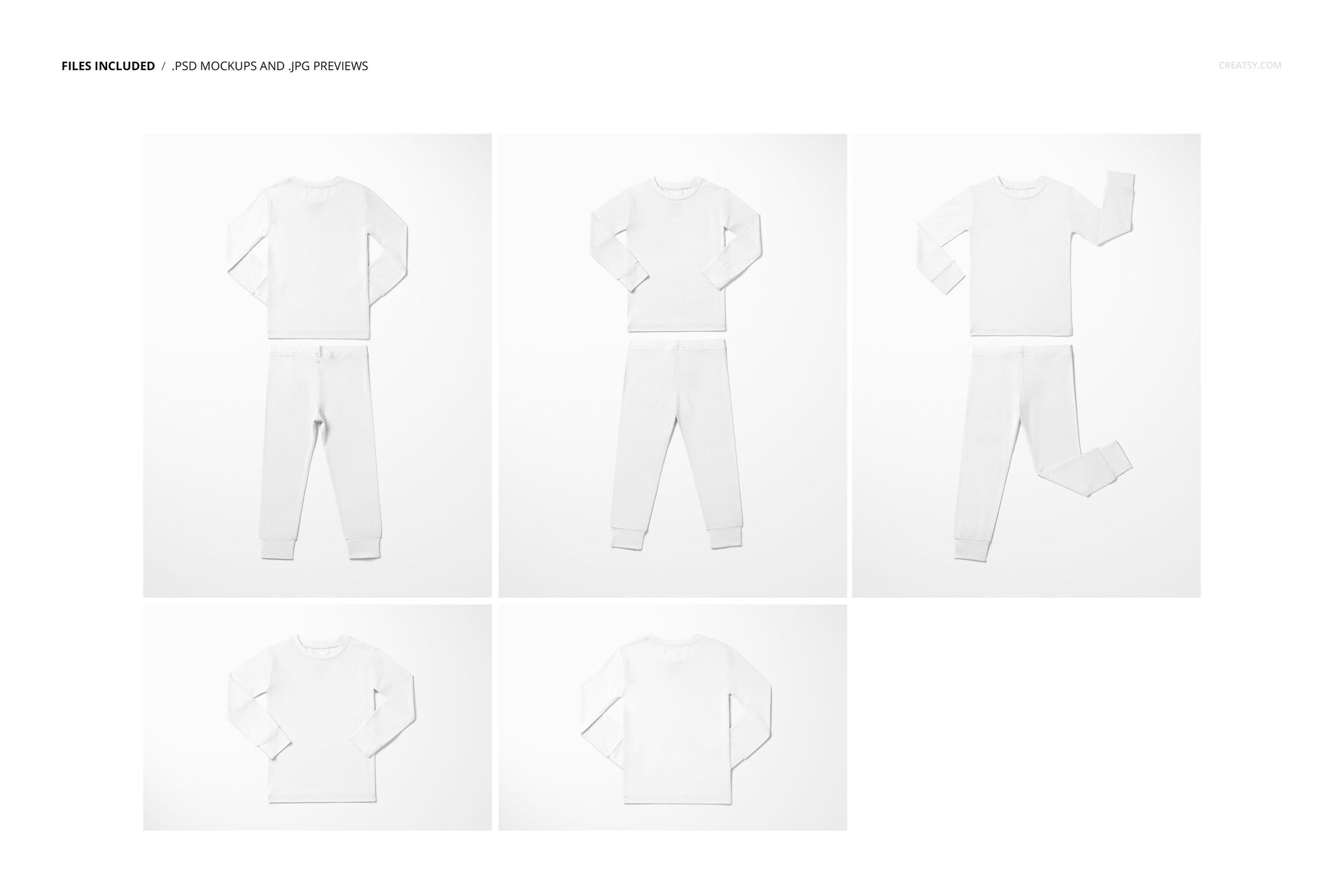
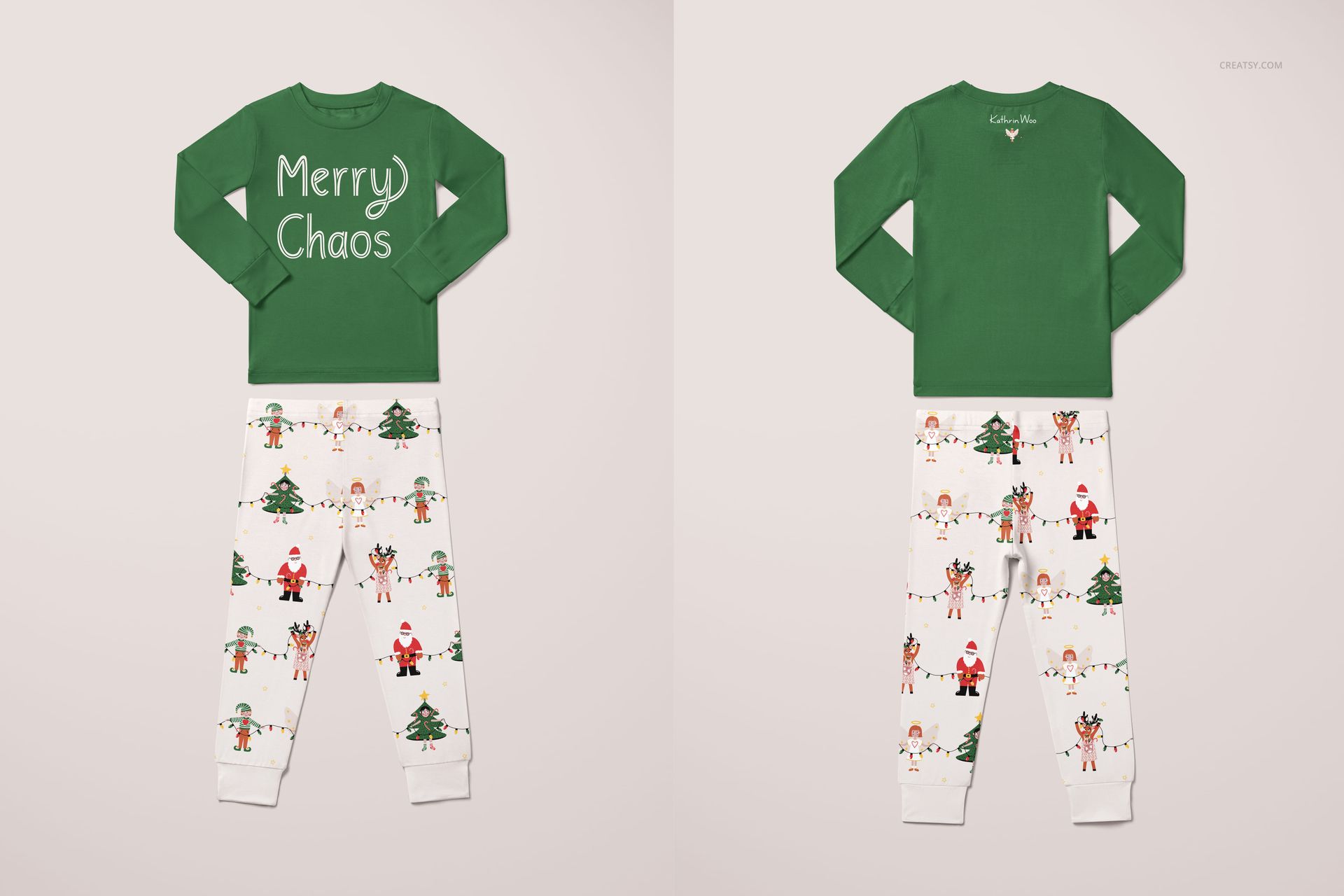
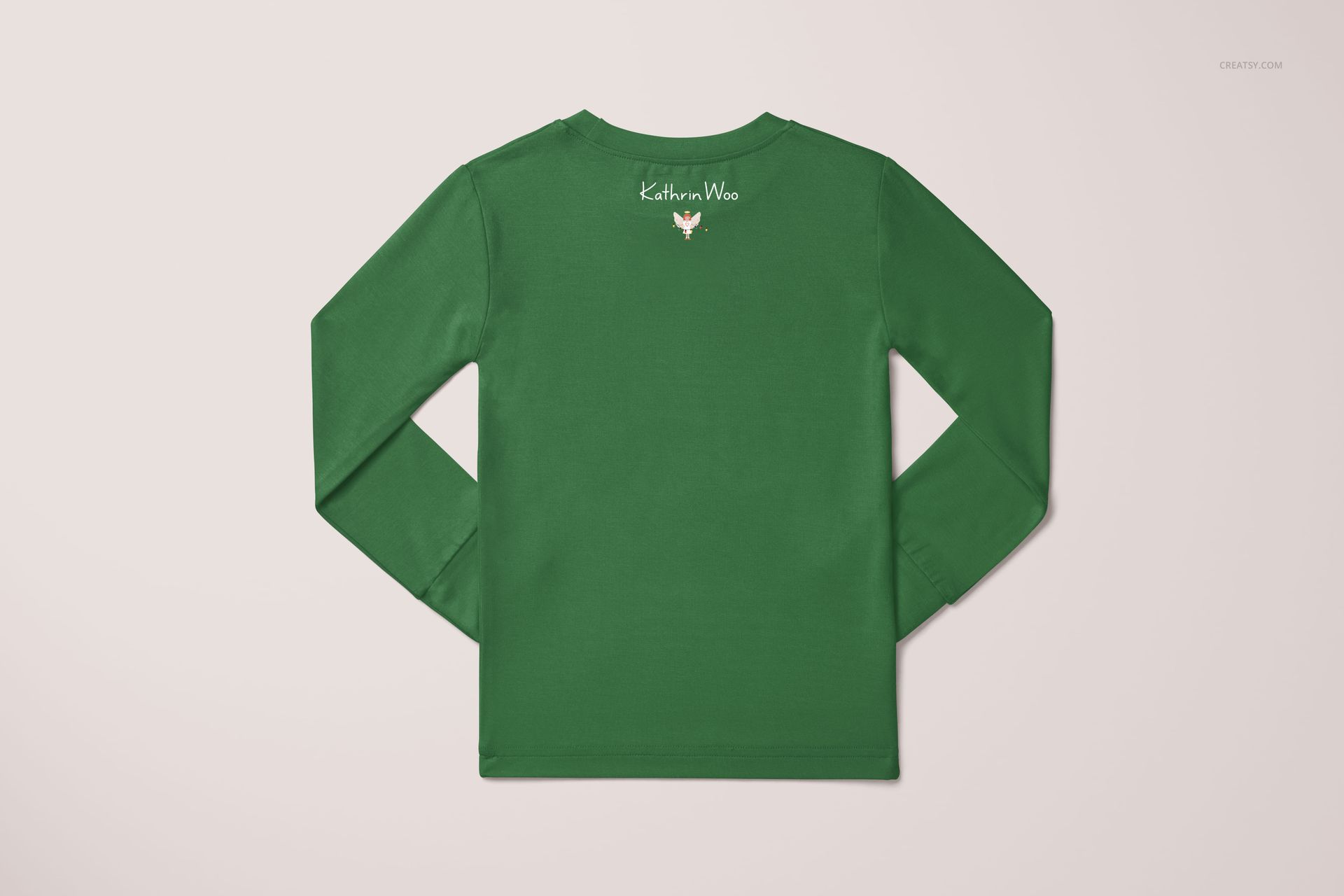
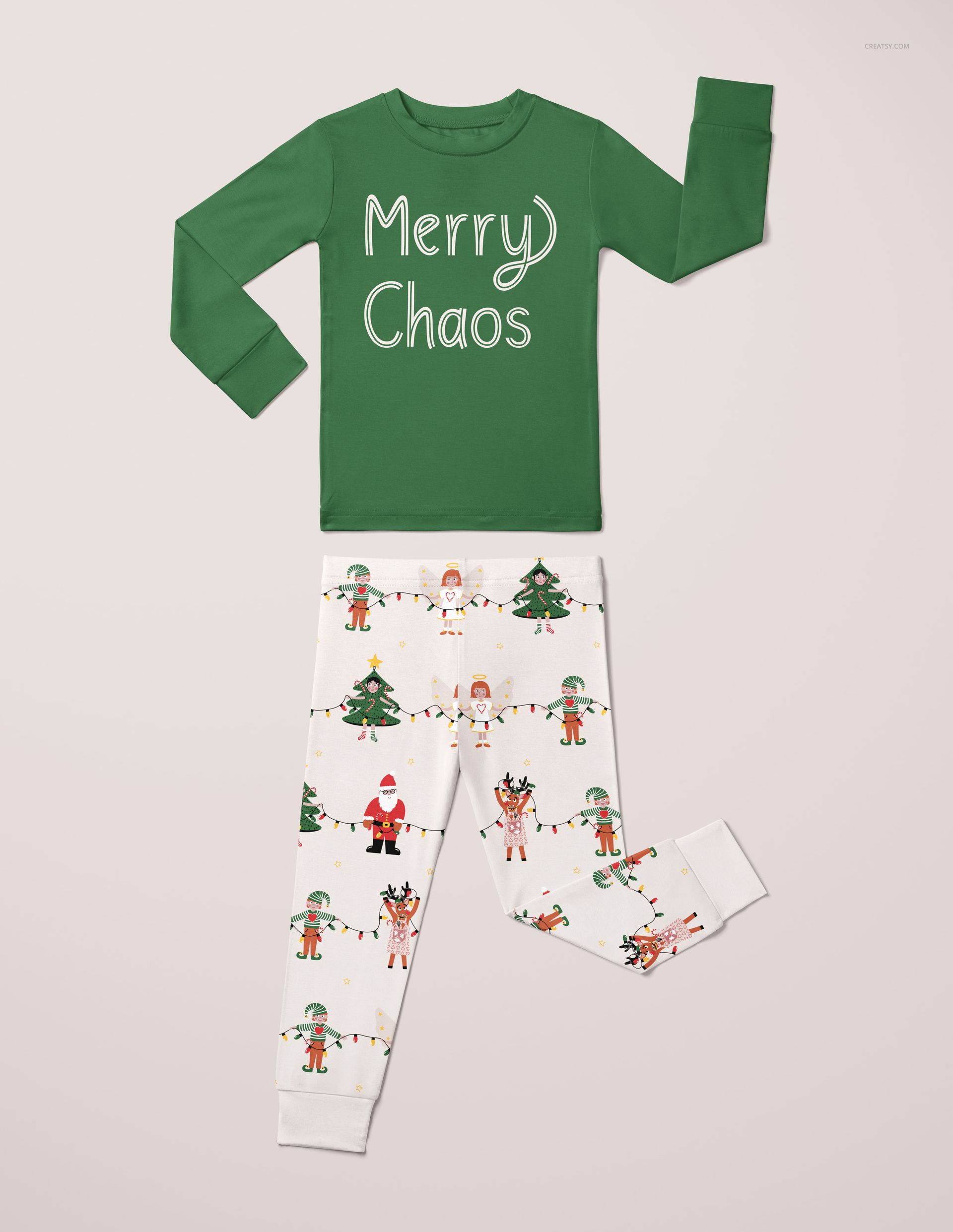
Show your artwork on a long-sleeve pajama top and matching long trousers. Five flat-lay scenes include front and back outfits, an alternate front arrangement with a raised sleeve and bent trouser leg, and separate front and back views of the top.
What Is Included
5 layered PSD mockups and 5 JPG previews, with source files in 4000 × 6000 px and 6000 × 4000 px formats. The different views let you present both the complete outfit and a top-focused design, such as an illustration or lettering on the chest.
What You Can Customize
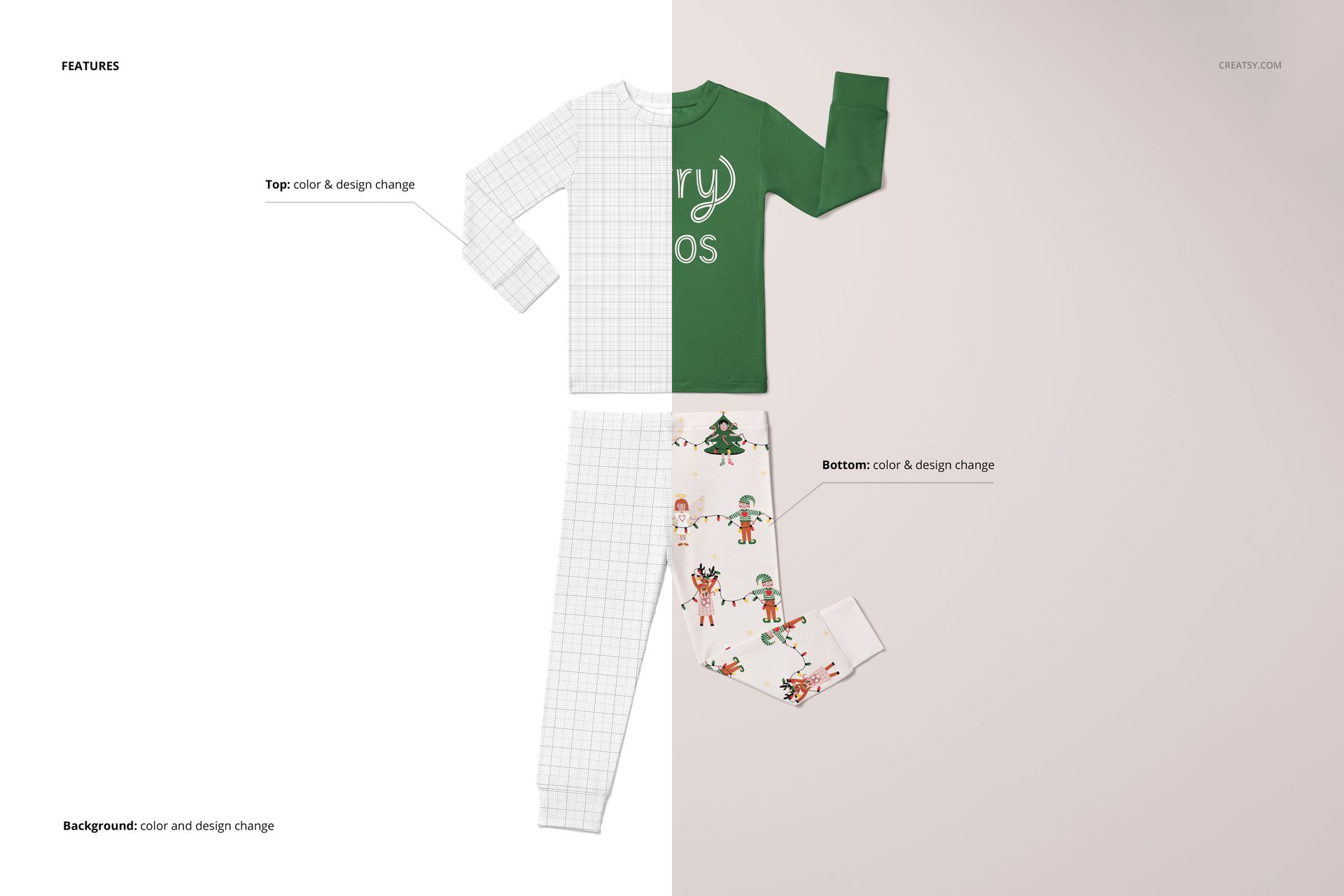
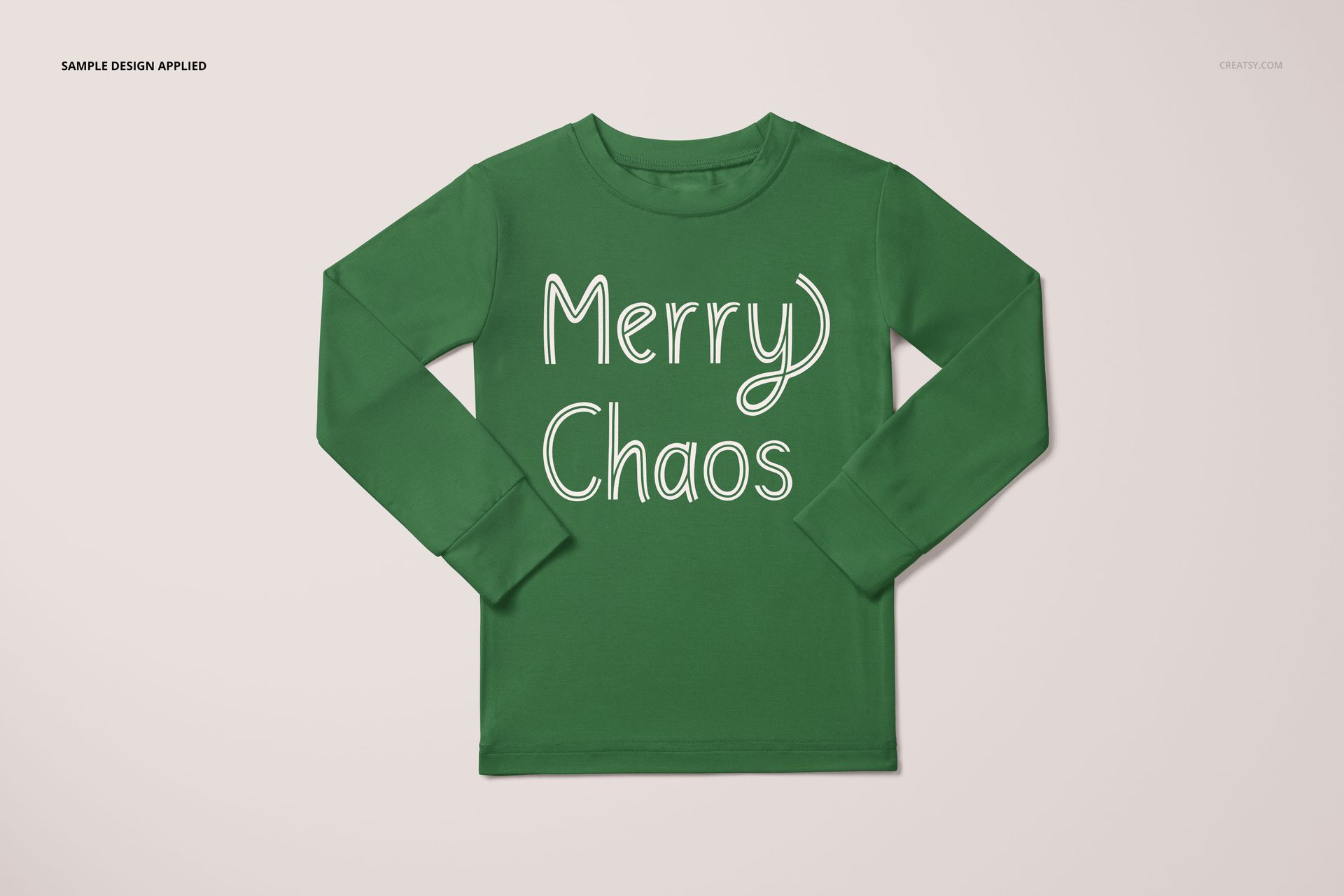
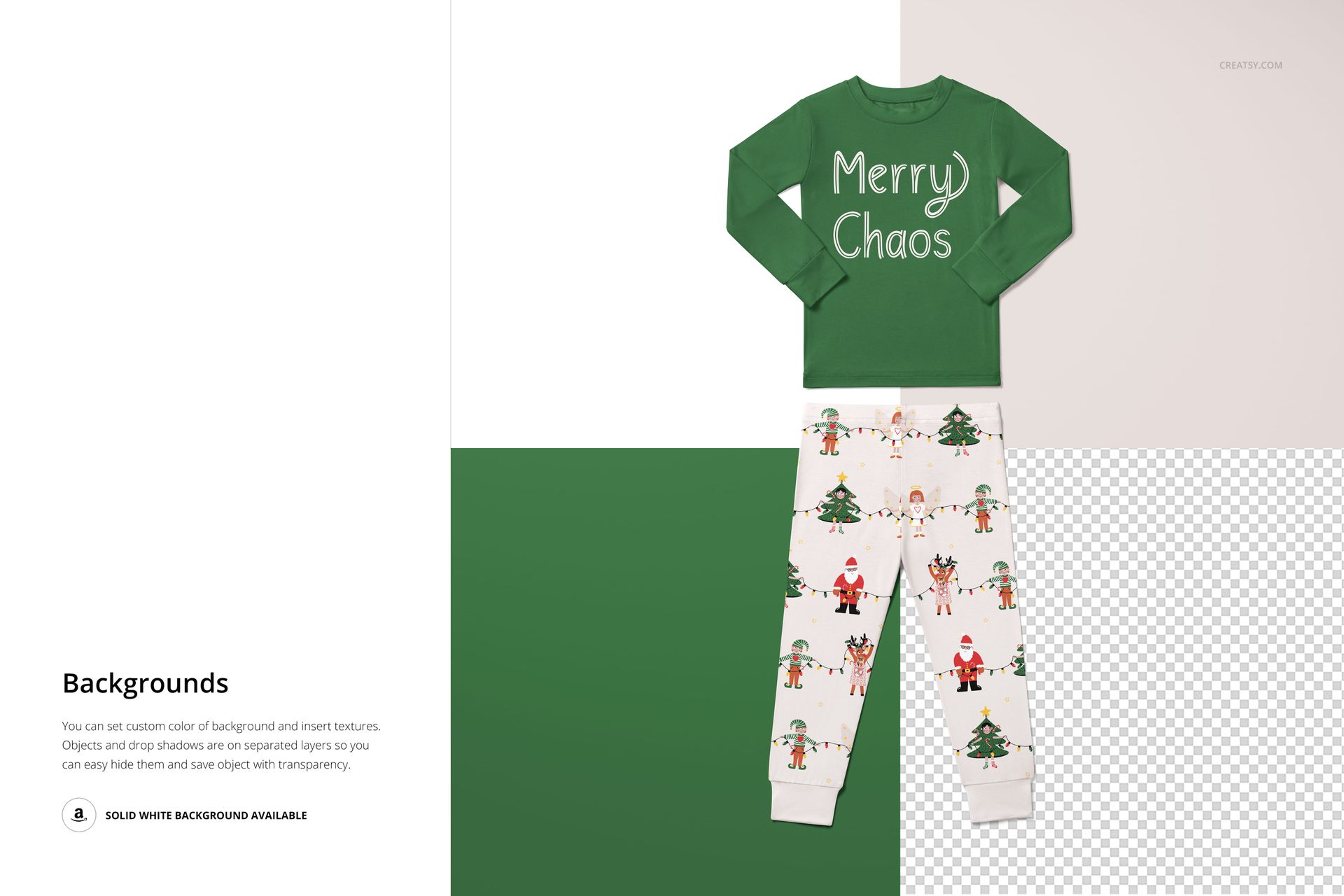
Place your pattern, illustration, lettering or graphic artwork onto the pajama top and trousers separately. The feature board lists color and design changes for both pieces, plus background color and design editing. Test a bold graphic on the shirt with a coordinating all-over print on the trousers, or apply the same repeat to both pieces.
Who This Mockup Is For
Surface pattern designers creating children’s textile or sleepwear collections, clothing brands preparing collection previews, and illustrators showing applied artwork in portfolios or licensing presentations.
Preview artwork by Kathrin Woo is for demonstration only and is not included in the download. This is a digital mockup set; no physical clothing or props are supplied.
File details
- Compatibility
- Package size
- 1.05 GB
|1.13 GB
- Files type
- .psd, .jpg
- Files size
- 6000x6000


MEET THE SHOP
- $1870$22.00
- $1615$19.00
- $2040$24.00
- $1955$23.00

HOW IT WORKS
3 clicks. That's it.
No tutorial needed. If you can copy-paste, you can use this.
- 1OpenDouble-click the smart object inside the PSD - in Adobe Photoshop, or free in your browser with Photopea.
- 2PasteDrop in your pattern, print, or artwork. Any design, any style.
- 3SaveHit save and the mockup wraps it in for you - shadows, folds, and lighting included.
FROM IDEA TO IMAGE
Built for real workflows
Skip the photo shoot Show your artwork on the real product type for approvals or listings - no studio, no model, no sample.
See it on the product, not a swatch Drop your file into the smart object and the scene's lighting and folds wrap around it, so you judge the real thing before you commit.
Smart Objects
Edit once and you're done. Your artwork drops into a smart object and the mockup updates itself - no masking, no warping by hand.
Perfectly Organized
Named layers and folders you can actually navigate. Find what you need, change what you want, and get out fast.
Print-Ready
High-resolution files built to hold up on screen and in print. Exact size and DPI are in this product's Details above.