Paper Packing Tape Mockup Set (04)
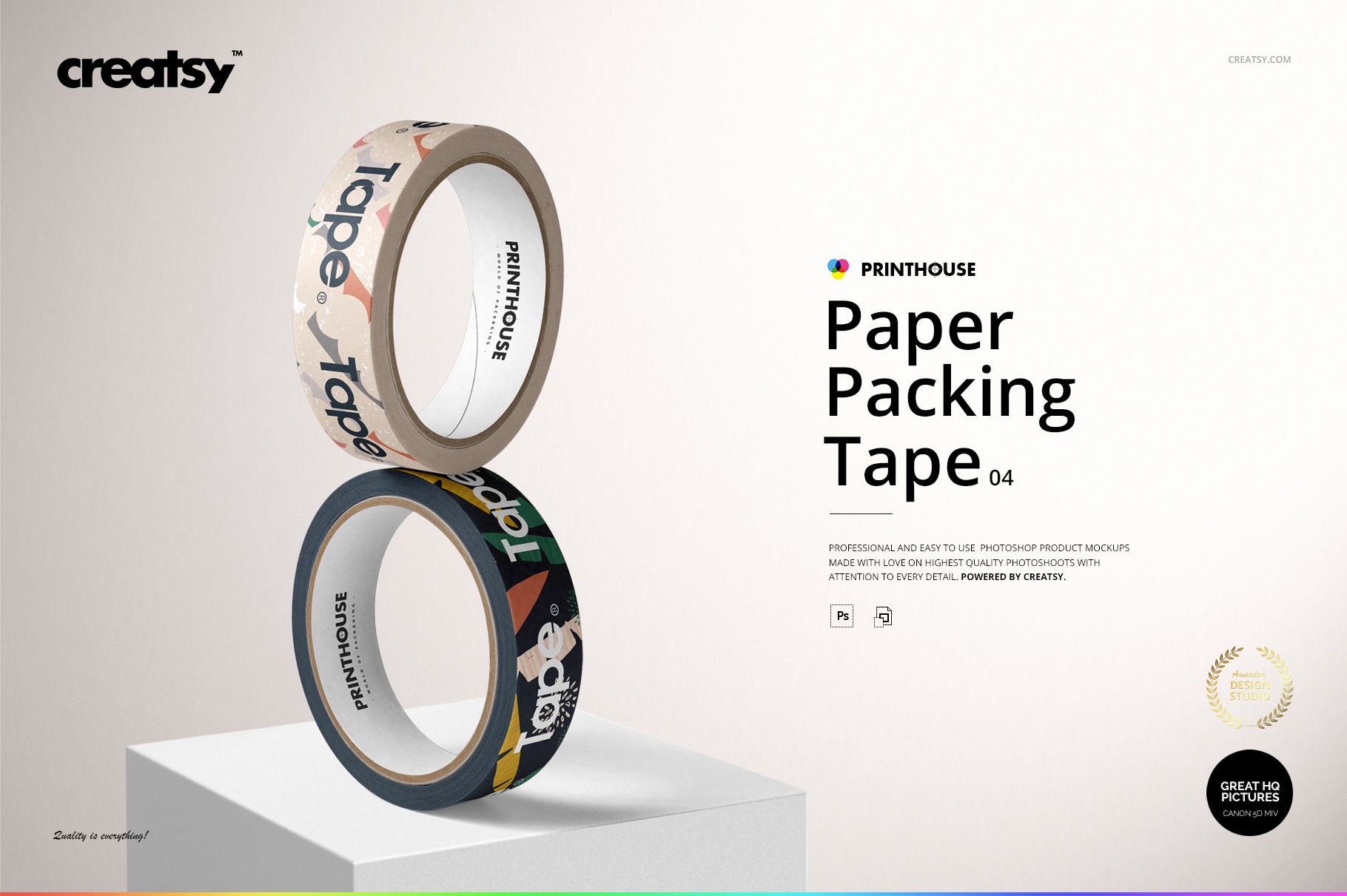
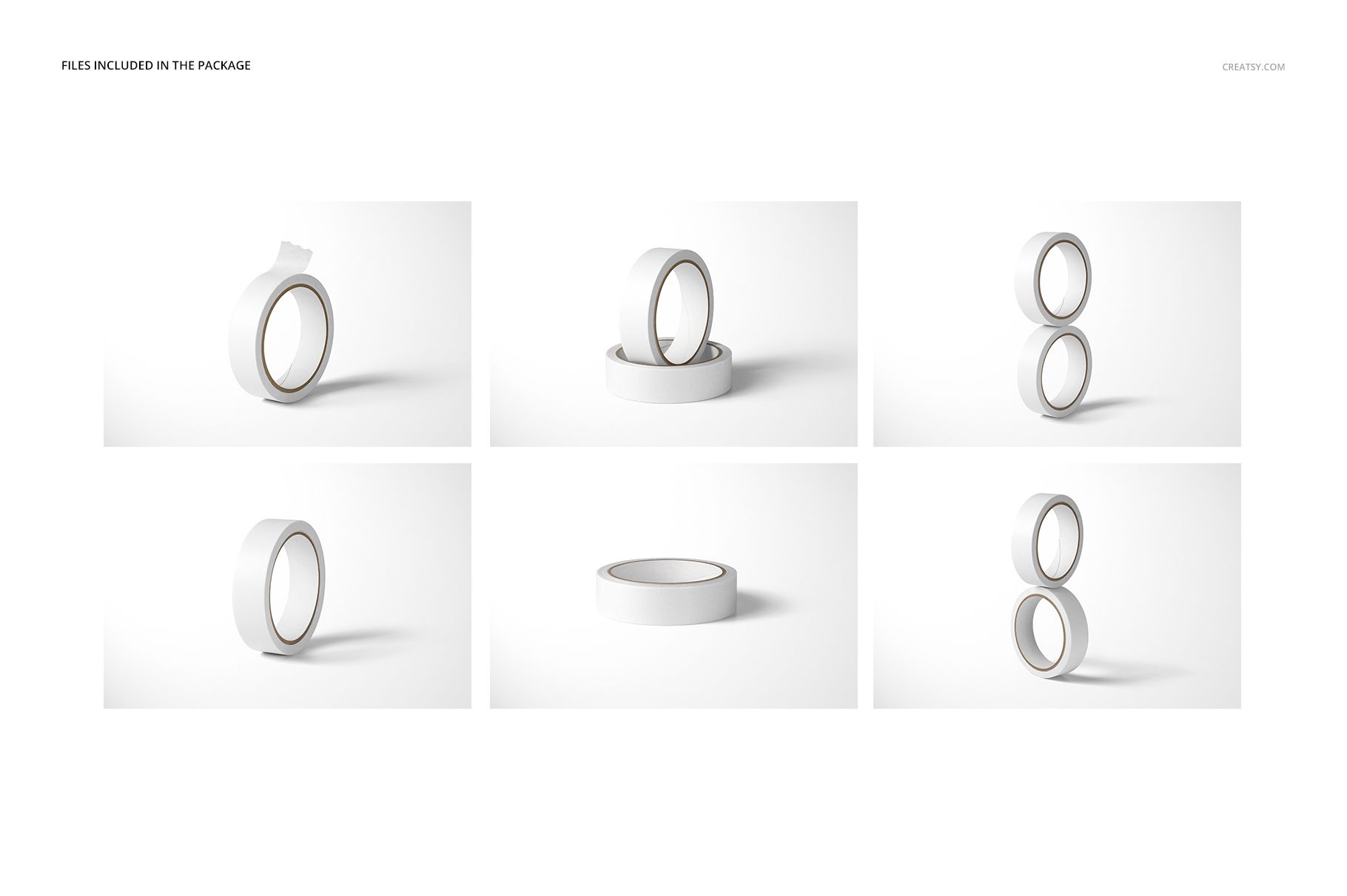
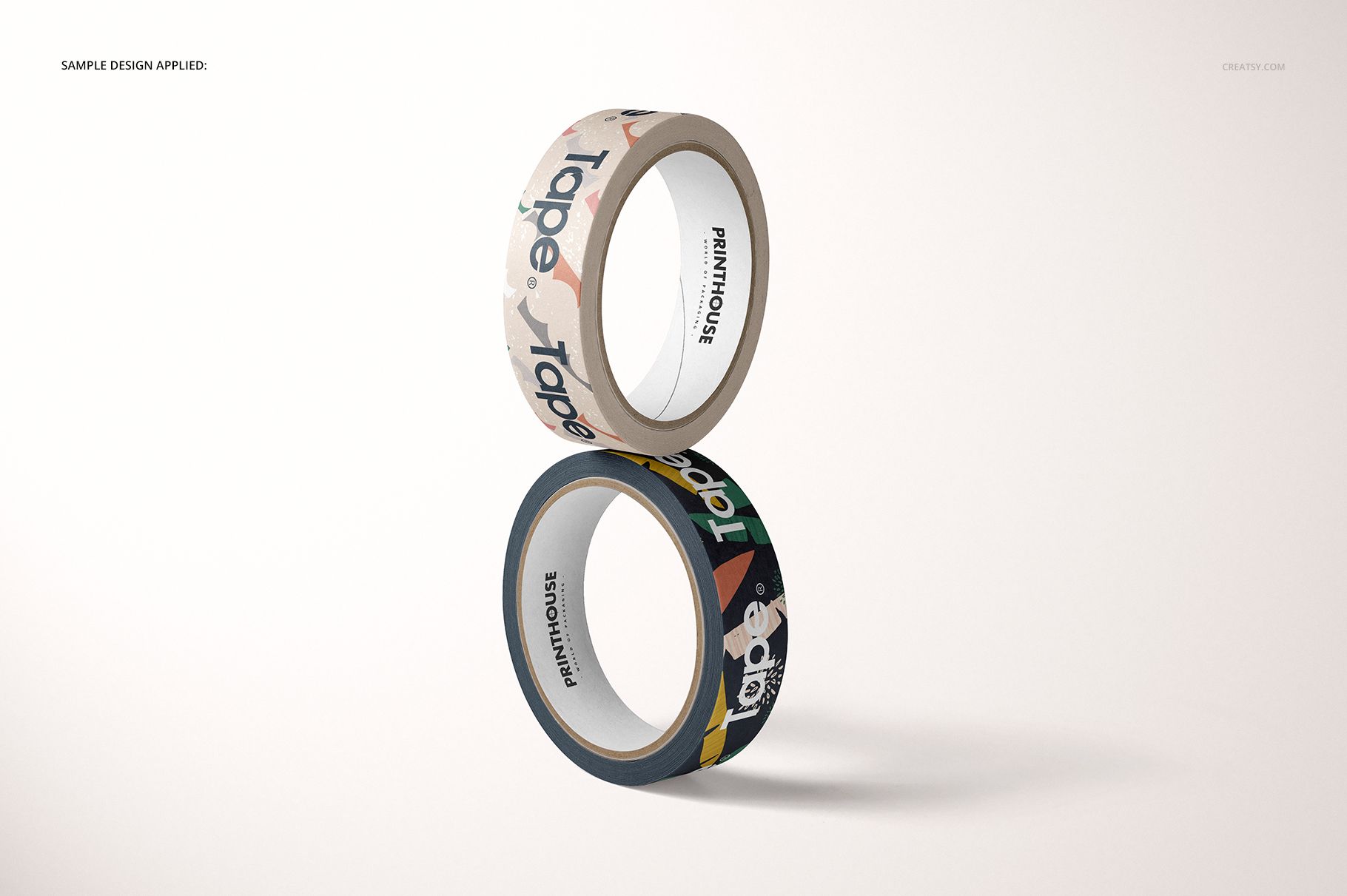
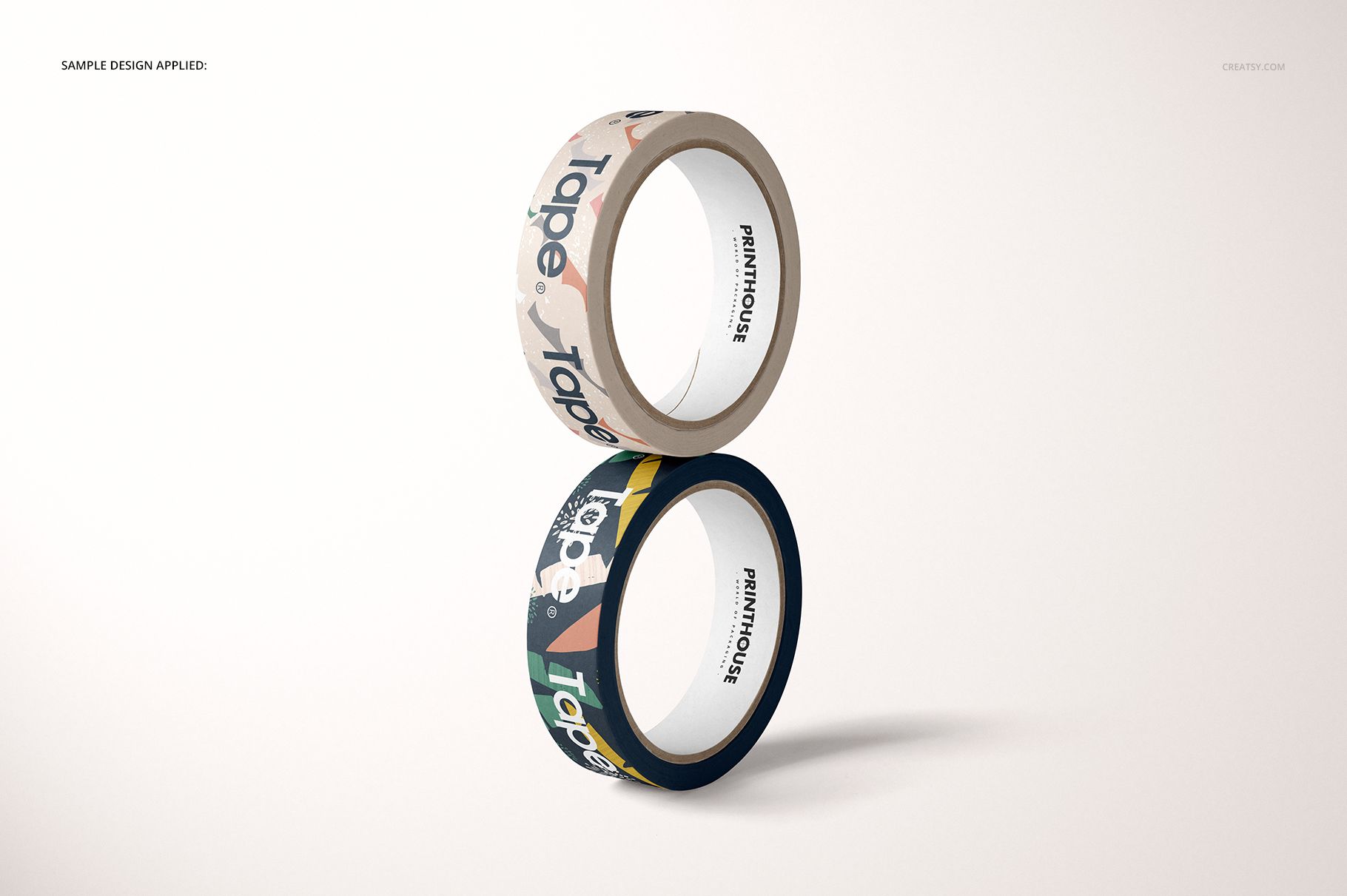
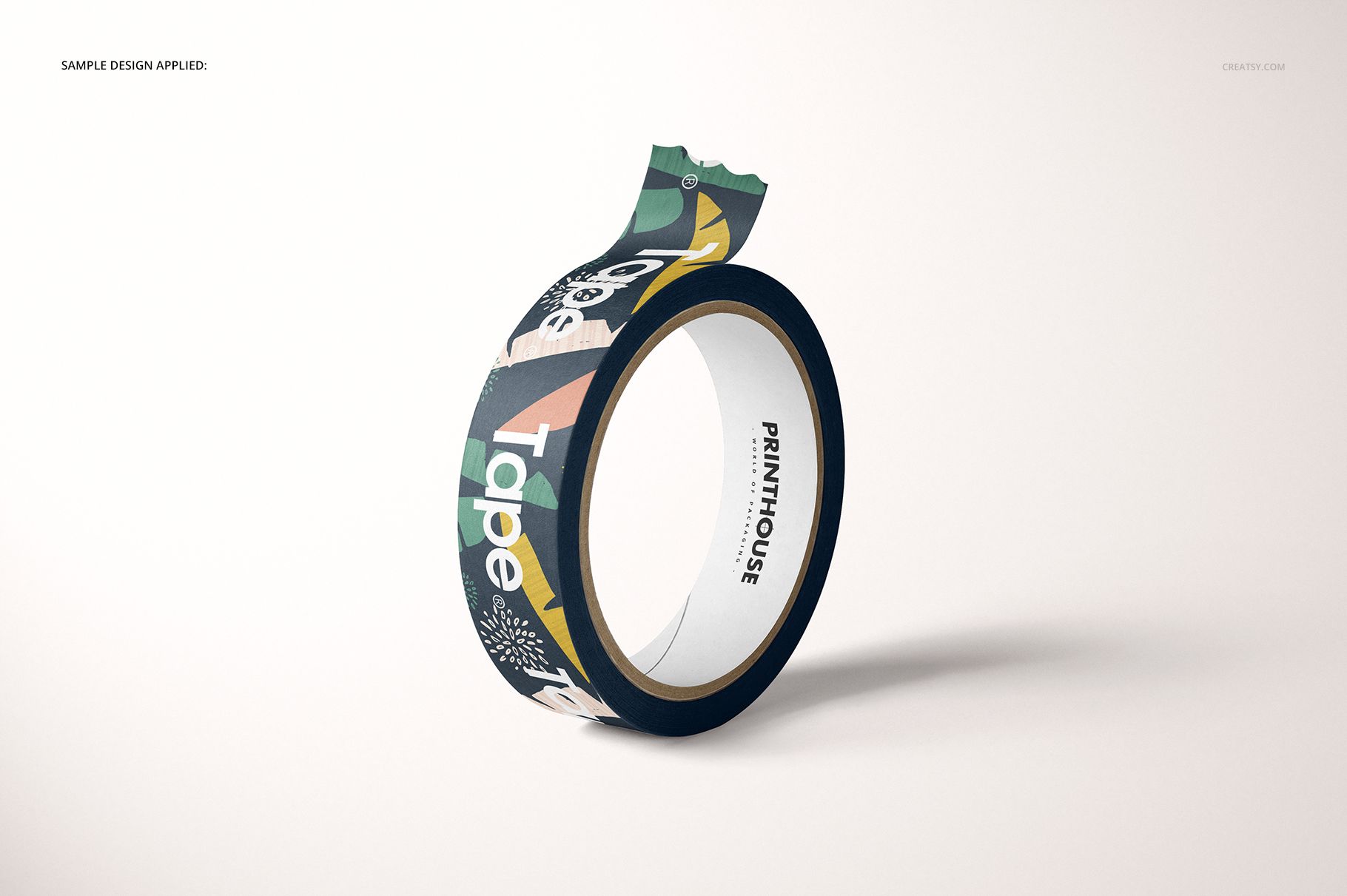
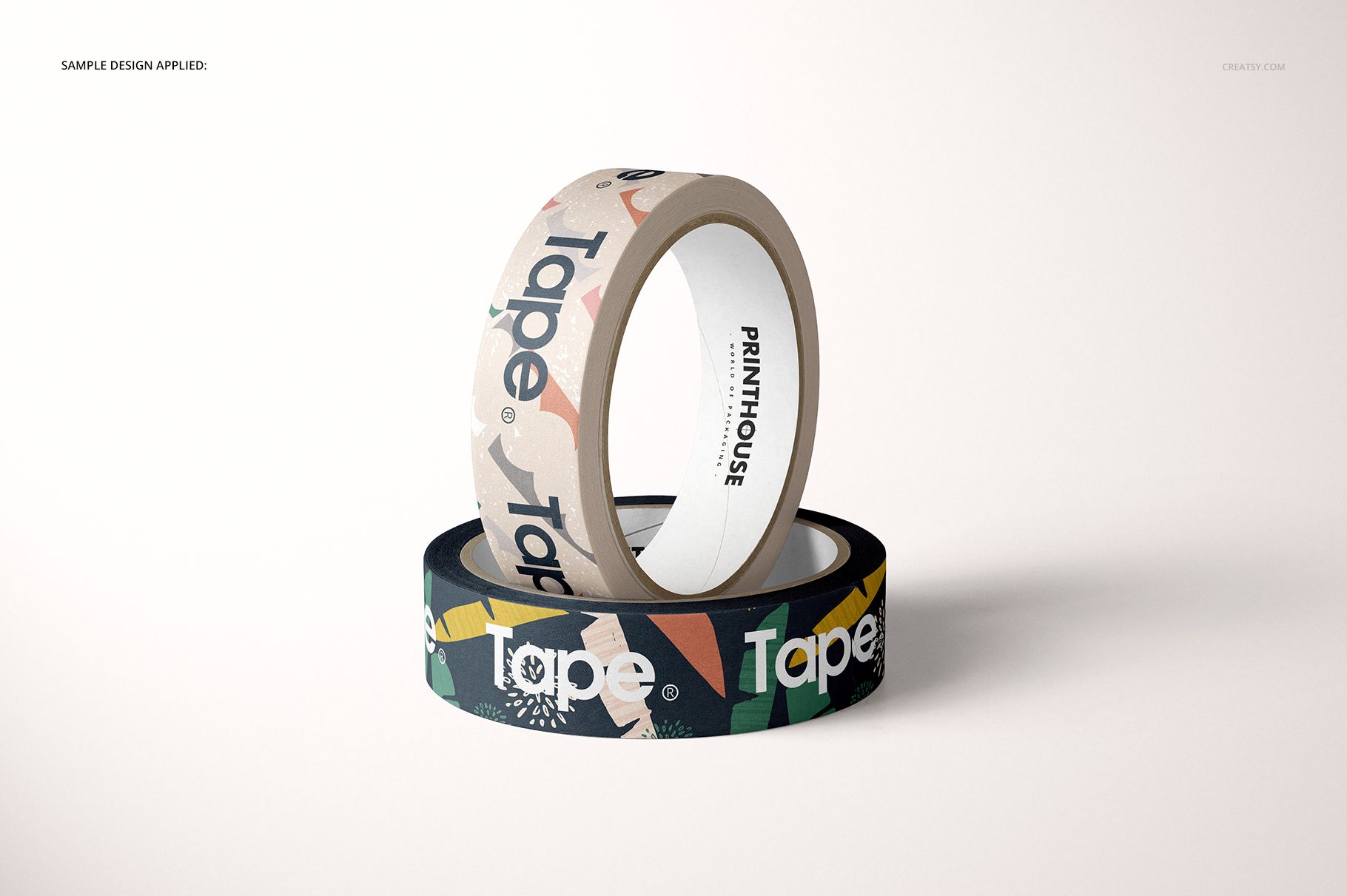
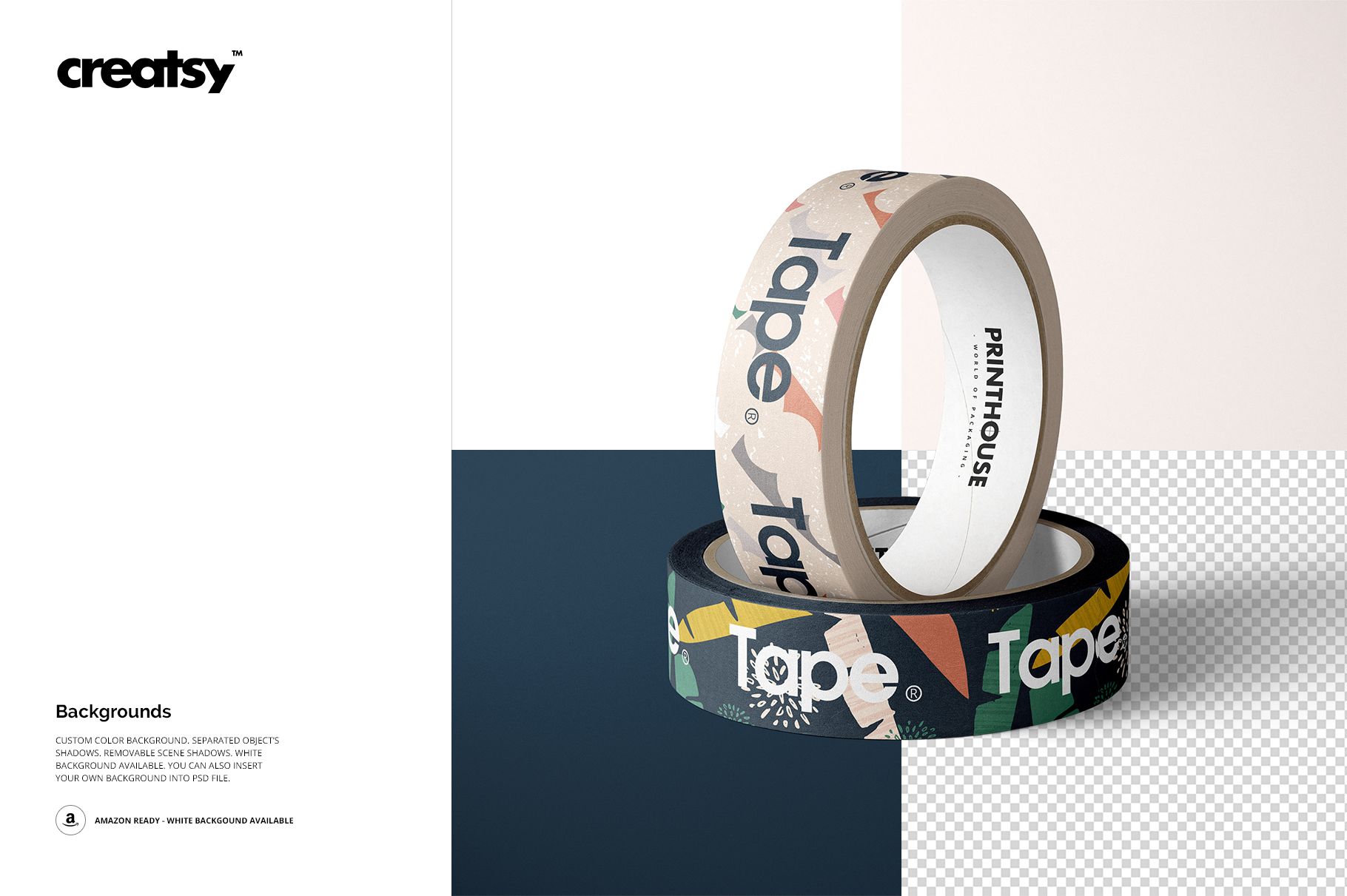
Build a varied tape presentation from six carefully balanced roll arrangements. The scenes move from a single horizontal roll and upright studies to stacked pairs, an offset composition, a partly unrolled strip, and an upright roll nested inside a horizontal roll.
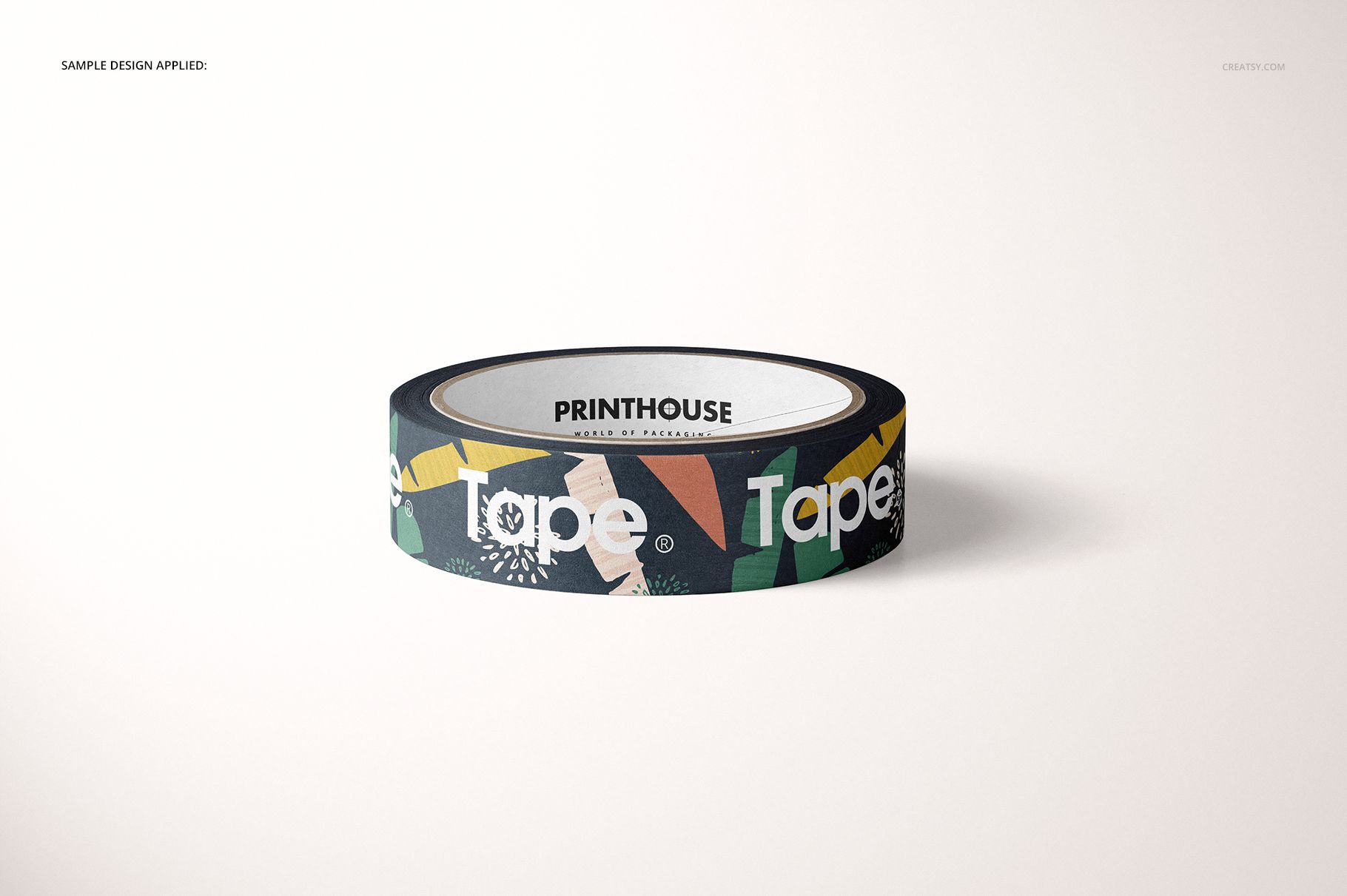
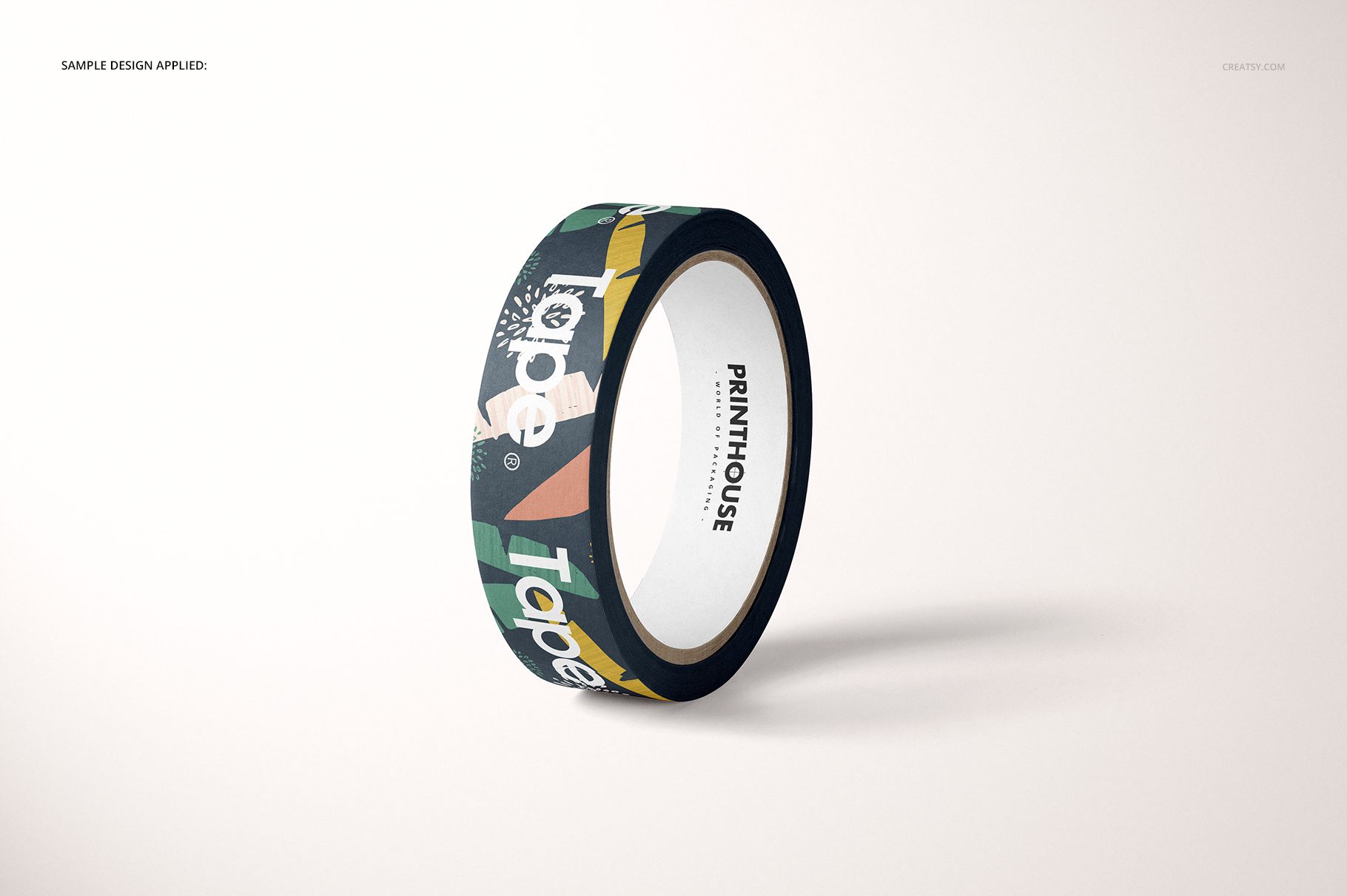
These coordinated views help packaging teams compare repeat scale, logo placement, typography, and colorways around the curve of a paper tape roll. Use them together for a consistent client presentation, portfolio story, or ecommerce gallery without photographing a physical sample.
What Is Included
Six Distinct Roll Arrangements
Switch between horizontal, upright, stacked, offset, and partially unrolled compositions to show both the face of the roll and the extended tape surface. The set supports close artwork checks as well as a broader collection overview.
Easy Smart Object Editing
Place artwork through Smart Objects in Adobe Photoshop or Photopea, then use the confirmed color layers and background controls. Choose a background color, keep a clean white setting, insert your own background, and manage separated object shadows and removable scene shadows.
Perfect For
Packaging and branding designers
Surface pattern designers and illustrators
Print suppliers presenting branded tape concepts
Client approvals, portfolios, and online product galleries
This is a digital mockup set. Physical tape is not included. The sample artwork by Anugraha Design is used for presentation only and is not supplied as a separate design asset.