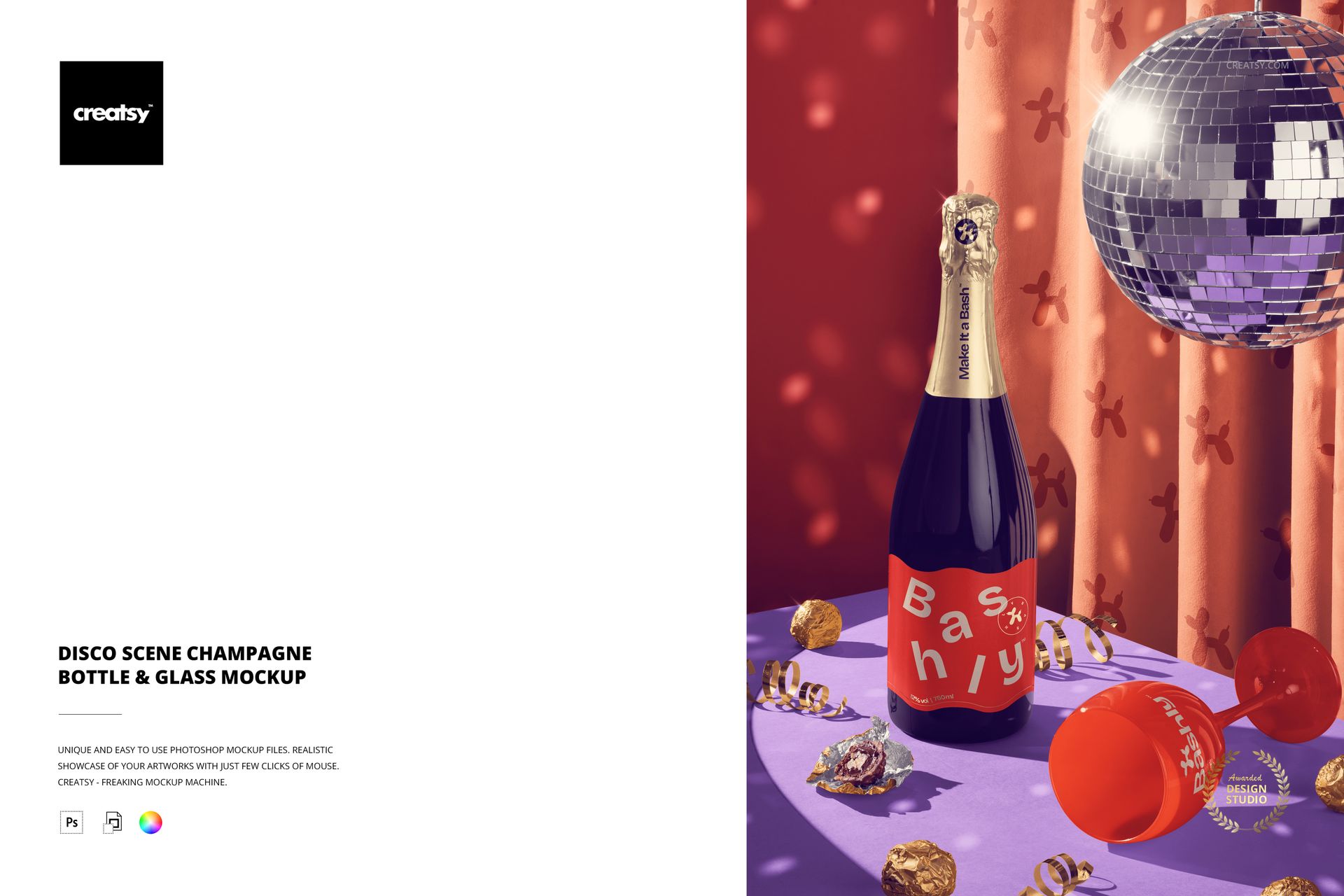
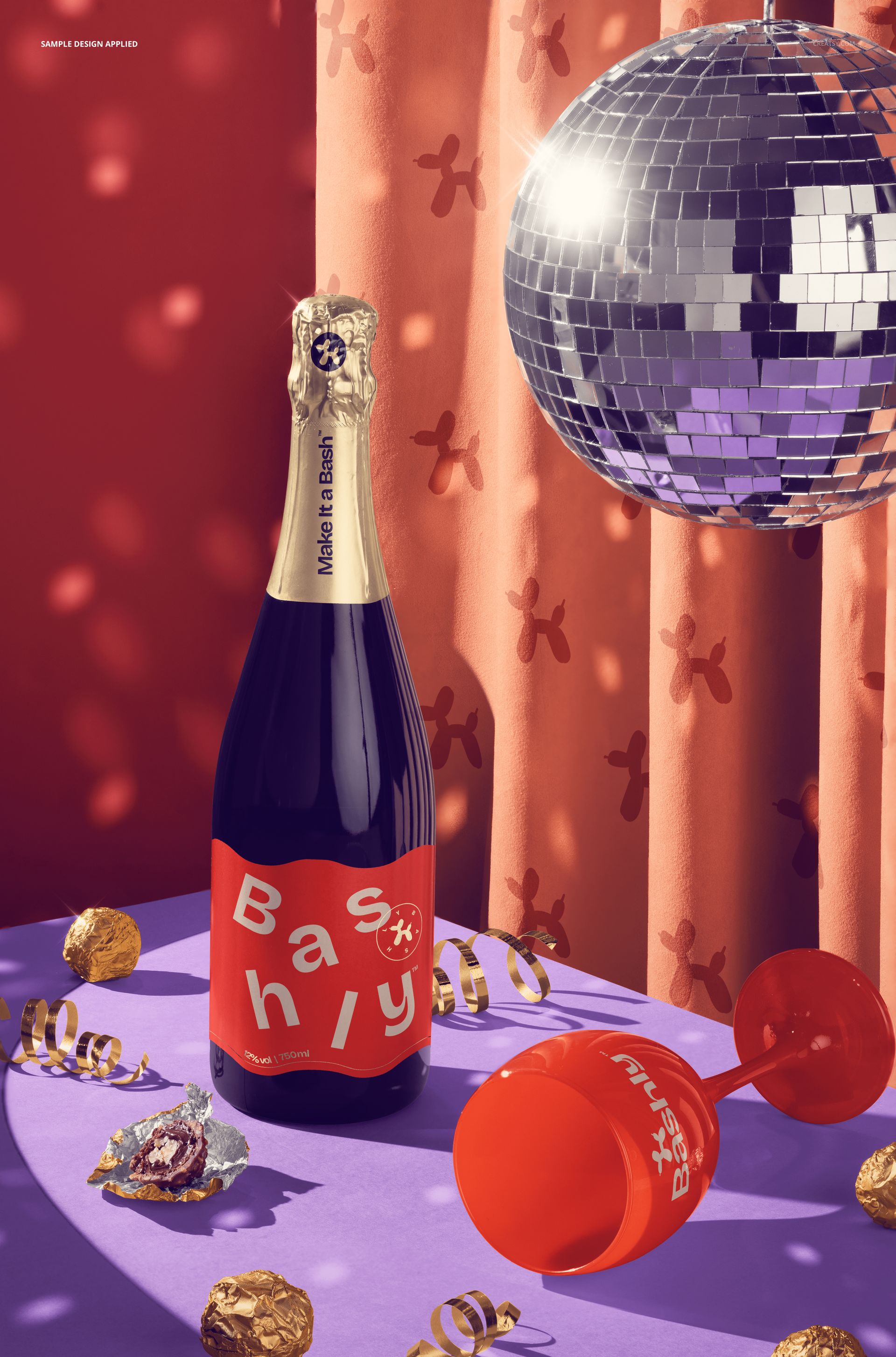
Turn your label into the life of the party with this Free Disco Scene Champagne Bottle & Glass Mockup. Showcase sparkling wine, prosecco, or celebration drinks in a playful disco setup – with a glittering mirror ball, velvet curtain, pralines, and ribbons under colorful lights – perfect for festive campaigns, New Year’s promos, and limited-edition bottles. Free for commercial use – see license for details.
Highlights
- Format: 1× PSD, 6000×4000 px, 300 dpi
- Workflow: Smart Objects; tidy, well-organized layers
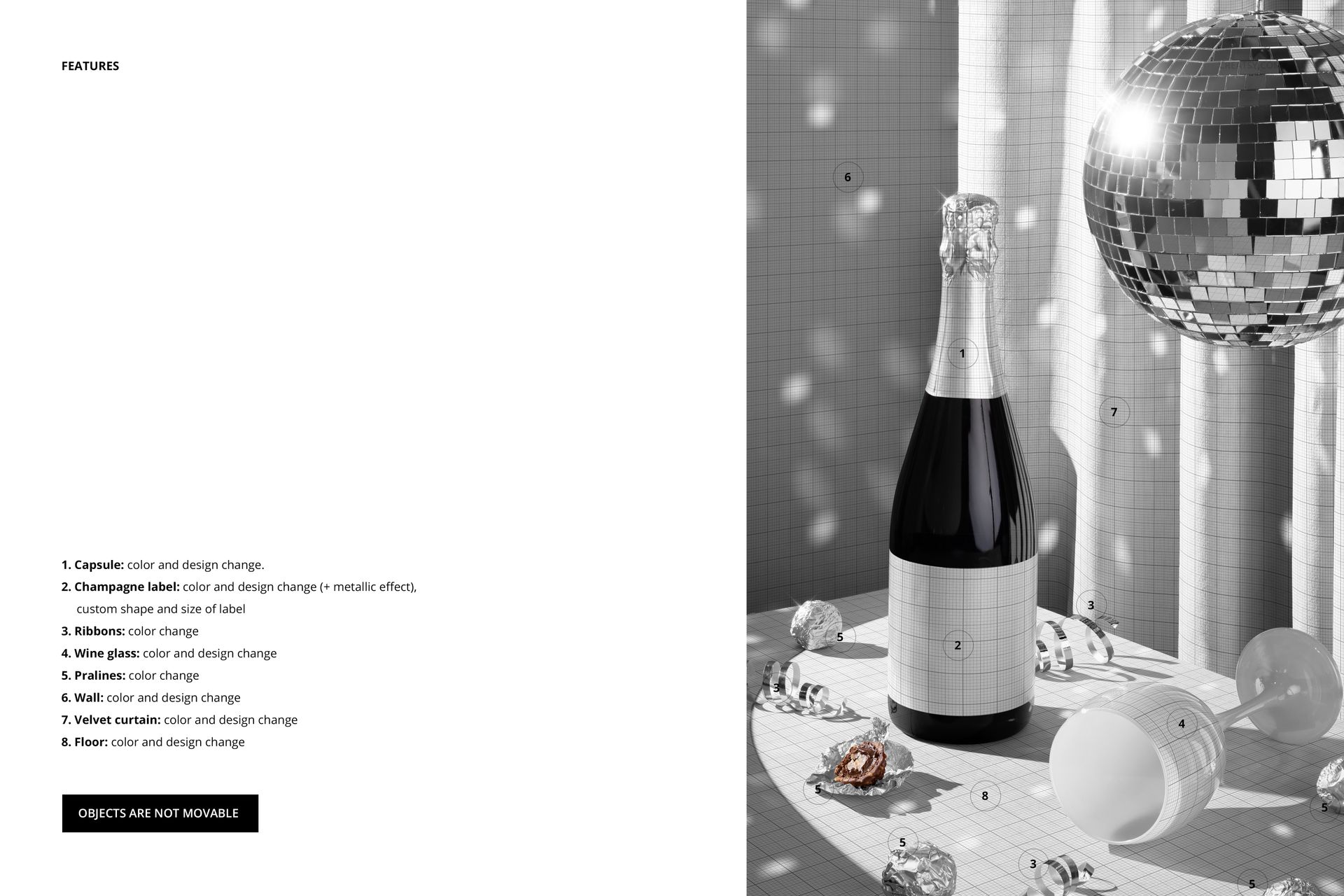
- Editable: capsule (foil top) color & design; champagne label color & design + optional metallic effect, custom label shape & size; wine glass color & design; ribbons & pralines color; wall, velvet curtain, and floor color & design
- Scene: bottle standing, glass lying on its side, disco ball reflections and candy scattered on the table
- Objects: composition is fixed (objects are not movable)
- Apps: Photoshop (min. CC 2020) + Photopea (free online editor)
- Use cases: champagne branding, party collections, holiday campaigns, social media posts, portfolios
- License: free for personal & commercial use (see terms)
What’s inside / Specs
- Files: PSD (+ preview JPG)
- Canvas: 6000×4000 px, 300 dpi
- Layers & controls:
- Smart Object for champagne label with support for metallic shine
- Separate layers for capsule, glass, ribbons, pralines, wall, curtain, and floor
- Color adjustment layers to quickly switch palettes (from neon disco to classic gold & black)
- Prebuilt highlights and reflections from the disco ball for realistic sparkle
- Style: bold, celebratory disco mood with rich colors and dramatic party lighting
- Compatibility: Photoshop CC 2020 or newer; works in Photopea
- Approx. size: ~480–503 MB (archive may vary by compression)
How-to (Photoshop & Photopea)
- Open the PSD in Photoshop (CC 2020+) or Photopea.
- Drop your artwork into the champagne label Smart Object, adjust label shape/size if needed, then Save to refresh the mockup.
- Customize capsule, glass, ribbons, pralines, wall, curtain, and floor colors/patterns to match your brand or campaign.
- Fine-tune metallic highlight layers on the label for extra shine.
- Export high-resolution JPG/PNG/WebP images for web, print, or client presentations.
License & usage
Free for personal & commercial use (for 1 business, up to 5,000 end products). PSD source files cannot be resold, shared, or redistributed as-is. Please check the full license – “Freebie” row – for complete terms and restrictions.














Creatsy continue to supply great mockup files.
Thank you so much, Lisa! We’re so happy to hear you’re enjoying our mockup files! 😊