Vinyl Record Album on the Undulating Sands Mockup
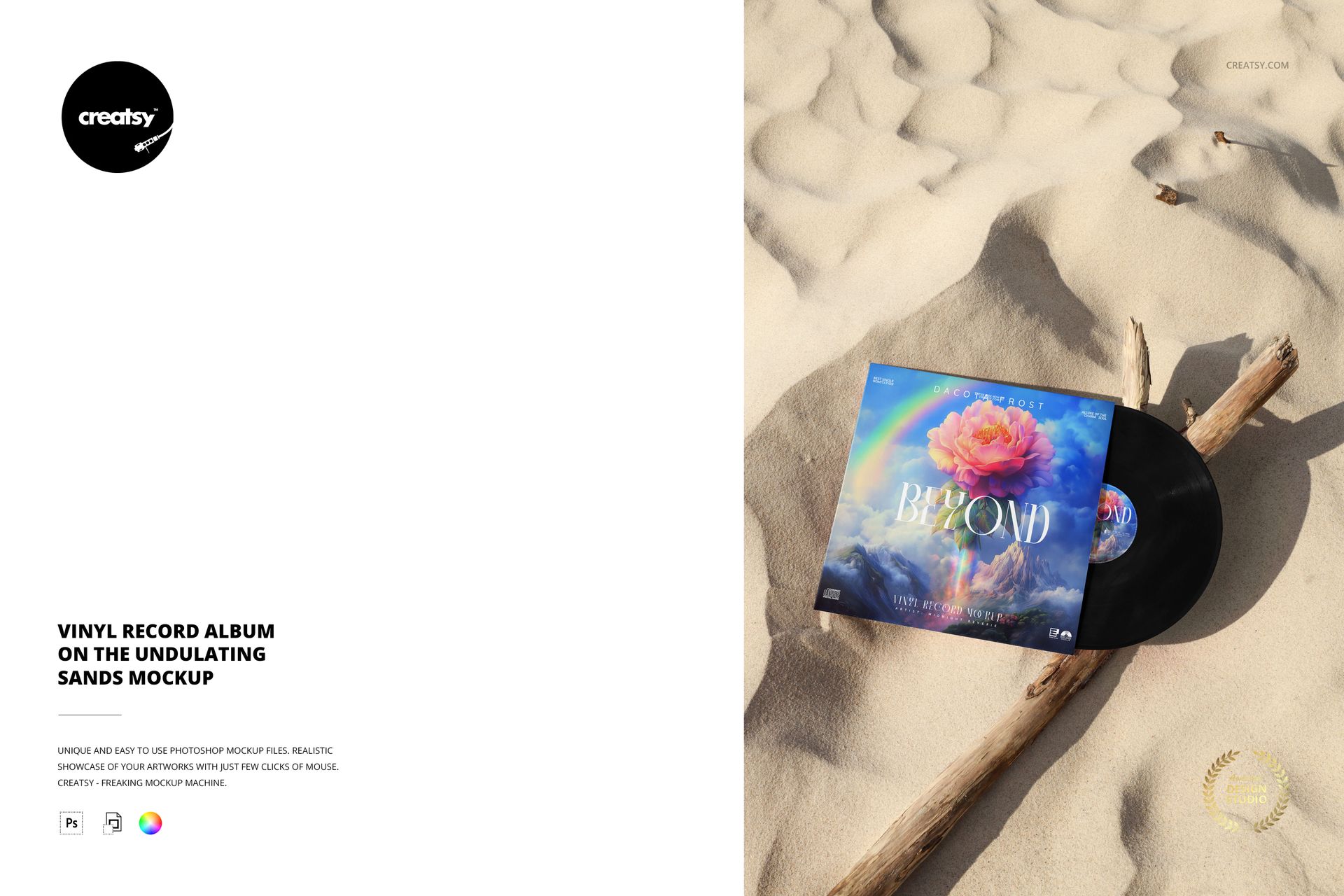
Sculpted sand and a weathered branch give this vinyl record album mockup a distinctive coastal rhythm. The sleeve sits over the partly exposed disc, with a generous area of rippled sand above the artwork in the portrait composition.
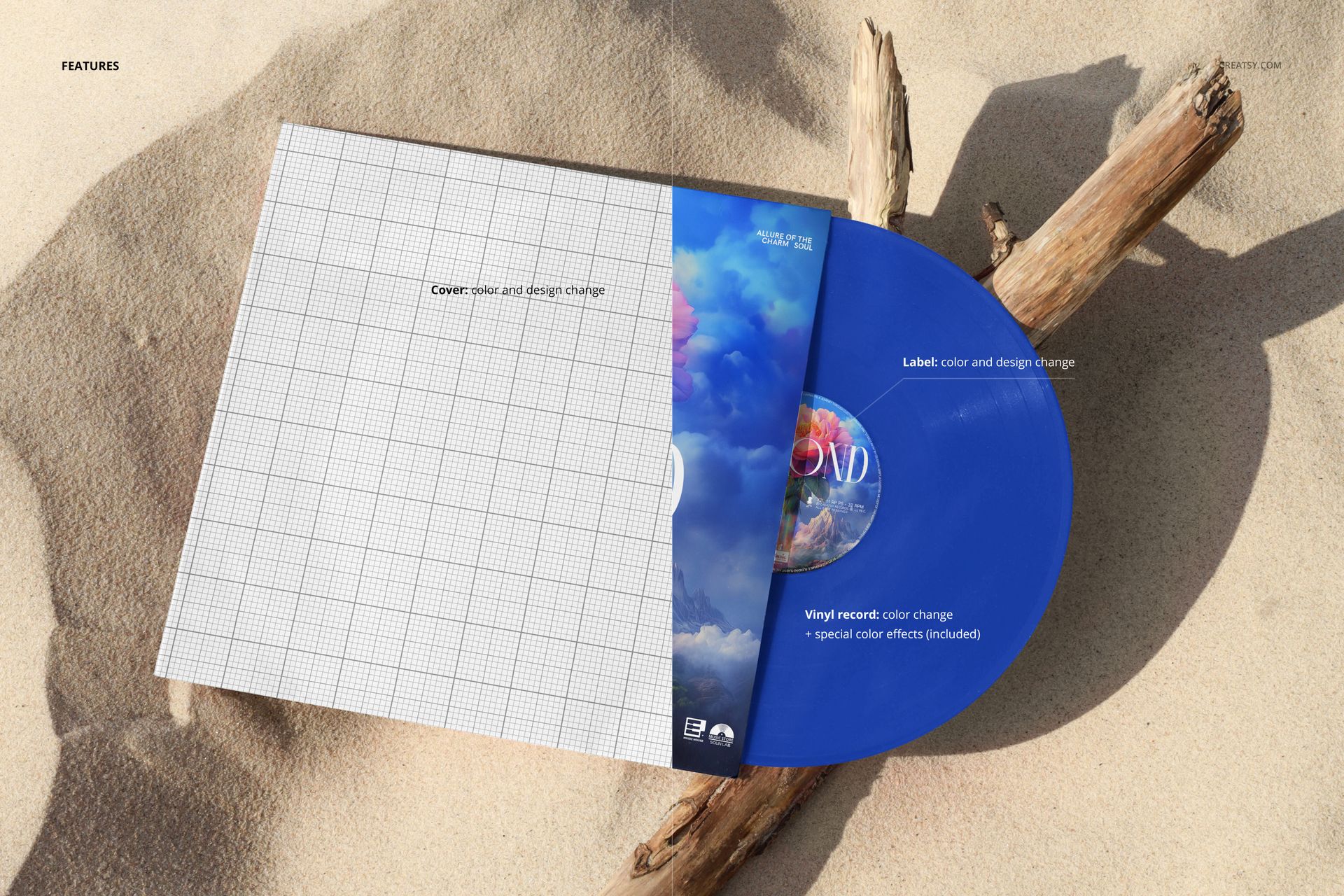
Present cover graphics, center-label artwork and a proposed record color as one coordinated release. The textured setting is especially useful when you want a warm, outdoors-led visual without adding more props to the presentation.
Inside the Download
1 editable PSD containing the album-and-record scene.
Portrait canvas: 4000 × 6000 px at 300 DPI.
1 JPG preview, making 2 files in total.
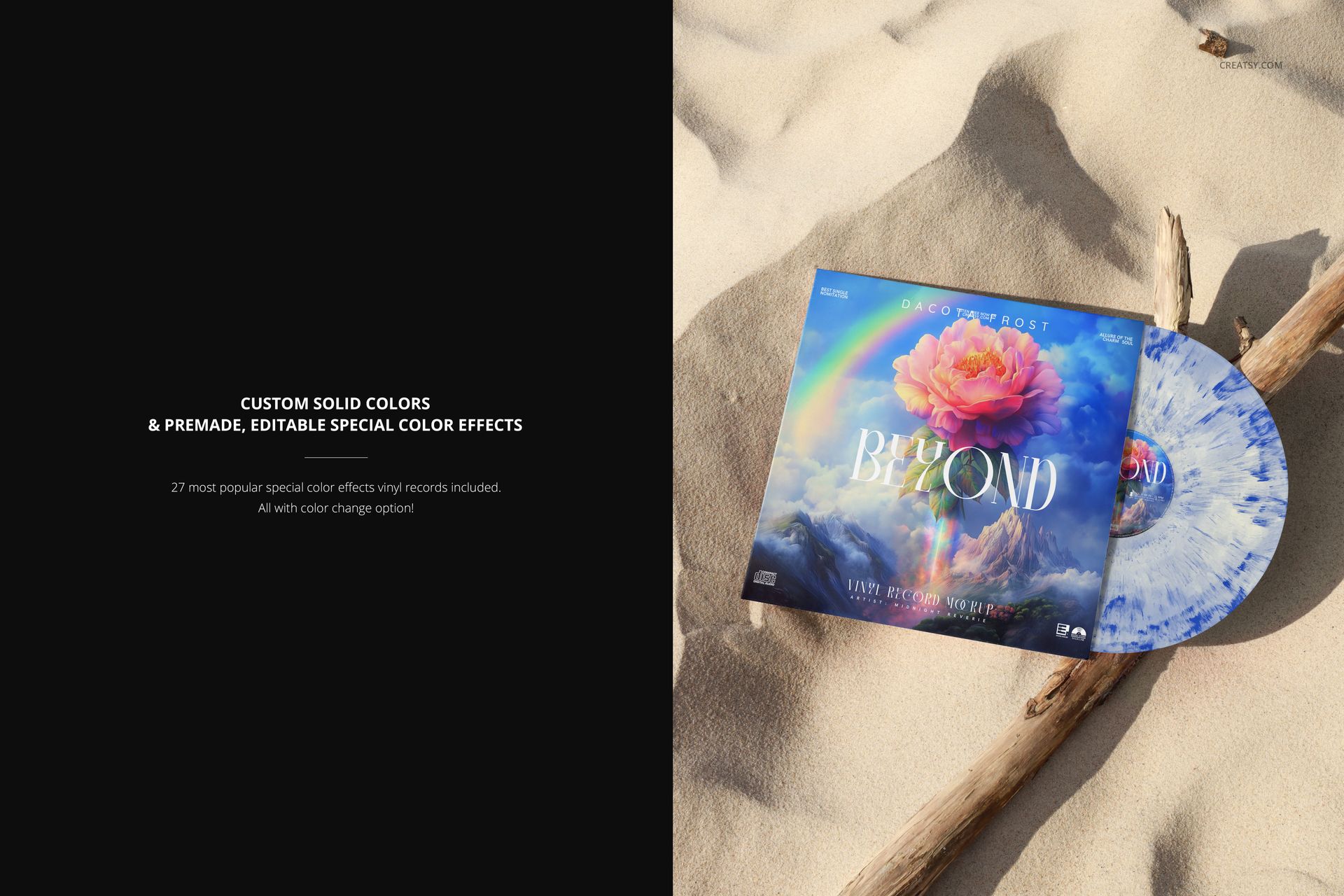
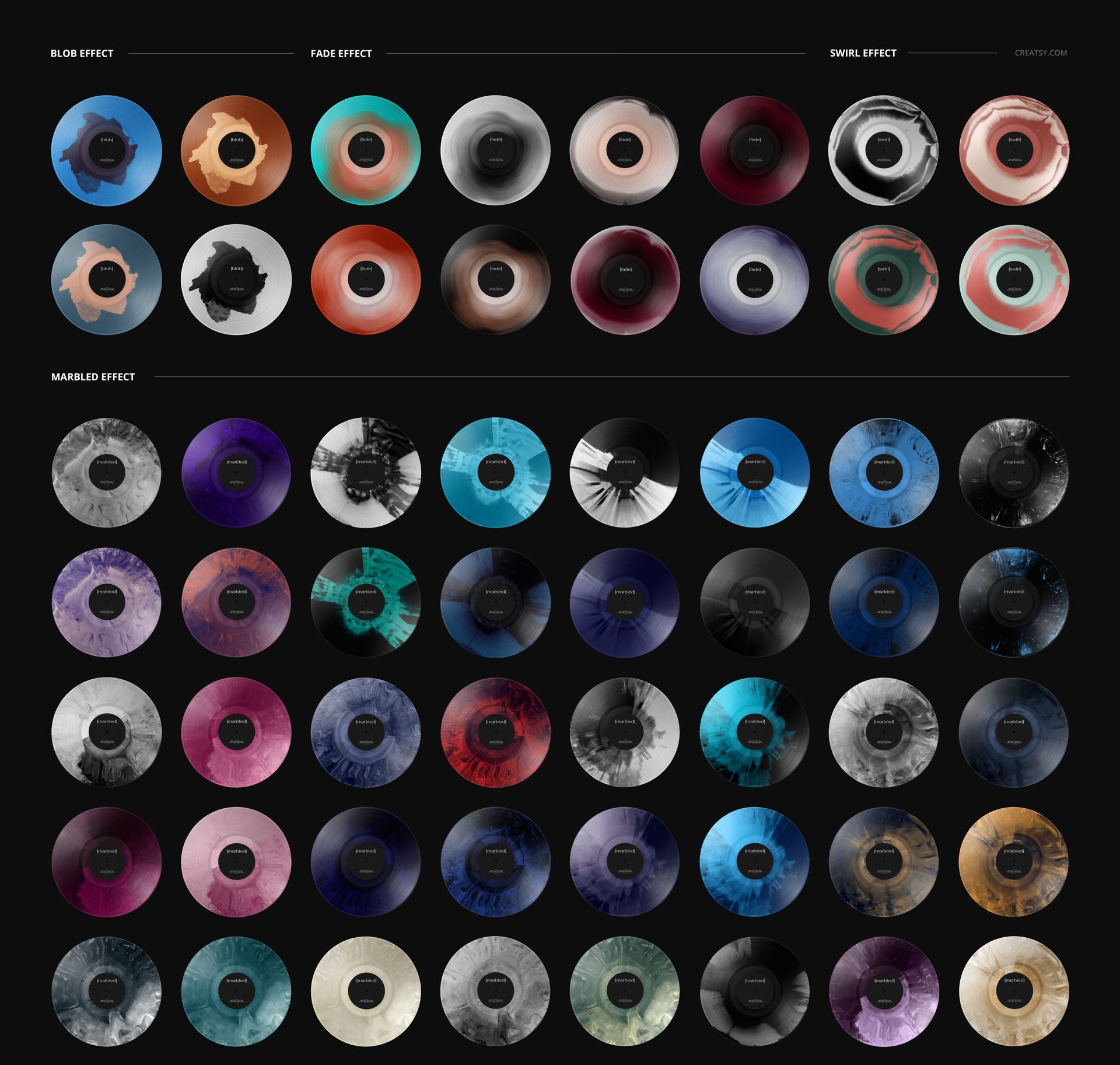
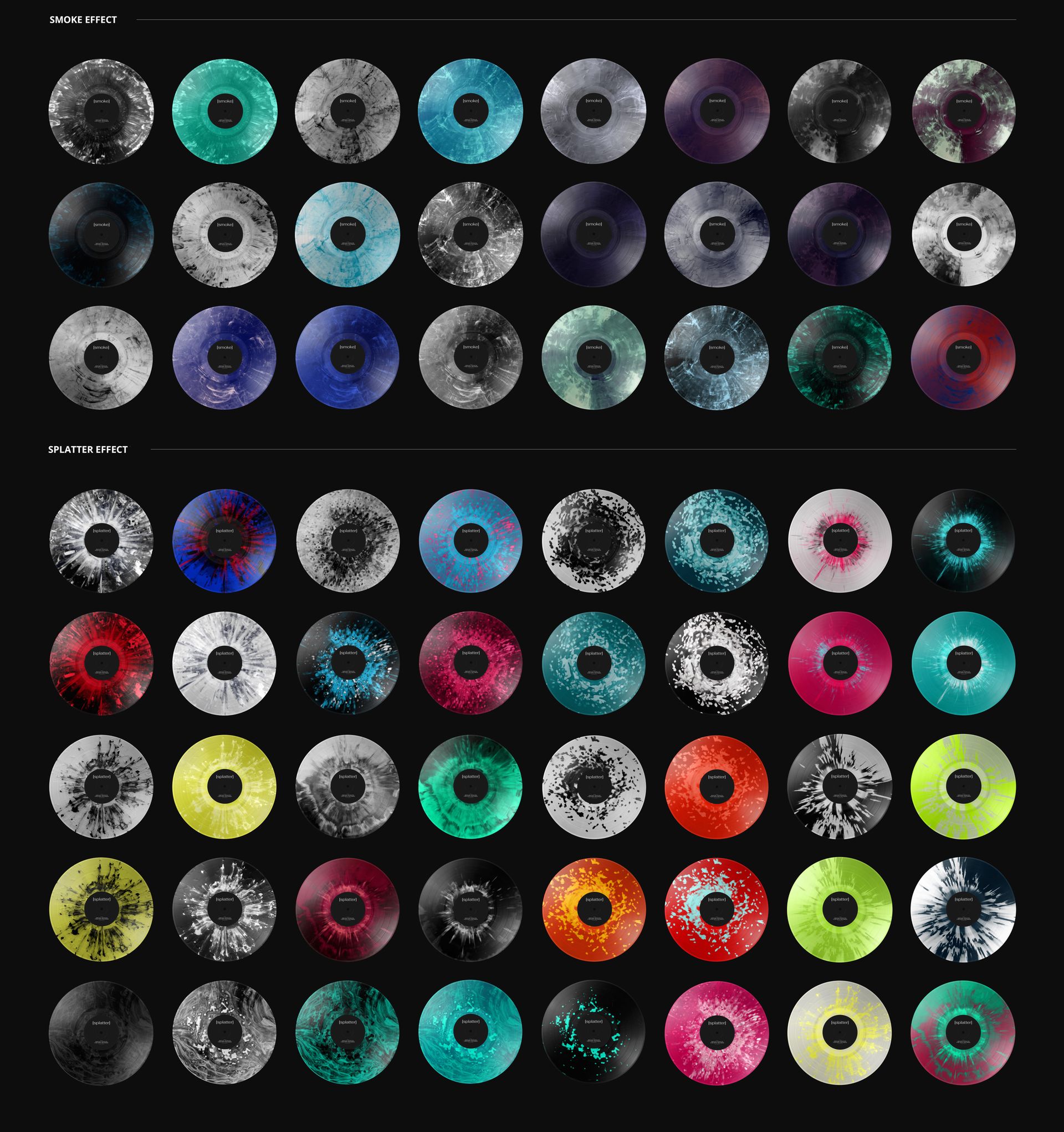
27 editable special vinyl color effects and a custom solid-color option.
From Solid Color to Patterned Vinyl
Customize the sleeve and center-label design and color, then compare vinyl treatments including blob, fade, swirl, marbled, smoke and splatter effects. The sand and driftwood provide a consistent backdrop for judging how each treatment relates to your cover.
Place Your Artwork with Smart Objects
Use Adobe Photoshop or Photopea to open the layered PSD, insert your artwork into the cover and label Smart Objects, and save the changes. Return to the main scene to work with the record color and effect options.
A Coastal Setting for Music Campaigns
Create visuals for an album announcement, a label portfolio or a client presentation. The download is a digital presentation tool; no physical vinyl record or sample preview artwork is supplied.