Vinyl Record Album on a Wild Beach Mockup
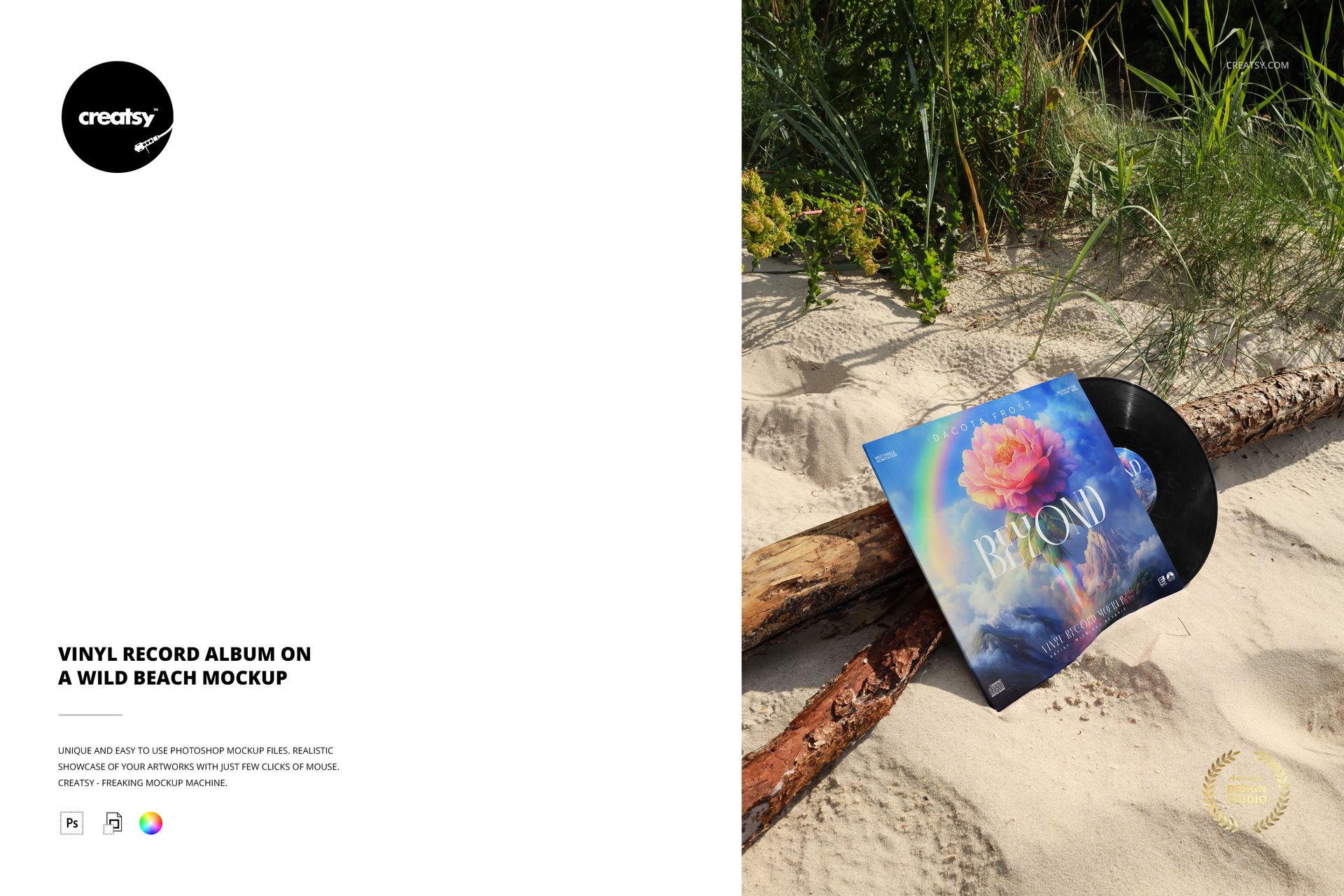
An album sleeve leans against a weathered log, with the vinyl partly visible and beach grasses filling the background. This wild beach vinyl record mockup places a music release in a textured outdoor setting, balancing pale sand, rough wood and greenery around the artwork.
Give the Release a Sense of Place
The angled sleeve gives the cover a tangible presence, while the exposed disc and center label connect the packaging to the record itself. Use the scene for a nature-led album identity, an independent-label campaign or an illustrated cover that benefits from an organic backdrop.
What Is Included
1 layered PSD with a single portrait scene.
4000 × 6000 px at 300 DPI, with 1 accompanying JPG preview.
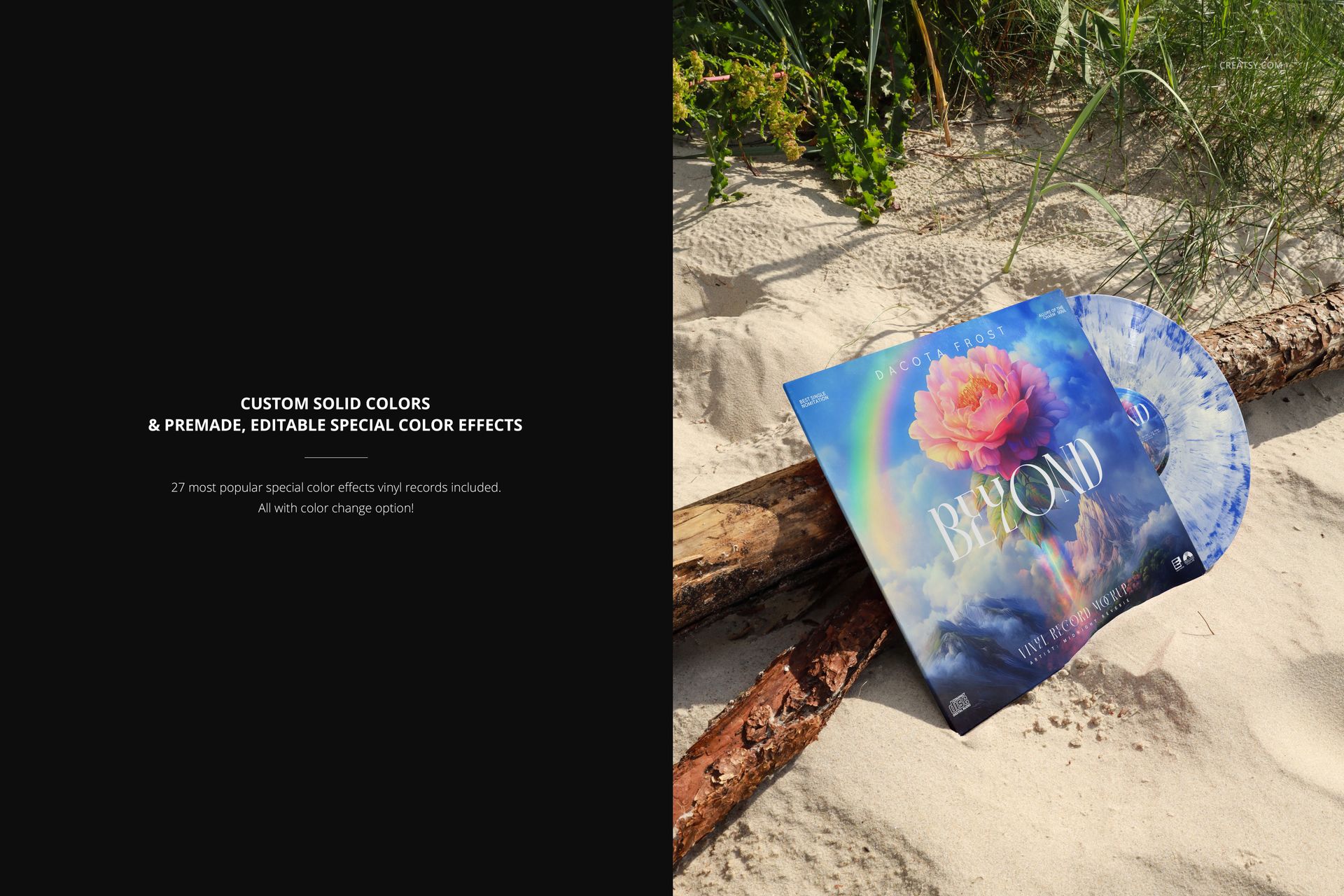
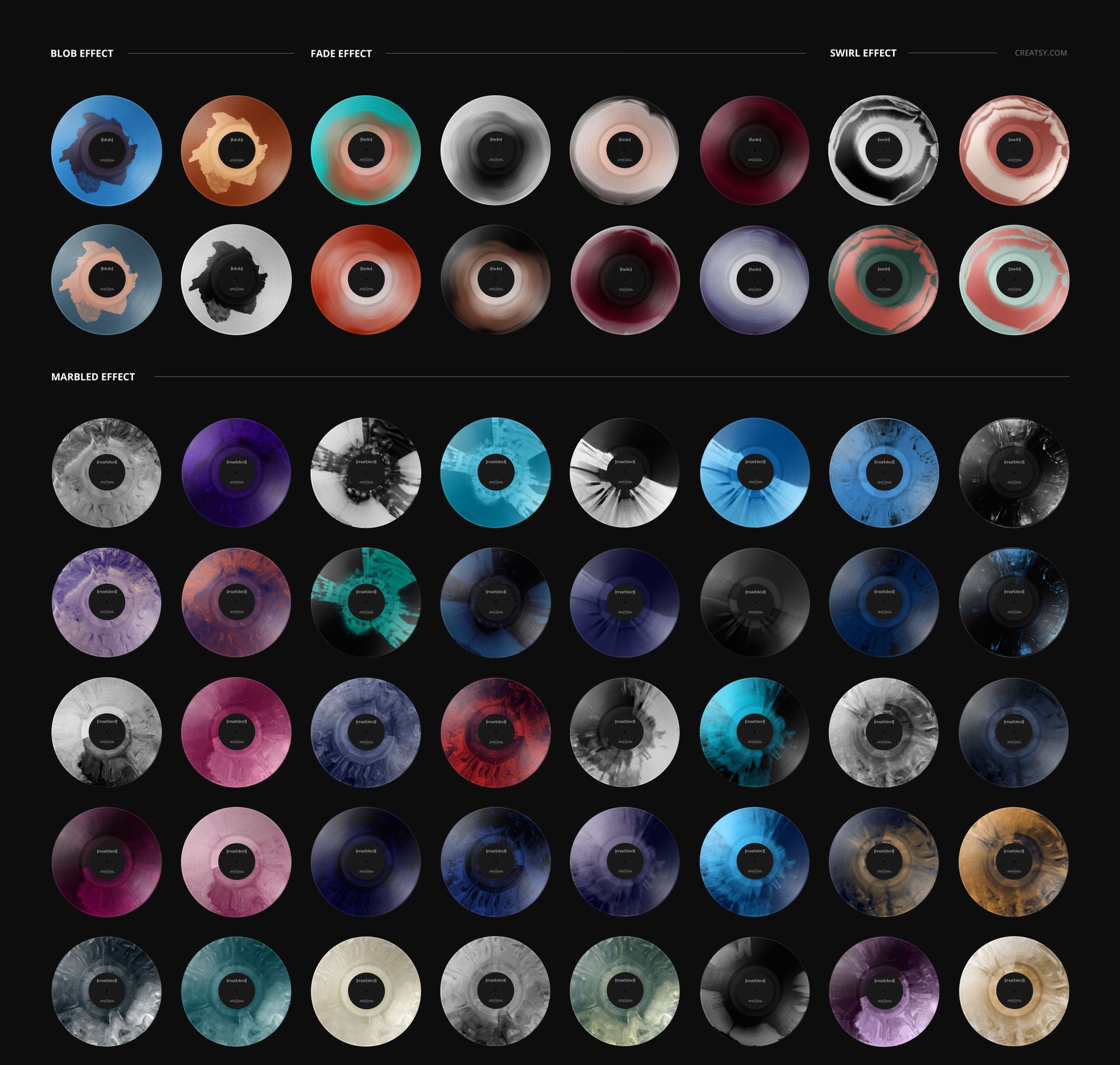
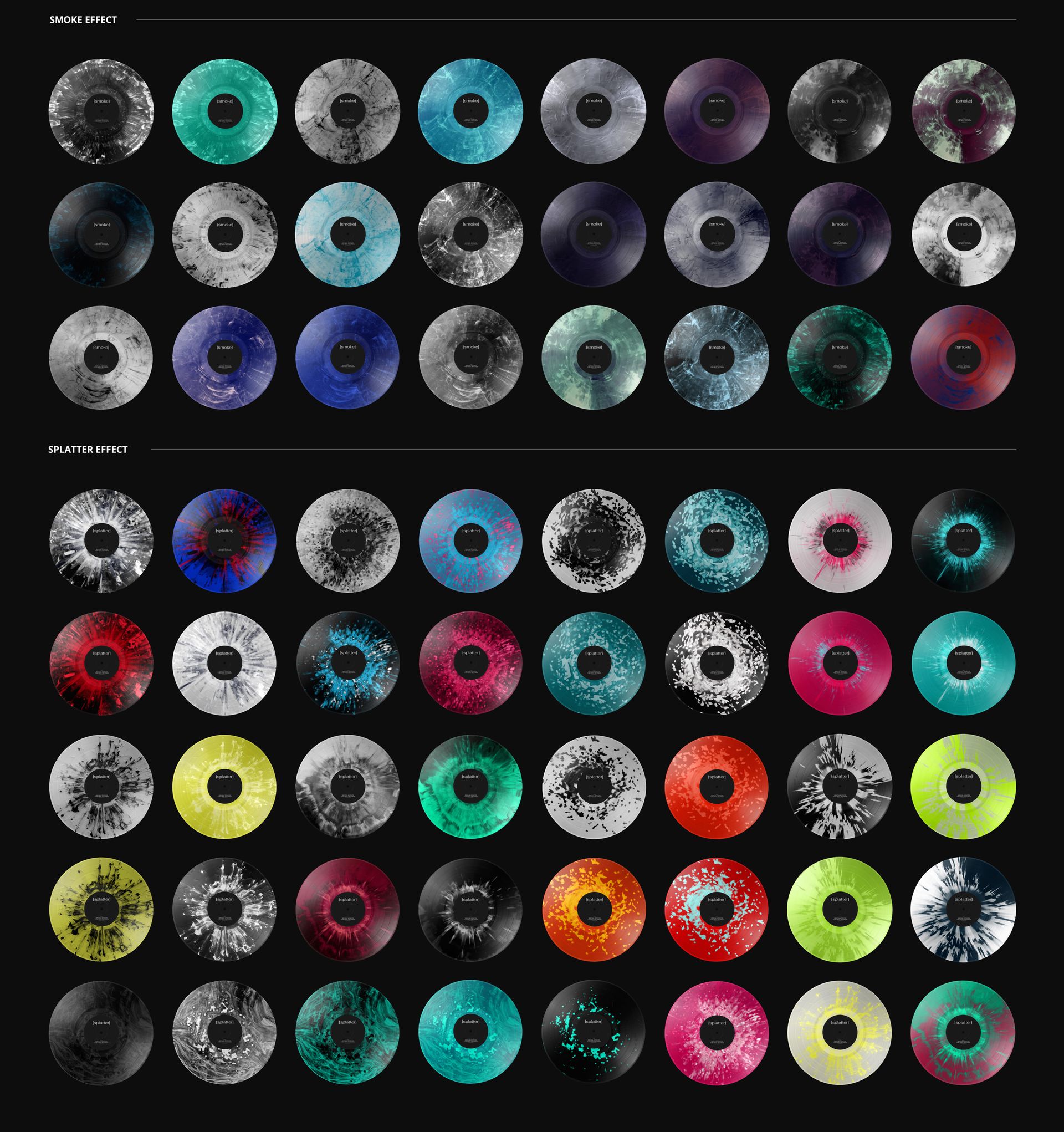
27 premade special vinyl color effects with editable colors, plus solid-color customization.
Customize the Release Identity
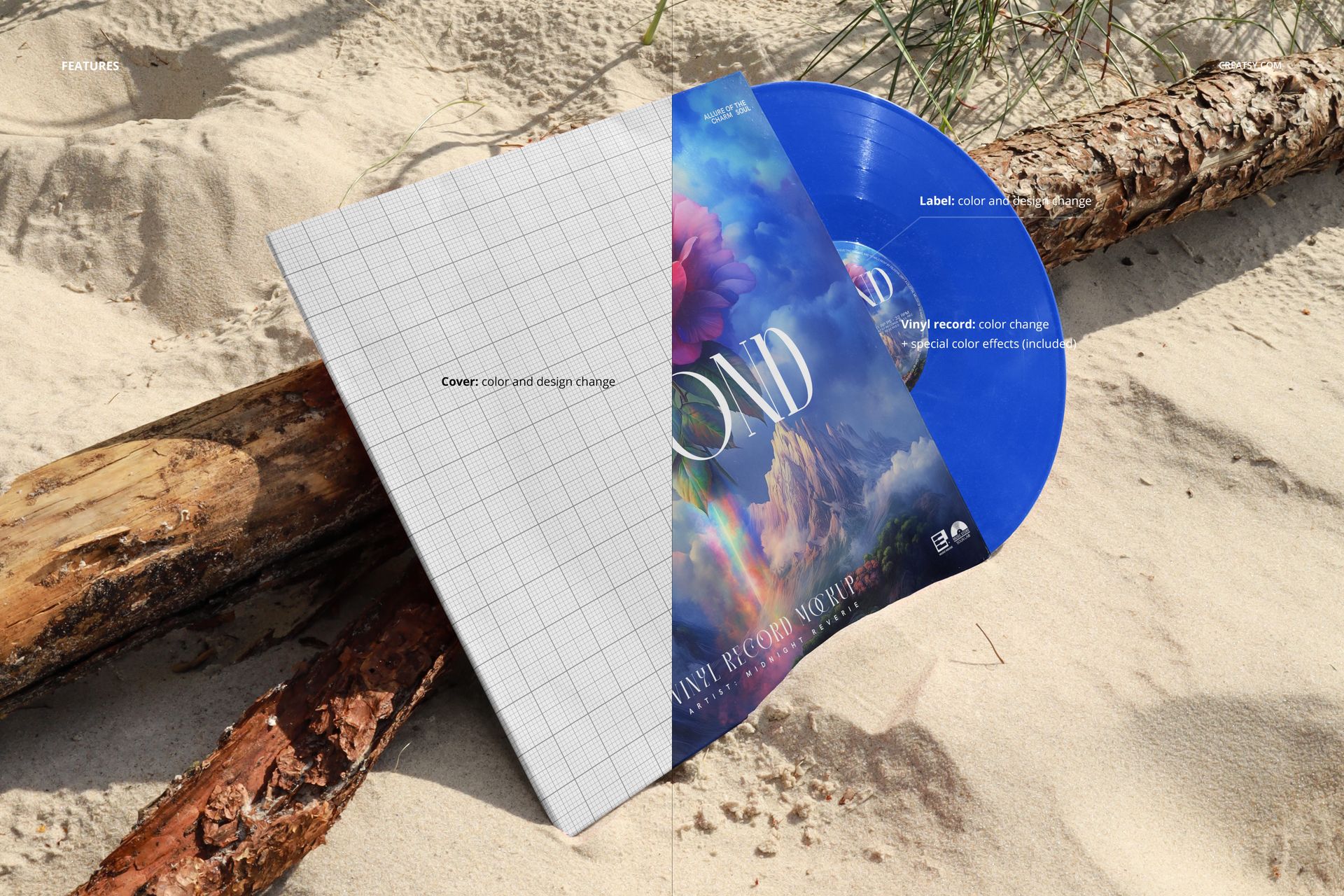
Replace the cover and label designs and adjust their colors. Change the vinyl color or choose a blob, fade, swirl, marbled, smoke or splatter treatment. These options let you present a black record, a colored edition or a patterned concept within the same beach setting.
Easy Smart Object Editing
The organized PSD works in Adobe Photoshop and Photopea. Open the cover or label Smart Object, place your artwork, save the edit and return to the full composition. Select the available record colors and effects to complete the presentation.
Use the finished image in client proposals, artist portfolios and release announcements. This is a digital mockup download, not physical packaging or a vinyl record. Example artwork is for display only and is not included.