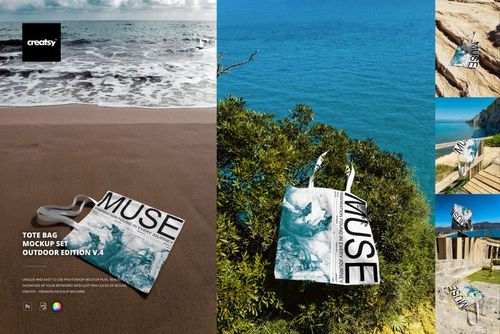
Tote Bag Mockup v.3

ID: 1706942805 | Updated: Feb 17, 2025

Product Details

Tote Bag Mockup v.3

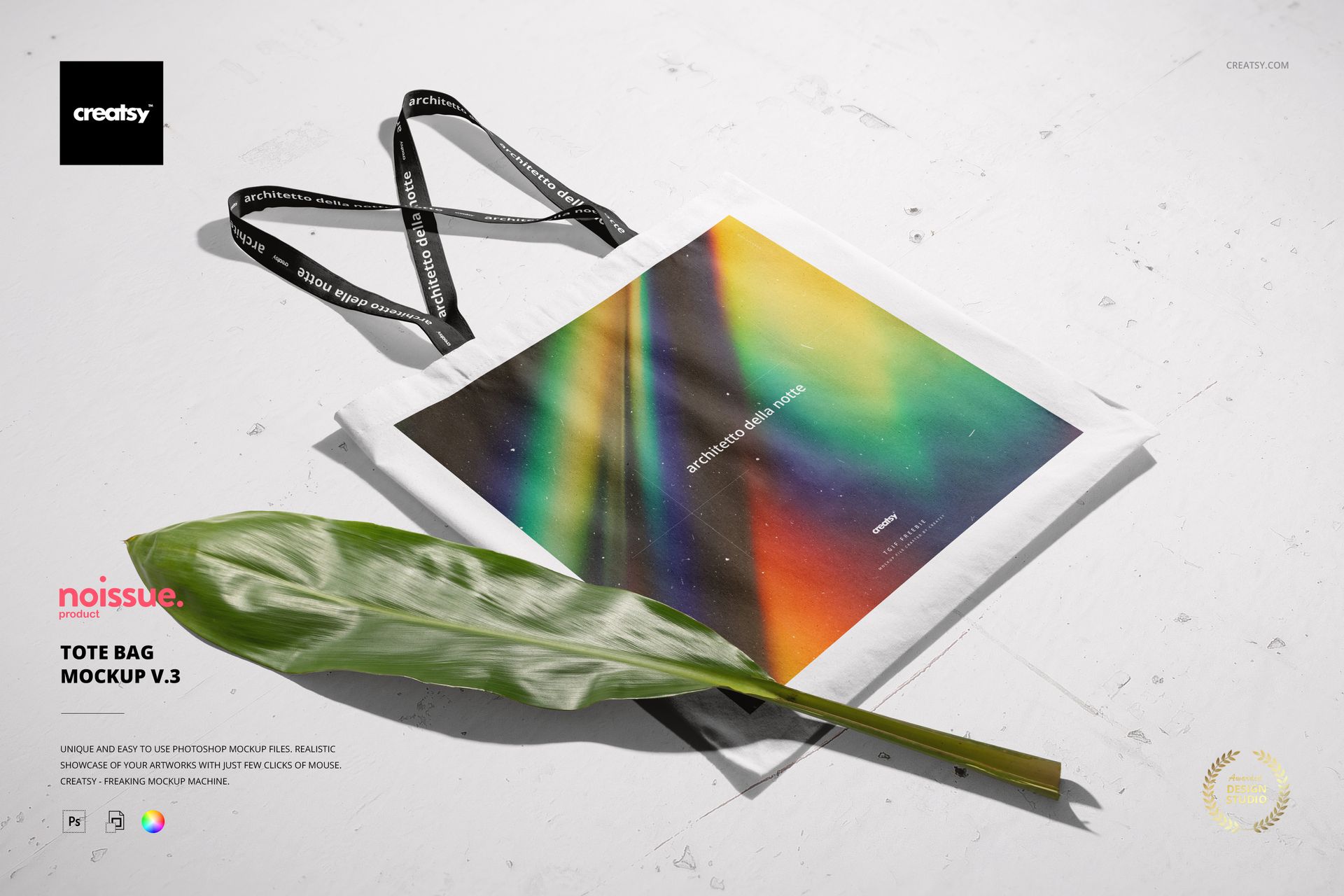
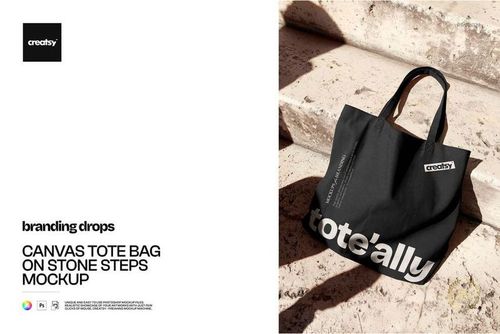
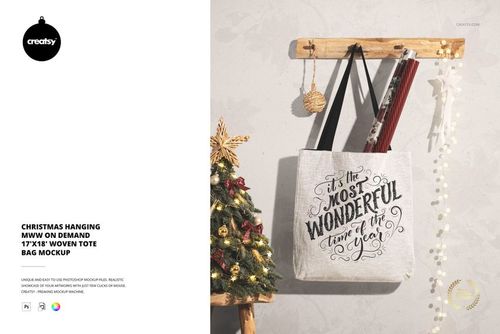
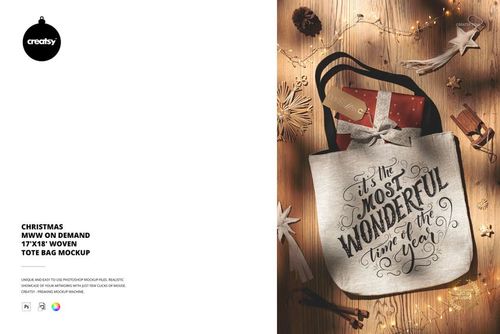
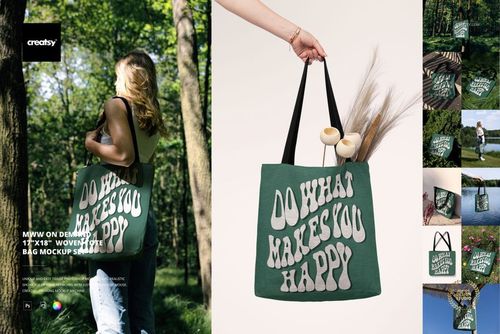
Experience the creativity and practicality of the Tote Bag Mockup v.3 brought to you by Creatsy. Elevate your design presentations with this exceptional mockup set made for designers, illustrators, and artists who seek to make their work shine. This versatile mockup is an essential tool for showcasing your designs on a stylish canvas.


What is Tote Bag Mockup v.3?

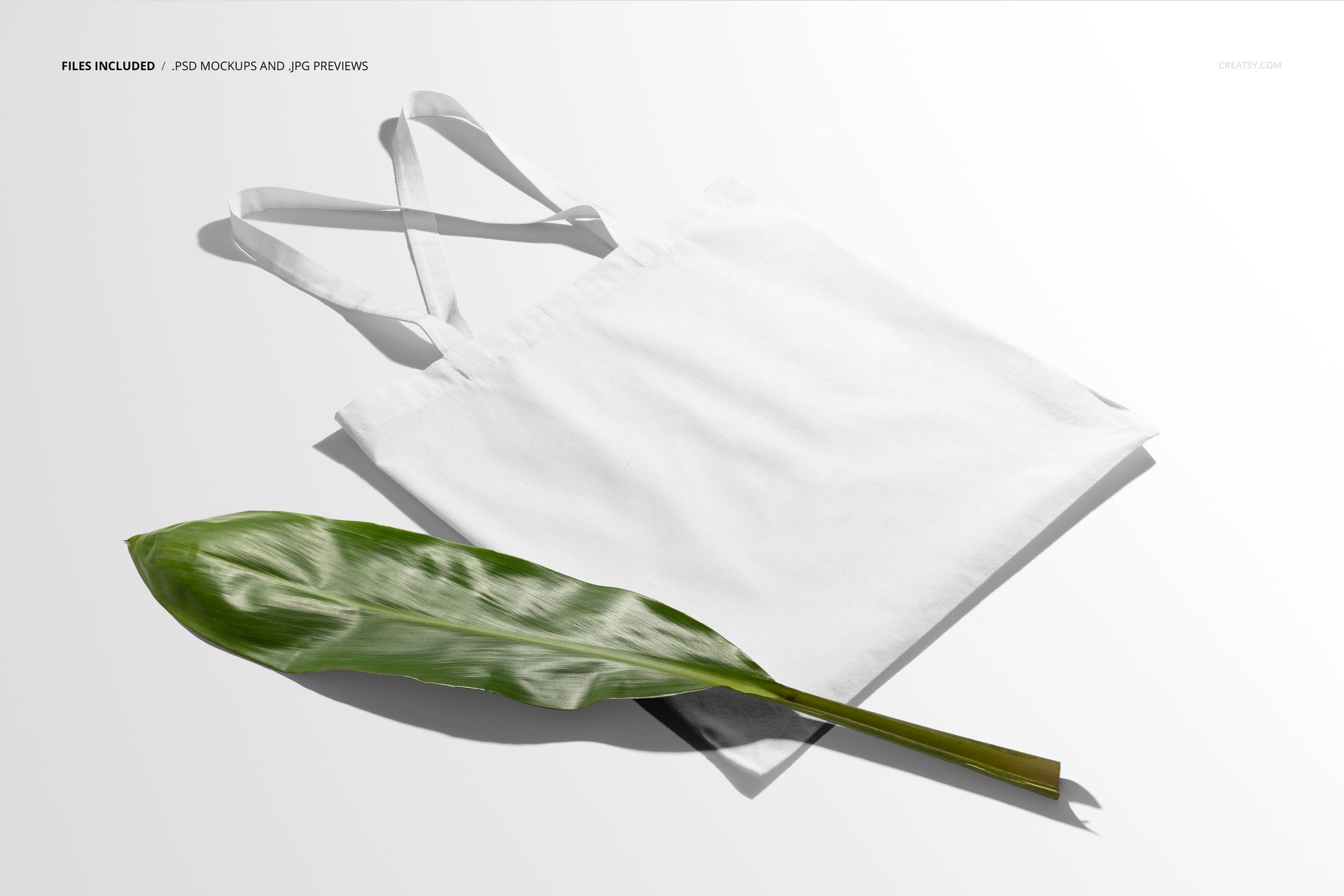
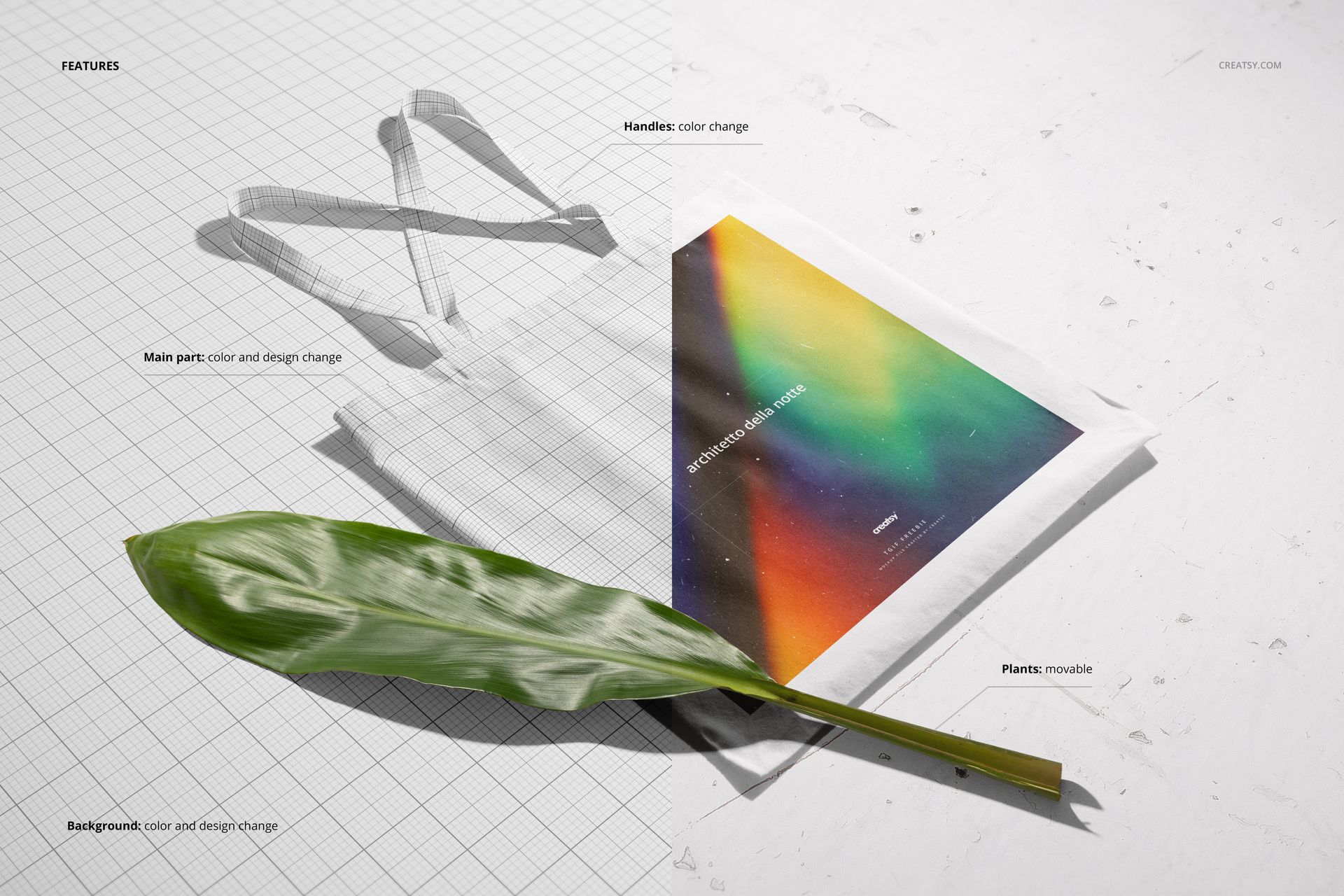
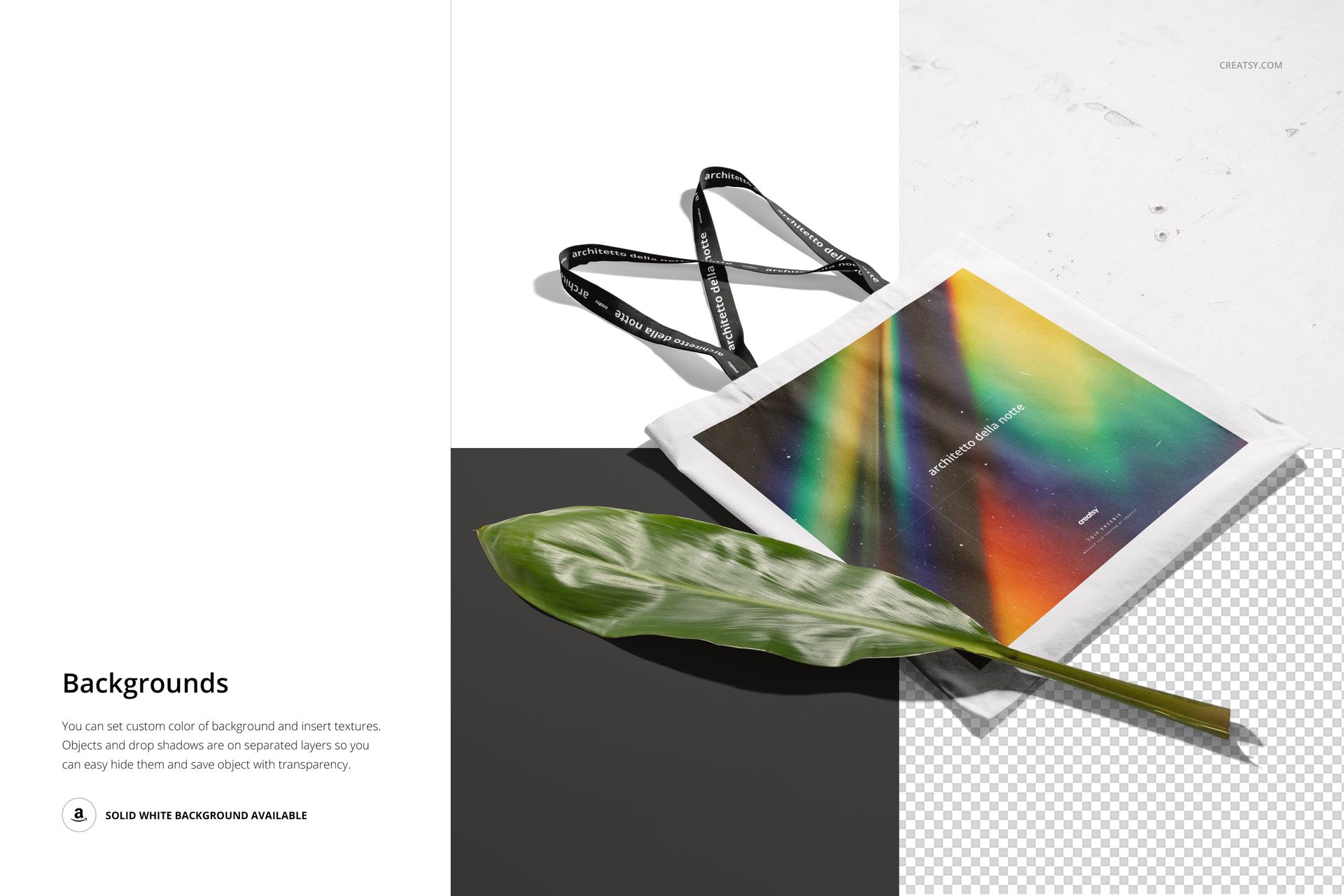
It's an invaluable addition to your design arsenal. Crafted to perfection, this mockup allows you to effortlessly display your custom designs through smart object editing and color layers. It's not just about showcasing your artwork; it's about making your ideas come to life in a realistic and captivating manner. This mockup set features: a single meticulously designed PSD file; impeccably organized layers that ensure easy customization; options to modify the bag's main section, handle colors, and background design; flexibility to rearrange the included plants to suit your composition.


  •  Compatibility: Adobe Photoshop (min. version CC 2020), photopea.com,
  • Includes: 1 PSD file with well-organized layers: 6000x4000 px, 300 dpi,  
  • Check screenshots for all the features,
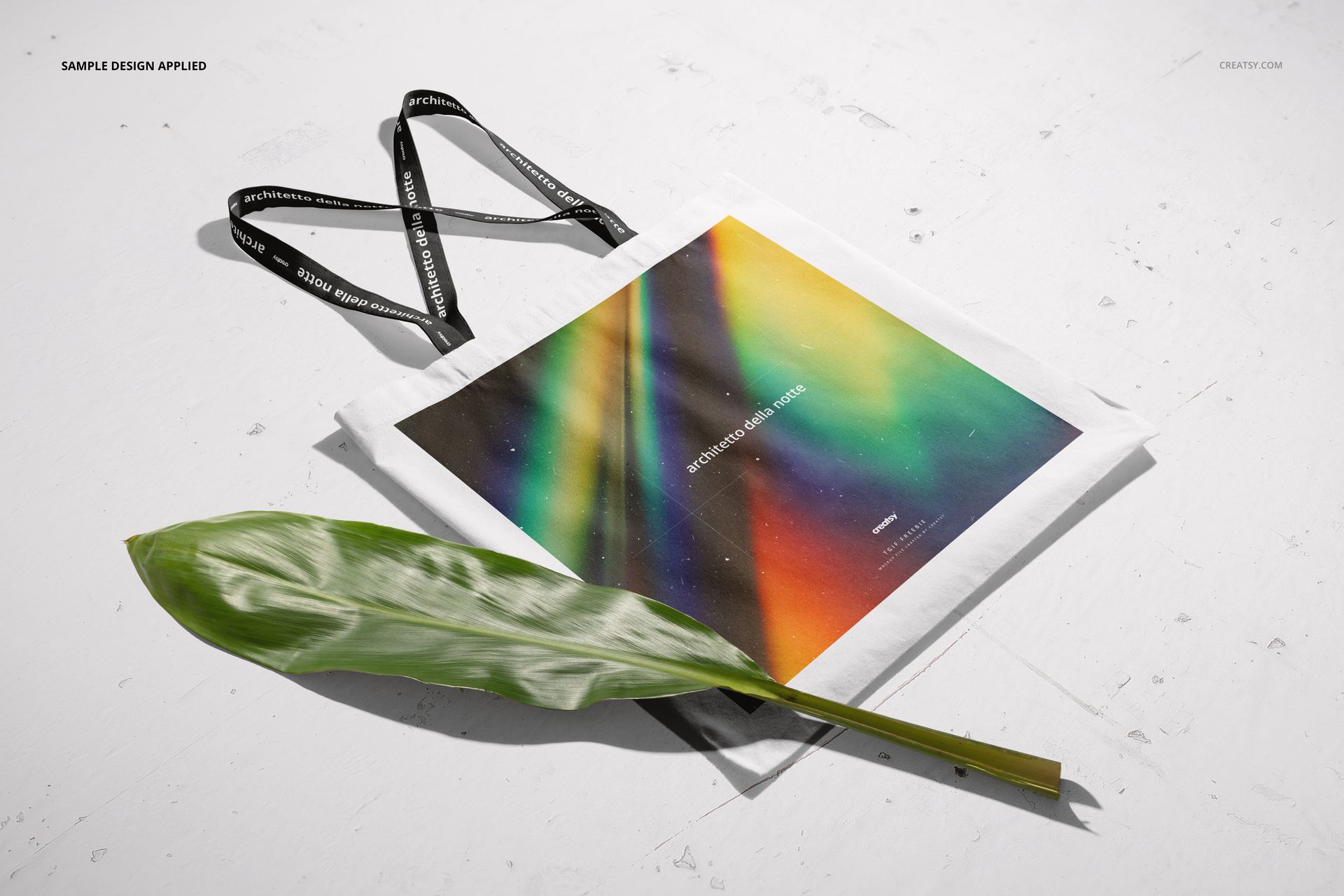
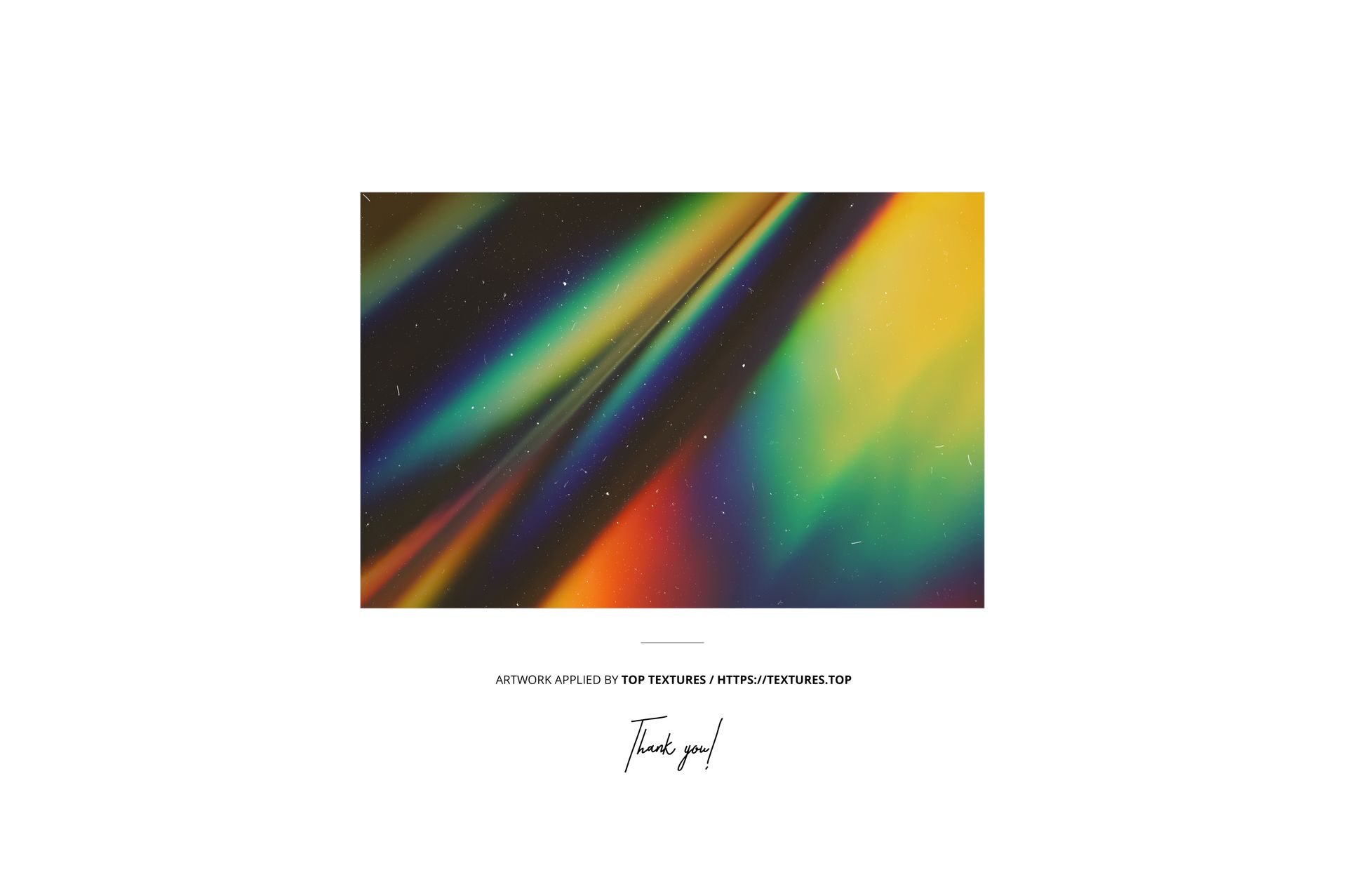
  • Example artwork by: Top Textures / textures.top,
  • Designs are for example only and are not included in your purchase. 

File details

Compatibility
PhotopeaAdobe Photoshop
Number of files included
3
Package size
430 MB430 MB|451 MB451 MB
Files type
.psd, .jpg, .pdf
Files size
6000x4000
TEST FOR FREE

Reviews

Professional PSD mockups built in-house - editable, realistic, high-resolution, and supported by real people.

5 (1 rating)
Sort by:

sandra avatar
sandra
Sep 16, 2025

Thank you for this beautiful mockup!


MEET THE SHOP

Creatsy logo

Creatsy

Poland
4.7 (642)

Bring your ideas to life.

We're a family-run studio in Katowice, Poland, making PSD mockups by hand since 2016. Everything in this shop starts in our own studio. We shoot the photography, build the 3D, and put together every Smart Object PSD ourselves - then we test it, organize the layers, and only ship it once it actually works...
GO TO SHOP

HOW IT WORKS

3 clicks. That's it.

No tutorial needed. If you can copy-paste, you can use this.

  1. 1OpenDouble-click the smart object inside the PSD - in Adobe Photoshop, or free in your browser with Photopea.
  2. 2PasteDrop in your pattern, print, or artwork. Any design, any style.
  3. 3SaveHit save and the mockup wraps it in for you - shadows, folds, and lighting included.

FROM IDEA TO IMAGE

Built for real workflows

Skip the photo shoot Show your artwork on the real product type for approvals or listings - no studio, no model, no sample.

See it on the product, not a swatch Drop your file into the smart object and the scene's lighting and folds wrap around it, so you judge the real thing before you commit.

Smart Objects

Edit once and you're done. Your artwork drops into a smart object and the mockup updates itself - no masking, no warping by hand.

Perfectly Organized

Named layers and folders you can actually navigate. Find what you need, change what you want, and get out fast.

Print-Ready

High-resolution files built to hold up on screen and in print. Exact size and DPI are in this product's Details above.