ID: 1661950293 | Updated: Mar 3, 2024

Product Details

Quadruple Packaging Tape Mockup

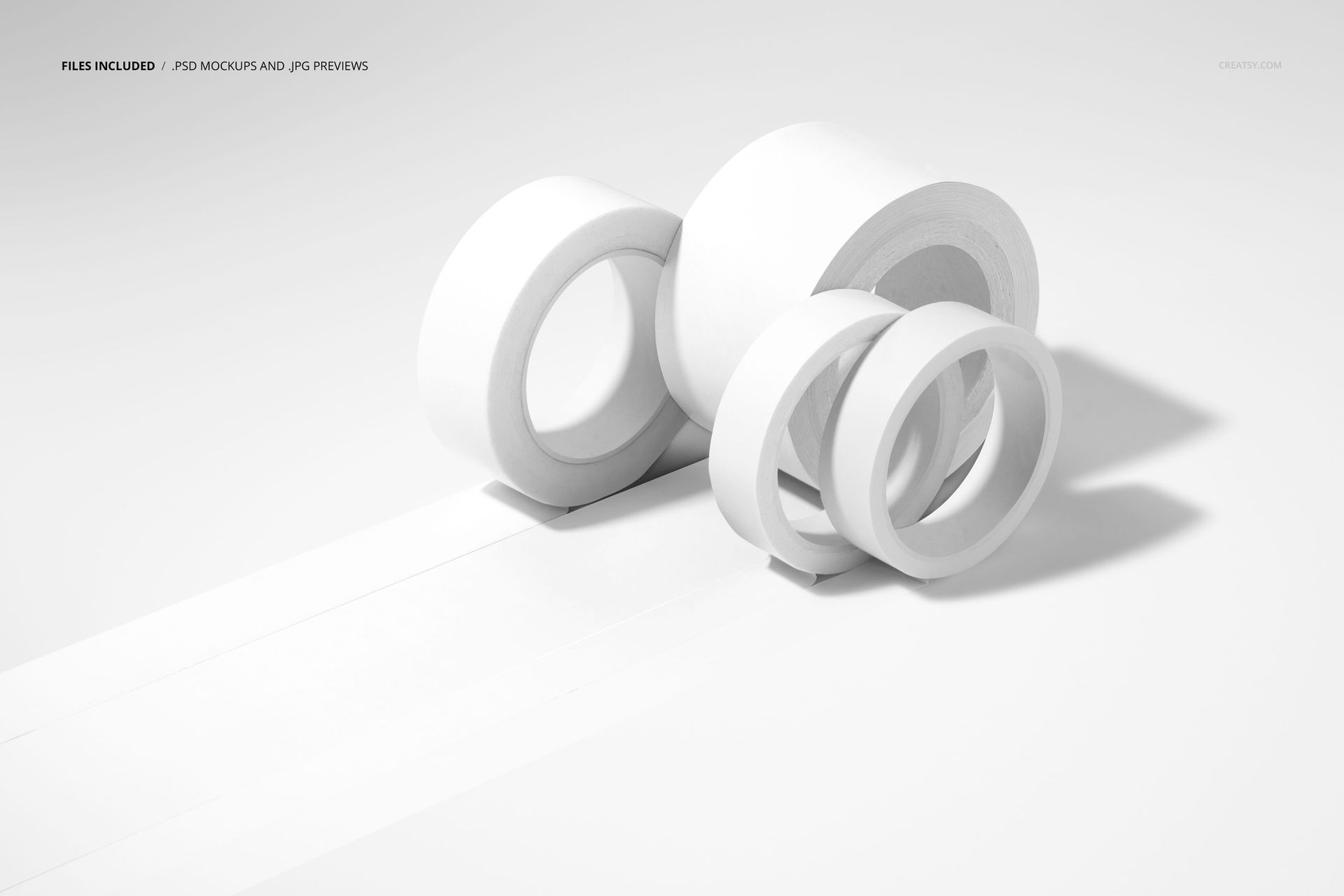
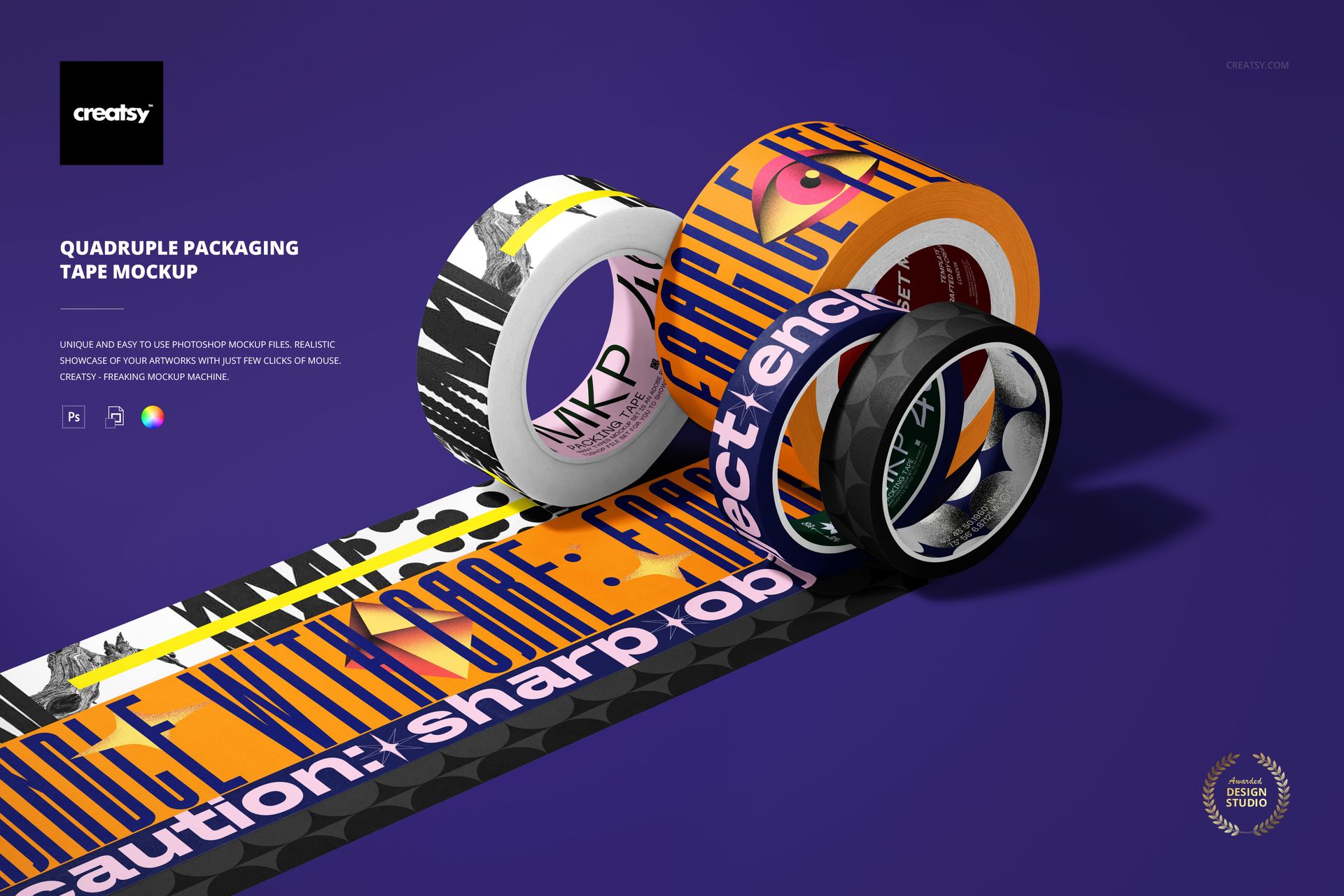
Bring a tape range together in one image. Four upright rolls of different widths form a close group, with printed strips extending diagonally into the foreground. The angled view reveals the outer graphics, visible inner cores and the relationship between the wider and narrower tapes.

A Collection, Not Four Separate Scenes

Use the composition to introduce a coordinated family of patterns, color directions or typographic designs. The rolls share one setting, so the viewer can read the assortment as a whole before looking at each individual print.

What Is Included

  • 1 layered PSD mockup, 6000 x 4000 px at 300 DPI

  • 1 JPG preview at 512 x 341 px, 2 files in total

  • One landscape scene featuring four unrolled tape rolls

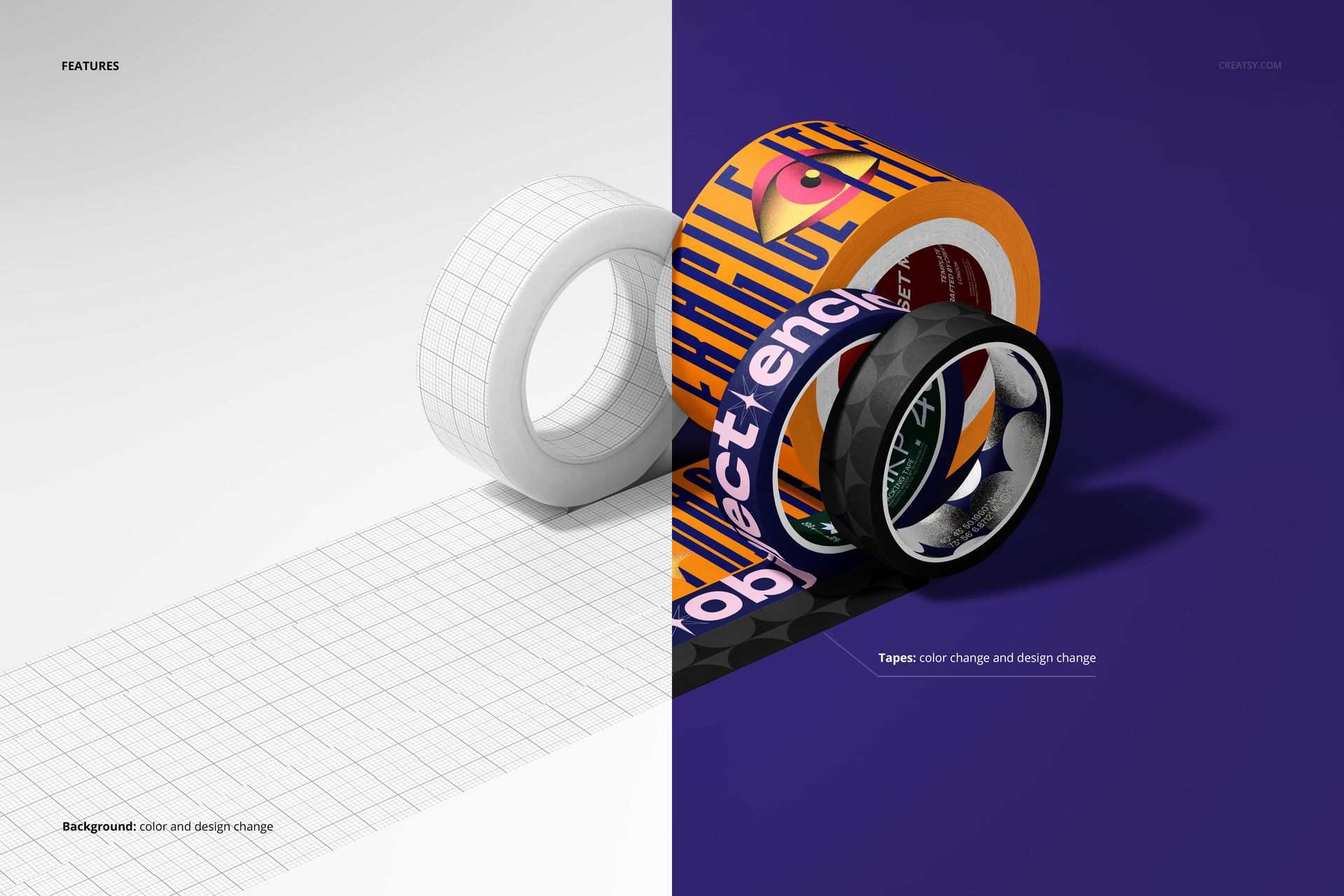
  • Color and design changes for the tapes

Easy Smart Object Editing

Replace the example graphics through Smart Objects in Adobe Photoshop CC2020 or newer, or Photopea. Use the tape color and artwork controls to build your presentation. The file includes organized layers.

Present a Range with a Shared Identity

This arrangement suits printed-tape suppliers, branding designers and surface pattern designers preparing a collection image for a catalog, client presentation or portfolio. Combine a bold lead design with quieter companion graphics to show how the range fits together.

This is a digital mockup, not physical adhesive tape. Preview artwork is for demonstration and is not included as separate design assets.

File details

Compatibility
PhotopeaAdobe Photoshop
Package size
51 MB51 MB|53.4 MB53.4 MB
Files type
.psd, .jpg
Files size
6000x4000
TEST FOR FREE

MEET THE SHOP

Creatsy logo

Creatsy

Poland
4.8 (687)

Bring your ideas to life.

We're a family-run studio in Katowice, Poland, making PSD mockups by hand since 2016. Everything in this shop starts in our own studio. We shoot the photography, build the 3D, and put together every Smart Object PSD ourselves - then we test it, organize the layers, and only ship it once it actually works...
GO TO SHOP

HOW IT WORKS

3 clicks. That's it.

No tutorial needed. If you can copy-paste, you can use this.

  1. 1OpenDouble-click the smart object inside the PSD - in Adobe Photoshop, or free in your browser with Photopea.
  2. 2PasteDrop in your pattern, print, or artwork. Any design, any style.
  3. 3SaveHit save and the mockup wraps it in for you - shadows, folds, and lighting included.

FROM IDEA TO IMAGE

Built for real workflows

Get the label signed off before the print run Wrap your design onto the box, pouch, or bottle and show the client exactly what ships.

See it on the product, not a swatch Drop your file into the smart object and the scene's lighting and folds wrap around it, so you judge the real thing before you commit.

Smart Objects

Edit once and you're done. Your artwork drops into a smart object and the mockup updates itself - no masking, no warping by hand.

Perfectly Organized

Named layers and folders you can actually navigate. Find what you need, change what you want, and get out fast.

Print-Ready

High-resolution files built to hold up on screen and in print. Exact size and DPI are in this product's Details above.