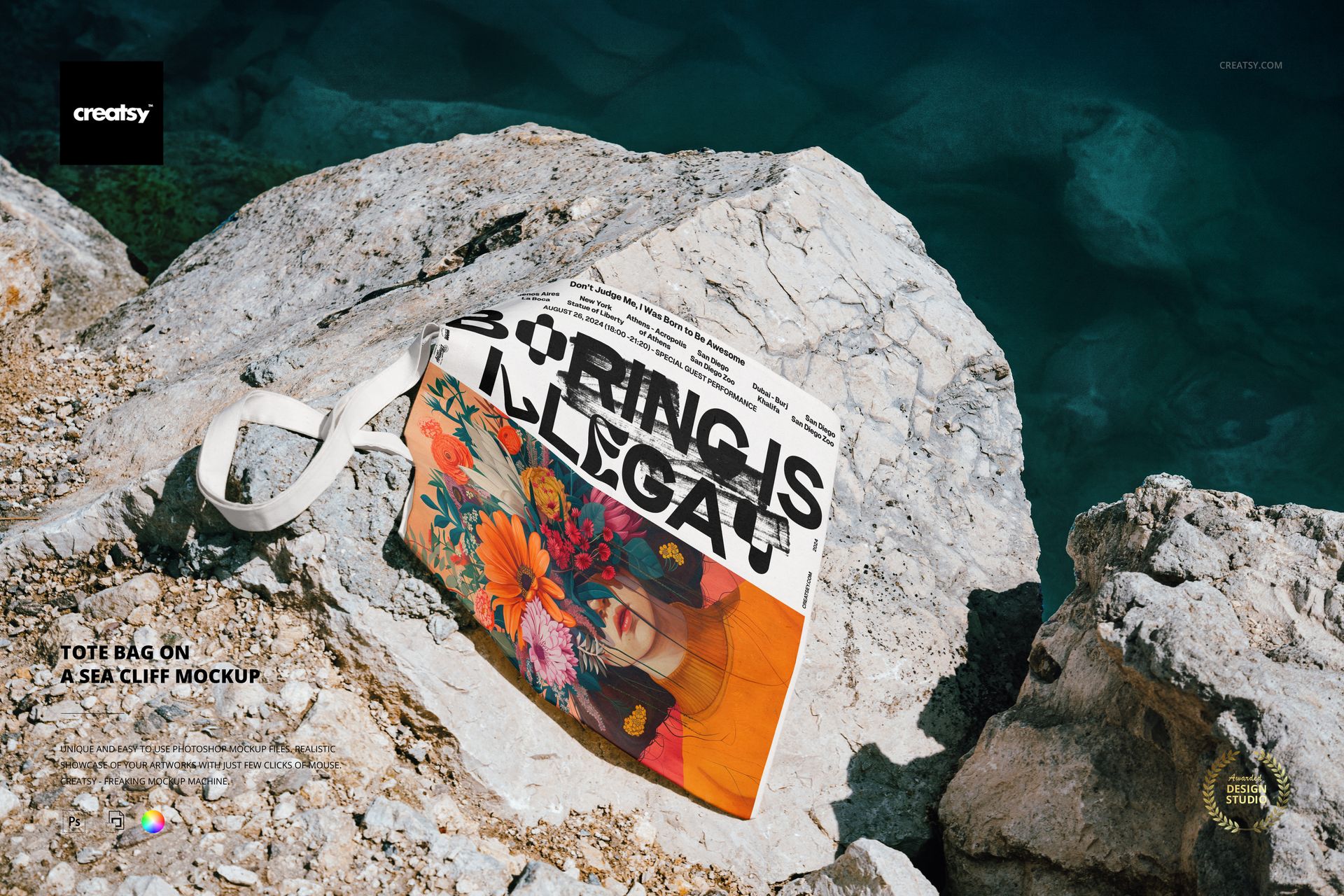
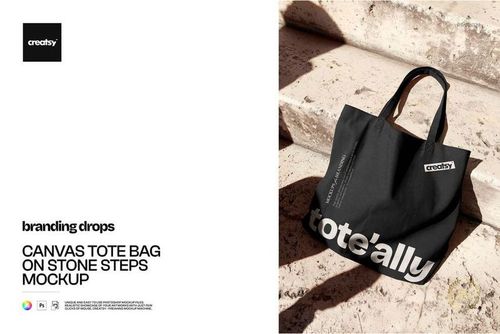
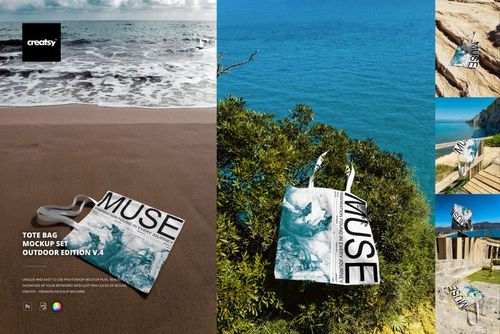
Showcase summer-ready branding in a wild, coastal setting with this free Tote Bag on a Sea Cliff Mockup. The bag lies across sunlit sea cliffs above deep blue water, so your artwork instantly feels adventurous, editorial, and full of vacation vibes. Free for commercial use – see license for details.
Highlights
Format: 1× PSD mockup, 6000×4000 px, 300 dpi
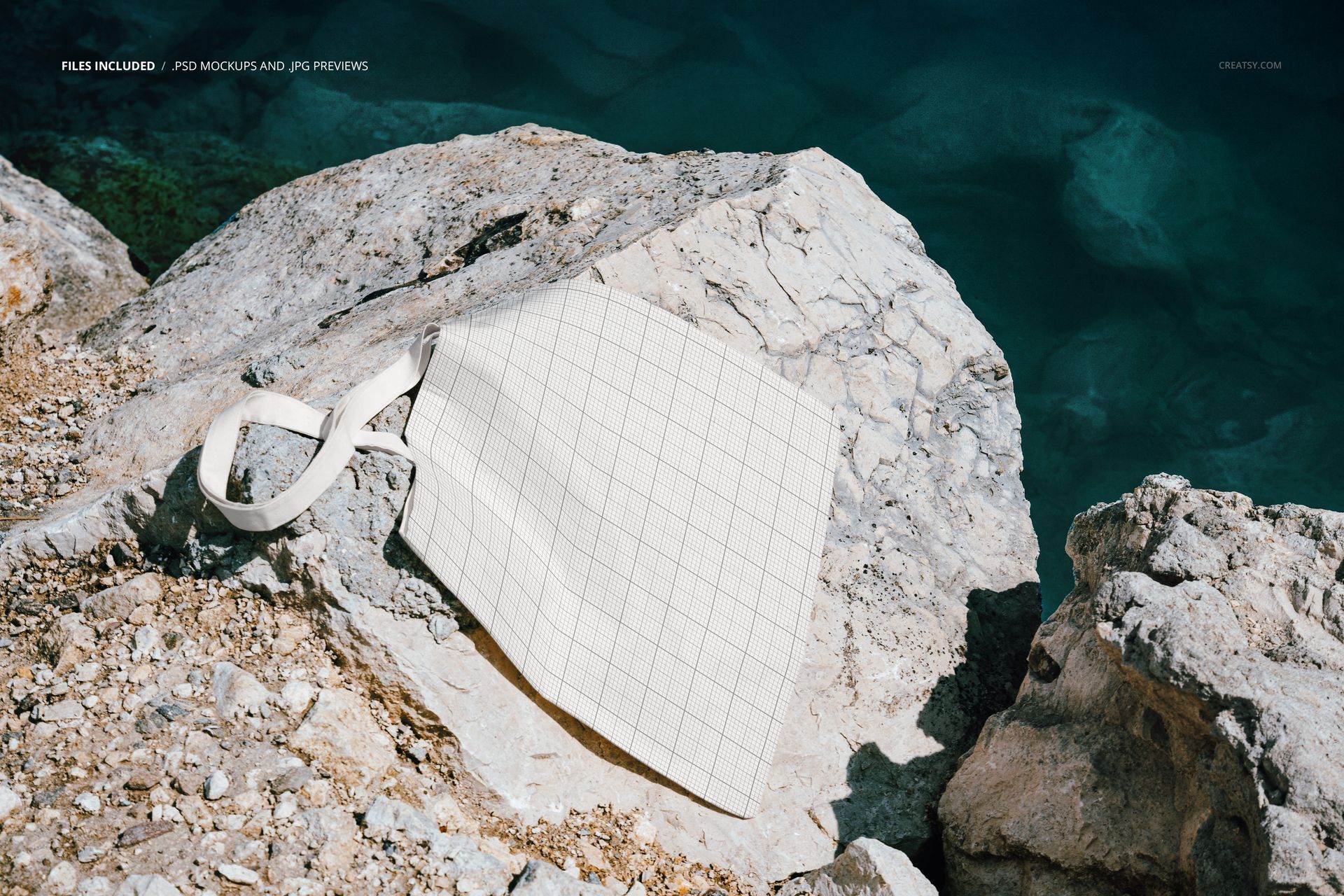
Workflow: Smart Object-based artwork; organized layers with natural shadows
Apps: Photoshop (min. CC 2020) + Photopea (free online editor)
Editable: tote bag design and color (front); strap follows bag color
Background: real-life sea cliff and water – fixed, not editable
Use cases: fashion and merch drops, eco bag designs, festival and concert promos, social media visuals, shop banners
License: free for personal & commercial projects – see Creatsy “Freebie” license terms for full details
What’s inside / Specs
Files: 1× PSD mockup + preview JPG
Canvas: 6000×4000 px, 300 dpi
Layers: Smart Object for bag artwork; color overlay for bag fabric; shadow/highlight adjustment
Objects: tote bag integrated with photo scene (non-movable); rocks, water, and ground are baked into the background
Color: bag fabric color change via adjustment layers; artwork supports full color prints
Compatibility: Photoshop CC 2020 or newer; works in browser via Photopea
Approx. size: ~92–96 MB (download archive may vary slightly by platform/compression)
How-to (Photoshop & Photopea)
Open the PSD in Photoshop (CC 2020+) or in Photopea.
Double-click the bag Smart Object, place your artwork, Save, and return to the main file.
Adjust bag color and fine-tune shadows/highlights so the design matches the scene.
Export high-res JPG/PNG/WebP for your store, portfolio, social media, or client presentations.
License & usage
This free mockup can be used in personal and commercial end projects for a single user/brand. You can create unlimited flattened visuals (images, videos), but you cannot resell, redistribute, or share the source PSD file. For complete terms, please check the Creatsy license page under the “Freebie” section.














Accurately described