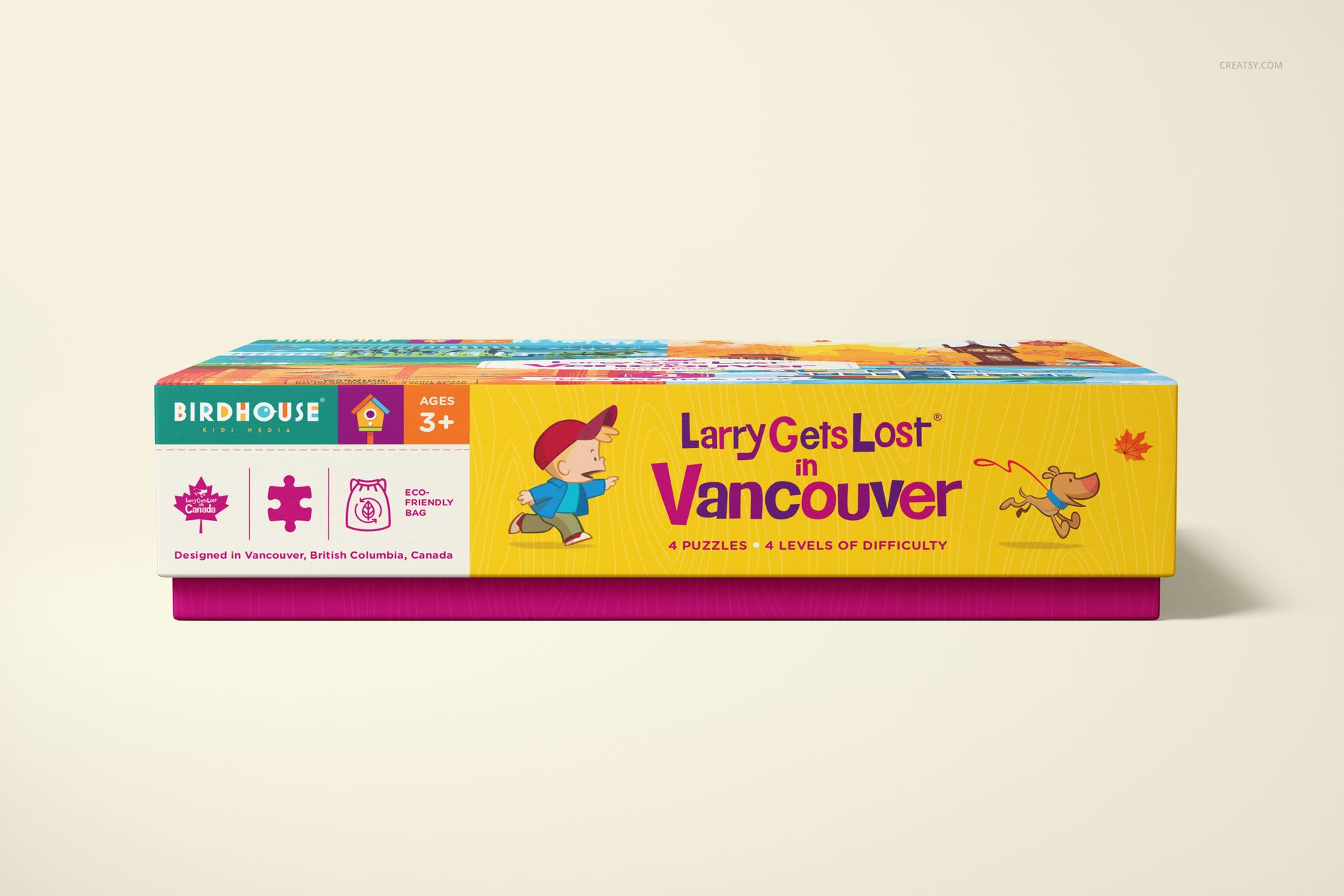
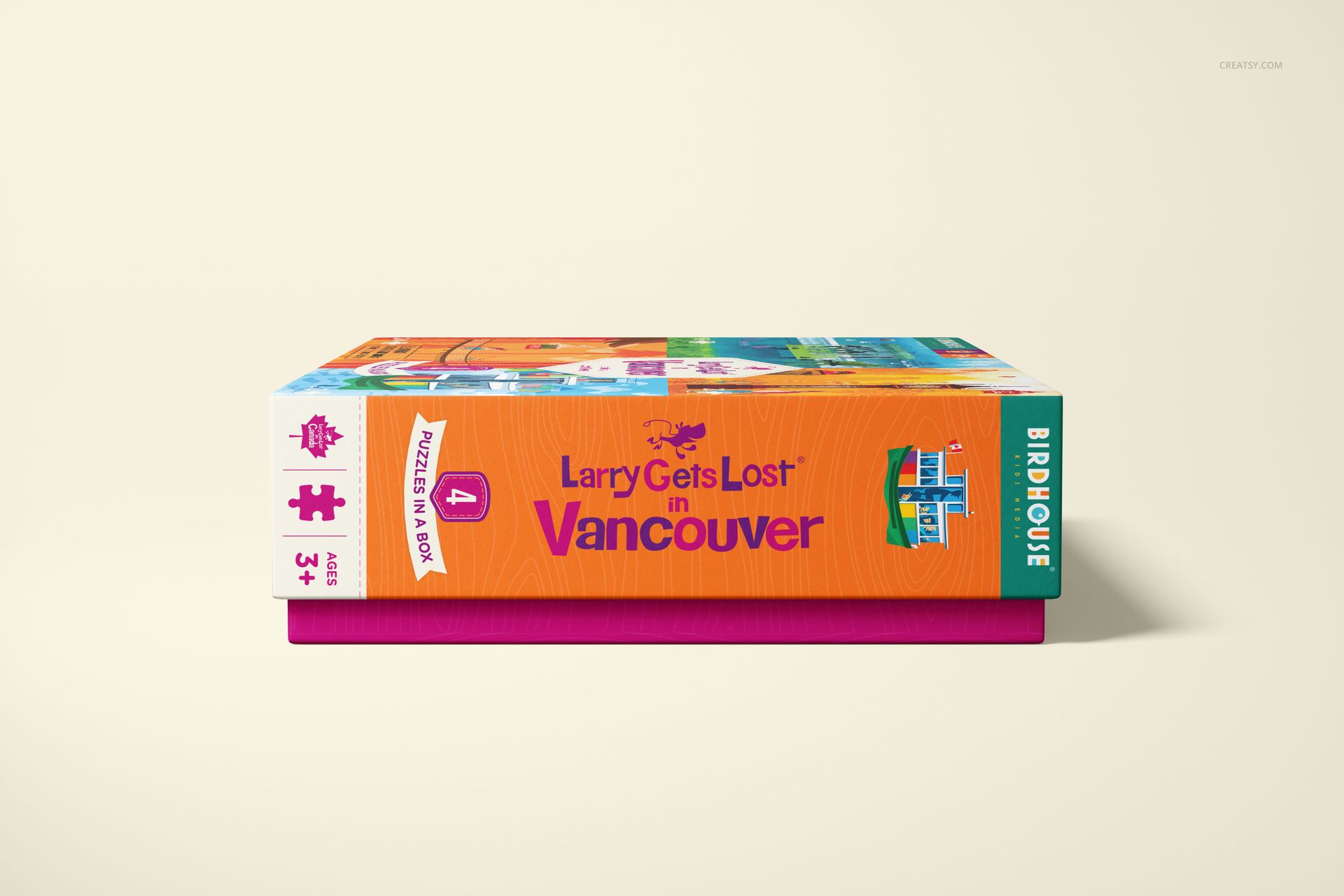
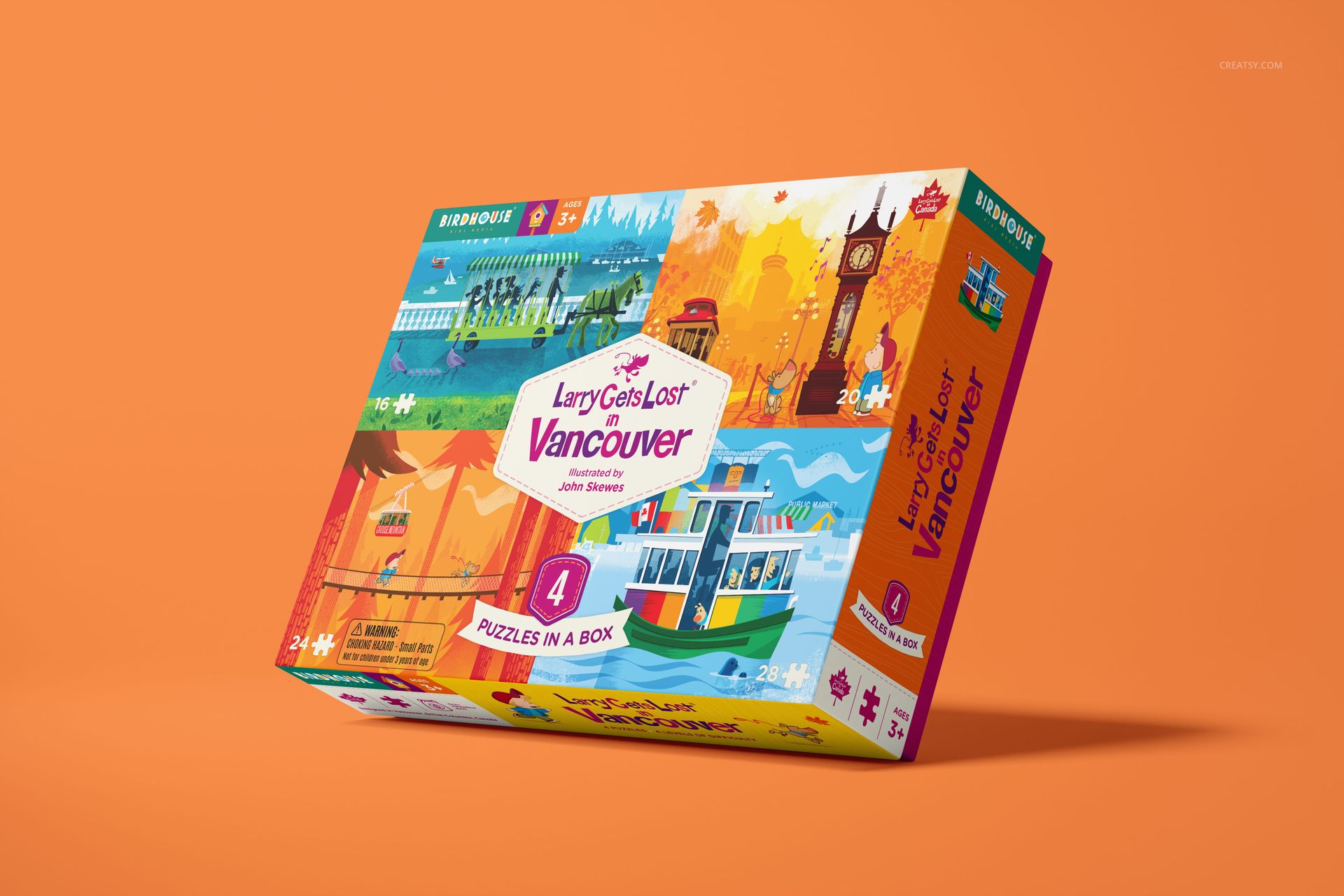
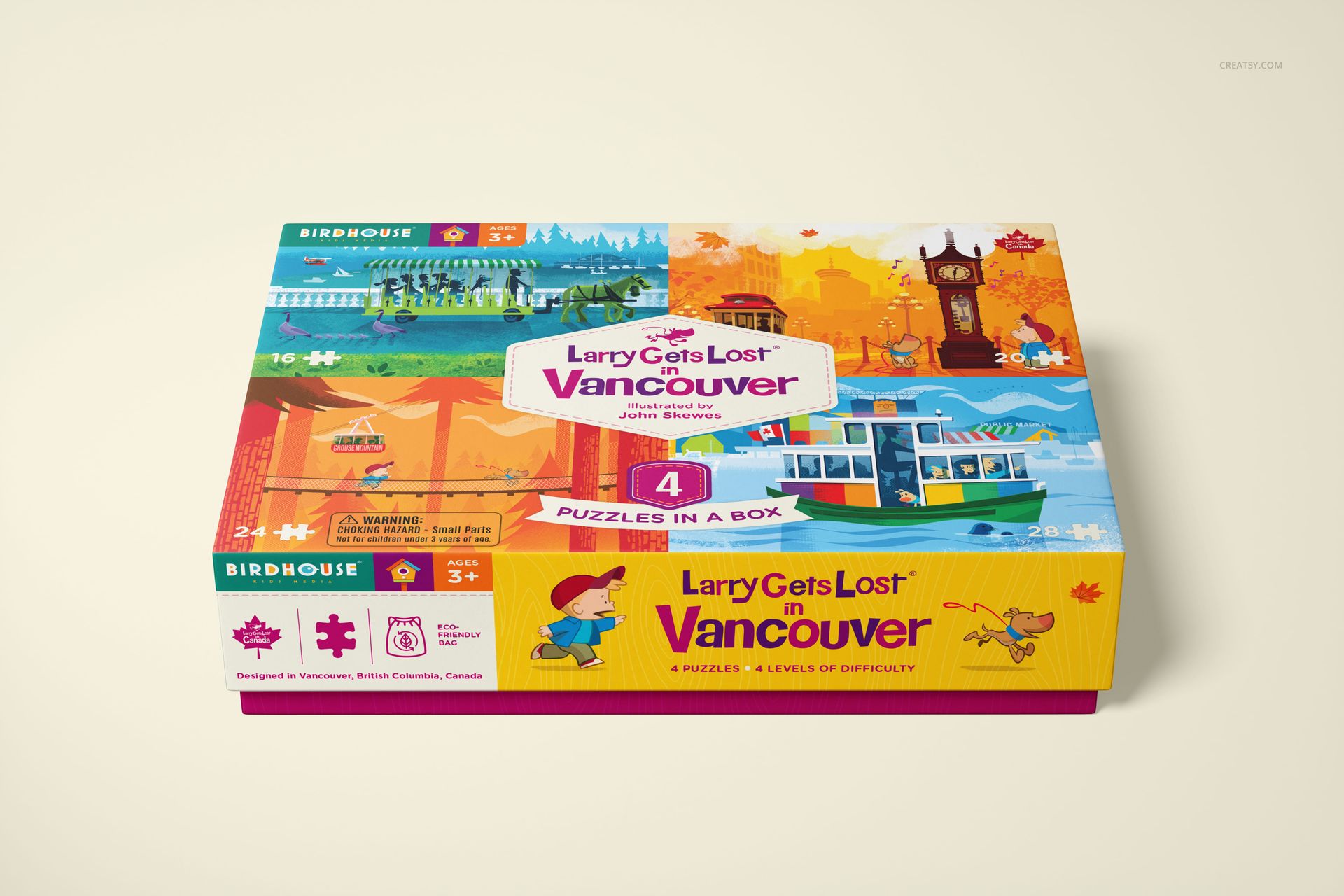
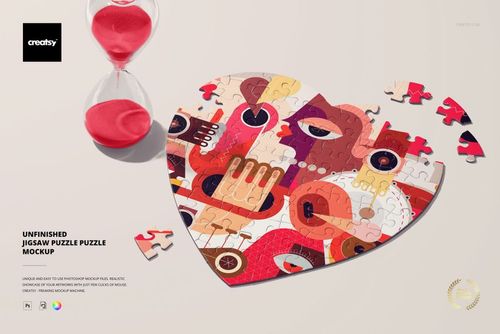
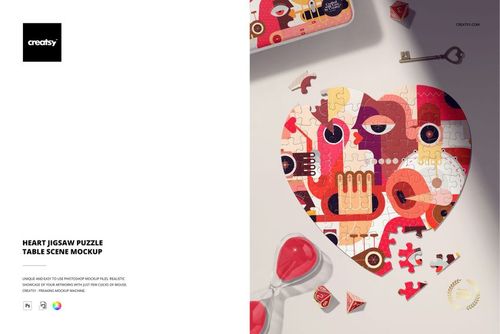
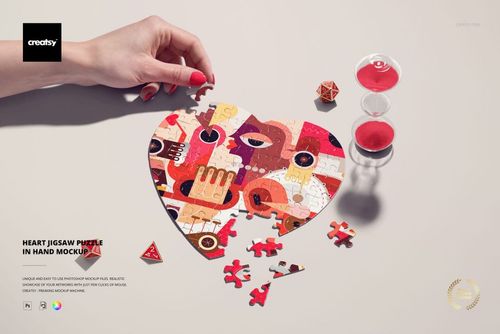
Puzzle Game Box Mockup Set
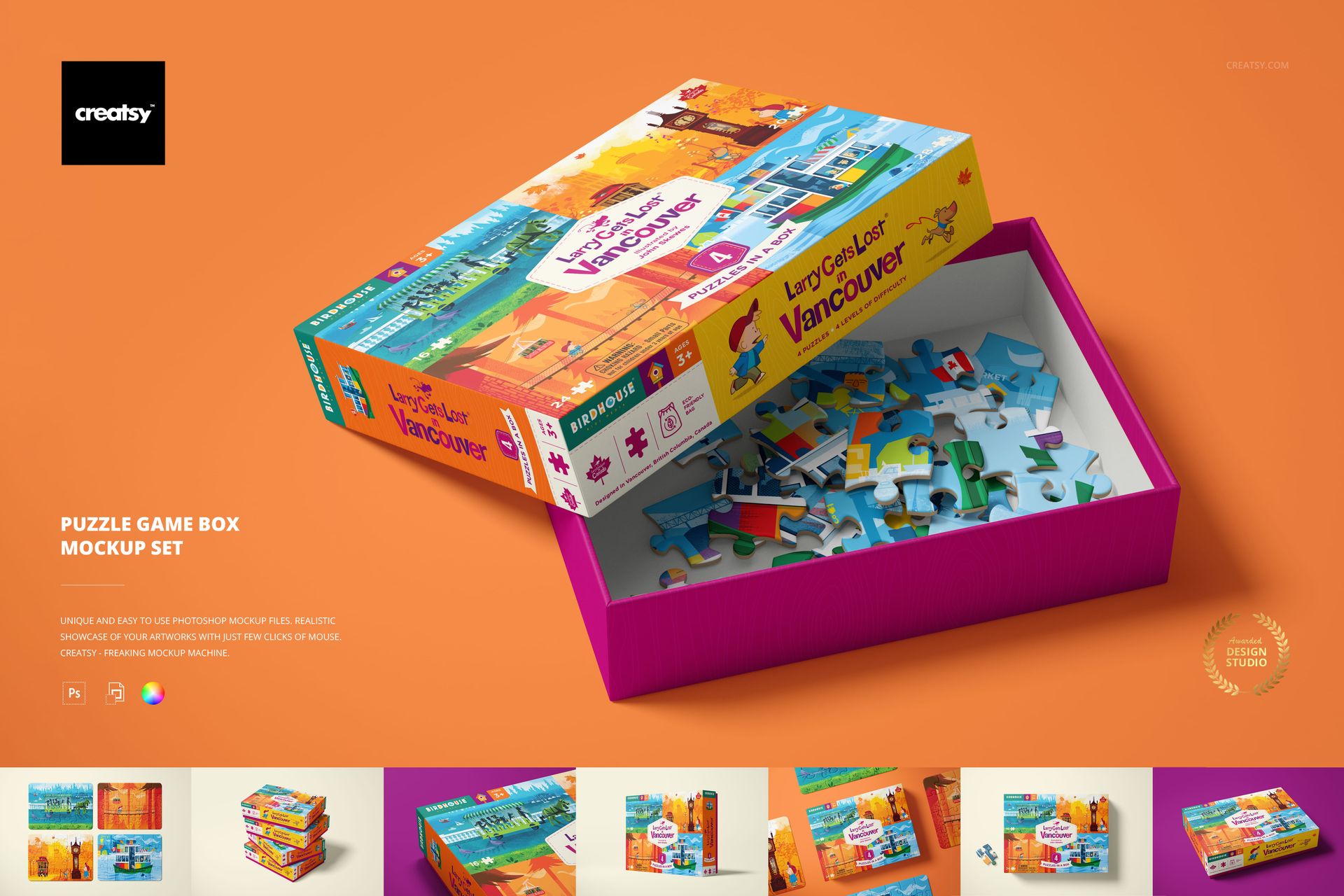
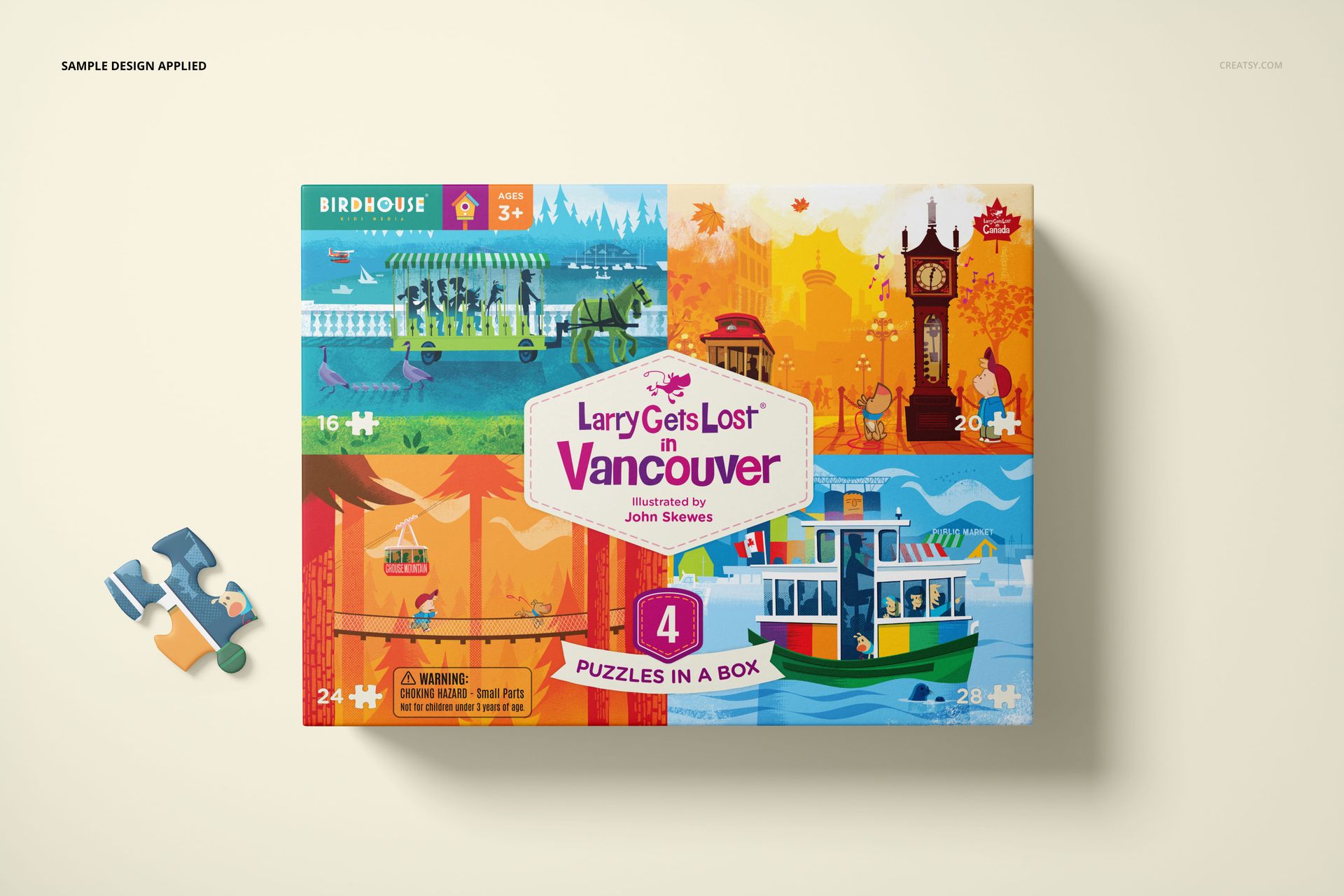
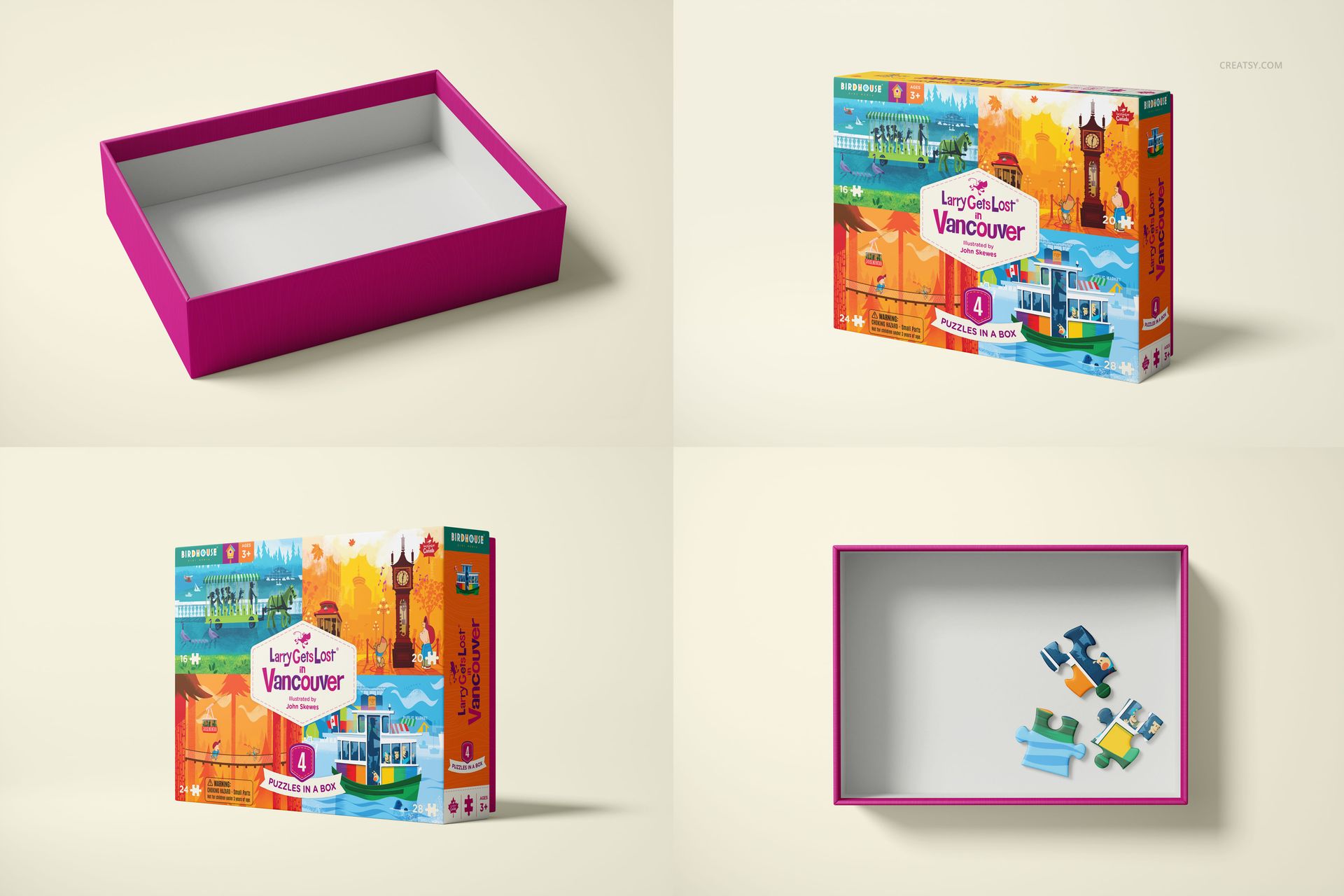
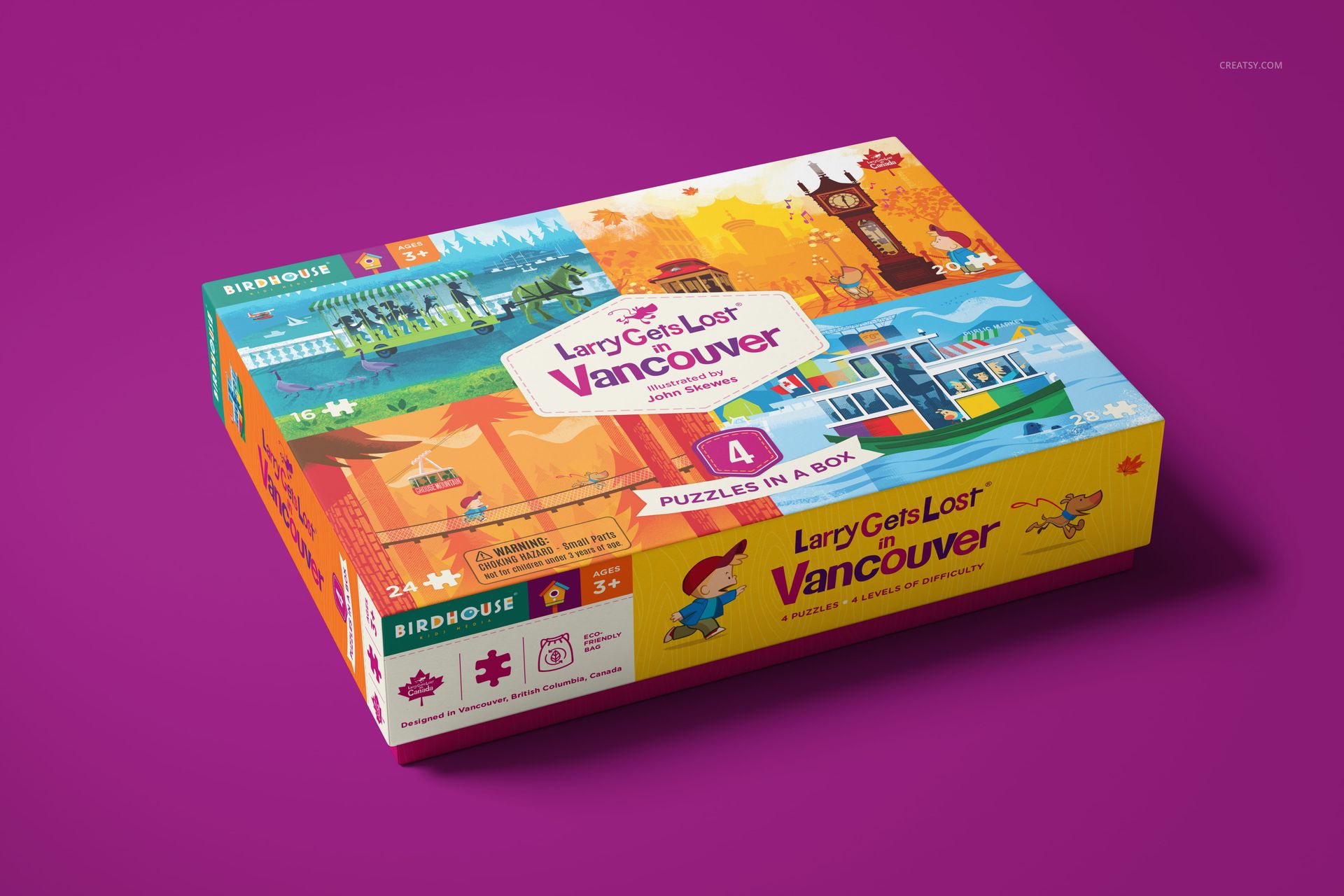
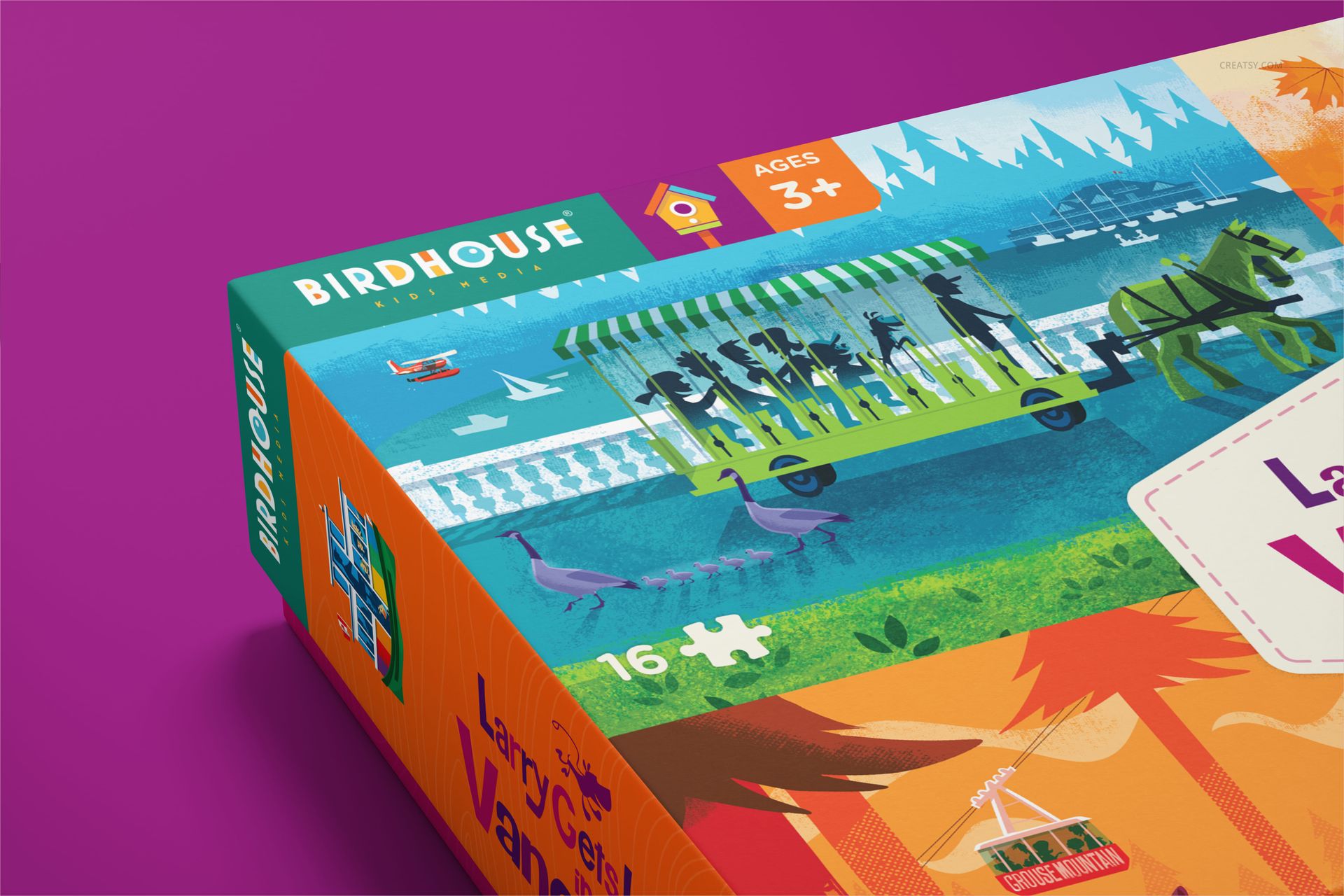
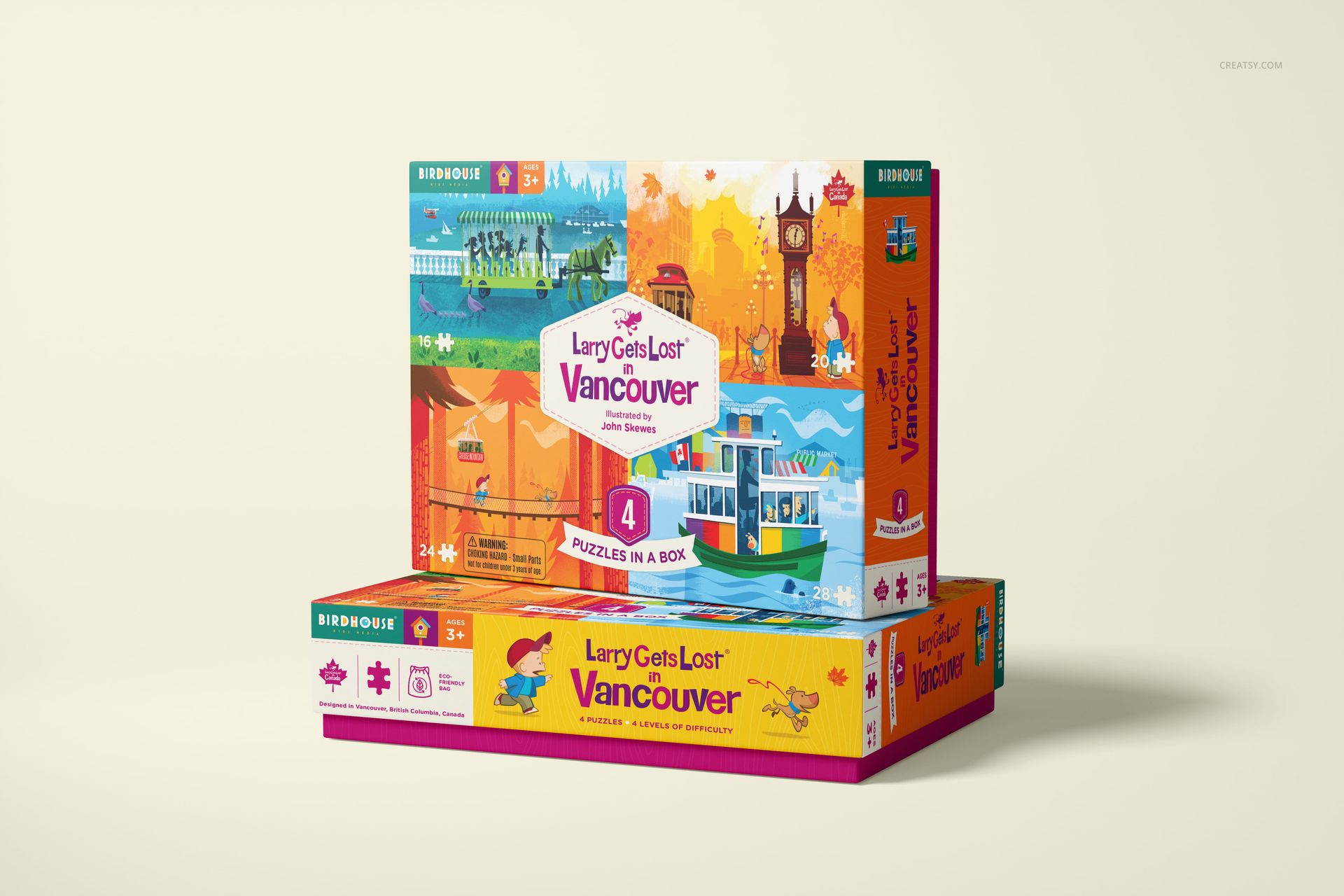
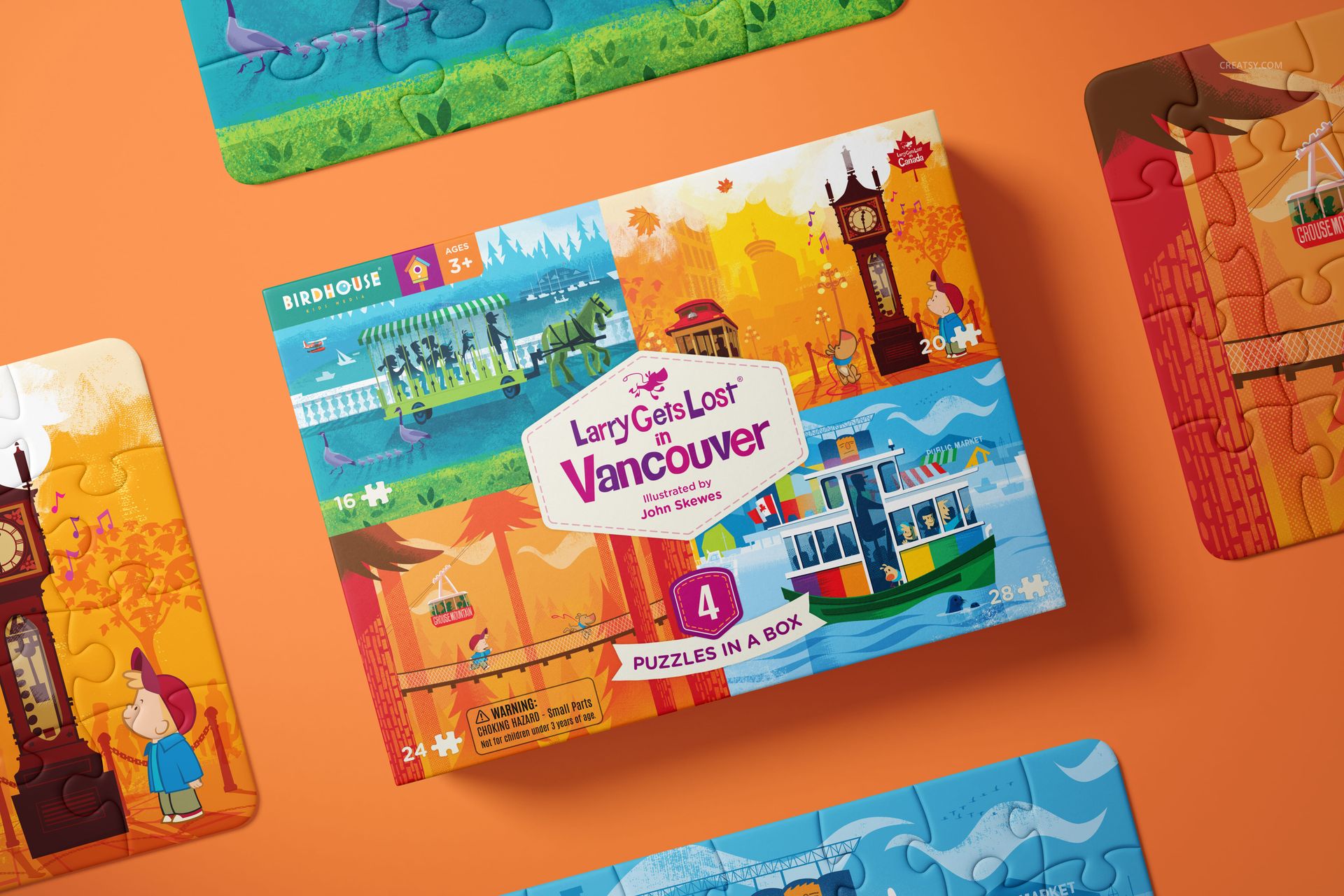
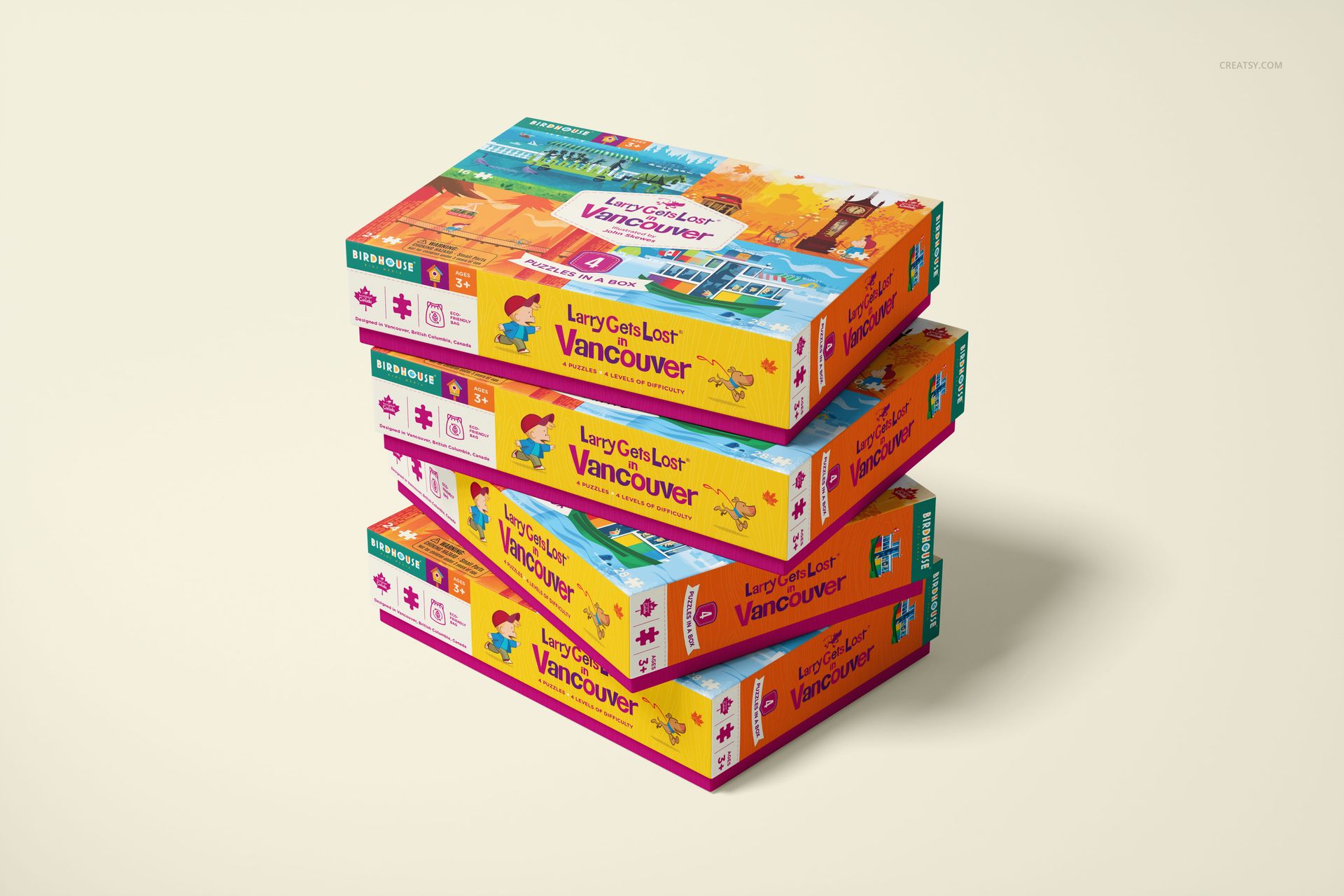
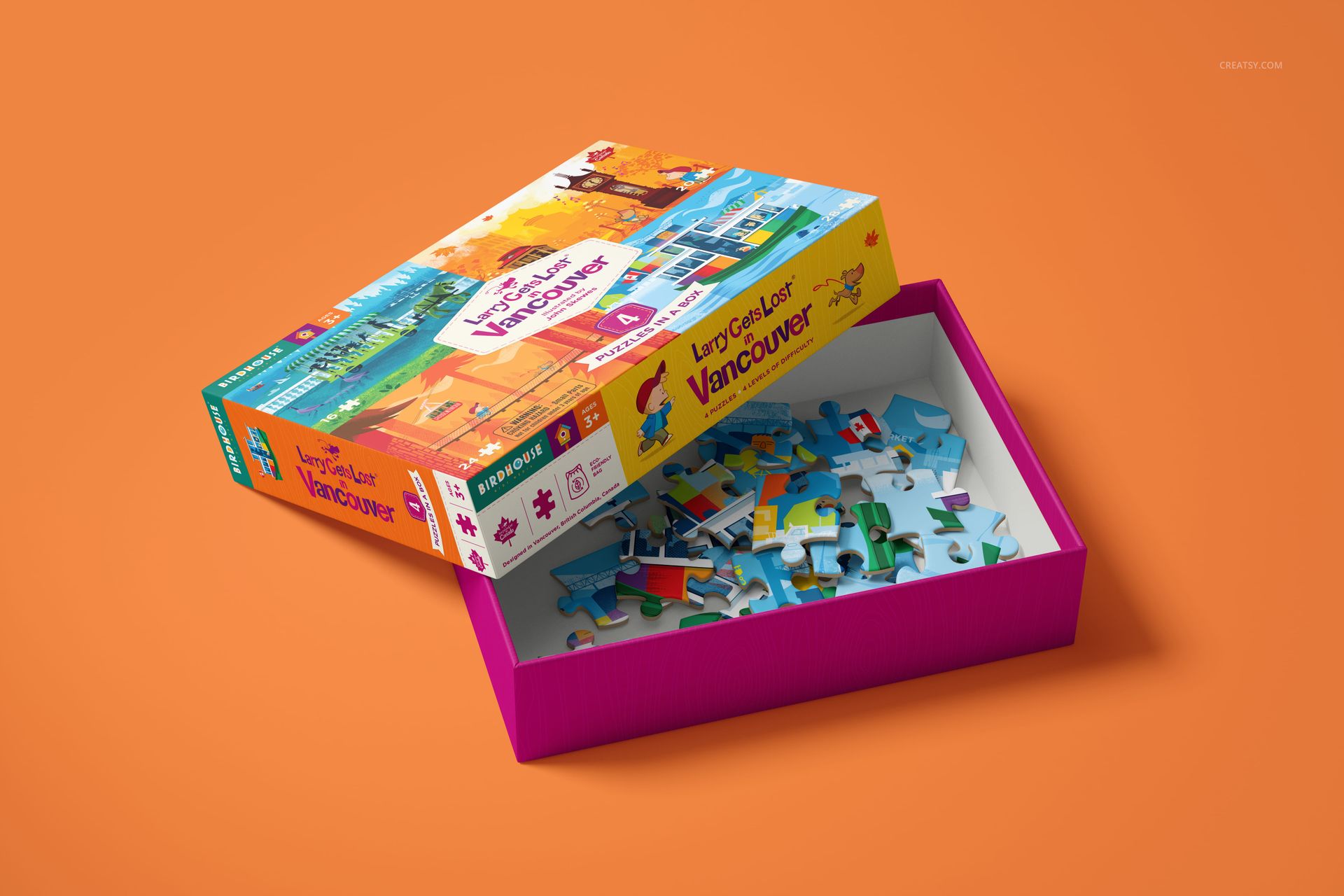
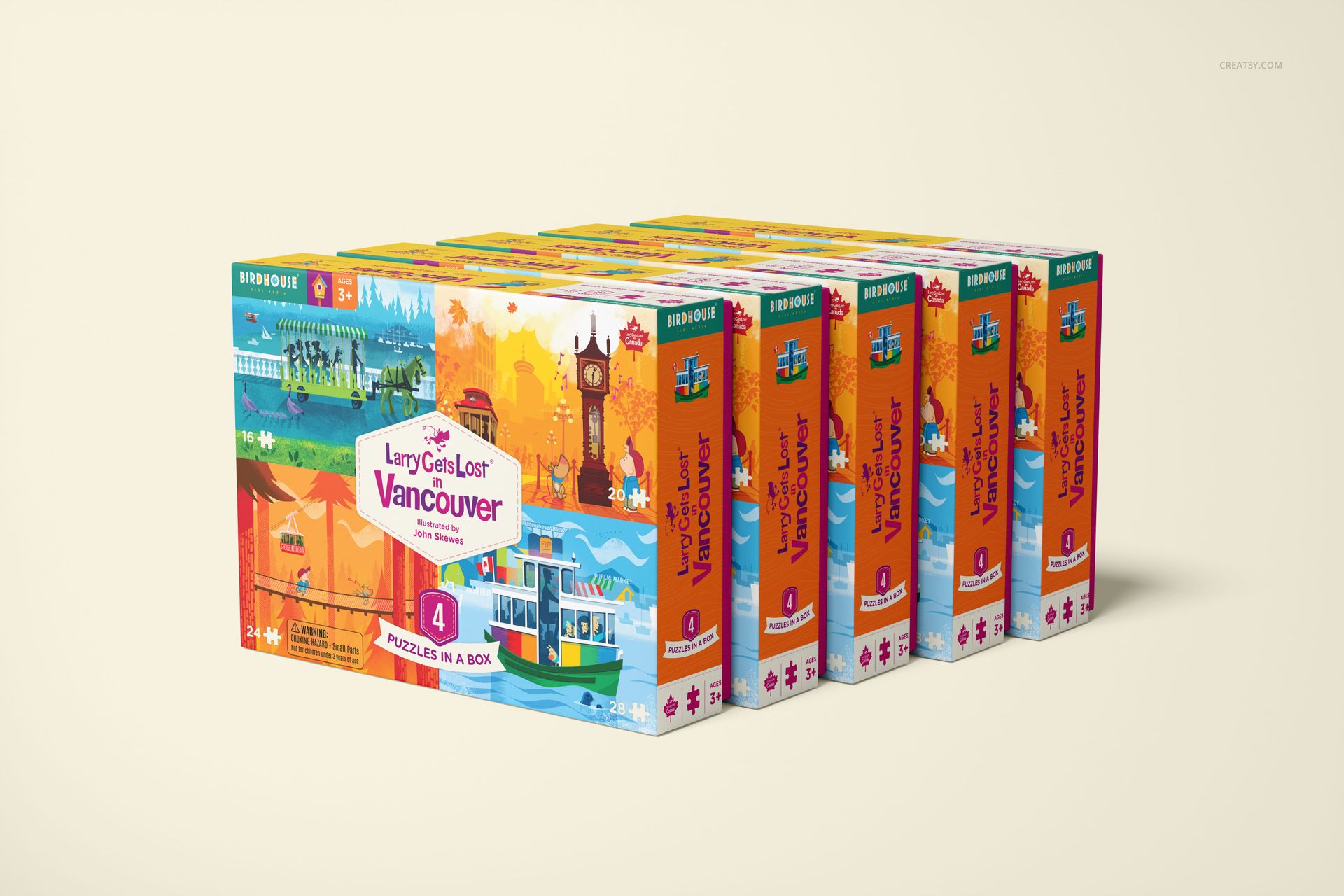
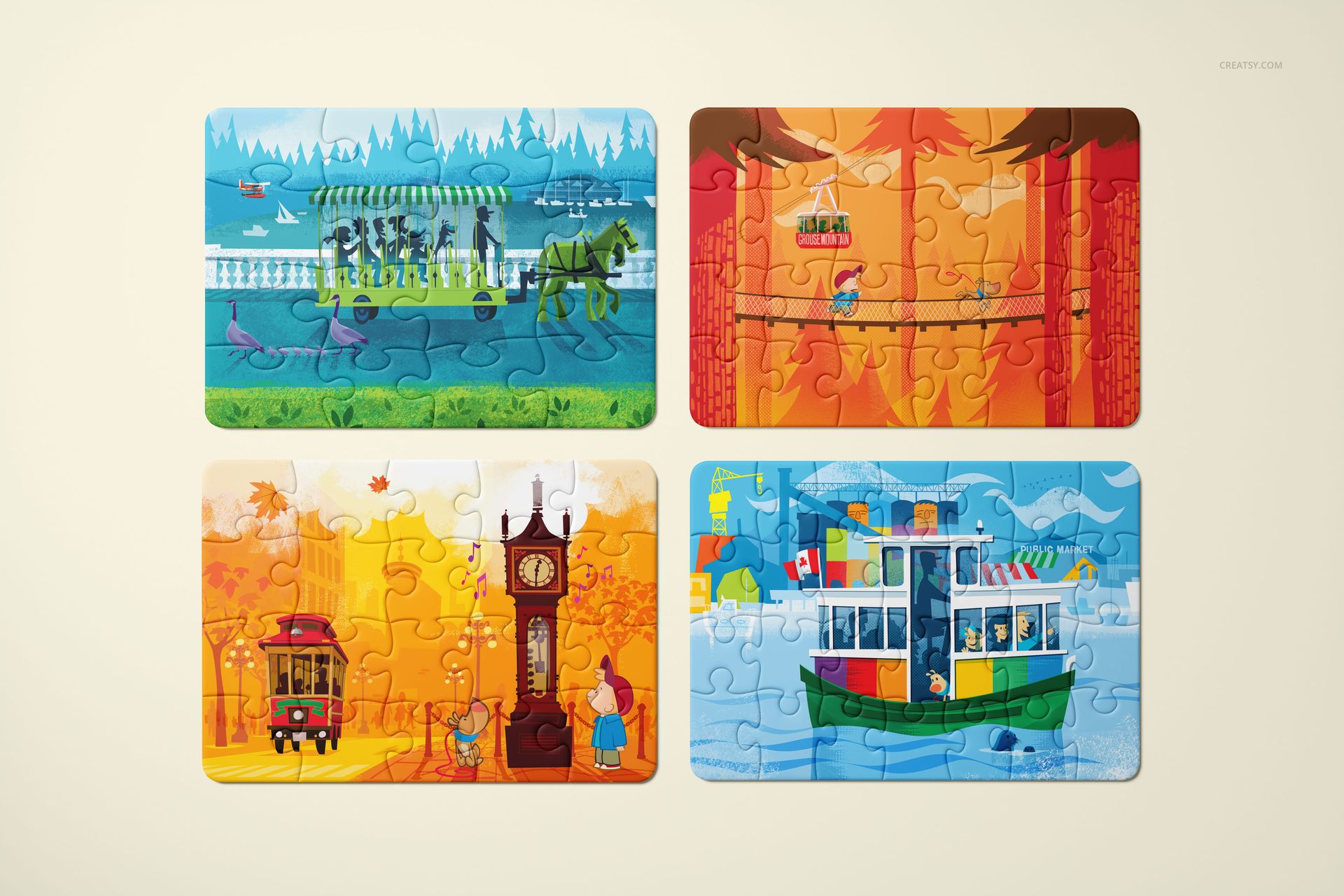
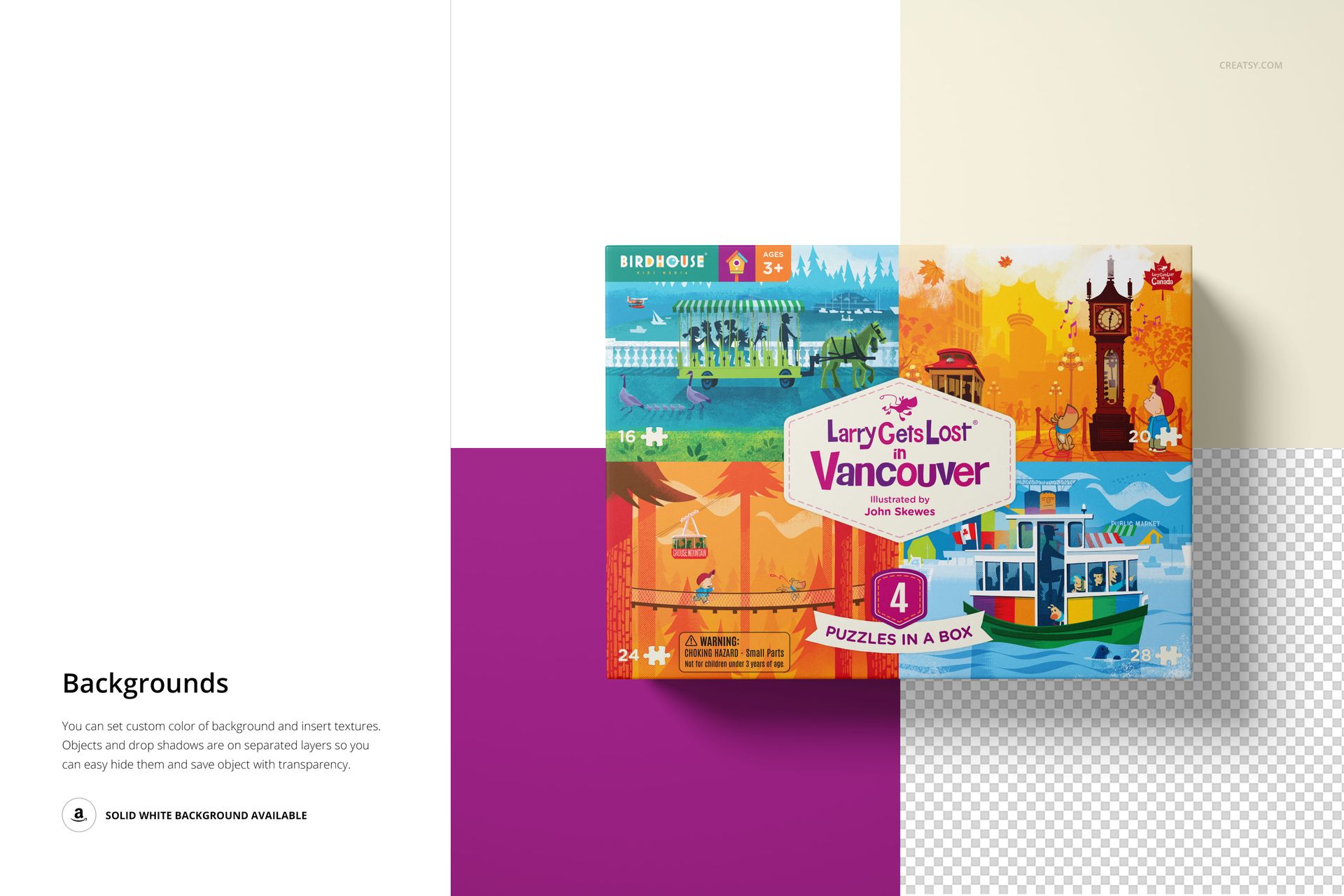
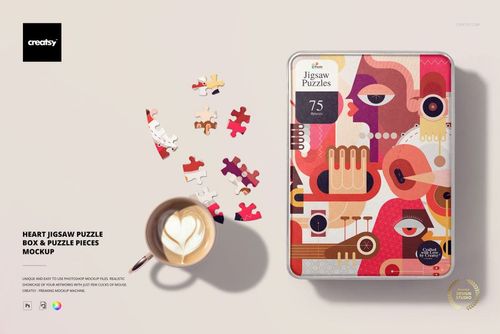
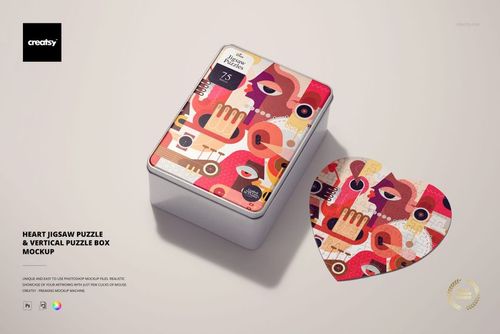
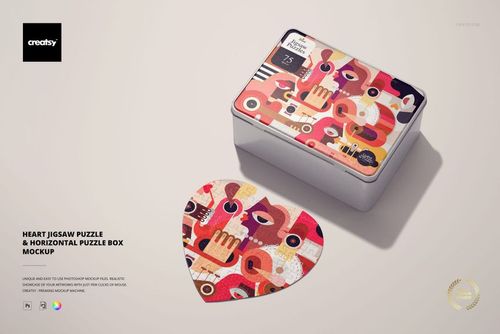
Bring your jigsaw puzzle packaging to life with the Puzzle Game Box Mockup Set – a versatile collection made for showing off puzzle boxes, lids, and pieces in clean, modern scenes. From neat hero shots to open-box “in progress” moments, this set helps you present your artwork with crisp realism and plenty of layout variety.
Product highlights
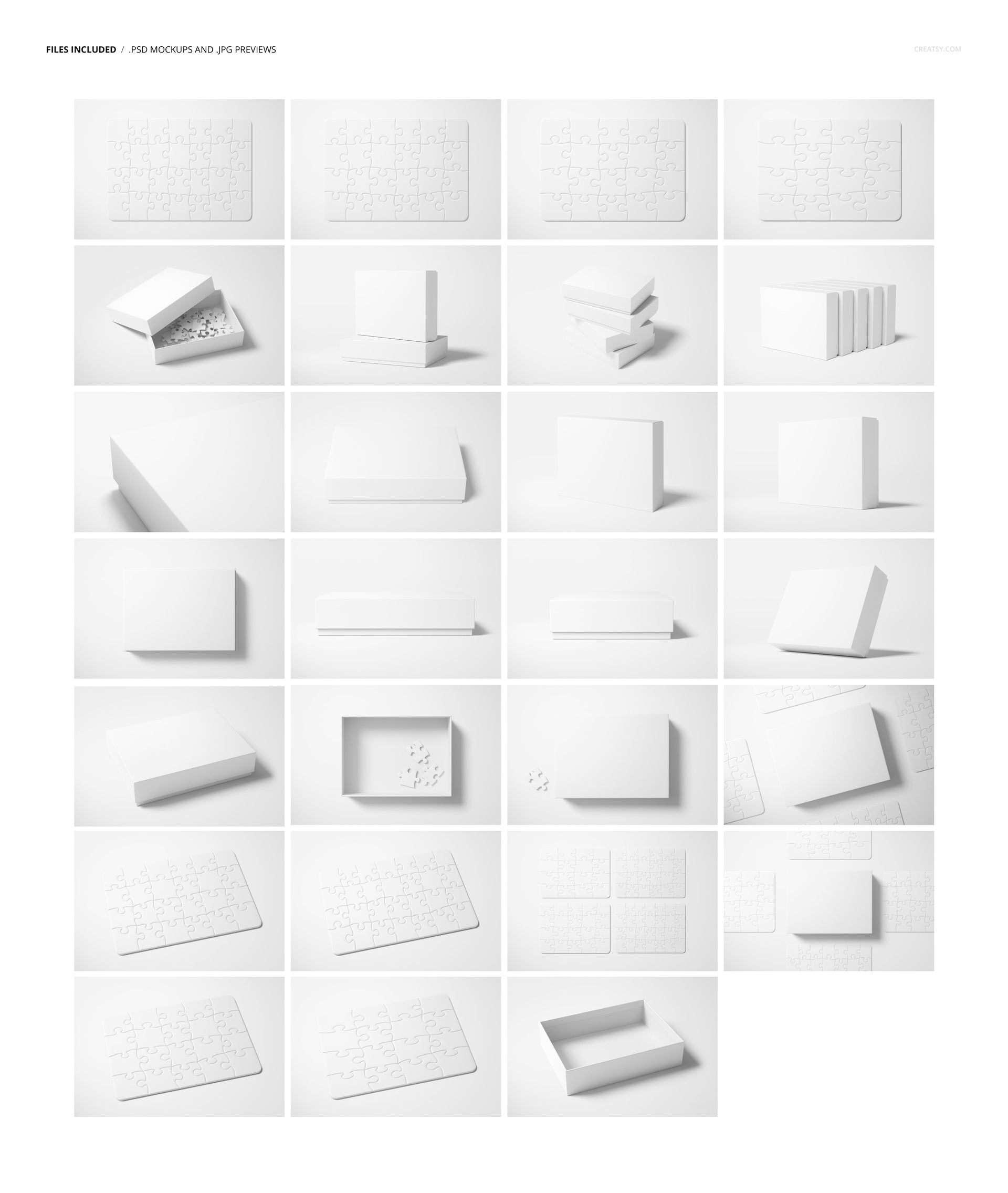
27 high-res PSD mockups for puzzle boxes + puzzle pieces
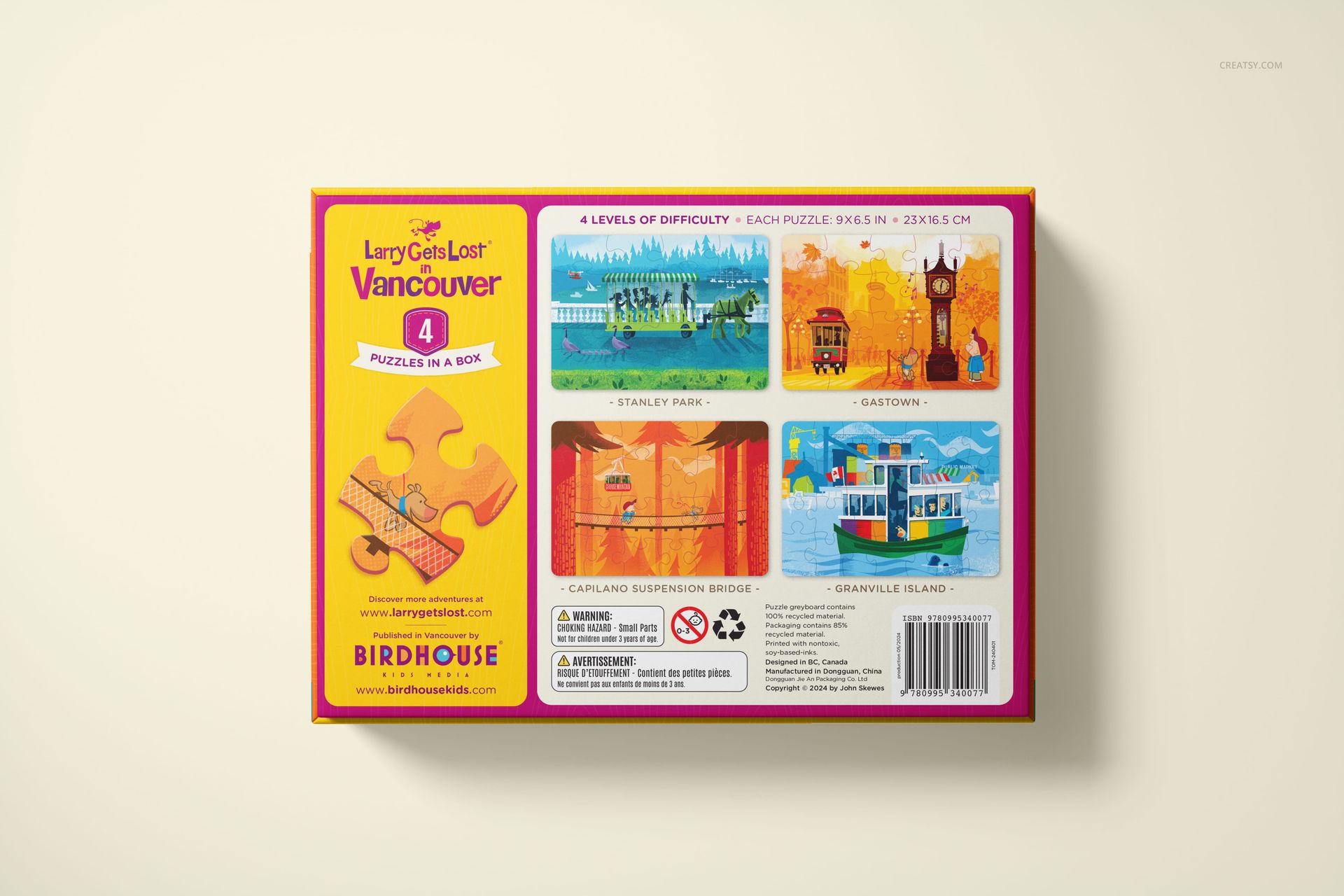
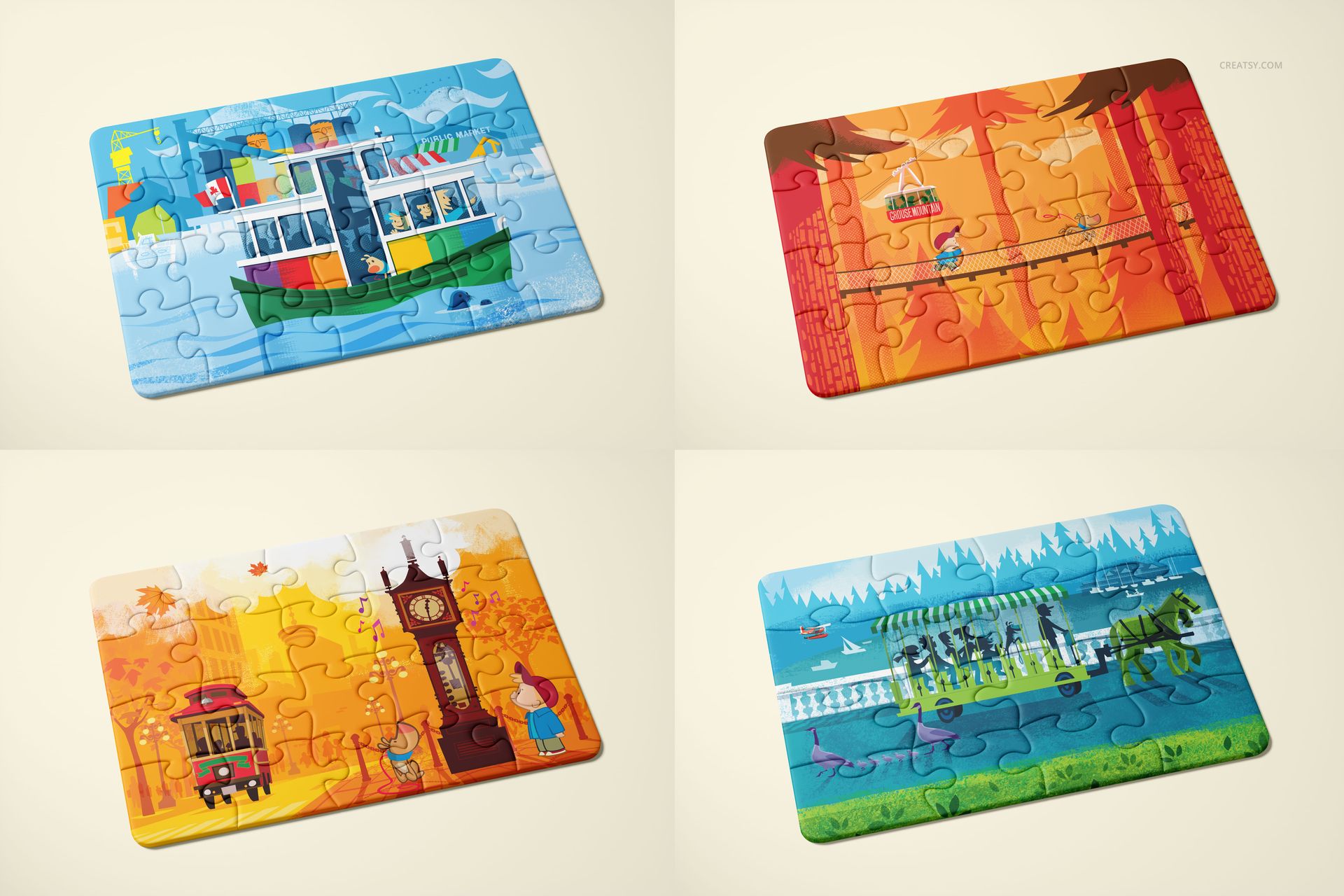
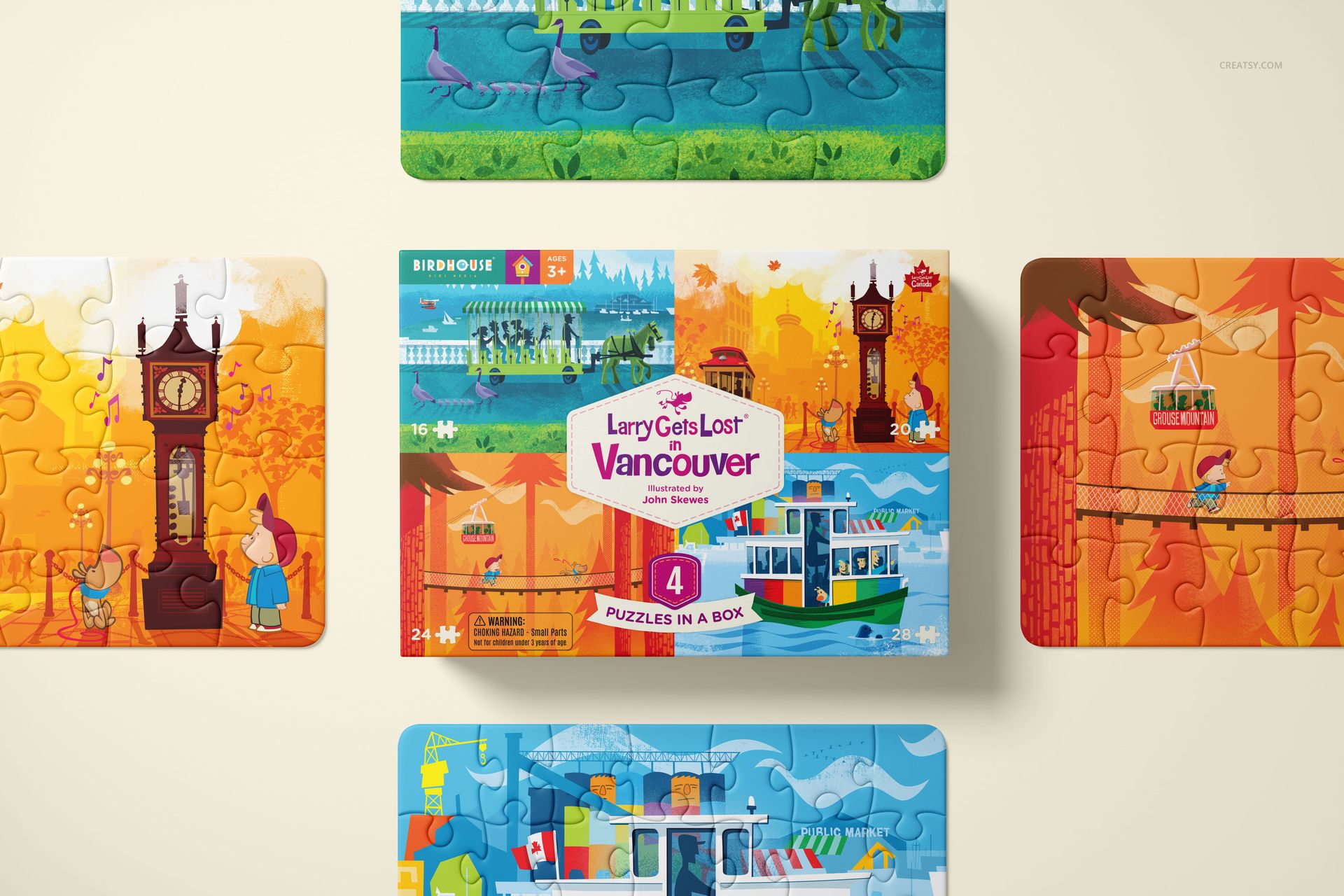
4 difficulty levels (perfect for kids sets & multi-age collections)
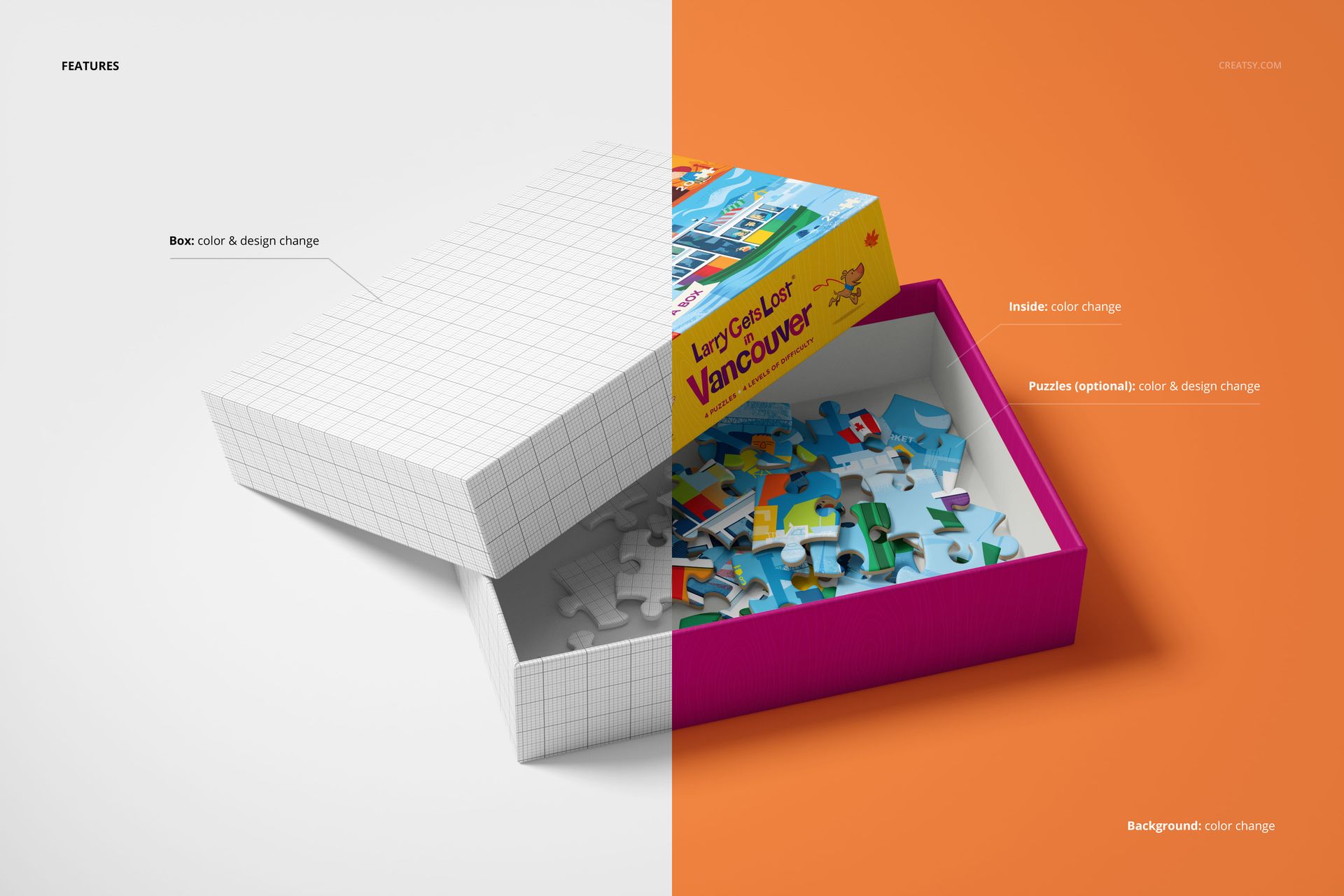
Box + puzzle designs are fully editable (plus background color control)
Works in Photoshop CC2020+ and Photopea • ~6000×4000 px, 300 DPI
Why you’ll love it
So many angles, one consistent style: a cohesive set for storefront images, product pages, and pitch decks
Built for puzzle packaging: show the lid, the base, stacks, close-ups, and open-box scenes with pieces inside
Easy, fast customization: smart-object workflow + organized layers (swap designs in seconds)
Great for collections: include multiple difficulty levels in one brand line (kids, family, classroom, etc.)
Clean background control: match your brand aesthetic or seasonal campaigns instantly
Special collaboration note (Birdhouse Kids Media)
This mockup set was created in collaboration with Birdhouse Kids Media — a brand known for educational books and kid-friendly puzzle projects that make learning geography and history feel like play. The preview designs feature their adorable character Larry as an example of how bright, story-driven artwork can shine on puzzle packaging. If you love the concept behind these learning-focused puzzles, consider supporting Birdhouse Kids Media and helping bring their educational puzzle ideas to life (details are shared on their official project pages).