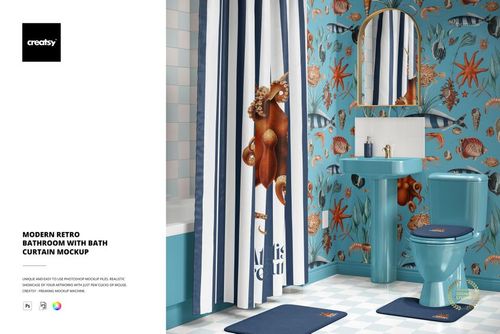
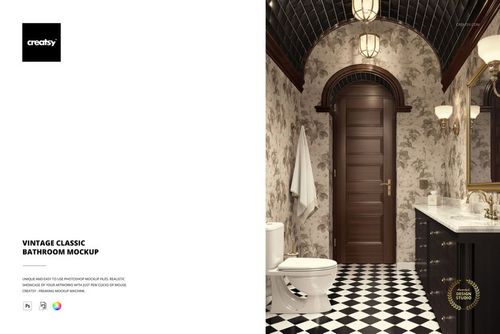
Pop Art Bathroom with Bath Curtain Mockup
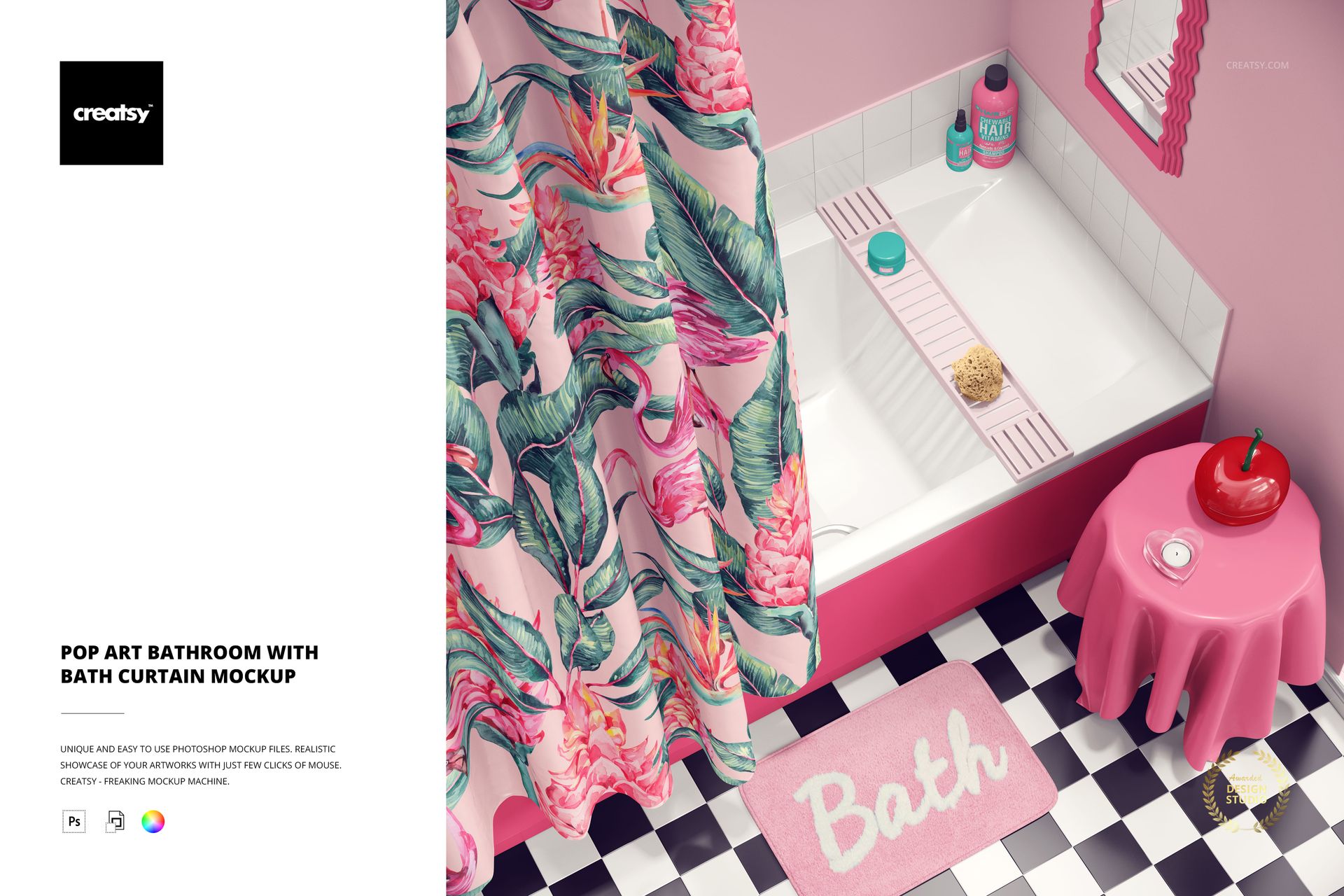
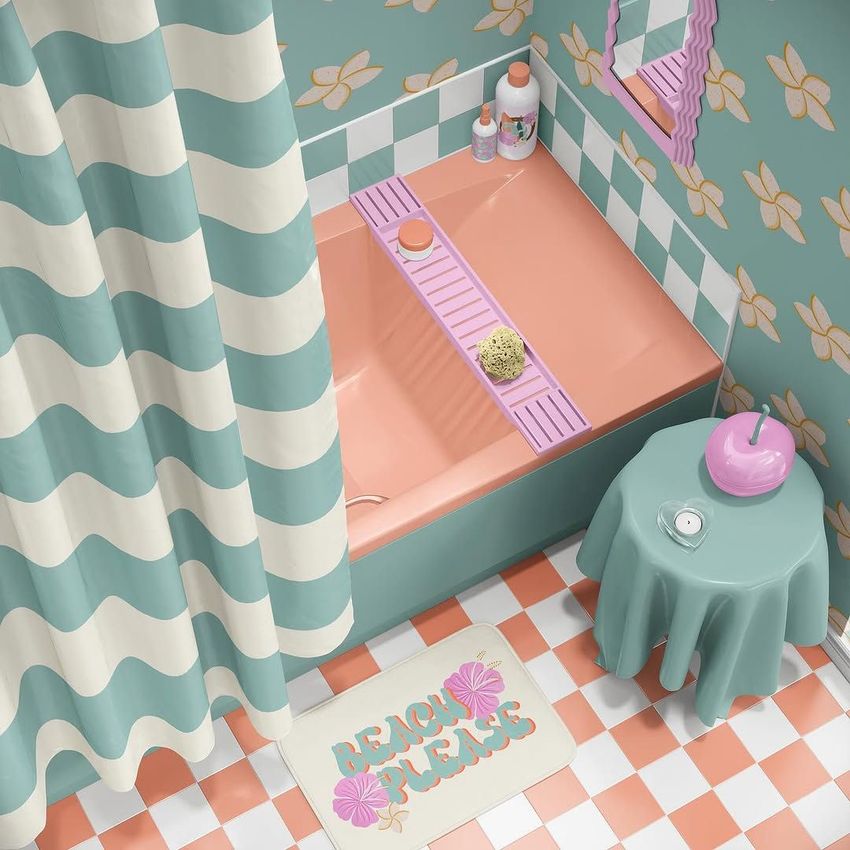
Say goodbye to boring bathrooms! The Pop Art Bathroom with Bath Curtain Mockup transforms your design projects into a playground of color and creativity. Whether you’re a surface pattern designer, interior stylist, or branding expert, this fun and fully customizable PSD file invites you to redefine bathroom decor in the boldest way possible. Ready to dive in?
Bring Art to Your Bathroom
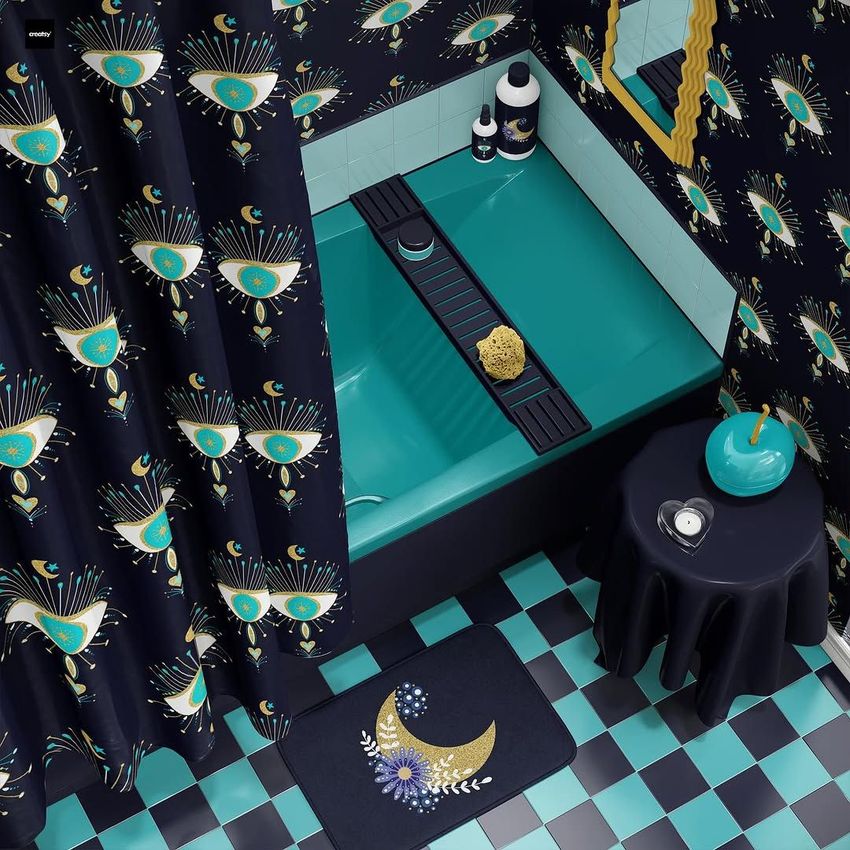
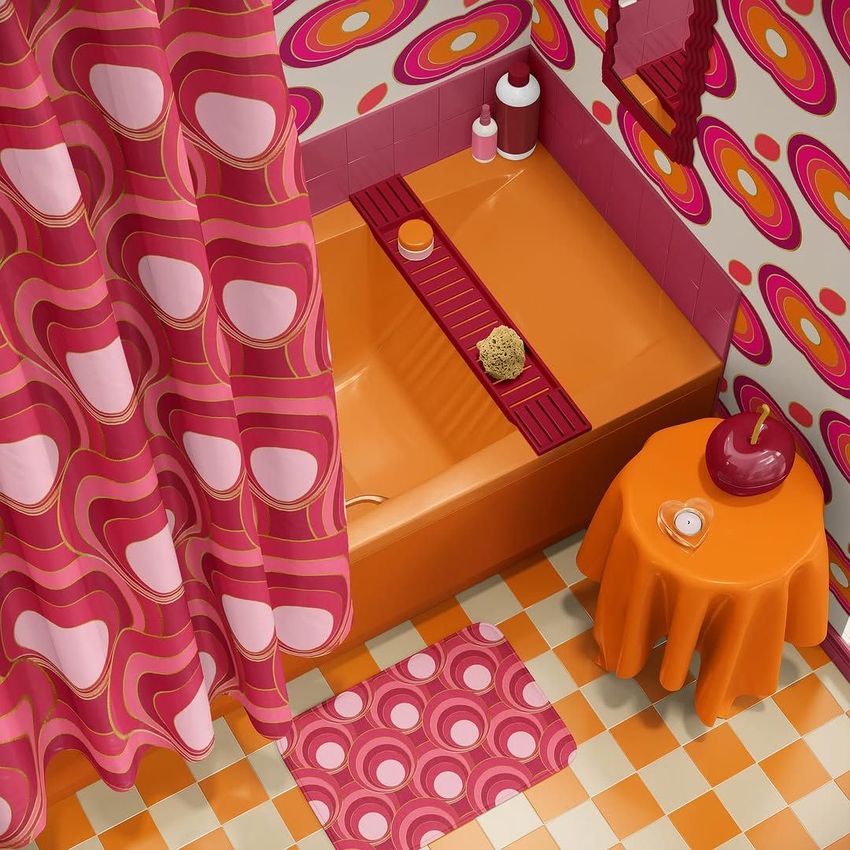
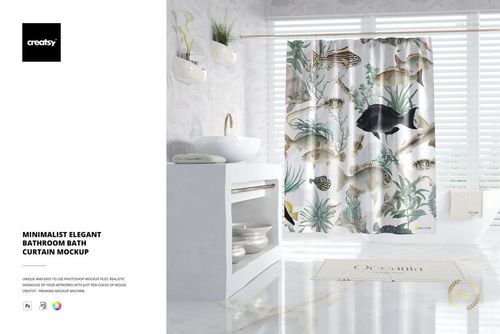
The possibilities are endless with this mockup! Start with the bathroom curtain, where you can add your favorite patterns, bold colors, or intricate illustrations to make it the focal point of the room. The walls are just as versatile—add textures, vibrant prints, or complementary colors to create the perfect backdrop. Even the mirror frame can be customized to match the tone of your design.
Transform Every Detail
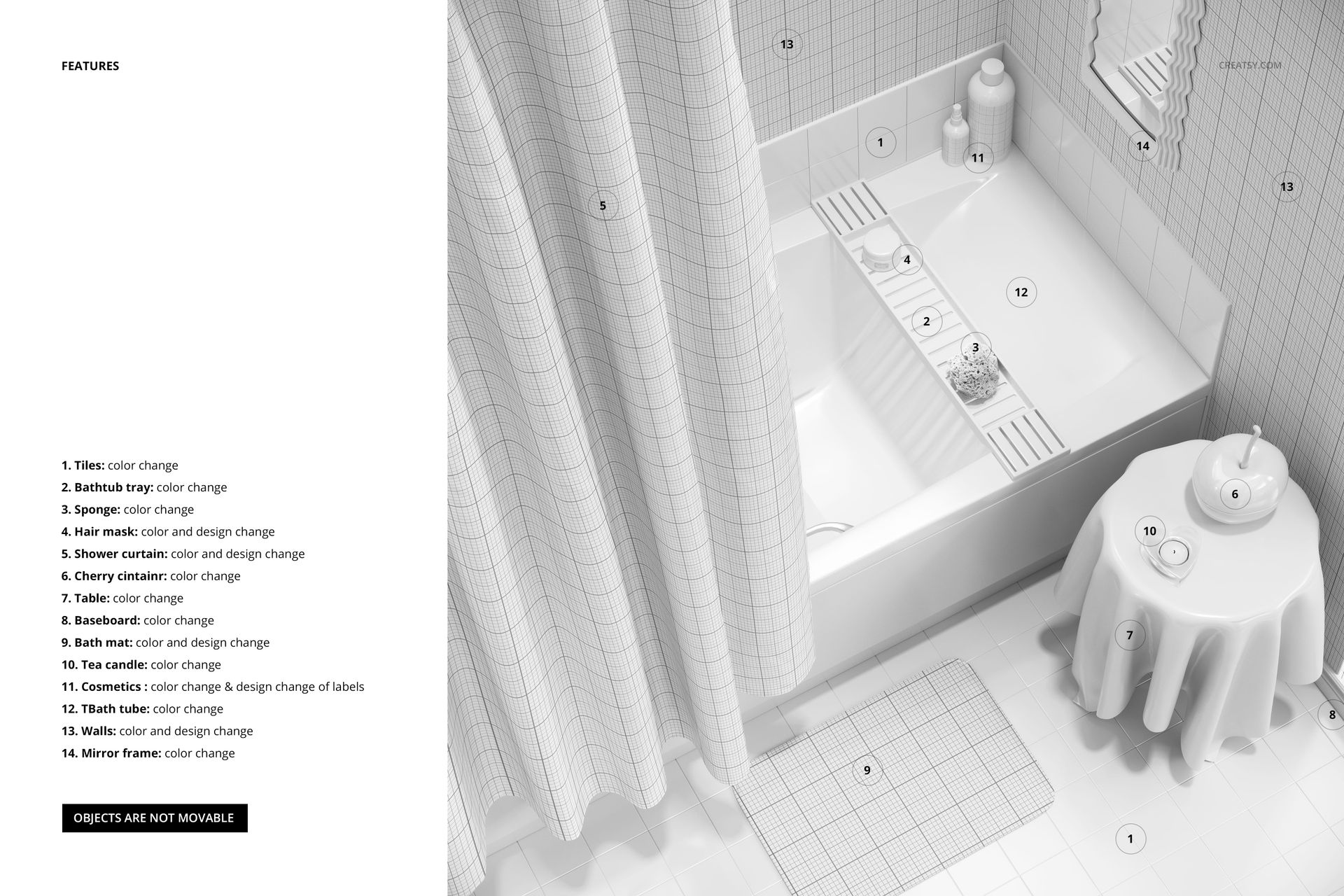
Every detail is yours to reimagine. From the bathtub's surface and the tiles above it to the cosmetics in the corner, you can tweak colors, add custom label designs, and personalize the overall aesthetic. The bath tray offers even more creative freedom, allowing you to modify its contents, including the sponge color and hair mask packaging design. The floor tiles, bath mat, table, candle holder, and even the cherry container are fully customizable. You can mix and match colors, patterns, and textures to create a cohesive and striking bathroom scene. From the baseboards to the tiniest details, this mockup gives you the power to make every element your own.
File works only in Photoshop (min. CC2020);
Pack includes 1 .psd file: 6000x6000 px, 300dpi;
Check screenshots for all the features;
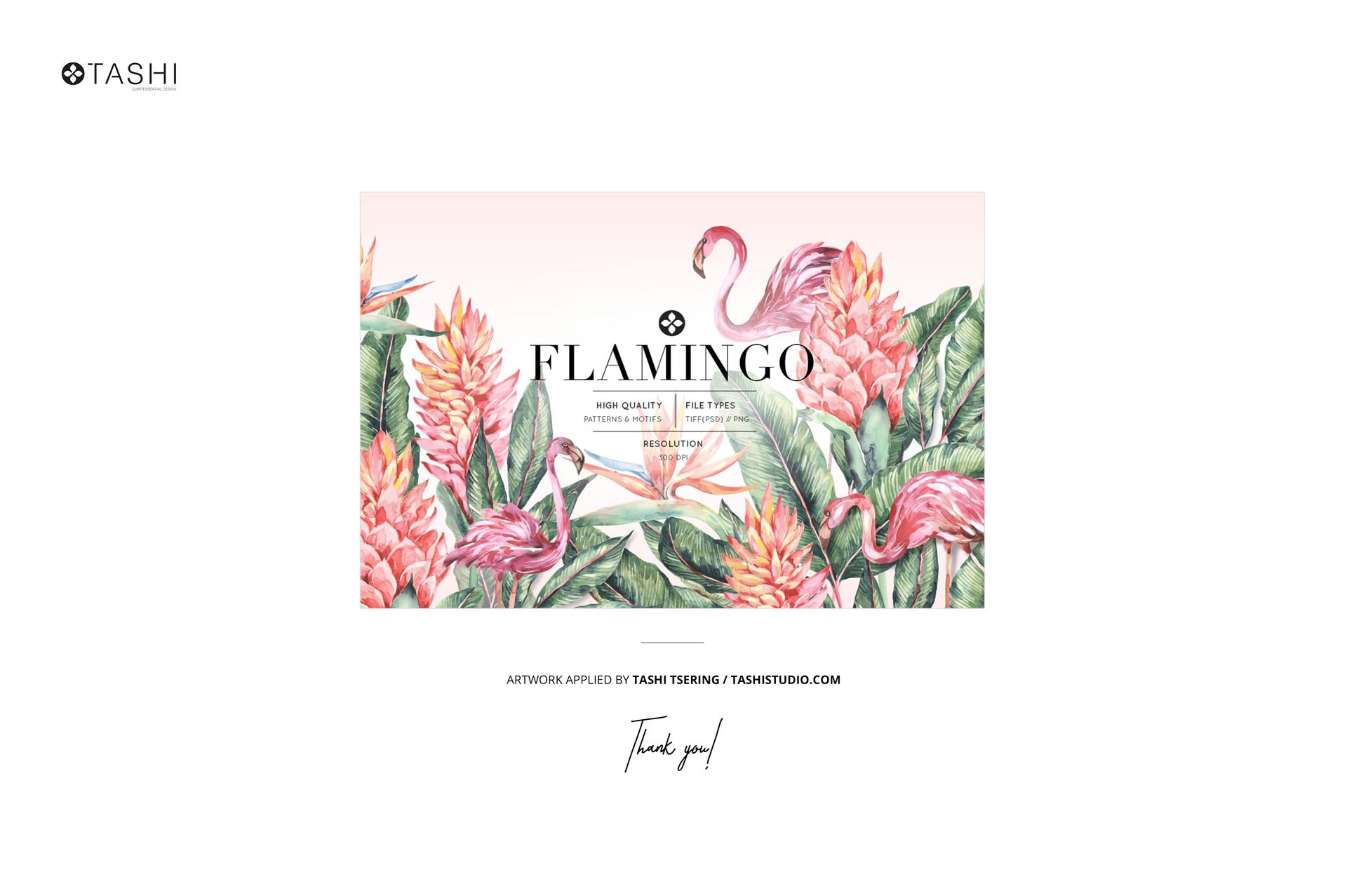
Design applied on mockups by Tashi Tsering / tashistudio.com (not included in the main zip file);
Well organized layers.