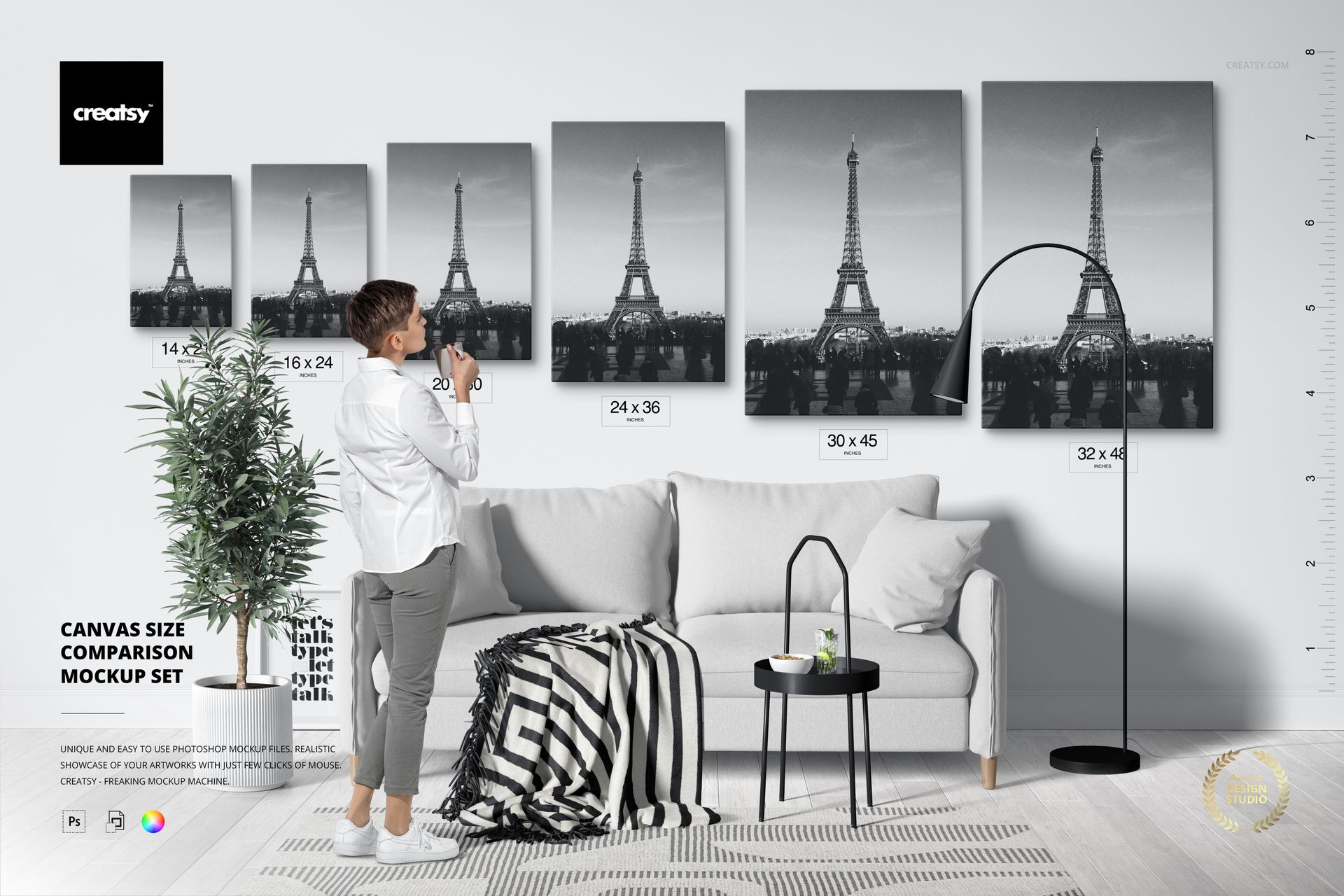
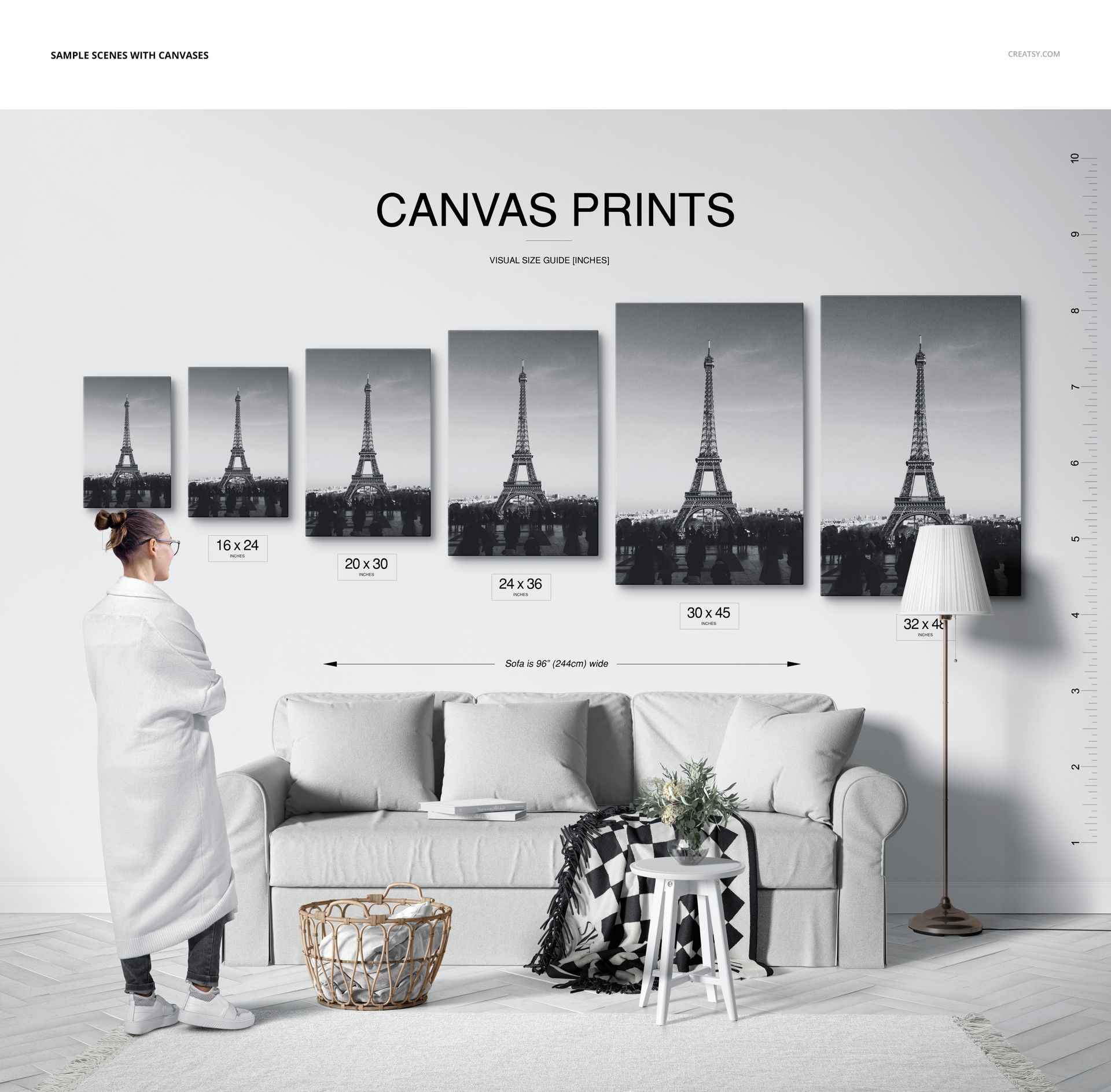
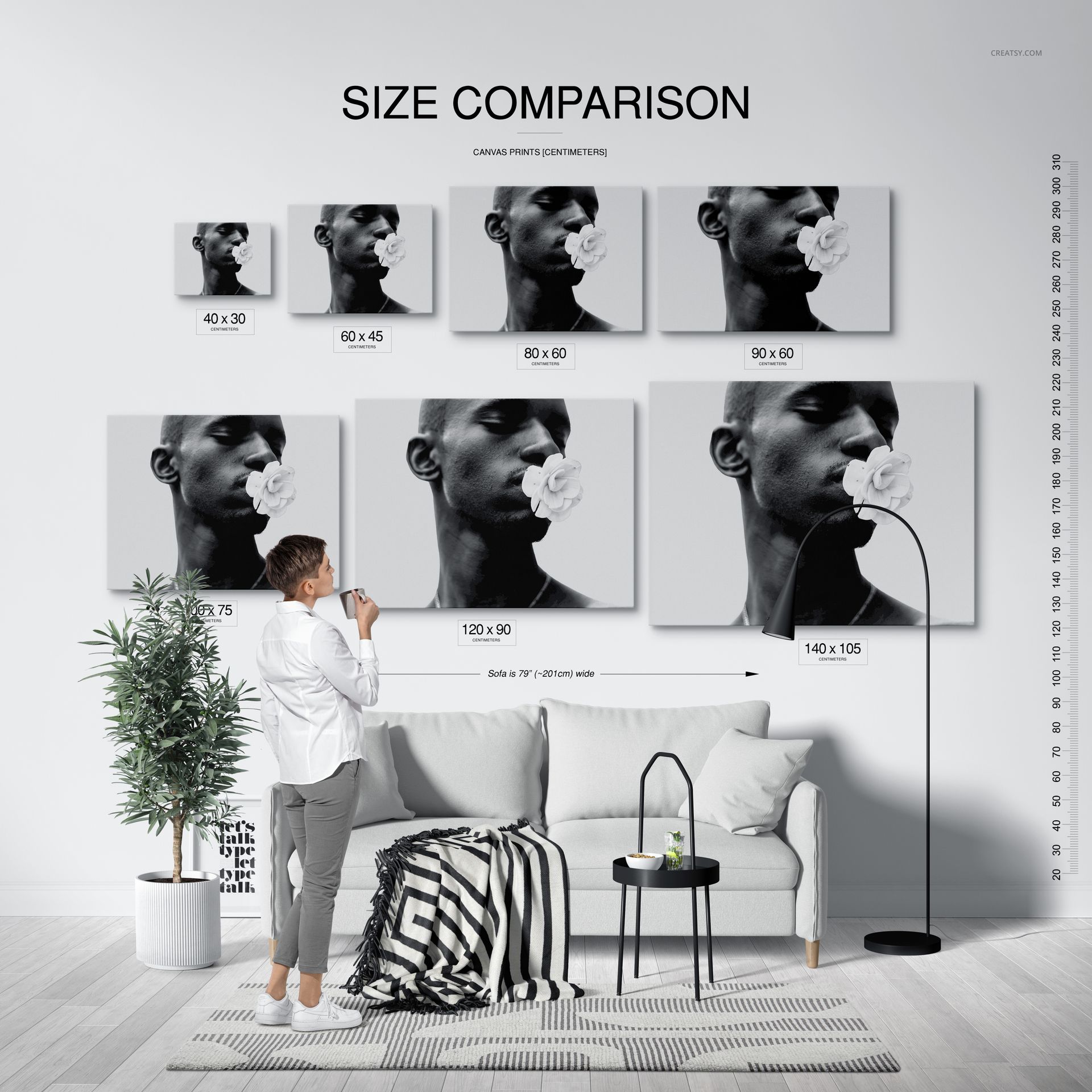
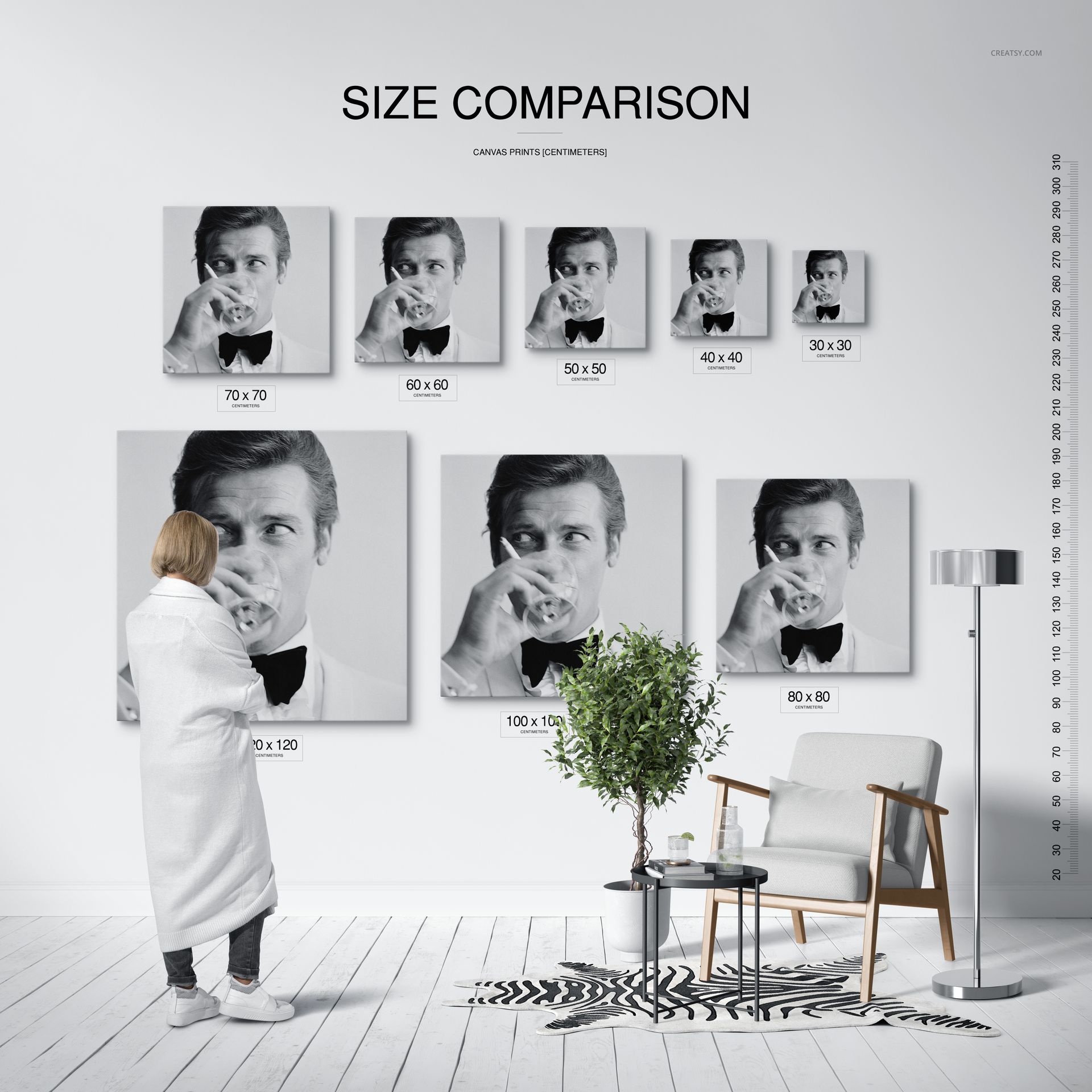
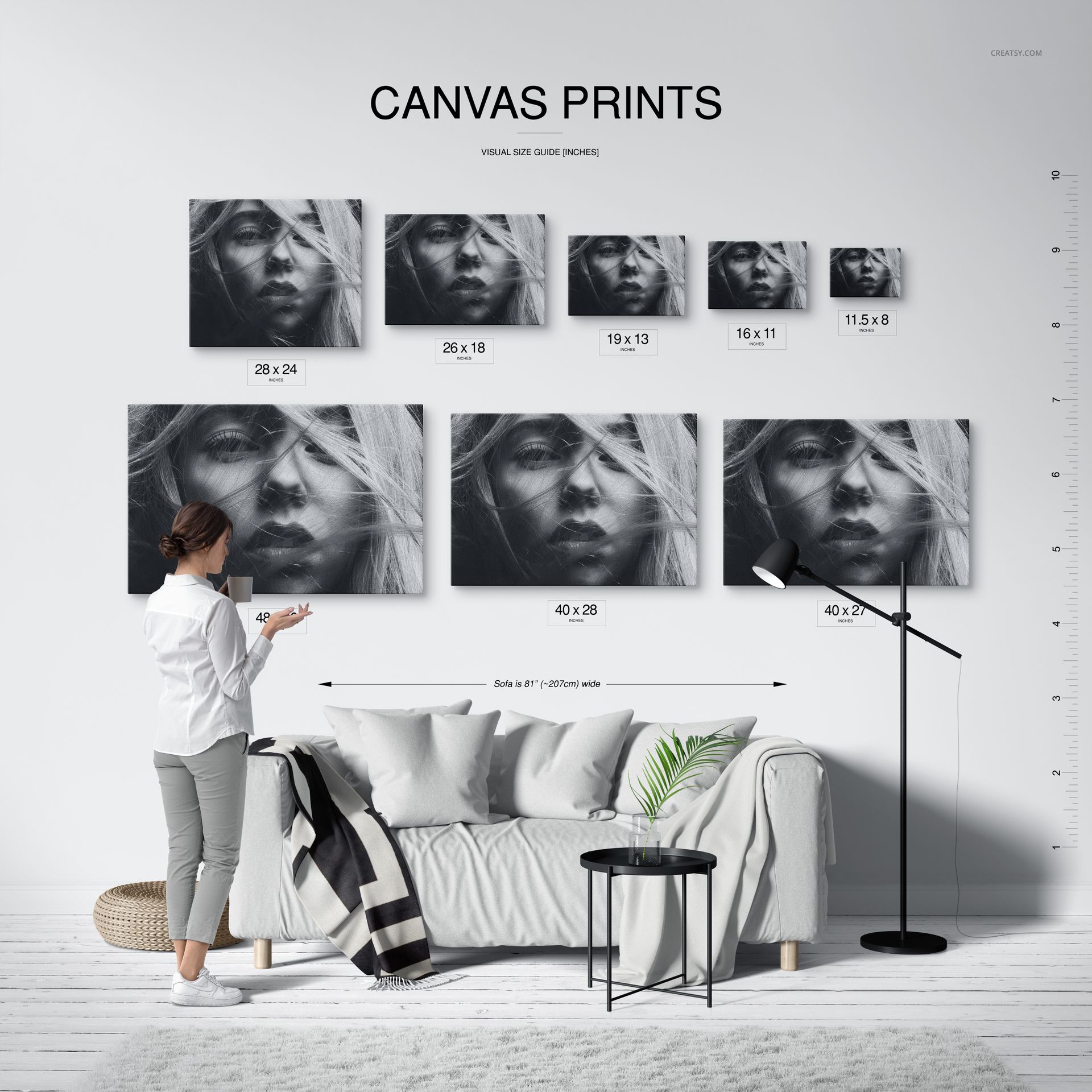
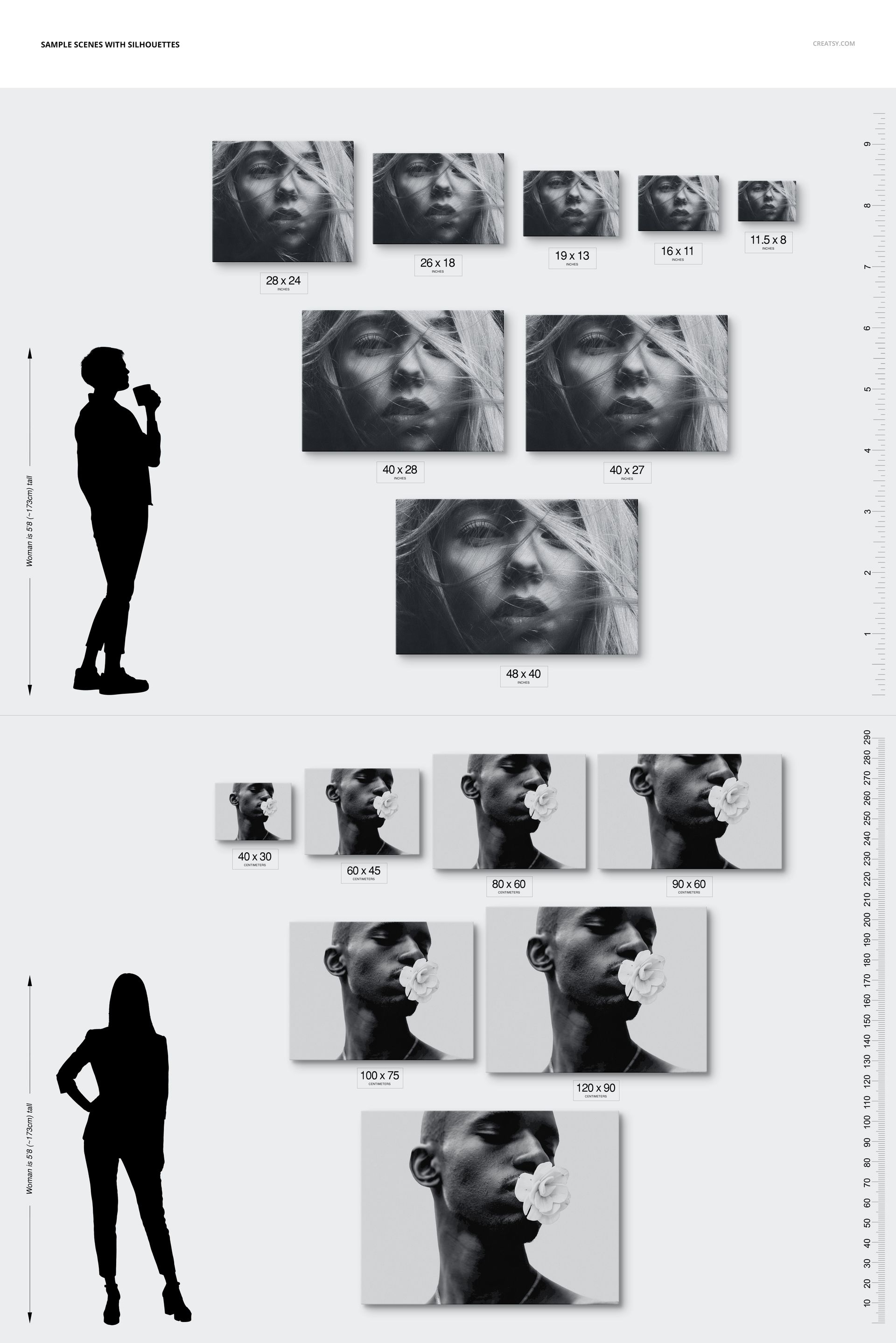
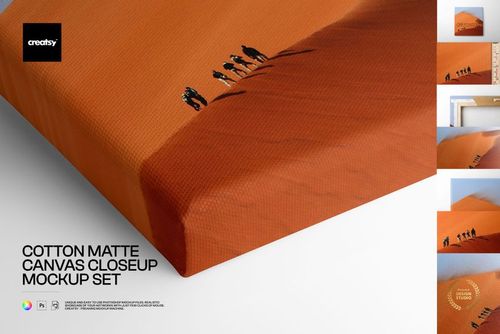
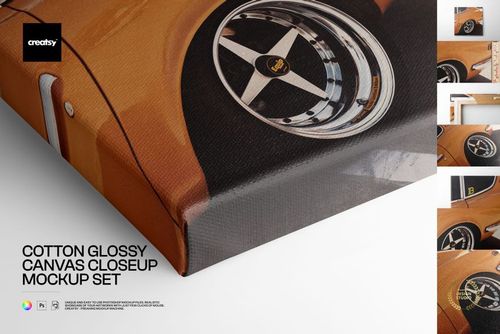
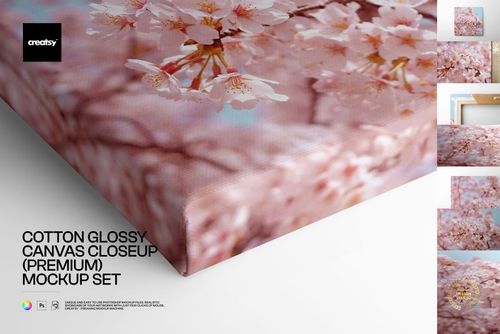
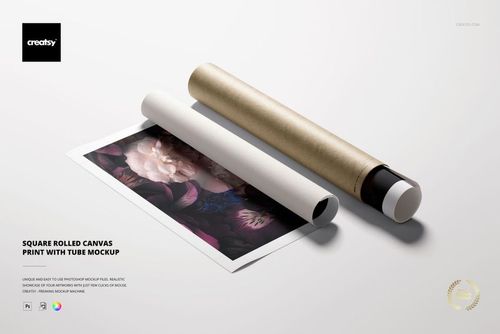
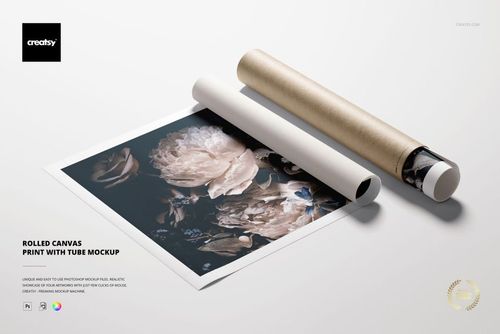
Canvas Print Size Comparison Mockup Set

Product Details
What is the Canvas Print Size Comparison Mockup Set?
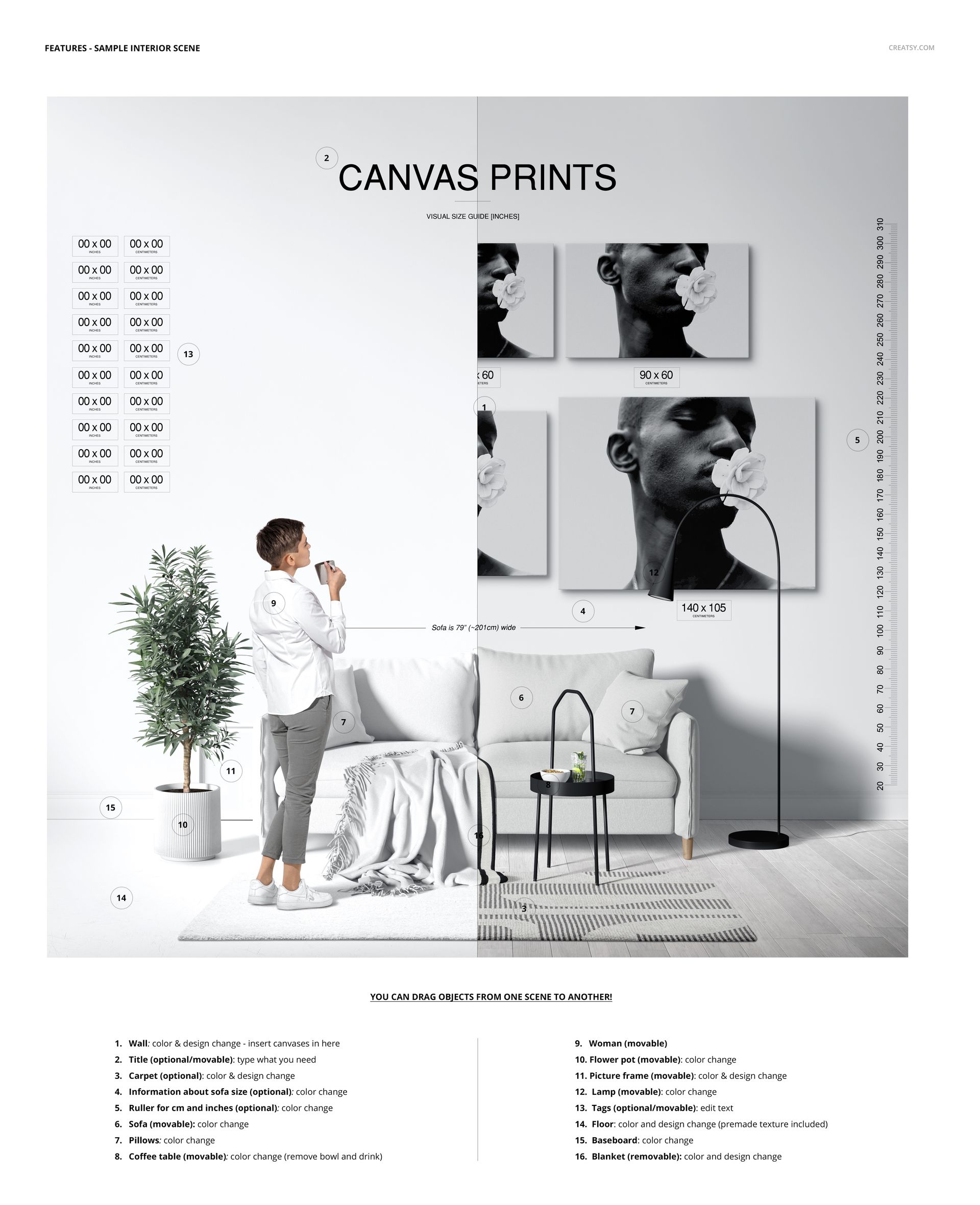
The Canvas Print Size Comparison Mockup Set is a set of layered, editable files prepared to showcase your custom design. Editing smart objects and color layers in Adobe Photoshop allows you to customize your designs. With the help of mockup files, you’ll showcase your design as if it’s an already-made product to present it professionally. Using well-made mockup files helps you stand out and gain a competitive advantage.
What Characteristics of Creatsy’s Product Mockups Make Them Stand Out?
Creatsy provides high-quality files to showcase your artwork in a realistic setting. We aim to help you achieve your business goals and add to your customer base using our excellent mockup files. Our files are well-organized, easy to use, and perfect for every level of Adobe Photoshop user, from beginner to expert. Quality mockup files are a must-have for every designer, artist, or illustrator. Catch your customer's eye by realistically presenting your artwork and products using the Canvas Print Size Comparison Mockup Set a perfect mockup to level up your online presence, expand your business, and increase your profit margin.
- Compatibility: Adobe Photoshop min. version CC,
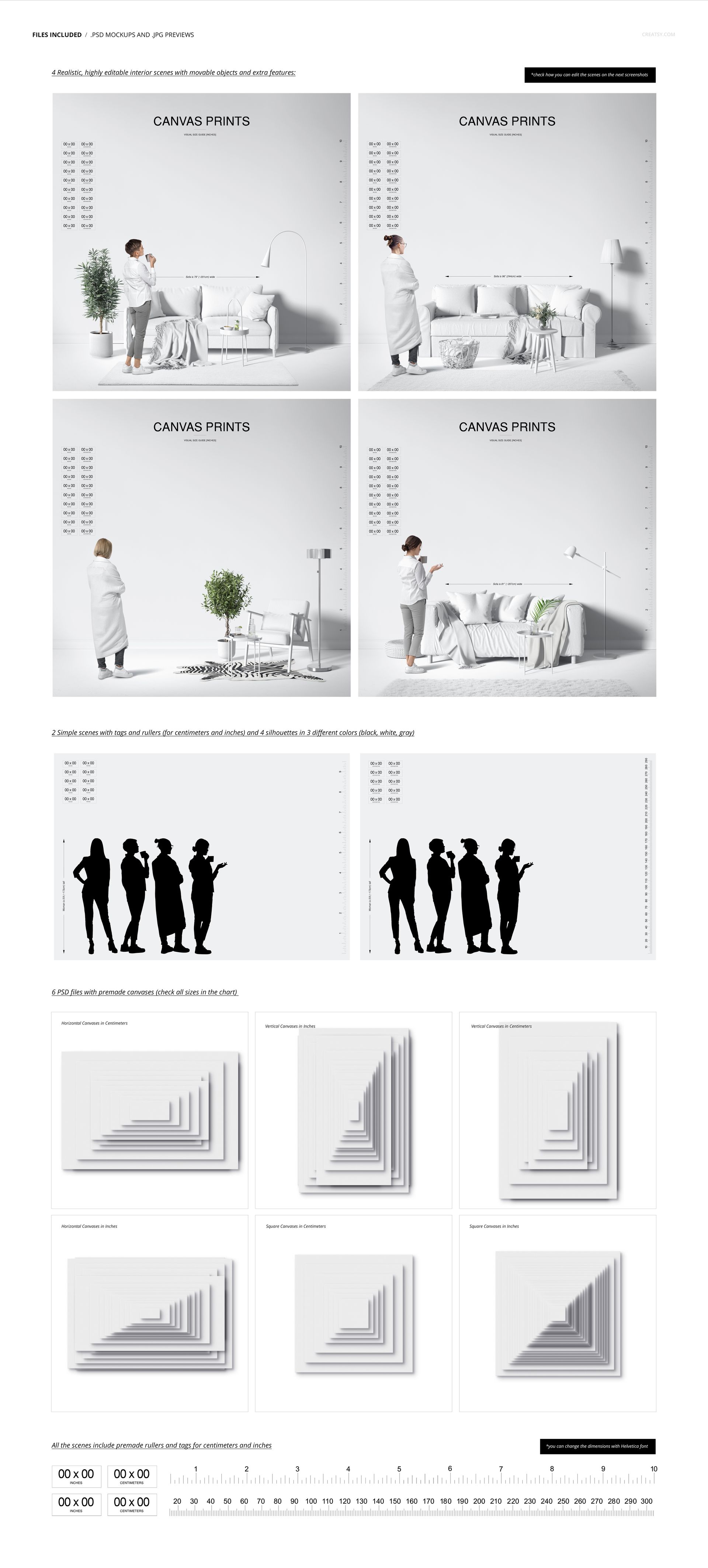
- Pack includes: 4 PSD files editable interior scenes with movable objects and extra features (6000x6000px, 300dpi), 2 simple scenes with silhouettes (6000x4200px, 300dpi), and 6 separate PSD files, each containing all the canvases that you can drag and drop into the scenes,
- Editable components: color and design,
- Example artwork designs are for example only and are not included in your purchase.
File details
- Compatibility
- Number of files included
- 25
- Package size
- 1.87 GB
|2.01 GB
- Files type
- .psd, .jpg, .pdf
- Files size
- 6000x6000


Reviews
Professional PSD mockups built in-house - editable, realistic, high-resolution, and supported by real people.
Great product, good value, and superior service!
Thank you! :)
This is fantastic mockup. Creatsy is extremely talented and easy to work with. I have requested mockups be changed and new mockups be created and they do it. I have yet to figure out how to use the new version of this mockup but I'll figure it out. I do wish there were YouTube walkthroughs on how to use each one to the fullest degree.
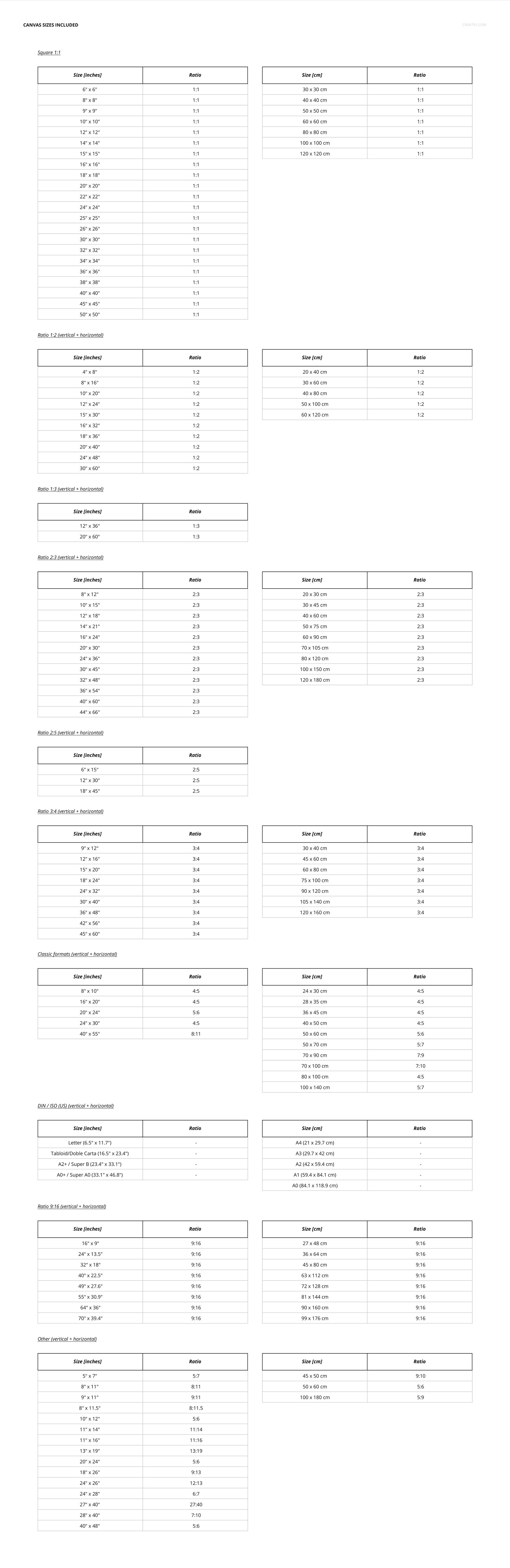
Thank you! We have added approximately 250-300 frame sizes, available in both centimeters and inches, and we have updated the entire mockup. :)
Very complex for beginners, hard to move size labels, if you are very familiar with photoshop go for it, if not I would not recommend at all.
Thank you for your review. The files may seem complex due to the multitude of options, but they are straightforward to use once you've gone through the process. You can easily move everything using the Move Tool, while designs are edited through smart objects. A User Manual is included with the files, but I can also send you a short video tutorial if that would be helpful! :)
MEET THE SHOP

HOW IT WORKS
3 clicks. That's it.
No tutorial needed. If you can copy-paste, you can use this.
- 1OpenDouble-click the smart object inside the PSD - in Adobe Photoshop, or free in your browser with Photopea.
- 2PasteDrop in your pattern, print, or artwork. Any design, any style.
- 3SaveHit save and the mockup wraps it in for you - shadows, folds, and lighting included.
FROM IDEA TO IMAGE
Built for real workflows
Show the finished print on the wall Poster, canvas, or acrylic - drop your art in and the client sees the hung piece before it goes to print.
See it on the product, not a swatch Drop your file into the smart object and the scene's lighting and folds wrap around it, so you judge the real thing before you commit.
Smart Objects
Edit once and you're done. Your artwork drops into a smart object and the mockup updates itself - no masking, no warping by hand.
Perfectly Organized
Named layers and folders you can actually navigate. Find what you need, change what you want, and get out fast.
Print-Ready
High-resolution files built to hold up on screen and in print. Exact size and DPI are in this product's Details above.


Clearly you can tell these guys are experienced and have put a lot of time into their craft. High quality products, very customisable, and super user friendly. I've bought a few products from here and I've no doubt I'll be back again at some point. Keep up the great work!
Thank you so much for this amazing review! It truly means a lot to us. We put a lot of care into creating our mockups, so we’re very happy to hear you found them high quality, customisable, and easy to use. Thank you again for your support - we’ll be very happy to welcome you back anytime.