Baby Cardigan Sweater Mockup Set (42/LFv.1)
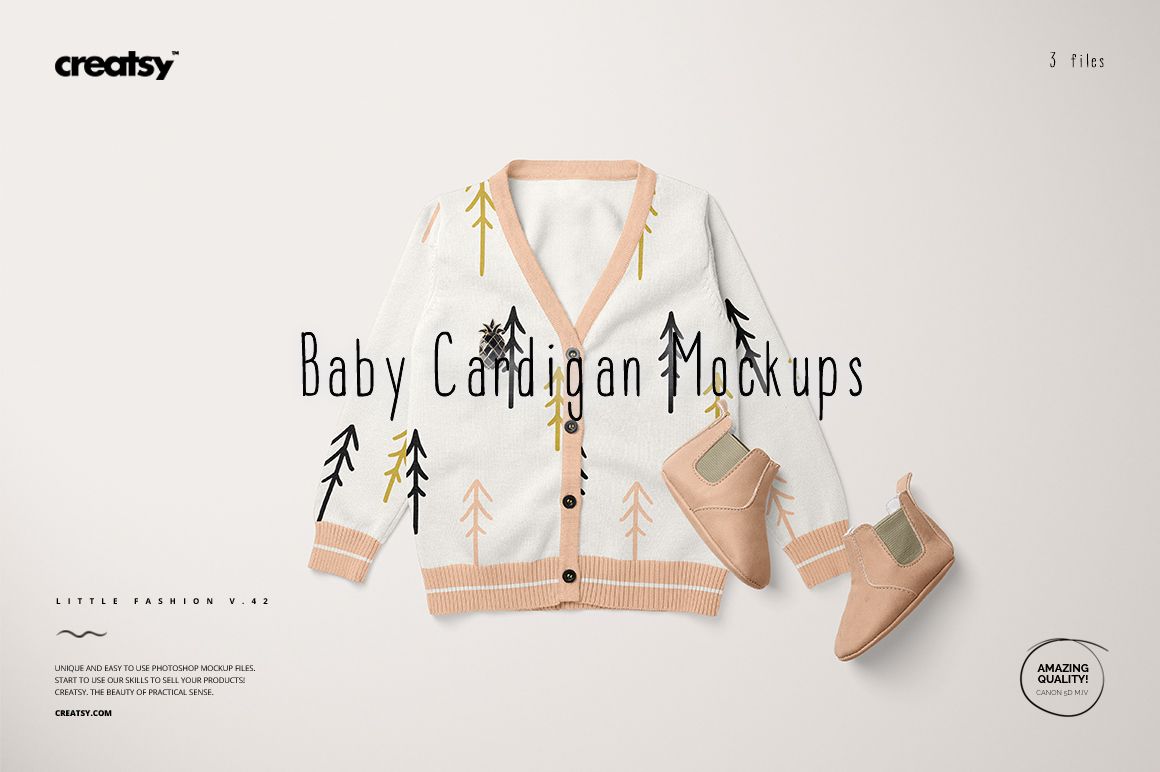
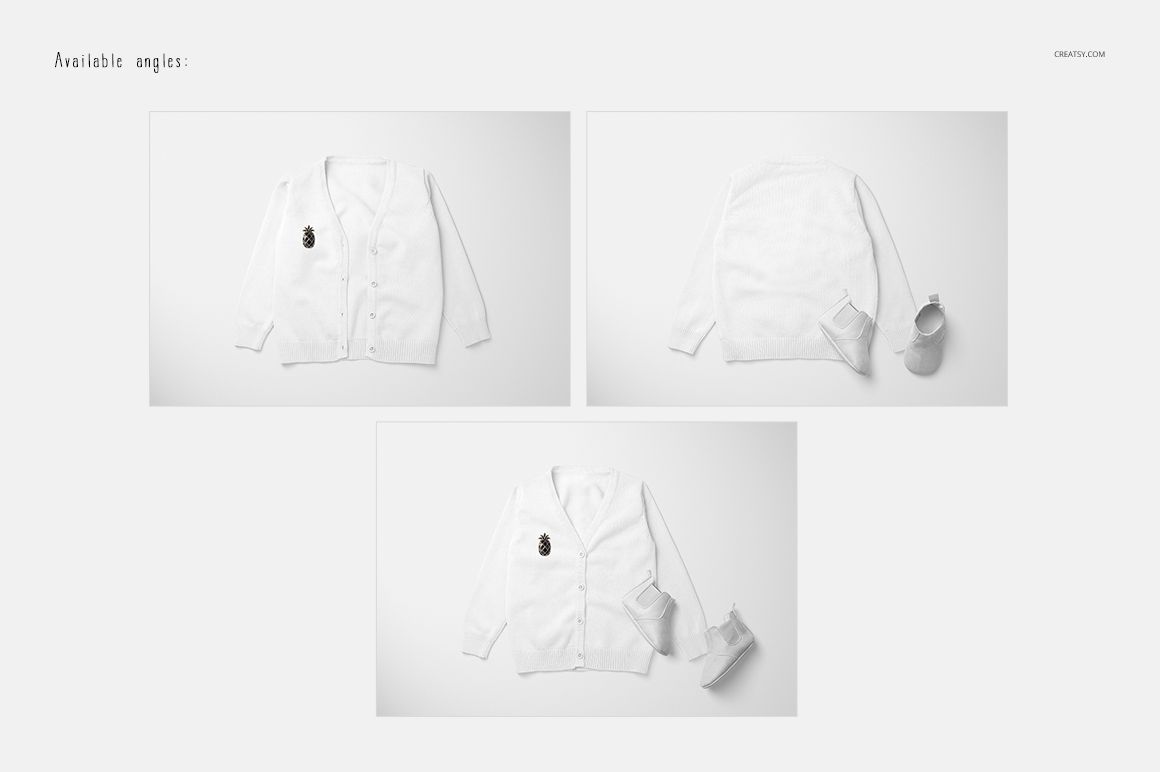
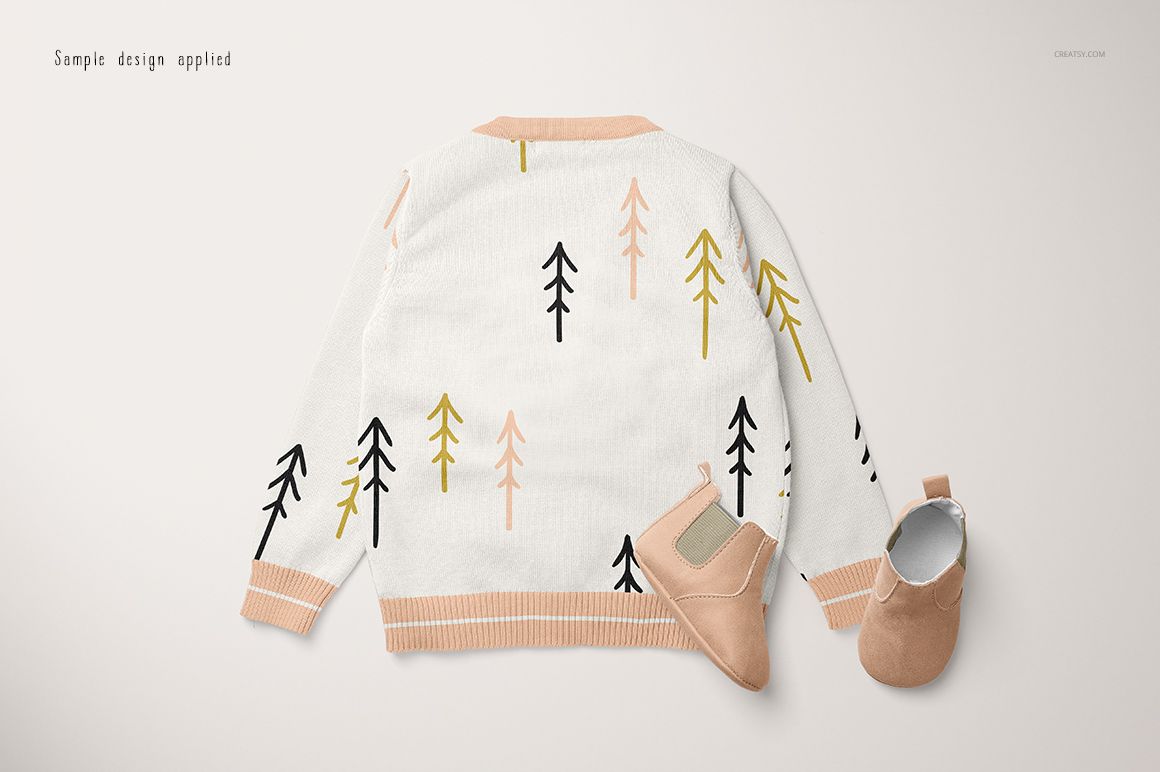
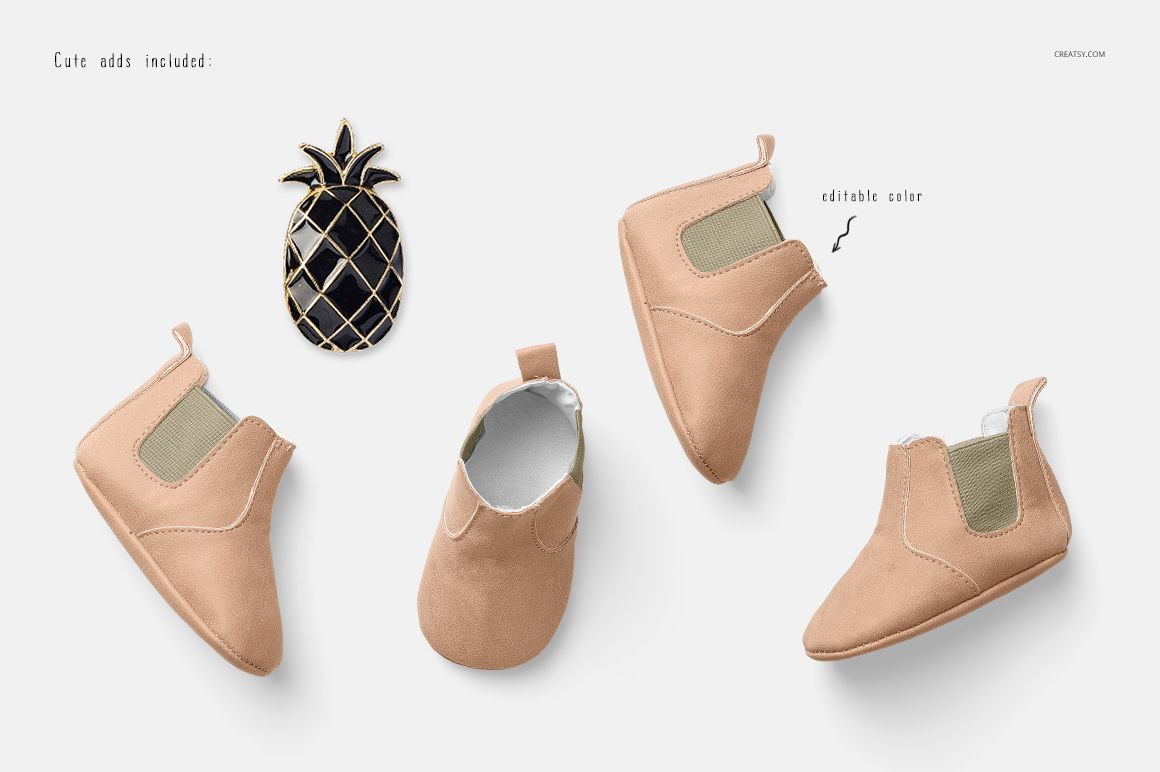
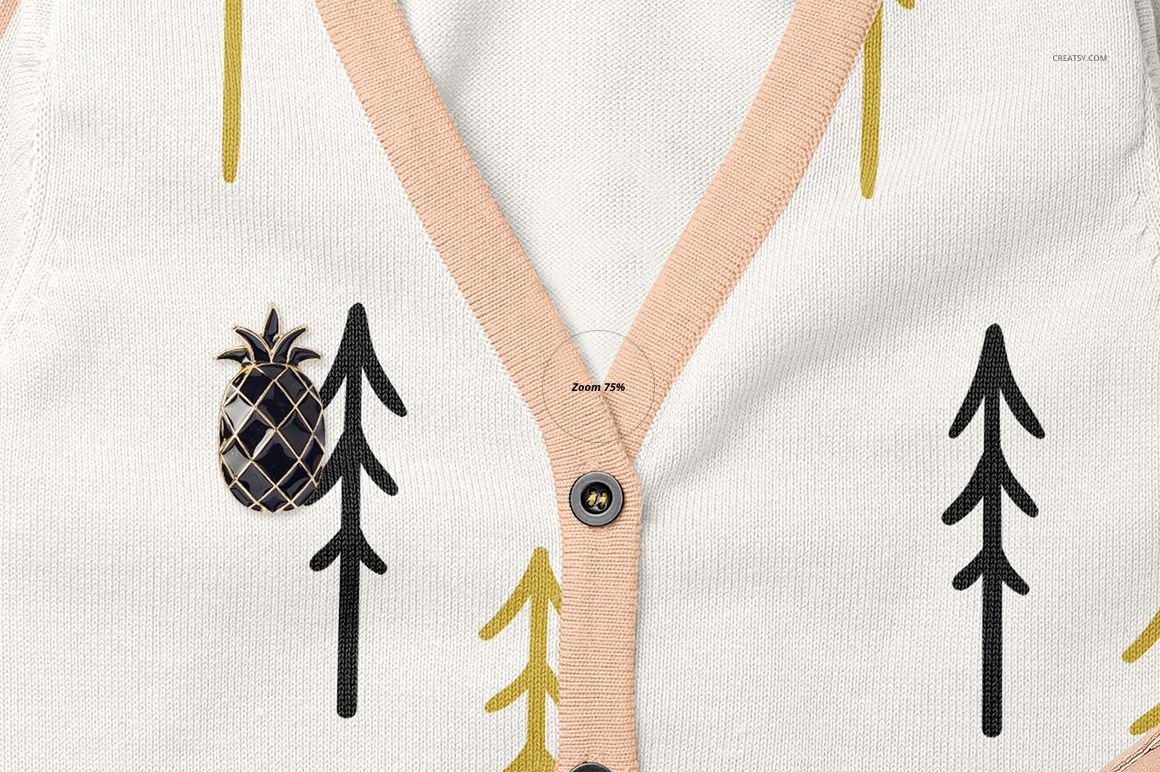
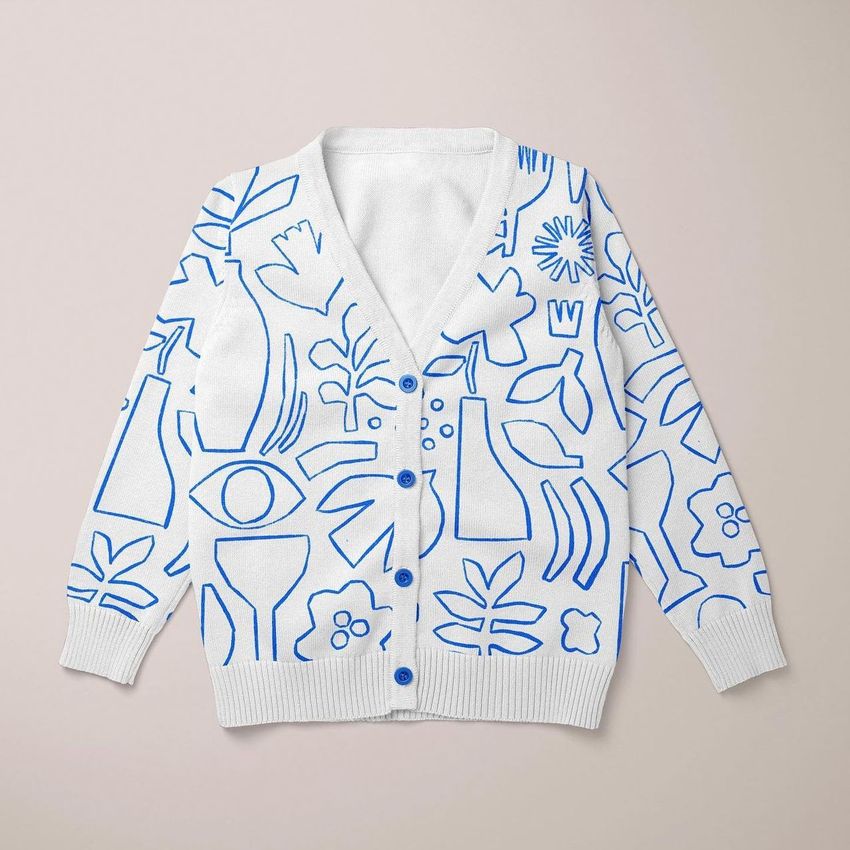
Show a baby cardigan design across two front compositions and a back view. The buttoned V-neck, ribbed trims and long sleeves give you a setting for comparing repeat patterns, solid colors and coordinated knitwear concepts, with a pineapple pin and baby shoes adding styling in the preview scenes.
What is included
3 layered PSD mockups: two front compositions and one back view.
6 JPG files: 3 scene previews and 3 wood background images.
Guide.pdf with instructions for using the mockup files.
Customize your design
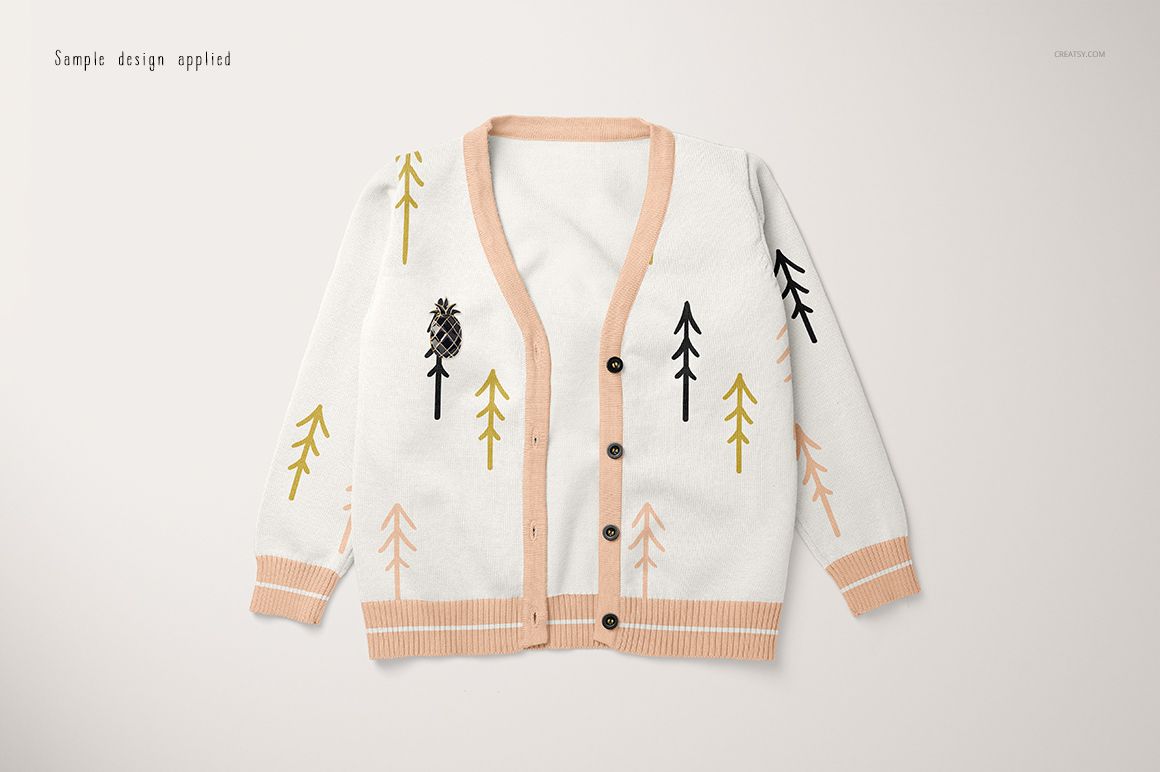
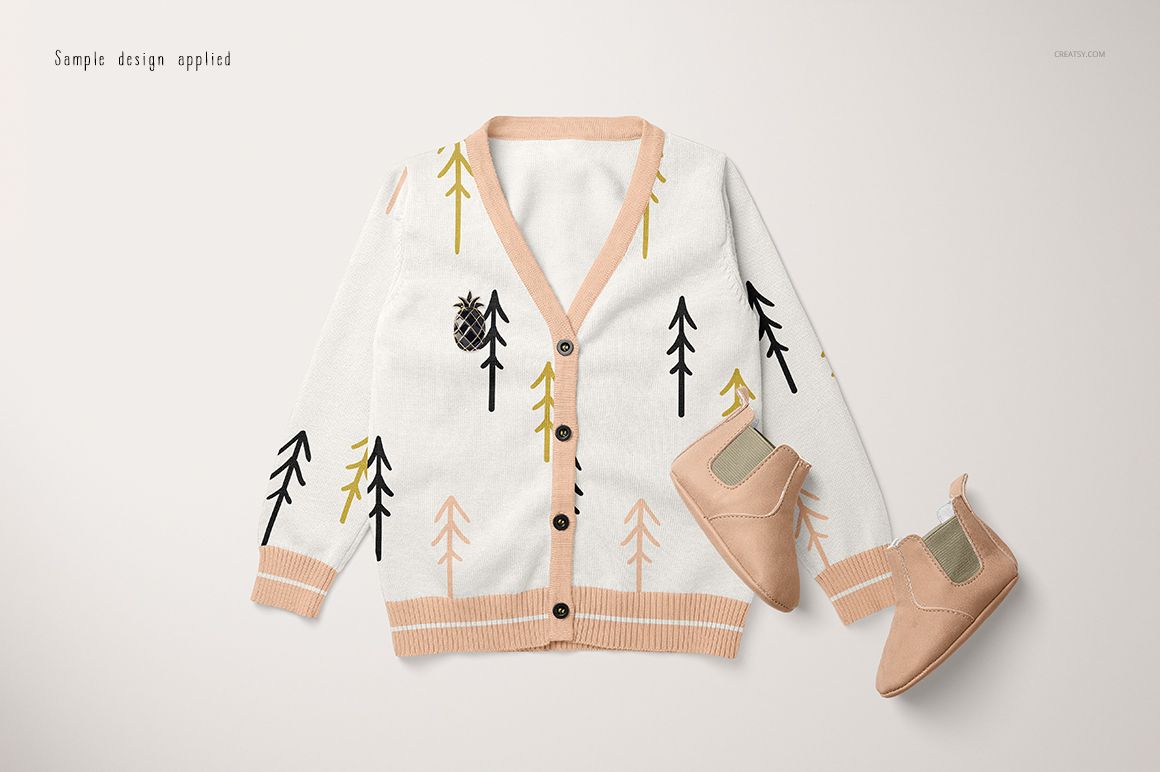
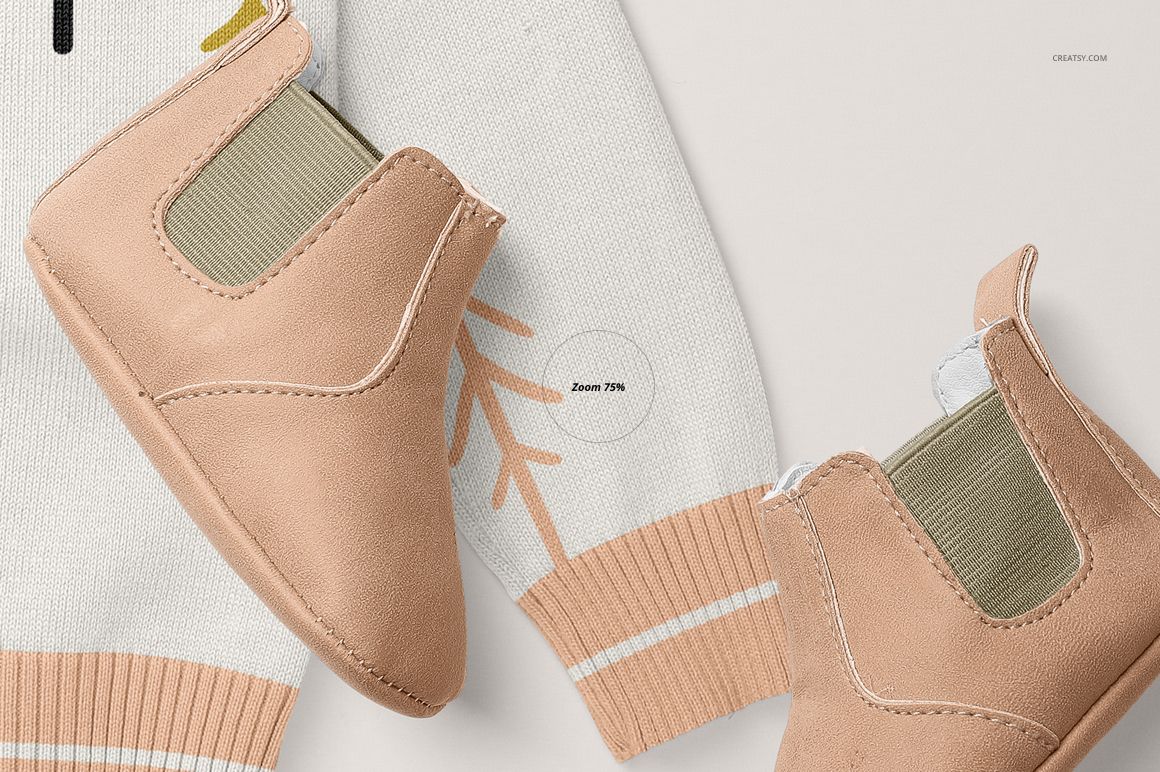
Place your artwork through smart objects and adjust colors with the supplied color layers. Preview your design across the cardigan body and sleeves, checking how the pattern reads beside the button placket and ribbed edges. The gallery also confirms editable shoe colors in the styled scenes.
Ways to use this set
Prepare baby knitwear collection presentations, surface pattern portfolios, client color proposals and online shop visuals. Use the simpler front composition to focus on the garment, then add the styled front and back views for a fuller presentation.
This is a digital mockup download, not a physical garment. Sample patterns and artwork shown in the gallery are not included.

















Creatsy make the best Mockups on the market, no matter what you need to showcase. These mockups are highly customizable, and the lighting in them makes everything look very realistic. You can keep or turn off many of the Items in the mockup, also a great feature giving control over the look you want. They have the most friendly and very helpful support. I highly recommend these mockups!
Thank you so much for your kind words! We’re so happy to hear you enjoy the editable details, realistic lighting, and flexibility of the mockup. Your support means a lot to us.