About the Product
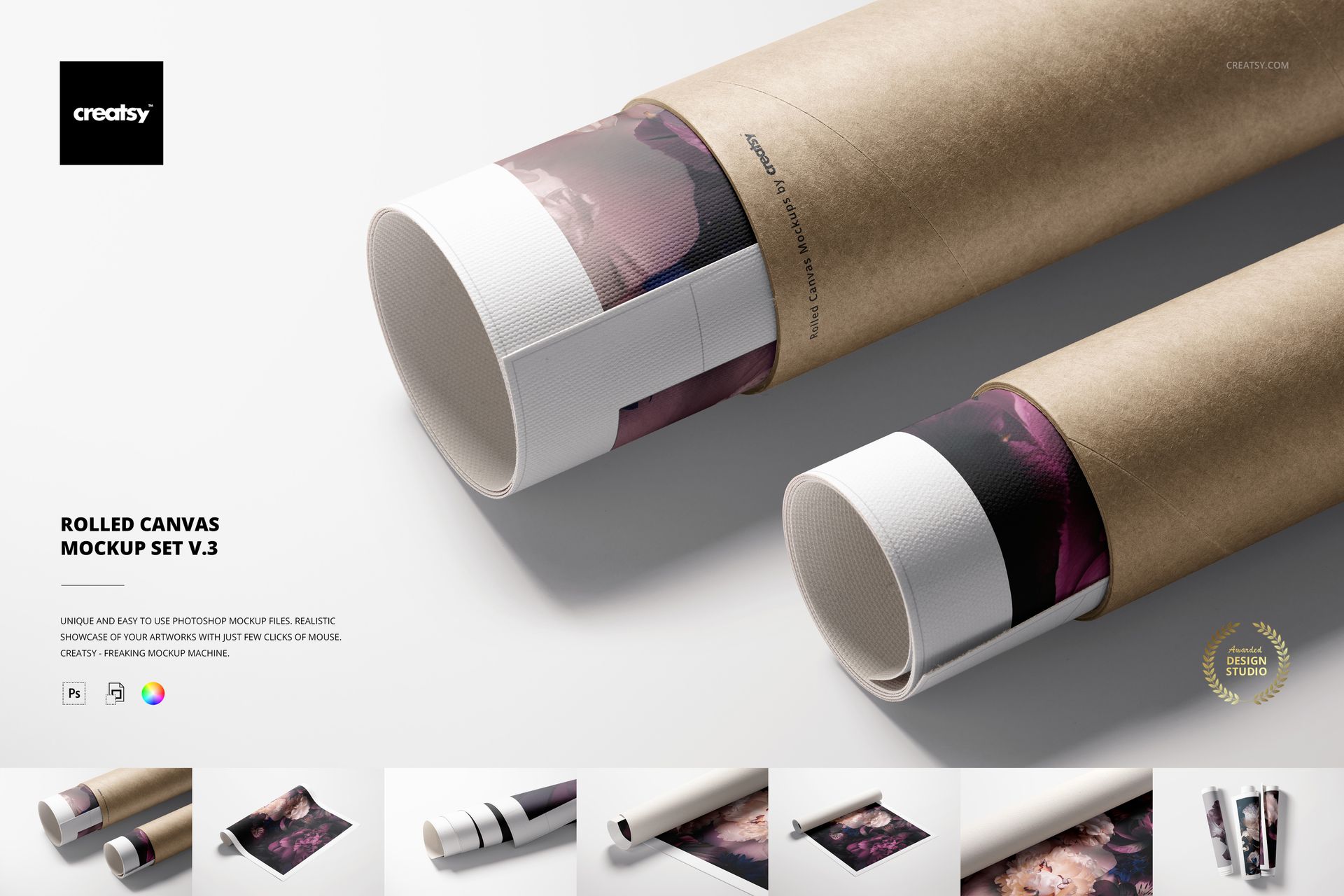
Rolled Canvas Print Mockup Set v.3 by Creatsy is a canvas print mockup that shows your artwork on rolled canvas, built as layered Photoshop PSD scenes at 6000 by 4000 px and 300 dpi with smart object placement.
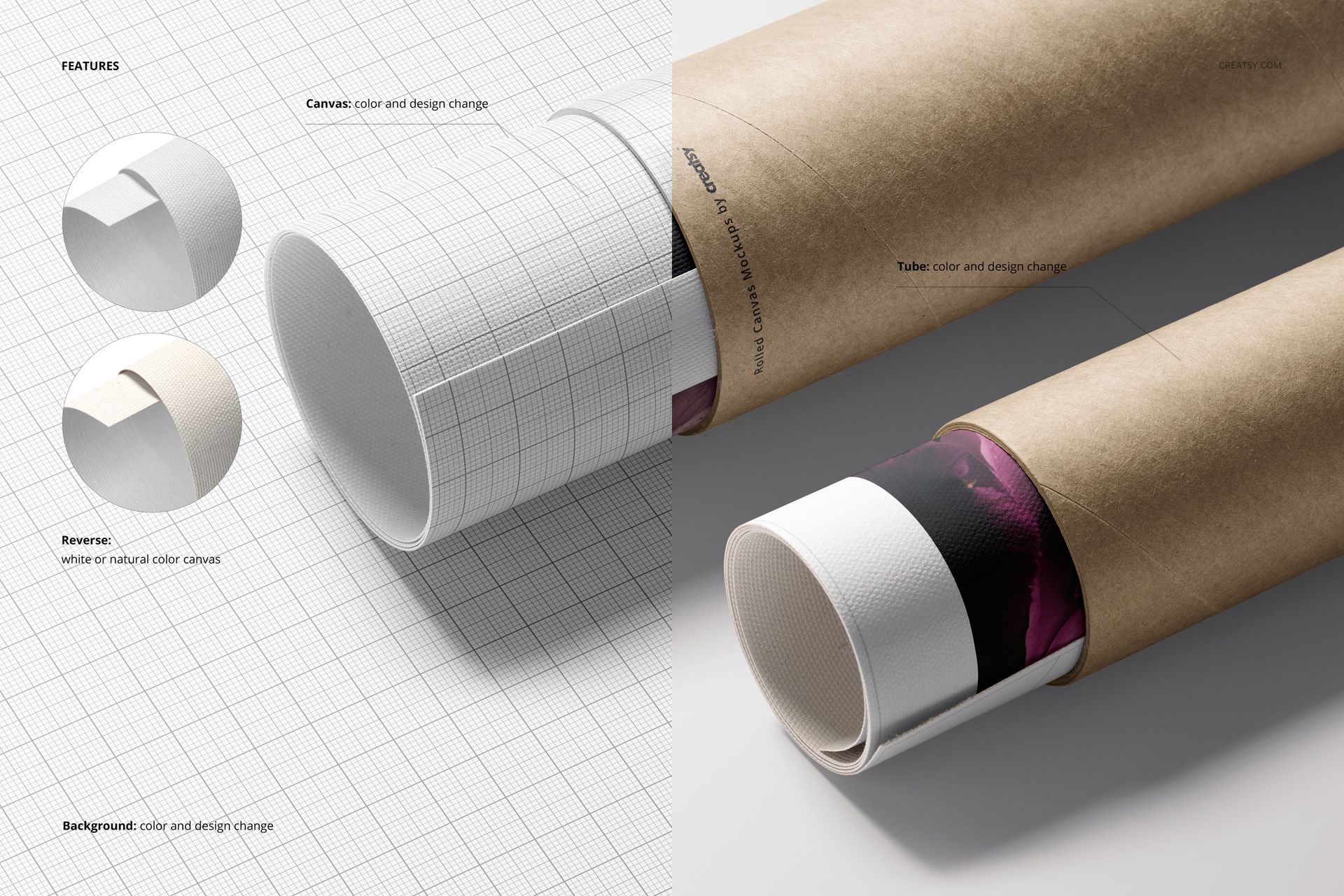
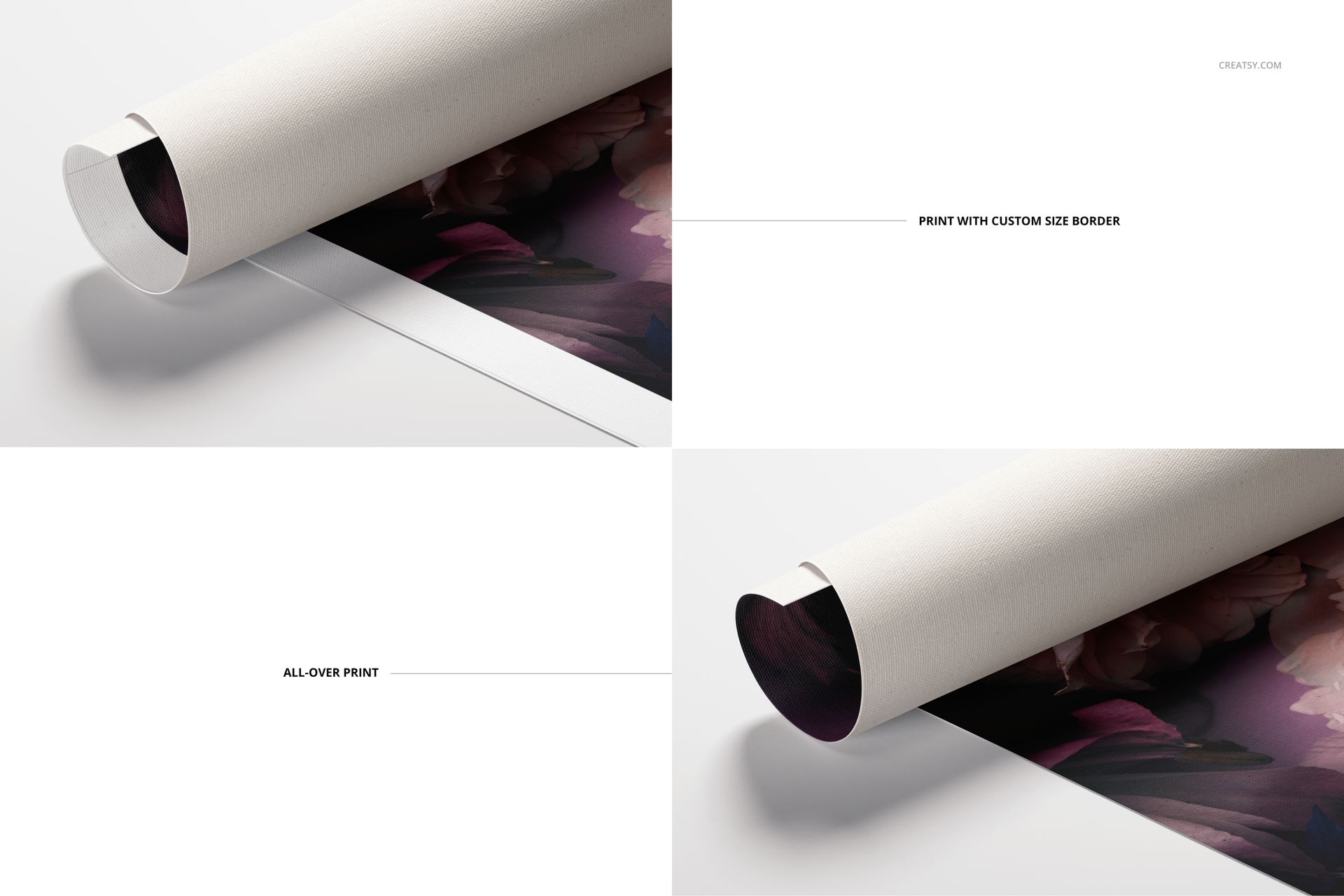
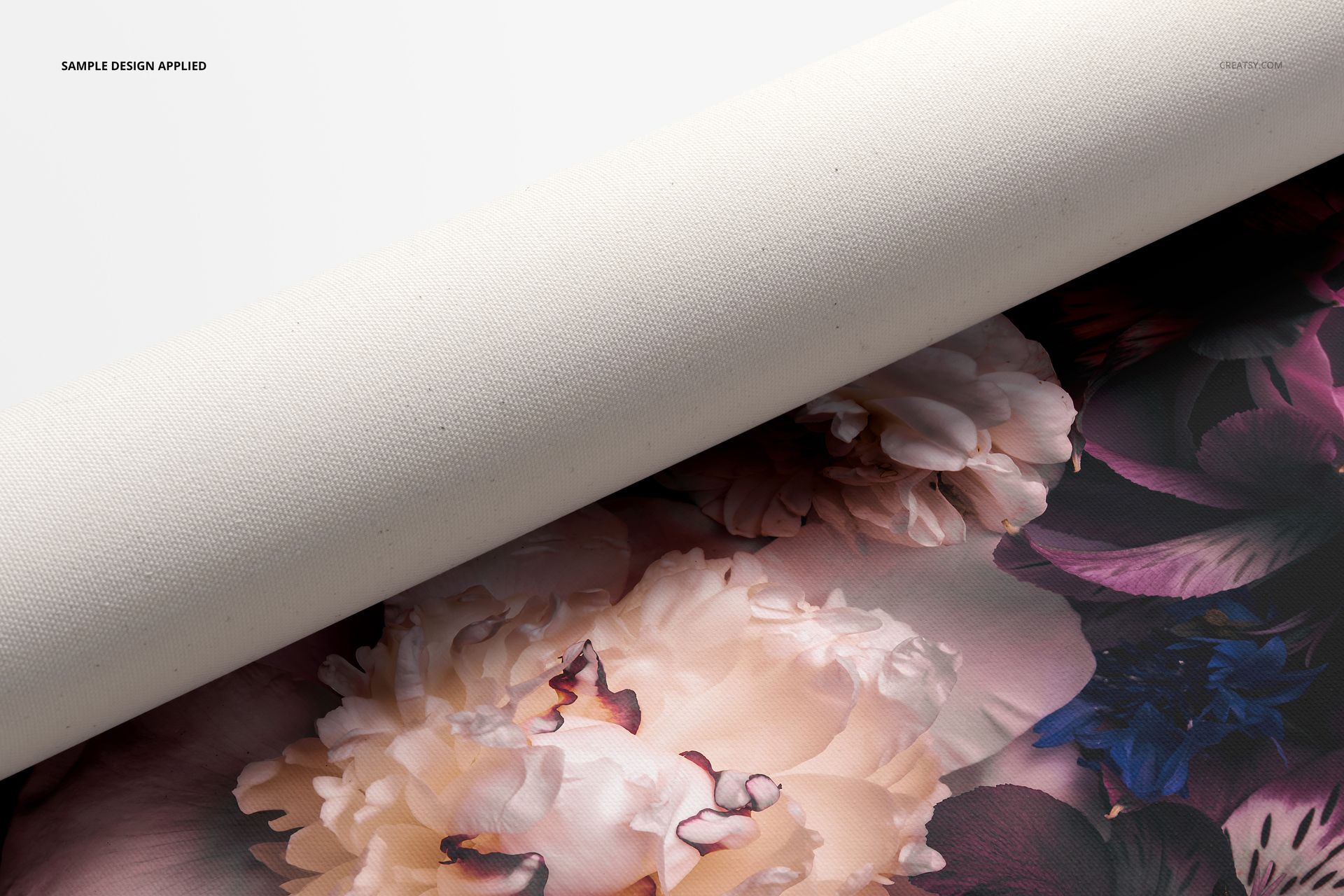
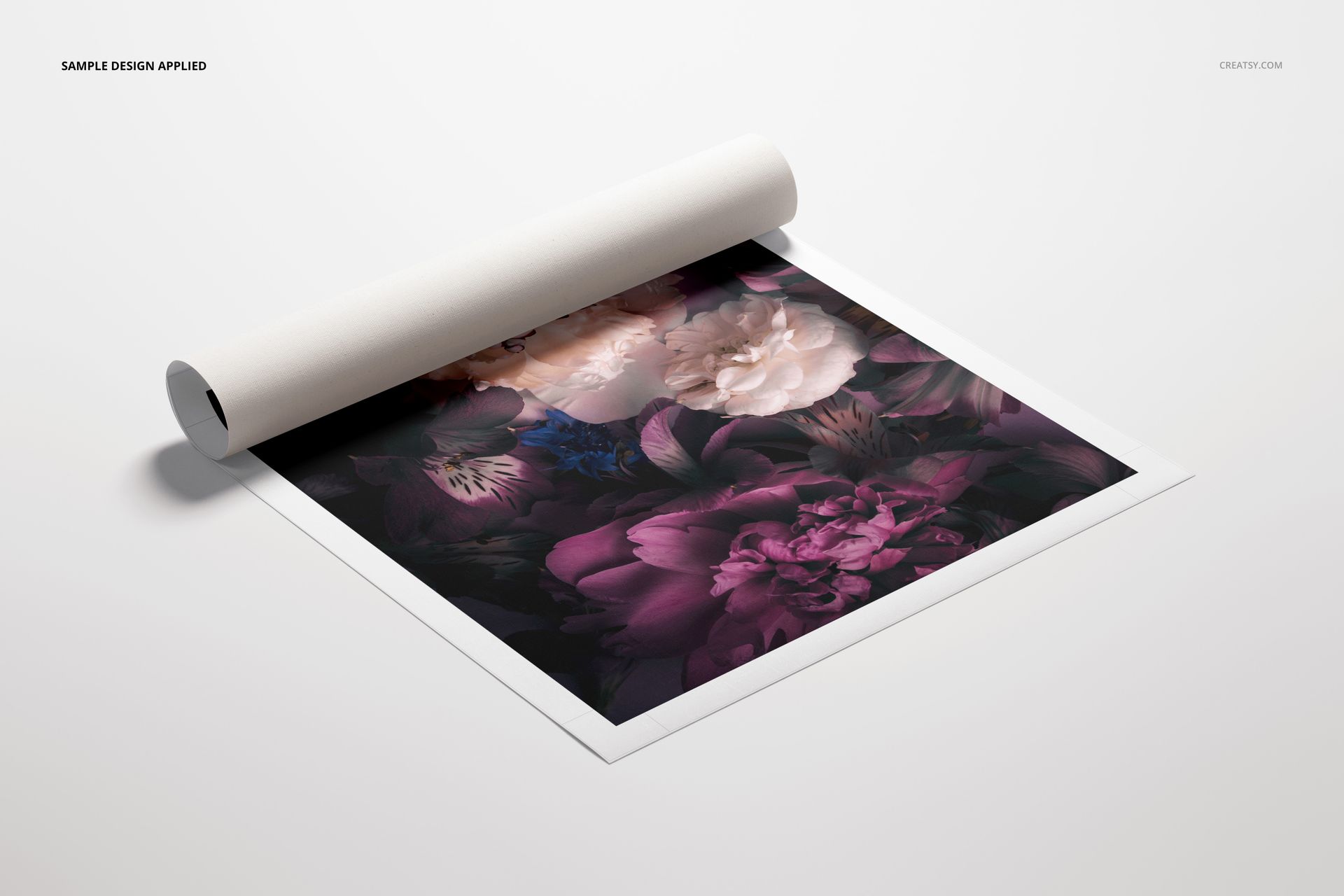
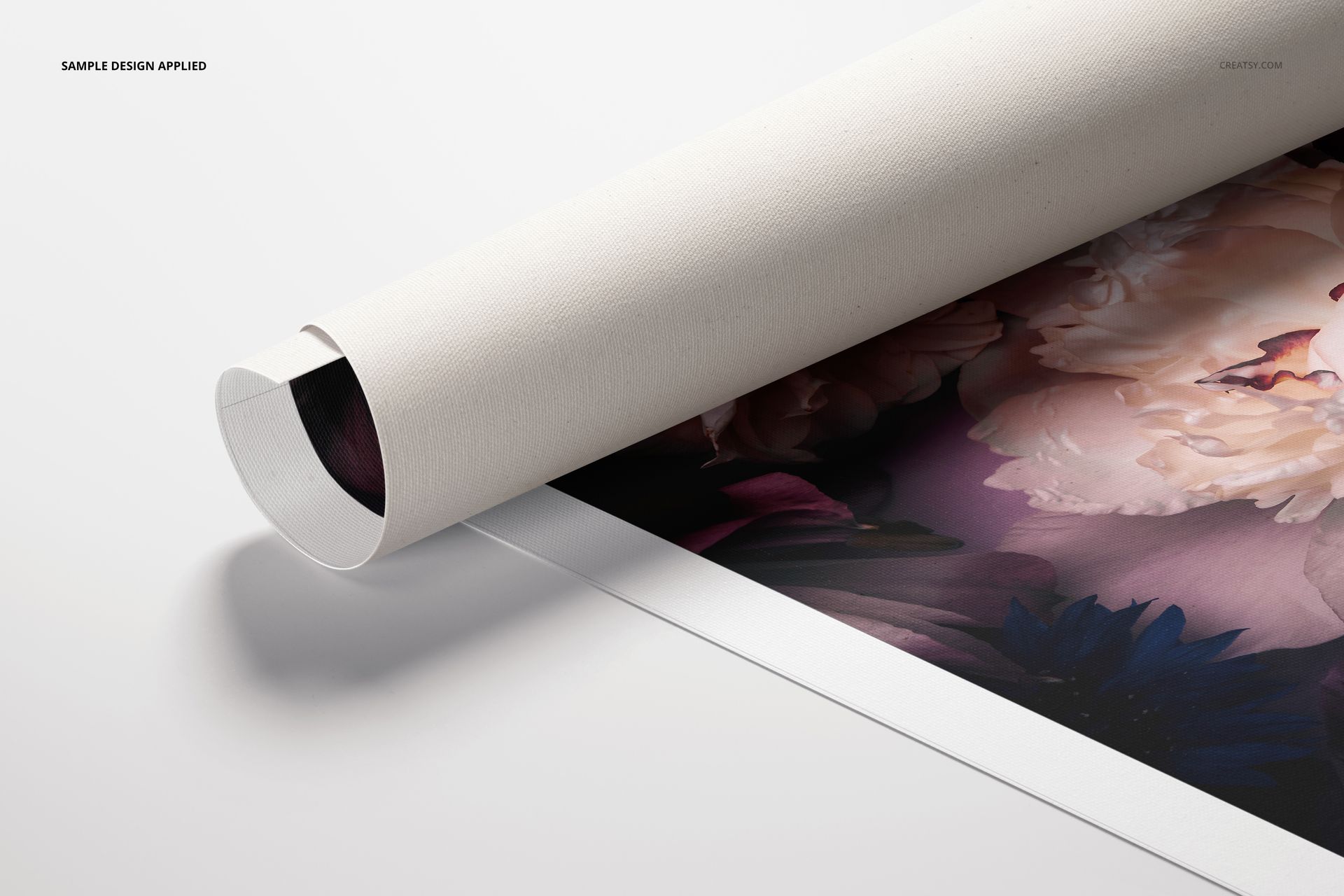
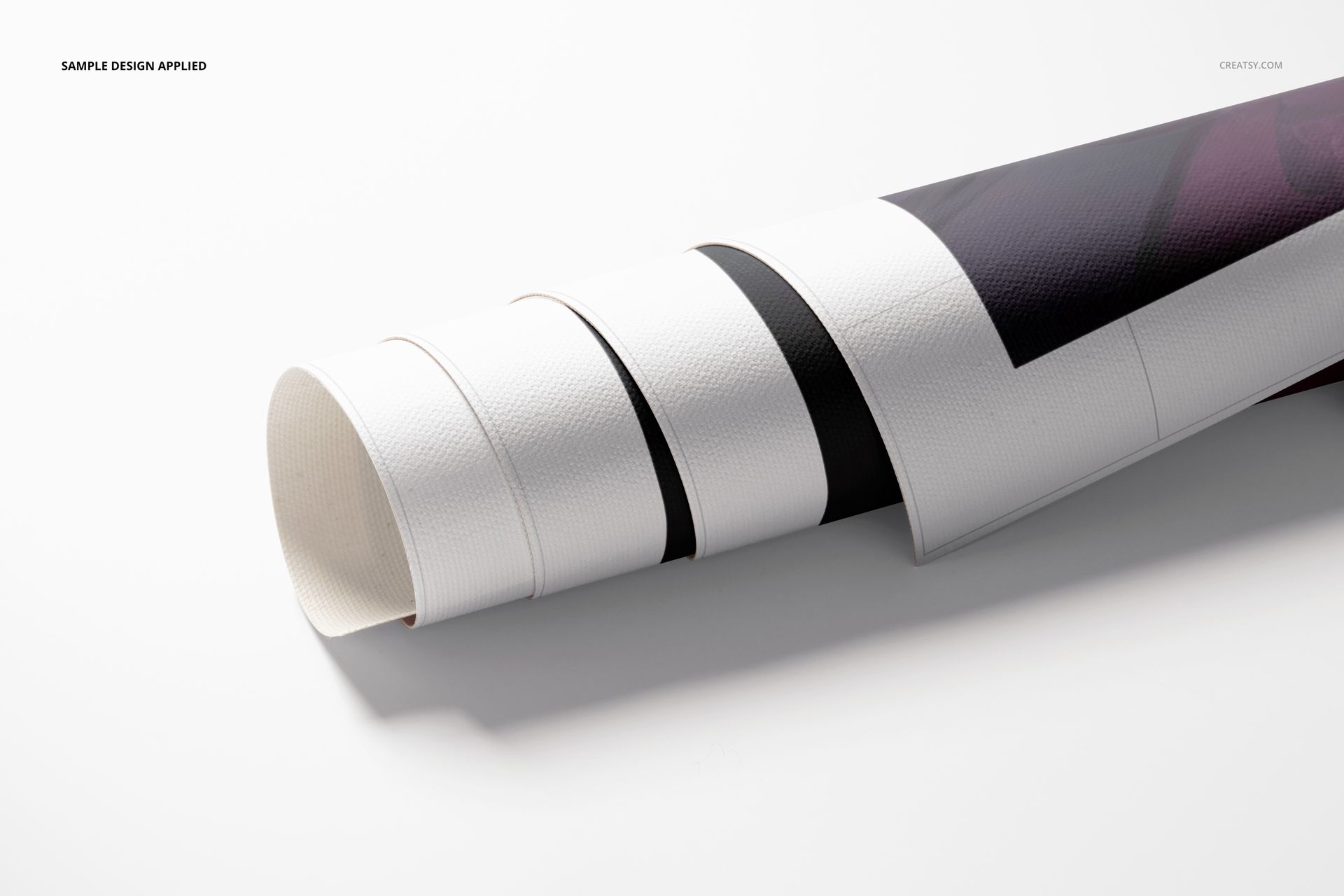
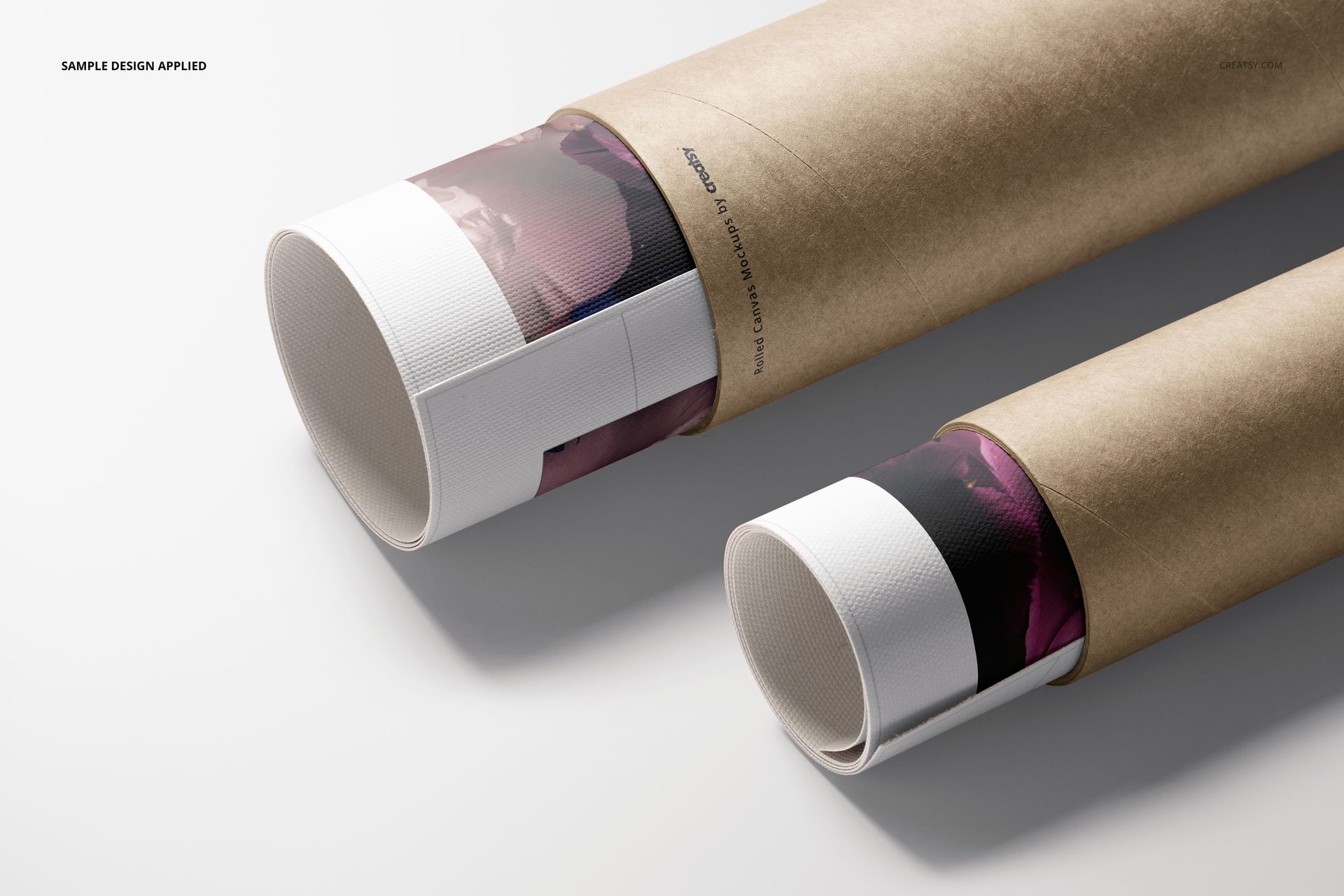
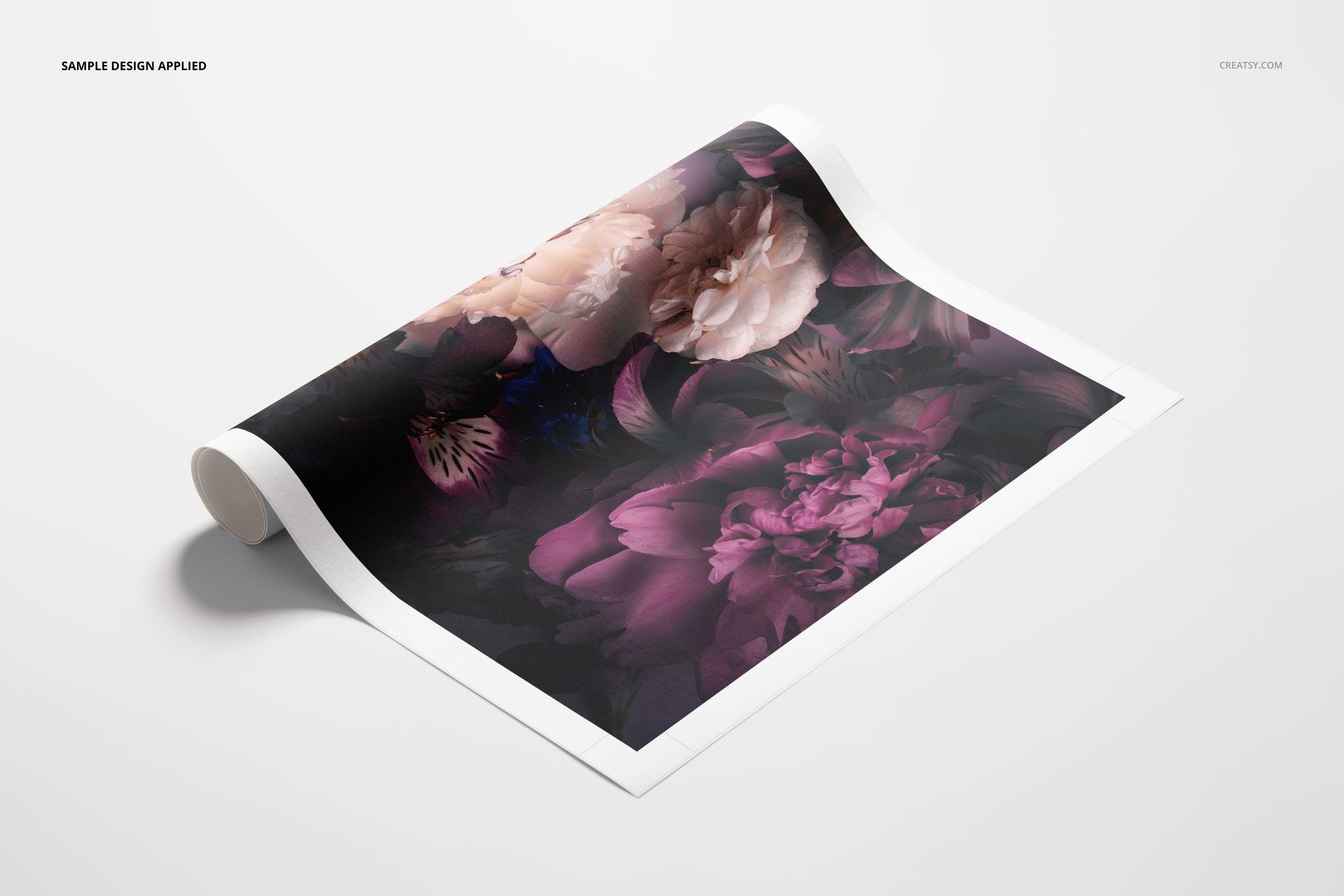
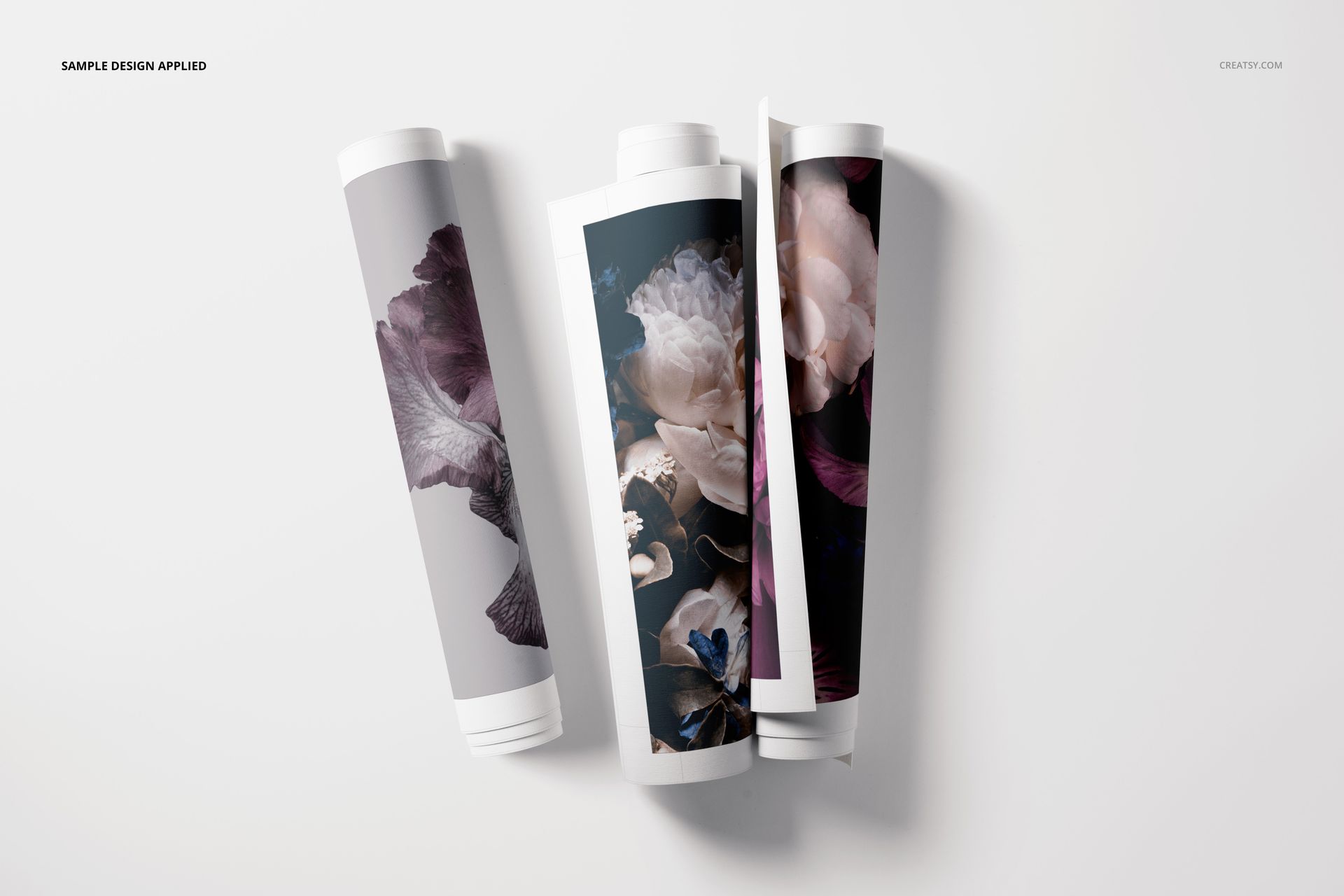
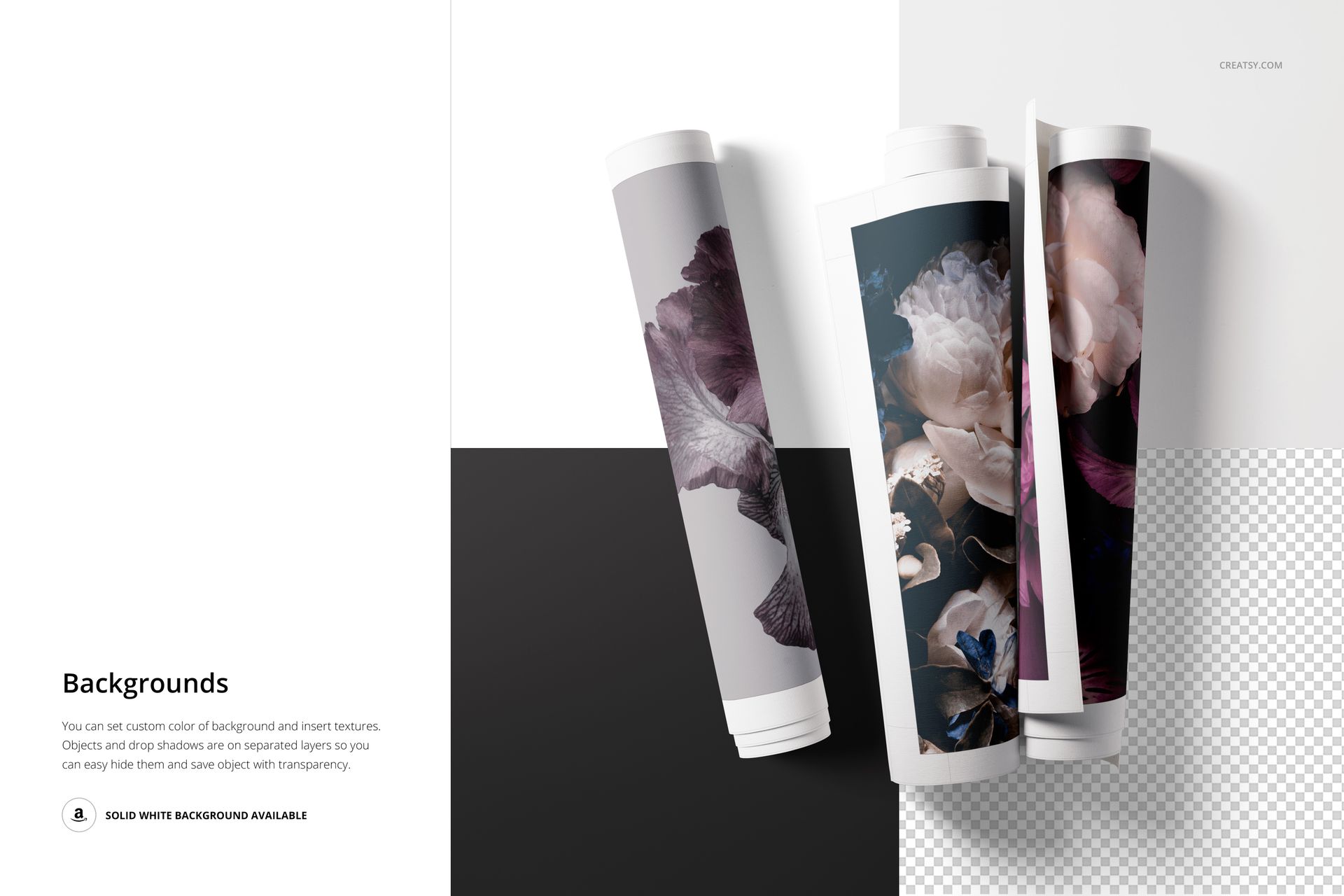
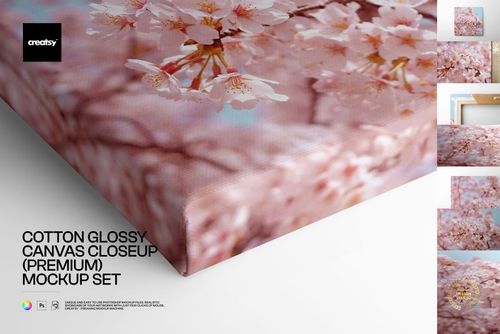
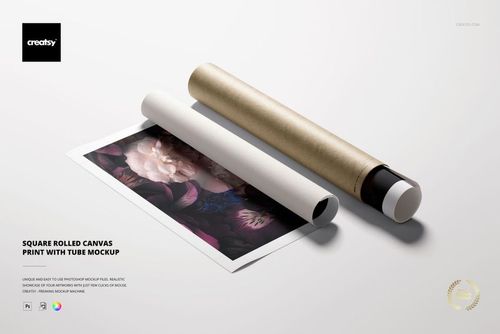
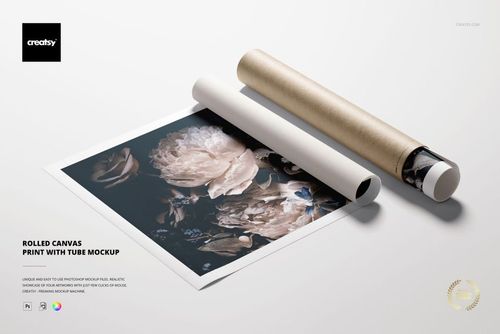
The set shows the canvas rolled and partly inside a cardboard shipping tube, plus a close-up of the printed edge, so a buyer sees the print, the texture, and how it ships. Each canvas face is a smart object: drop your art in, save, and it sits on the canvas with the weave and shadows of the scene. You choose edge-to-edge artwork or a white border, and you can recolor the background. The art shown in the previews is for display and is not included.
This makes it a useful canvas mockup for wall art and print on demand sellers, Etsy and Shopify listings, and portfolio or licensing pitches, where you need a clean rolled canvas image without a photo shoot.
What you get
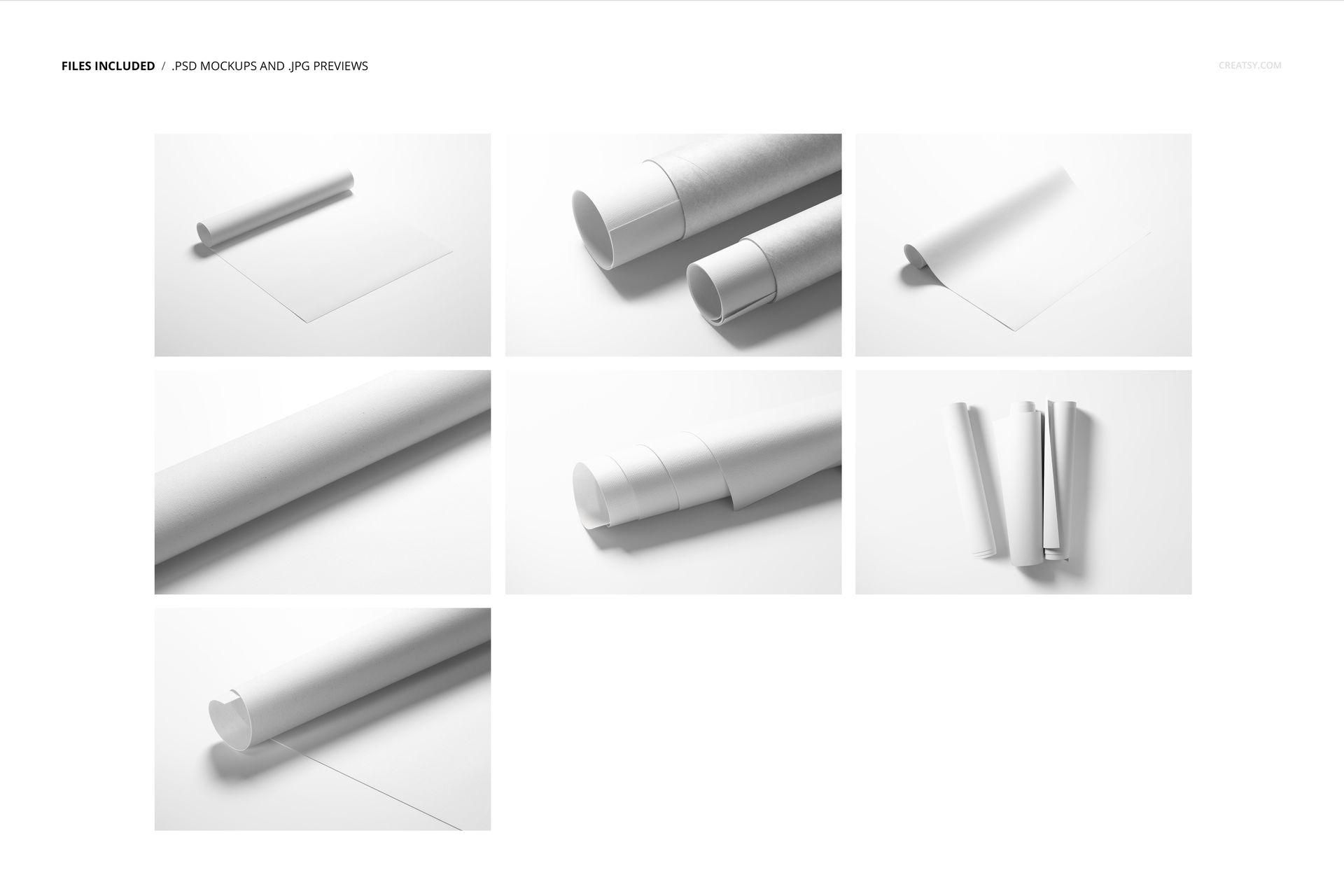
7 layered Adobe Photoshop PSD scenes at 6000 by 4000 px, 300 dpi
Each canvas as a smart object, so your art sits on the rolled canvas
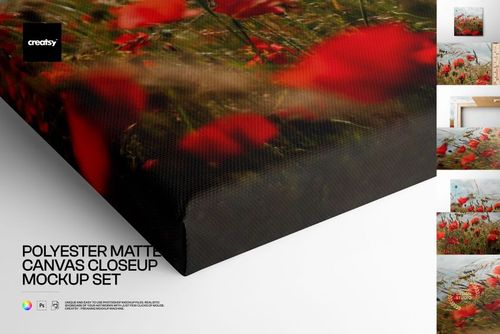
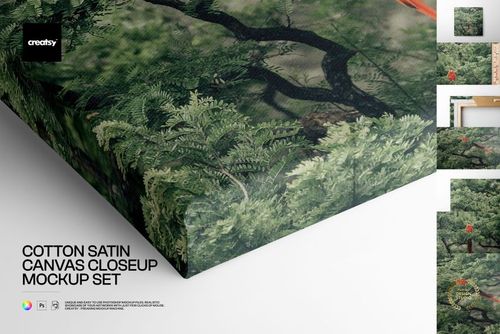
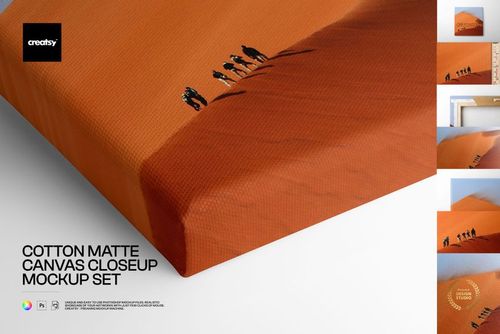
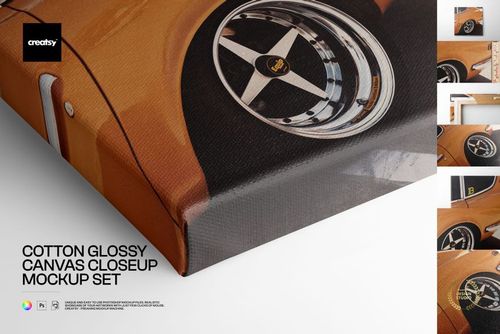
A rolled view, a cardboard shipping tube scene, and a close-up of the print
Edge-to-edge or white-border artwork, with a recolorable background
14 files in the download (.psd, .jpg, .pdf); package 701 MB on Windows, 735 MB on macOS
Opens in Adobe Photoshop CC or later, and free in the browser with Photopea
How it works
Open a PSD in Adobe Photoshop, or free in your browser with Photopea.
Double-click the canvas smart object and paste your artwork or pattern.
Save, and your design sits on the rolled canvas with its texture and shadows.
Export the JPG for your shop listing, portfolio, or client pitch.
Specifications
Files: 7 layered PSD scenes (download includes .psd, .jpg, .pdf)
Resolution: 6000 by 4000 px, 300 dpi
Editable: canvas is a smart object; background is recolorable
Scenes: rolled canvas, shipping tube, and close-up
Software: Adobe Photoshop CC or later, or Photopea (free)
Package size: 701 MB (Windows) / 735 MB (macOS); 14 files
License: Standard, $25
Who it is for
Artists and illustrators presenting wall art as canvas prints
Print on demand and Etsy sellers building canvas listings
Pattern and surface designers showing work on canvas
Studios preparing portfolio or licensing visuals









Excellent Product and customer service.
Thank you so much for your kind review! We’re very happy to hear you enjoyed both the product and our customer service. We truly appreciate your support.