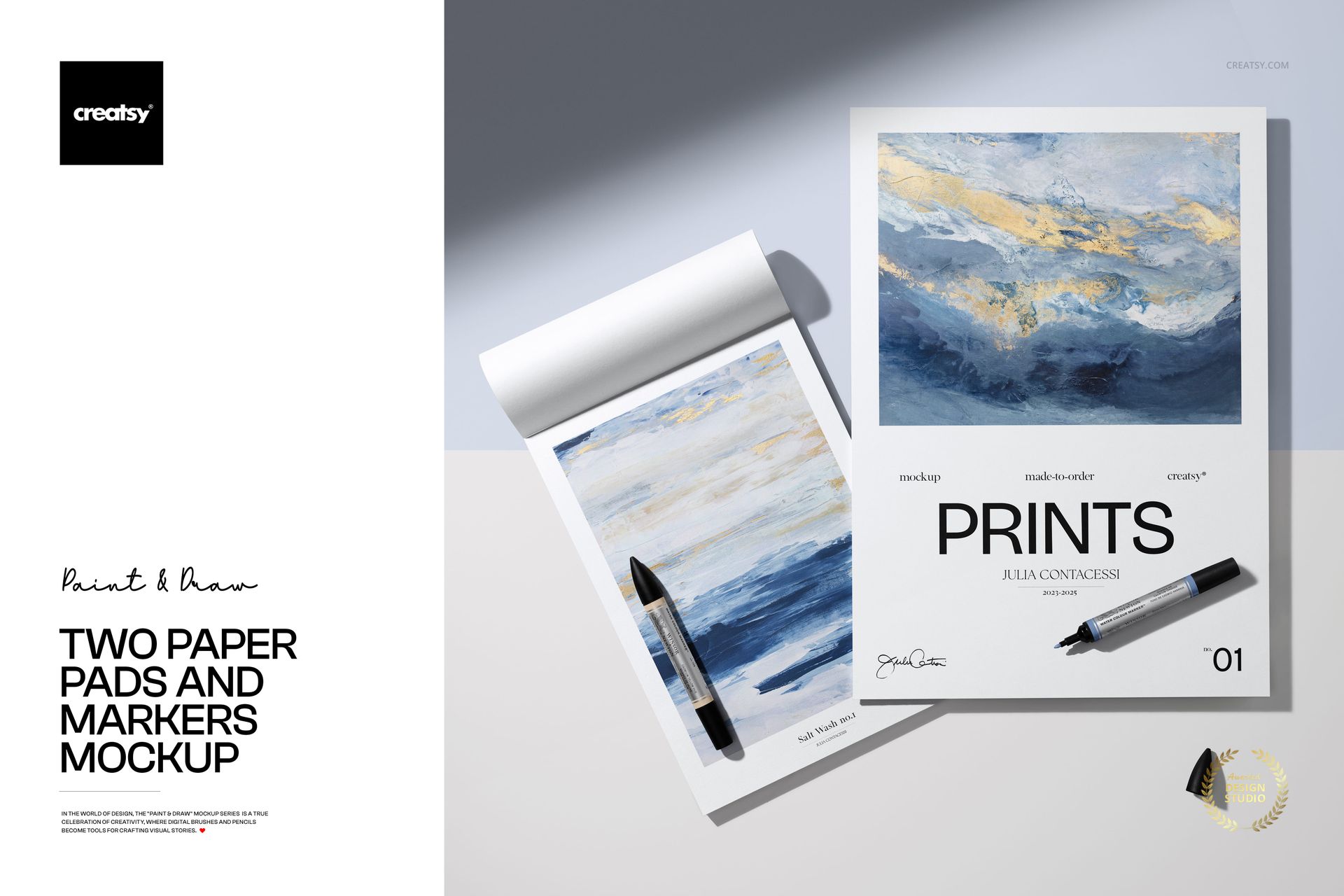
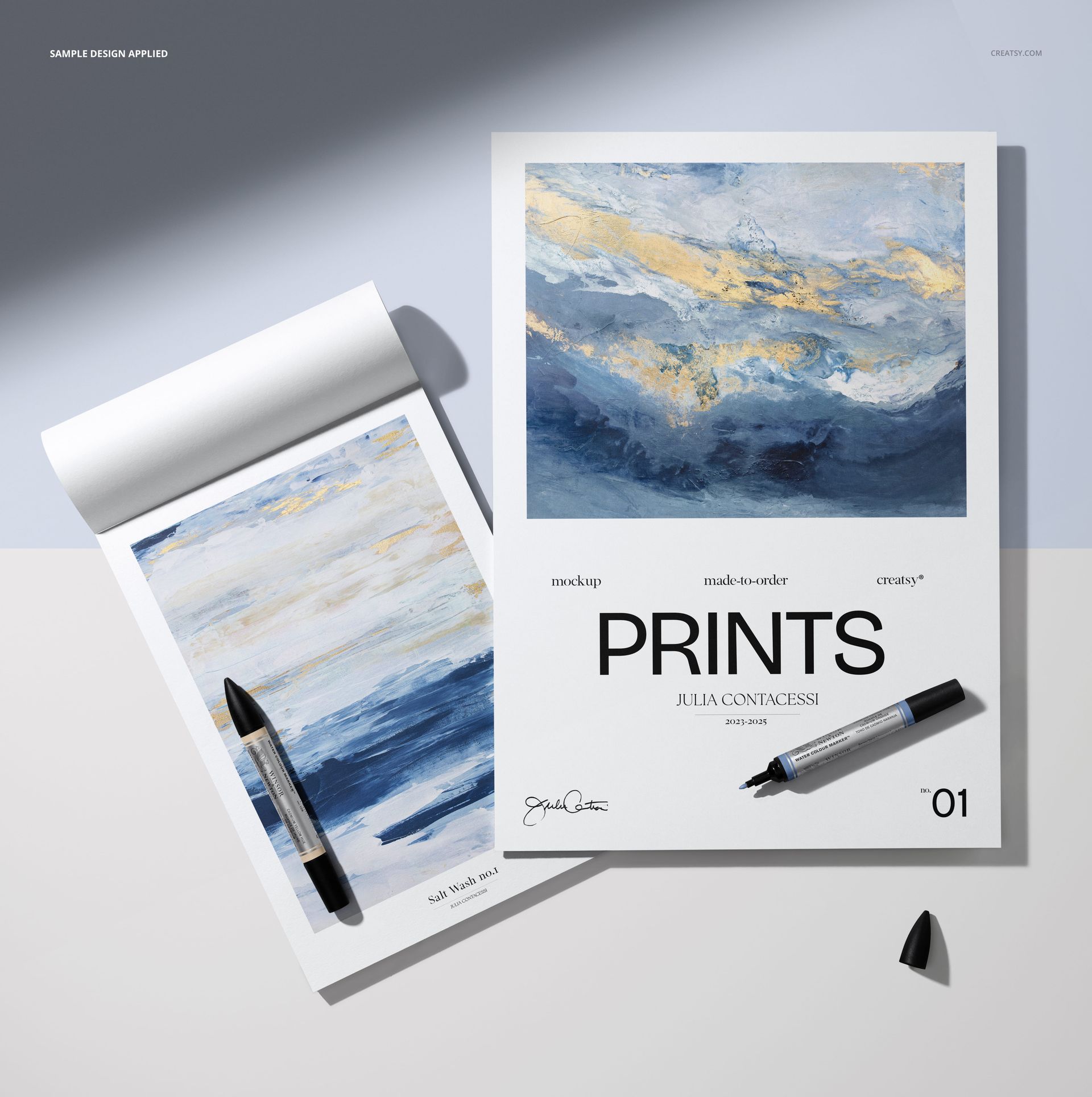
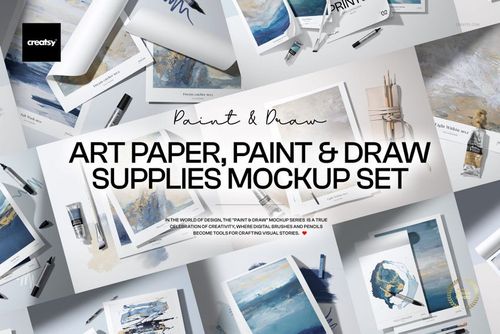
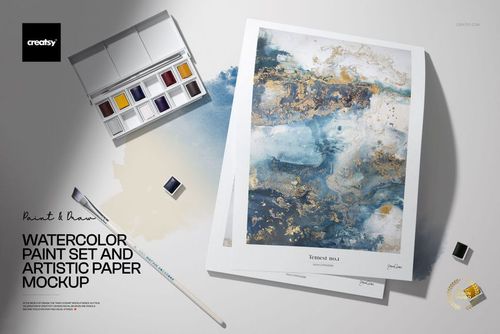
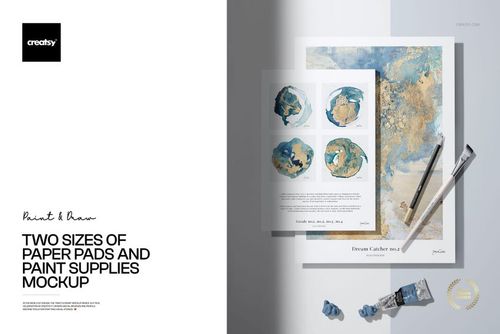
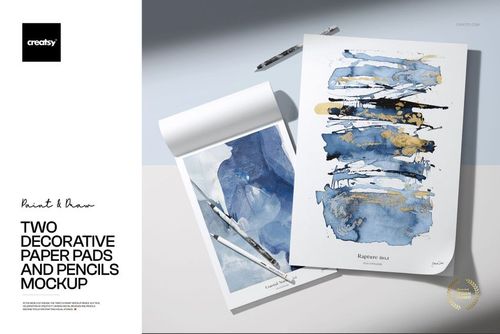
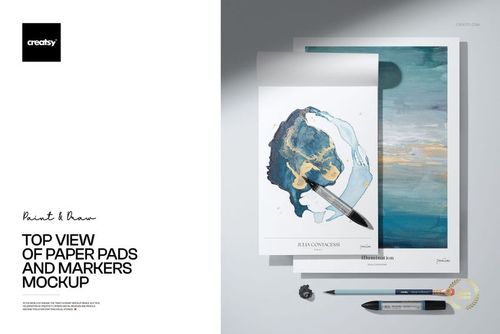
Present sketches, lettering, and art prints in a clean studio setup with this Free Two Paper Pads and Markers Mockup (PSD). Show your work on a vertical poster-style sheet and a spiral pad with realistic shadows, curled paper, and marker props. Ideal for artists, illustrators, and designers building print or stationery visuals. Free for commercial use – see license for details.
Highlights
- Format: 1× PSD, 6000×6000 px, 300 dpi
- Workflow: Smart Objects; tidy, well-organized layers
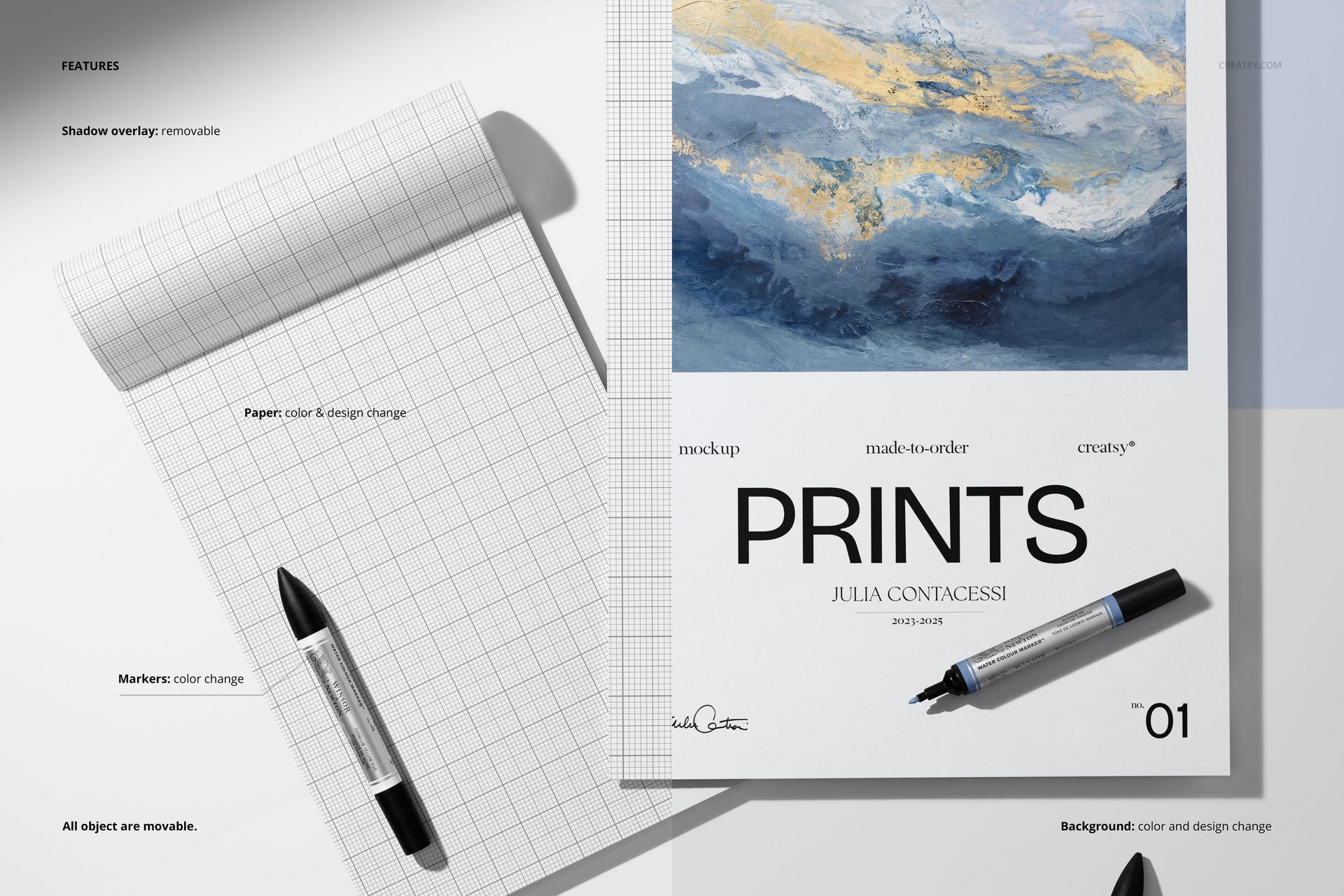
- Editable: paper on both pads (color & design), markers (color), background (color & design)
- Extras: removable shadow overlay for stronger or softer daylight effect
- Objects: all objects are movable – arrange pads and markers to suit your layout
- Apps: Photoshop (min. CC 2020) + Photopea (free online editor)
- Use cases: art prints, sketchbooks, stationery collections, workshop promos, portfolio shots, social media
- License: free for personal & commercial use (see terms)
What’s inside / Specs
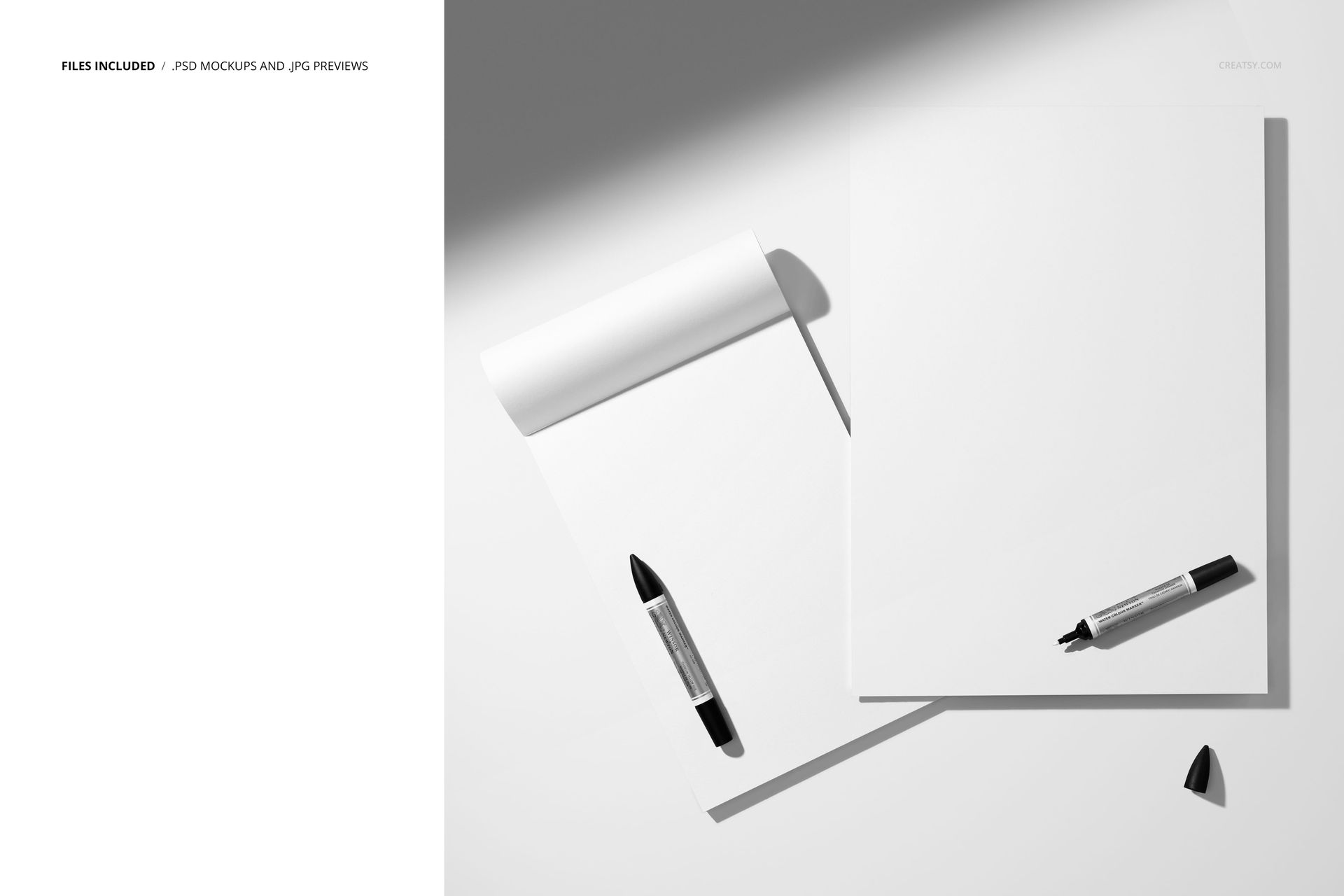
- Files: PSD (+ preview JPG)
- Canvas: 6000×6000 px, 300 dpi square layout
- Layers & controls:
- Smart Objects for artwork on each paper pad
- Separate color controls for markers and background
- Optional shadow overlay layer (on/off)
- Adjustable base shadows/highlights for realistic depth and contrast
- Scene: two paper pads (one spiral, one flat sheet) with markers arranged in a light-filled workspace
- Compatibility: Photoshop CC 2020 or newer; works in Photopea
- Approx. size: ~431-452 MB (archive may vary by compression)
How-to (Photoshop & Photopea)
- Open the PSD in Photoshop (CC 2020+) or Photopea.
- Paste your artwork into the paper Smart Objects and Save to refresh the mockup.
- Change marker colors and background to match your brand or series palette.
- Move or rotate pads and markers, and toggle the shadow overlay for the mood you want.
- Export high-resolution JPG/PNG/WebP files for your shop, portfolio, or client presentations.
License & usage
Free for personal & commercial use (for 1 business, up to 5,000 end products). PSD source files cannot be resold, shared, or redistributed as-is. Please check the full license – “Freebie” row – for complete terms and restrictions.














High Resolution