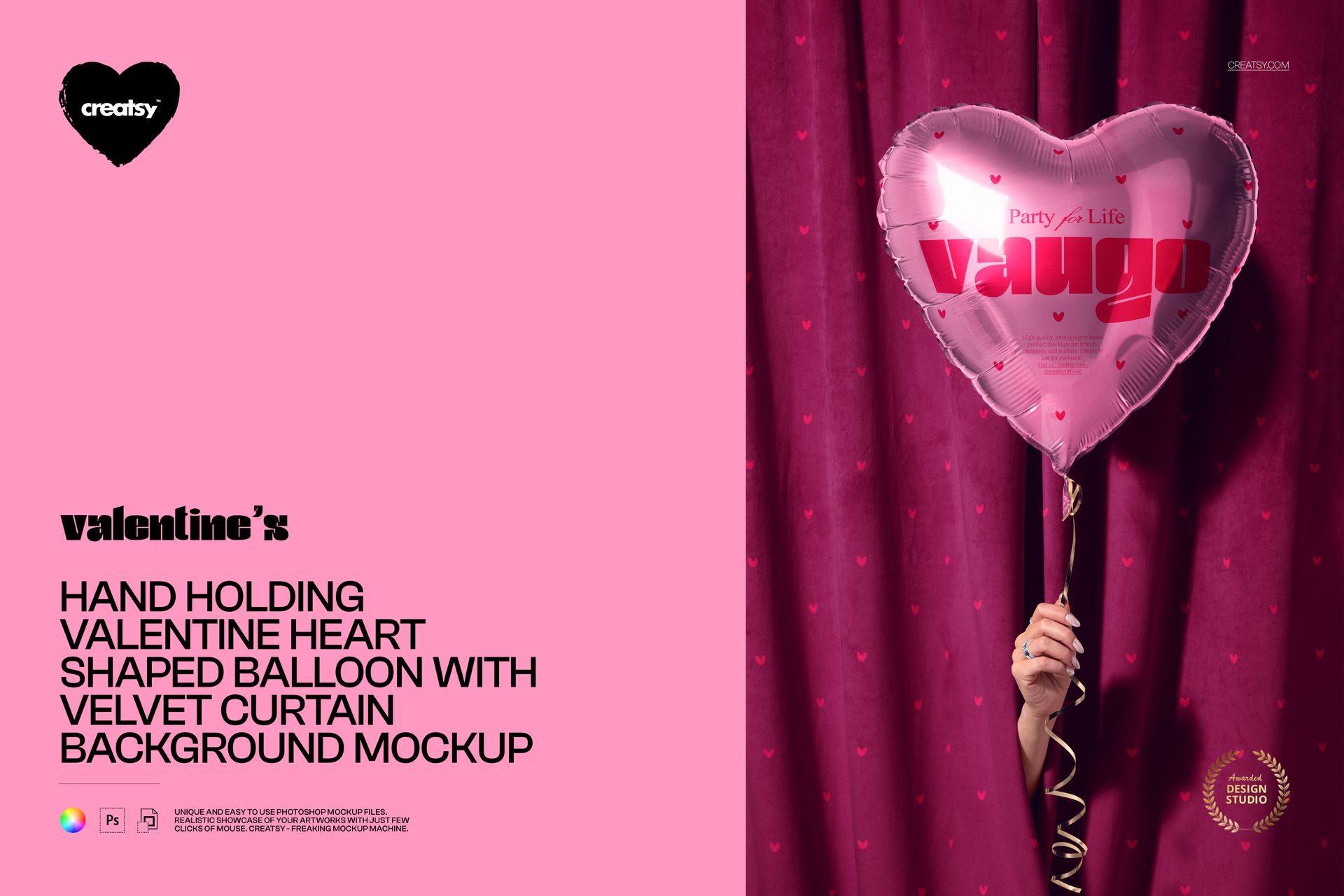
Hand Holding Valentine Heart Shaped Balloon with Velvet Curtain Mockup

This product is a part of Valentine's Day Mockup Set
ID: 1260386645 | Updated: Feb 5, 2026

Product Details

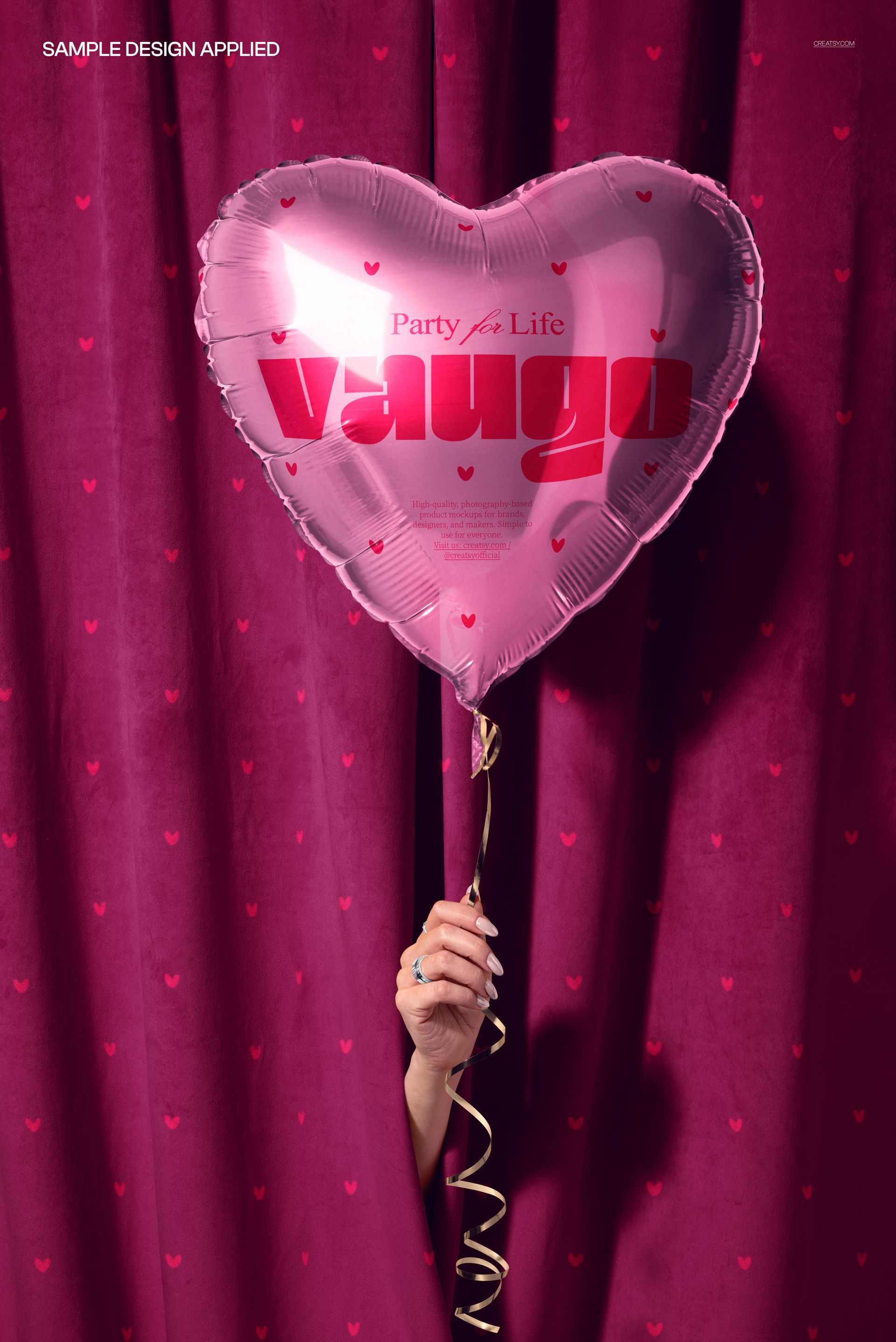
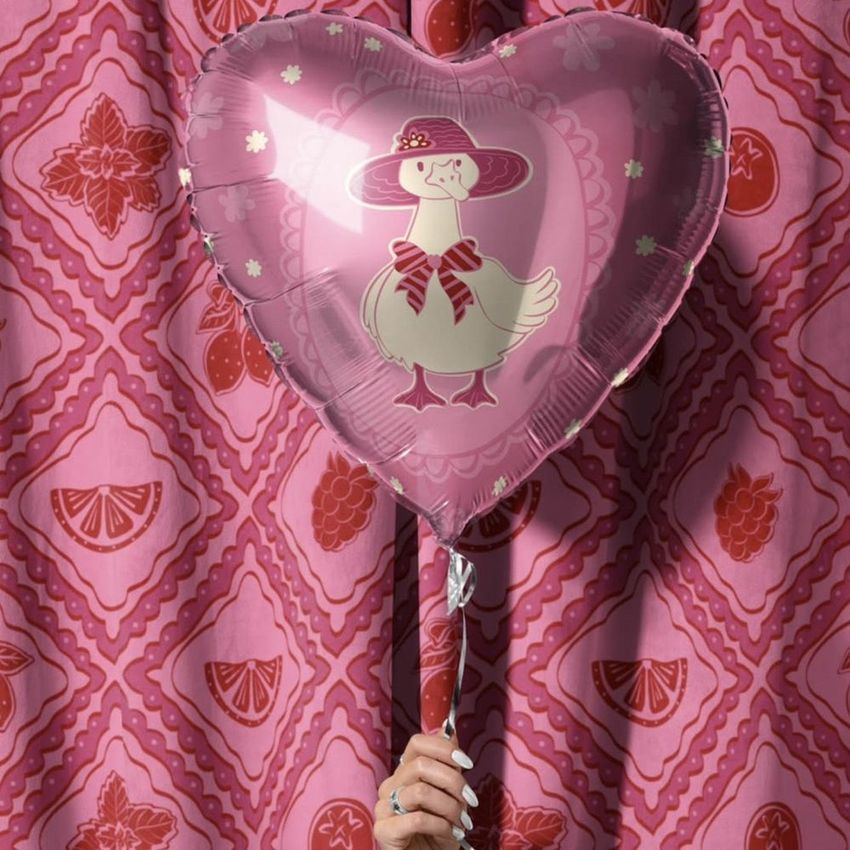
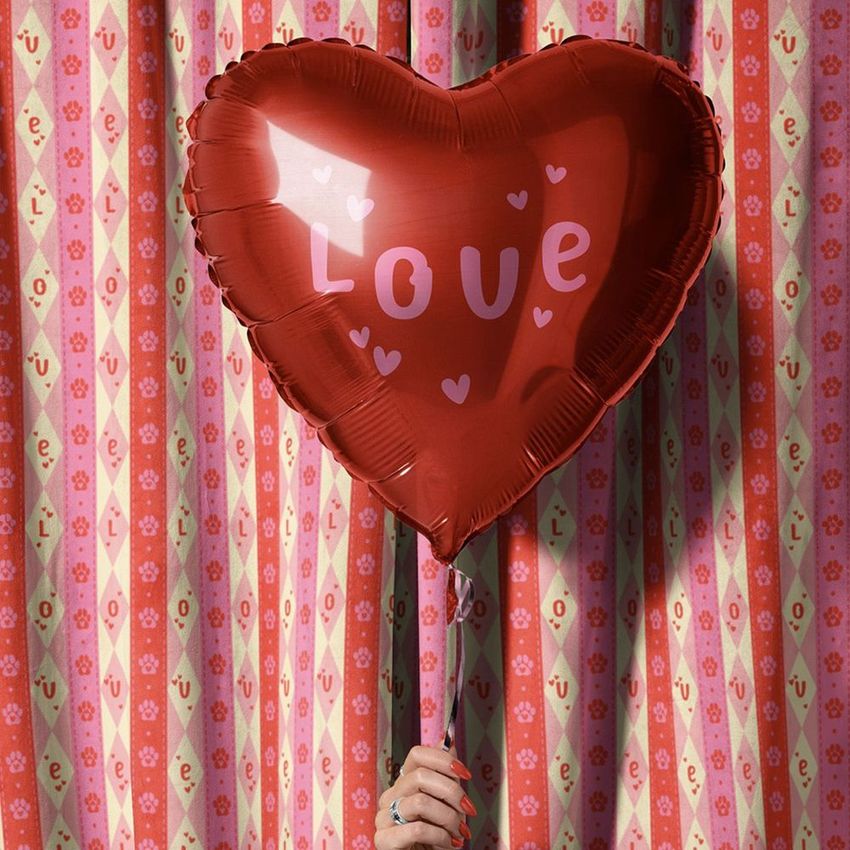
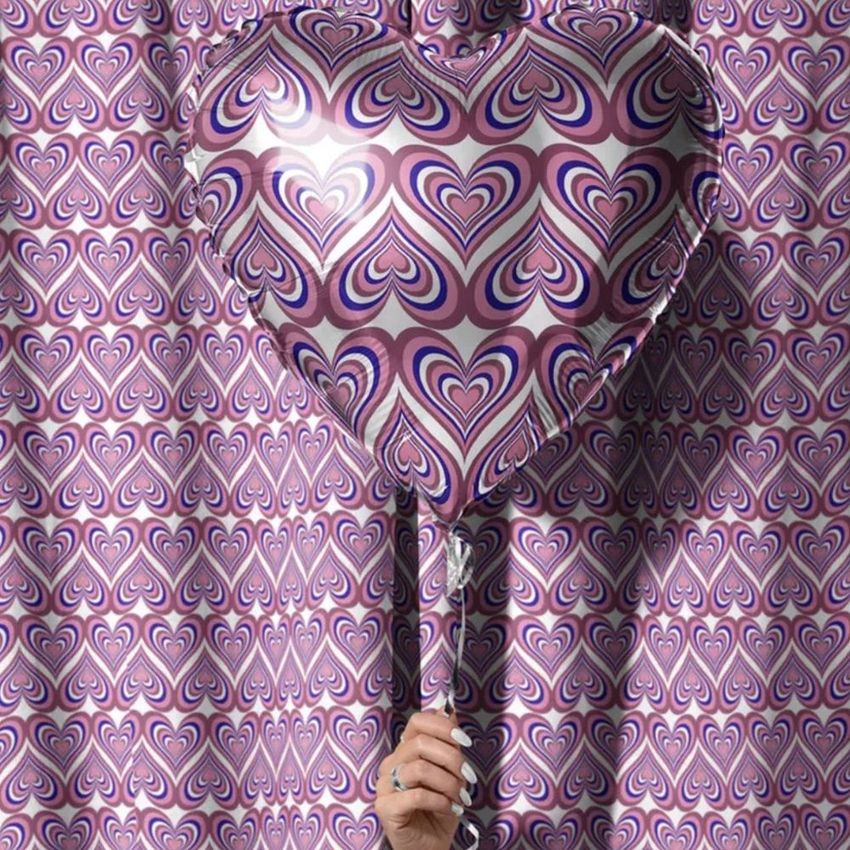
Put your message on a heart-shaped foil balloon held against a velvet curtain. This is a single Photoshop scene of a metallic heart balloon in a hand, made for Valentine, love and celebration designs. Drop your artwork into the balloon smart object and it wraps onto the foil with its sheen and creases, so a name, a message or a pattern looks printed on a real balloon. You can also change the velvet curtain behind it, so the whole mood is yours to set, from soft and romantic to bold and bright.

You get one layered PSD at 6000 x 4000 px, 300 dpi. It opens in Adobe Photoshop, version CC2020 or newer, and in Photopea, the free browser editor, so a paid subscription is optional. Layers are named and well organized, so each part is easy to find.

What you can change

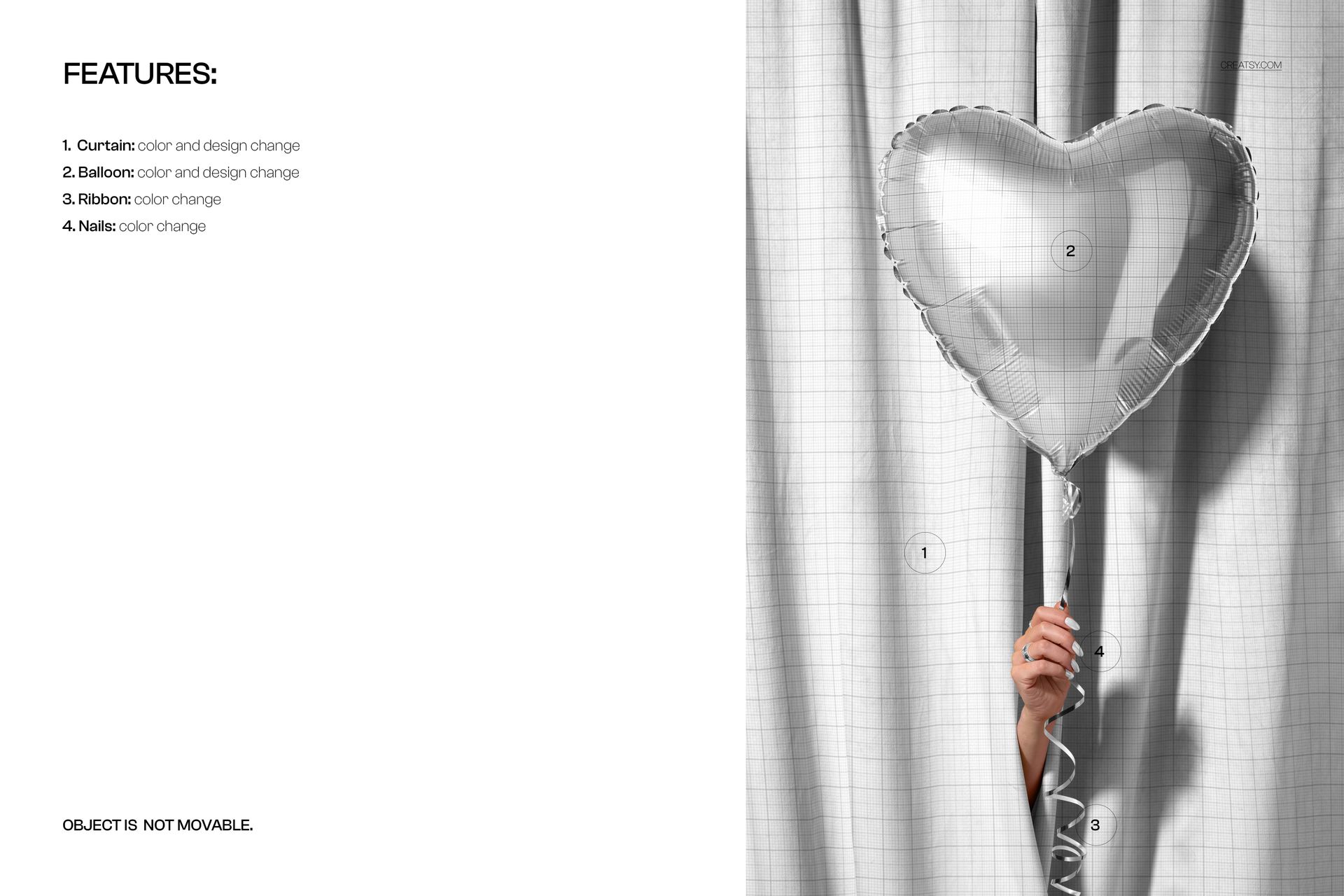
Two surfaces take your artwork, and two more recolor:

  • Balloon: color and design. Your artwork, message or pattern goes on the heart foil balloon.

  • Curtain: color and design, for the velvet backdrop behind the balloon.

  • Ribbon: color, for the curling string.

  • Nails: color, for the hand holding the balloon.

The composition is fixed, so the hand, the balloon and the fall of the curtain stay as they are. You change colors and designs, not the layout, which keeps the shot balanced and saves you from styling a scene.

The foil balloon

The balloon is a metallic foil heart, with the crimped seam around the edge and the bright highlight across the front. Your design sits on that surface and keeps the sheen, so it reads as a real printed foil balloon rather than a flat heart shape. It suits a short message, a couple of names, a date or an all-over pattern, and the reflective finish gives even a simple word a premium, party feel.

How the edit works

Double-click the balloon smart object, paste your design and save, and it appears on the foil with the shine and folds already there. Do the same for the curtain if you want a patterned backdrop, then set the ribbon and nail colors. Because the scene is styled and lit, you are placing a design rather than building a shot from scratch, so a finished image is ready in minutes.

One design, many occasions

A heart foil balloon is not only for Valentine. The same mockup carries a design for an anniversary, a wedding or engagement, a birthday or a shop promotion, so one file can produce a whole run of celebration images. Change the message and the colors and you have a fresh shot for the next occasion without a new photo.

Who it is for

Valentine and greeting card designers, love and romantic surface designers, balloon and party brands, and Etsy or Shopify sellers with seasonal or celebration products. If you sell cards, balloons, party goods or printable messages, this puts your design on a real, styled balloon rather than flat on a page, which helps a listing feel finished.

What is in the download

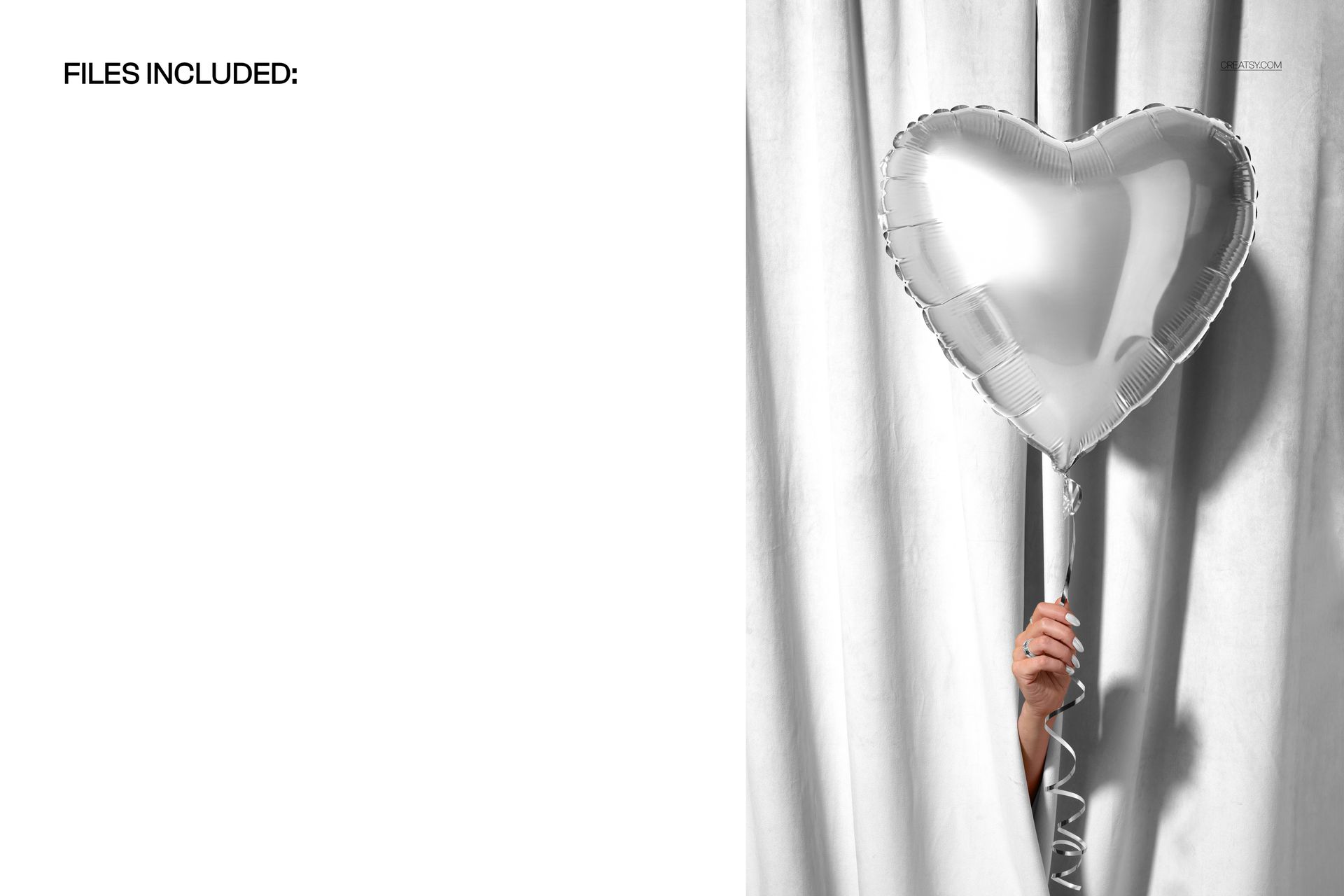
One .psd scene plus .jpg previews in a single zip. Layers are named and grouped, with smart objects for the balloon and the curtain, so every edit stays reversible and you can revisit a look later.

File and software details

  • 1 layered PSD file

  • 6000 x 4000 px, 300 dpi

  • Adobe Photoshop CC2020 or newer, or free Photopea in the browser

  • balloon and curtain take color and design via smart objects

  • color change on the ribbon and the nails

  • object fixed in place

  • well organized, named layers

Load a design, set the colors and you have a finished, on-brand balloon shot in a few minutes, ready to reuse for the next message or occasion.

File details

Compatibility
PhotopeaAdobe Photoshop
Number of files included
2
Package size
406 MB406 MB|426 MB426 MB
Files type
.psd, .jpg
Files size
6000x4000
TEST FOR FREE

Made with Creatsy

Real designs. Real customers. See how creatives use Creatsy mockups to turn their artwork, branding, and product ideas into polished visuals.

MEET THE SHOP

Creatsy logo

Creatsy

Poland
4.7 (662)

Bring your ideas to life.

We're a family-run studio in Katowice, Poland, making PSD mockups by hand since 2016. Everything in this shop starts in our own studio. We shoot the photography, build the 3D, and put together every Smart Object PSD ourselves - then we test it, organize the layers, and only ship it once it actually works...
GO TO SHOP

HOW IT WORKS

3 clicks. That's it.

No tutorial needed. If you can copy-paste, you can use this.

  1. 1OpenDouble-click the smart object inside the PSD - in Adobe Photoshop, or free in your browser with Photopea.
  2. 2PasteDrop in your pattern, print, or artwork. Any design, any style.
  3. 3SaveHit save and the mockup wraps it in for you - shadows, folds, and lighting included.

FROM IDEA TO IMAGE

Built for real workflows

Skip the photo shoot Show your artwork on the real product type for approvals or listings - no studio, no model, no sample.

See it on the product, not a swatch Drop your file into the smart object and the scene's lighting and folds wrap around it, so you judge the real thing before you commit.

Smart Objects

Edit once and you're done. Your artwork drops into a smart object and the mockup updates itself - no masking, no warping by hand.

Perfectly Organized

Named layers and folders you can actually navigate. Find what you need, change what you want, and get out fast.

Print-Ready

High-resolution files built to hold up on screen and in print. Exact size and DPI are in this product's Details above.