Colored Vinyl Record with Album Cover Mockup
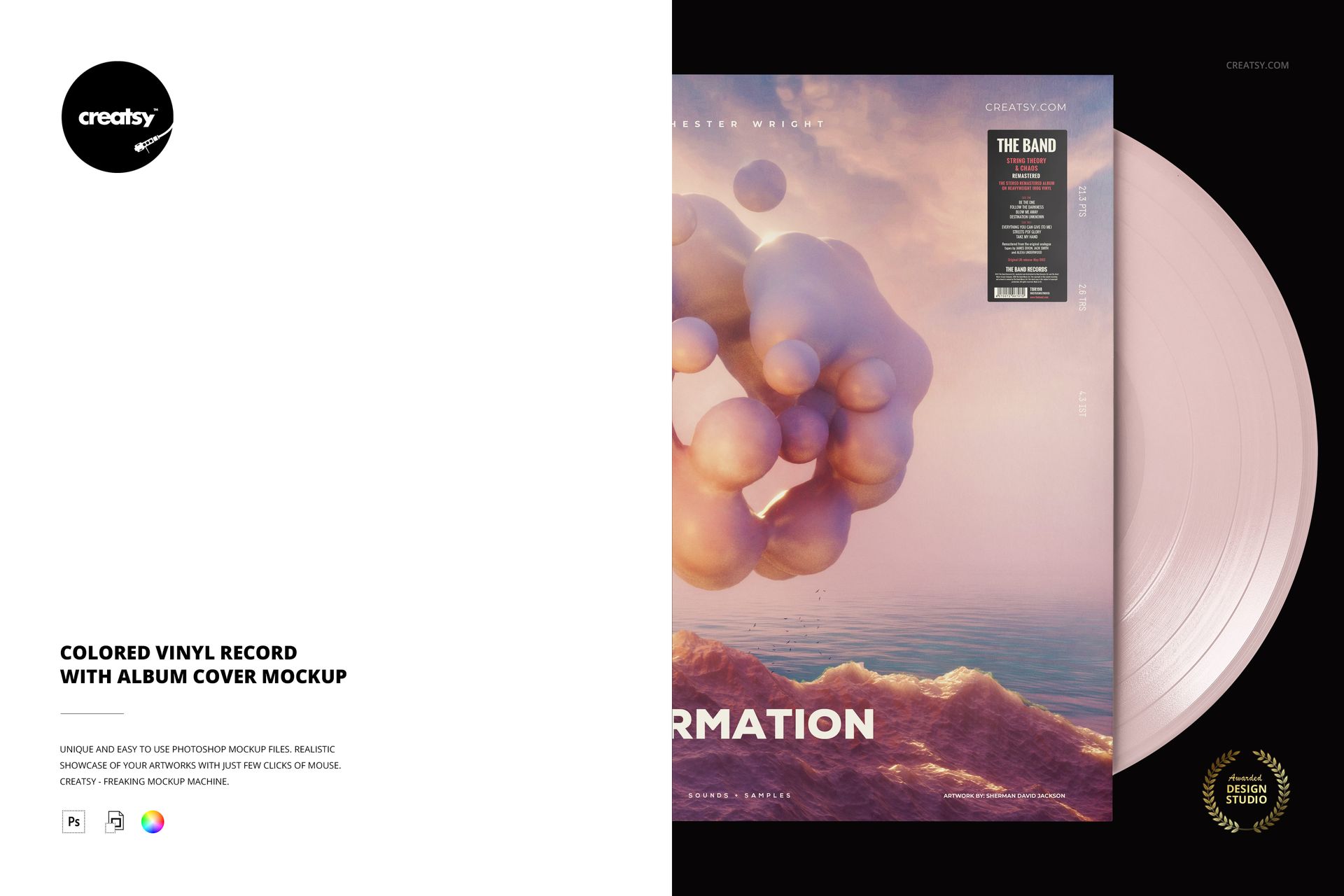
Put album artwork and a colored record side by side in a tightly framed portrait composition. This mockup shows the cover on the left and a broad section of vinyl on the right, keeping attention on the relationship between the sleeve illustration and the disc color. It suits a release campaign that needs a vertical image with a strong graphic presence.
What Is Included
1 layered PSD mockup, 4000 × 6000 px at 300 DPI.
1 JPG preview and 6 Oswald OTF font files, 8 files total.
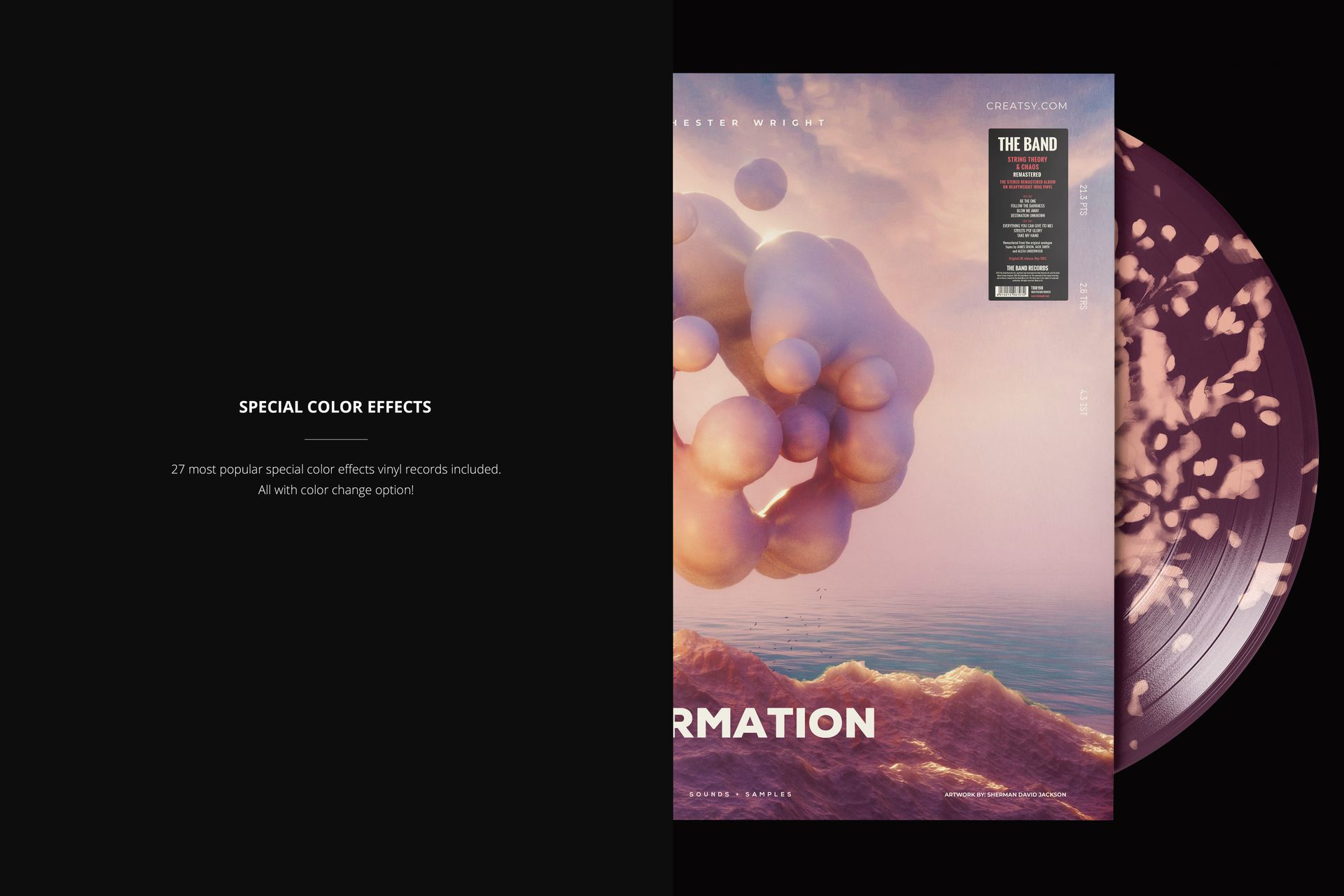
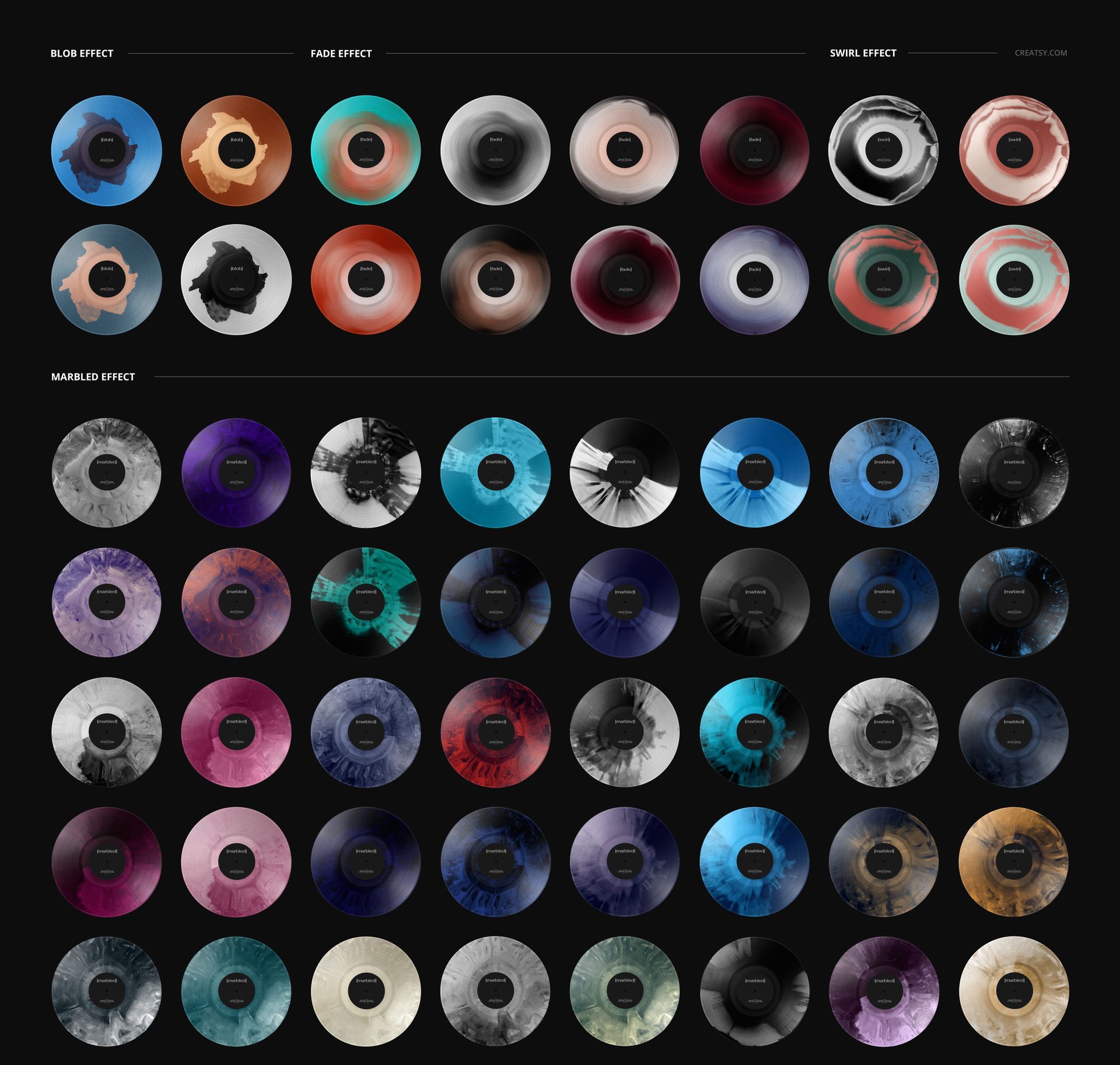
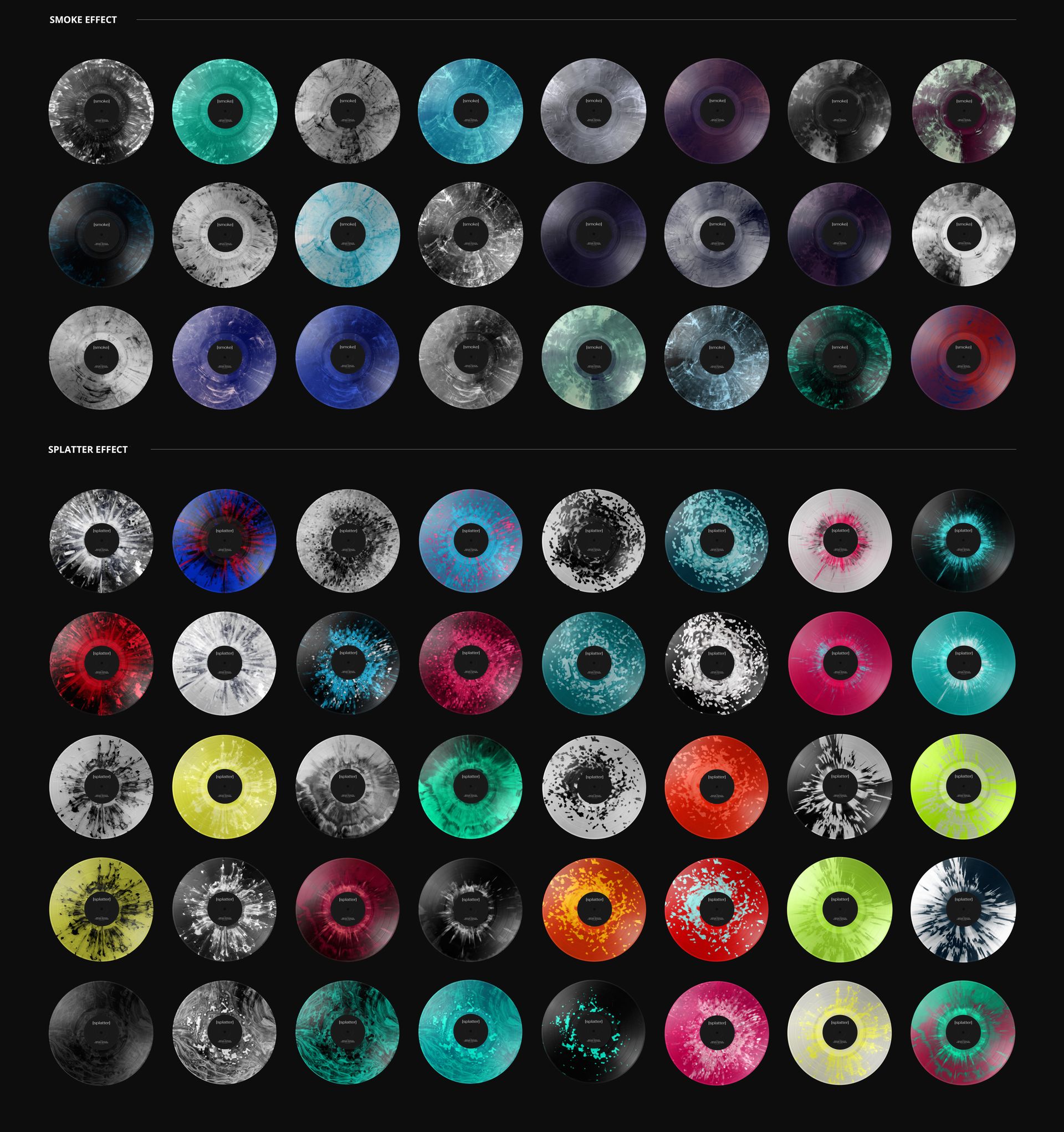
27 special vinyl color effects with editable colors.
A Portrait Study of Cover and Color
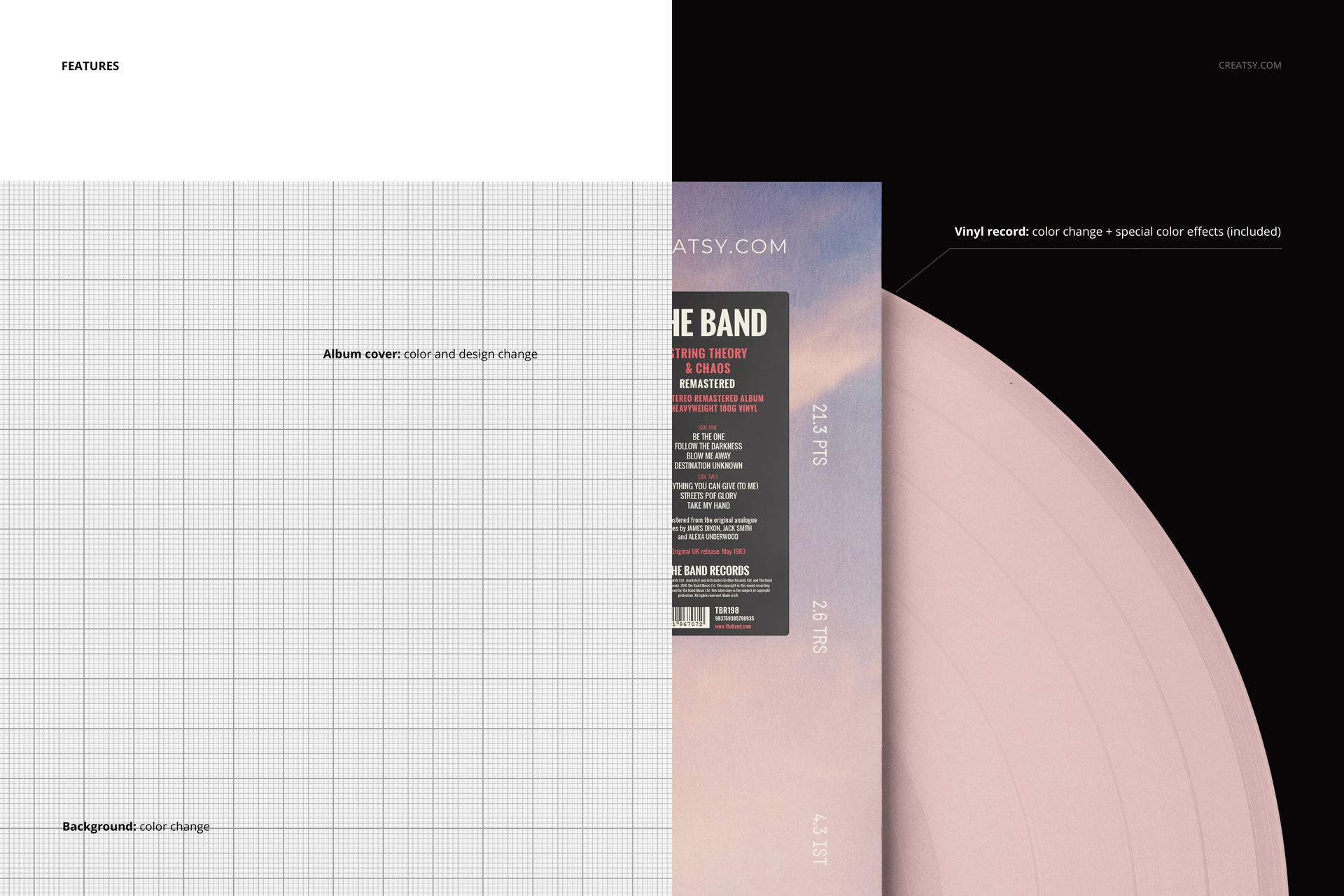
Replace the album cover design, change its color, and customize the background color. Adjust the vinyl color or explore blob, fade, swirl, marbled, smoke and splatter effects. The crop emphasizes the sleeve and record surface rather than the center label, creating a focused presentation of an album's visual palette.
Easy Smart Object Editing
Open the PSD in Adobe Photoshop CC2015 or newer, or Photopea. Update the cover artwork through its Smart Object, save the change and review the composition before adjusting the color layers.
Perfect For
Vertical release announcements, music-label campaign imagery, album-art portfolios and presentations of alternate colored vinyl concepts.
Digital product only. A physical record, printed sleeve and the sample artwork used in the previews are not included.