Closeup of LP Vinyl Record Mockup
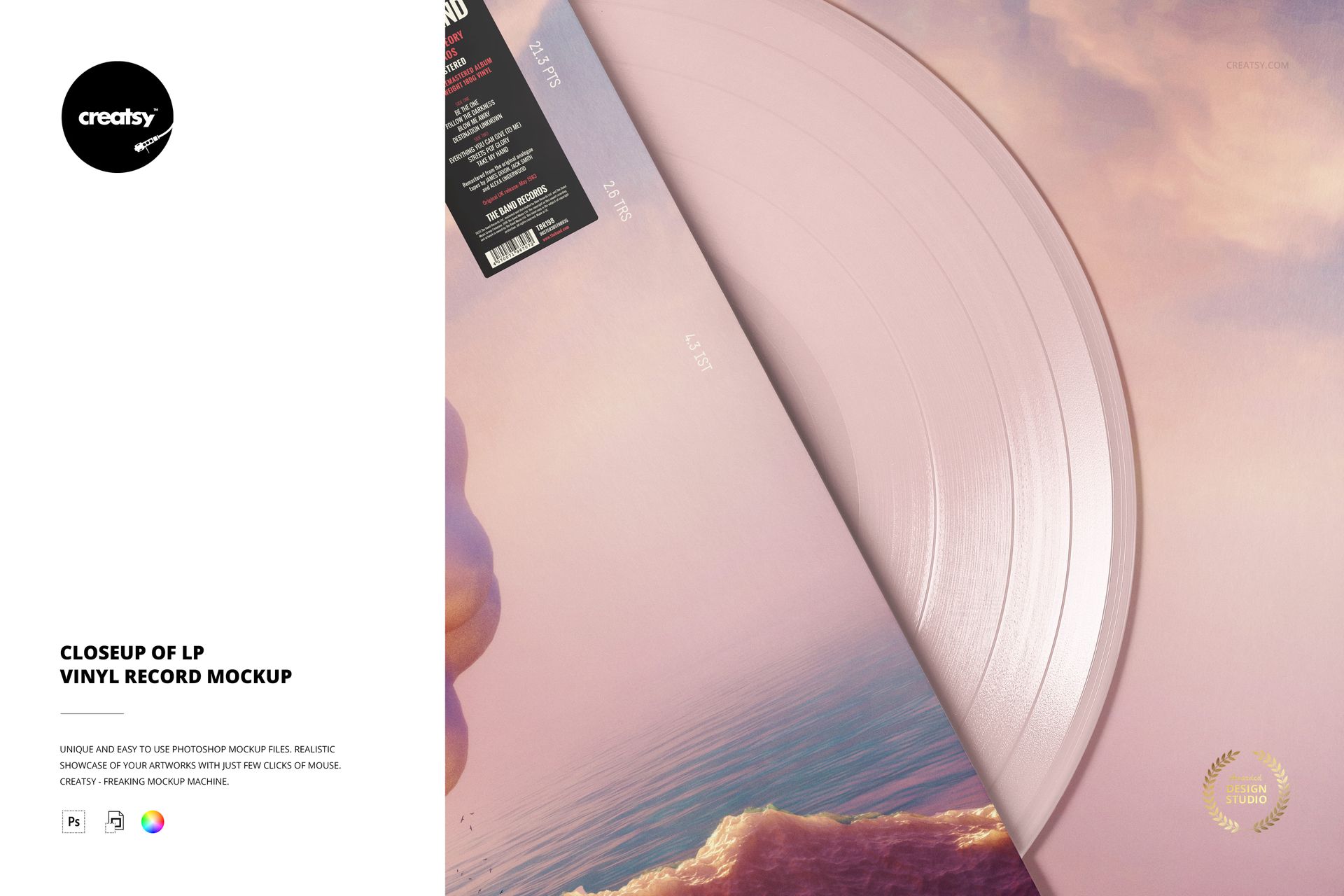
Focus on the meeting point between album artwork and the vinyl surface. This square close-up mockup crops into the jacket edge and the exposed record, revealing the grooves and the effect of a chosen colorway at a larger visual scale. It is a detail image for an album presentation, rather than a view of the complete package.
What Is Included
1 layered PSD mockup, 4000 × 4000 px at 300 DPI.
1 JPG preview and 6 Oswald OTF font files, 8 files in the download.
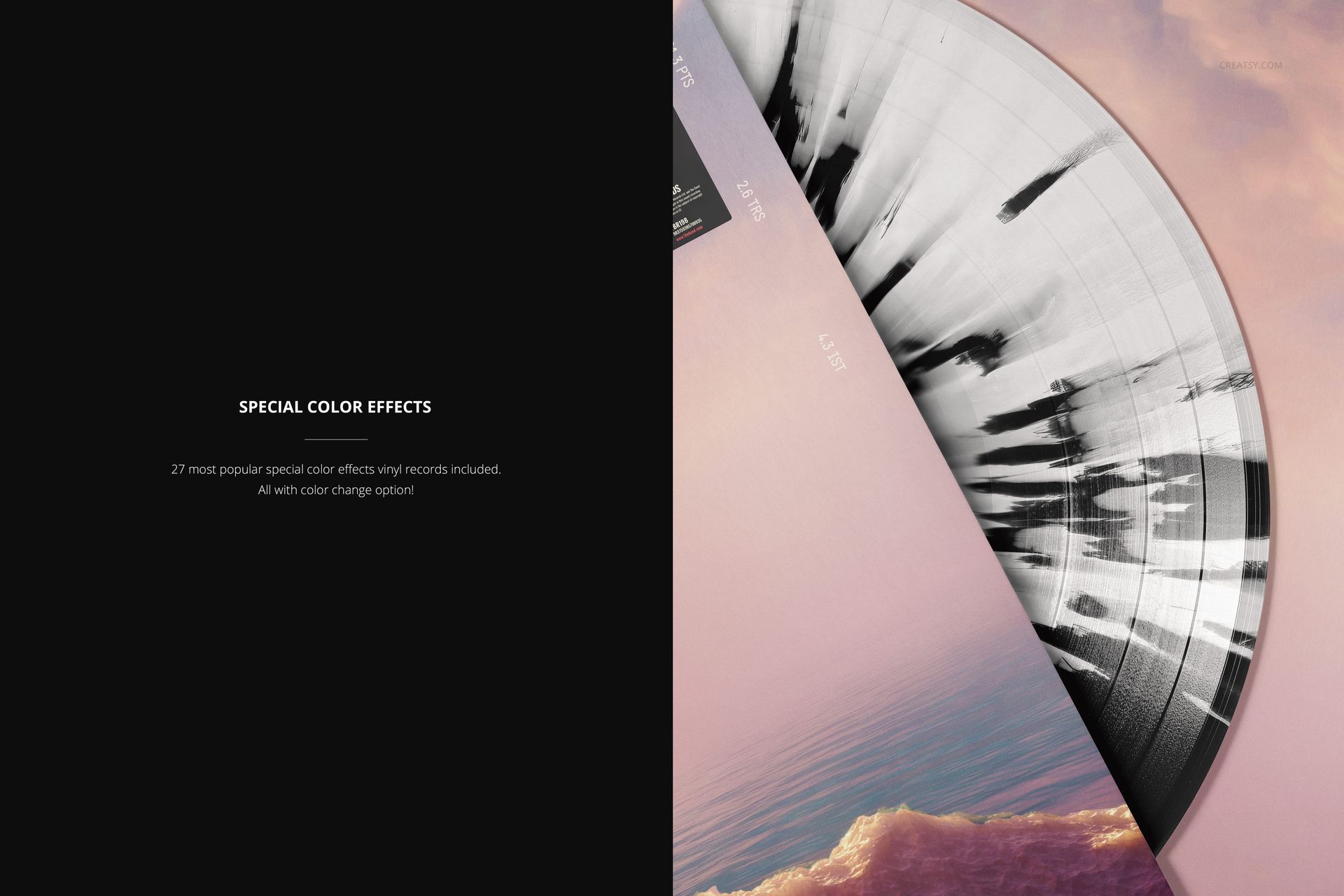
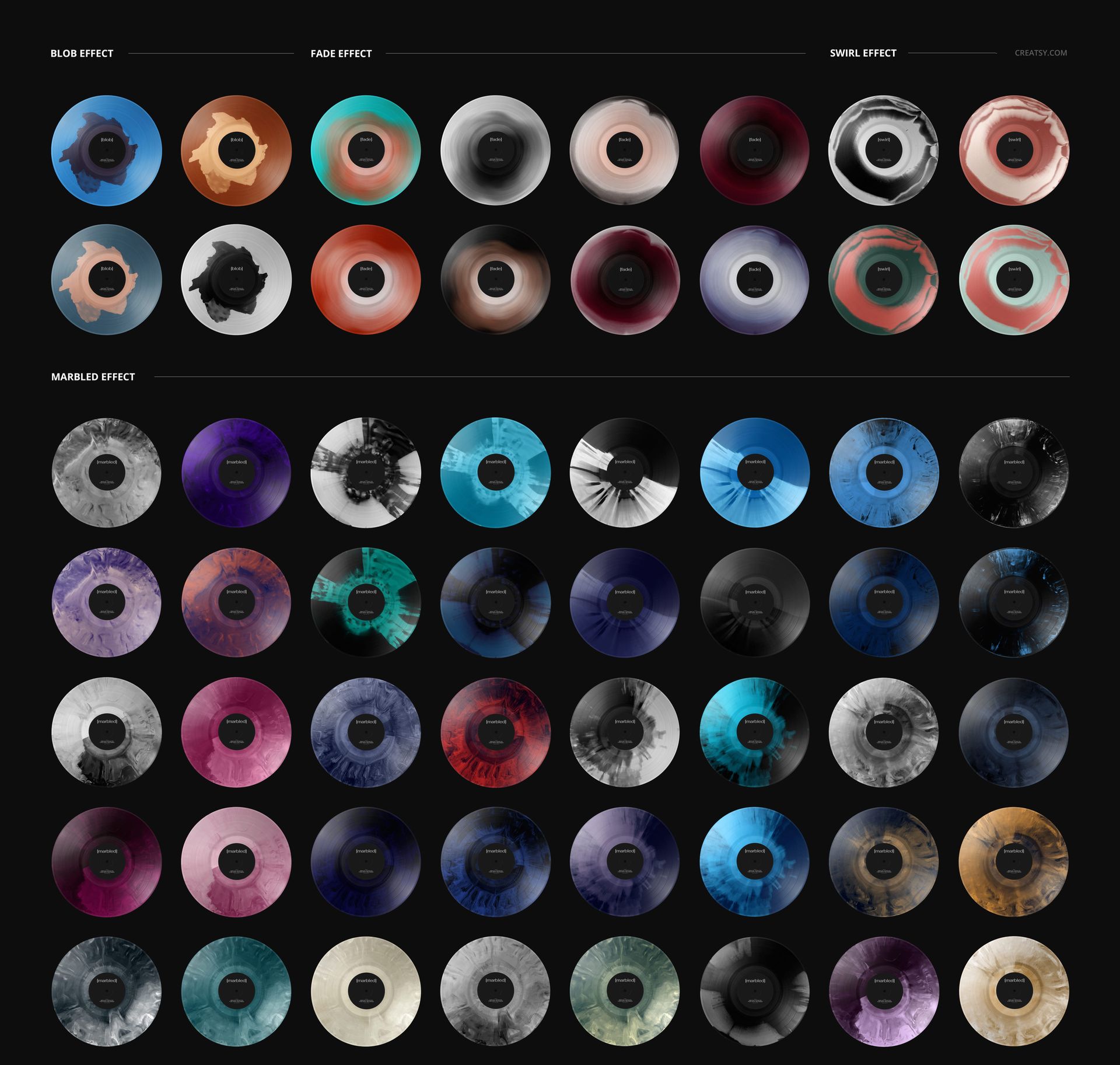
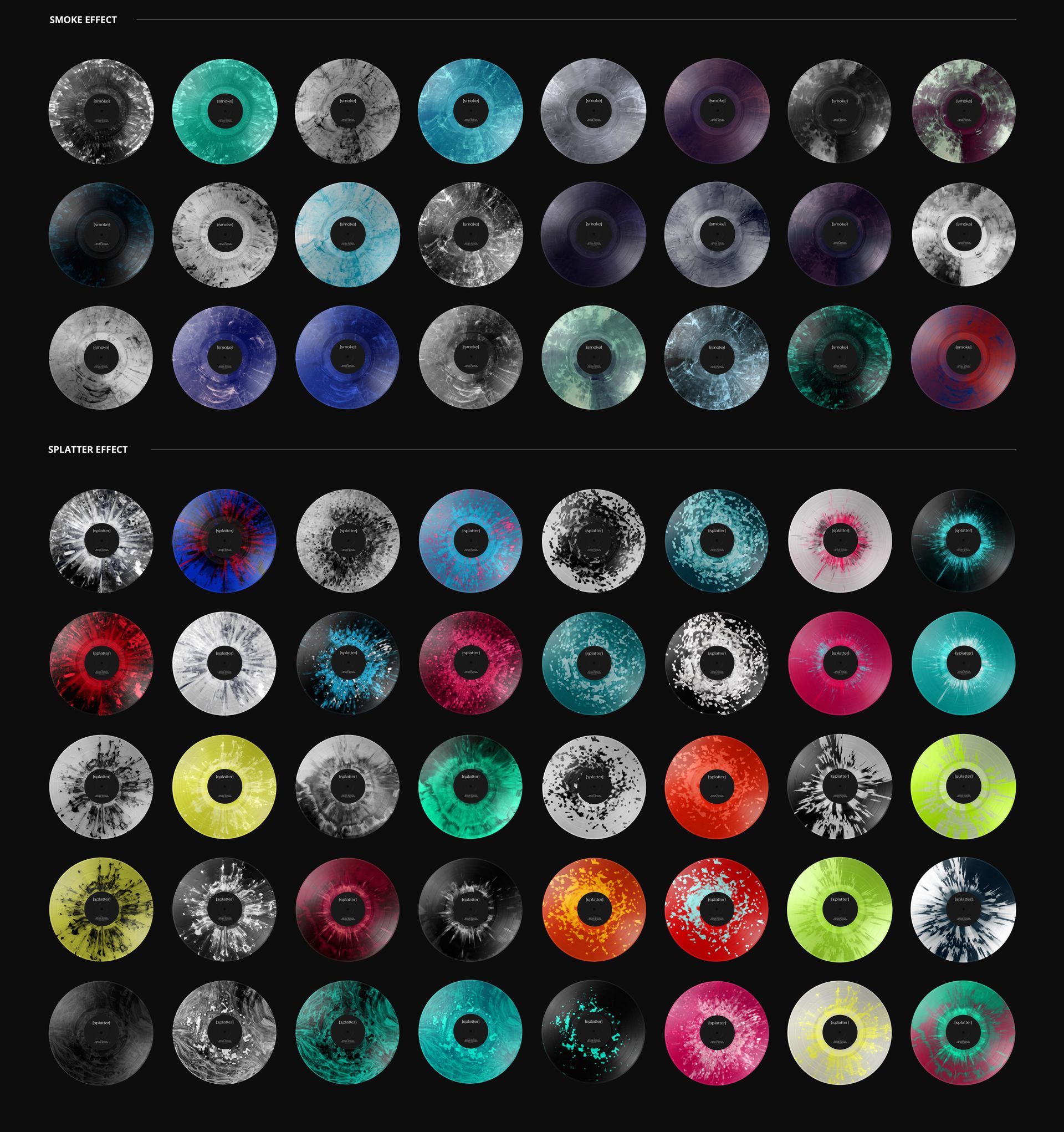
27 special vinyl color effects with color-change options.
Bring Vinyl Texture into the Story
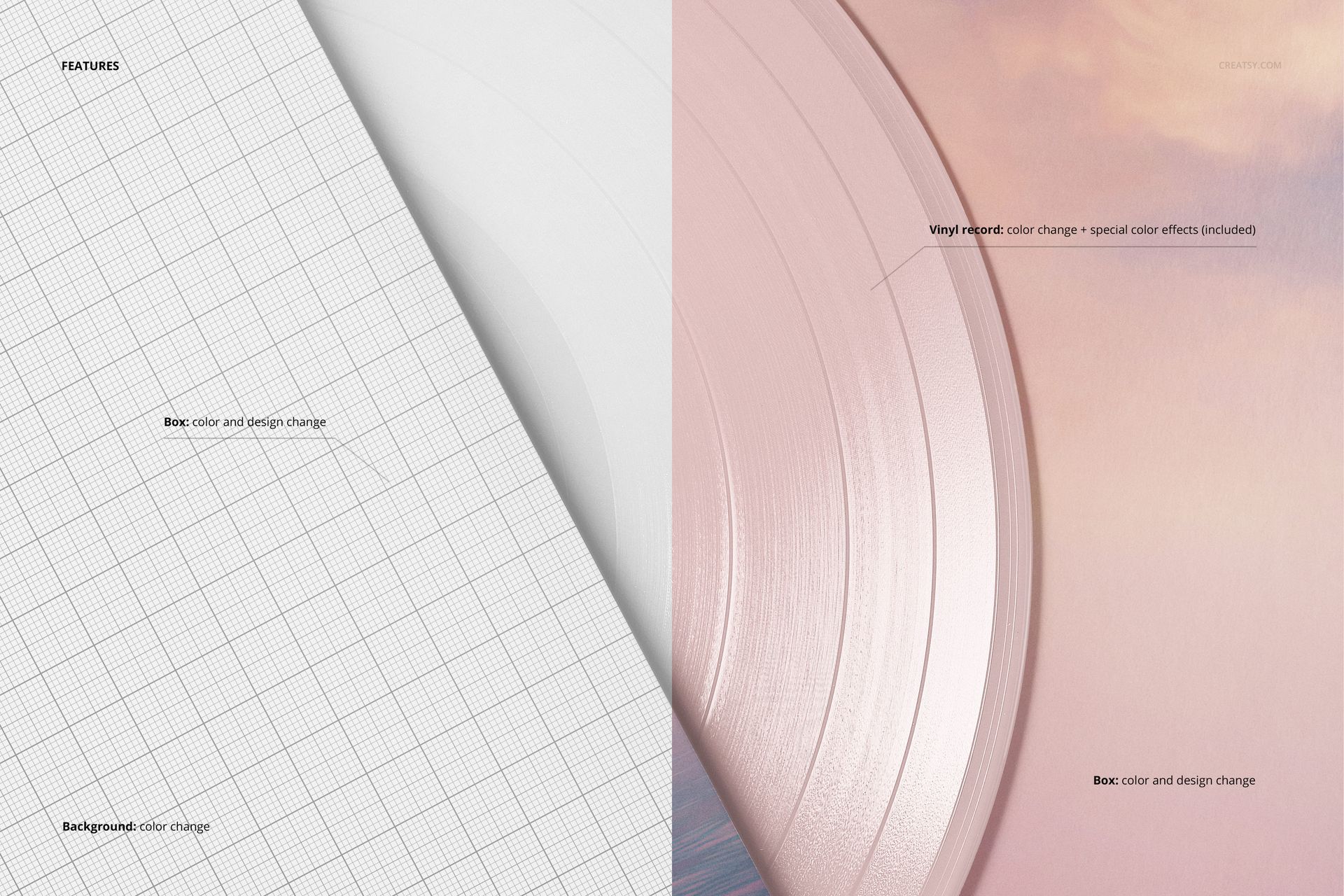
Change the visible cover artwork and color, adjust the vinyl color, and choose from blob, fade, swirl, marbled, smoke or splatter effects. The background color is editable too. The close framing makes this scene useful for comparing how subtle or high-contrast effects interact with the record grooves and nearby sleeve artwork.
Easy Smart Object Editing
Insert your cover graphics through Smart Objects in Adobe Photoshop CC2015 or newer, or Photopea. Save the artwork changes, then use the organized layers to refine the scene colors.
Perfect For
Detail slides in music-label presentations, album packaging portfolios, colorway comparisons and supporting images for a release campaign.
Digital mockup only. No physical record is included, and sample artwork from the gallery is not part of the download.