Adriatic Sea Background Colored Vinyl Record Mockup
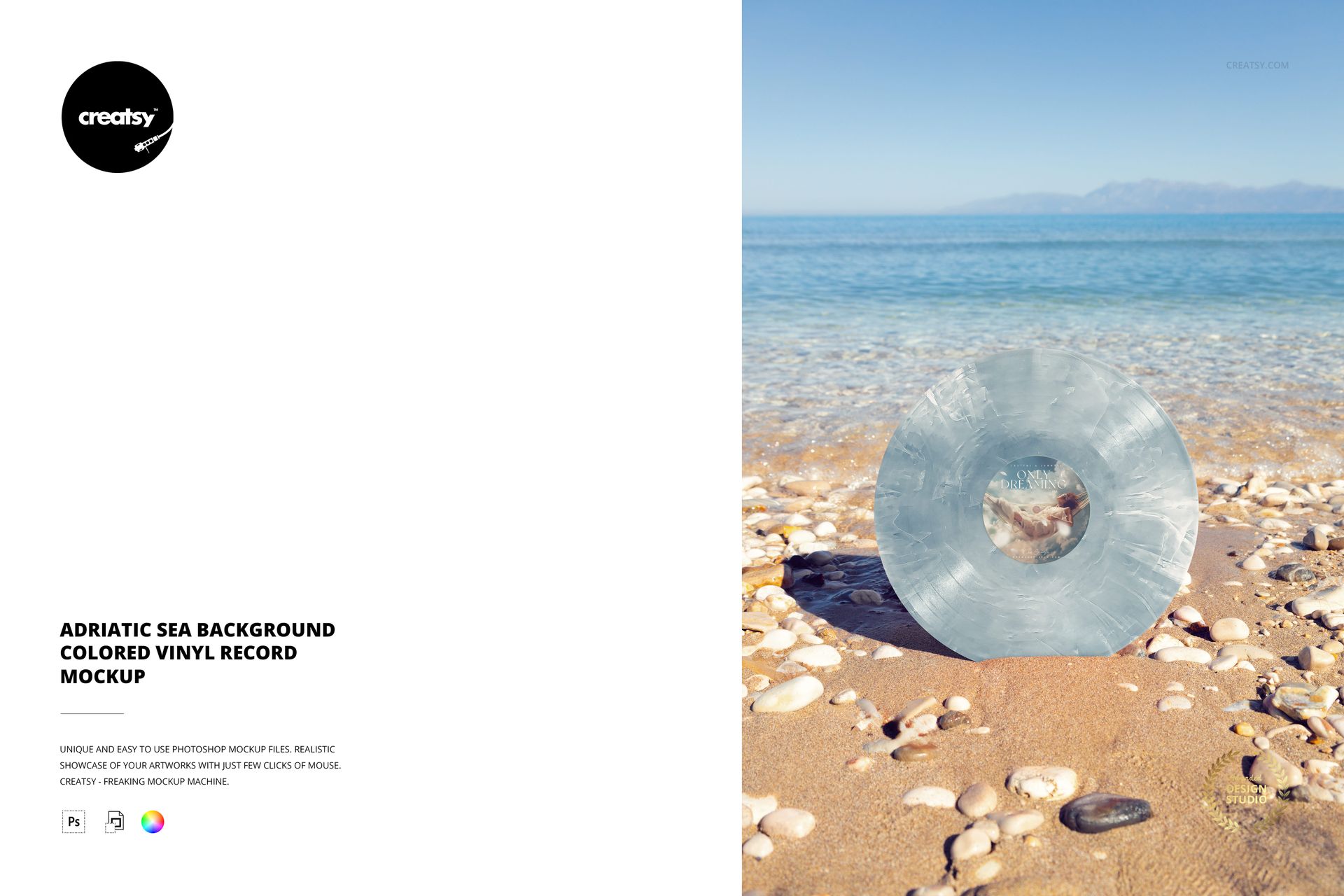
Give a colored vinyl release a calm coastal setting. This portrait scene places an upright record on sand and rounded pebbles, with clear Adriatic water, distant hills and an open sky behind it. The nearly front-facing view keeps the center label visible while the wider background establishes a relaxed outdoor mood.
What Is Included
1 layered PSD mockup with 1 JPG preview, 2 files in total.
One portrait scene, 4000 × 6000 px at 300 DPI.
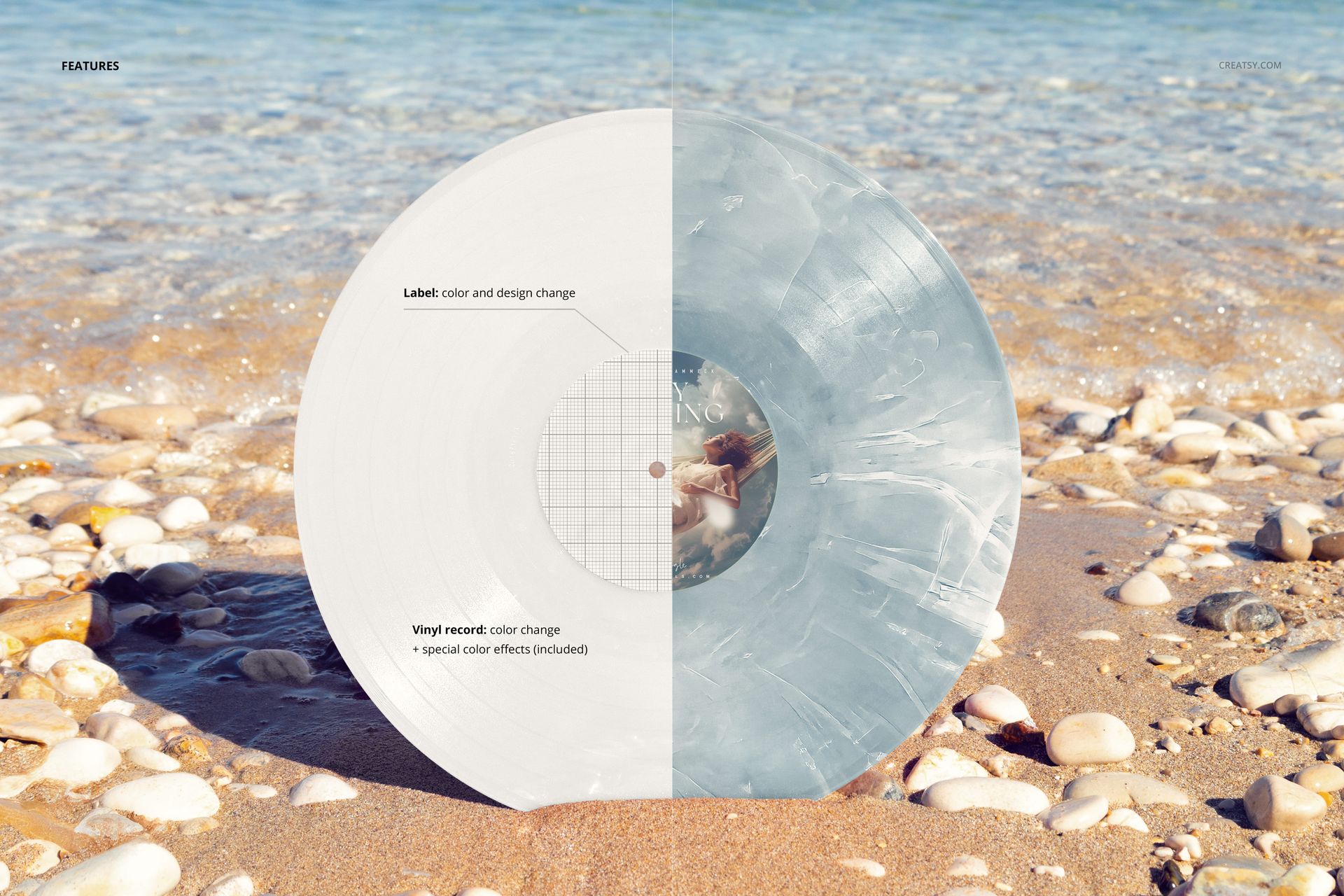
Editable center-label design and color, plus adjustable record colors.
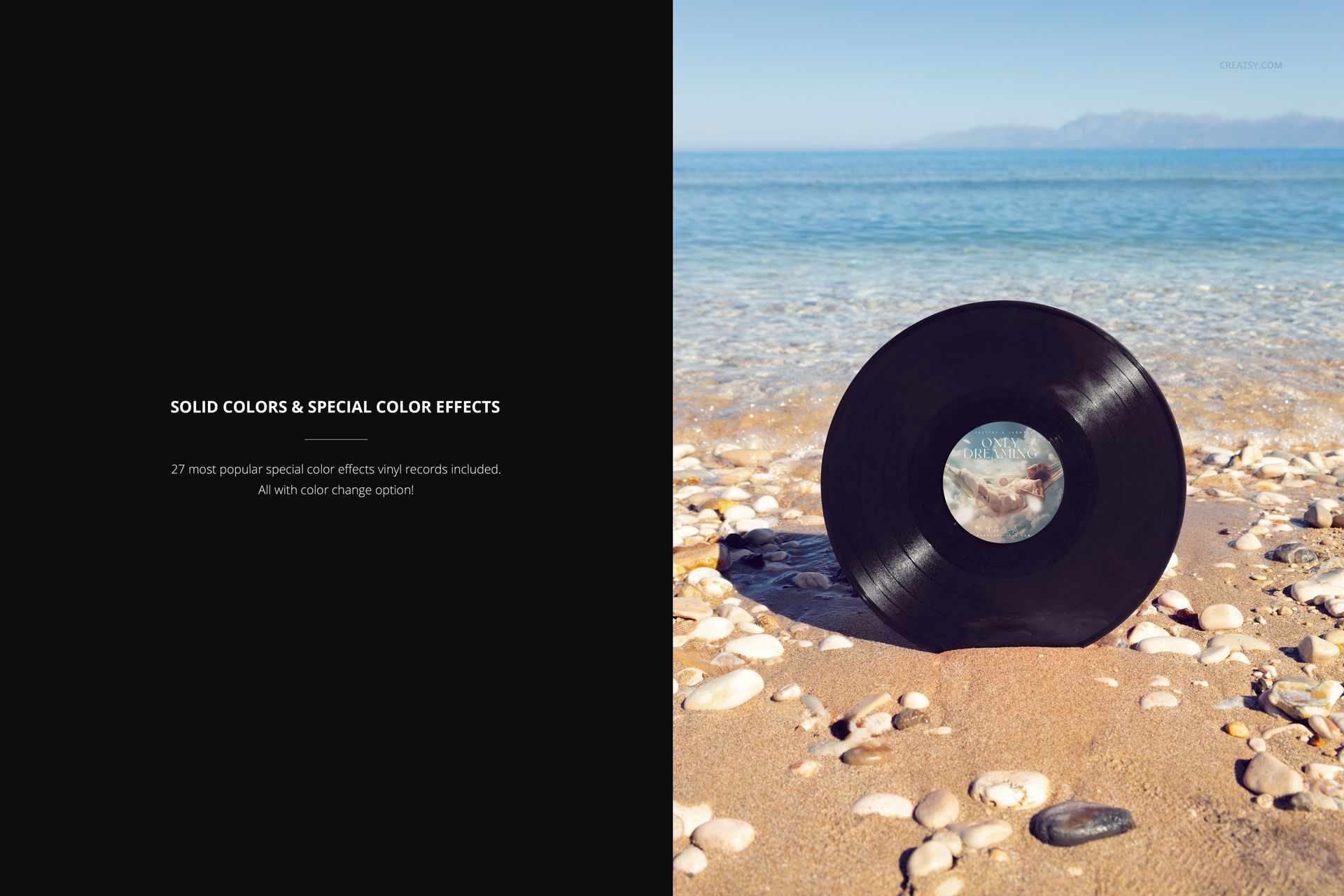
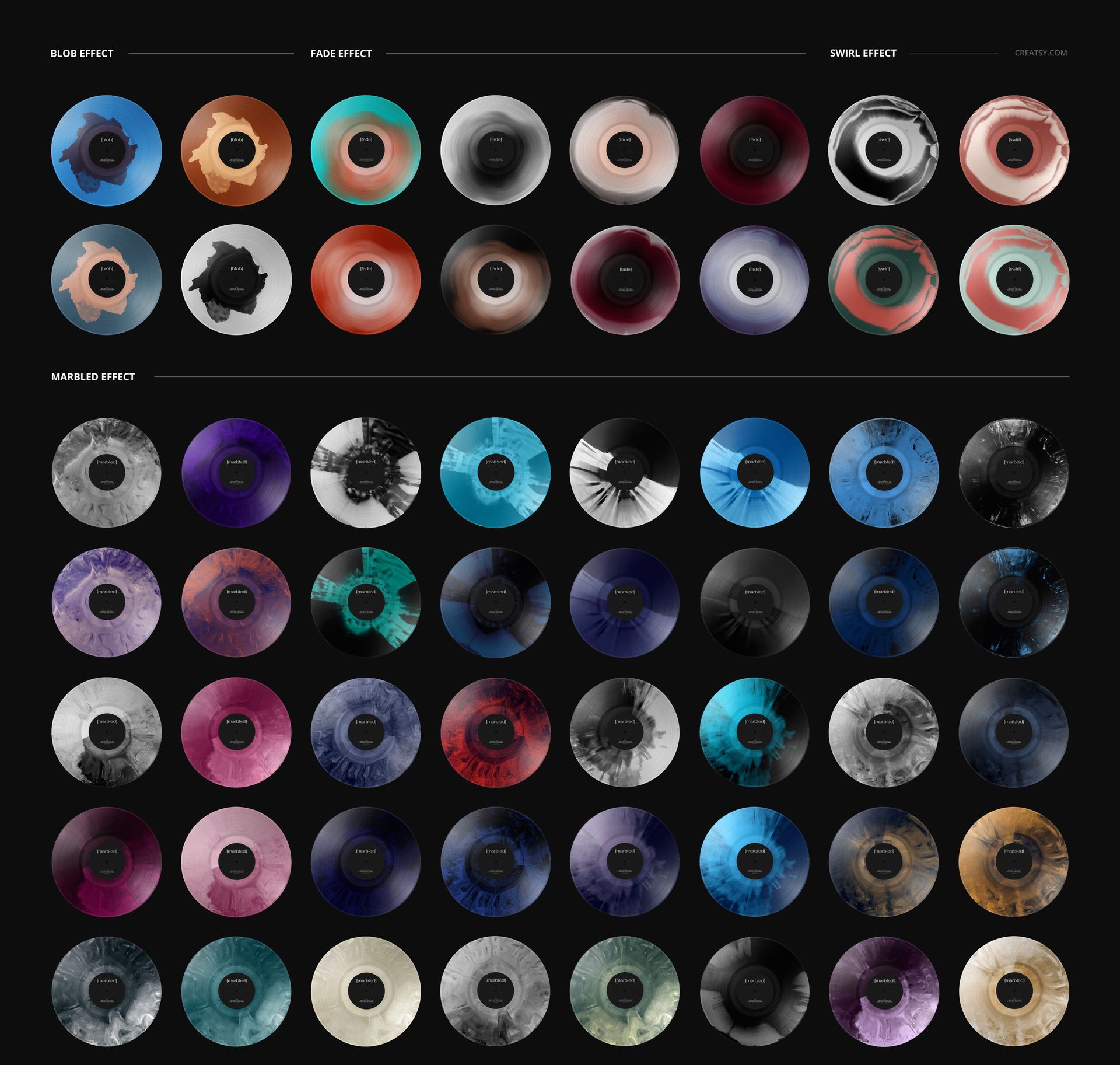
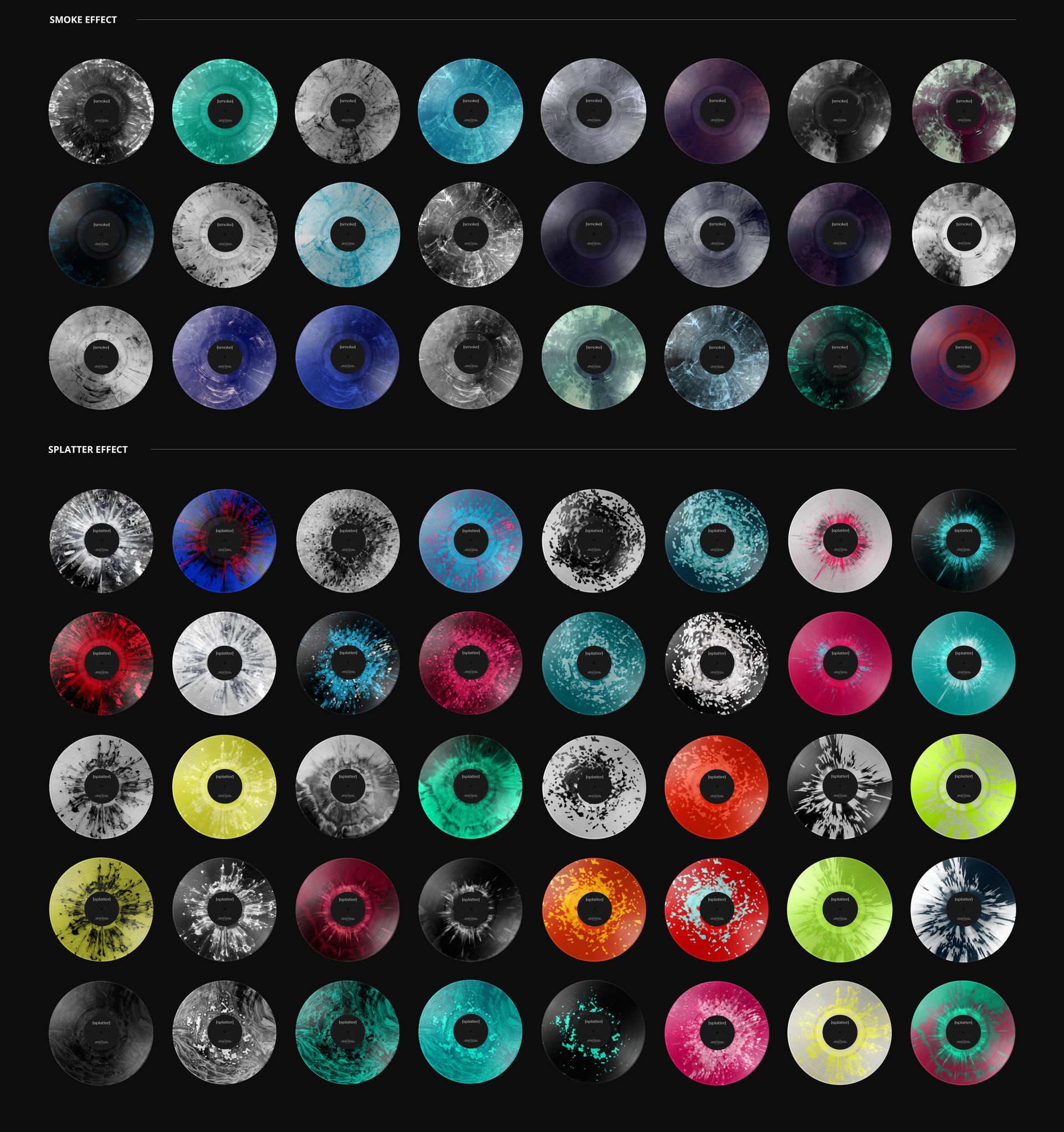
Solid-color vinyl options and 27 special color effects with editable colors.
Let the Horizon Frame Your Release
Use the clear separation between the disc and the sea to compare a restrained solid pressing with a more expressive marbled, swirl or splatter concept. Keeping the same label across variants makes the record color the main decision, rather than changing every element at once.
Easy Smart Object Editing
Open the PSD in Adobe Photoshop or Photopea, replace the label artwork through its Smart Object, save that object and return to the scene. Use the organized layers to adjust the vinyl colors and included effects, then export your chosen presentation.
Perfect For
A useful scene for independent music labels, recording artists and designers preparing coastal-themed release announcements, edition comparisons or a portfolio presentation.
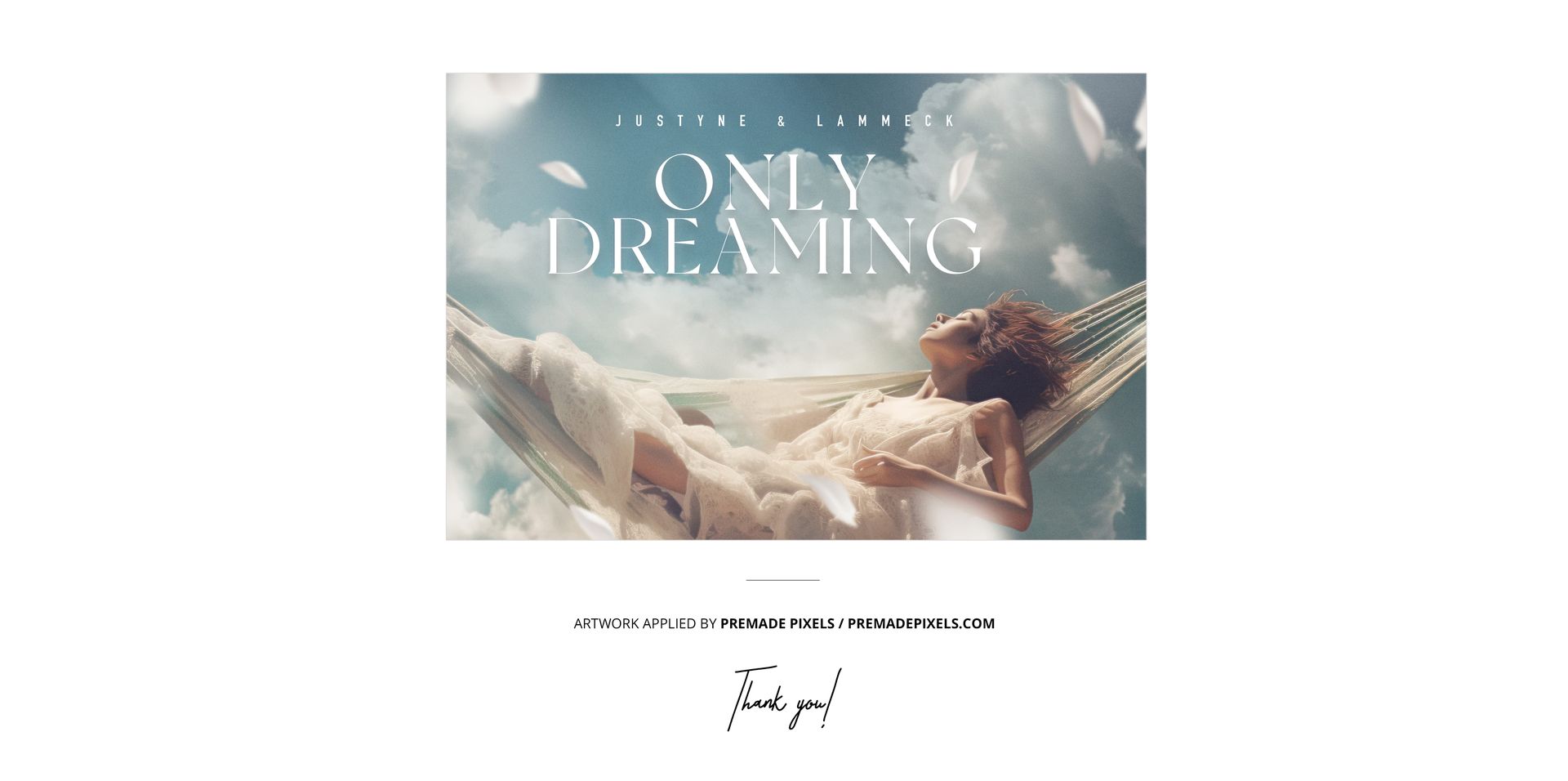
This is a digital mockup, not a physical record or production template. The example artwork shown in the previews is not included.