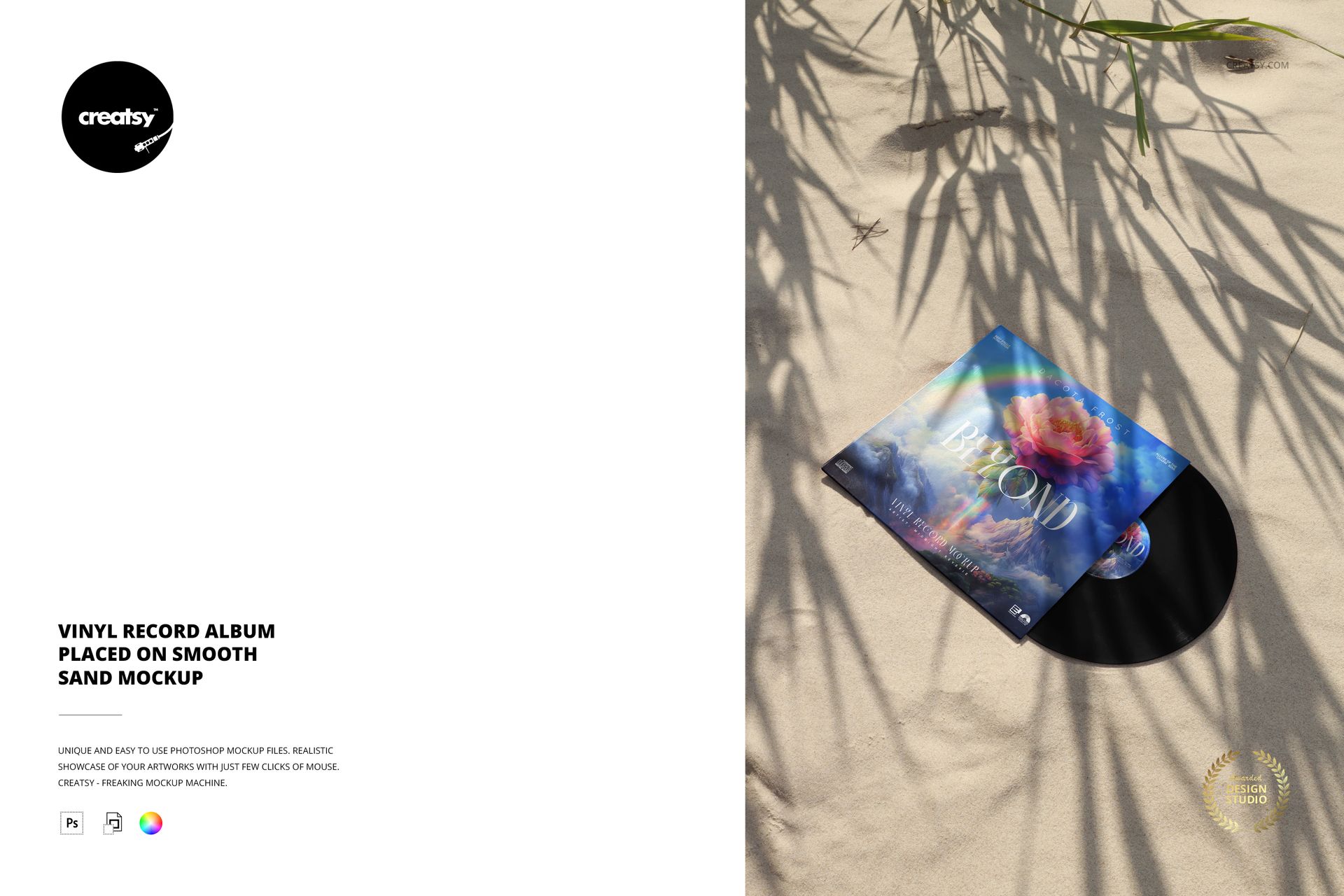
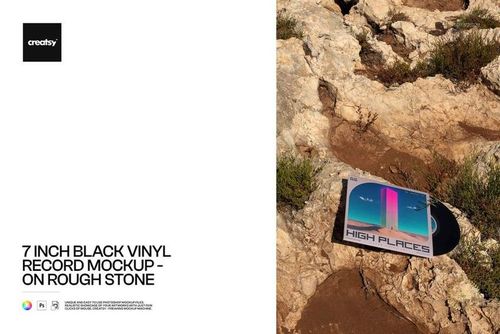
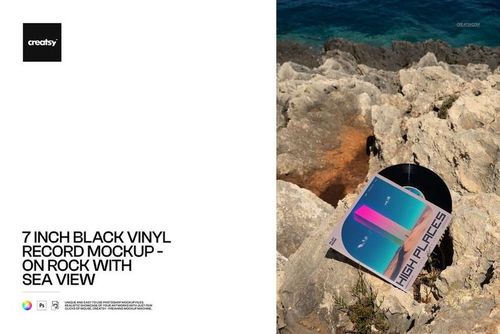
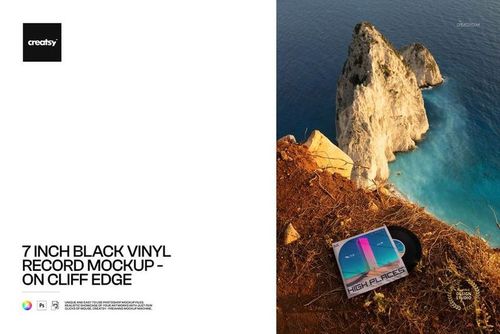
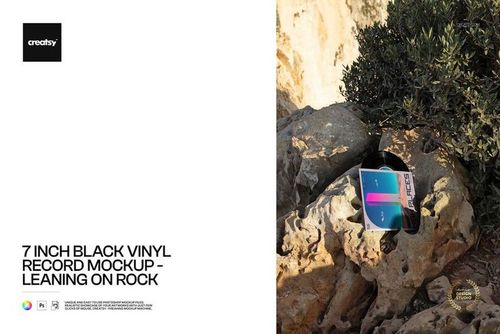
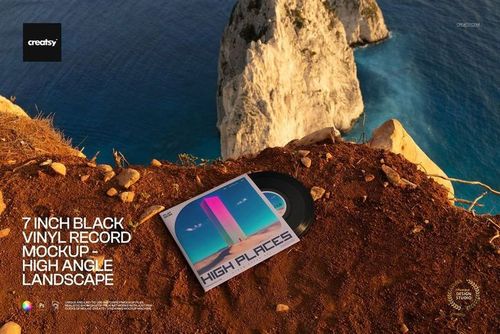
Give your album a sun-drenched, coastal vibe with this free Vinyl Record Album Placed on Smooth Sand Mockup. Showcase cover art, label design, and special-effect vinyl in a warm beach scene with soft shadows from seaside plants. Perfect for summer releases, dream-pop records, and limited coastal editions. Free for commercial use – see license for details.
Highlights
- Format: 1× PSD, 6000×4000 px, 300 dpi
- Workflow: Smart Objects; tidy, well-organized layers
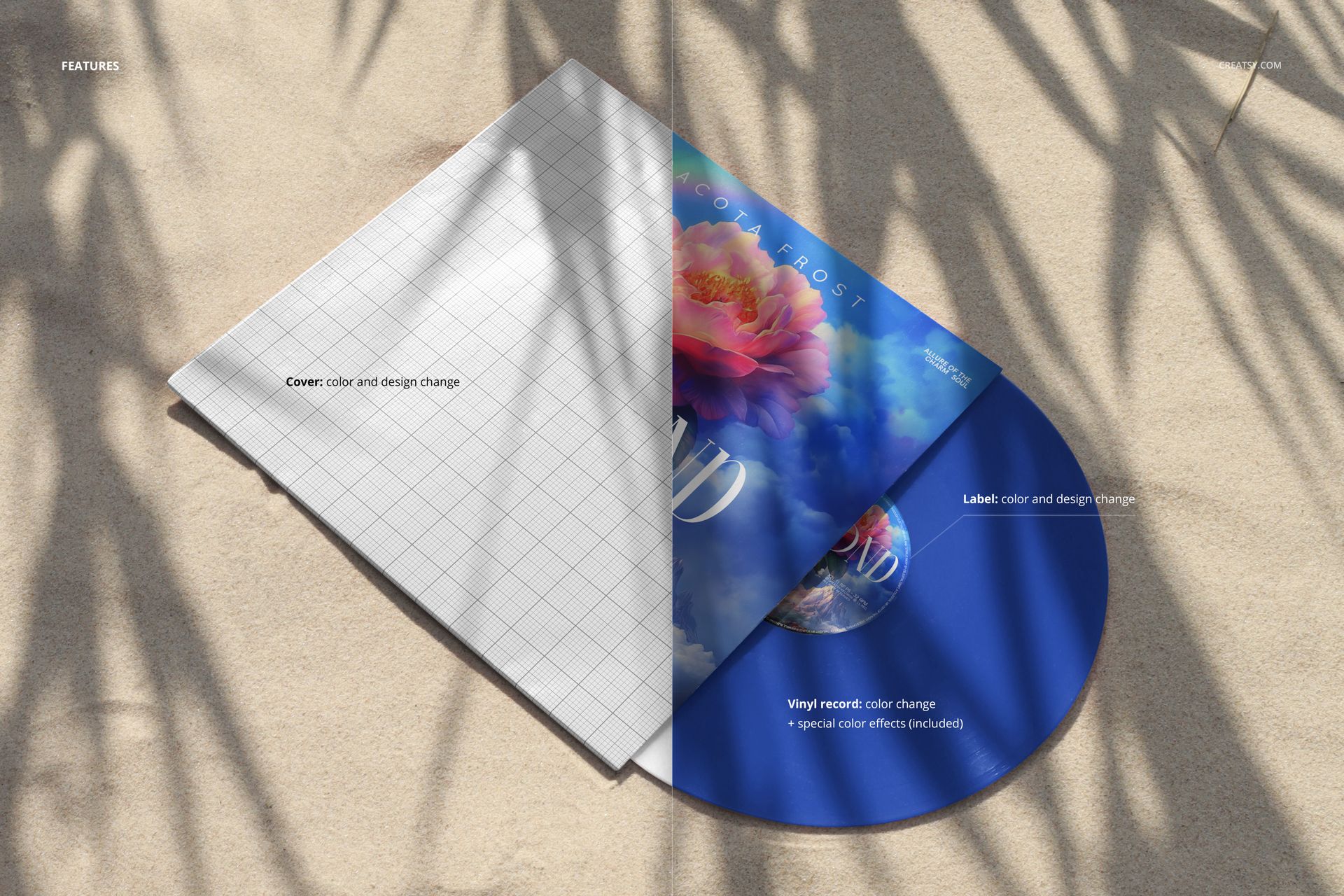
- Editable: Cover (color & design); vinyl record (solid colors + included special color effects); center label (color & design)
- Scene: vinyl sleeve and partially visible record resting on smooth sand with natural leaf shadows
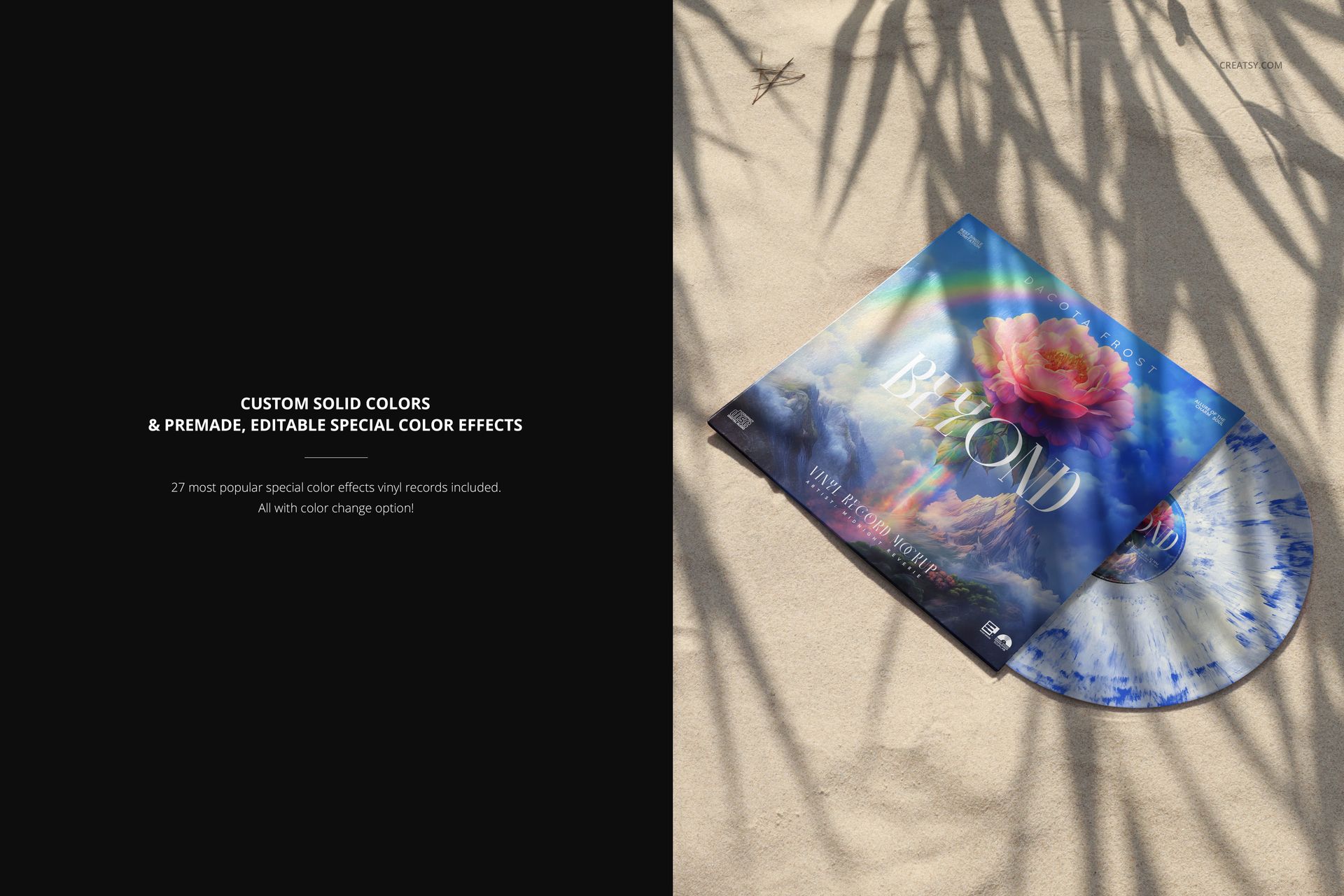
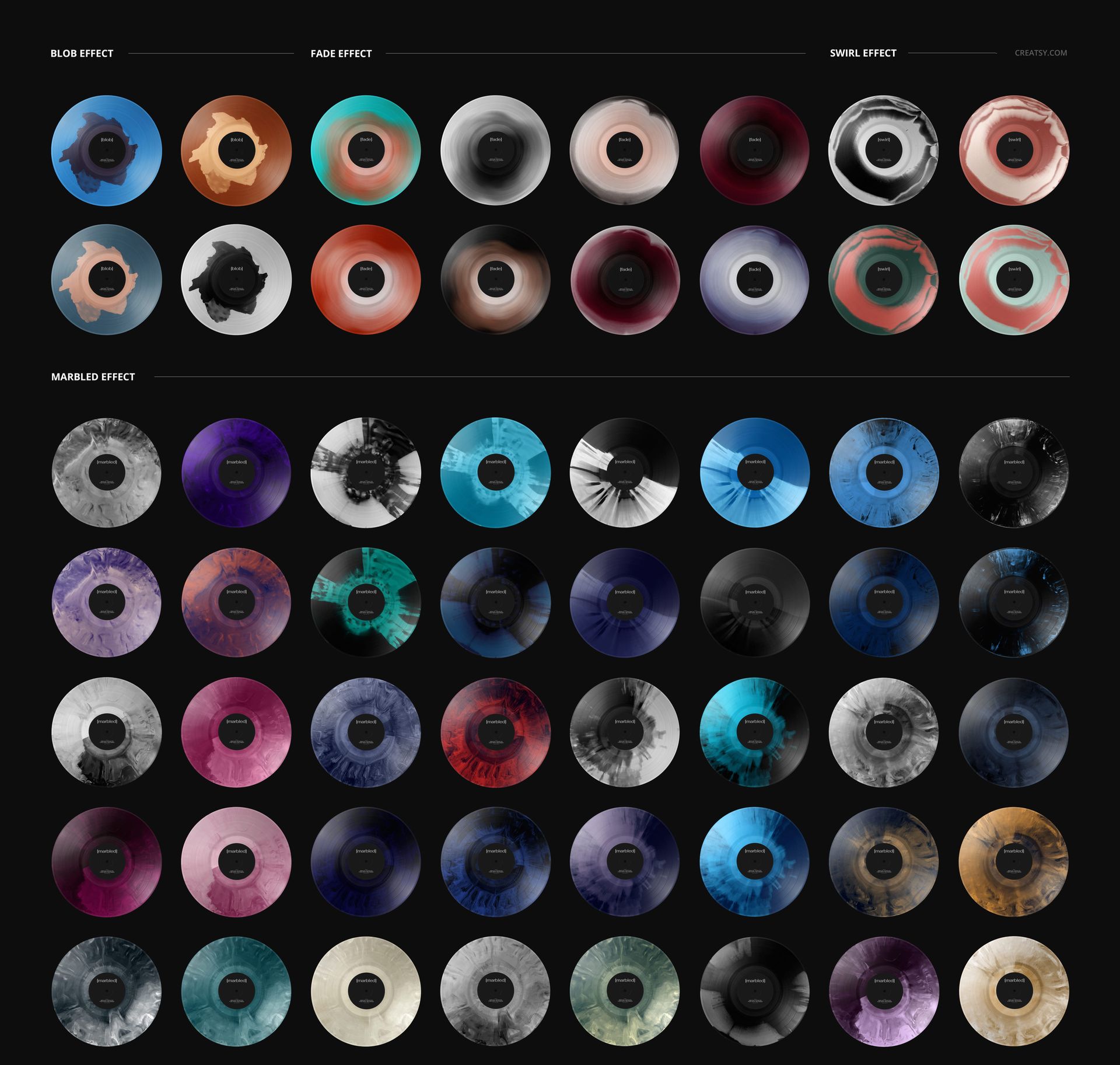
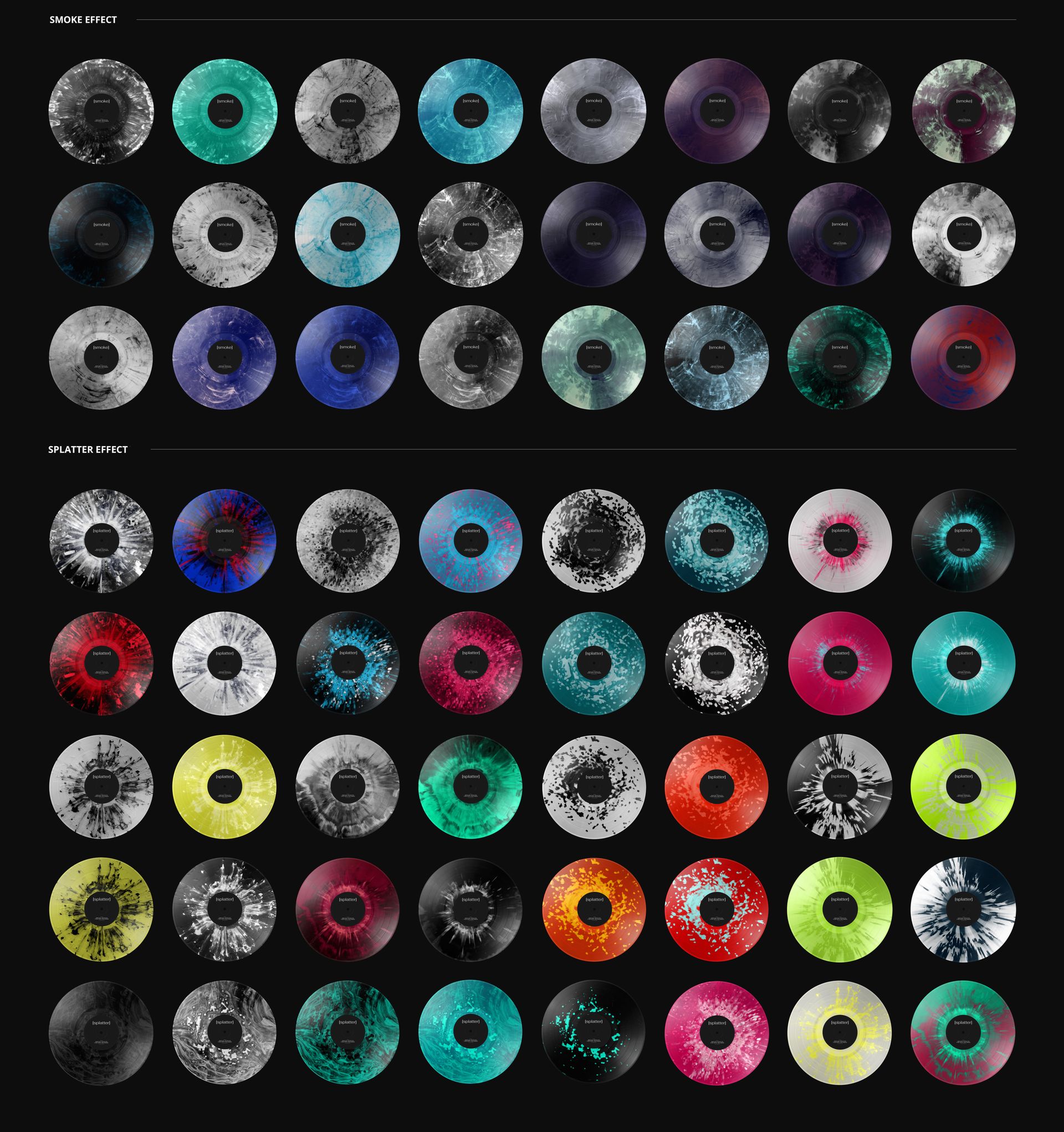
- Extras: 27 premade, editable vinyl special effects (smoke, splatter, blob, fade, swirl, marbled, and more) – each with color controls
- Apps: Photoshop (min. CC 2020) + Photopea (free online editor)
- Use cases: album & single artwork, merch mockups, pre-order visuals, social media, and portfolio shots
What’s inside / Specs
- Files: PSD (+ preview JPG)
- Canvas: 6000×4000 px, 300 dpi
- Layers & controls:
- Smart Object for the cover artwork
- Smart Object for the label design
- Vinyl color layer with solid-color options
- Library of 27 vinyl presets (smoke, splatter, blob, fade, swirl, marbled, etc.), each on separate layers so you can switch effects and tweak hues
- Natural sand shadows preserved for realistic depth and warmth
- Style: relaxed, summery beach mood that pairs beautifully with dreamy, electronic, indie, or chill releases
- Compatibility: Photoshop CC 2020 or newer; works in Photopea
- Approx. size: ~286–300 MB (archive may vary by compression)
How-to (Photoshop & Photopea)
- Open the PSD in Photoshop (CC 2020+) or Photopea.
- Drop your artwork into the cover and label Smart Objects, then Save to update the mockup.
- Choose a solid vinyl color or pick one of the 27 included special effects and customize its tones.
- Adjust overall contrast or warmth to match your album’s mood.
- Export high-resolution JPG/PNG/WebP files for streaming banners, webstores, social media, or print.
License & usage
This mockup can be used for personal and commercial projects according to Creatsy’s standard license. The PSD source file cannot be resold, shared, or redistributed as-is. Please review the full license on Creatsy.com for all terms and restrictions.