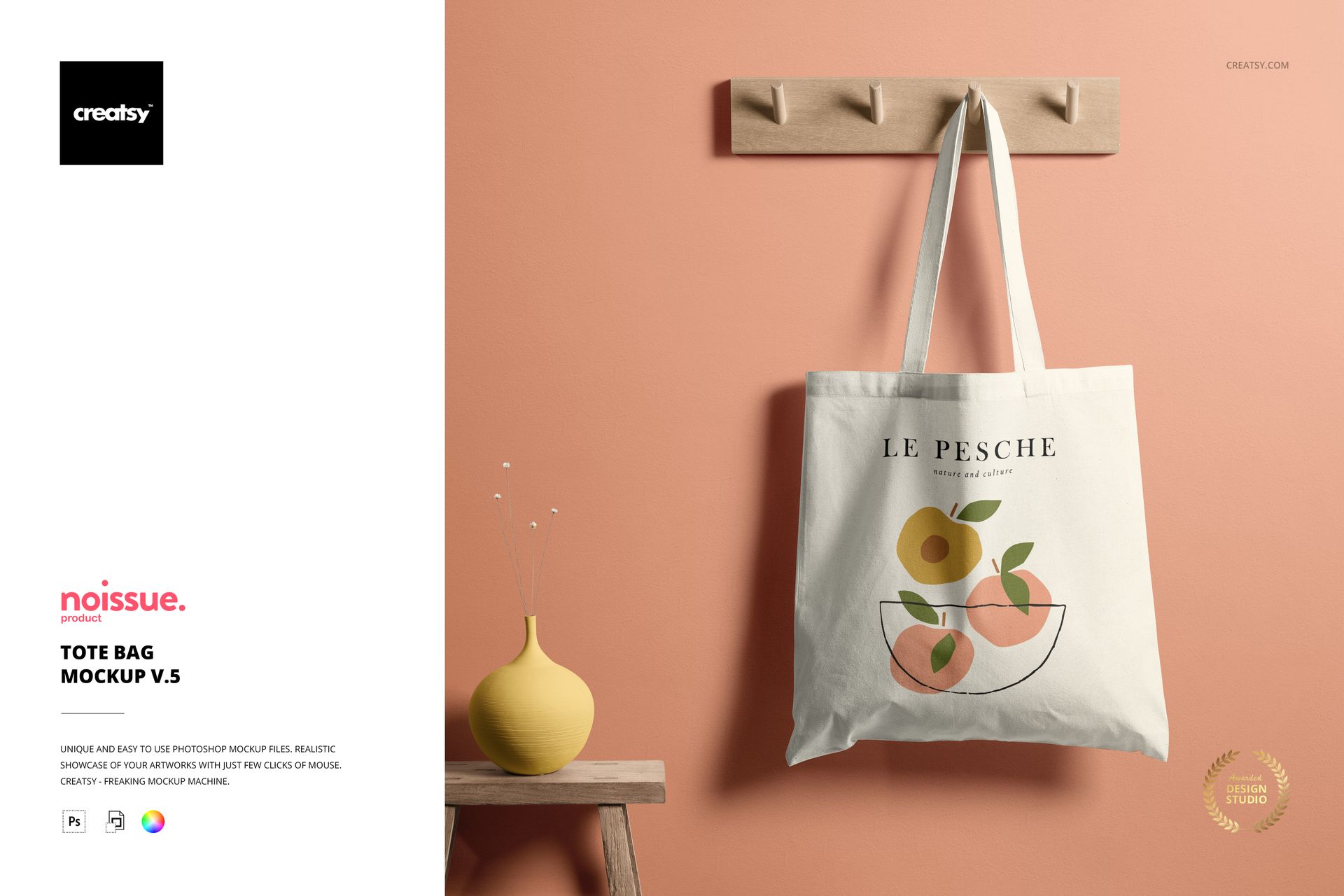
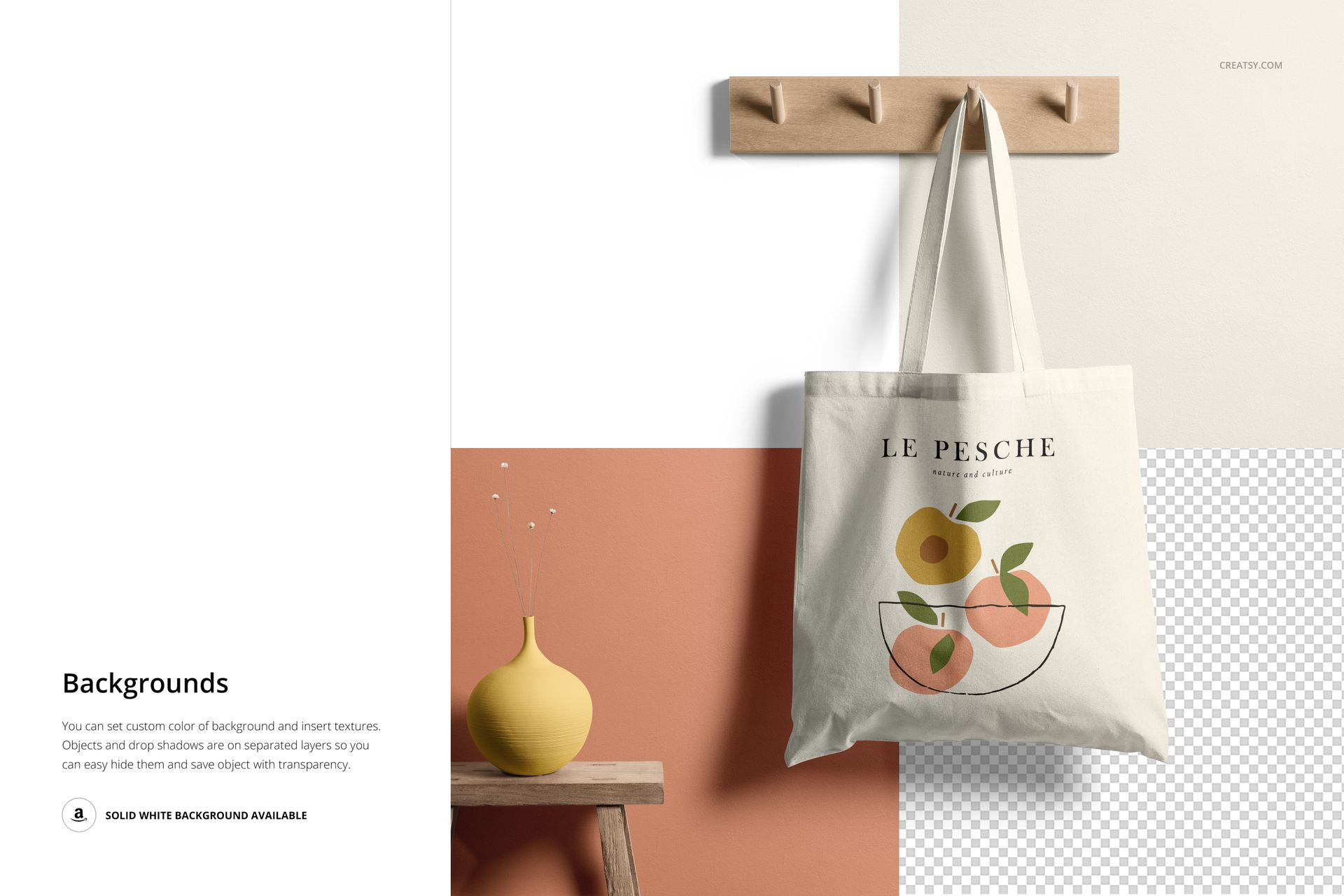
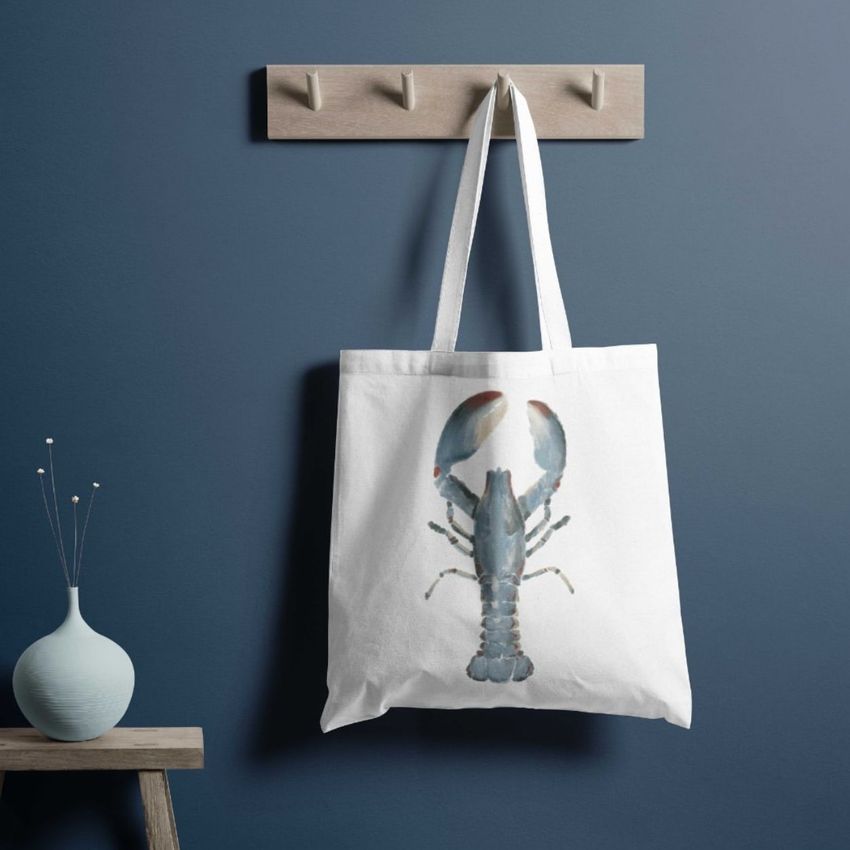
The Tote Bag Mockup v.5 lets you present canvas tote bag designs, branding concepts, and printed artwork on a realistic cotton bag photographed in a clean studio setting. This layered PSD file gives you full control over the bag body surface, handle color, and background environment - producing product images that look like professional studio photography without a physical sample, photographer, or rented studio space.
Why This Mockup Works
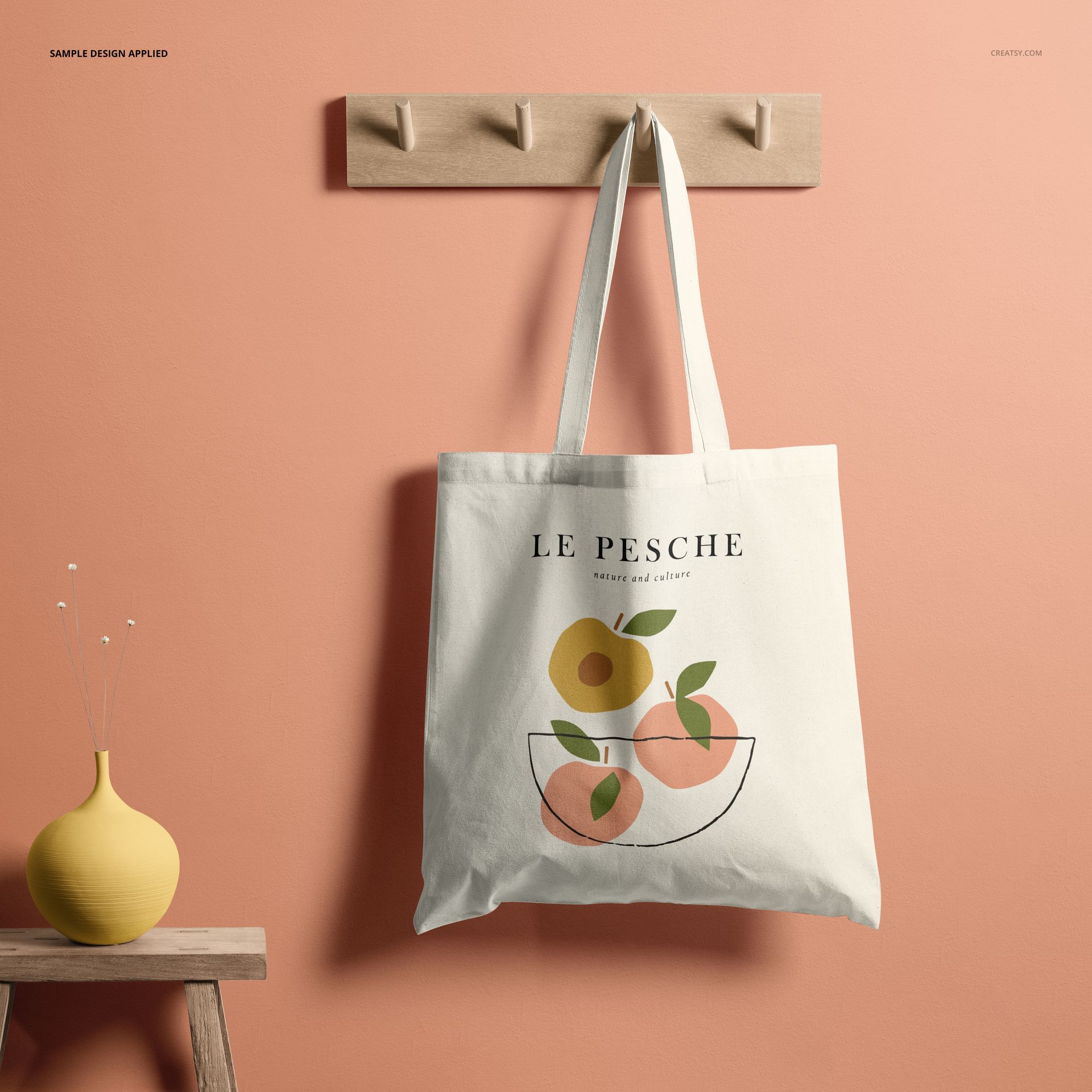
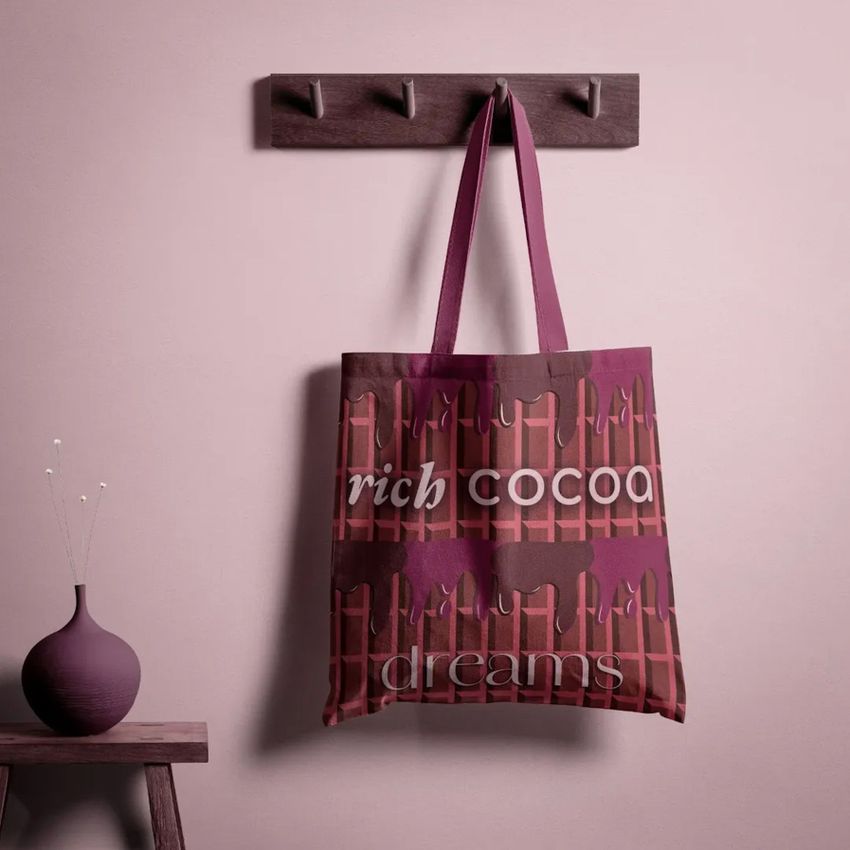
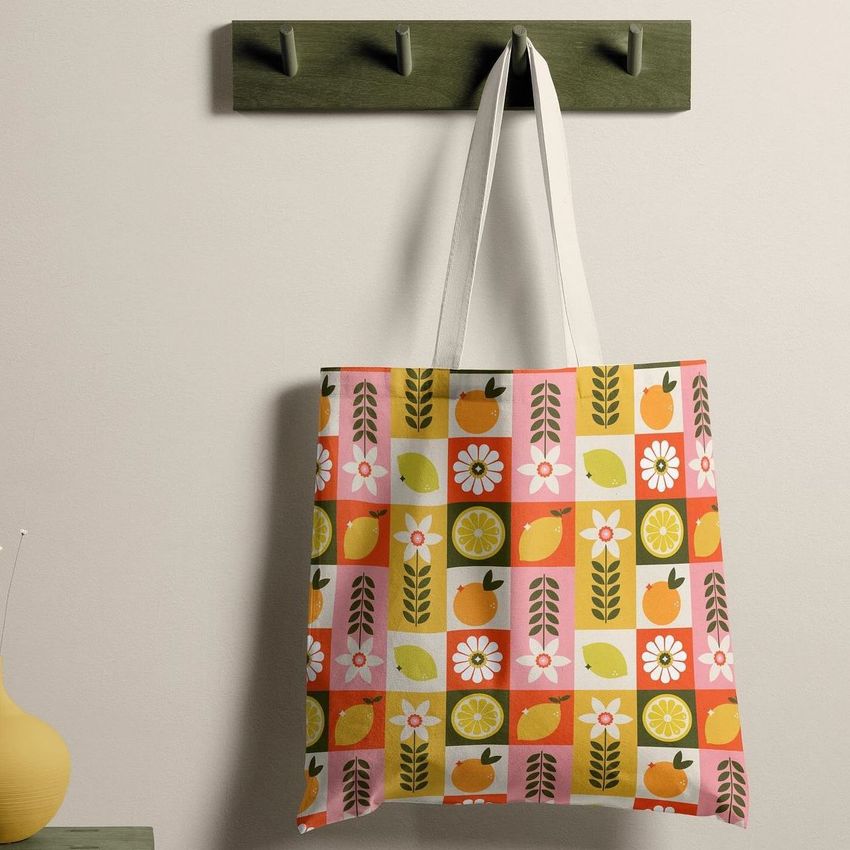
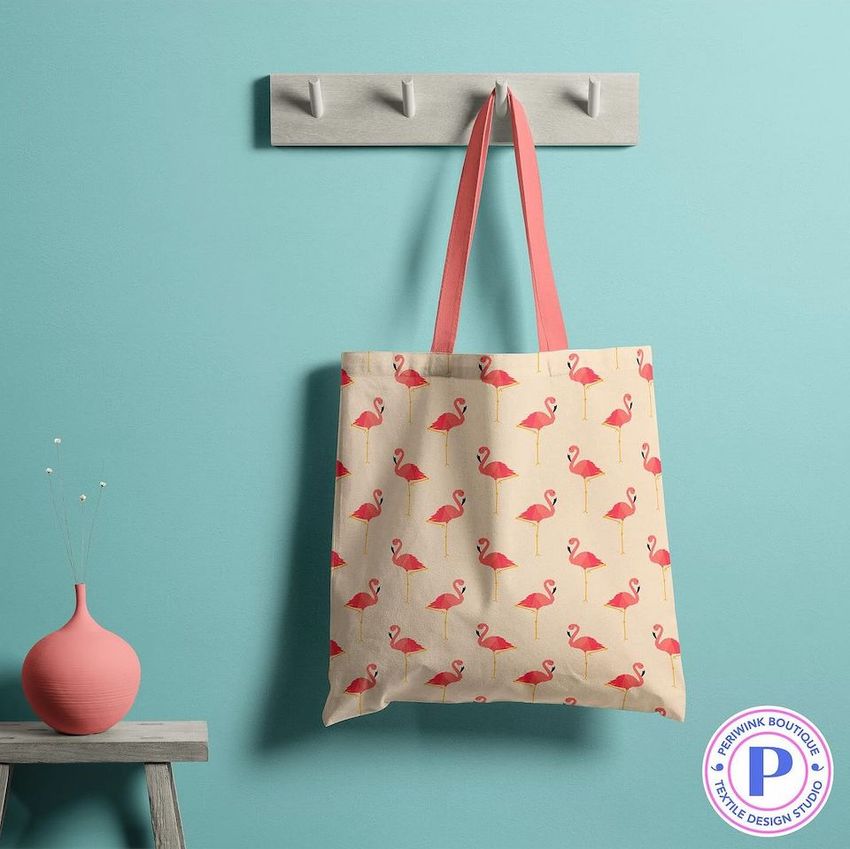
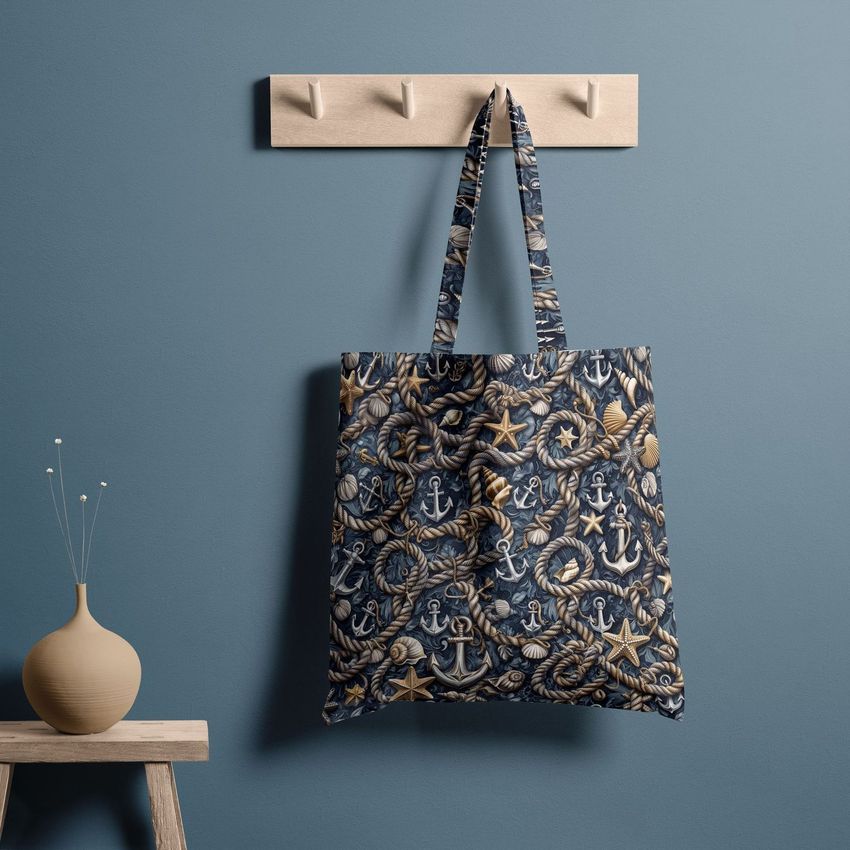
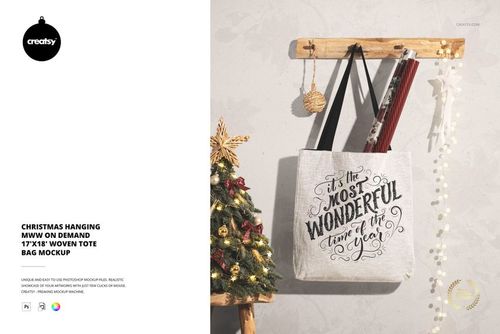
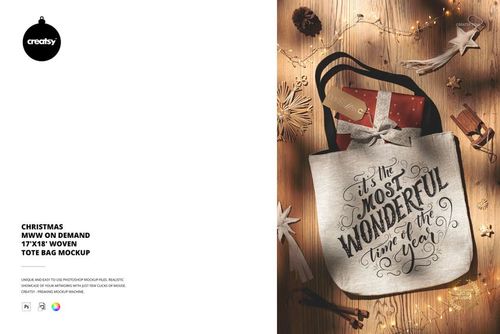
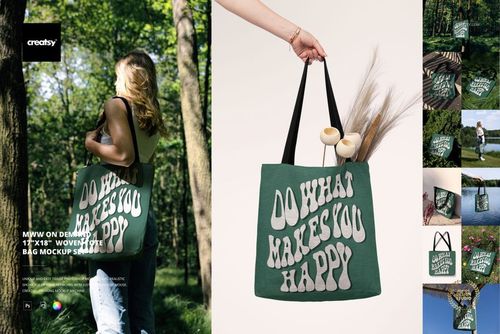
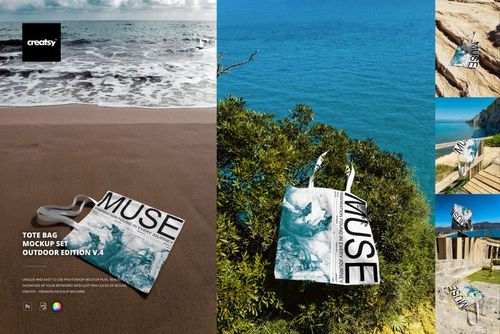
Online shoppers judge tote bags by how the design looks on the actual product, not by a flat graphic file. This mockup shows your artwork with natural fabric texture, realistic fold lines, and accurate color rendering on a cotton canvas surface that behaves like real cloth. The clean, minimal styling keeps attention on your design while providing enough visual context for customers to understand the bag shape, handle length, fabric weight, and overall proportions. Whether you sell through Etsy, Shopify, Amazon, or your own branded website, these product images give buyers the confidence to purchase because your tote bag looks real and professionally presented rather than like a digital overlay.
What Is Included
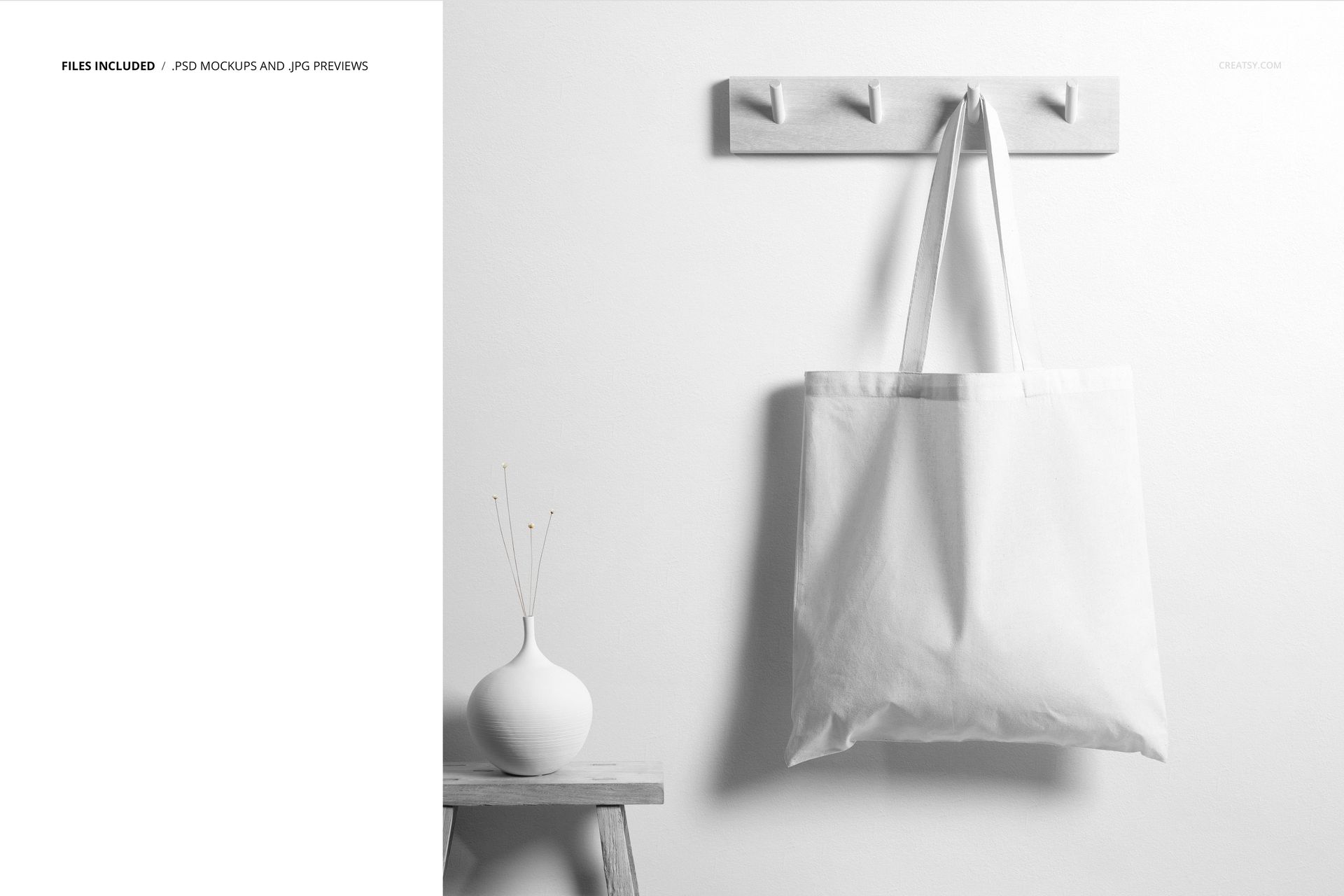
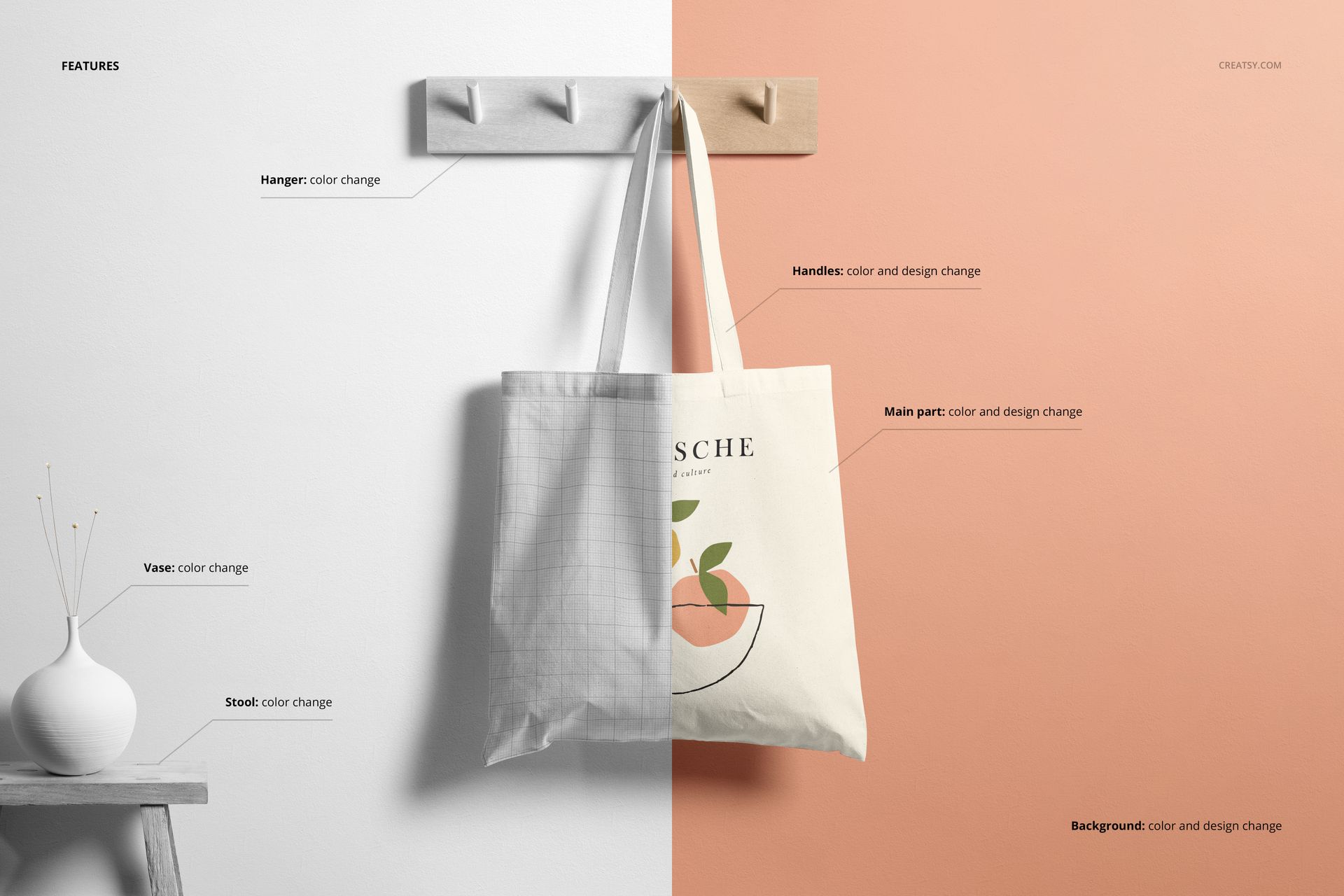
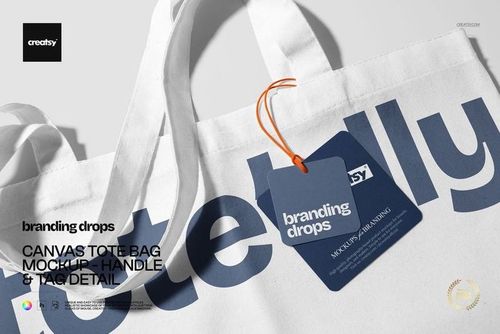
You receive 1 high-resolution PSD file featuring a cotton canvas tote bag with long shoulder handles. The file contains well-organized smart object layers for the bag front surface, handle color adjustments, and background customization. A separate User Manual PDF (1.15 MB) walks you through the complete layer structure and editing workflow step by step, making this mockup accessible even if you have never used smart objects before. Each smart object layer is clearly labeled so you can locate and edit the exact surface you need without digging through unnamed layers or guessing which layer controls what element.
What You Can Customize
Open the PSD in Adobe Photoshop CC 2020 or newer (also fully compatible with Photopea for free browser-based editing) and double-click the bag body smart object to place your design. Your artwork maps onto the canvas surface with realistic fabric texture, natural wrinkle detail, and accurate shading applied automatically by the built-in adjustment layers. Change the handle color to match your brand palette, swap the background to any solid color or custom scene that fits your product listing style, and adjust overall lighting to suit your seasonal or campaign aesthetic. The 4500 x 4500 px square canvas at 300 DPI gives you enough resolution to crop tightly for social media thumbnails or export full-size for printed catalogs, lookbooks, and trade show displays.
Who This Mockup Is For
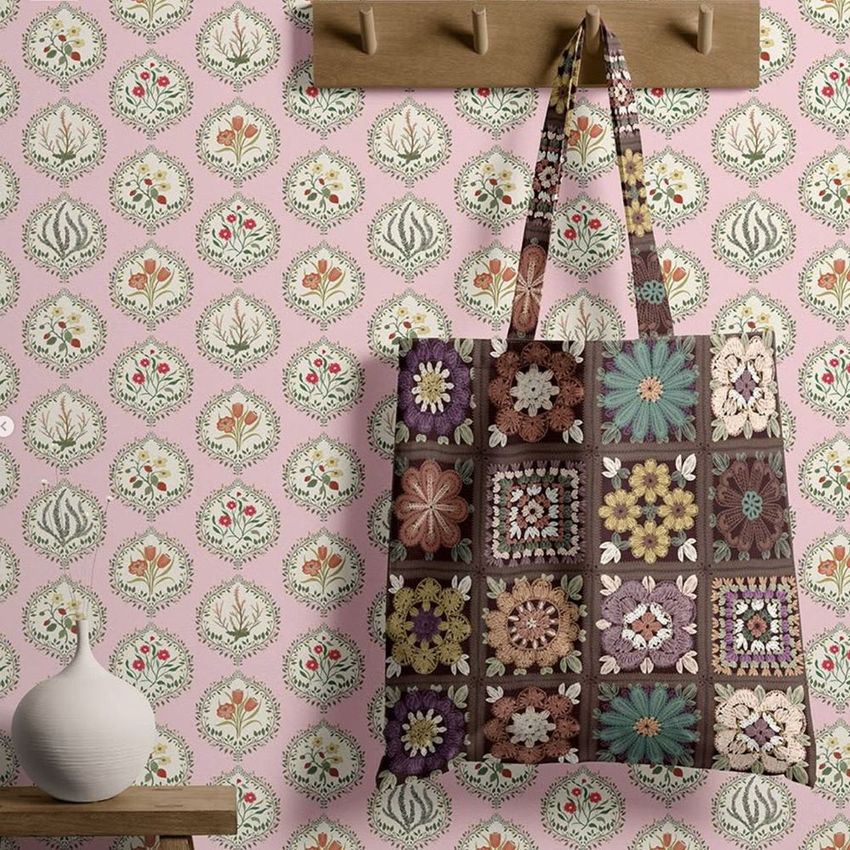
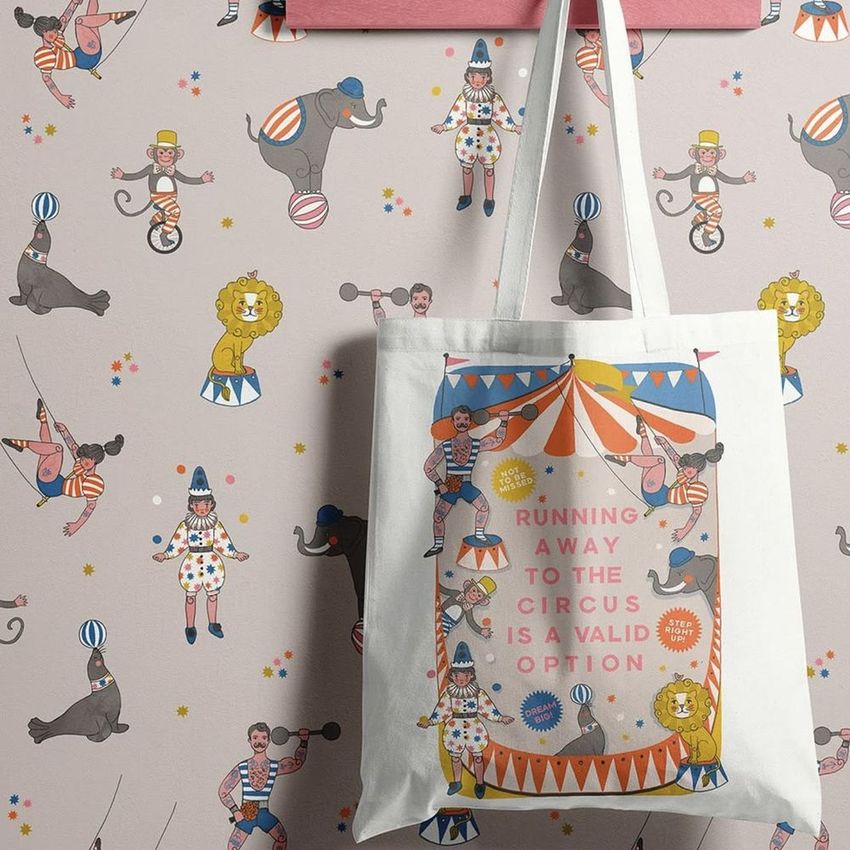
This mockup is built for graphic designers presenting tote bag branding concepts to clients, e-commerce sellers creating product listings for canvas bags, print-on-demand entrepreneurs previewing designs before committing to production runs, surface pattern designers showcasing repeating prints on a real bag shape, packaging and branding agencies building client pitch decks, and marketing teams producing social media content for promotional merchandise campaigns. It works equally well for event merchandise previews, conference swag presentations, nonprofit fundraiser bags, and retail product photography across any sales channel.
File Specifications
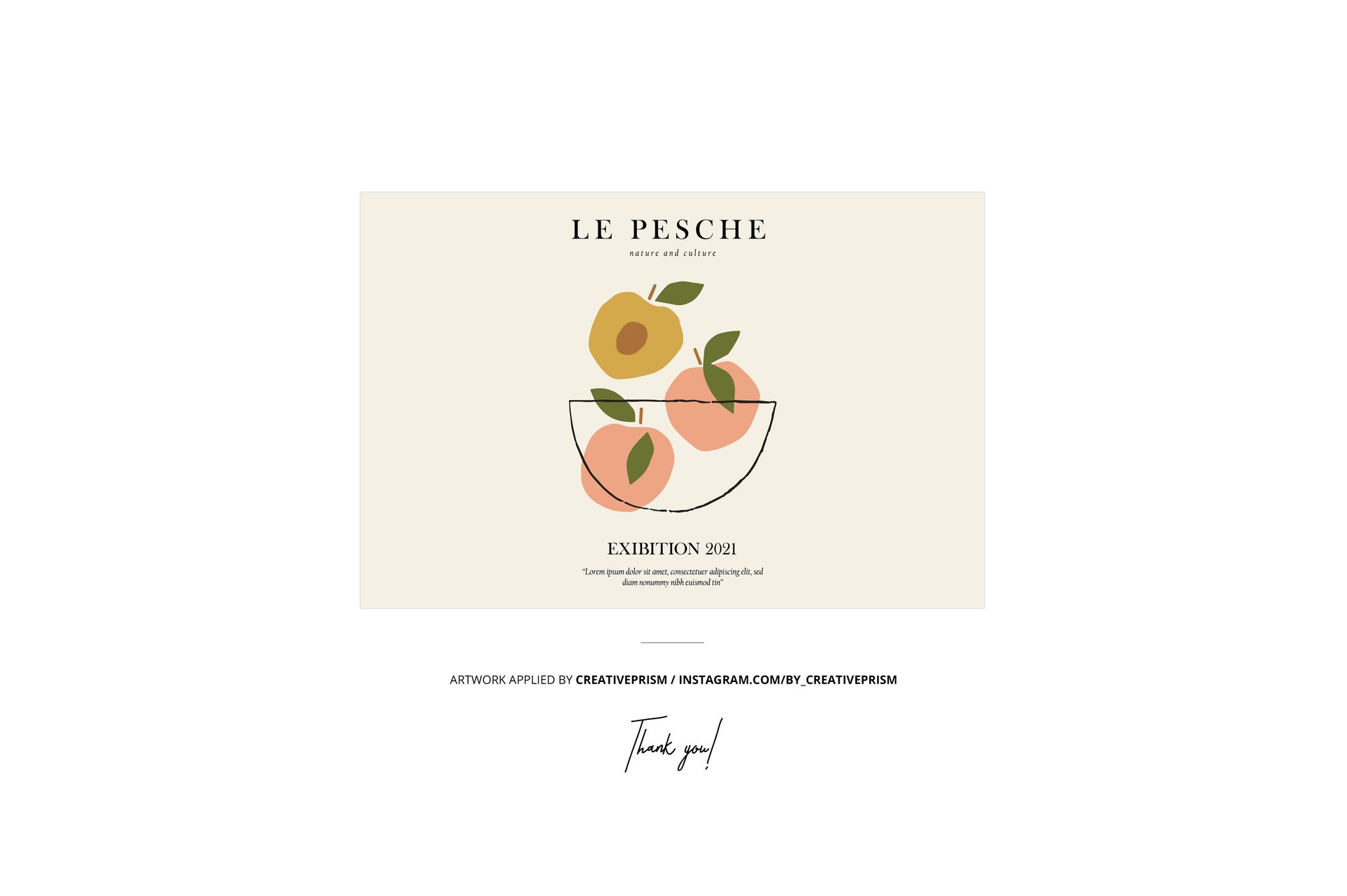
Format: 1 layered PSD file with organized smart object layers, plus User Manual PDF. Dimensions: 4500 x 4500 px at 300 DPI - suitable for web product pages, social media posts, and high-quality print materials. Compatibility: Adobe Photoshop CC 2020 or newer, Photopea (free browser-based editor). File size: 226.31 MB. Editable elements: bag body surface, handle color, background. Example artwork by Creative Prism (not included in purchase).













It was amazing Great mockup